Dashboard: Dashboard · method: _RESEARCH-METHOD · market grid: _MARKET-PROBLEM-MAP · opportunity lens: _OPPORTUNITY-LENS · landscape: competitor-landscape-report
Purpose: decide whether we can enter the part of the market Raken occupies and build a profitable, defensible product. The brief explains what Raken is and how it works, then where its value sits and what users experience, and finally our own opportunity. Evidence (248 analysed reviews, screenshots) is at the end.
Snapshot
| What it is | Field-to-office construction management platform; mobile capture feeding a web office dashboard and payroll/accounting systems |
| Core job it does | Replaces paper daily reports and spreadsheet timesheets; pushes field hours into payroll |
| Who buys | Small-to-mid contractors; ~73% under 200 staff; US-centric |
| Business model | Sales-led, quote-only, per-seat; two tiers (Basic, Performance); price unpublished |
| Openness | Public REST API 3.0 (OAuth2) + Sage / QuickBooks / Viewpoint integrations |
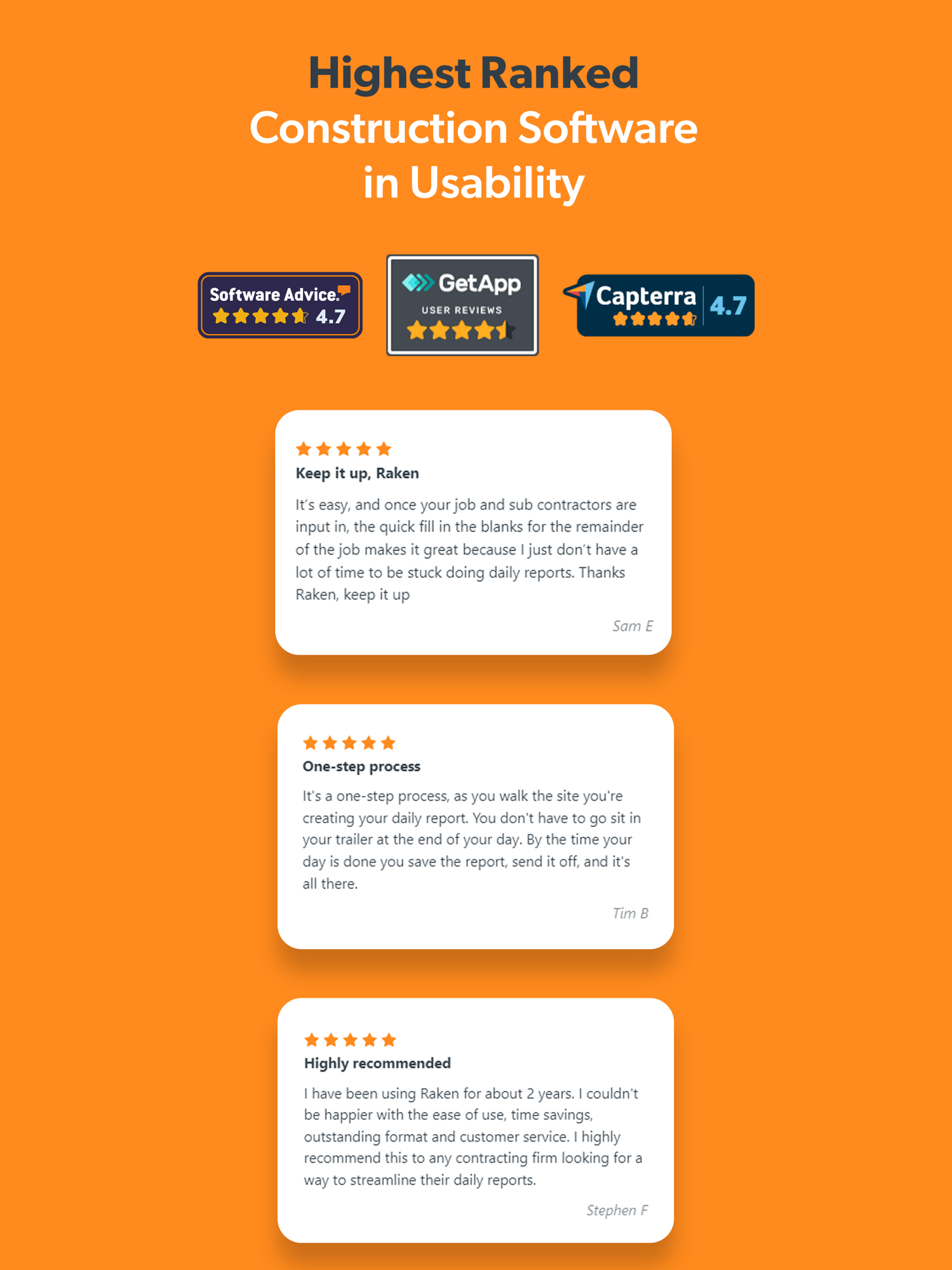
| Public ratings | App Store 4.75 (21.6k ratings, US); Capterra ~4.6 (248 reviews, heavily solicited) |
| Strongest areas | Field capture, time/labour, safety |
| Weakest areas (our interest) | Change/variation/claims/entitlement; historical-cost benchmarking |
| Our verdict | Build alongside it and flank the commercial gap; do not build a cheaper Raken |
Where Raken plays across the market
Scored 0 (not addressed) to 100 (best-in-class) against the 21 areas in _MARKET-PROBLEM-MAP, sorted by coverage.
| Problem area | Coverage | Note |
|---|---|---|
| Field management / daily reporting | 100 | The core of the product |
| Time, labour and workforce | 85 | Time clock, production tracking, payroll feed |
| Safety and compliance | 70 | Toolbox talks, incidents, checklists |
| Progress / production tracking | 60 | Production vs estimate (Performance tier) |
| Accounting / payroll (as a feed) | 55 | Sends hours to Sage/QuickBooks; not a ledger |
| Communication / client collaboration | 50 | Strong office-to-field; no client portal |
| RFIs / submittals / document control | 45 | RFIs carry cost/schedule/plan-impact flags; submittals thin |
| Quality / QA-QC / snagging | 40 | Observations, managed checklists |
| Equipment / asset / material | 40 | Equipment management + basic material tracking |
| Cost management / forecasting | 35 | Budget/labour; job-costing lives in the integration |
| Project management (system of record) | 30 | Light; not a Procore |
| Insurance and risk | 25 | Audit trail supports it; no module |
| Change / variations / claims / entitlement | 25 | RFI impact flags + audit trail; no recovery workflow |
| Scheduling / programme | 15 | Minimal |
| Historical cost / benchmarking | 10 | Data exists; no product uses it |
| Prequalification / procurement | 10 | Material side only |
| Reality capture / drone | 5 | Via integrations |
| O&M / handover | 5 | Not a focus |
| Bid / tender management | 0 | Not addressed |
| Estimating / takeoff | 0 | Not addressed |
| BIM / design coordination | 0 | Not addressed |
Takeaway: deep in field capture, time/labour and safety; progressively thinner toward the commercial and financial side. The two areas central to our thesis — turning field evidence into recovered money, and reusing historical cost data — are where Raken is weakest. That is the space we want.
The input side — how work gets captured
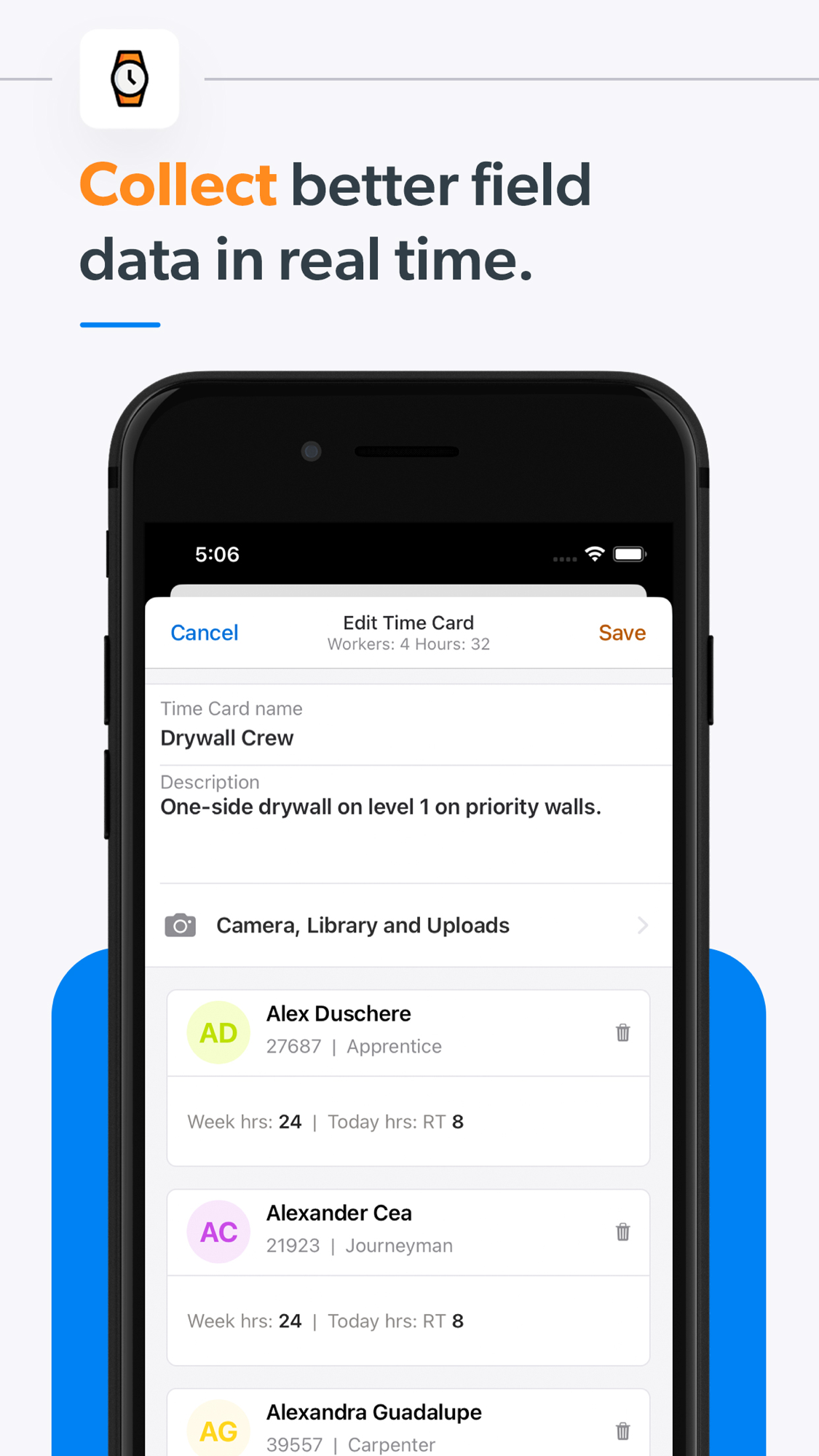
- Captured: daily reports (work, weather auto-filled, manpower/labour hours, equipment, materials, notes), photos/video, time cards (clock-in/out), safety and toolbox talks, checklists, observations/incidents, RFIs (Performance tier).
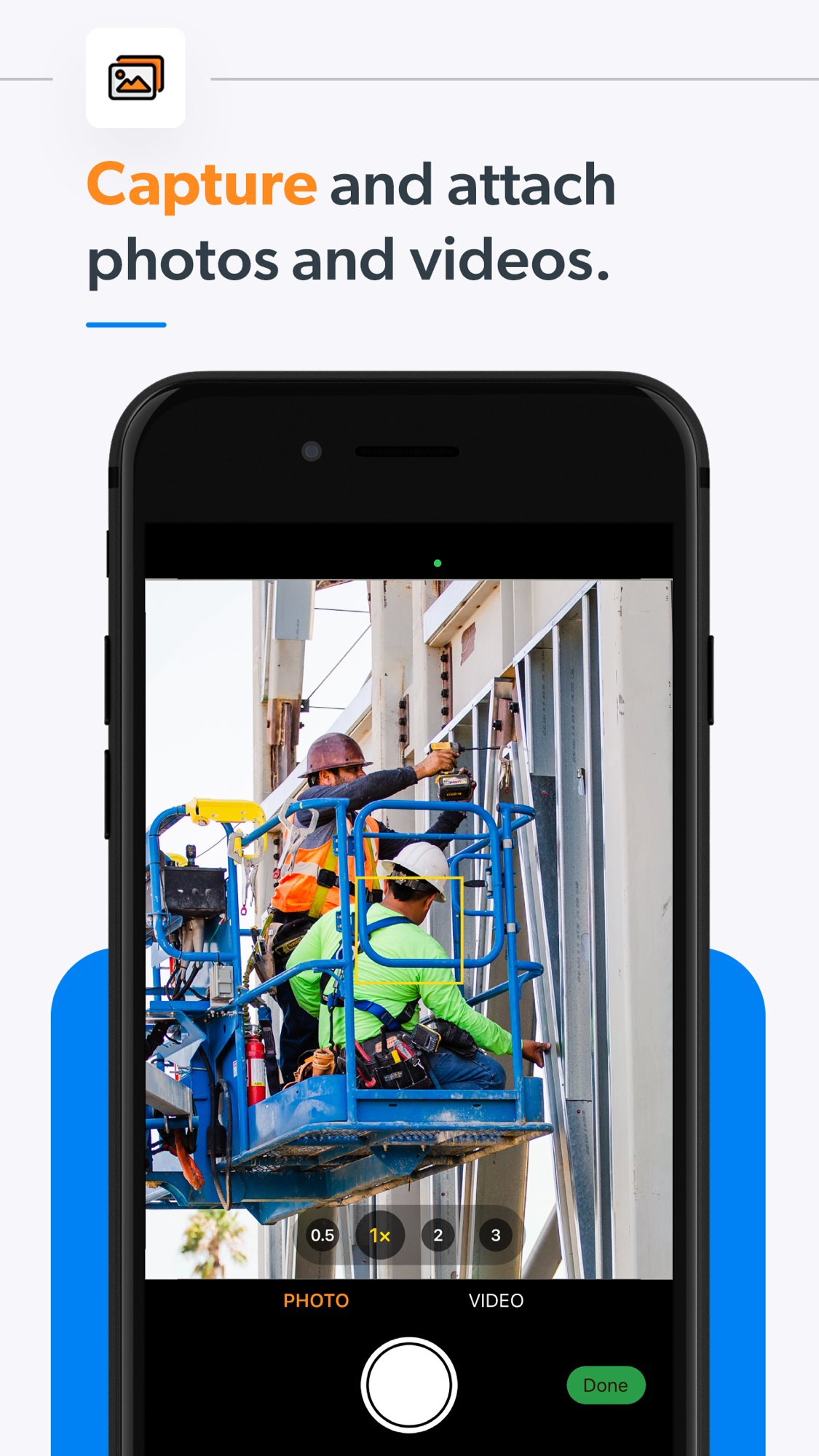
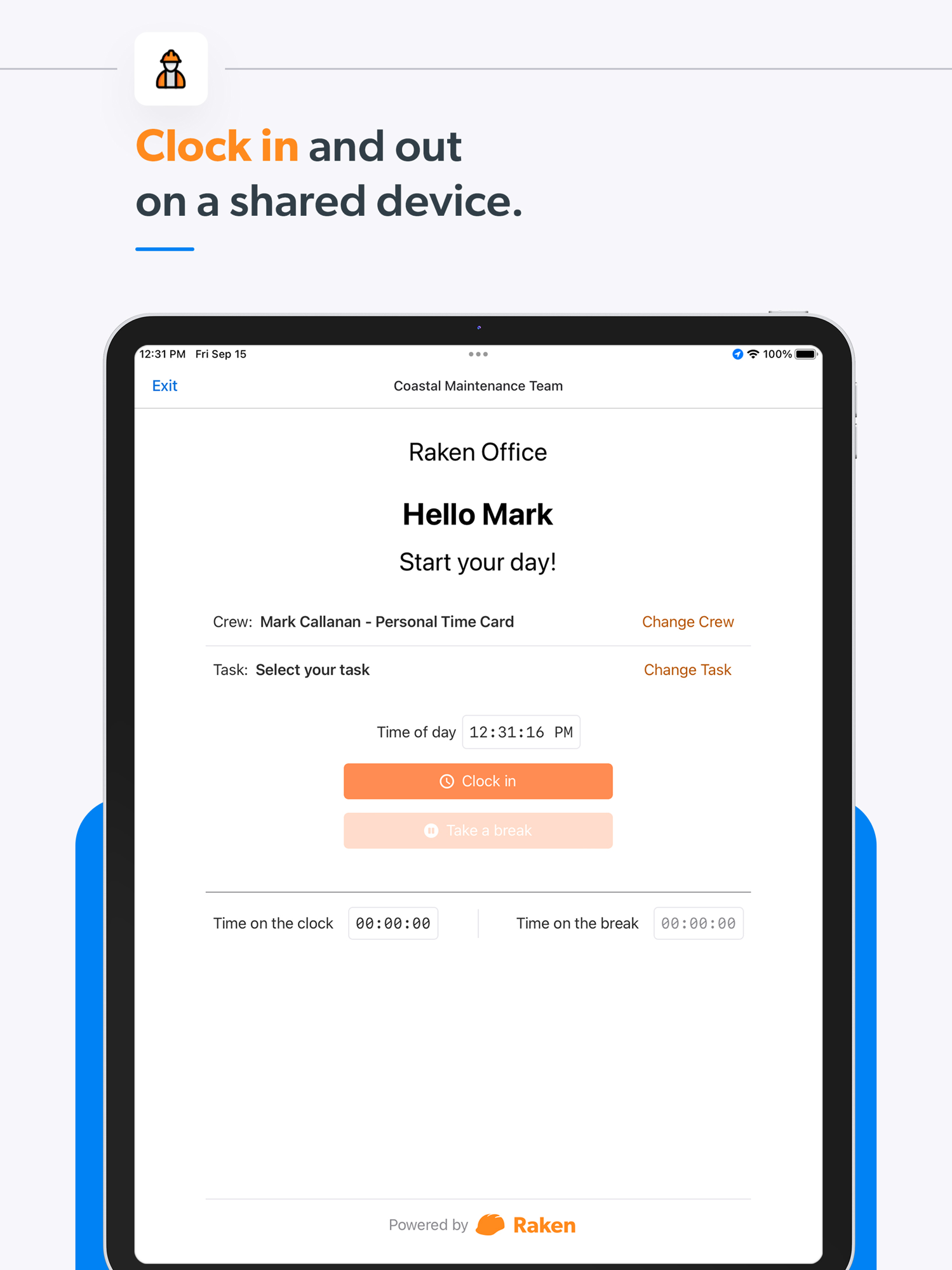
- Input methods: voice-to-text dictation, one-tap photo, structured forms, shared-device kiosk time clock, automatic weather.
- Onboarding / ease: the most-praised aspect; non-technical crews adopt quickly, onboarding is fast and well-supported.
- Friction (from reviews): time-tracking and clock-in draw recurring bug complaints; the app gets unreliable on poor signal. Capture is excellent for reports/photos, weaker for time.
The management side — what the office sees
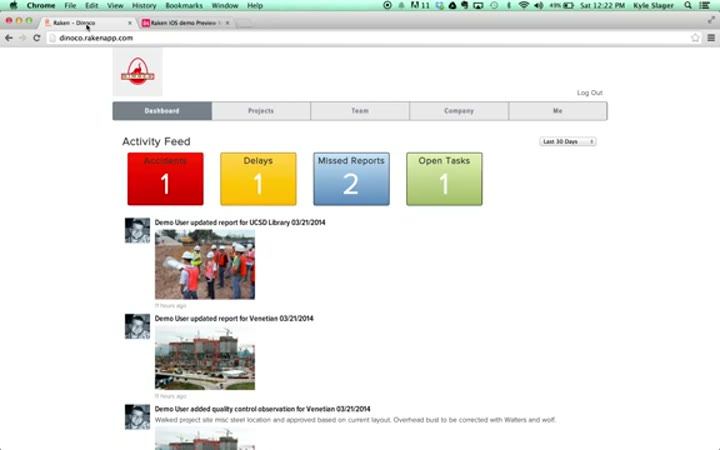
- Lands in the web dashboard (Insights): manpower/labour trends, safety-incident counts, checklist compliance, QC issues, task/progress across projects, RFI logs with cost/schedule/plan-impact flags. Presented as charts.
- Who consumes: project managers and ops (production + safety), executives (cross-project visibility without site visits), payroll/finance (hours → approval → accounting).
- Valued most: real-time visibility.
- Pain points: limited report/timesheet customisation; analytics seen as shallow or hard to configure; no client-facing portal; brittle integrations (Sage 300, ADP named).
- Structural gap (evidenced): the dashboard is operational only — manpower, safety, productivity, progress. No commercial or margin view, no variation/claim pipeline, no register of missing or at-risk evidence. The office can see how the work is going, not how the money is moving.
Where the value actually comes from
| Sales story (what wins the trial) | Real source of stickiness (what makes it hard to leave) |
|---|---|
| Better, faster, more professional reporting | Field hours flow automatically into payroll; production measured against estimate; wired into the contractor’s accounting system |
- Do not attack: capture experience, the labour-to-payroll loop, the accounting integrations — entrenched, owned by office/finance, Raken’s strongest ground.
- Where value stops: Raken converts field evidence into operational visibility and payroll. It does not convert it into recovered money (structured variations, delay narratives, entitlement claims), and the dashboard has no commercial view. That boundary is our interest.
What users say — both sides
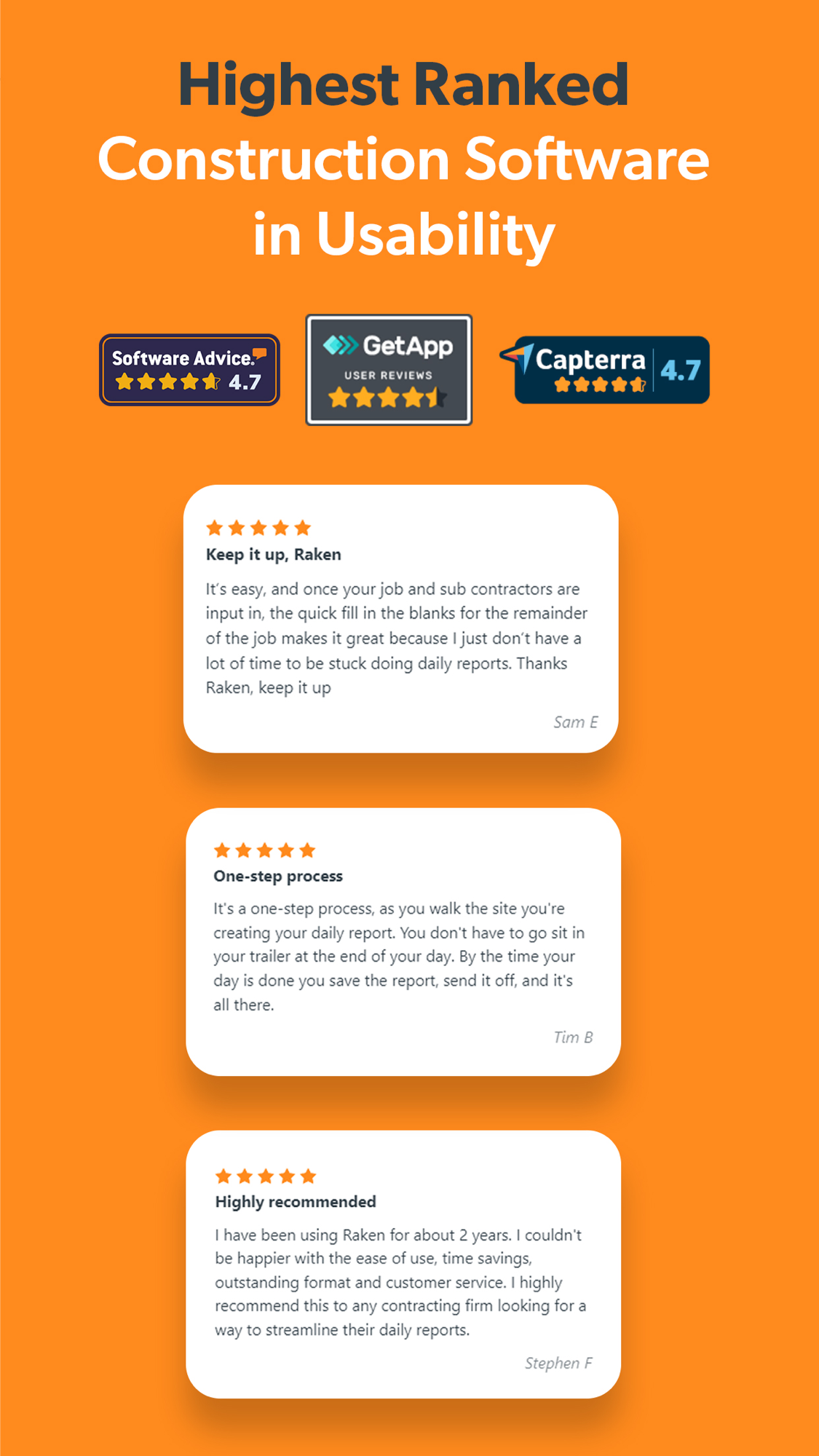
Credibility first: of 248 analysed reviews, ~66% were vendor-solicited (invited, often incentivised); only ~22% are organic, so discount the ~4.6 average accordingly. The sub-ratings, once unrated (blank) entries are excluded, are high and tightly clustered — ease of use and support 4.69, value for money 4.54, features 4.45 — so the friction is not in the scores. Where pricing shows up is the review text (opaque quote-only pricing, a second-year increase), not a low number.
| Praised | Criticised |
|---|---|
| Ease of capture; voice and photo workflows | Time tracking / clock-in (most common complaint) |
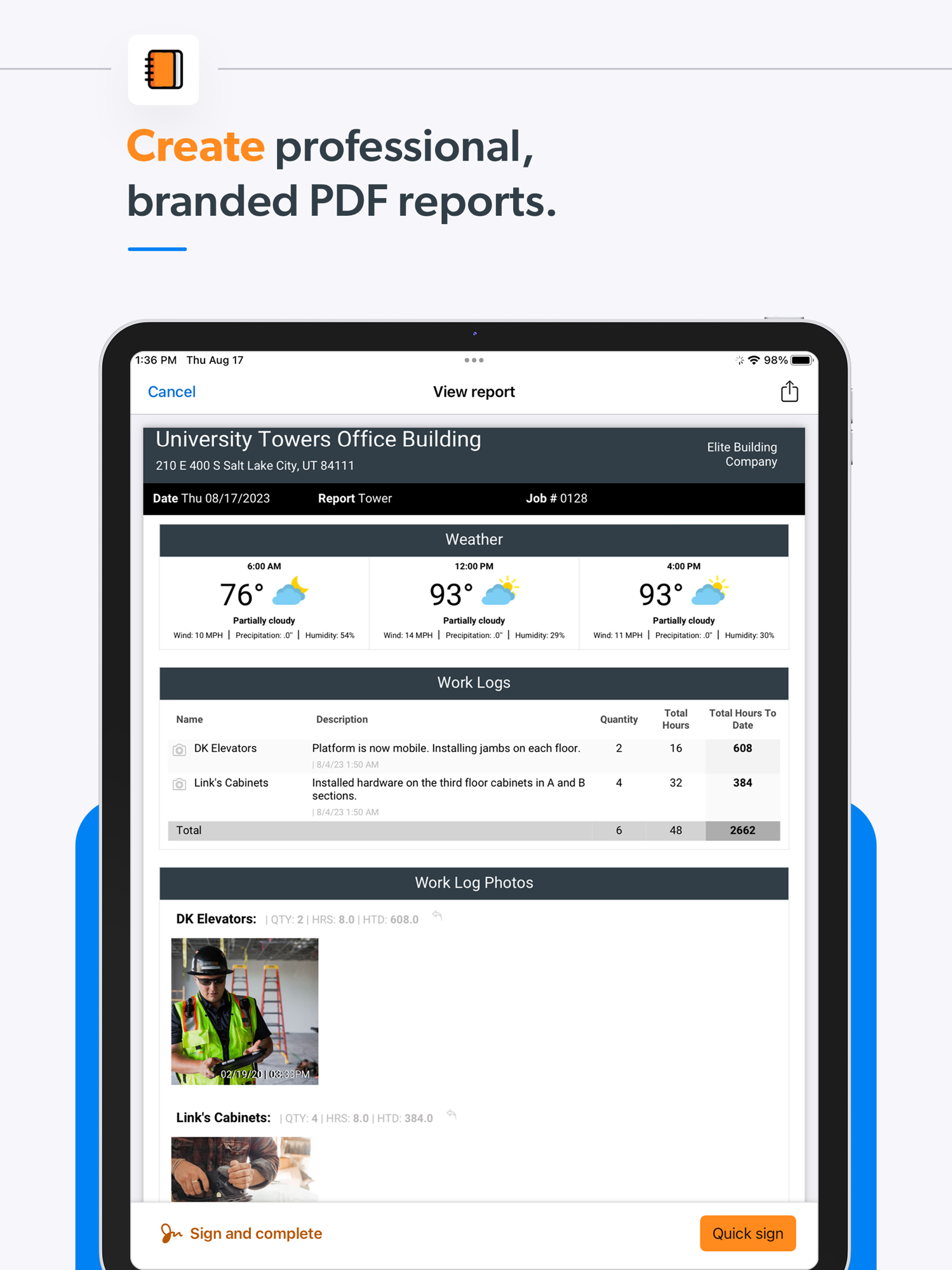
| Professional branded PDF reports | Occasional app instability on poor signal |
| Fast onboarding; responsive support | Brittle integrations (Sage 300, ADP) |
| Stored record useful “for mediation or court” | Missing features: change orders, OSHA/JSA, subcontractor collaboration |
| Opaque pricing and a second-year increase |
- Representative positive (COO, civil engineering): cloud access, ease of use, detailed field reports, shareable photos/weather, and the stored record’s value in disputes.
- Signal for us: the recurring “missing change orders” complaint points straight at the commercial gap; and the pricing complaints in the review text — opaque quote-only pricing and a second-year increase, not a low score — say a transparent, lower-cost offer still lands on a real grievance.
The opportunity for AI in this space
- AI does not help Raken’s core. Time-to-payroll is structured data entry and integration plumbing; the value is in the accounting connections, not in anything a language model replaces. Competing there gains nothing.
- AI can take over the commercial layer Raken skips. Change-order narratives, delay/disruption claims, RFI drafting, and turning logs and photos into structured evidence are document-heavy, generative tasks that cheap models now do well. The barrier is no longer build cost (inference is effectively free) but data access and judgement — and Raken already captures the data.
What we would build:
- Baseline to match: reliable field capture (no one adopts a commercial tool that makes daily logging worse).
- Recurring pains we can solve: dependable time tracking, cleaner integrations, and above all the change-order/claims workflow users keep asking for.
- Niche to target first: the commercial and entitlement layer for UK mid-market commercial and fit-out contractors — where Raken is weak on the commercial side and on US-centric fit, and where recovering money from variations and claims is a board-level concern.
How open the platform is
- API / integrations: public REST API 3.0 (OAuth2); connects to Sage, QuickBooks, Viewpoint and other project tools.
- What it means: we can build alongside Raken rather than replace it — an AI layer reads the daily logs and RFIs a contractor already captures and adds the commercial workflow on top, lowering the adoption barrier. The same openness is available to others, so it is no moat for Raken. On balance it favours an entrant: far easier for us to sit on Raken’s data than for Raken to build the commercial product.
Raken’s own AI — claims, shipping, and how far they can go
Raken has shipped real AI, which beats most peers, but the substance is narrow and gated to the top tier.
| Shipped feature | What it does | Tier | Status |
|---|---|---|---|
| AI Daily Report Summaries | Summarises a signed daily report, surfacing safety/delays | Performance | GA |
| AI Photo Tagging | Auto-keywords job-site photos into a searchable gallery | Performance | GA |
| AI Photo ID | Selfie check at clock-in to prevent buddy-punching | Performance | GA |
- All three are polish on the capture side Raken already owns; none touch the commercial layer (no change narratives, delay evidence, or historical-cost benchmarking), and there is no module to hang one on.
- AI sits in the most expensive tier — treated as a reason to upgrade, not something to give away.
- Industry conversation (e.g. Procore’s announced AI agents) is about AI inside the system of record; Raken’s shipped AI is entirely capture/admin. The distance on the commercial side is wide — that is our window.
- Confidence they close the commercial-AI gap themselves within ~2 years: low (about 1 in 4). Reasons: it is a different product with a different buyer; their incentive is to gate AI behind the top tier; their stickiness and roadmap are anchored in payroll/accounting integrations, pulling effort toward operations, not claims. Main risk to this read: acquisition.
Who actually uses Raken
| Company size | Share | Avg overall |
|---|---|---|
| 1-10 employees | 13% | 4.55 |
| 11-50 employees | 34% | 4.64 |
| 51-200 employees | 26% | 4.51 |
| 201-500 employees | 8% | 4.84 |
| 501-1,000 employees | 6% | 4.53 |
| 1,000+ employees | ~6% | ~4.5 |
- Roughly three-quarters are under 200 employees; enterprise is ~6%. Satisfaction is flat across sizes, so this is a reach question, not a fit one — Raken sells to smaller contractors because that is who it sells to.
- Role: office ~47% vs field ~31% (the paying decision sits in the office).
- Industry: overwhelmingly general construction, then civil engineering, utilities, electrical.
- Alternatives considered: Procore by far the most common (×12), then SALUS, TimeTrex, QuickBooks Time, BusyBusy.
- Switched from: most often spreadsheets and shared drives; occasionally Procore or Fieldwire. Raken usually wins by digitising a paper/Excel contractor.
Our read — can we enter and win?
Yes, on a specific and defensible basis, provided we stay disciplined about where we compete. Do not attack Raken’s strengths (capture, the payroll loop, accounting integrations, US distribution). Enter on the other side of the product, where it stops: turning field evidence into recovered money. Because the platform is open, the way in is a narrow, inexpensive AI layer that reads logs and RFIs and drafts change-order and delay-claim evidence — priced transparently against Raken’s opaque quote-only motion — then expands into historical-cost benchmarking, the durable, data-compounding part of the thesis.
| Question | Our read |
|---|---|
| Where is Raken strong and off-limits? | Field capture, the labour-to-payroll loop, accounting integrations, US distribution |
| Where is the verified gap? | Turning field evidence into recovered money (change, variation, claim, entitlement) plus a commercial dashboard |
| How hard for Raken to follow us? | Moderate. It adds capture-side AI easily, but the commercial layer is a different product and its incentives point elsewhere |
| How much can cheap AI do here? | A great deal — the commercial layer is document-heavy and generative |
| Is there a cheap, narrow way in that grows? | Yes. An AI layer on the open API that drafts claim evidence, expanding into historical-cost benchmarking |
| What would make us walk away? | A distribution-owner (e.g. Procore) bundling the same commercial AI before we establish our data loop |
| Overall | Enter as the commercial-entitlement layer for UK mid-market contractors, built alongside Raken |
The app itself — ratings and reception
| Store | Rating | Ratings count | Version |
|---|---|---|---|
| App Store (US) | 4.75 | 21,567 | 6.1.17 |
| App Store (UK) | 4.69 | 88 | 6.1.17 |
| Capterra | ~4.6 | 248 | — (heavily solicited) |
The small UK count underlines how US-centred the business is. The App Store listing leads on exactly the confirmed strengths: real-time field data, photo/video capture, branded PDF reports, and the shared-device time clock.
Screenshots
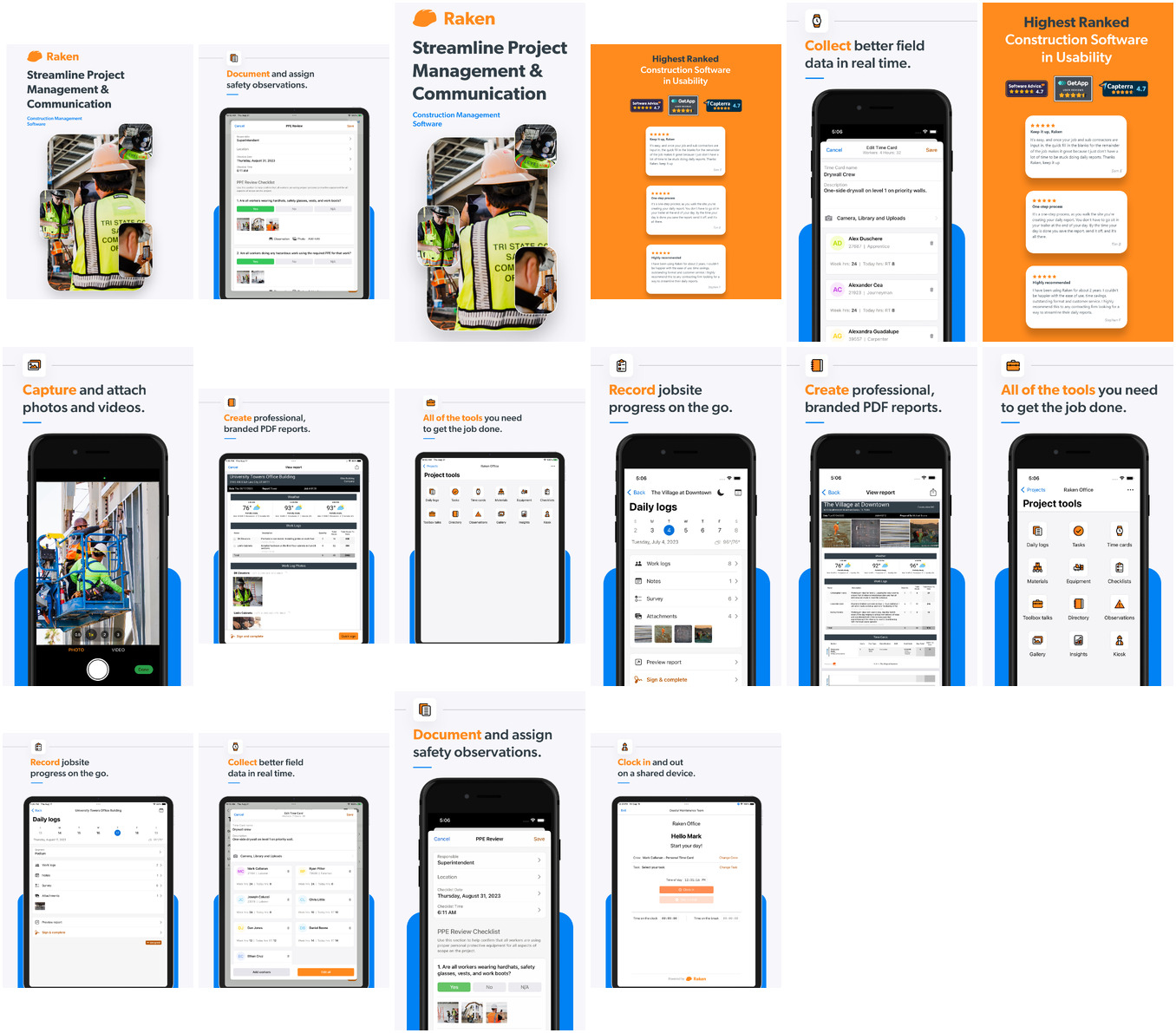
Grouped by theme, full-size, scrollable. Images render in Obsidian and exported HTML through embeds (referenced, not copied). Full set and gathering method: screens/README. Two whole-set contact sheets are linked at the end for a quick overview.
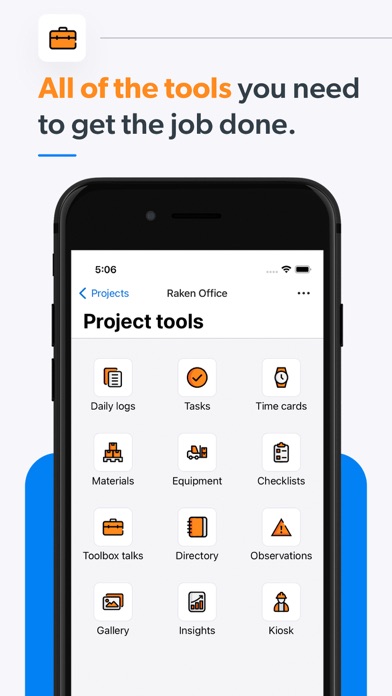
The product at a glance — the module map
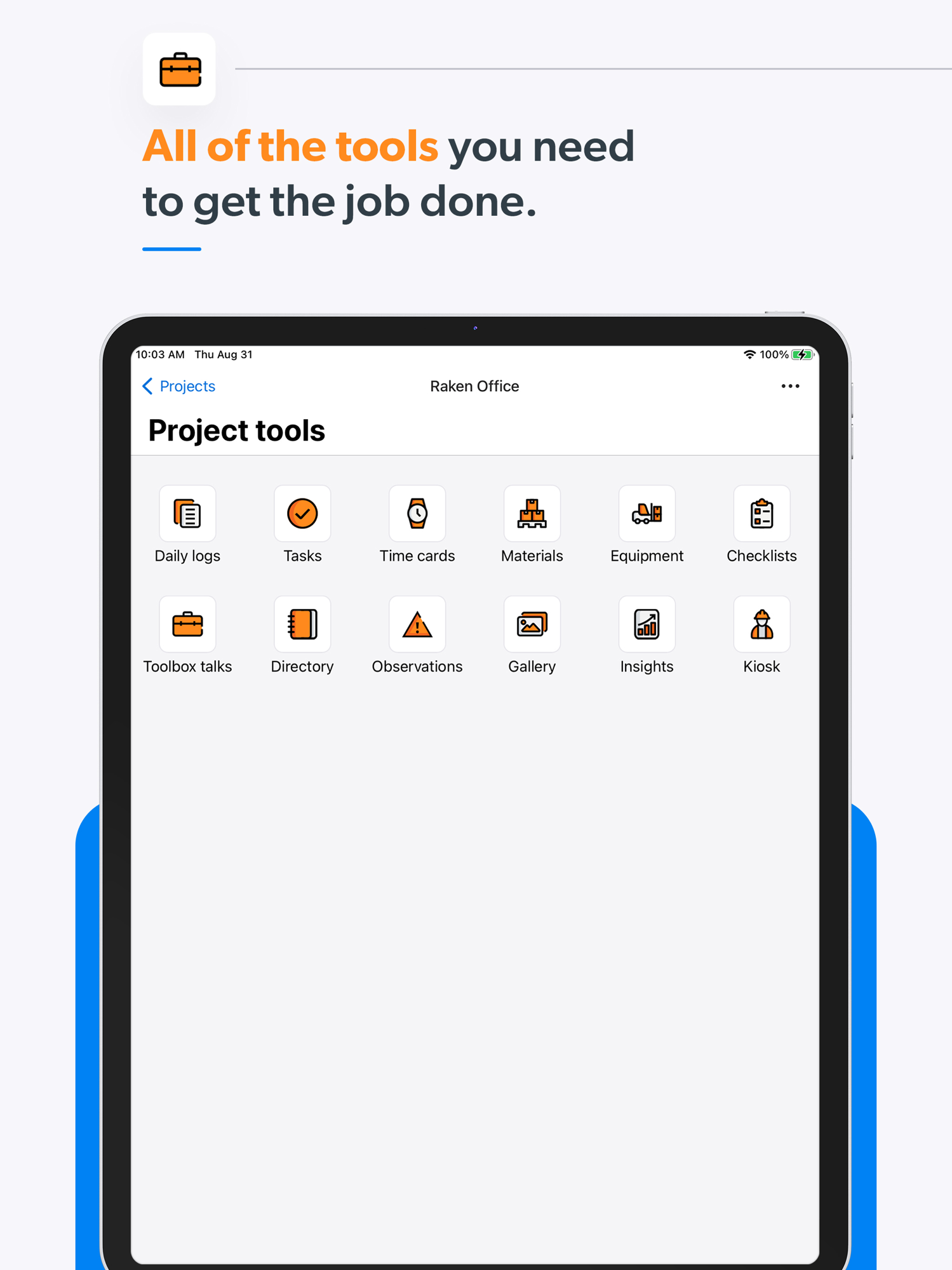
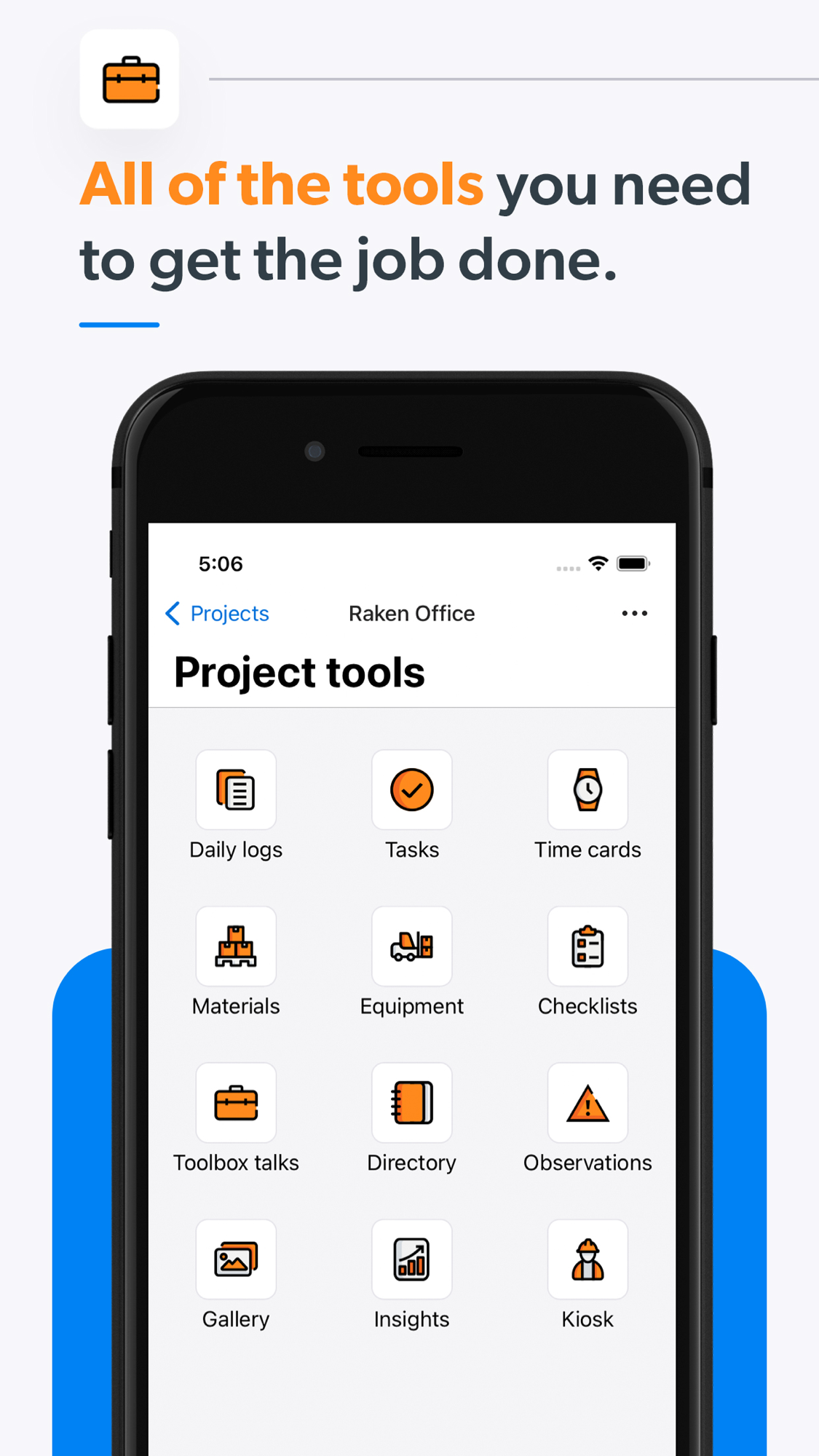
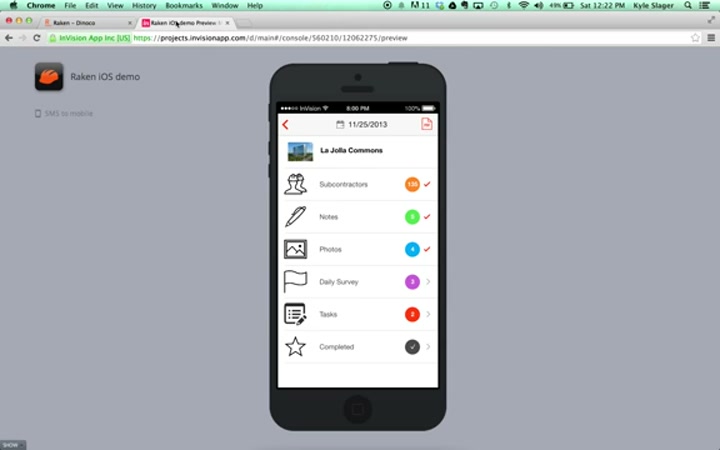
One screen lists the whole product: daily logs, photos, time cards, production, equipment, materials, toolbox talks, directory, observations, gallery, insights, and the kiosk clock.
Daily reporting — the core workflow
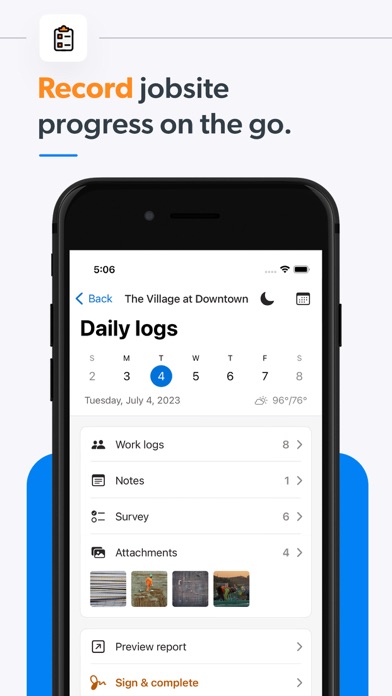
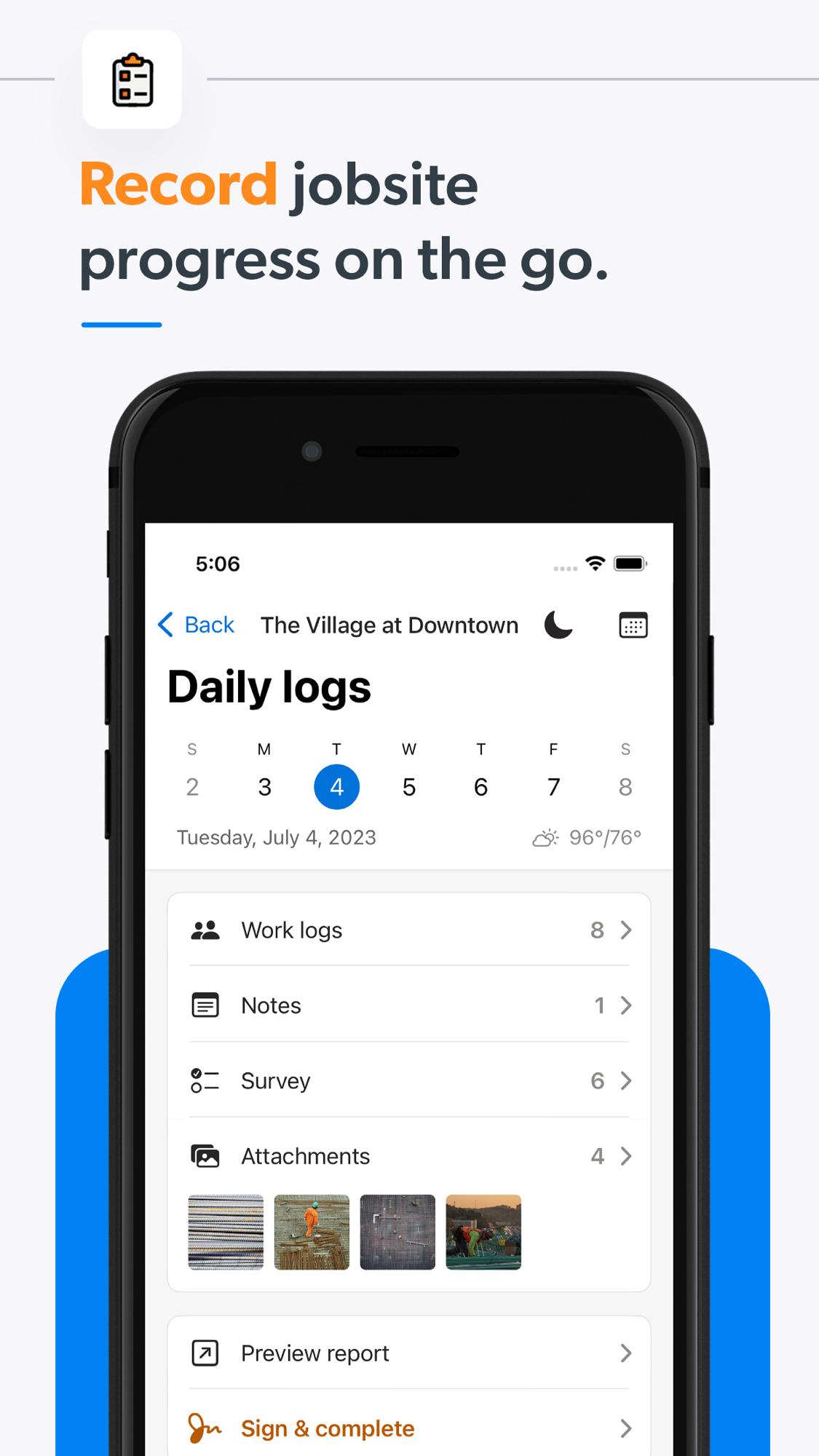
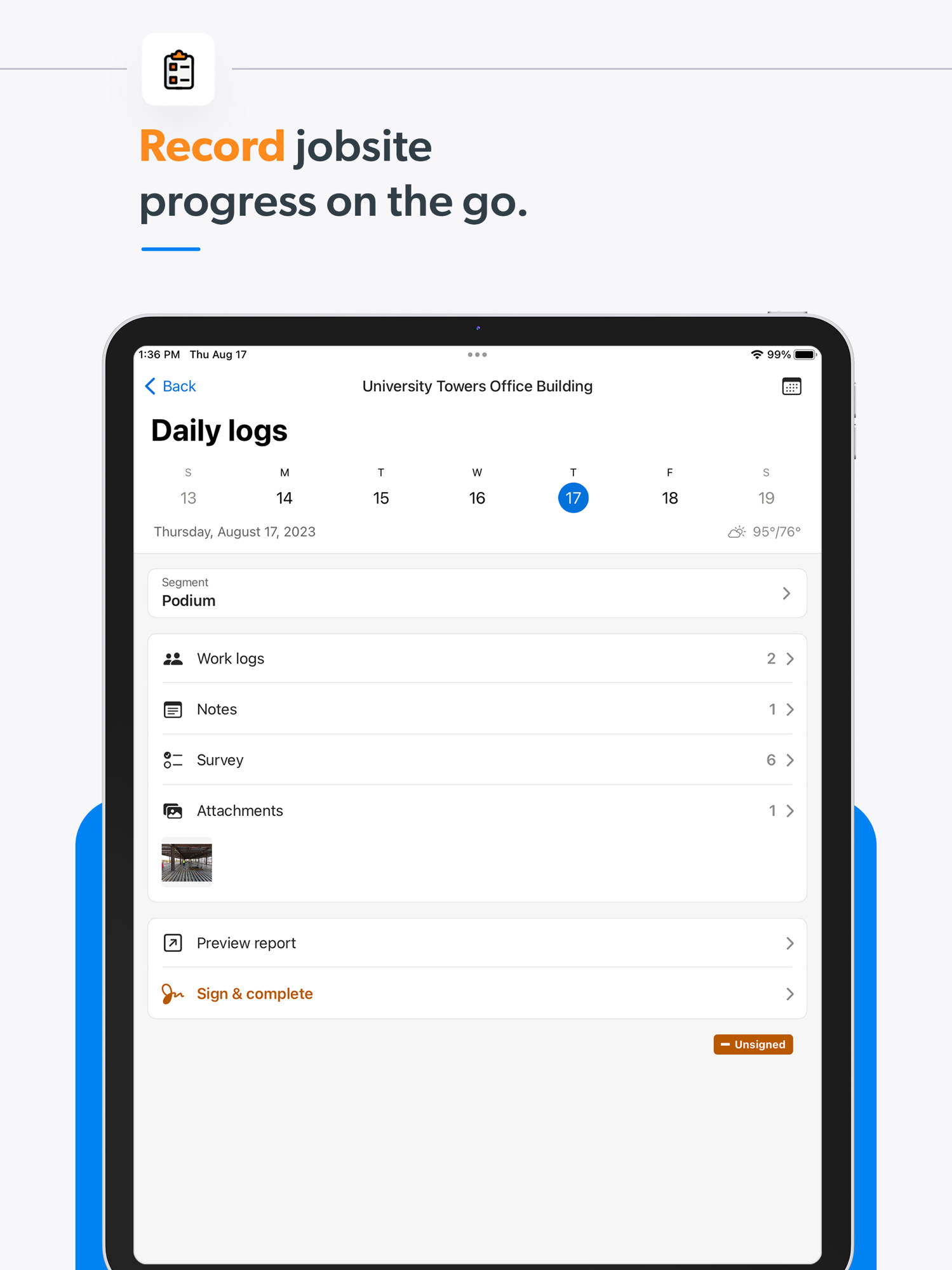
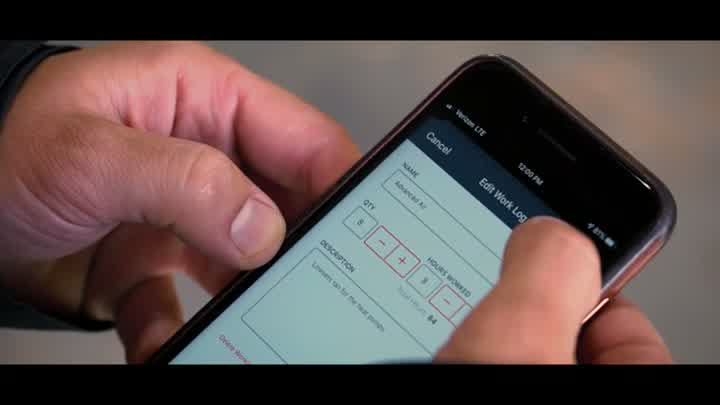
The structured daily log: work performed, weather, hours, notes, attachments, then sign and complete.
Capture — photos, time, safety
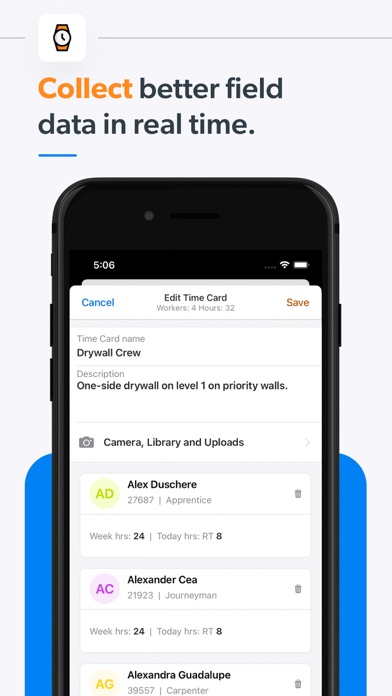
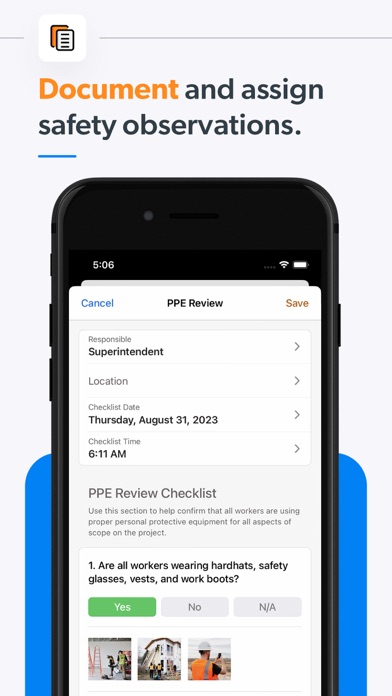
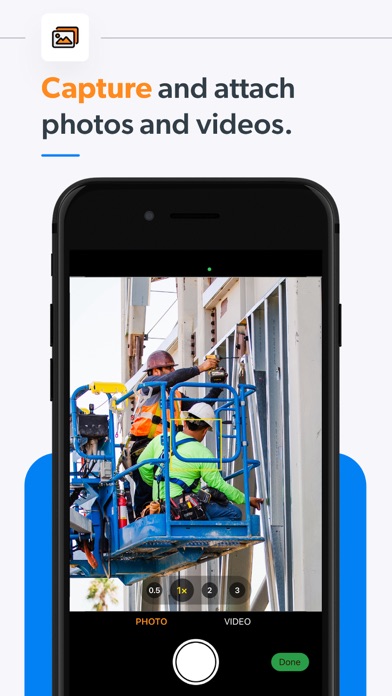
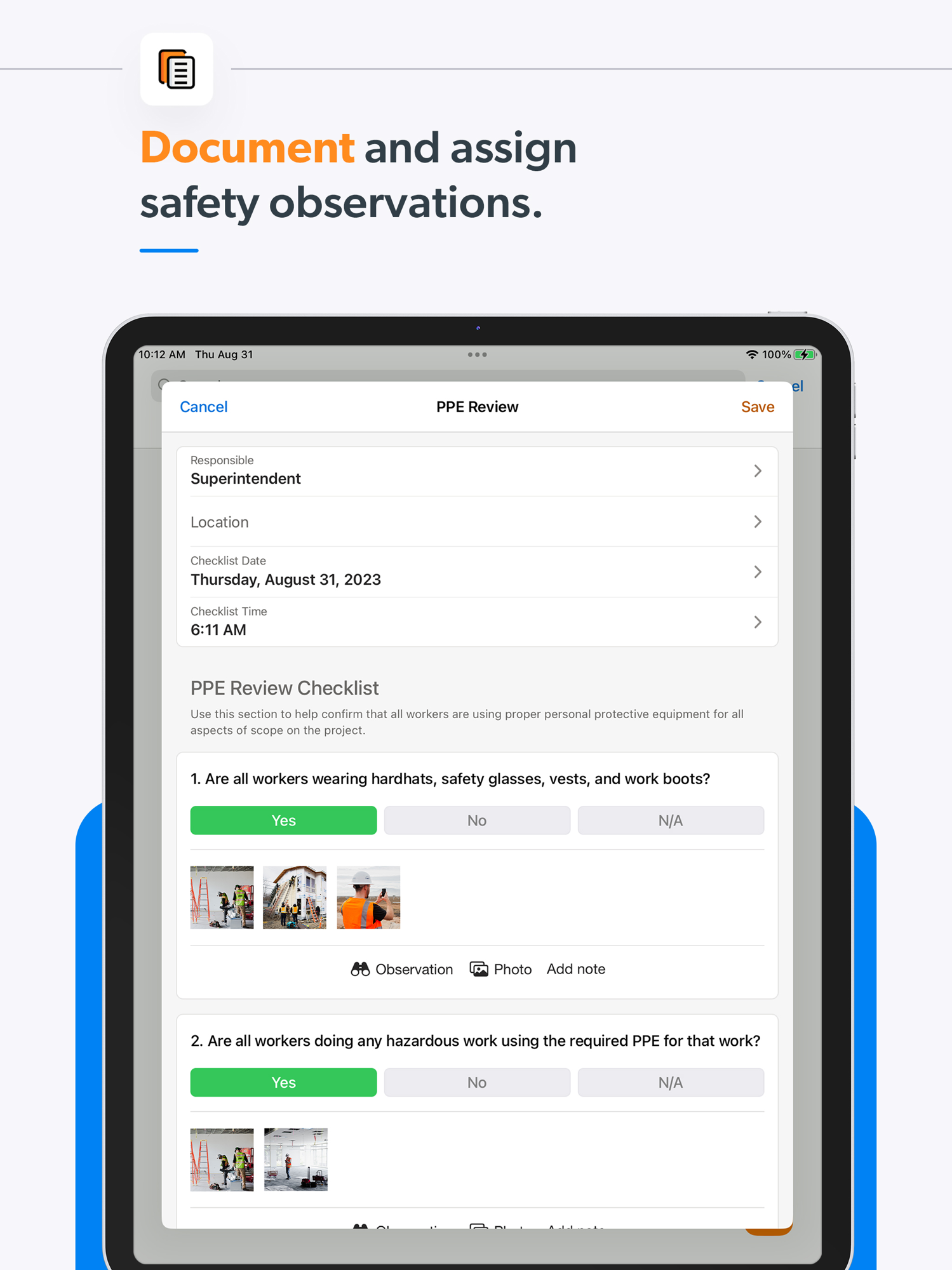
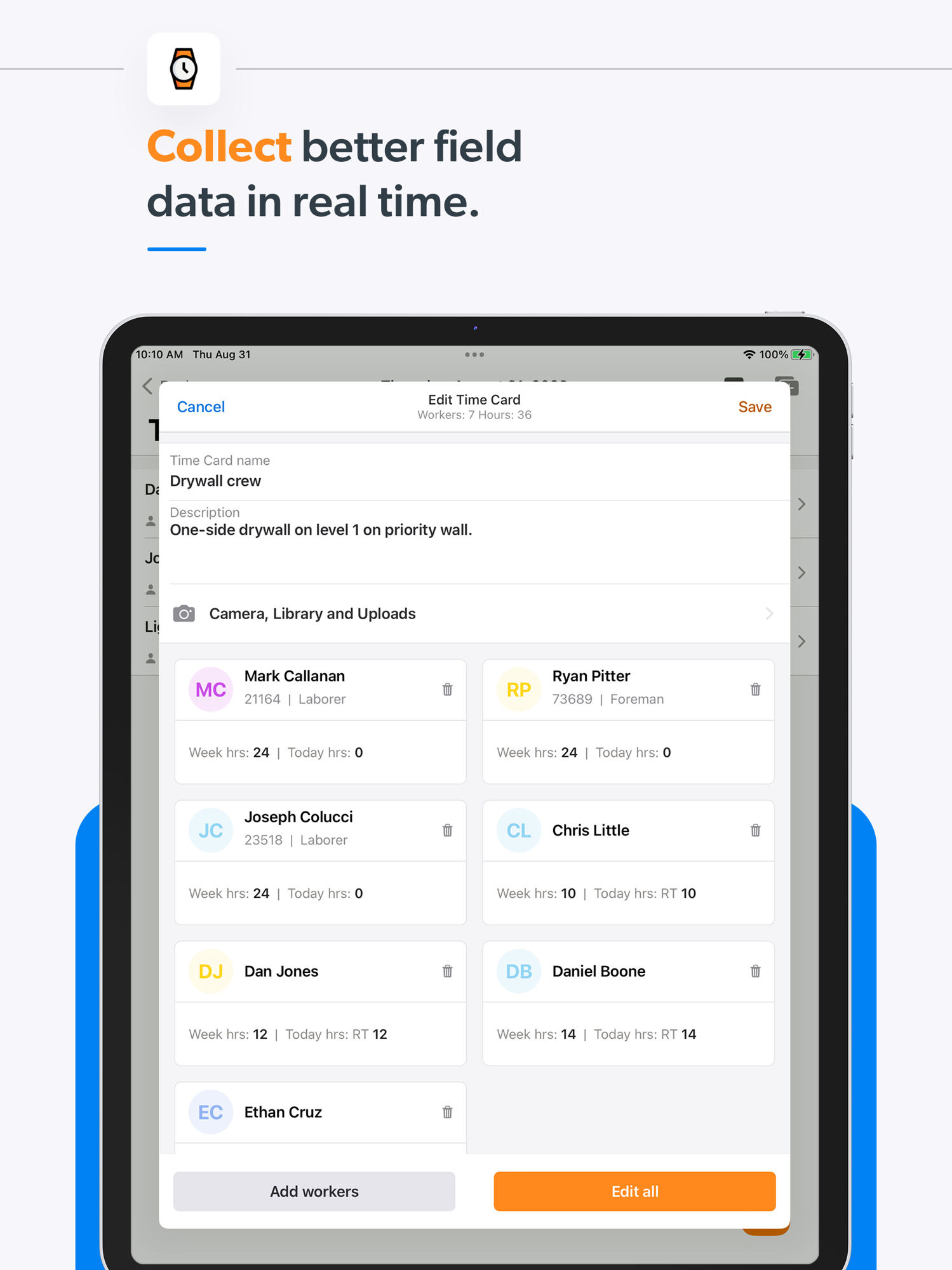
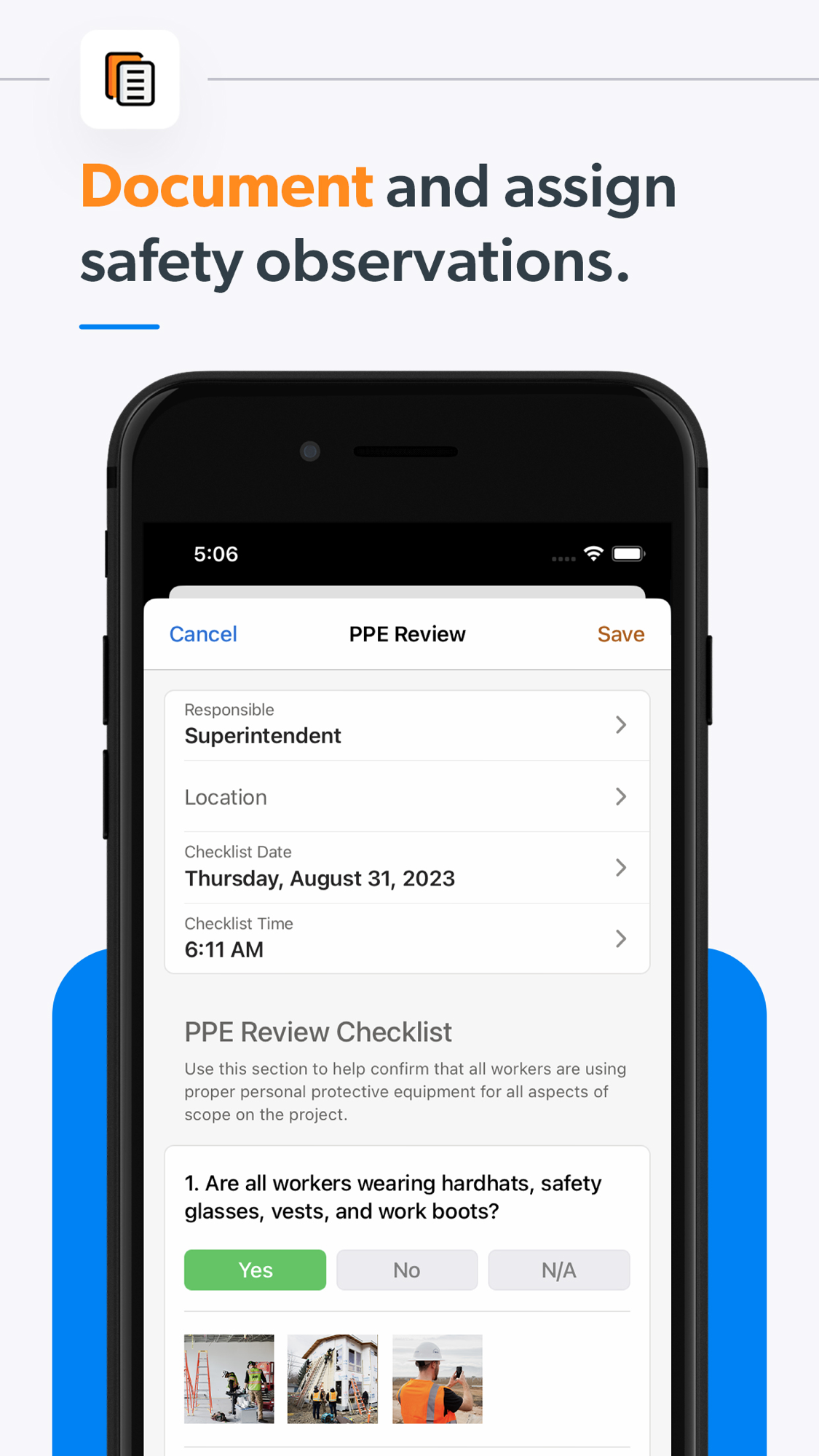
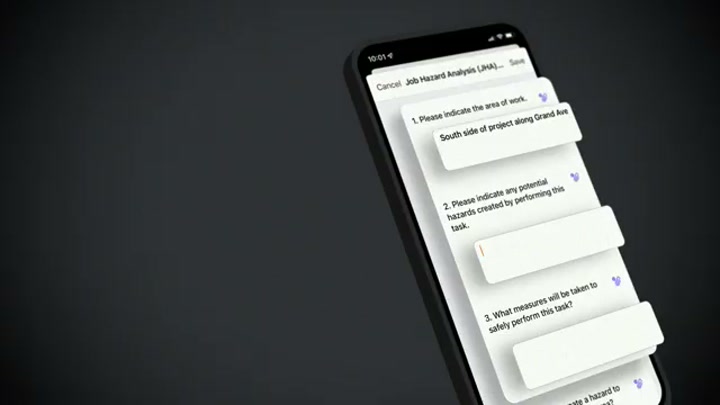
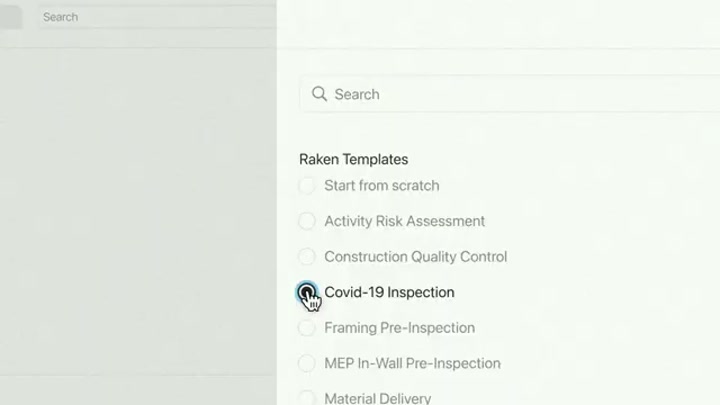
One-tap photo and video capture; the time-card entry; the shared-device clock-in kiosk; and the safety / PPE review checklist.
Output — branded PDF reports
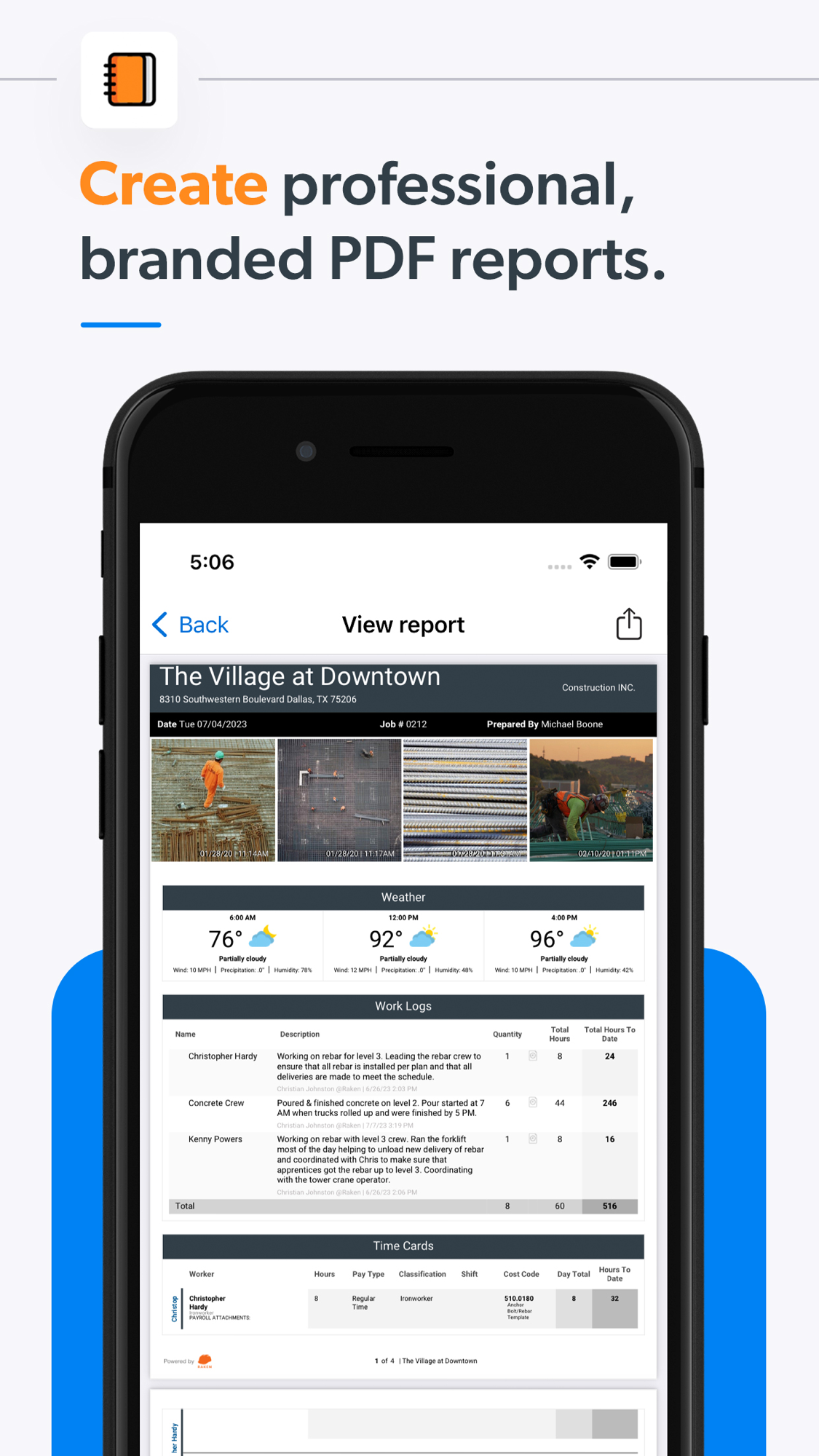
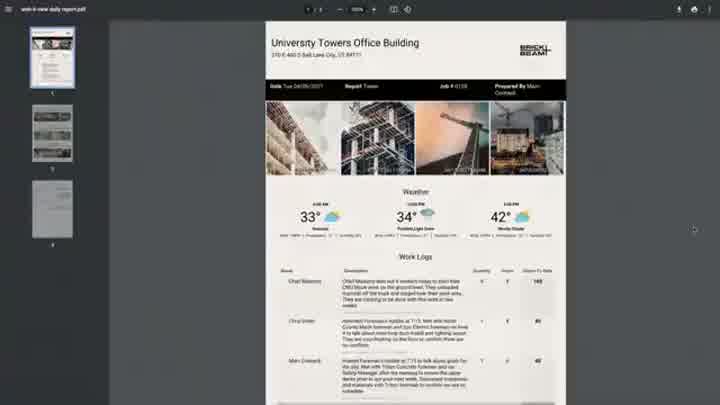
The professional, branded report that gets sent to clients, on phone and on tablet.
The office / web side — the dashboard
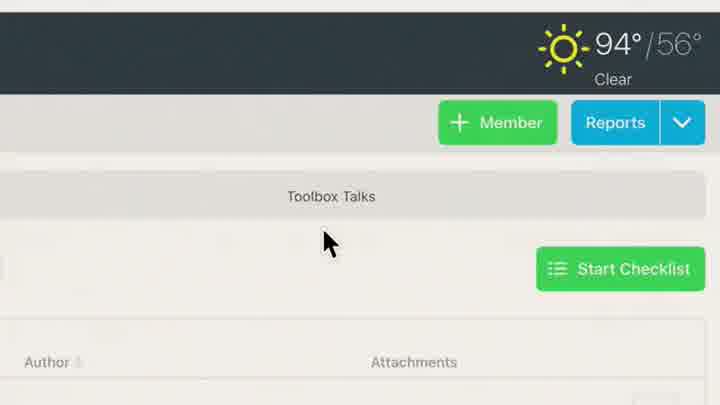
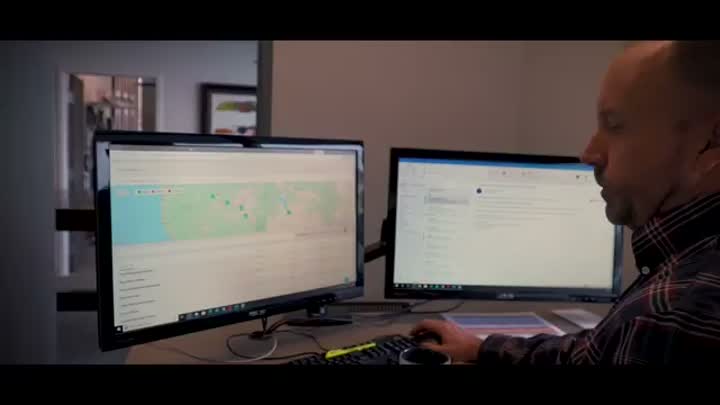
The web Insights dashboard the office consumes (project rollups and stats) and a web admin view (toolbox talks with weather and reporting controls). This is the side the App Store never shows.
In the field
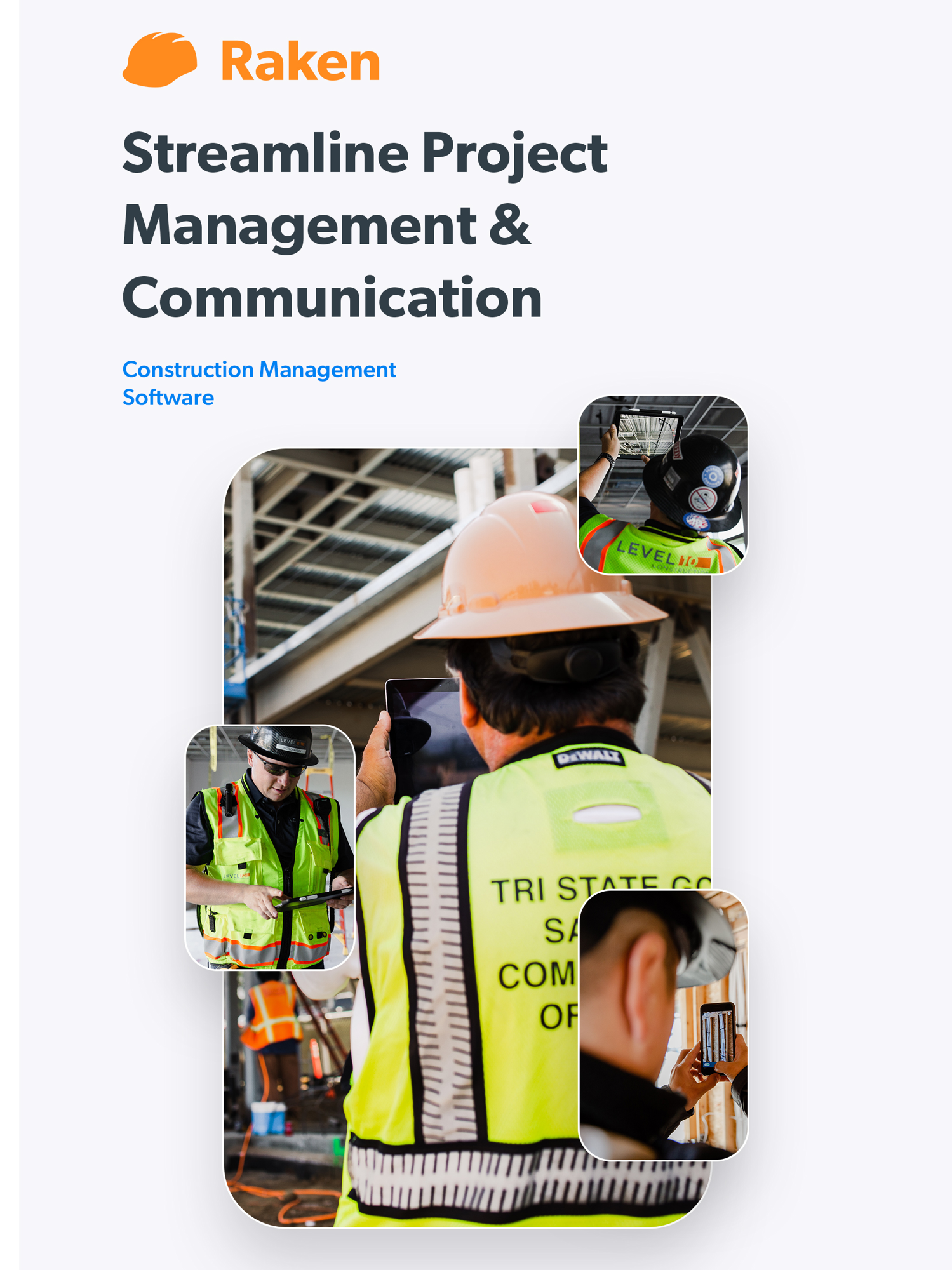
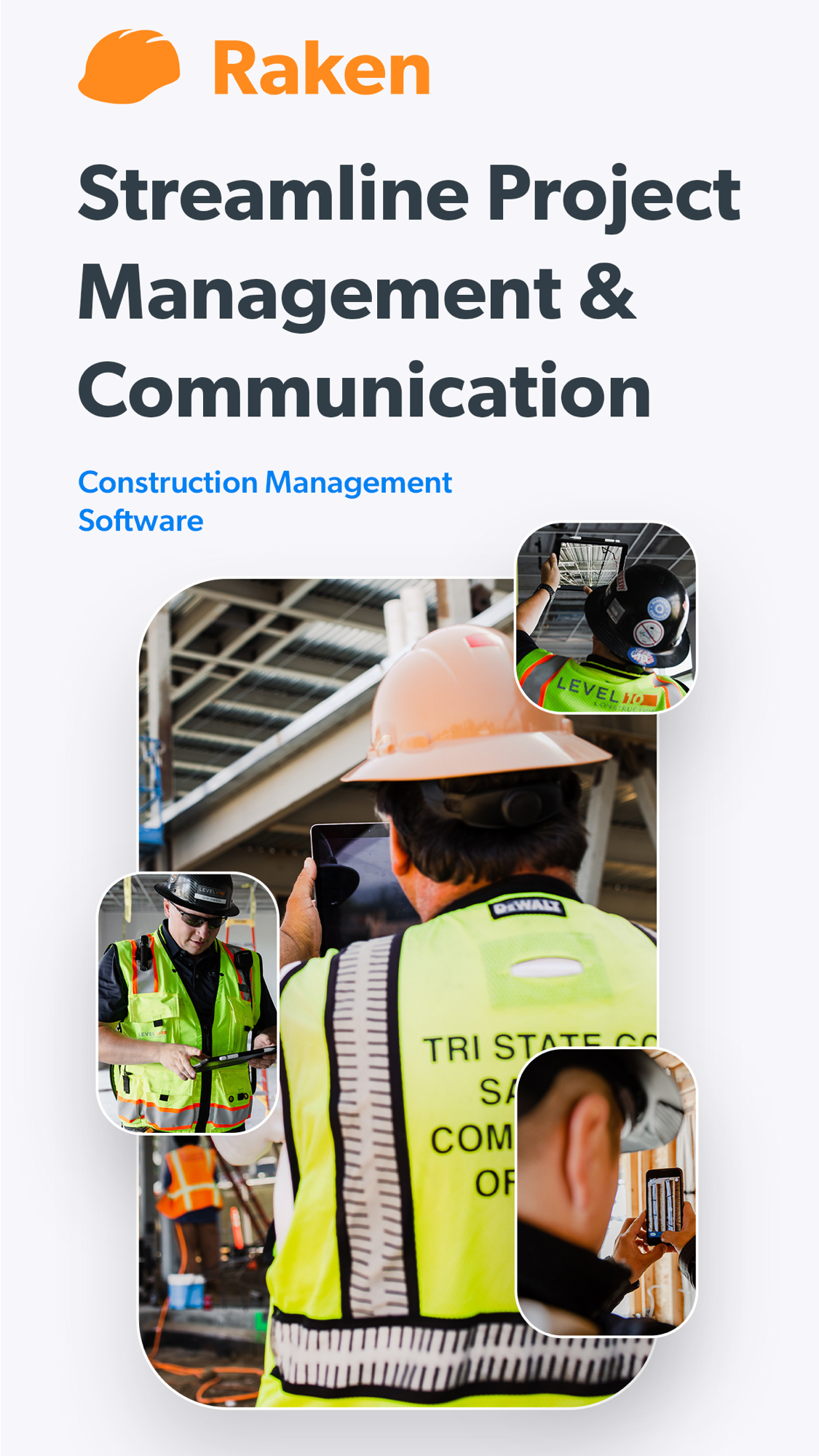
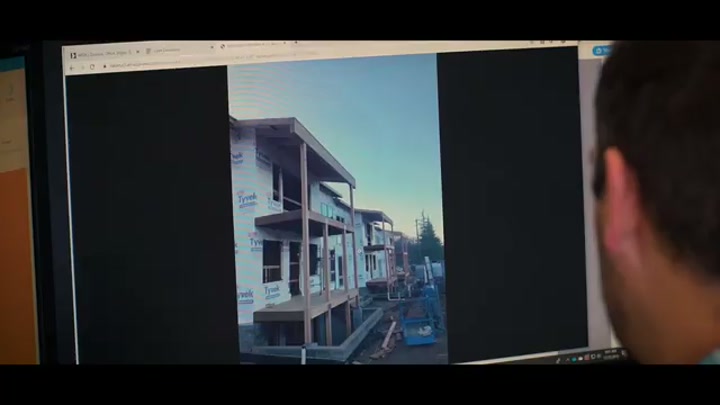
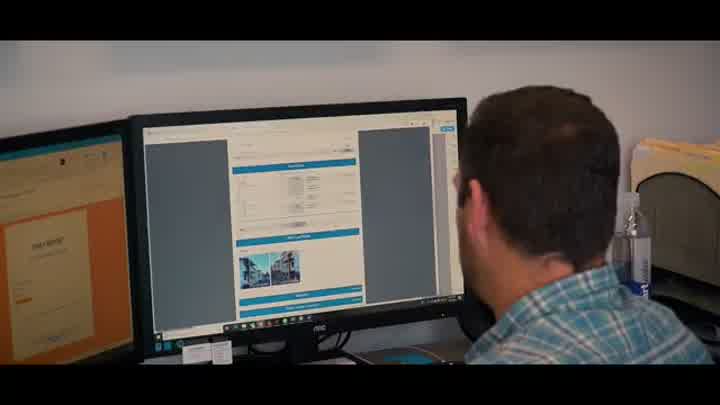
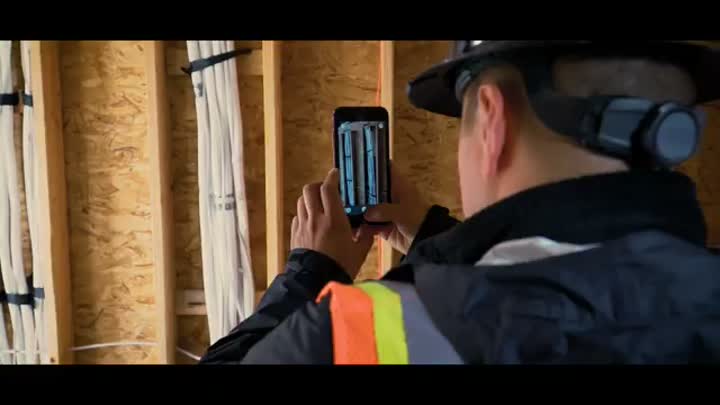
The app in use on site.
Whole-set contact sheets
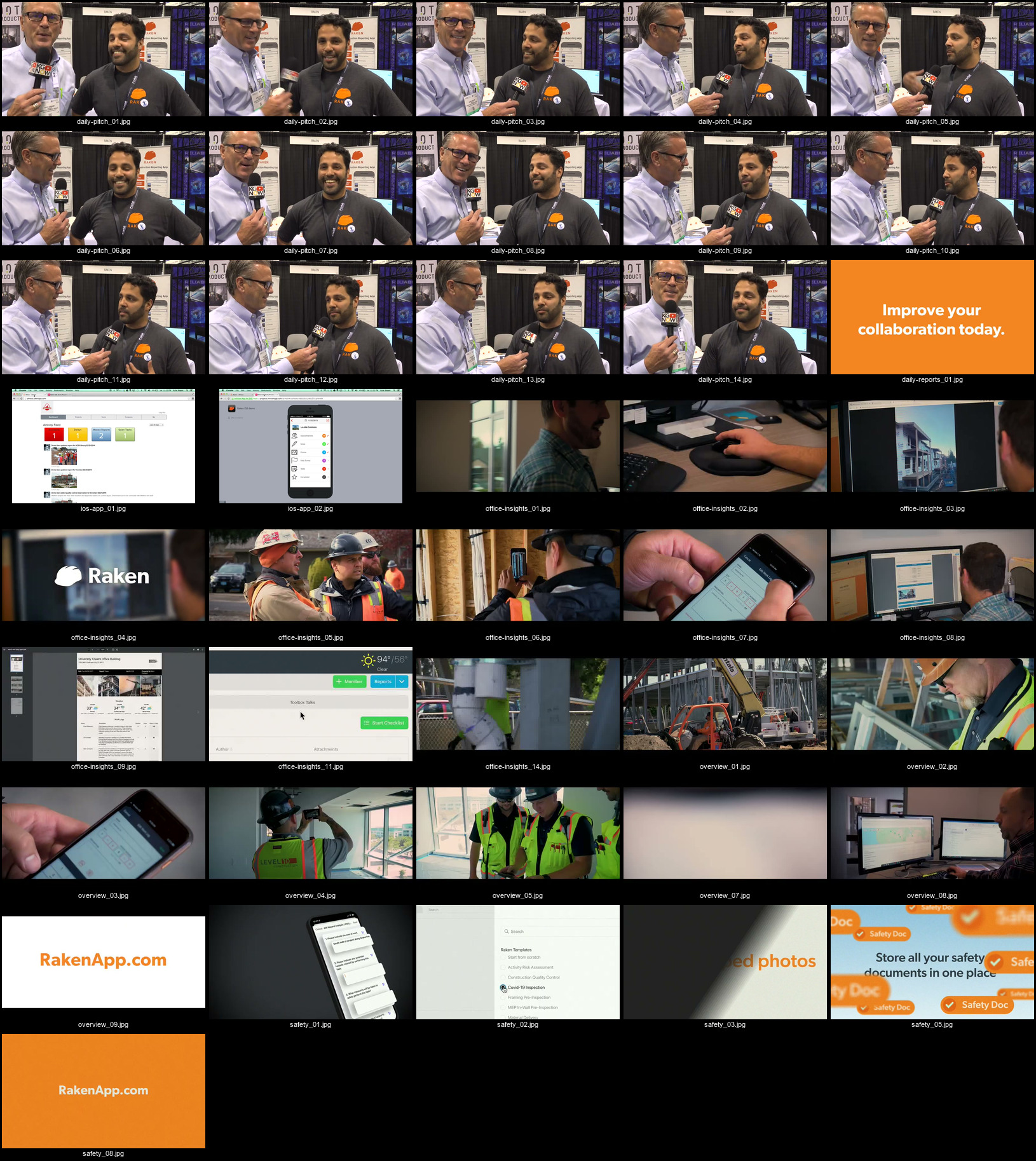
For a single-glance overview of everything captured: contact_appstore.jpg (all App Store screens) and contact_video.jpg (all walkthrough-video frames).
Sources and method
- Product / dashboard / tiers / API: vendor site corroborated by search —
raw/exa_full_product.json,raw/exa_features_facts.json,raw/exa_api.json,raw/parallel_full_product.json. - AI claims: Raken newsroom/blog + search —
raw/exa_ai_chatter.json,raw/psearch_ai_chatter.json. - Reviews (real segmentation): 248-review DOM/RSC scrape recovering real company size, role, industry, sub-ratings and solicitation —
raw/capterra_dom_corpus.json, rolled up inraw/analysis/SUMMARY_DOM.md. - App Store ratings:
raw/appstore_app_us.json,raw/appstore_app_gb.json. Screenshots and gathering method: screens/README. - Method, limits, and the discipline of not asserting an absence without evidence: _RESEARCH-METHOD.