Dashboard: Dashboard · method: _RESEARCH-METHOD · market grid: _MARKET-PROBLEM-MAP · opportunity lens: _OPPORTUNITY-LENS · landscape: competitor-landscape-report
Purpose: decide whether we can enter the part of the market PlanRadar occupies and build a profitable, defensible product. The brief explains what PlanRadar is and how it works, then where its value sits and what users experience, and finally our own opportunity. Evidence (10 App Store reviews, the published pricing card, secondary review aggregates, screenshots) is at the end. Note: PlanRadar’s Capterra reviews page lazy-loads and the scrape returned no corpus, so the voice-of-user here leans on App Store reviews and cited aggregates, not a segmented review set — see the credibility caveat before any rating is read.
Snapshot
| What it is | Cloud platform for site documentation, defect/snagging and ticket workflows; mobile capture (pin a ticket to a plan or BIM model) feeding a web office console, used across construction, real estate and facility management |
| Core job it does | Replaces paper snag lists and email/Excel defect tracking; runs the find → assign → fix → verify → hand-over loop, with the sub fixing for free |
| Who buys | Main contractors, developers, architects/consultants, owners and facility managers; SMB-to-mid the centre of gravity, with enterprise accounts; EU/UK/MENA-strong, global reach |
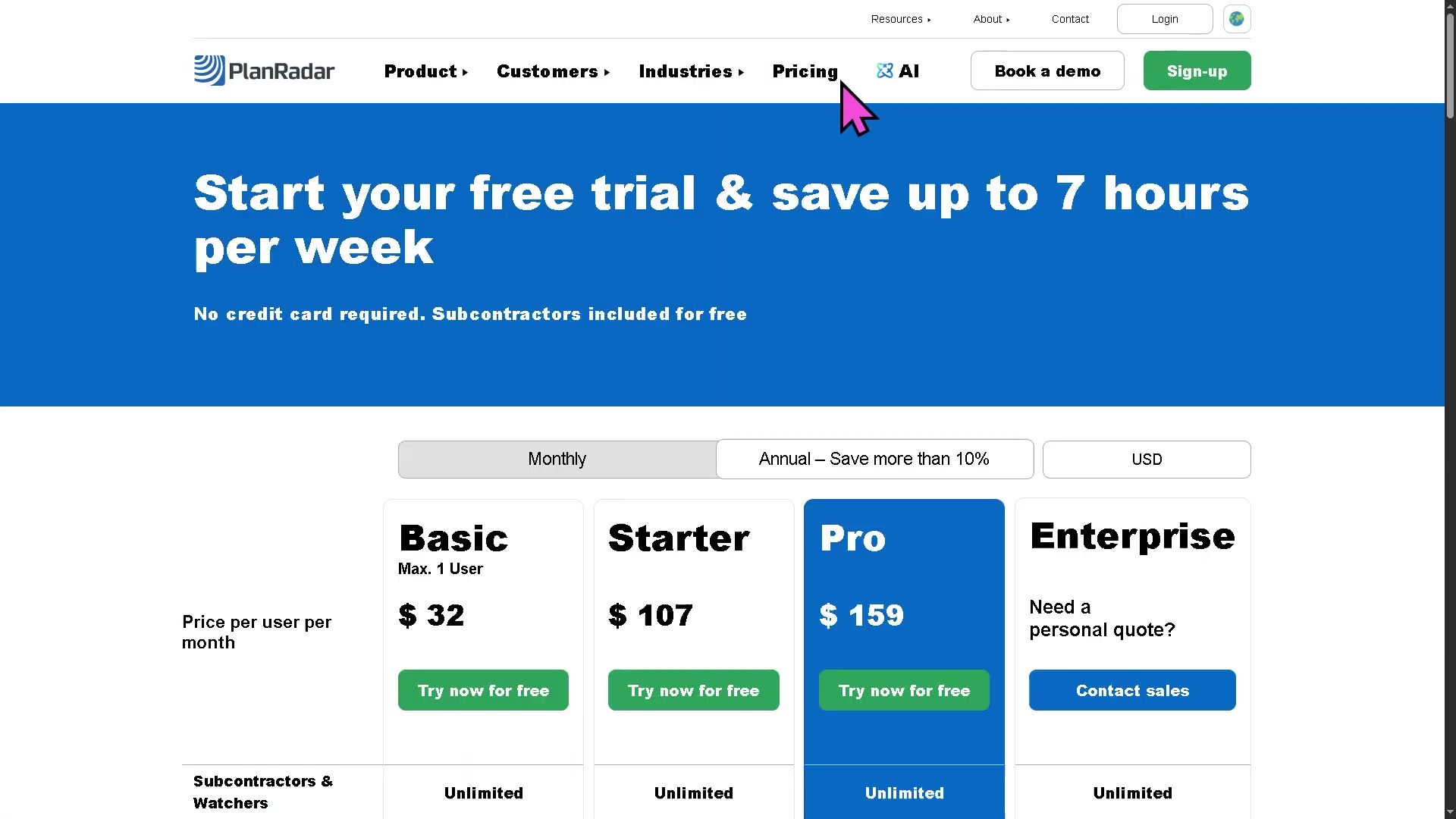
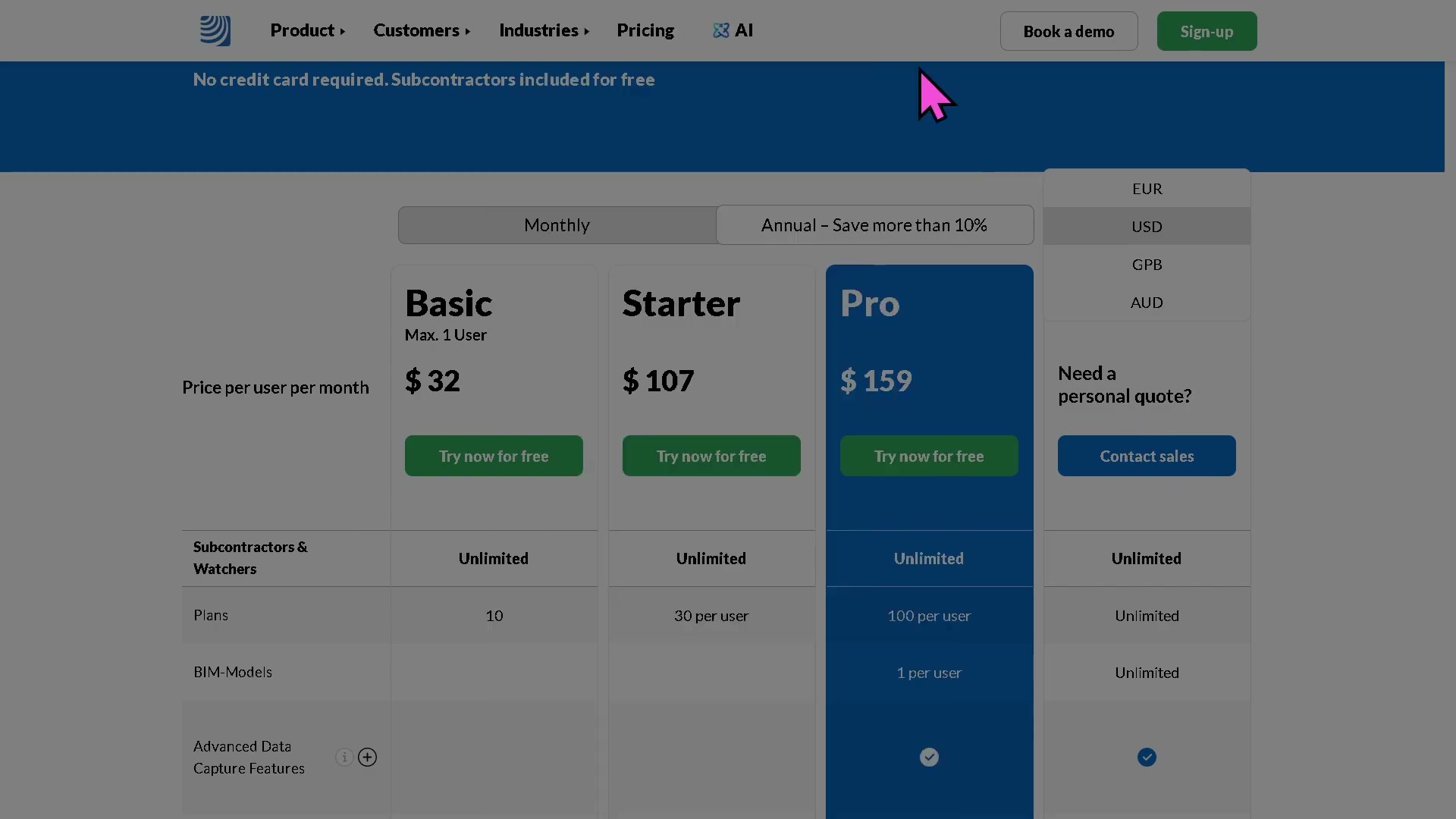
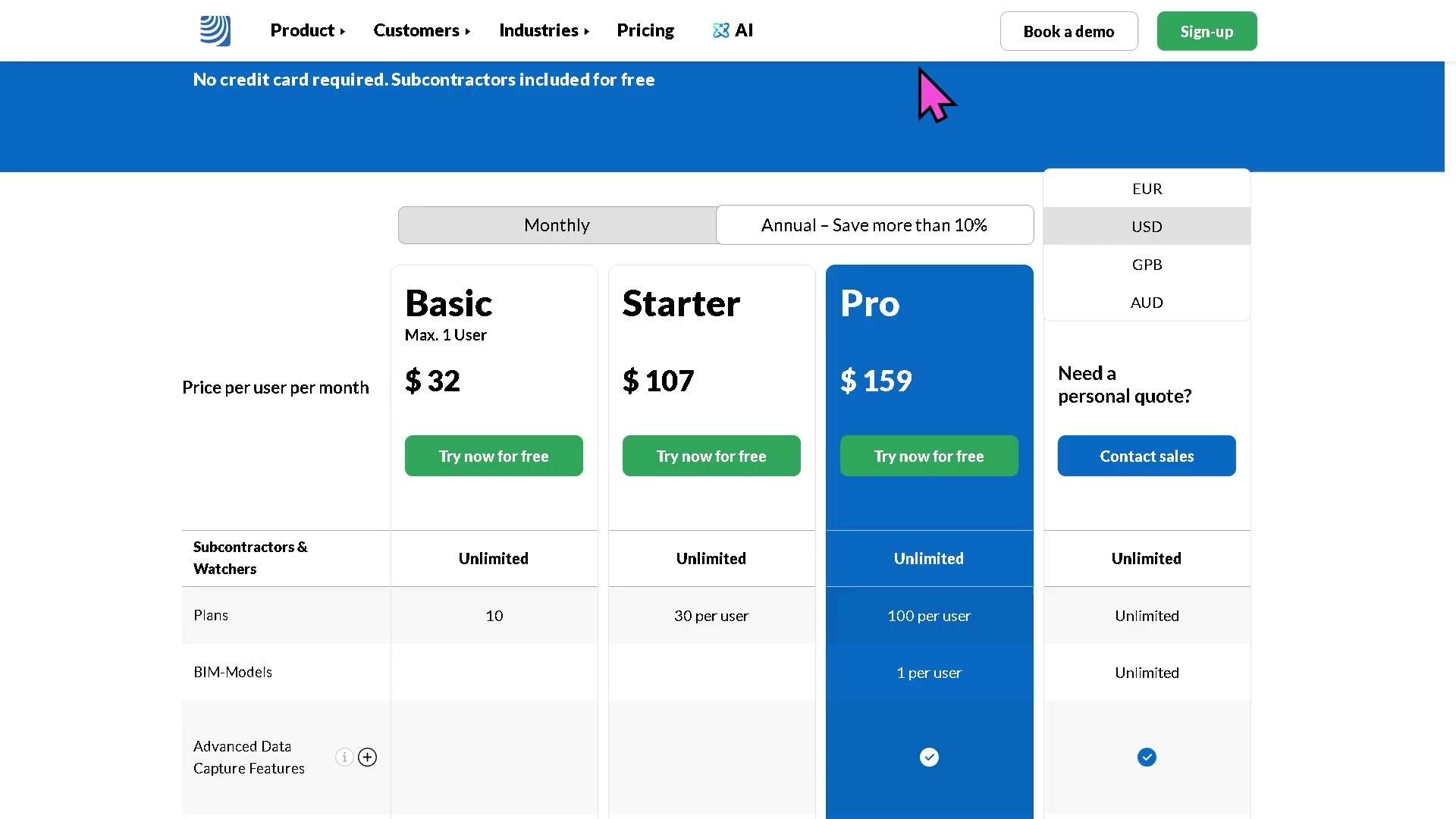
| Business model | Self-serve / product-led with a sales-assist top end; per-user pricing published (Basic / Starter / Pro / Enterprise), 30-day free trial, no card |
| Openness | Public REST API (Personal Access Tokens, X-PlanRadar-API-Key) + webhooks (ticket created/updated, photo attached) + “PlanRadar Connect” no-code layer to 200+ apps |
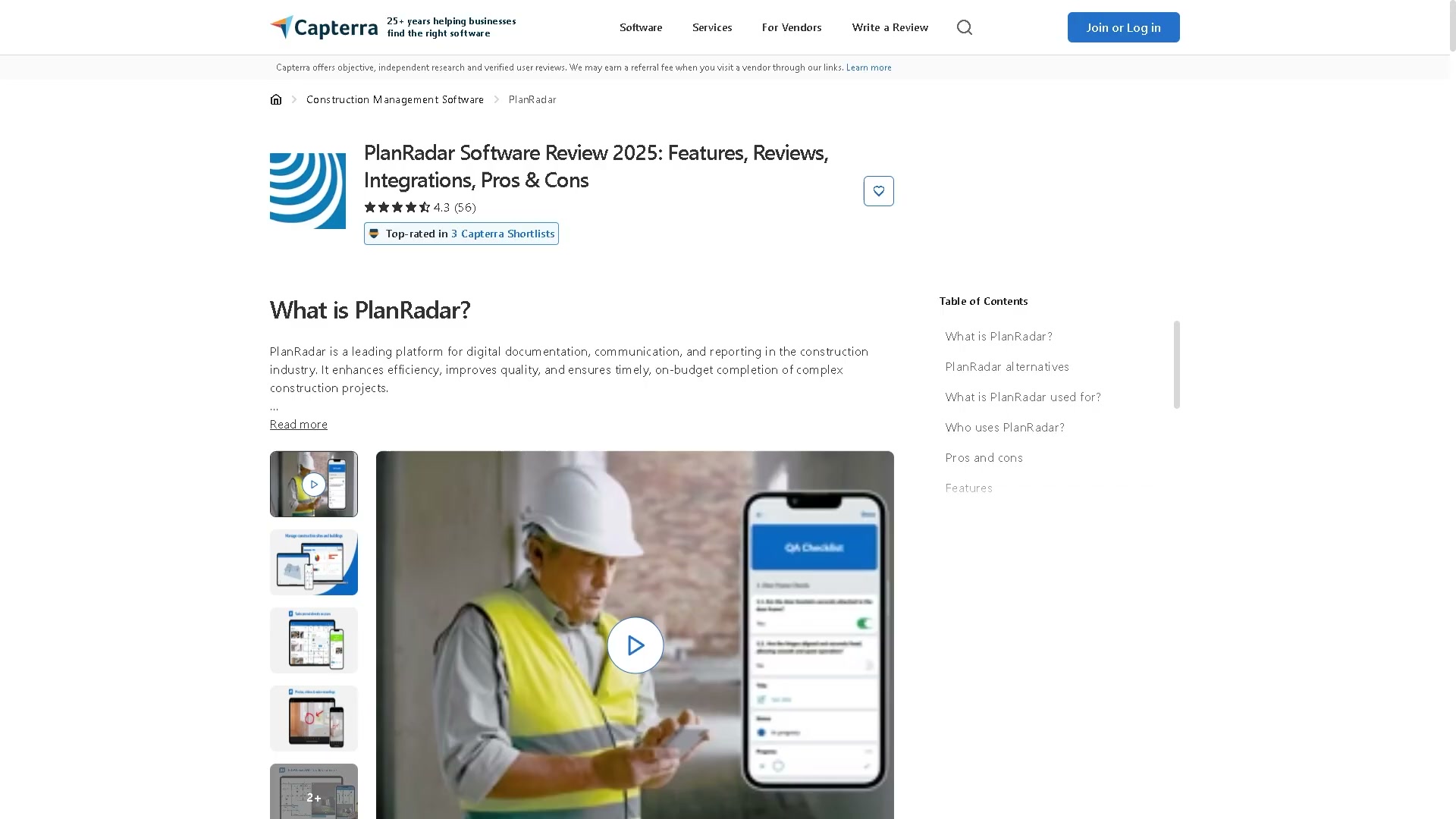
| Public ratings | App Store 4.77 (79 ratings, US) / 4.37 (255, GB); Capterra ~4.4 (73 reviews); G2 ~4.5 (66 reviews) |
| Strongest areas | Quality / QA-QC / snagging; document & plan management; handover documentation; client/sub collaboration |
| Weakest areas (our interest) | Cost management; change / variations / claims / entitlement; accounting/payroll; estimating; historical-cost benchmarking |
| Our verdict | Build alongside it on the commercial side; do not fight it on defects or in EU SaaS distribution |
Where PlanRadar plays across the market
Scored 0 (not addressed) to 100 (best-in-class) against the 21 areas in _MARKET-PROBLEM-MAP, sorted by coverage.
| Problem area | Coverage | Note |
|---|---|---|
| Quality / QA-QC / snagging | 90 | The core of the product — tickets pinned to plans/BIM, sub fixes free, statistics board |
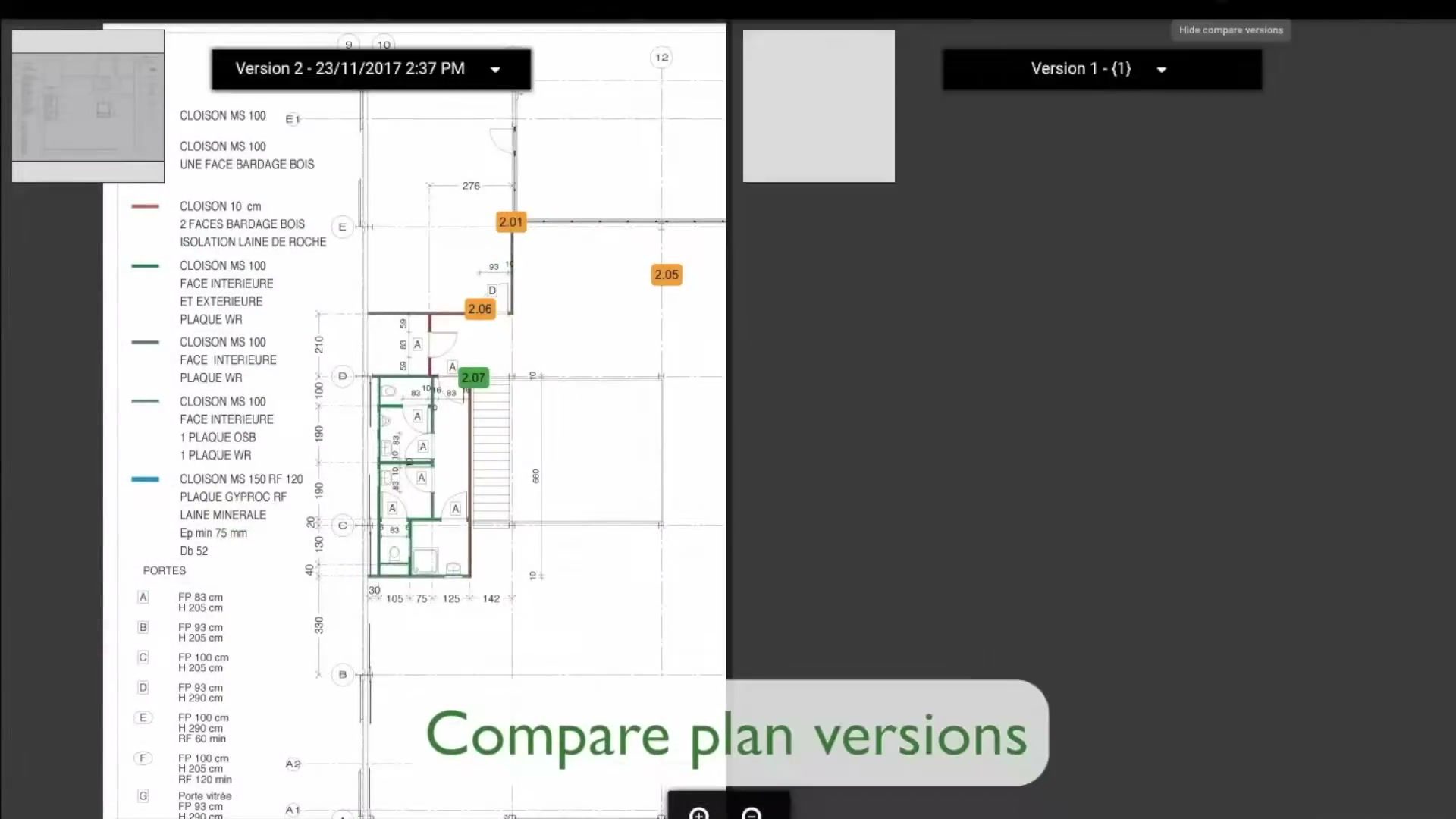
| RFIs / submittals / document control | 65 | Strong document/plan management, plan-version compare; ticketing carries the RFI-style loop |
| O&M / handover / golden thread | 65 | Digital handover protocols, sign-off, audit trail; facility-management is a first-class use case |
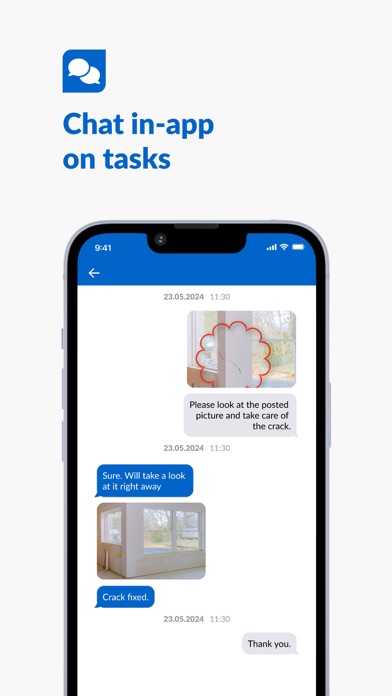
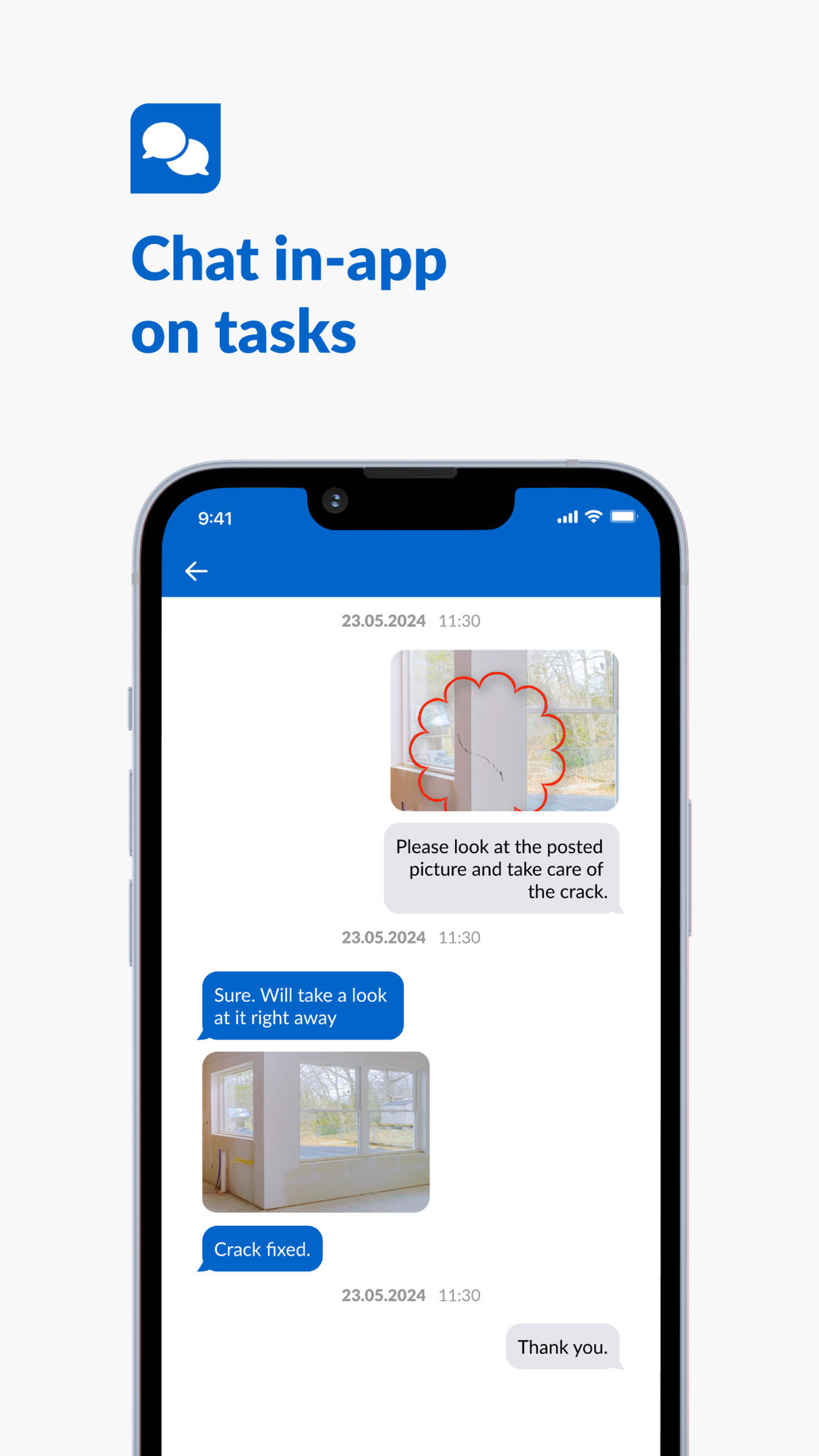
| Communication / client collaboration | 65 | Role-based access for owner/GC/sub/client; subs and watchers free; in-app chat on tickets |
| Field management / daily reporting | 60 | Site diaries / on-the-go reports, photo/video/voice capture; not a dedicated daily-log product |
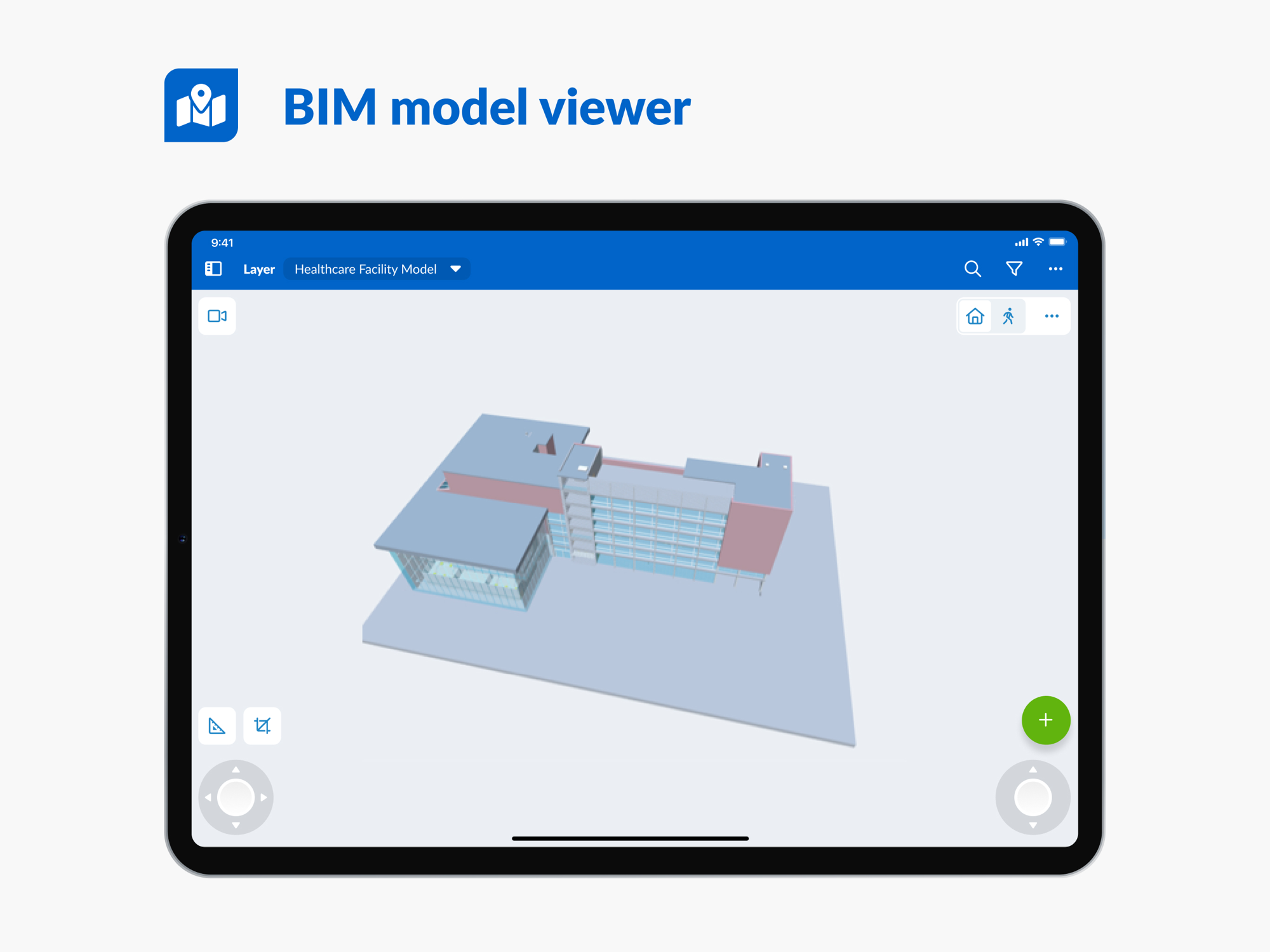
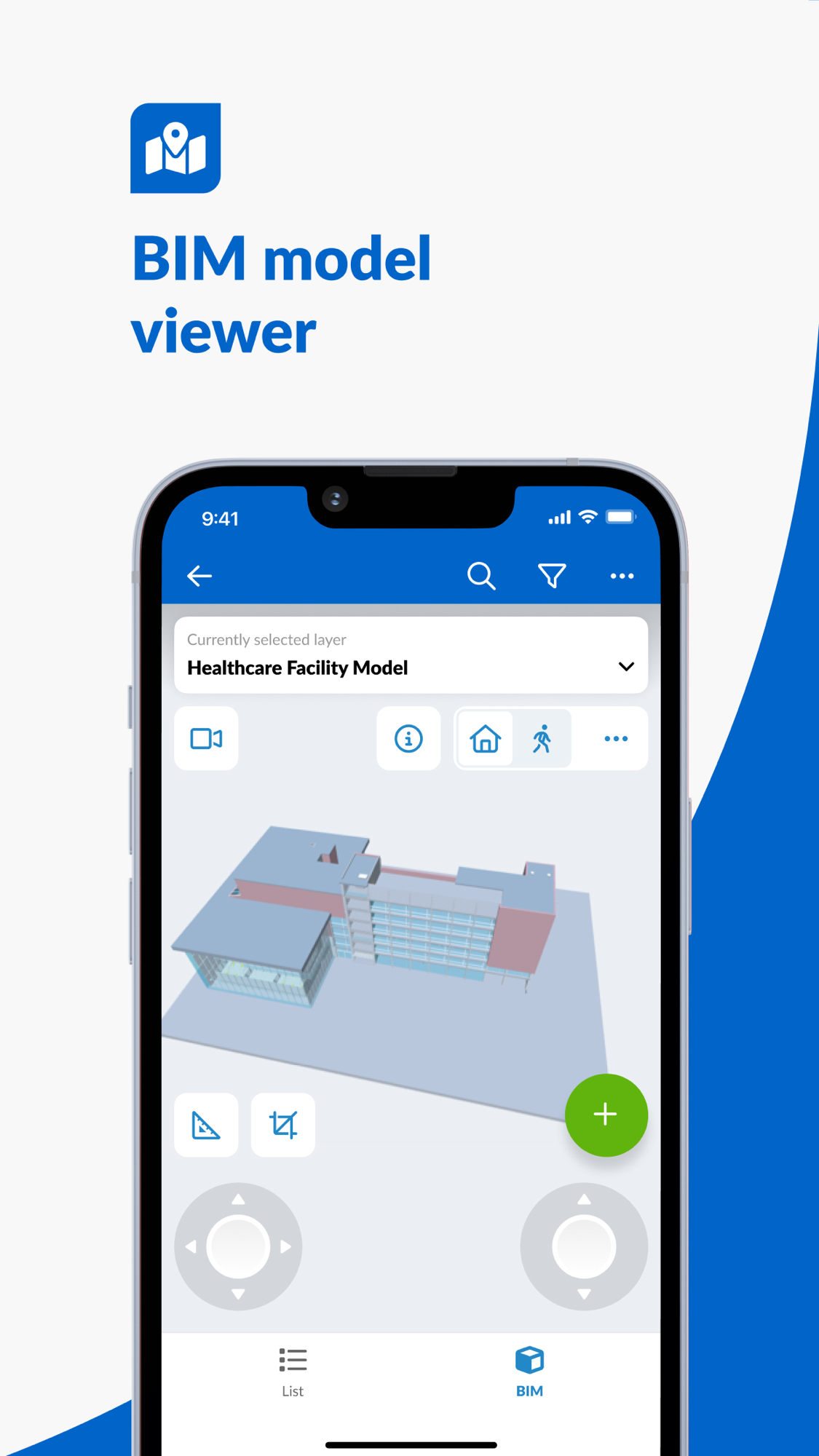
| BIM / design coordination | 50 | BIM-model viewer and ticket-on-model (Pro: 1 model/user; Enterprise: unlimited); a viewer, not a coordination engine |
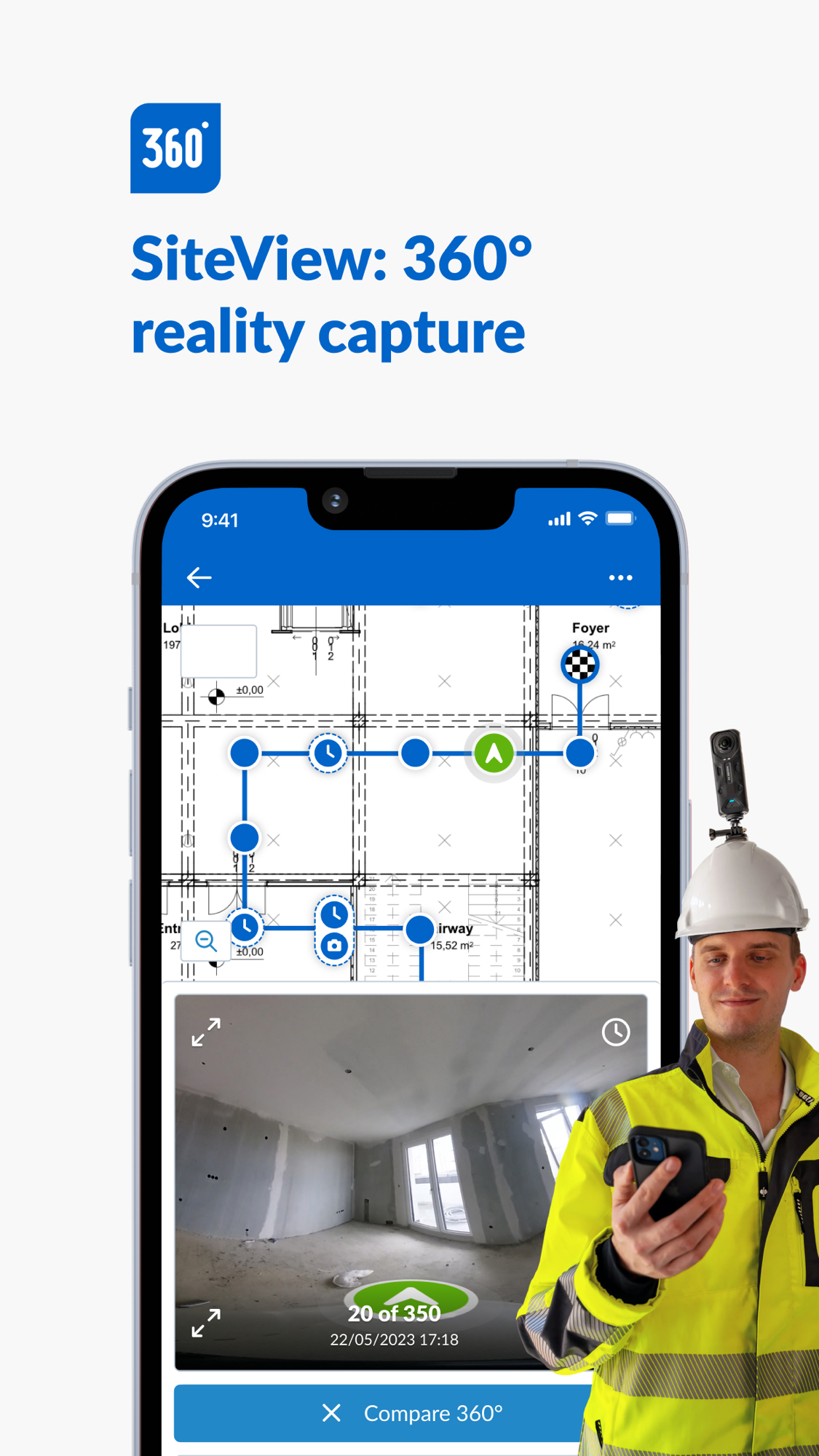
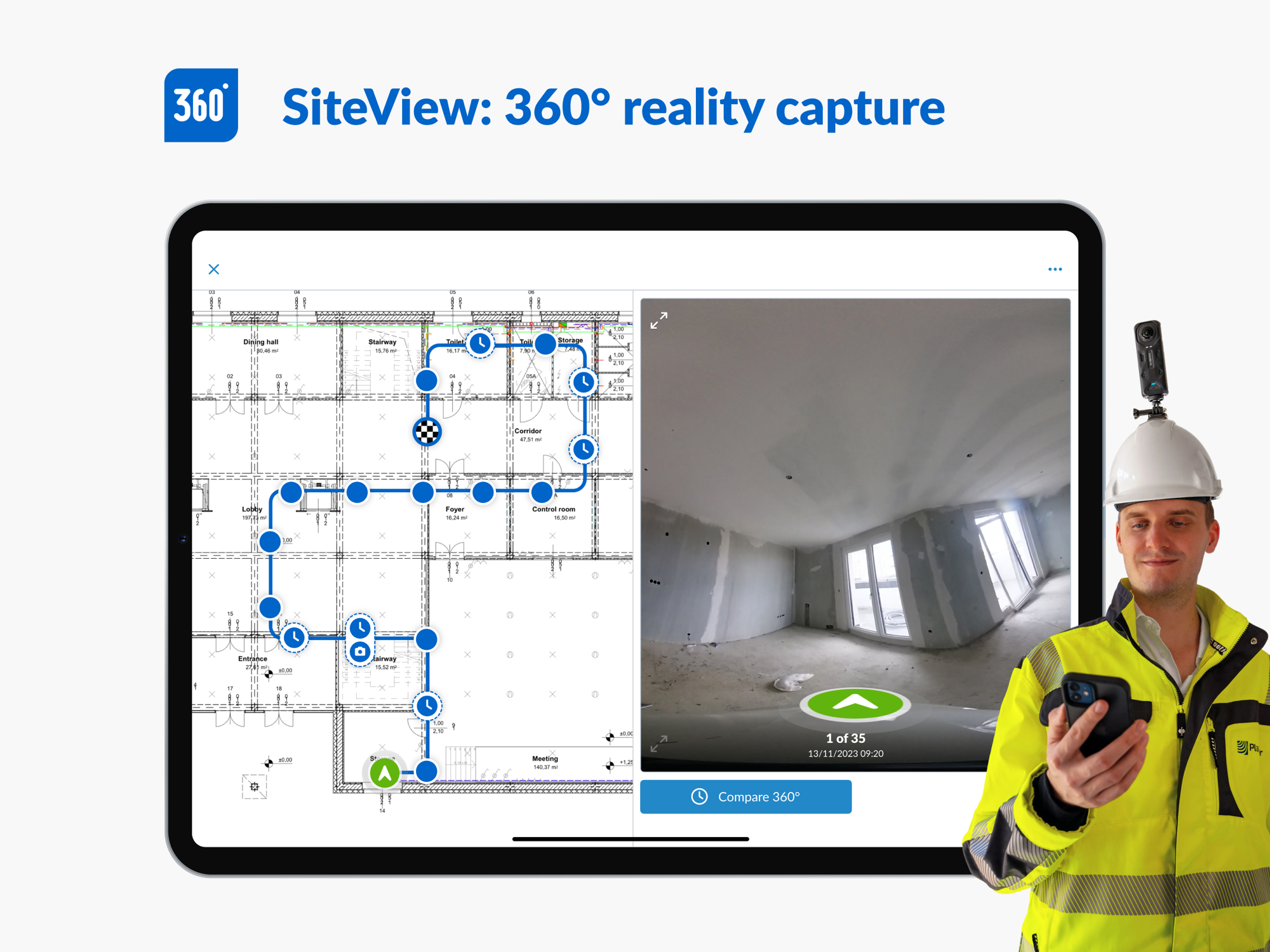
| Reality capture / drone / survey | 45 | SiteView 360° walk-through capture mapped to plans (AI processing announced) |
| Project management (system of record) | 45 | Real multi-project console, but organised around tickets/docs, not budgets/contracts |
| Safety and compliance | 40 | Inspection/checklist forms and audit trail; no dedicated safety module verified |
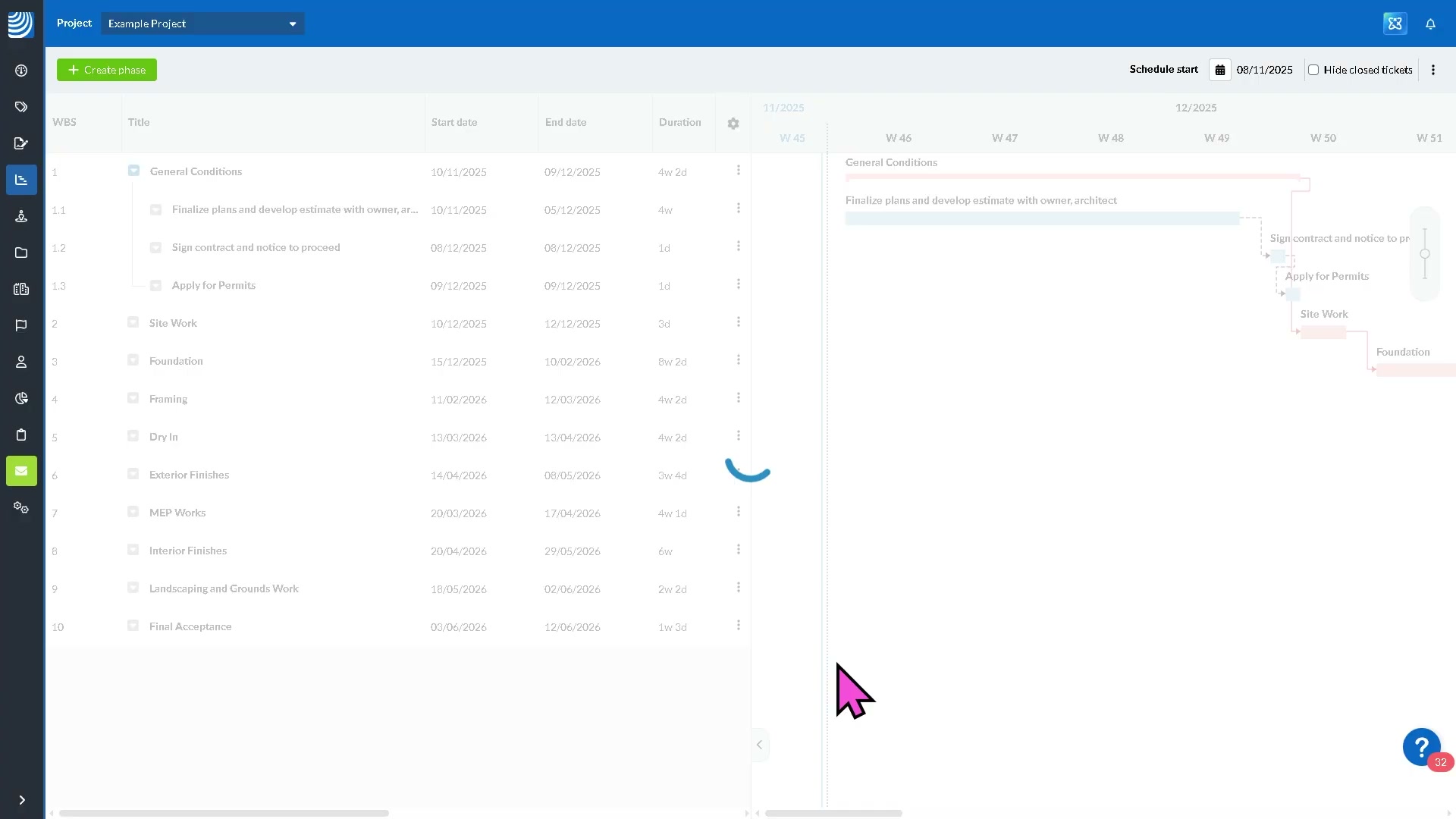
| Scheduling / programme | 40 | Gantt scheduling with site updates (added capability); not a primary planning tool |
| Progress / production tracking | 35 | Ticket statistics and progress reports; no production-vs-estimate measure |
| Equipment / asset / material | 30 | Asset/property records on the facility-management side; not site equipment tracking |
| Prequalification / procurement | 10 | Not a focus; touched only via forms |
| Insurance and risk | 15 | Audit trail and documentation support it; no module |
| Time, labour and workforce | 10 | Not a time-clock / labour product |
| Cost management / forecasting | 5 | Not addressed in product |
| Change / variations / claims / entitlement | 5 | Not addressed; no recovery workflow |
| Accounting / AP-AR / payroll | 5 | Via integration only; not a ledger or feed |
| Bid / tender management | 0 | Not addressed |
| Estimating / takeoff | 0 | Not addressed |
| Historical cost / benchmarking | 5 | Defect/quality data exists; no product reuses it commercially |
Takeaway: PlanRadar is deep on the quality/defect/handover axis — capturing what is wrong, who fixes it, and proving it was fixed — and respectable across documents, collaboration and the BIM viewer. It is thin-to-absent on the entire money side: cost, change/variation/claim, accounting, estimating, and the reuse of its own quality data for benchmarking. The two areas central to our thesis — turning site evidence into recovered money, and reusing historical data to price the next job — are where PlanRadar does not play at all. That is the space we want.
The input side — how work gets captured
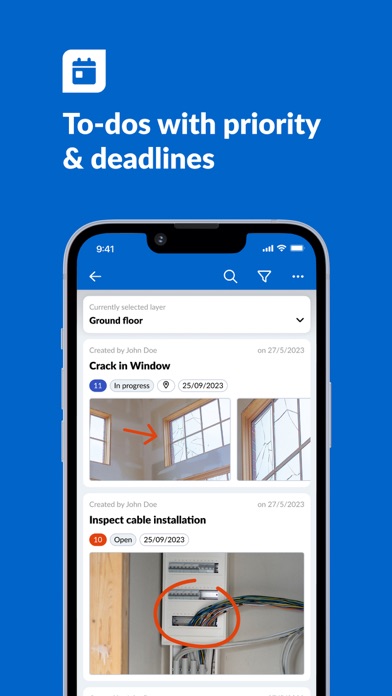
- Captured: defect/snag tickets pinned to a position on a digital plan or BIM model; photos, videos, text and voice recordings attached to a ticket from the phone; inspection and handover forms/checklists; site diaries / on-the-go reports; plan and document uploads.
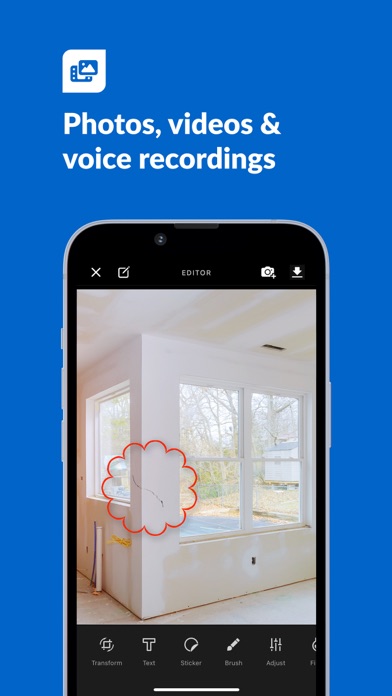
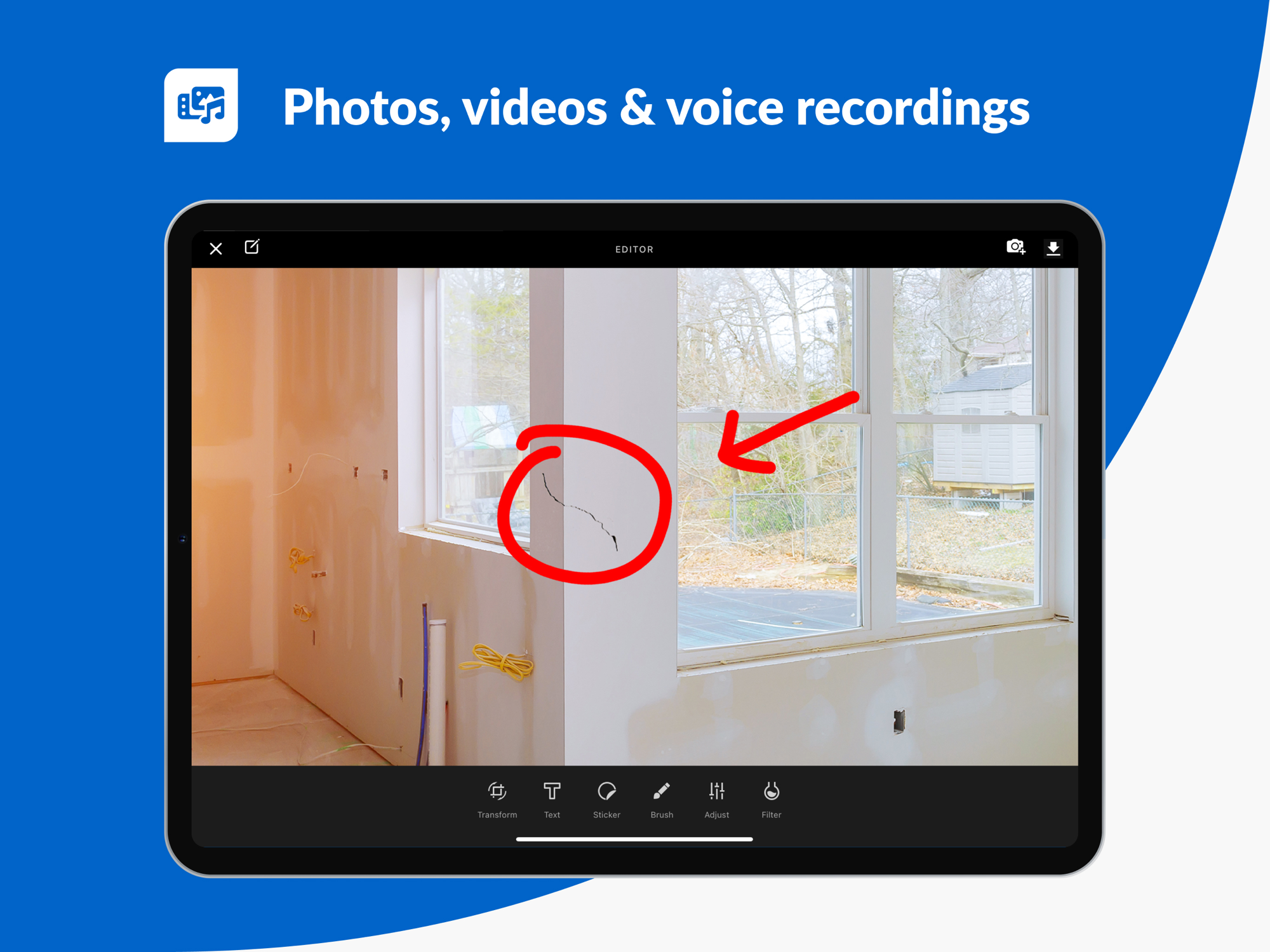
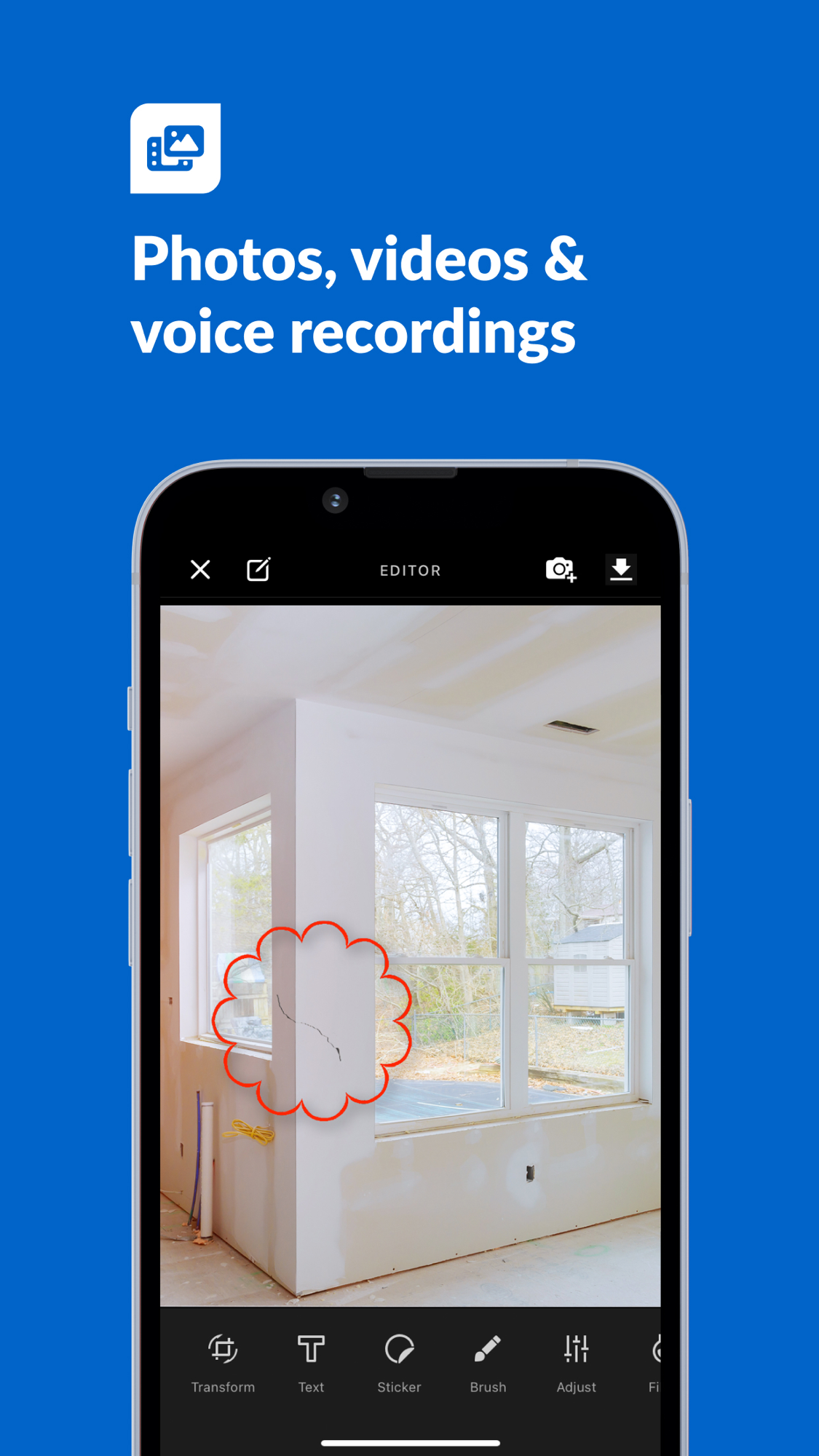
- Input methods: tap a point on the plan to drop a ticket pin (pin colour shows status), one-tap photo/video, voice-to-text and audio recordings, structured forms with conditional fields, QR codes, signatures (Pro tier). Offline mode on every plan.
- Onboarding / ease: the most-praised aspect — reviewers describe “plug and play within an hour” and figuring it out without training; the App Store leads on simplicity versus heavier rivals.
- Friction (from reviews): project set-up on a tablet/PC is “cumbersome” for some, sorting and finding a specific ticket gets hard once a project runs to hundreds of tickets, syncing can lag on large projects, and there are recurring login/password bugs (locked out, cannot reset). Capture itself is well-liked; the pain is at scale and at set-up.
The management side — what the office sees
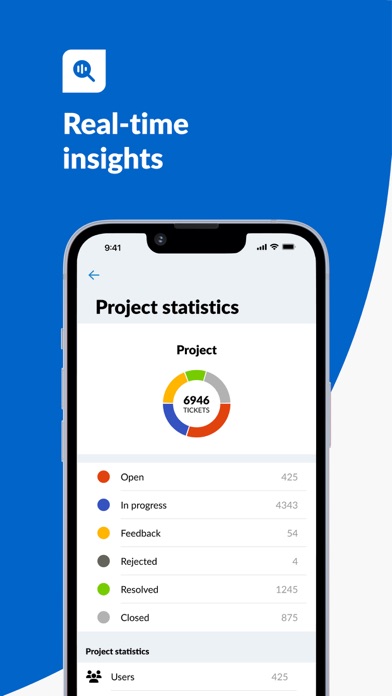
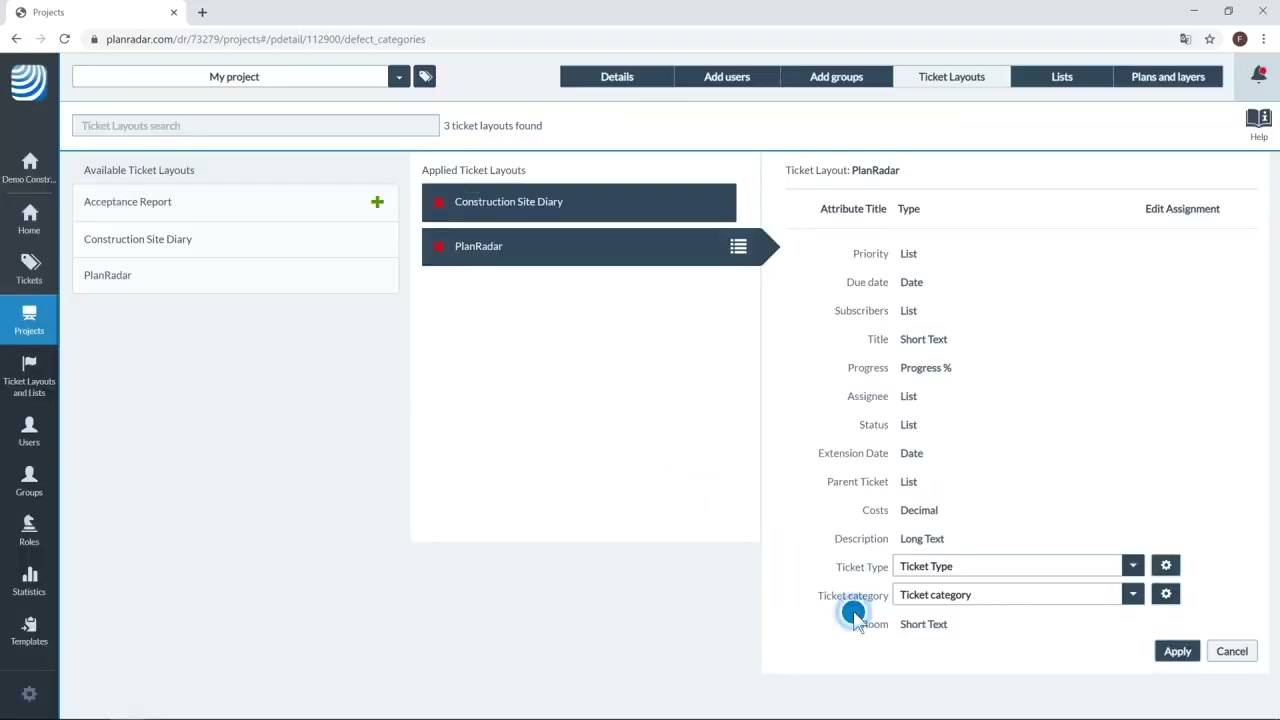
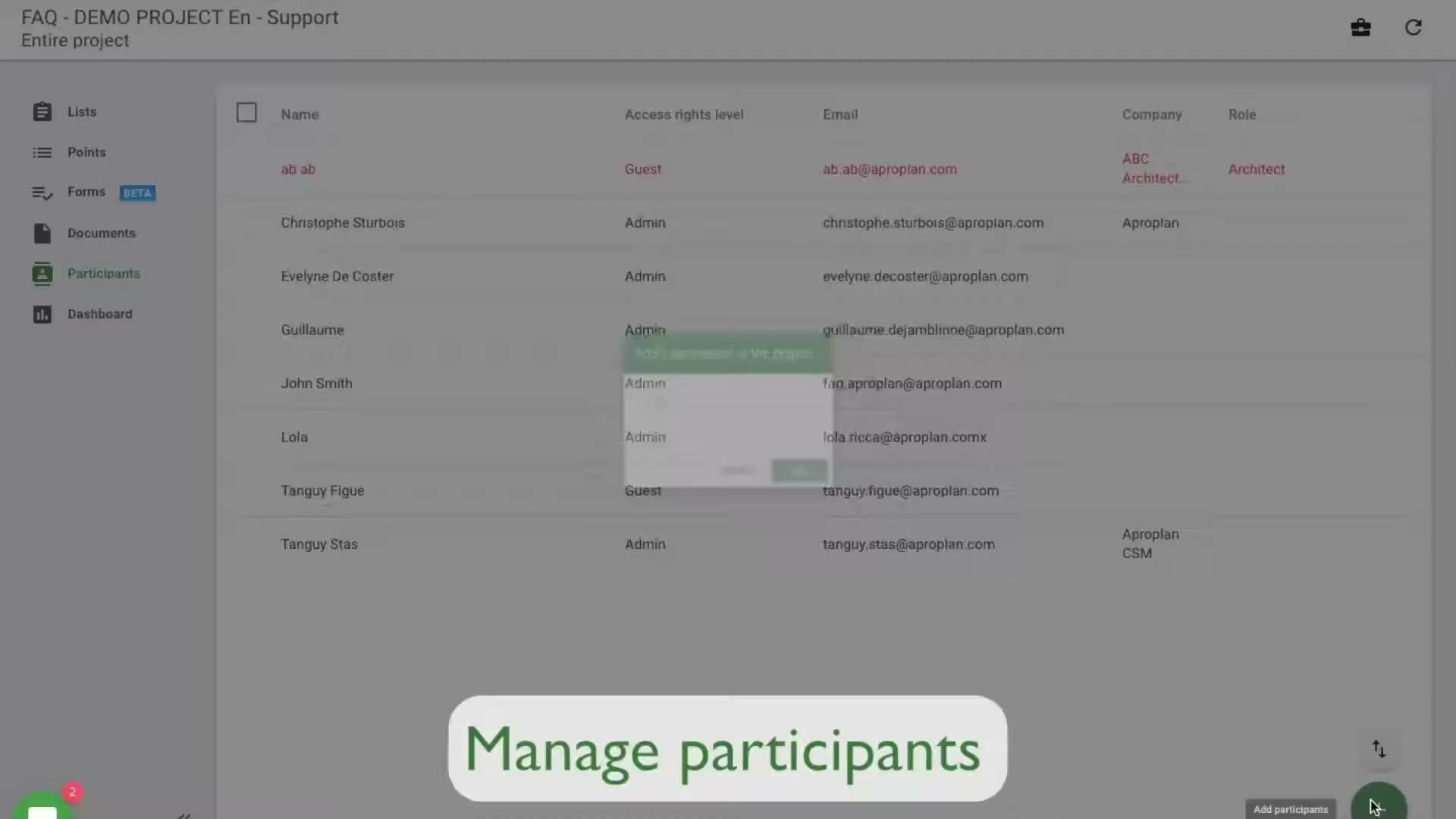
- Lands in the web console: the multi-project ticket list, the plan with all its pins, project documents and plans (with version compare), statistics boards on defect progress, schedules, and project/user/group/role administration. The office builds ticket layouts and report templates and runs PDF exports.
- Who consumes: site/project managers (assigning and chasing defects), main-contractor QA and handover teams (proving completion), facility/property managers (running the asset after handover), and the client/owner (read access to status). The buyer and the heavy web user sit in the office.
- Valued most: real-time visibility of what is open versus closed, and a defensible documented record — the photo-plus-plan-position-plus-timestamp trail that settles “was this fixed” disputes.
- Pain points: reporting and export are the loudest complaint — “difficult to extract information in a simple way”, blank pages in generated reports, limited report editing, and limited conditional/automation logic on ticket status. The console is strong at holding the record, weaker at flexibly getting structured data back out.
- Structural gap (evidenced): the console is a quality-and-documentation system. It shows what is defective, who owns it, and whether it is closed. It does not show cost, margin, the commercial impact of a defect or change, or any variation/claim pipeline. The office can see whether the building is right, not how the money is moving.
Where the value actually comes from
| Sales story (what wins the trial) | Real source of stickiness (what makes it hard to leave) |
|---|---|
| Simple, mobile snagging that any sub can use, cheaper than Procore, with professional defect reports | The accumulated documented record (every ticket, photo, plan-position and sign-off) becomes the project’s quality and handover archive; subs and the whole project team are already in it; it is the agreed handover system on the contract |
| Per-user pricing you can read on the website and start on a free trial | Once the snag/handover process runs through PlanRadar across a portfolio, the audit trail and the multi-party habit are the switching cost |
- Do not attack: the snagging/defect capture experience, the free-subcontractor model, handover documentation, and EU/UK/MENA SaaS distribution — this is PlanRadar’s strong, well-defended ground.
- Where value stops: PlanRadar converts site observation into a documented, defensible quality and handover record. It does not convert that record into money — there is no cost view, no change/variation/claim workflow, and no reuse of the accumulated defect/quality data to price or risk the next job. That boundary is our interest.
What users say — both sides
Credibility first: the Capterra reviews page lazy-loads and our scrape returned zero reviews, so there is no segmented corpus here (no firm-size / role / solicitation breakdown of the kind we have for other competitors). Read the aggregates as directional only. The primary organic signal is the 10 App Store reviews (the US and GB feeds return the same set), plus secondary aggregates: Capterra ~4.4 (73 reviews), G2 ~4.5 (66 reviews). The telling number even in these thin aggregates is value for money at ~4.0–4.1, the lowest sub-rating, sitting below ease of use (~4.3) — and that is despite transparent, mid-priced pricing, which means the price-sensitivity is real, not a pricing-opacity artefact.
| Praised | Criticised |
|---|---|
| Fast, no-training set-up (“plug and play within an hour”) | Sorting/finding a specific ticket once there are hundreds |
| Cheaper than Procore; “don’t pay for tools I don’t need” | Project set-up on tablet/PC seen as cumbersome by some |
| No charge for subcontractor licences | Reporting/export rigidity (hard to extract data, blank pages, limited editing) |
| Photo/video/voice capture and draw-on-plan | Login/password lock-out bugs (cannot reset) |
| Defect/handover record useful for surveys and audits (one user: hospital TJC/ACHA surveys) | Limited conditional/status automation on tickets; syncing lag on large projects |
- Representative positive (property/construction user): set up in an hour, audio recording and dictation, draw-on-photo, and crucially “we don’t have to pay for subcontractor licenses” — the free-sub model is a repeated reason to choose it.
- Representative negative (GC superintendent, 1★): wanted one punch-list tool for all supers, found project set-up “cumbersome” on PC and iPad — the set-up friction lands hardest on the buyer evaluating at scale.
- Signal for us: the reporting/export complaints and the low value-for-money score point at two openings — a cleaner way to get structured data out, and a price-sensitive base that a transparent, narrow offer can reach. Neither complaint is about defects themselves; the defect loop is liked. The opportunity is next to it, not inside it.
The opportunity for AI in this space
- AI does little for PlanRadar’s core, and PlanRadar knows it. The defect loop is structured workflow — pin, assign, status, sign-off. A language model does not reimagine that; it is plumbing and UX. Their own shipped AI (a help-and-search assistant) confirms they see AI as an overlay on the record, not a rebuild of the workflow.
- AI can take over the commercial layer PlanRadar skips. The data PlanRadar already holds — defect tickets, photos, plan positions, dated sign-offs, handover protocols — is exactly the evidence base for the documents it does not generate: variation/change narratives tied to a defect or instruction, delay/disruption claims, entitlement bundles, and structured handover/O&M packs assembled from the audit trail. These are document-heavy, generative tasks that cheap models now do well, and the barrier is data access and judgement, not build cost — and the data is reachable through their open API.
What we would build:
- Baseline to match: nothing on the capture side — do not rebuild snagging. The baseline is reading PlanRadar’s tickets and evidence cleanly through its API.
- Recurring pains we can solve: the reporting/export rigidity (turn the ticket record into the structured output users say they cannot get out), and the absent commercial layer (turn defects/changes into priced variation and claim evidence).
- Niche to target first: the commercial-and-entitlement layer for UK/EU mid-market contractors and fit-out specialists who already run snagging and handover in PlanRadar — sitting on its API, drafting the change/variation/claim documents from the evidence it captures, then expanding into historical-cost and defect-benchmarking from the accumulated data.
How open the platform is
- API / integrations: public REST API authenticated by Personal Access Tokens (header
X-PlanRadar-API-Key), open to all customers for their own integrations; webhooks fire on events such as ticket created, ticket updated and photo attached; “PlanRadar Connect” is a no-code layer advertising 200+ app connections. Integrations and the API are documented in the public HelpCenter. - What it means: this is close to ideal for building alongside rather than replacing. The webhook on “ticket created / photo attached” means an external AI layer can react to the evidence as it is captured and assemble commercial documents from it in near real time, without owning the capture UX. The same openness is available to everyone, so it is no moat for PlanRadar — and on balance it favours an entrant: far easier for us to sit on PlanRadar’s defect data than for PlanRadar to build the commercial product on top of it. The one caveat is that the data we can reach is quality/defect/handover data, not cost data (cost lives in the contractor’s accounting system PlanRadar does not hold), so the commercial layer must bring or connect its own cost side.
PlanRadar’s own AI — claims, shipping, and how far they can go
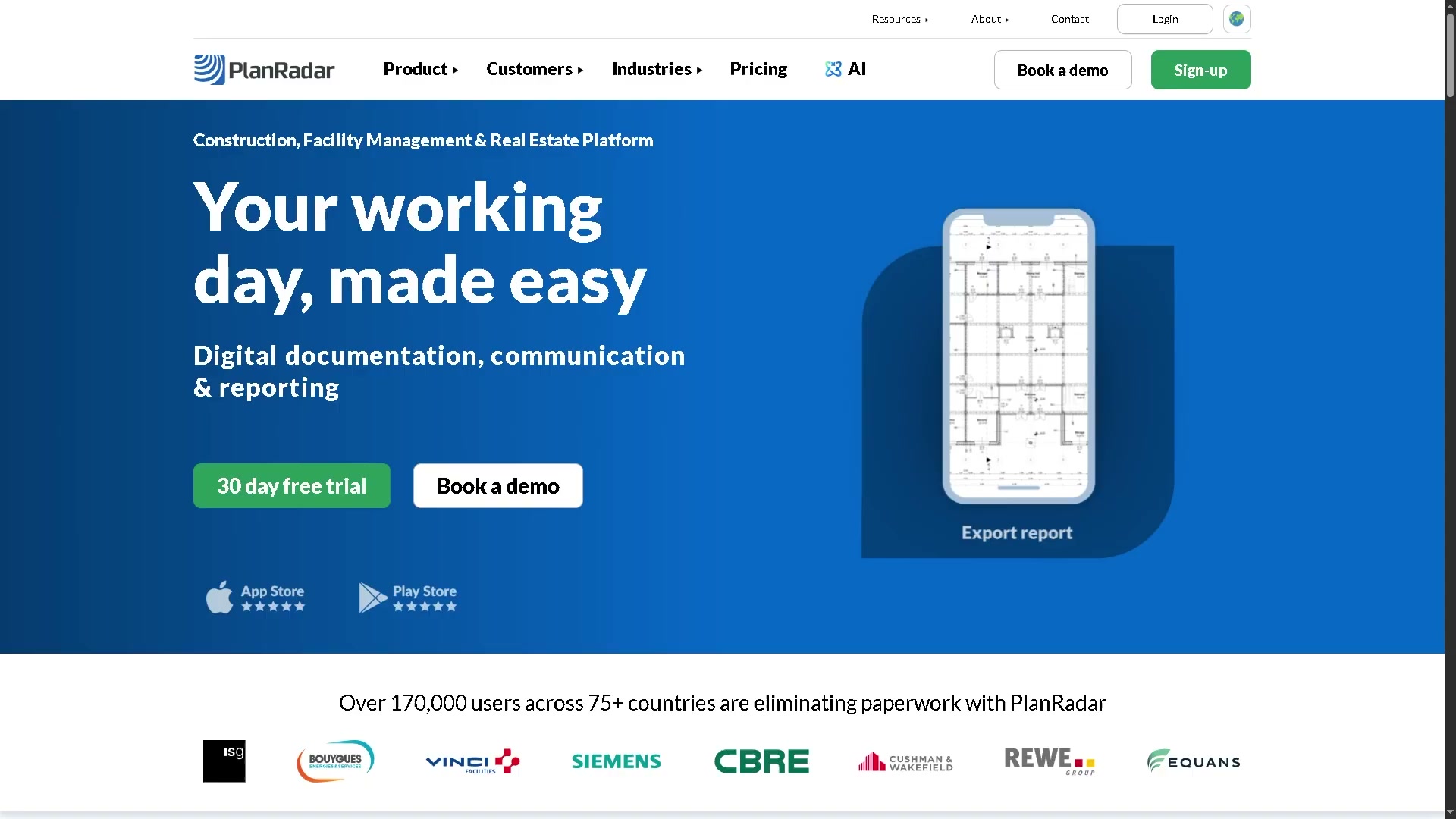
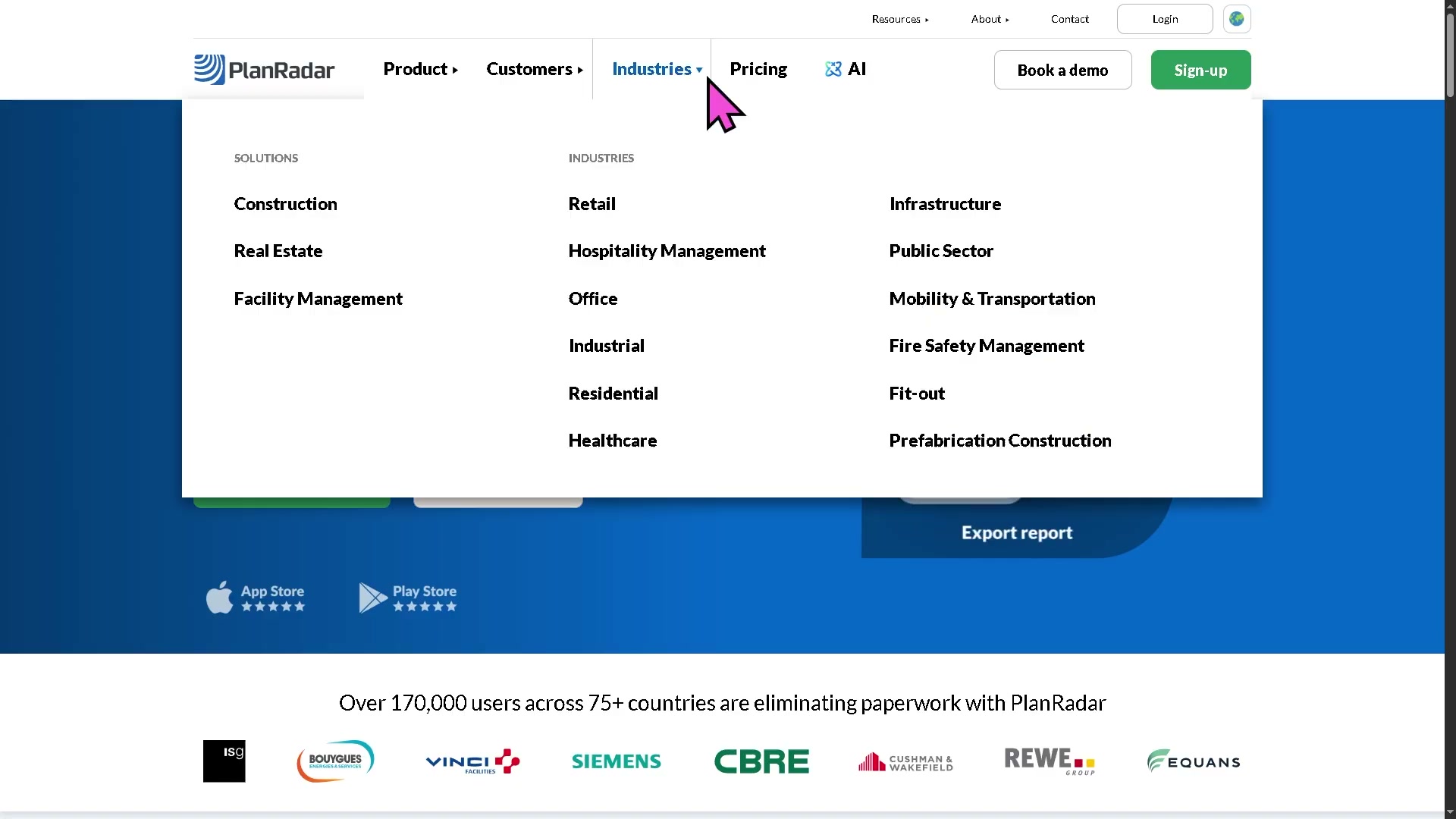
PlanRadar has shipped one real AI feature and announced one more, and it markets AI hard (a top-level “AI” item in the site navigation) — but the substance is an overlay on the existing record, not a move into the commercial workflow.
| Feature | What it does | Tier | Status |
|---|---|---|---|
| AI Assistant | Conversational search/retrieval over a project’s captured data, documents and images, plus 200+ help-centre articles; answers questions and surfaces insights, kept inside PlanRadar’s data environment | Pro / Enterprise | Shipped (GA) |
| SiteView AI processing | SLAM + computer-vision to map a 360° site walk onto the 2D plan and align progress images; side-by-side date comparison | Add-on (all plans) | Announced (Apr 2024, “upcoming”/ongoing) |
- The AI Assistant is genuine and useful, but it is a retrieval-and-help layer — it searches and explains what is already captured; it does not draft change narratives, claims, entitlement or cost output, and there is no commercial module to hang one on. SiteView’s AI is reality-capture processing, not generative documentation.
- AI is gated to the upper tiers (Pro/Enterprise) — treated as an upsell, consistent with a per-user model that profits from moving accounts up the price card, not from giving AI away.
- The talk-versus-ship gap is moderate: they ship real but narrow AI and market it loudly. The distance on the commercial side is wide — nothing they have announced touches turning evidence into recovered money. Secondary commentary already reads their AI roadmap as conservative relative to AI-first project tools.
- Confidence they close the commercial-AI gap themselves within ~2 years: low-to-moderate (about 1 in 3). Reasons they might: they are a fast, well-funded, product-led SaaS company that ships and markets AI, so they are less lethargic than a sales-led incumbent. Reasons they likely will not: it is a different product with a different (commercial/quantity-surveyor) buyer, their data is quality/defect not cost, and their incentive is to keep AI as a tier-upsell on the existing workflow. Main risk to this read: they are acquisitive-adjacent and well-capitalised, so they could buy a commercial/claims tool rather than build one.
Who actually uses PlanRadar
No segmented review corpus was recoverable (Capterra returned zero reviews), so the breakdown below is from the vendor’s own positioning and the aggregate listings, not a measured sample — read it as directional.
| Dimension | Read |
|---|---|
| Company size | Listed as serving 2–10,000+ employees; centre of gravity SMB-to-mid with a real enterprise tier (SSO, user metrics, unlimited plans) |
| Geography | EU/UK/MENA-strong; Vienna-HQ, offices across Europe; 75+ markets, 20+ languages — far less US-centric than the US-built field tools |
| Roles / buyers | Main contractors, developers, architects/consultants, owners, and facility/property managers; the heavy paying user is office/QA, the free users are subcontractors and watchers |
| Industries | Construction, plus real estate and facility management as first-class use cases (and retail fit-out, infrastructure, public sector, healthcare, residential) |
| Why they choose it | Cheaper and simpler than Procore for the snag/defect job; free subcontractor access; published pricing and a no-card trial; the documented handover record |
| Switched from / alternatives | Procore (named in reviews as the heavier, pricier thing they avoided); compared in the market against Fieldwire, Dalux, and snagging-specific tools |
Our read — can we enter and win?
Yes, but on a tightly chosen basis, and only on the commercial side of the line. PlanRadar is strong, fast, open and well-distributed in exactly the place we should not fight it: snagging, handover documentation, and EU/UK SaaS distribution. Do not build a cheaper PlanRadar — they are already the cheaper, simpler option versus Procore, and they are product-led and quick. Enter instead where their product stops: turning the defect/change/handover evidence they capture into recovered money. Because the platform is genuinely open (REST API plus event webhooks), the way in is a narrow AI layer that reads tickets, photos, plan positions and sign-offs through the API and drafts variation, change and delay-claim evidence — sold transparently to the UK/EU mid-market contractors and fit-out specialists who already live in PlanRadar — then expands into historical-cost and defect-benchmarking off the accumulated record, the durable data-compounding part of the thesis. The honest risk is real: PlanRadar is faster and less trapped than a sales-led incumbent, it could extend its AI Assistant or acquire a commercial tool, and the cost data we need lives outside its walls — so our layer must own the cost connection and move before they decide the commercial document is worth building.
| Question | Our read |
|---|---|
| Where is PlanRadar strong and off-limits? | Snagging/defect capture, the free-subcontractor model, handover documentation, EU/UK/MENA SaaS distribution |
| Where is the verified gap? | The entire money side — cost, change/variation/claim/entitlement, and reuse of quality data for benchmarking; plus flexible structured data-out |
| How hard for PlanRadar to follow us? | Moderate — they are product-led and ship AI, but the commercial layer is a different product with a different buyer and they hold quality data, not cost data |
| How much can cheap AI do here? | A great deal — the commercial/entitlement layer is document-heavy and generative, and the evidence base is already captured |
| Is there a cheap, narrow way in that grows? | Yes — an AI layer on the open API that drafts claim/variation evidence from defect data, expanding into historical-cost/defect benchmarking |
| What would make us walk away? | PlanRadar (or a distribution-owner) shipping the same commercial AI, or acquiring a claims/cost tool, before we own the evidence-to-money loop and the cost connection |
| Overall | Enter as the commercial-entitlement-and-benchmarking layer on top of PlanRadar’s open defect data, for UK/EU mid-market contractors; never head-on on defects |
The app itself — ratings and reception
| Store | Rating | Ratings count | App |
|---|---|---|---|
| App Store (US) | 4.77 | 79 | PlanRadar Construction Manager |
| App Store (GB) | 4.37 | 255 | PlanRadar Construction Manager |
| Capterra | ~4.4 | 73 | (page lazy-loads; no corpus recoverable) |
| G2 | ~4.5 | 66 | — |
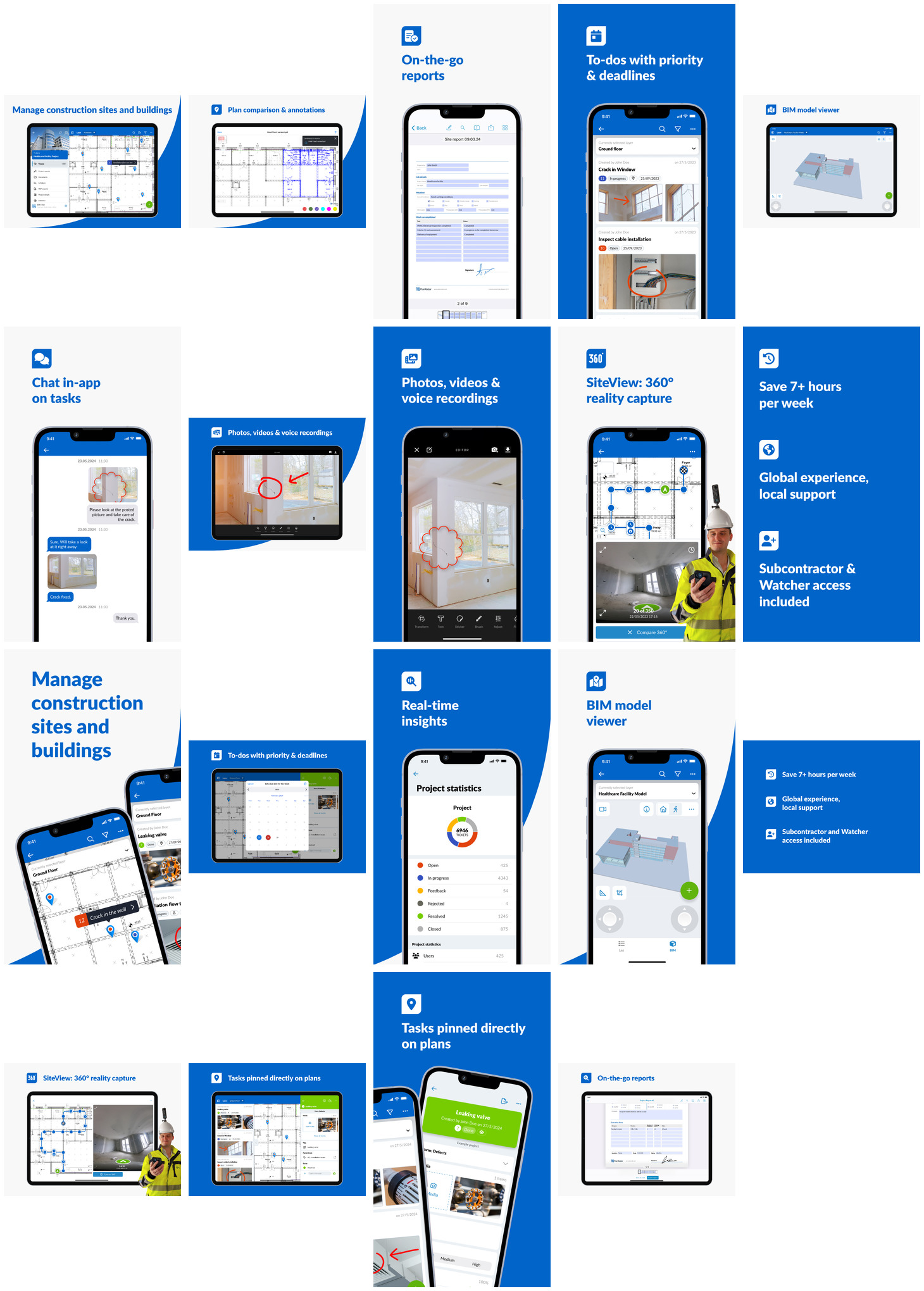
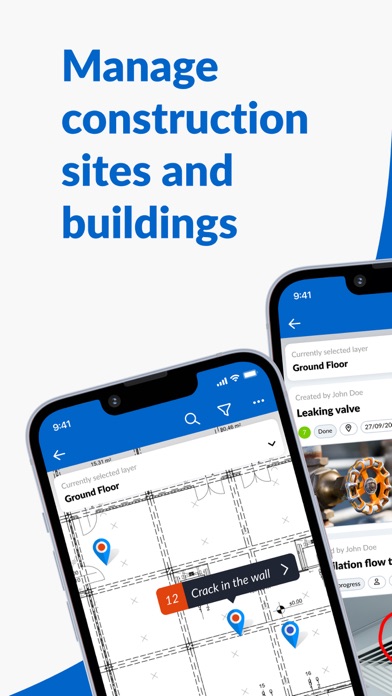
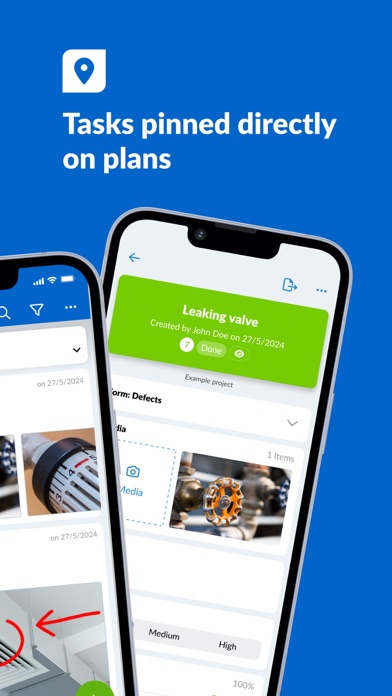
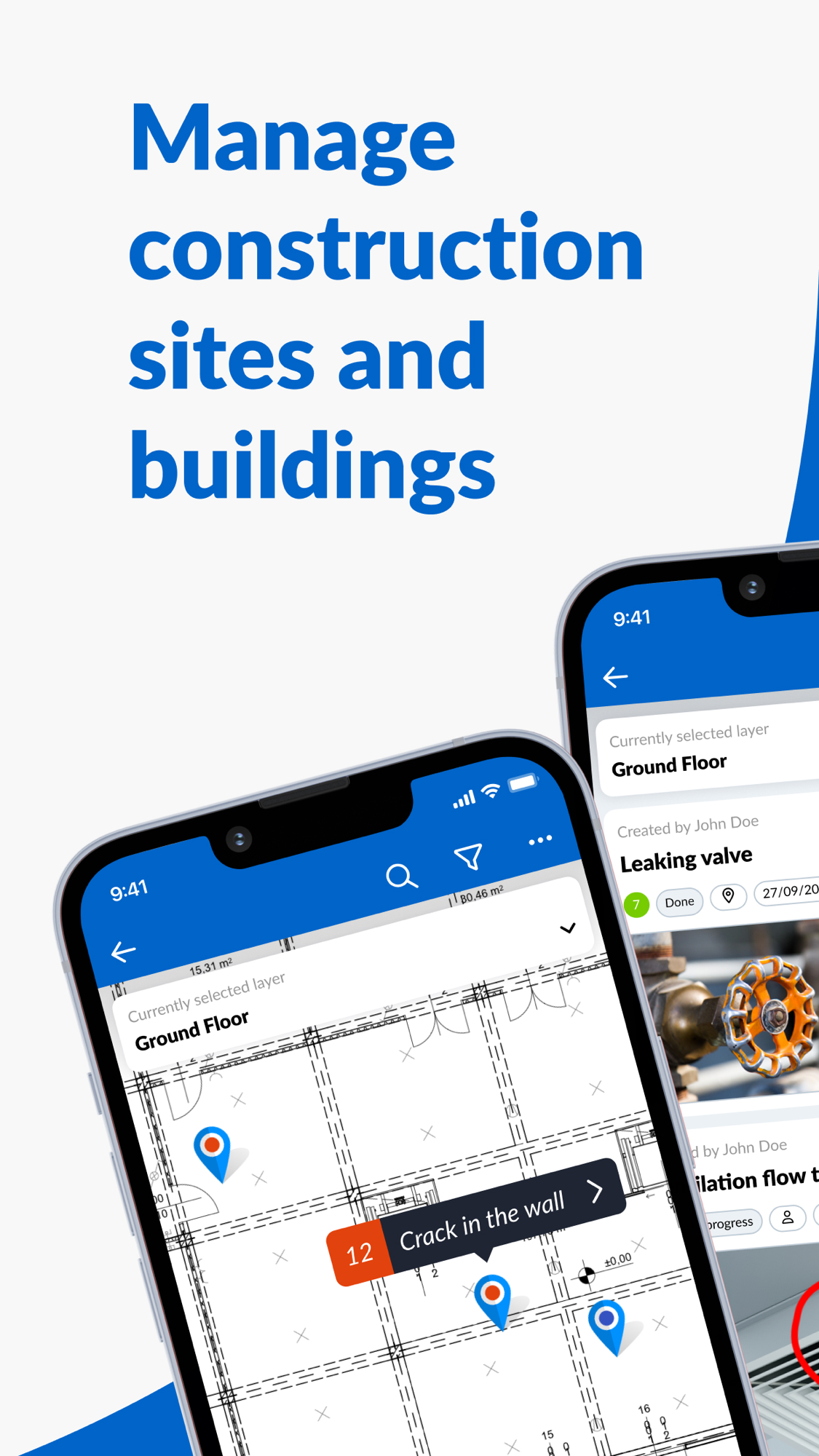
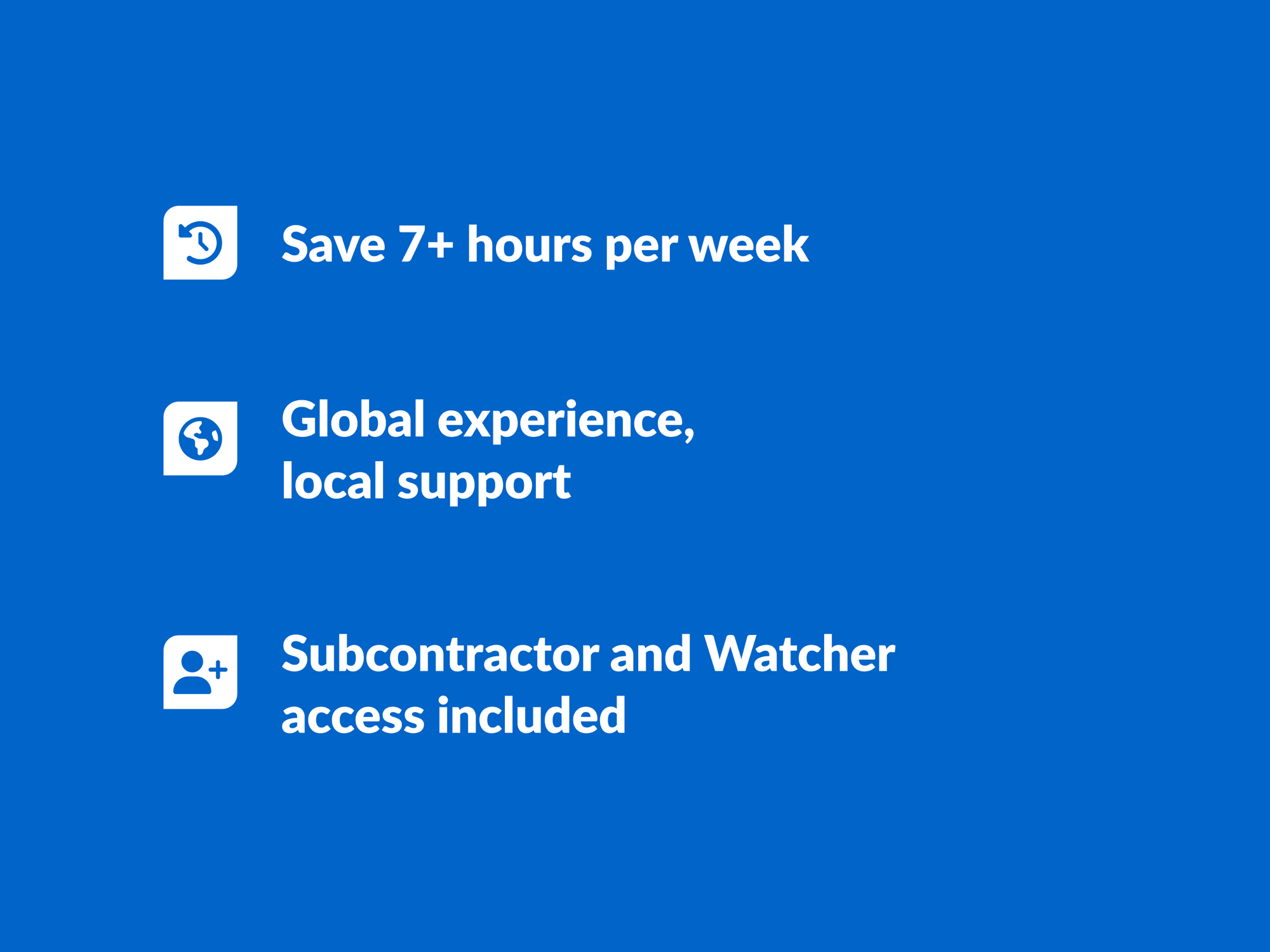
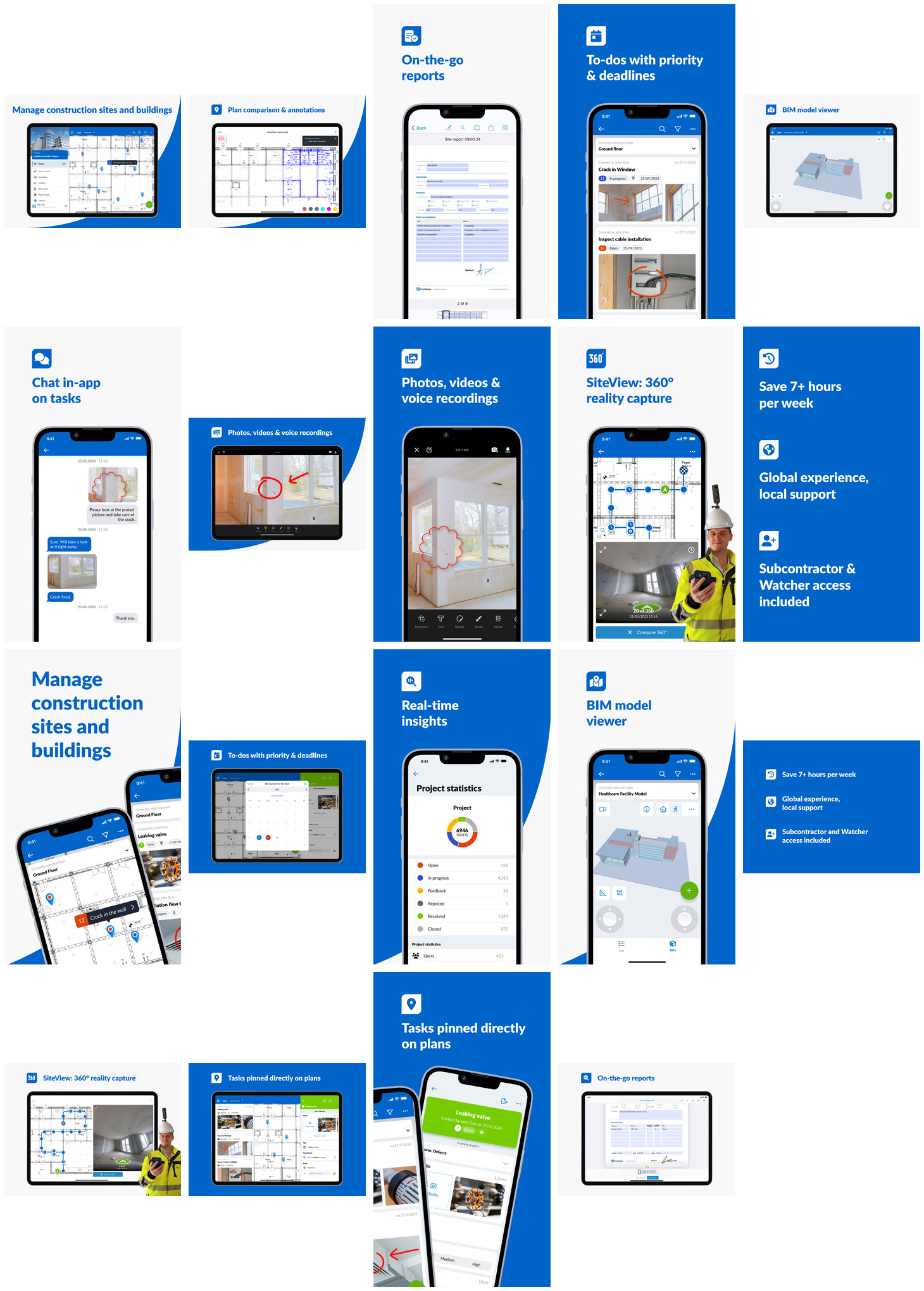
The larger GB ratings count against the smaller US one is the mirror image of the US field tools — PlanRadar’s centre of gravity is Europe, not America. The App Store listing leads on exactly the confirmed strengths: managing sites/buildings from a pinned plan, on-the-go reports, photo/video/voice capture, the BIM model viewer, SiteView 360° capture, and “subcontractor & watcher access included” — the free-sub model is a headline selling point, not a footnote.
Screenshots
Grouped by theme, full-size, scrollable. Images render in Obsidian and exported HTML through embeds (referenced, not copied). Full set and gathering method: screens/README. Two whole-set contact sheets are linked at the end for a quick overview.
The product at a glance — tickets pinned to a plan
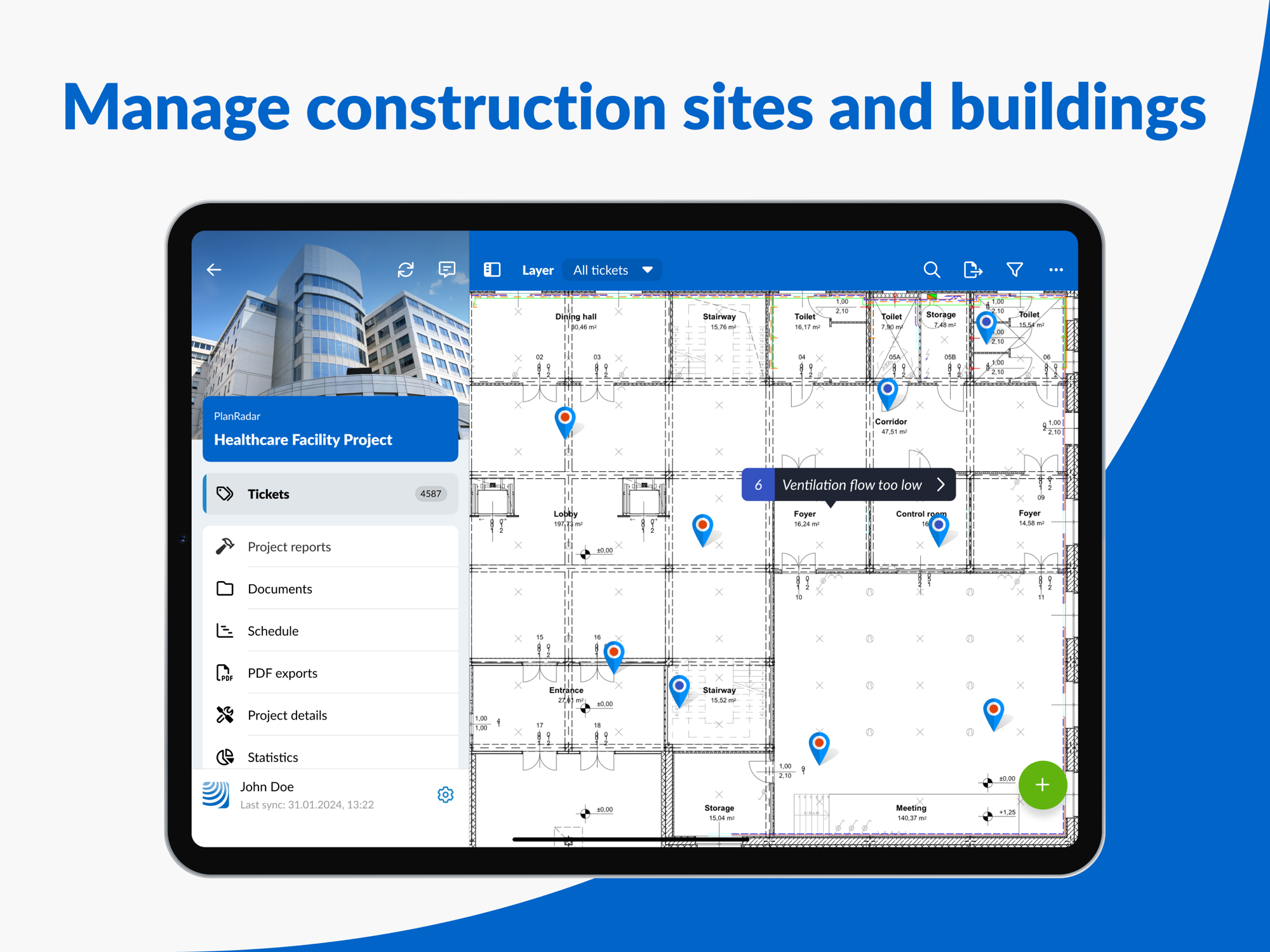
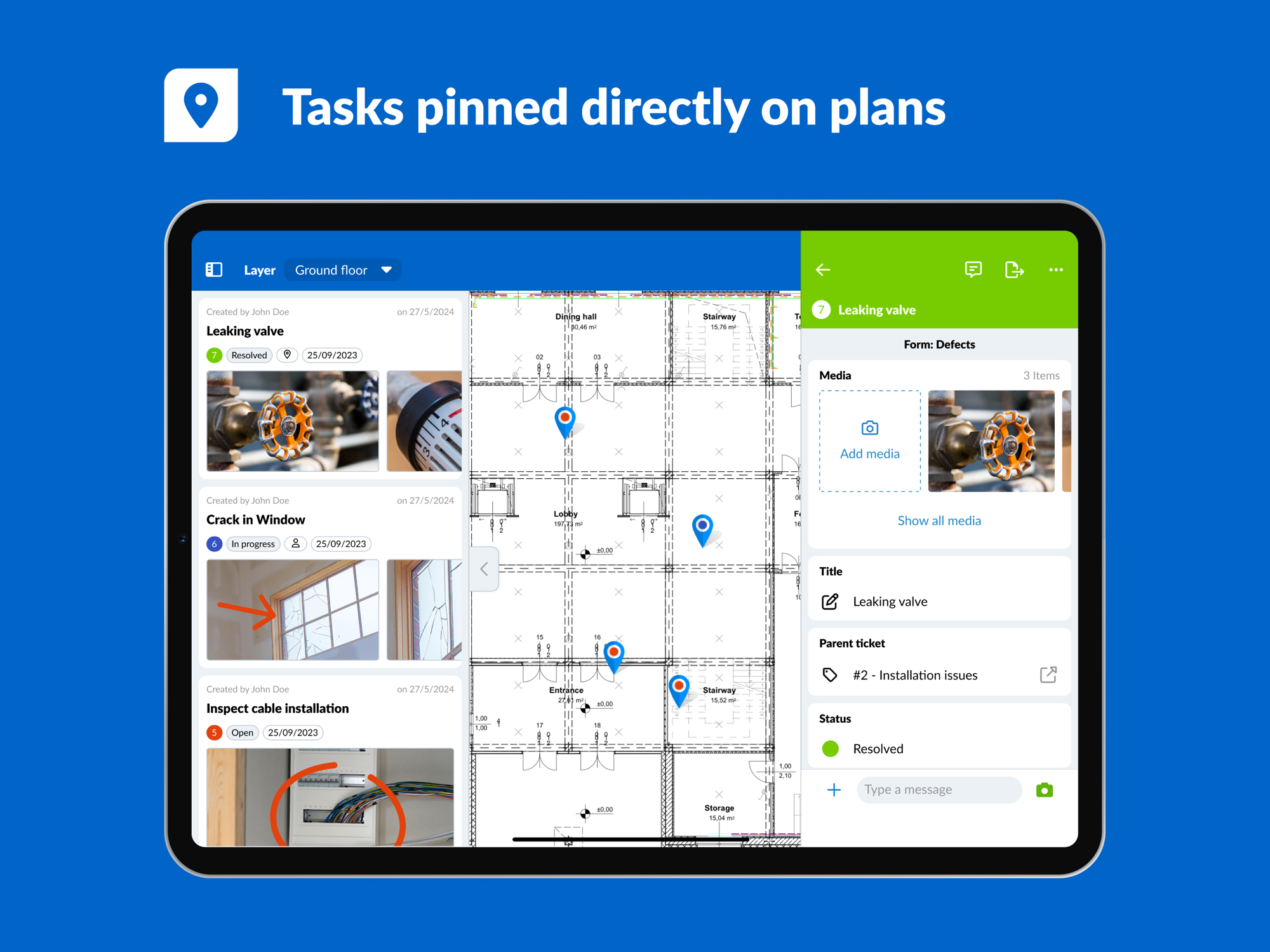
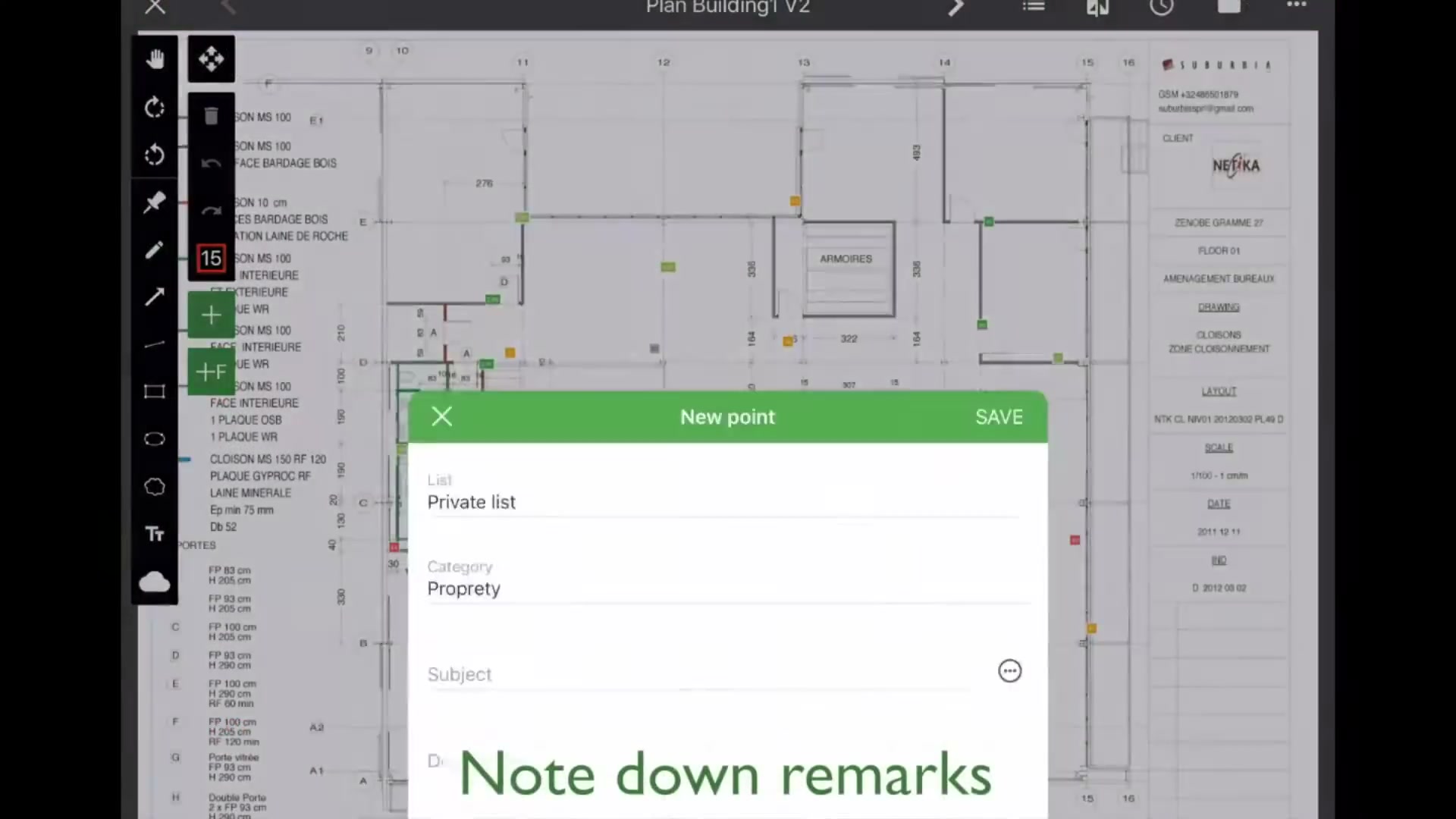
The core idea in one screen: a building plan with coloured ticket pins, the project’s module rail down the left (tickets, project reports, documents, schedule, PDF exports, statistics), and a ticket opened from the plan.
The core workflow — the defect ticket
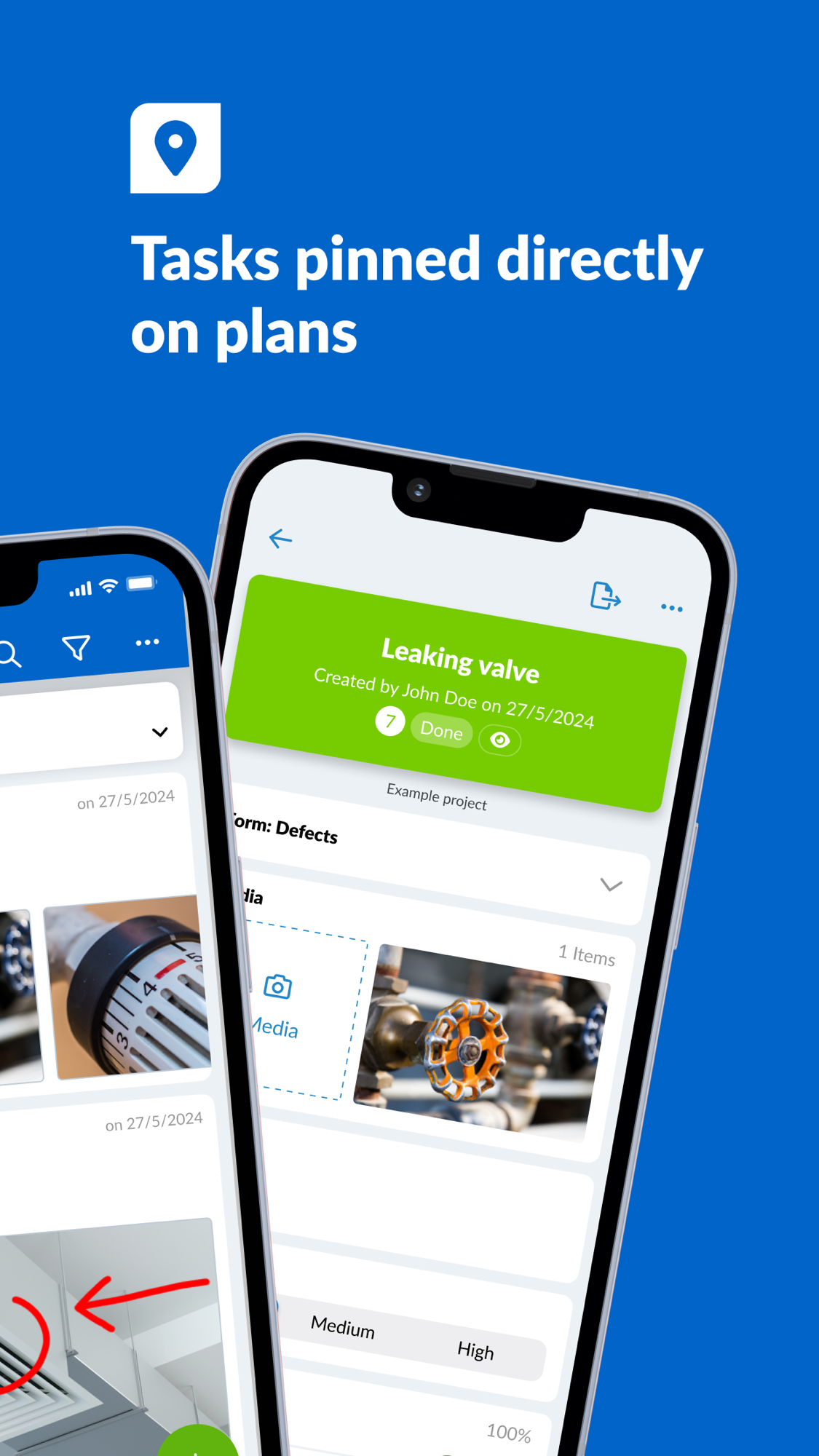
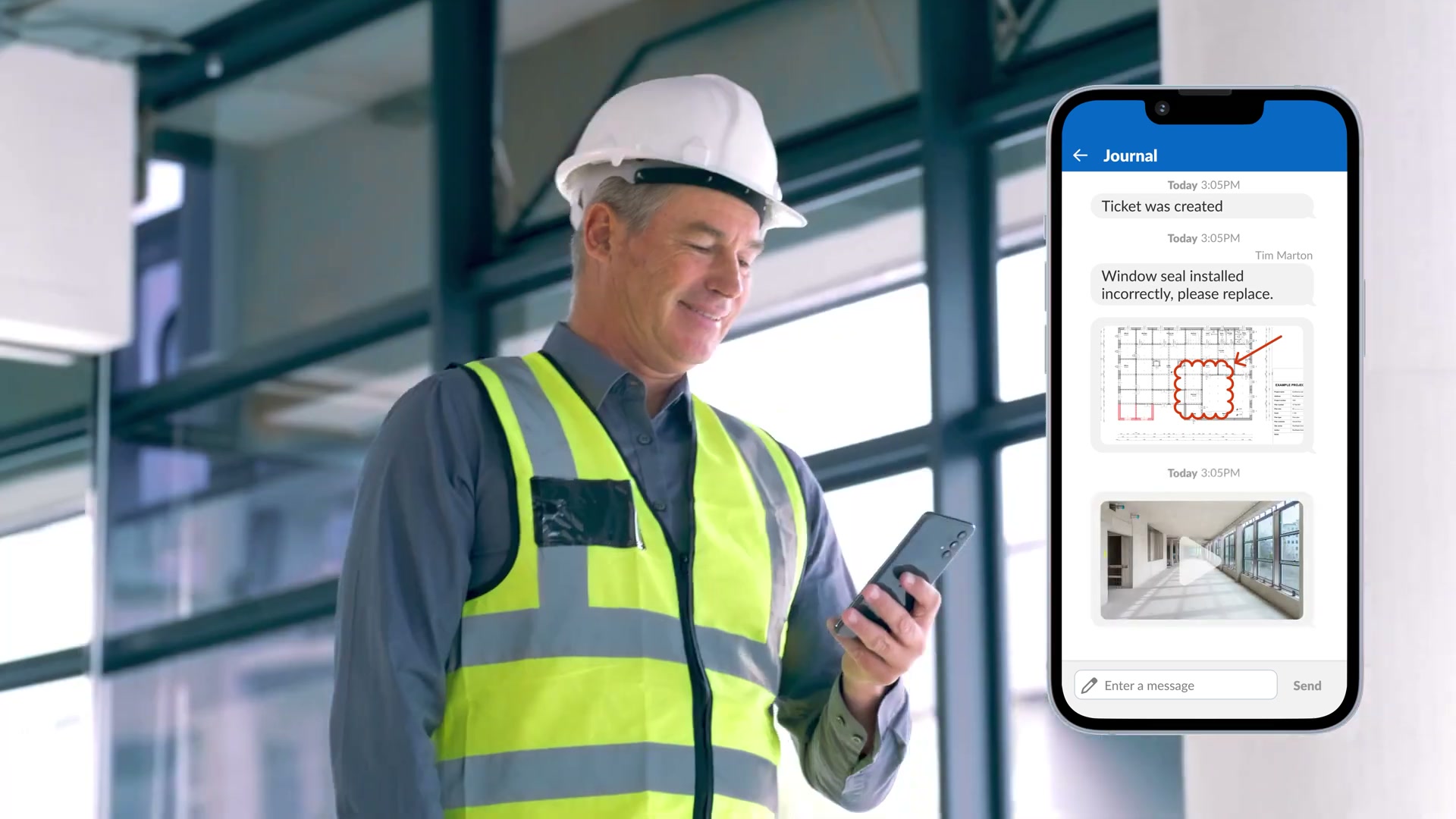
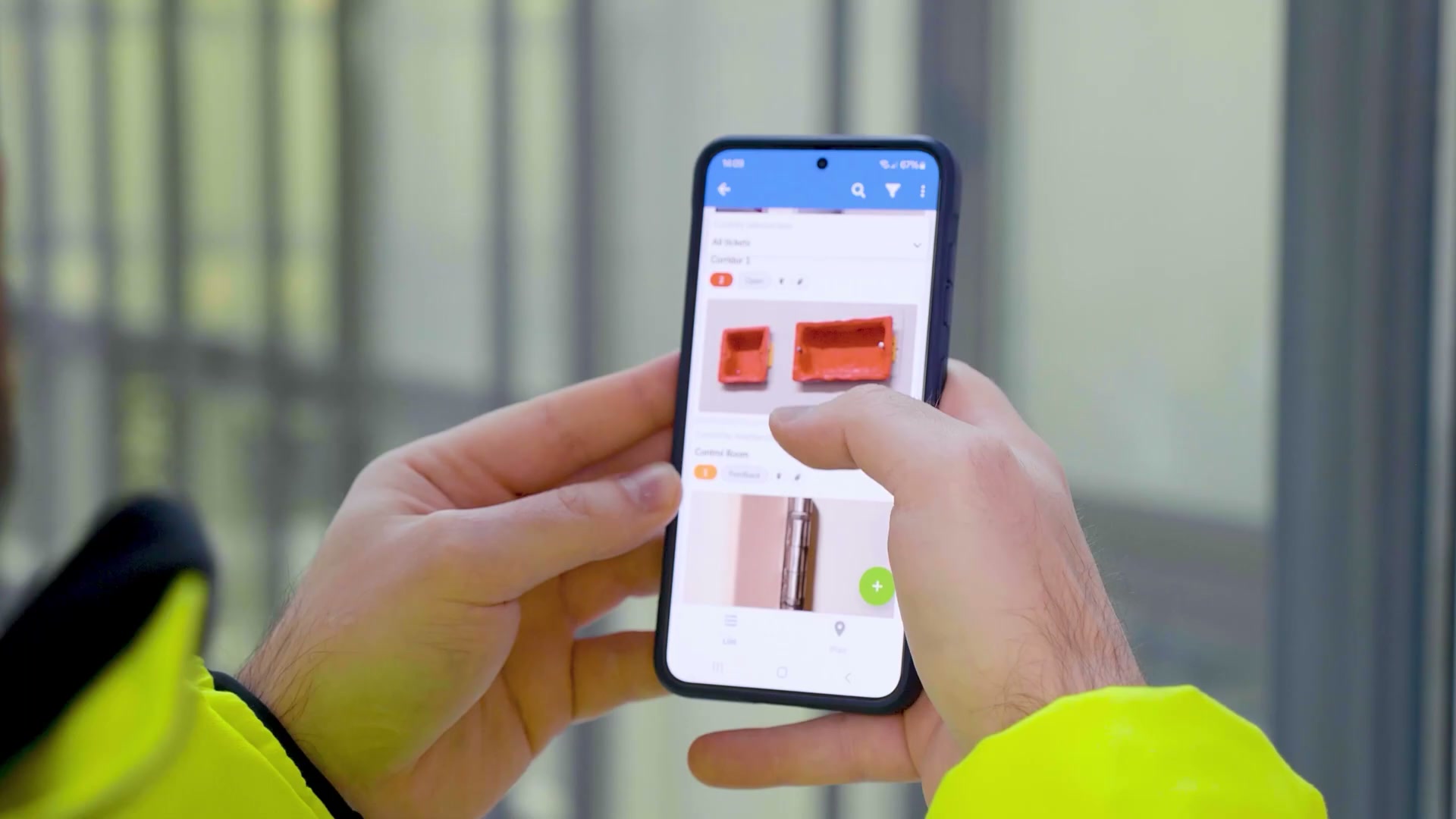
A defect ticket as the field user sees it: the list of snags against the plan, then the ticket form itself — media, title, parent ticket, status, and an in-ticket chat. This is the find → assign → fix → verify loop.
Capture — photo, video, voice, draw-on-plan
One-tap photo and video, voice recordings, and mark-up drawn straight onto the captured image — the capture experience reviewers single out as fast and no-training.
Output and reach — reports, BIM, reality capture
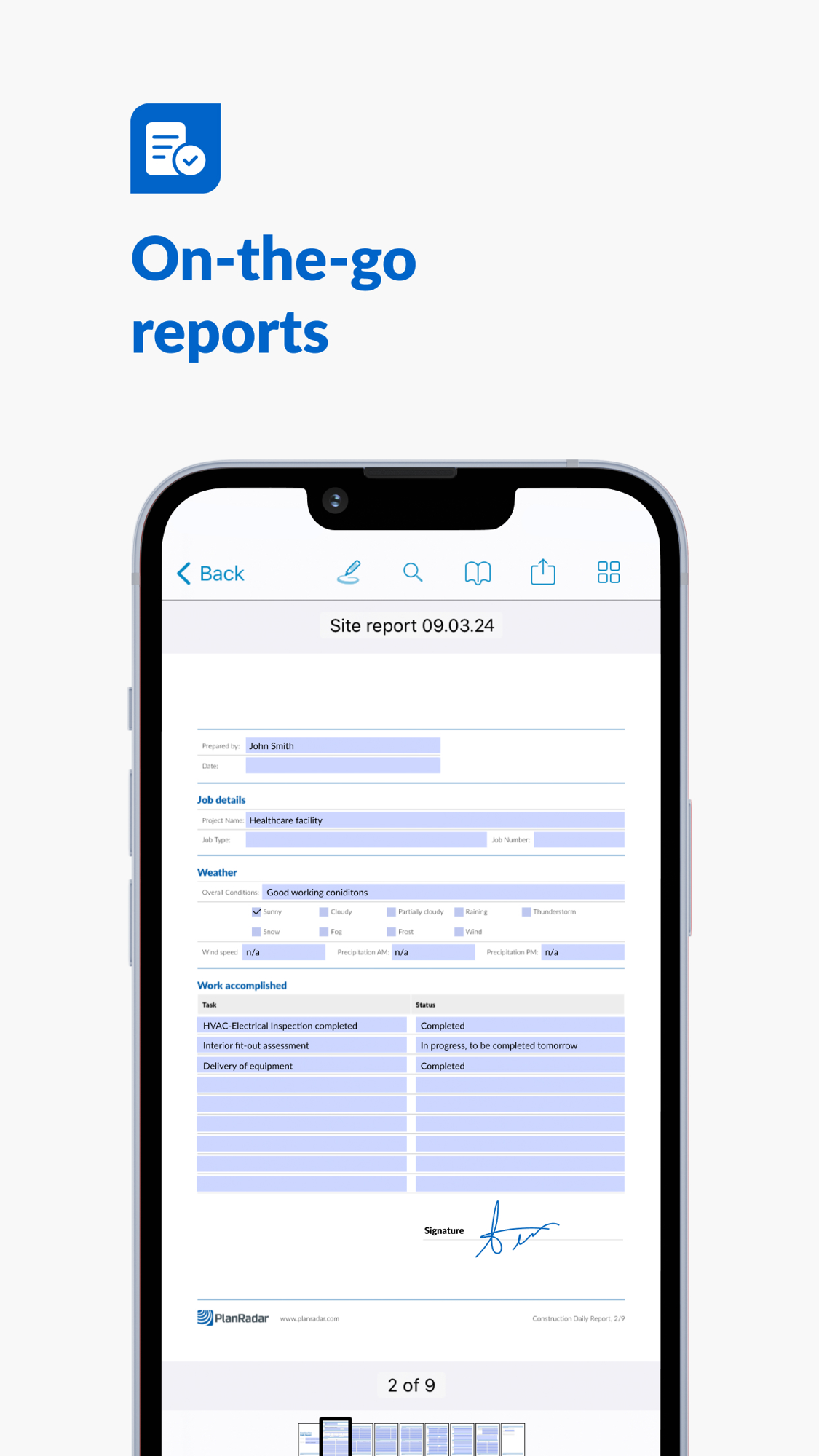
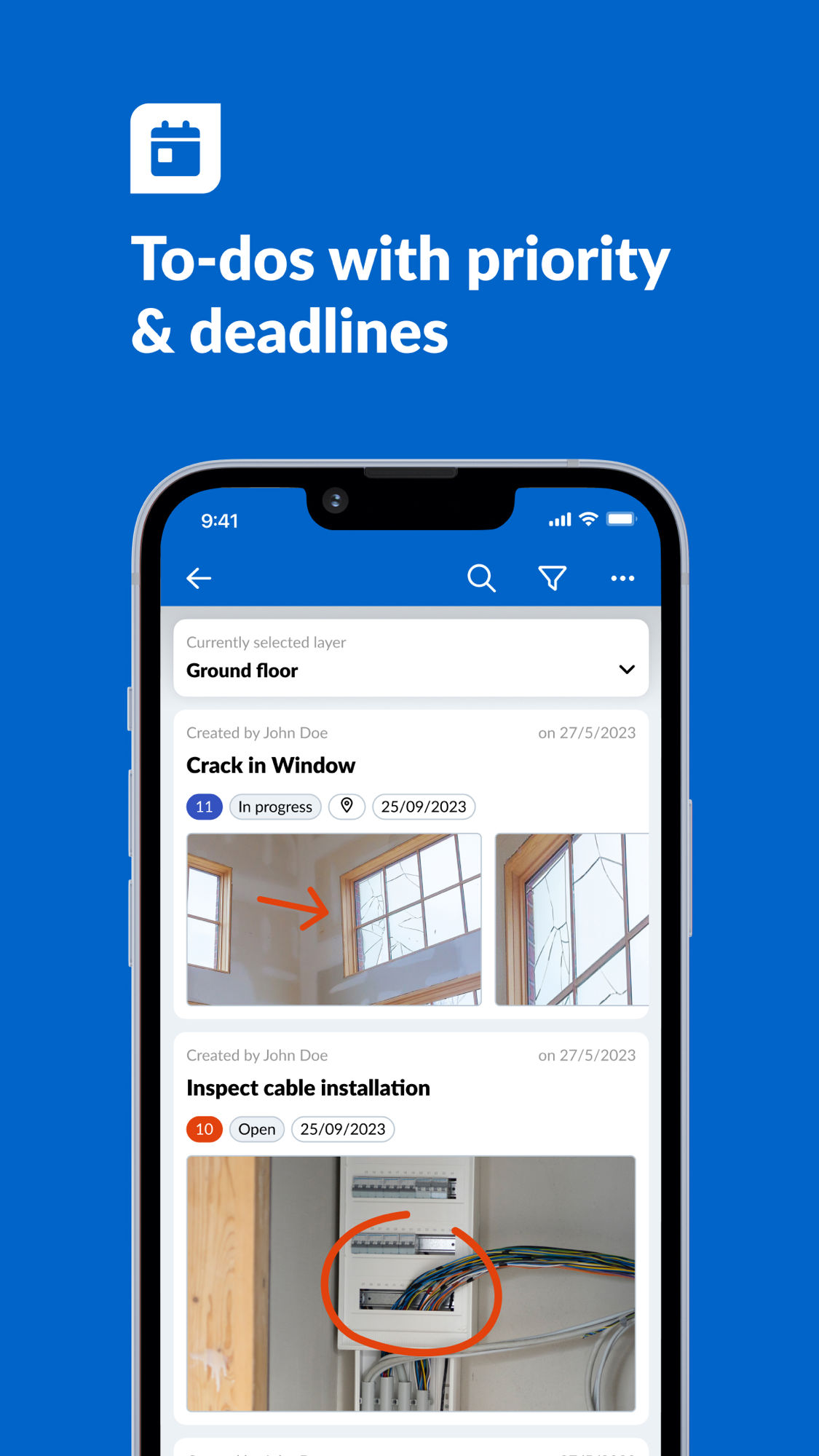
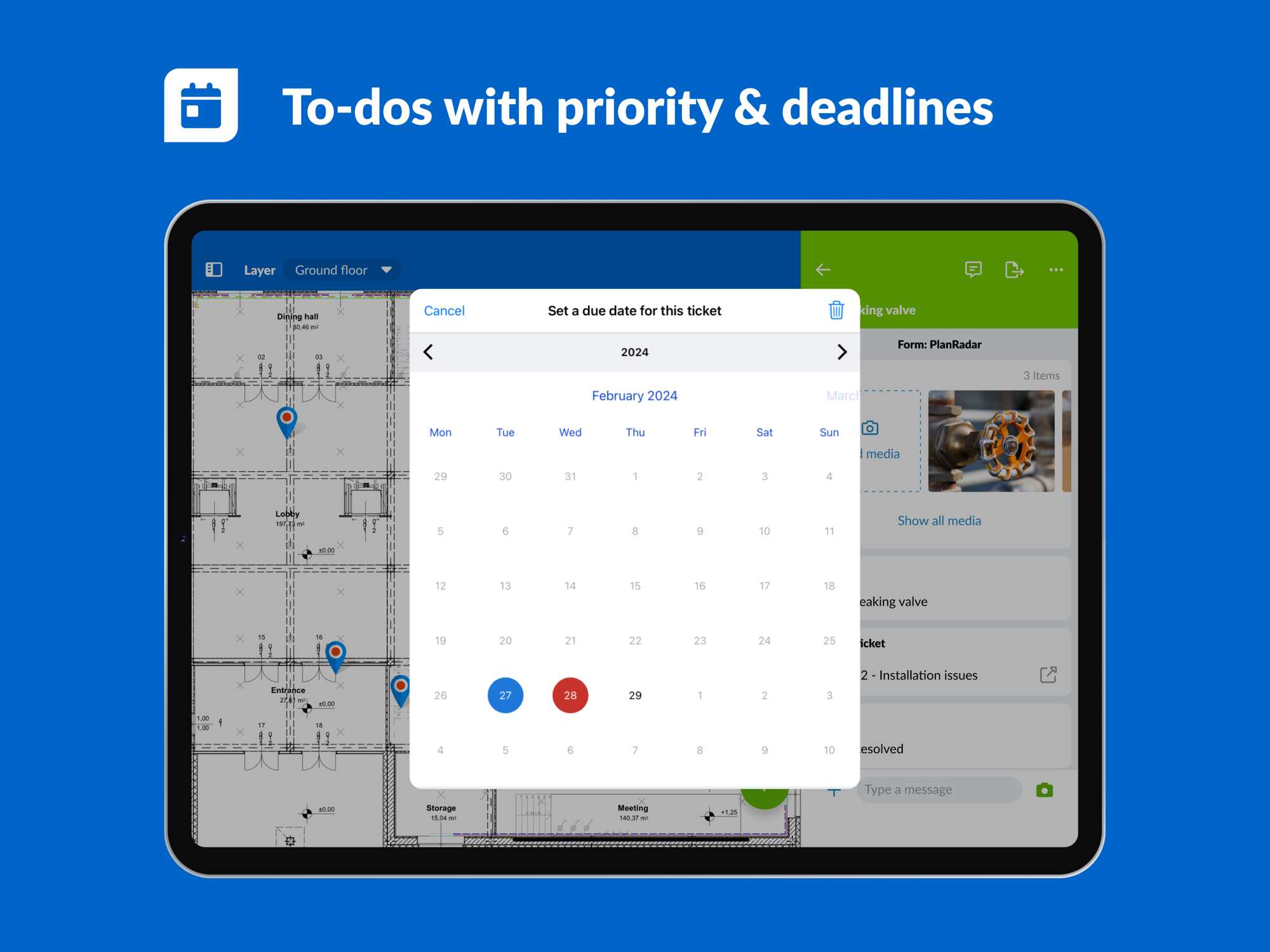
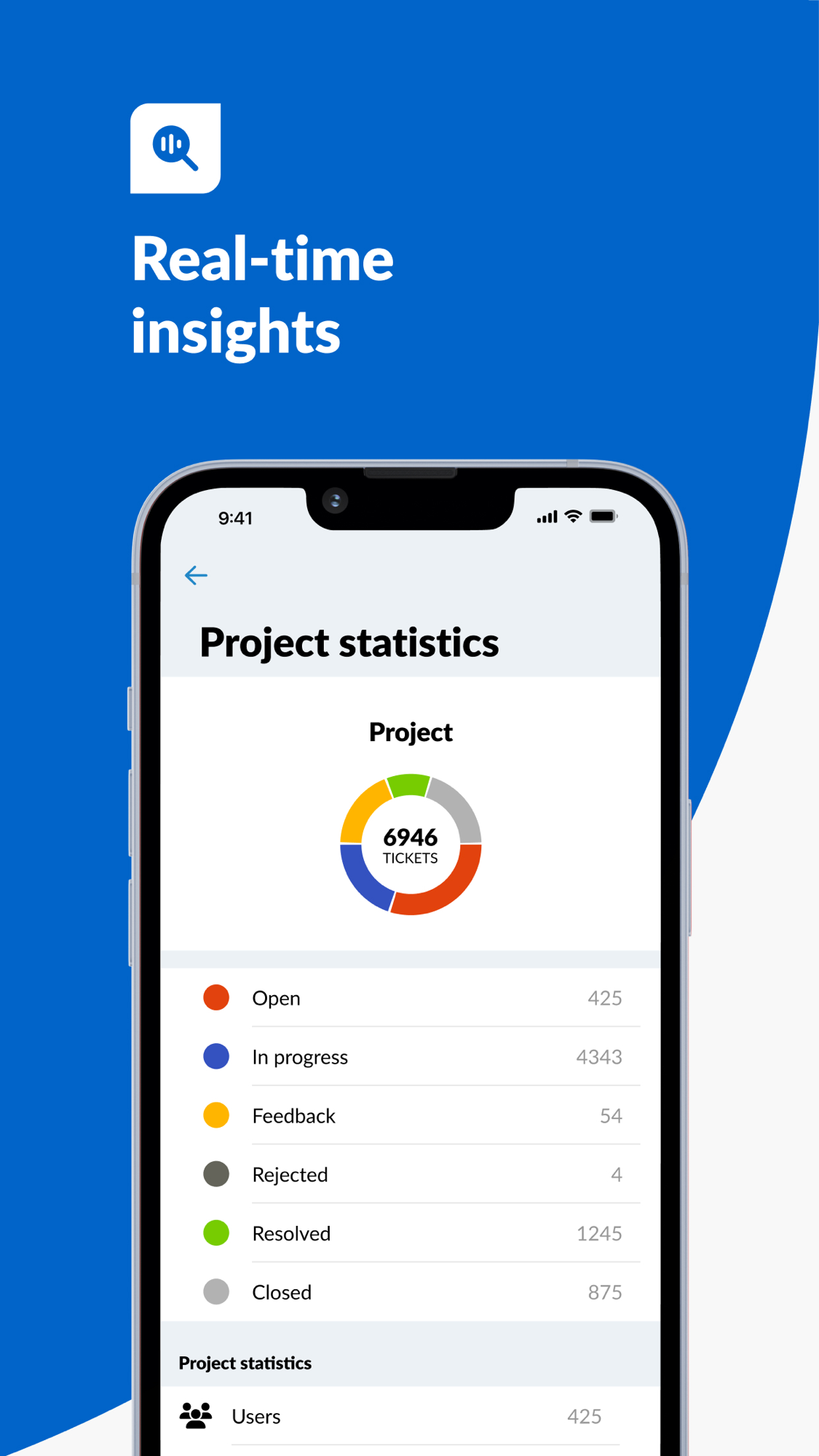
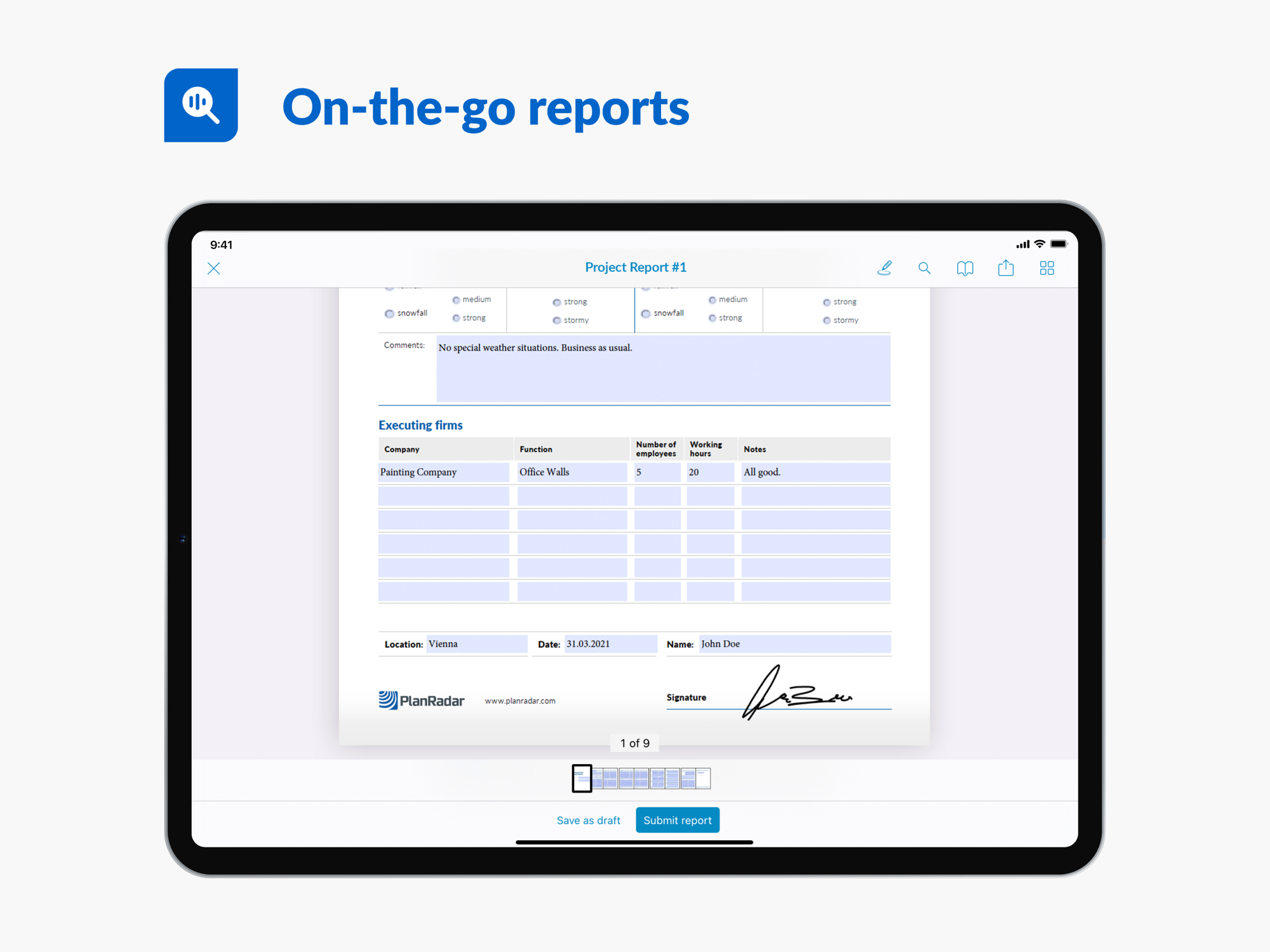
The App Store marketing surface in one sheet: on-the-go reports, to-dos with priority and deadlines, in-app chat on tasks, the BIM model viewer, SiteView 360° reality capture, real-time insights and project statistics, and the headline “subcontractor & watcher access included.”
The office / web side — the console the buyer uses
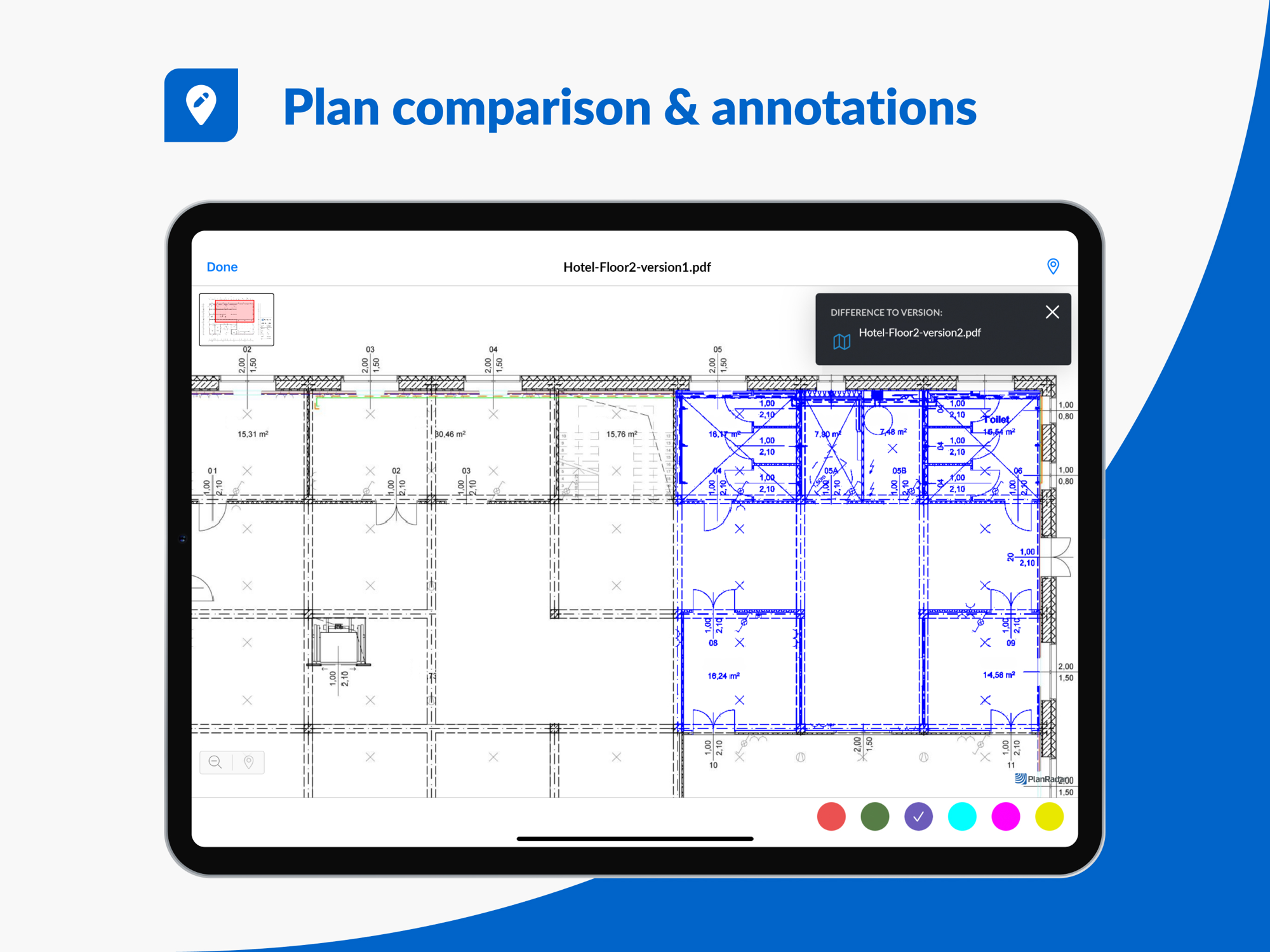
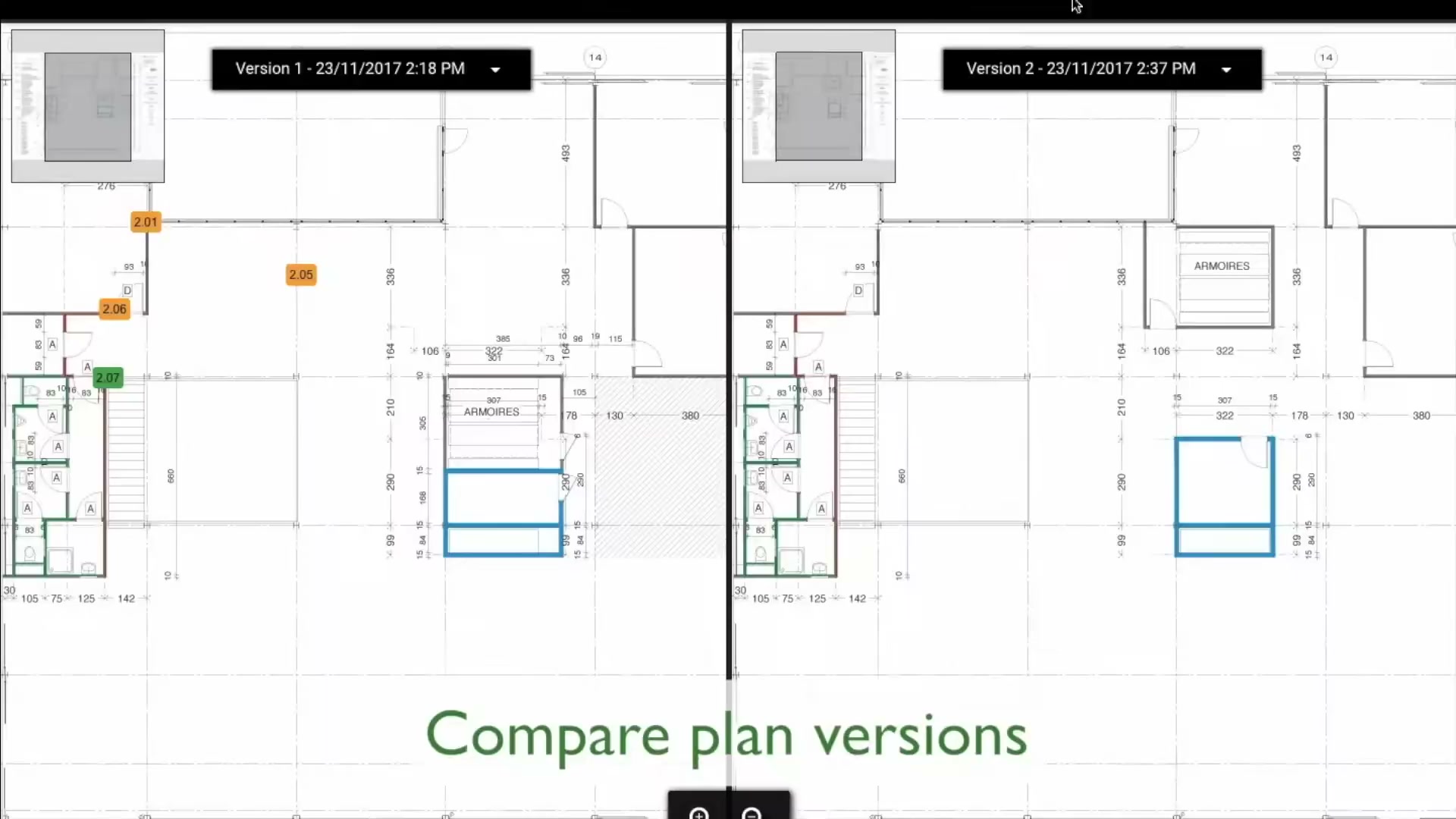
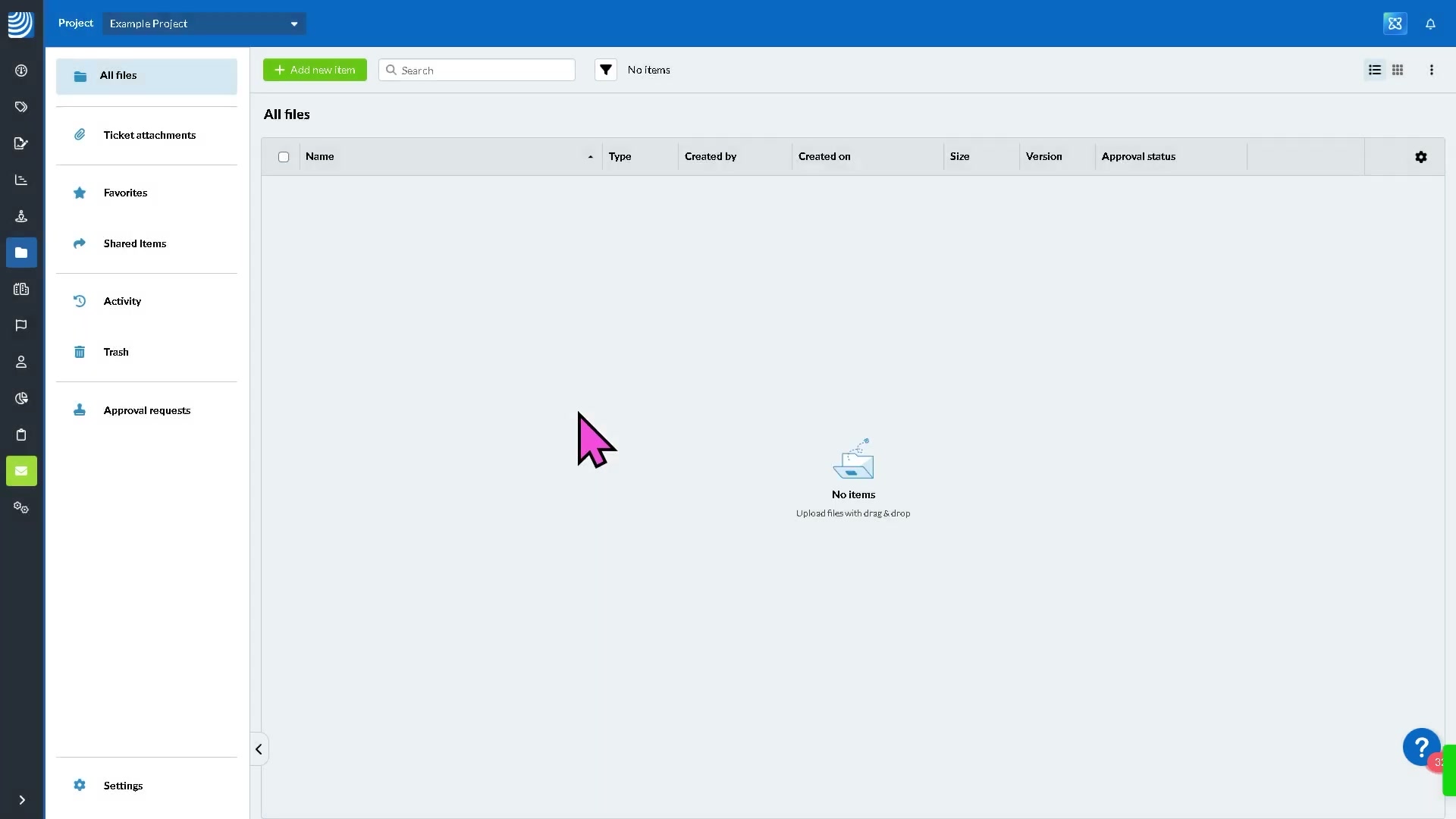
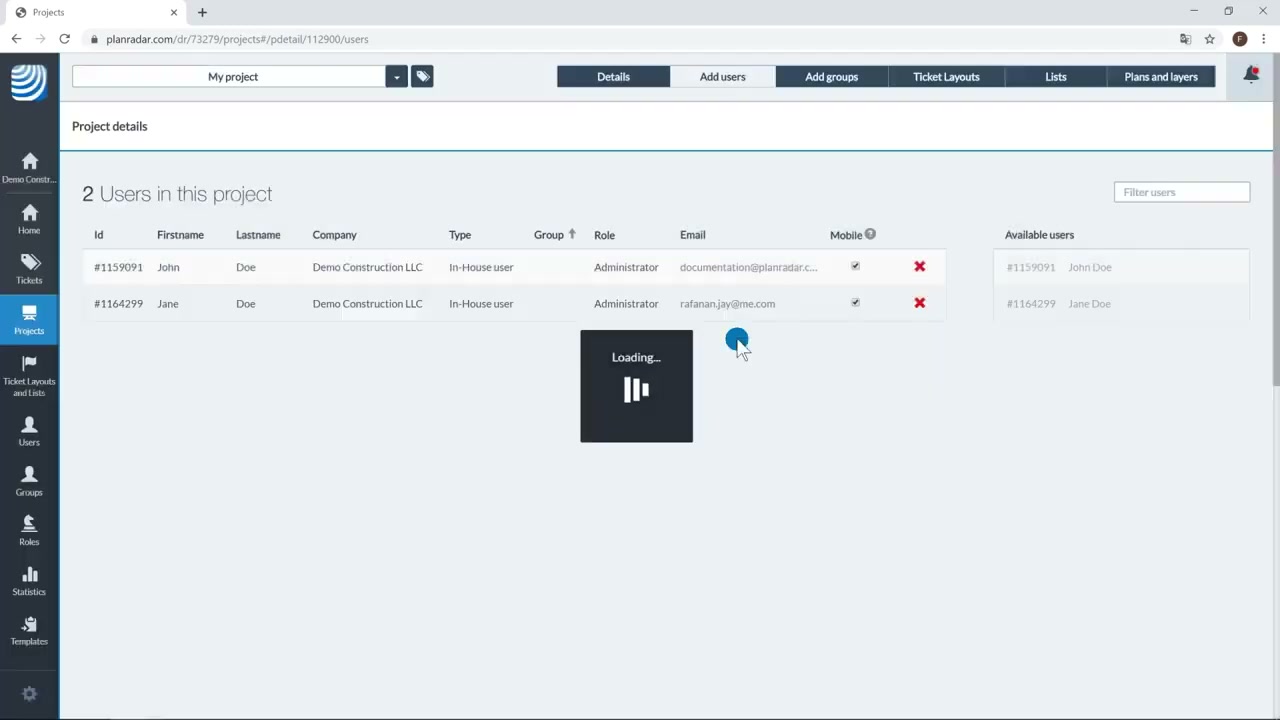
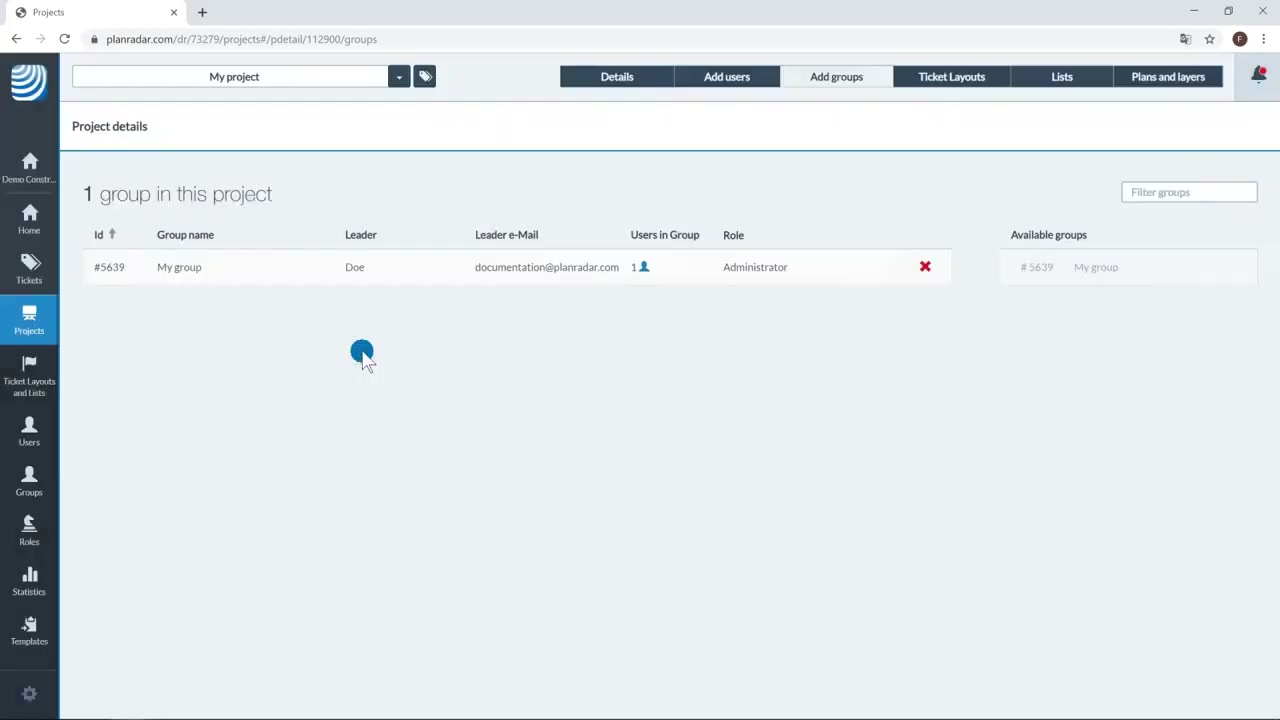
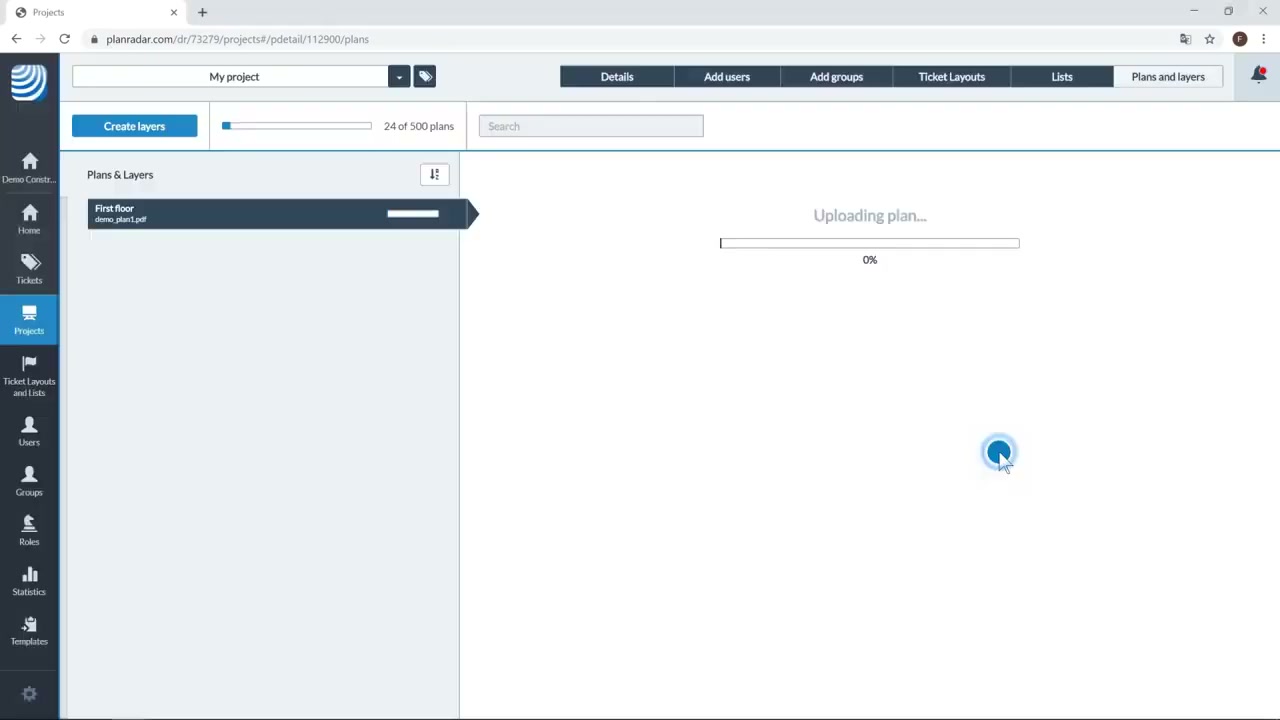
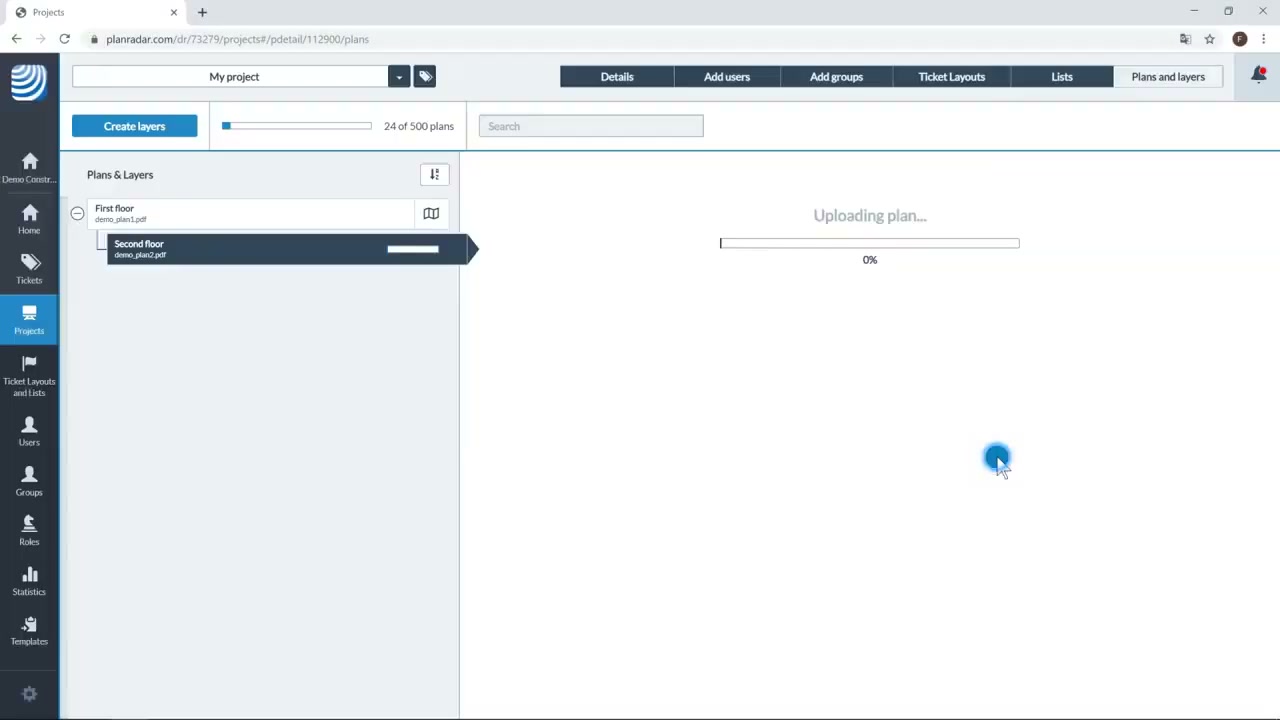
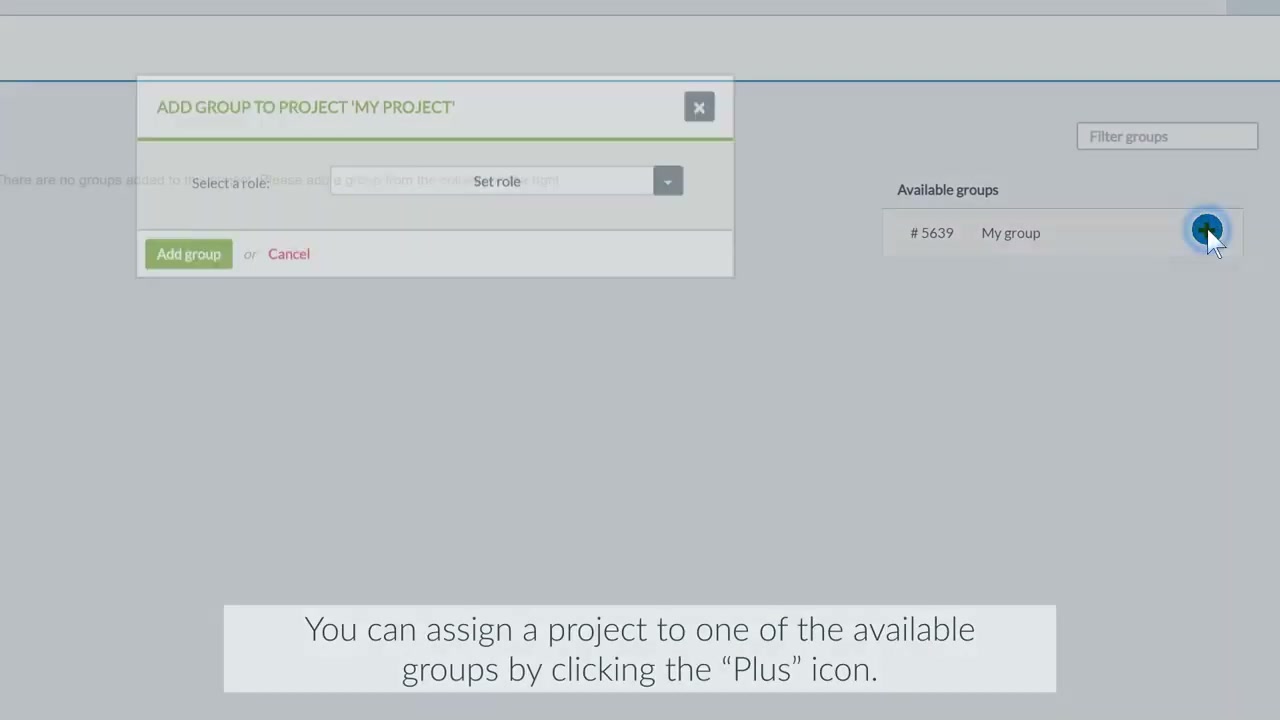
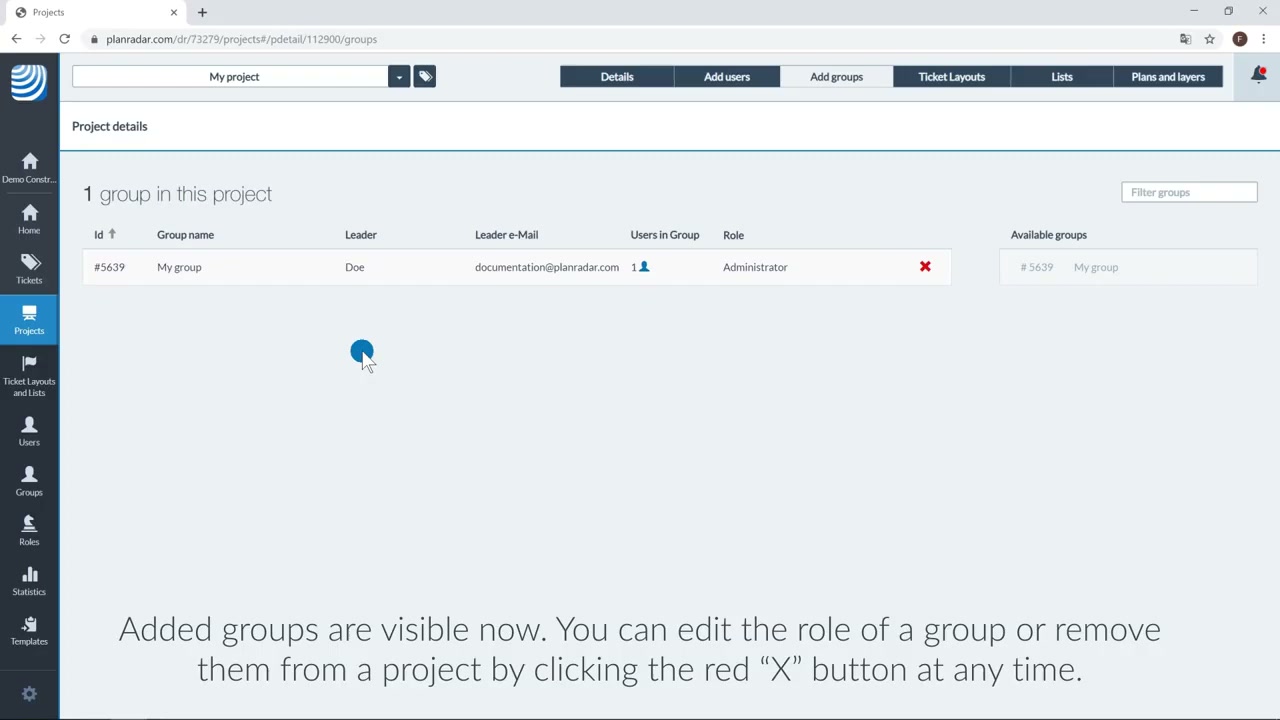
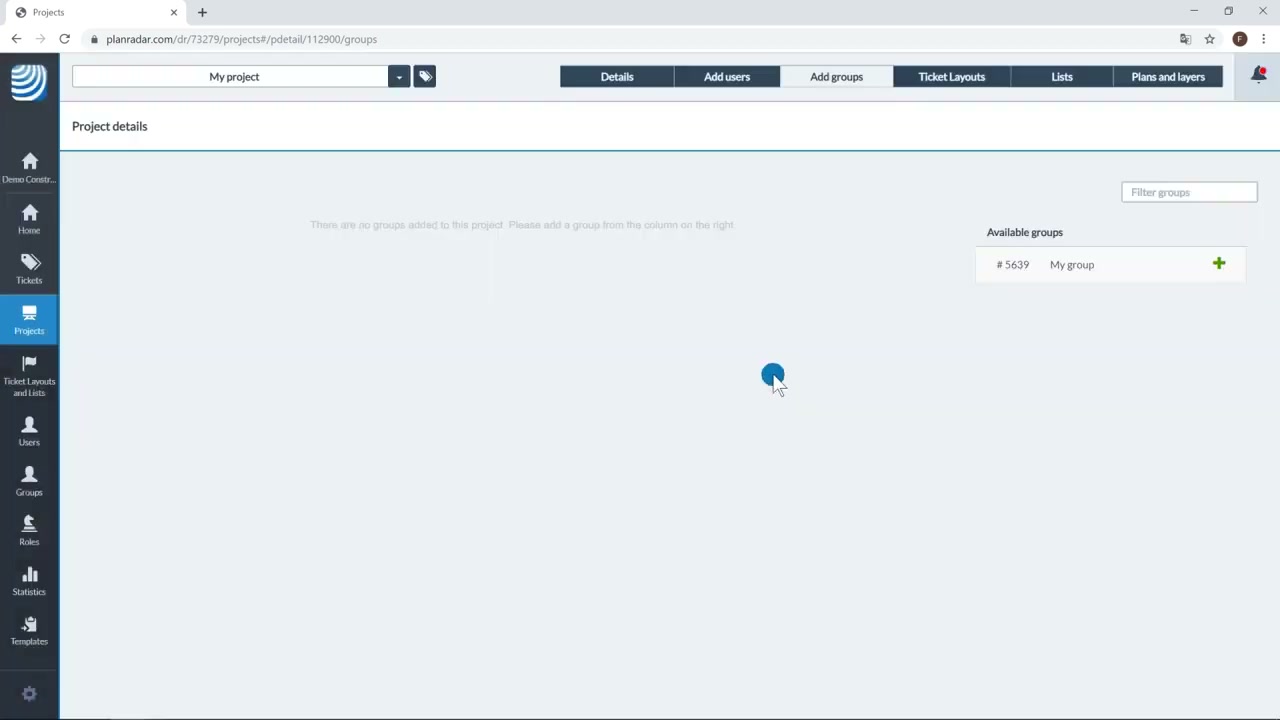
The web application the office actually works in (the side the App Store never shows): project/group/role administration, the plans-and-layers manager with plan upload, and side-by-side plan-version comparison. Note the full left-hand admin rail (Tickets, Projects, Users, Groups, Roles, Statistics, Templates).
In the field
The product in use on site — the daily reality the snagging workflow is built for.
Whole-set contact sheets
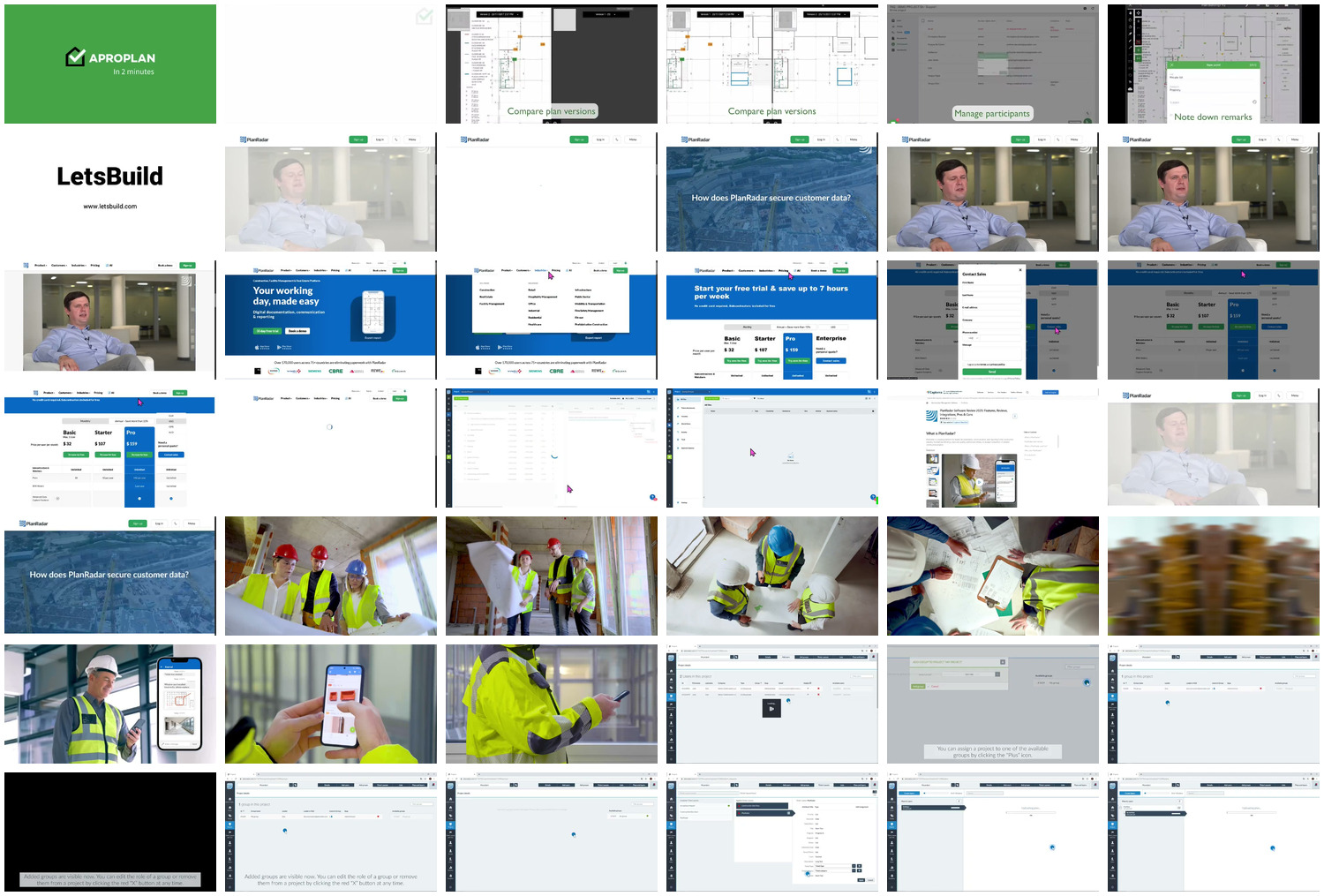
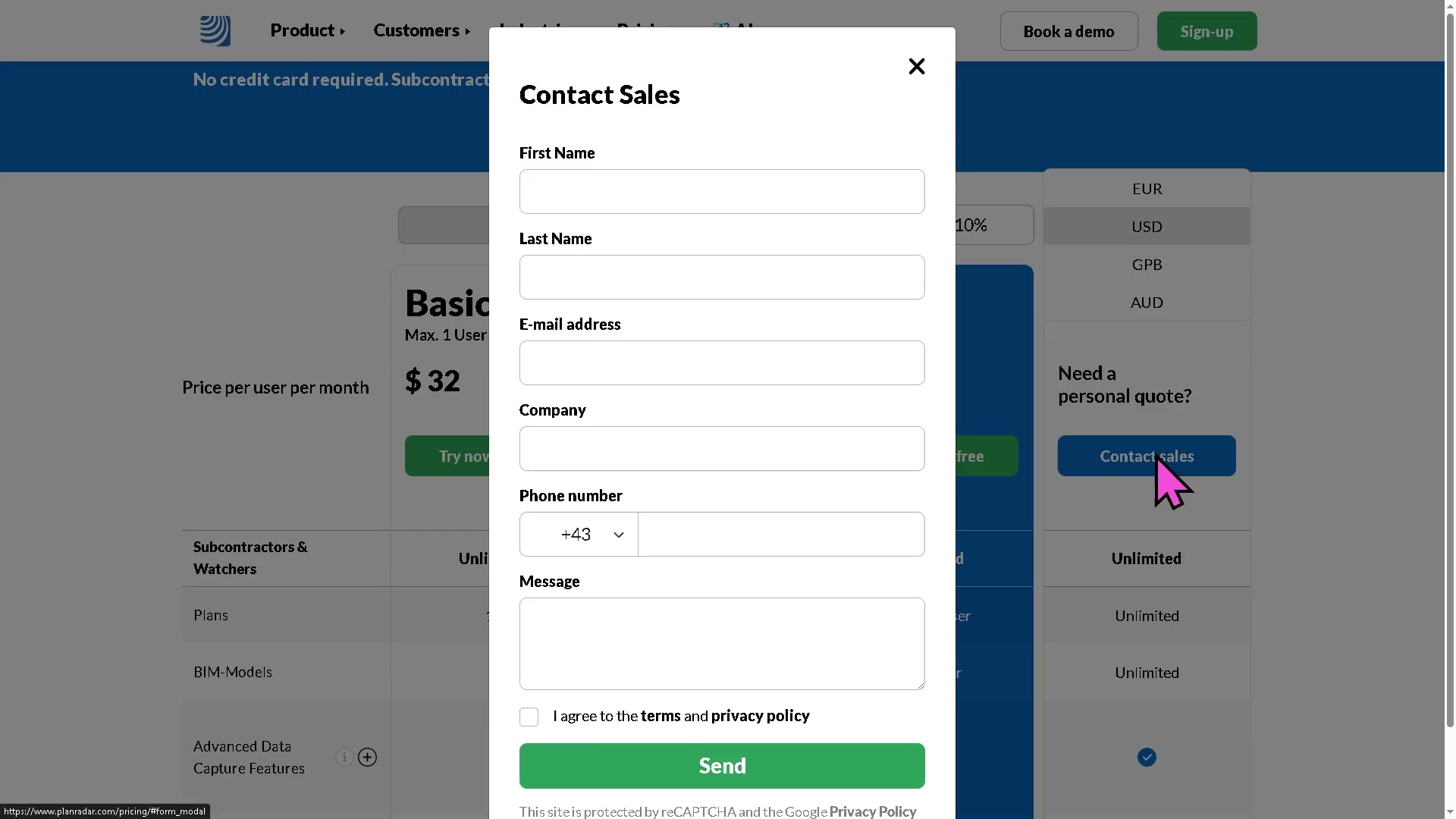
For a single-glance overview of everything captured: contact_appstore.jpg (all App Store screens) and contact_video.jpg (all walkthrough-video frames, including the web console and the published pricing card).
Sources and method
- Product / modules / defect workflow / handover: PlanRadar product, features and defect-management pages plus HelpCenter, corroborated by search —
raw/exa_search.json,raw/exa_answer.json, and the fetched vendor pages (product/, product/defect-management/, features/, pricing/). - Pricing (published per-user tiers, the contrast with opaque-quote rivals): the PlanRadar pricing page — Basic / Starter / Pro / Enterprise, monthly and annual, with per-tier limits and the 30-day no-card trial.
- Openness / API: PlanRadar Connect and the public HelpCenter API docs (REST + Personal Access Tokens + webhooks, 200+ Connect apps) — corroborated by search.
- AI claims: the PlanRadar AI Assistant page (GA conversational search/help) and the SiteView reality-capture announcement (Apr 2024, “upcoming”) —
raw/exa_search.jsonplus fetched pages. - Company facts (founded 2013 Vienna; ~447 staff; $127M raised from Insight Partners / Quadrille / Headline; 14,500 customers / 120,000 users / 75+ markets) from search aggregates — directional, not audited.
- Reviews: no Capterra corpus (the reviews page lazy-loads; the scrape returned zero —
raw/capterra_dom_corpus.jsonis empty, aggregate step skipped). Organic voice-of-user is the 10 App Store reviews inraw/appstore_reviews_us.json/raw/appstore_reviews_gb.json(same feed), plus the cited Capterra/G2 aggregates. The ratings caveat (no segmentation, value-for-money the weakest sub-rating) is stated before any average is read. - App Store ratings:
raw/appstore_app_us.json,raw/appstore_app_gb.json. Screenshots and gathering method: screens/README. - Method, limits, and the discipline of not asserting an absence without evidence: _RESEARCH-METHOD.