Dashboard: Dashboard · method: _RESEARCH-METHOD · market grid: _MARKET-PROBLEM-MAP · opportunity lens: _OPPORTUNITY-LENS · landscape: competitor-landscape-report
Purpose: decide whether the part of the market OpenSpace owns is somewhere we compete, ride, or ignore. The brief first explains what OpenSpace is and how its AI actually works, because the answer turns on a distinction that is easy to get wrong: OpenSpace ships real, shipped artificial intelligence, but it is computer vision — turning 360-degree site footage into a navigable, measurable visual record — not the language-model document-and-money work our thesis is about. Evidence (11 App Store reviews, 63 walkthrough frames, vendor product/pricing pages, funding press) is at the end.
Snapshot
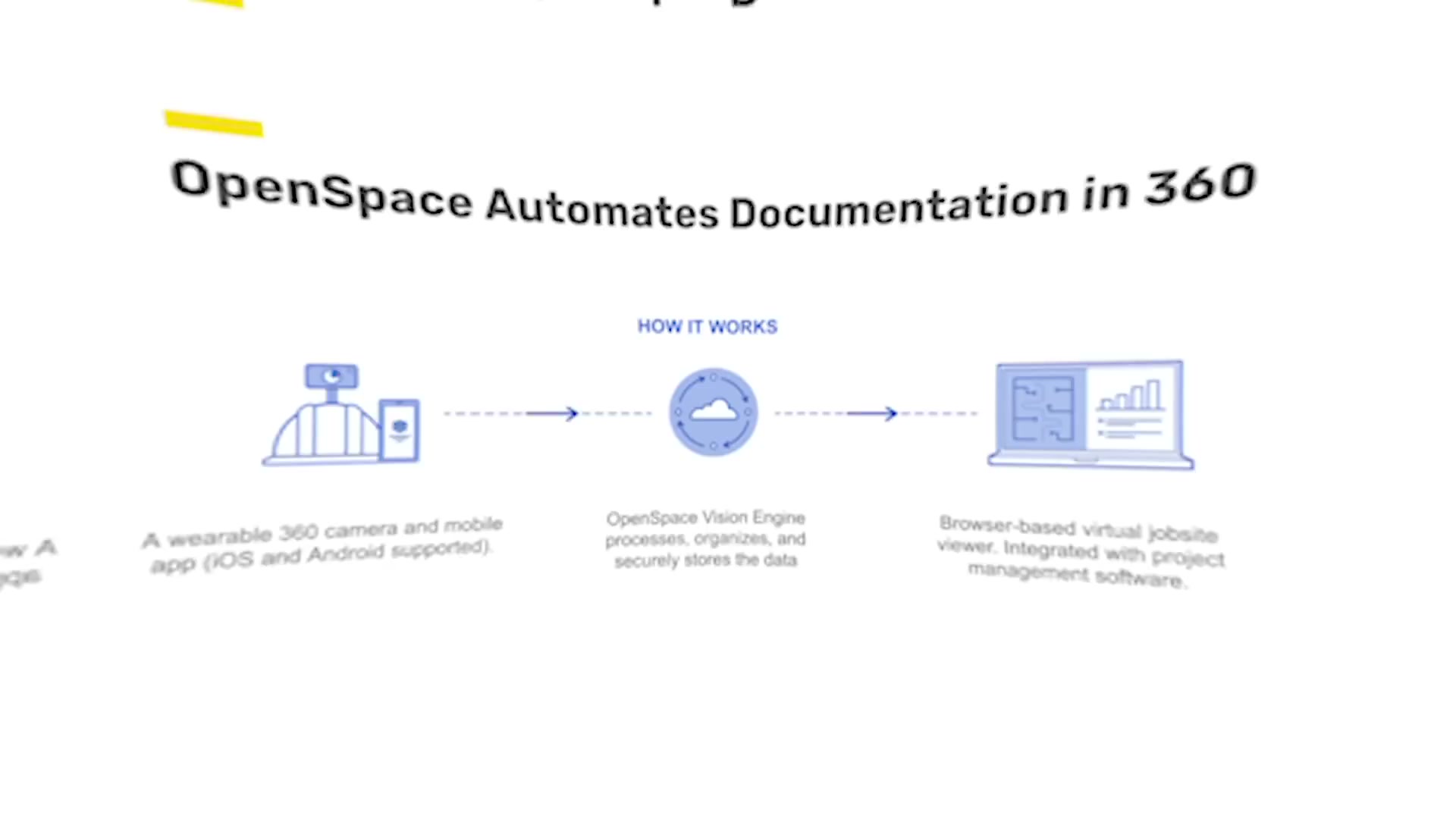
| What it is | Reality-capture platform: strap a 360 camera to a hard hat, walk the site, and OpenSpace’s computer vision auto-pins the footage to the floor plan in ~15 minutes, building a navigable, time-stamped visual record of the whole project |
| Core job it does | Replaces manual photo documentation and site visits; gives the office a remote, dated, walkable view of every square foot, plus AI progress measurement |
| Who buys | Commercial general contractors, large MEP/specialty subs, and owner-developers on mid-to-large projects; 62% of ENR Top 400 contractors; poor fit for residential/small trades |
| Business model | Sales-led, quote-only; priced as a percentage of project construction volume (ACV), |
| Openness | Integrations with Procore, Autodesk ACC/BIM 360, PlanGrid, Revizto (two-way issue/punch sync); a narrow Usage API and a Field Notes API gated to the Enterprise tier |
| Public ratings | App Store 4.0 (42 ratings, US); no meaningful Capterra corpus; well-funded and widely adopted at the top of the market |
| Strongest areas | Reality capture (best-in-class), AI progress tracking, BIM coordination on site |
| Weakest areas (our interest) | The entire commercial and money layer — cost, change/variation/claims, accounting — is absent by design |
| Our verdict | Not a rival to our wedge. A build-on-top neighbour that owns the visual record; ride its data, never fight its capture |
OpenSpace is one of the better-funded names in construction technology: a $102M Series D in March 2022 at a $902M valuation, topped up by a further $9M (Series D total ~$111M), for roughly $199M raised across seven rounds. In November 2025 it acquired Disperse, a London AI-progress-tracking company, folding human-verified progress measurement into the platform. The company now markets itself as a “Visual Intelligence Platform” — an image-first system of work for construction.
Where OpenSpace plays across the market
Scored 0 (not addressed) to 100 (best-in-class) against the 21 areas in _MARKET-PROBLEM-MAP, sorted by coverage.
| Problem area | Coverage | Note |
|---|---|---|
| Reality capture / drone / survey | 100 | The core of the product; the category leader for 360 image-to-plan |
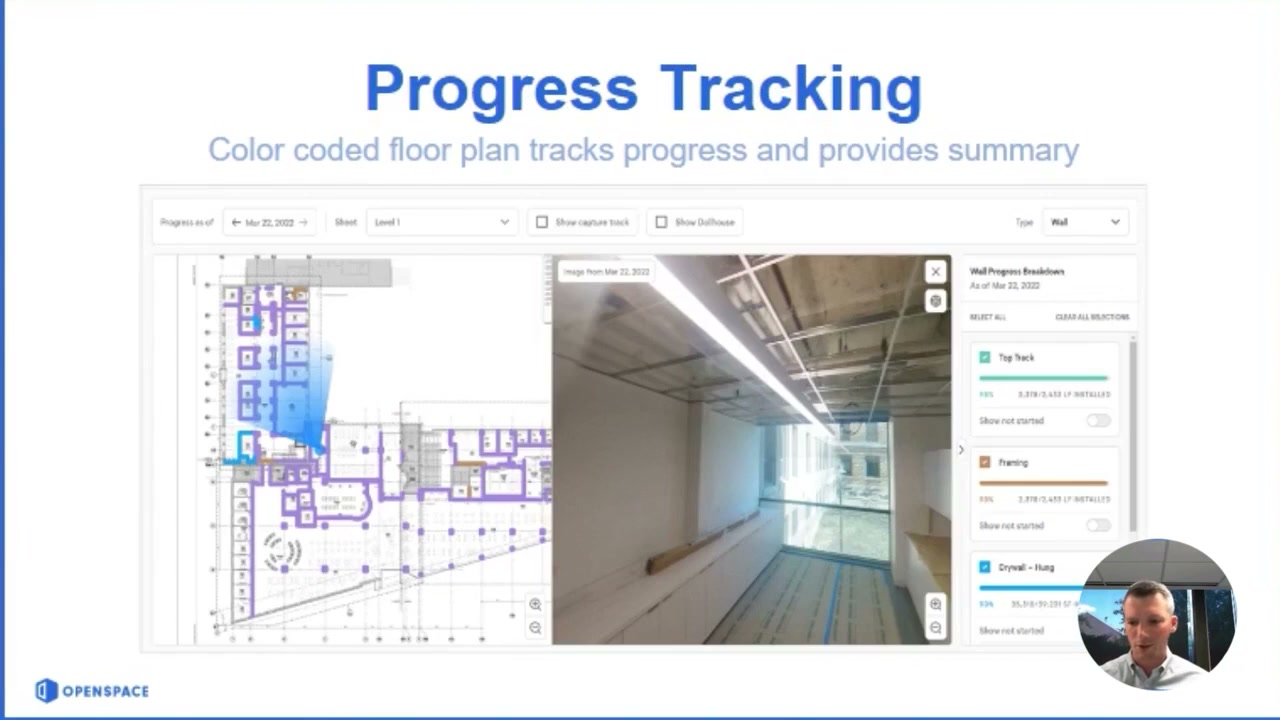
| Progress & production tracking | 65 | ClearSight/Track: computer vision quantifies work-in-place by trade/floor; Disperse adds human-verified % complete |
| BIM / design coordination | 55 | BIM+: compare site condition to model, 2D-to-3D on the iPad |
| RFIs / submittals / document control | 45 | Becomes the visual evidence layer; creates Procore/ACC issues, punch items, observations — but does not author RFIs/submittals itself |
| Quality / QA-QC / snagging | 45 | Field Notes flags observations and punch items against the walk; managed via the integrated platform |
| Field management / daily reporting | 40 | A visual daily record (the walk), not a structured daily log of hours/manpower/materials |
| Communication / client collaboration | 35 | Shared visual record for O/A/C meetings and remote stakeholders; no client portal as such |
| Equipment / asset / material tracking | 20 | Object search can locate things in imagery; no asset register |
| Safety and compliance | 20 | Safety walks documented visually; no incident/toolbox module |
| O&M / handover | 20 | The dated visual record is useful as an as-built/closeout artefact |
| Cost management / forecasting | 10 | Touches it only by feeding pay-application verification; no cost model |
| Scheduling / programme | 10 | Track flags schedule risk against milestones; not a scheduler |
| Insurance and risk | 10 | The visual audit trail helps disputes; no module |
| Project management (system of record) | 5 | Sits beside Procore/ACC, is not one |
| Change / variations / claims / entitlement | 5 | The footage is evidence a claim could use; no claim workflow exists |
| Accounting / AP-AR / payroll | 0 | Not addressed |
| Time, labour and workforce | 0 | Not addressed |
| Prequalification / procurement | 0 | Not addressed |
| Bid / tender management | 0 | Not addressed |
| Estimating / takeoff | 0 | Not addressed |
| Historical cost / benchmarking | 0 | Captures rich visual history; nothing turns it into cost intelligence |
Takeaway: OpenSpace is deep and narrow. It owns reality capture outright and is strong on the visual-progress and BIM-coordination layers that sit on top of capture. Everything to the commercial right of the map — cost, change, claims, accounting, benchmarking — is empty by design. The two areas central to our thesis (turning evidence into recovered money, and reusing historical cost data) are at 5 and 0. OpenSpace and our wedge barely touch the same column of the grid.
The input side — how work gets captured
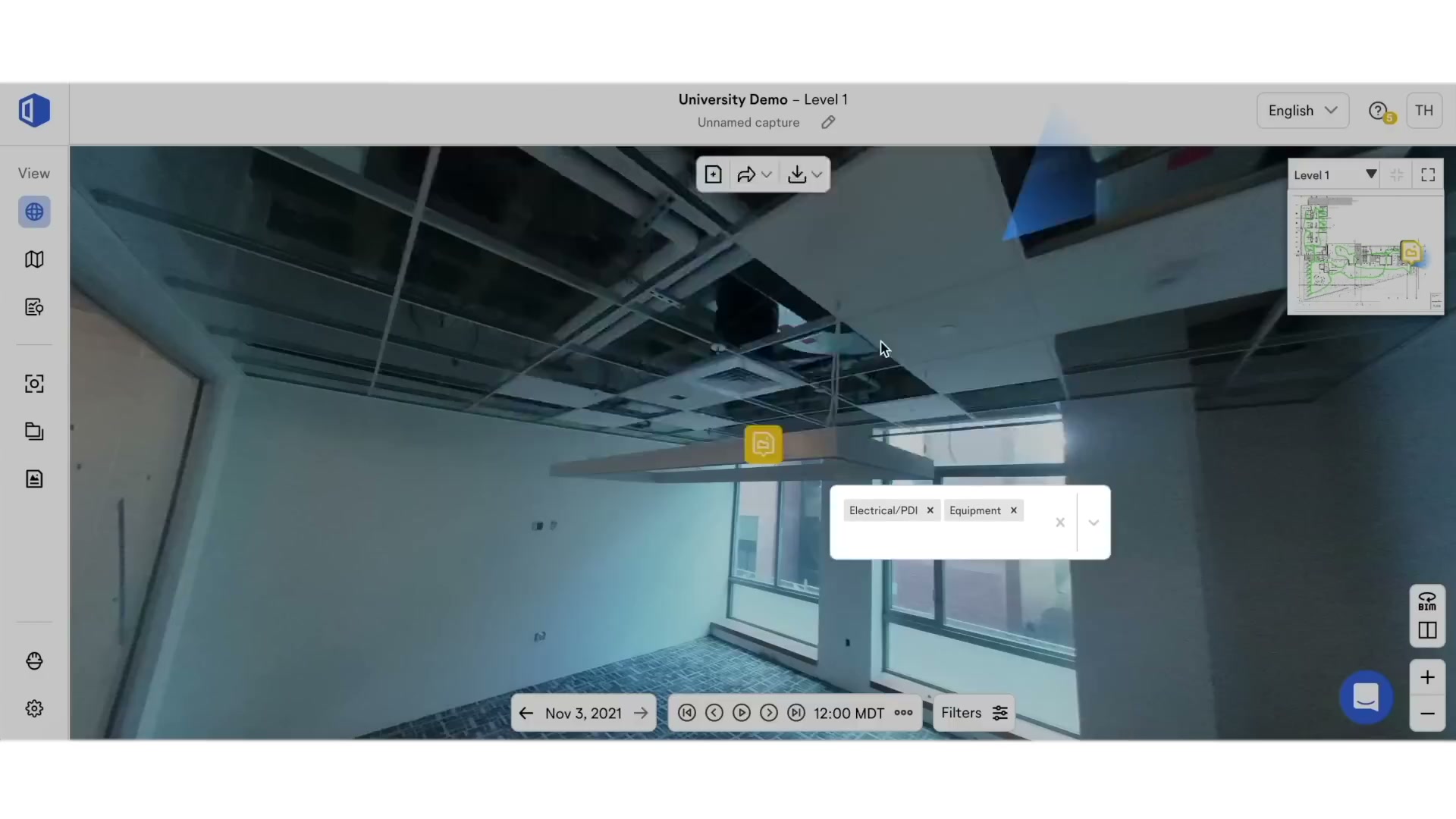
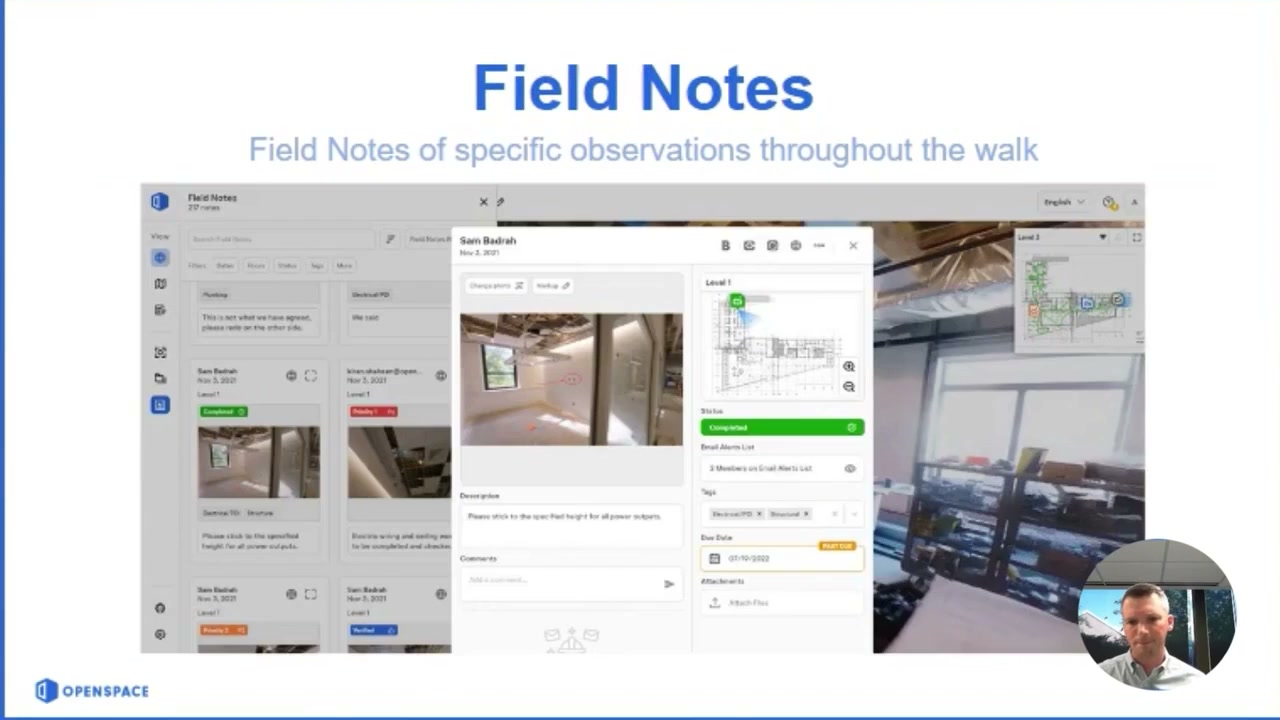
- Captured: a continuous 360-degree video walk of the site (the “capture”), auto-mapped to the floor plan; drone imagery (OpenSpace Air → point clouds, orthomosaics, elevation models); laser-scan and smartphone capture; Field Notes (observations, punch items, voice notes pinned to a location during the walk).
- Input methods: a 360 camera mounted on a hard hat (Insta360-class), worn while walking the site — passive, walk-based capture; drones (DJI, Skydio, Esri); the mobile app to start/stop and upload; voice notes that auto-fill task fields.
- The AI at the moment of capture: OpenSpace’s “Spatial AI” / Vision Engine timestamps and pins each frame to the right spot on the plan with no manual tagging (“AI Autolocation”). Beta/early customers report this cuts field documentation time by ~85% (Suffolk Construction cited 86%). This is the genuinely clever part and it is pure computer vision.
- Onboarding / ease: capture itself is praised as simple (“strap it on and walk”). But reviewers and third-party reviews flag a real learning curve on the full platform — “you’ll definitely need to invest time in training” — which is why expert onboarding is bundled into the paid tier.
- Friction (from reviews): recording corruption on long walks; a broken “Done” button forcing a transfer-skip-record workaround; large phone uploads with no preference prompt; a hard requirement for “Always” location tracking; “auto-managed” file handling that blocks the user from re-uploading or fixing a mis-aligned capture (“let the user manage their files”). Capture is excellent in concept, occasionally brittle in the app.
The management side — what the office sees
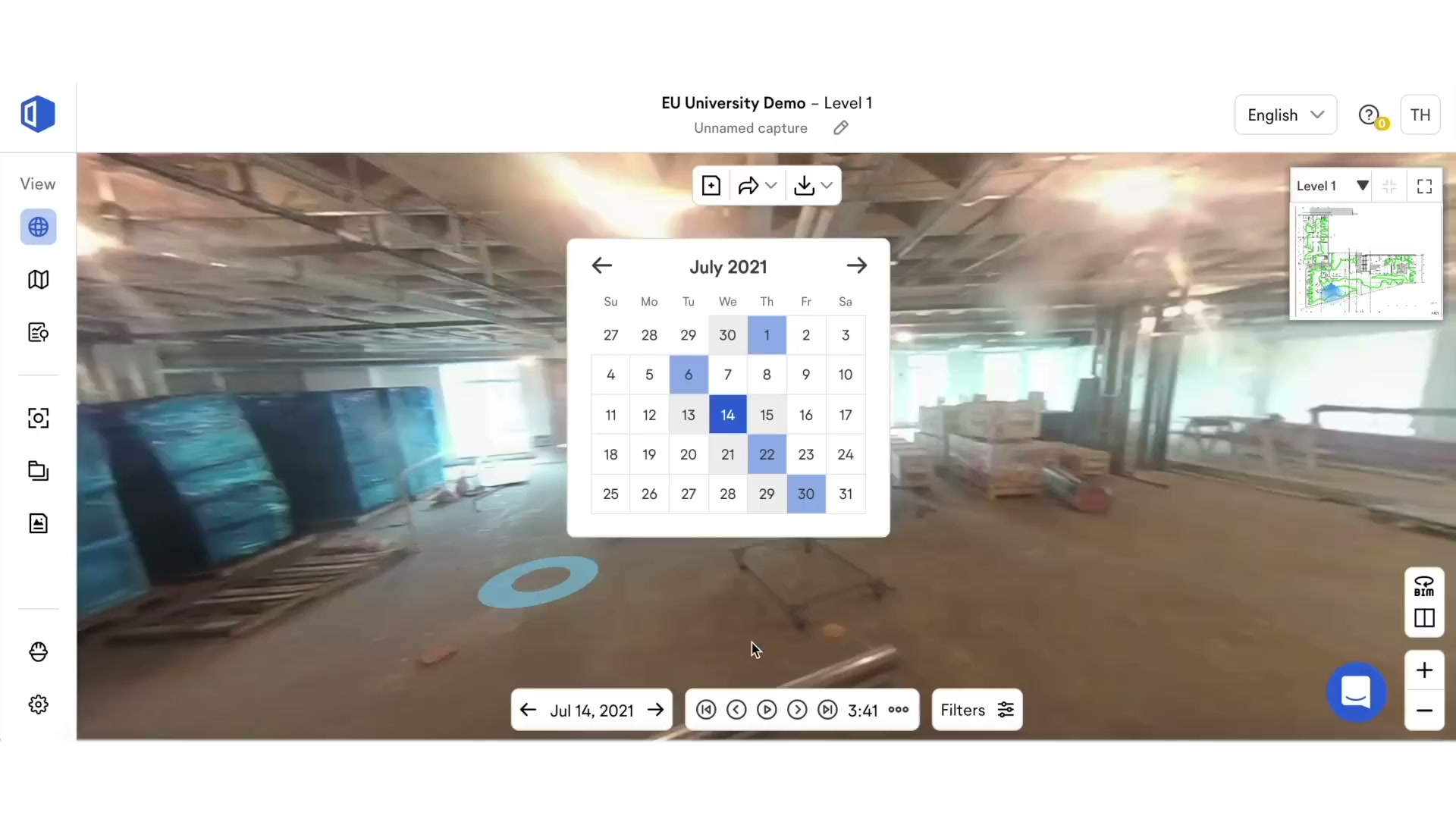
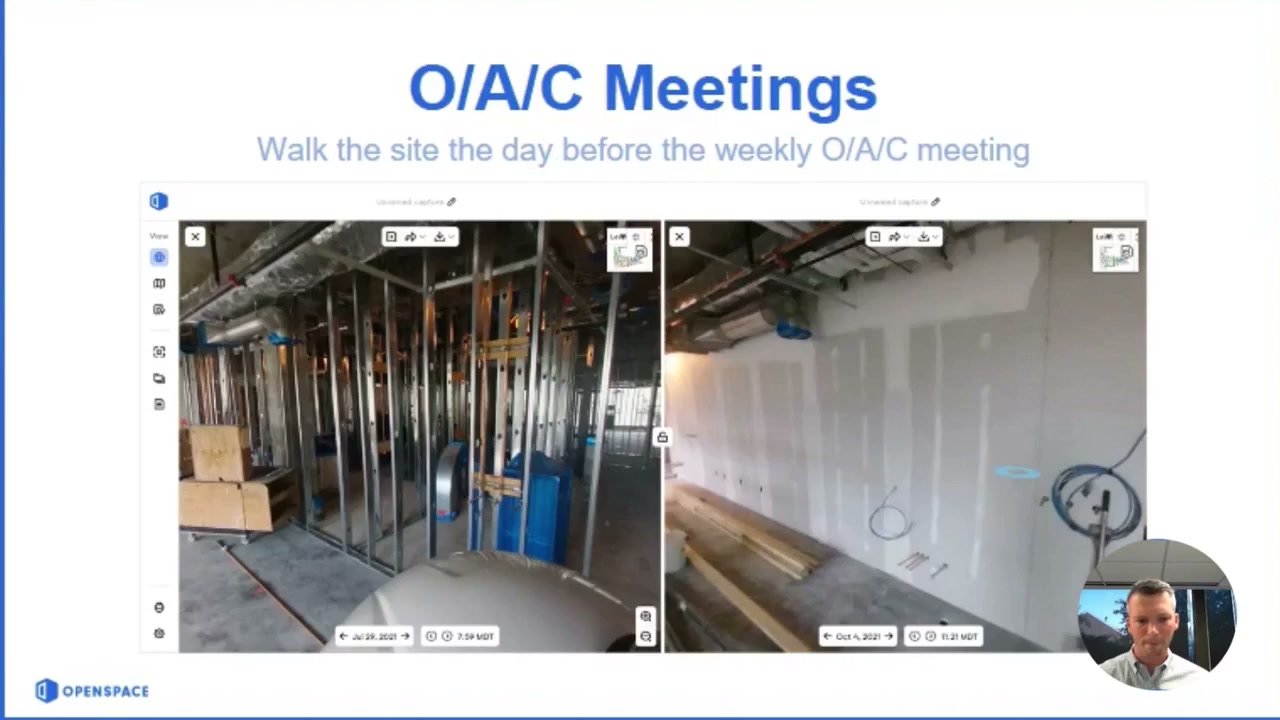
- Lands in the web app: a navigable, dated 360 walk of every area; Split View (same spot, two different dates, side by side); Reveal Mode (a slider to wipe between “now” and “was”); BIM Compare (site condition vs the model); progress dashboards (ClearSight/Track) showing percent-complete by date, floor, and trade; Field Notes and punch/observation logs synced to Procore or ACC.
- Who consumes: project managers and supers (verify work without walking the site), executives and owners (remote portfolio visibility, ENR-scale GCs run it across many jobs at once), trade partners (distributed captures), and — the money-adjacent use — anyone approving pay applications, who can verify work-in-place against the visual record.
- Valued most: remote visibility and the time saved on documentation; the dated record’s value in resolving disputes after the fact.
- Pains: image quality degrades when you zoom in on detail; difficulty managing separate floors or outdoor areas; a learning curve; limited integrations outside the commercial-GC stack.
- The structural point (not a gap — a boundary): OpenSpace converts the jobsite into a precise visual system of record. It deliberately stops at the visual layer. It does not author the commercial documents that visual evidence feeds (change orders, claims, RFIs, cost reports) — it hands the evidence to Procore/ACC and lets those tools, or a human, do the commercial work. The office can see the project in extraordinary detail; OpenSpace does not move the money.
Where the value actually comes from
| Sales story (what wins the trial) | Real source of stickiness (what makes it hard to leave) |
|---|---|
| “Strap on a camera, walk the site, and the whole project is documented and searchable in 15 minutes” — and AI now tells you how complete it is | The accumulating visual history of the project (64B sq ft captured company-wide), the deep two-way Procore/ACC wiring, and the capture habit baked into weekly site routines across a portfolio |
| Field AI that cuts documentation time ~85% | The compounding image dataset — every walk makes the record more valuable, and the Disperse-verified progress data underpins billing |
- Do not attack: the capture experience, the spatial-AI auto-mapping, the visual record, and the Procore/ACC integration. This is OpenSpace’s strong, well-funded, category-leading ground, and it is a hardware-plus-vision problem we have no reason to enter.
- Where value stops: OpenSpace turns the site into a measurable image. It does not turn that image into recovered money, a cost position, or reusable cost intelligence. That boundary is exactly where our thesis begins — but the relationship there is build-on-top, not head-to-head.
What users say — both sides
Credibility first: there is no large solicited review corpus here (no aggregate_dom.py was run — OpenSpace has no meaningful Capterra footprint to scrape). The voice-of-user is 11 organic App Store reviews (4.0/5, US, 42 ratings) plus several independent third-party reviews. Organic App Store reviews are unsolicited and skew toward the annoyed, so the 4.0 understates satisfaction among the enterprise buyers who never review apps; treat the themes as signal, not the average.
| Praised | Criticised |
|---|---|
| ”Easiest way to capture your job site every day… a game changer for field teams” | Recording corruption on long/multiple walks; broken “Done” button |
| ”It just works” — simple concept, fast to learn the capture | ”File management is a total farce” — auto-managed uploads block the user from fixing mis-aligned captures |
| ”Don’t plan to build another building without them” | Large forced phone uploads; mandatory “Always” location tracking |
| Remote visibility and documentation value | Image quality disappoints when zooming on detail; hard to manage separate floors / outdoor areas; a real learning curve on the full platform |
- Representative positive (5 stars): “OpenSpace has been used on my last 2 projects and I don’t plan to build another building without them.”
- Representative negative (2 stars): “When everything is Auto Managed, the user lacks the control that they need… let the user manage their files.”
- Signal for us: the complaints are about app reliability and capture control — the plumbing of a vision product. None of them is “I wish it did change orders” or “I wish it priced my next job,” because nobody buys OpenSpace for the commercial layer. That silence confirms the boundary: this is not a tool whose users are reaching for the money layer and being let down. They are a different audience for a different job.
The opportunity for AI in this space
- The AI here is already done, and it is not our kind of AI. OpenSpace’s value is computer vision — image-to-plan mapping, work-in-place quantification, model comparison. That is a vision/spatial-AI problem with a large proprietary image dataset behind it; it is well-built, well-funded, and not LLM-shaped. There is nothing for cheap language models to “eat” here, and no reason to try.
- Where our AI lives is the layer OpenSpace feeds, not the layer OpenSpace occupies. The footage and the progress data are an input to commercial work: a verified visual record is exactly the evidence a change-order narrative, a delay/disruption claim, or an entitlement argument needs. OpenSpace produces that evidence and stops. The document-heavy, generative, money-recovery work that turns the evidence into a paid claim is untouched — and unbuilt — here.
What we would build (and how it relates to OpenSpace):
- Not a competing capture tool. We have no interest in cameras and vision; that fight is lost and uninteresting.
- A commercial layer that can consume visual evidence. Our change-order/claims/entitlement product can treat an OpenSpace (or Procore) record as one of its evidence sources — “here is the dated walk that proves the wall was not there on the 3rd” — drafting the narrative and the entitlement around it.
- First niche unchanged: the commercial/entitlement layer for UK mid-market commercial and fit-out contractors. OpenSpace is a US-skewed, enterprise, capture product; it neither competes for that buyer nor serves the money job. If anything, it is a future data source, not a future rival.
How open the platform is
- Integrations: strong, but narrow and commercial-GC-shaped — two-way sync with Procore (punch items, observations), Autodesk ACC/BIM 360 (issues), PlanGrid, and Revizto; projects can sync to several at once.
- API: there is an API, but a thin one. A “Usage API” pulls capture/coverage data into BI tools (PowerBI). A “Field Notes API” supports custom workflows but is gated to the Enterprise subscription. There is no broad public developer platform of the kind that invites third parties to build apps on top of the capture data.
- What it means: the data is reachable for the things OpenSpace wants reachable (BI, the integration partners it has chosen), but it is not an open ecosystem we would build a product on directly. For us this is not a moat to fear nor a platform to ride hard — the more relevant path is that OpenSpace and our commercial tool would both live next to Procore/ACC, which is the real system of record, and meet there rather than wiring directly to each other.
OpenSpace’s own AI — claims, shipping, and how far they can go
Unusually for this set, the talk-versus-ship gap is narrow: OpenSpace has shipped substantial, real AI, and it is in users’ hands. The catch is that all of it is computer vision, and none of it crosses into the commercial layer.
| Feature | What it does | Type | Status |
|---|---|---|---|
| Spatial AI / Vision Engine (Autolocation) | Auto-maps 360 frames to the floor plan and BIM model with no manual tagging | Computer vision | Shipped / GA |
| ClearSight Progress Tracking (“Trackers”) | CV quantifies work-in-place; % complete by date, floor, trade | Computer vision + ML | Shipped (GA), trade-coordination expanded 2025 |
| OpenSpace Track (Disperse) | Milestone-based progress with human-in-the-loop verification (700+ components, 200+ schedule tasks, 24-48h turnaround); flags schedule risk; eases pay-app approval | CV + human verification | GA (launched June 2025; Disperse acquired Nov 2025) |
| BIM Compare / Split View / Reveal | Compare site to model and across dates | Vision / tooling | Shipped / GA |
| OpenSpace Field (Voice Notes, AI Autolocation) | Field-first task capture; voice auto-fills task fields | Vision + light NLP | GA (Feb 2026) |
| Object Search | Find objects/conditions in captured imagery | Computer vision | Shipped |
- The talk-vs-ship read: small gap on vision — they ship what they announce, and fast (the Disperse acquisition was integrated within months). This is not a lethargic, talk-heavy incumbent; it is a fast, well-capitalised vision company. That makes it a poor counter-positioning target on its own turf — they would defend reality capture vigorously and bundle vision features for free.
- But the gap to the commercial layer is total and structural. There is no thread of OpenSpace’s AI that drafts a change order, builds a delay claim, prices a job, or benchmarks cost. Their AI is anchored in the image; the money layer is a different discipline (legal/commercial reasoning over documents), a different buyer (commercial/QS, not the field/ops super), and a different data type (contracts, valuations, cost) that OpenSpace does not hold.
- Confidence they move into commercial-AI themselves within ~2 years: low (about 1 in 5). Reasons: their entire moat, dataset, and team are organised around vision; their buyer and integrations point at field/progress, not the commercial office; and they already have a fast roadmap within vision (Field, Track, Disperse) that will absorb their attention. The risk to this read is not OpenSpace building our product — it is a system-of-record owner (Procore) bundling commercial AI, which is a separate brief.
Who actually uses OpenSpace
No solicited corpus exists, so segmentation comes from vendor and third-party data rather than a review breakdown.
| Signal | Reading |
|---|---|
| 62% of ENR Top 400 contractors; ~350k users; 64B sq ft captured | Heavily skewed to large, enterprise commercial GCs and big specialty subs |
| Sold by ACV / percentage of project volume, ~$10k minimum | Priced for mid-to-large projects; structurally excludes small/residential |
| Procore / ACC / BIM 360 / Revizto integrations | The buyer already lives in the commercial-GC software stack |
| Explicitly “poor fit for residential remodelers or small-scale service trades” | Not a small-contractor product; the opposite end of the market from a free wedge |
- Role: field execution and project controls (supers, PMs, VDC/BIM coordinators) capture and consume; owners and execs consume remotely. The commercial/QS office is not the user.
- Geography: US-centred, expanding internationally (EU pricing page exists; Disperse brings a London/UK footprint).
- Compared against: other reality-capture tools — Buildots, DroneDeploy (which acquired StructionSite), PlanRadar’s 360 documentation. Not compared against commercial/claims tools, because it is not one.
Our read — can we enter and win?
The honest answer is that this is the wrong question for OpenSpace, because we are not trying to enter the space it occupies. OpenSpace is a category-leading, well-funded computer-vision company that owns reality capture and the visual-progress layer on top of it. We should not, and would not, build a cheaper OpenSpace — capture is a vision-and-hardware problem with a large proprietary dataset behind it, and it is nowhere near our thesis. The strategically useful conclusion is that OpenSpace is a neighbour, not a rival: it produces visual evidence and stops at the boundary where the commercial work begins. Our change-order/claims/entitlement layer lives on the far side of that boundary and can treat OpenSpace’s record (more often, the Procore/ACC record it feeds) as one input among several. We build alongside it, pointed at a different buyer (the commercial/QS office, not the field super) in a different geography (UK mid-market commercial and fit-out, not US enterprise). The one thing that would matter is not OpenSpace itself but the system-of-record owner beneath it — if Procore bundled the commercial AI before we established our data loop, that is the real threat, and it belongs to Procore’s brief.
| Question | Our read |
|---|---|
| Where is OpenSpace strong and off-limits? | Reality capture, spatial/vision AI, the visual record, BIM coordination, deep Procore/ACC wiring — all the visual layer |
| Where is the verified gap? | The entire commercial/money layer (change, claim, entitlement, cost, benchmarking) — absent by design, not by oversight |
| How hard for OpenSpace to follow us into it? | Hard and unlikely. Different buyer, different data (contracts/cost, not images), different discipline; their whole moat is vision |
| How much can cheap AI take over here? | None of their job (vision is not LLM-shaped). All of the adjacent job they feed (claim narratives, entitlement, cost reuse) |
| Is there a cheap, narrow way in that grows? | Not against OpenSpace — there is nothing to wedge into. The wedge is against the commercial whitespace, with OpenSpace as a possible evidence source |
| What would make us walk away (from the adjacent play)? | A distribution owner — Procore, not OpenSpace — bundling the commercial AI before our data loop exists |
| Overall | A build-on-top neighbour. Ride its data, never fight its capture; the contest, if any, is with the system of record beneath it |
The app itself — ratings and reception
| Store | Rating | Ratings count | Version |
|---|---|---|---|
| App Store (US) | 4.02 | 42 | 96.2.0 |
| App Store (GB) | 2.92 | 12 | 96.2.0 |
| Capterra | — | no meaningful corpus | — |
The mobile app is a thin client for a heavy web/enterprise product, so its modest store rating undersells the business — the value lives in the web platform and the enterprise relationships, which app reviewers never touch. The low ratings reflect capture-app reliability gripes (uploads, corruption, file control), not the product’s market standing, which is strong: most of the largest US contractors use it.
Screenshots
Grouped by theme, full-size and scrollable. There are no App Store marketing screenshots for this app (the listing carries none — screens: 0), so the visual pack is built entirely from walkthrough-video frames showing the real web product and field use. Full set and method: screens/README. The whole-set contact sheet is linked at the end.
How OpenSpace is used — the lifecycle
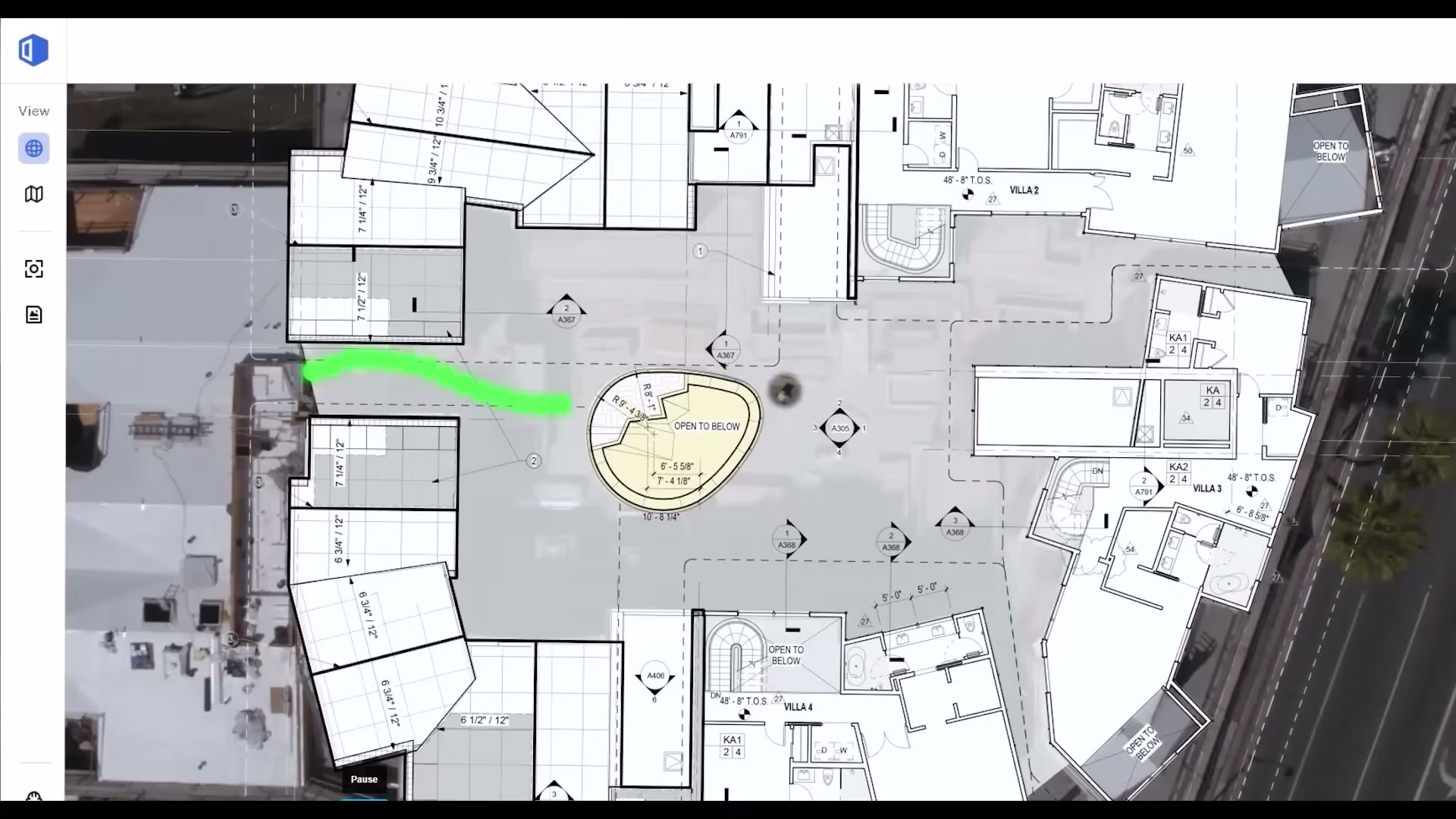
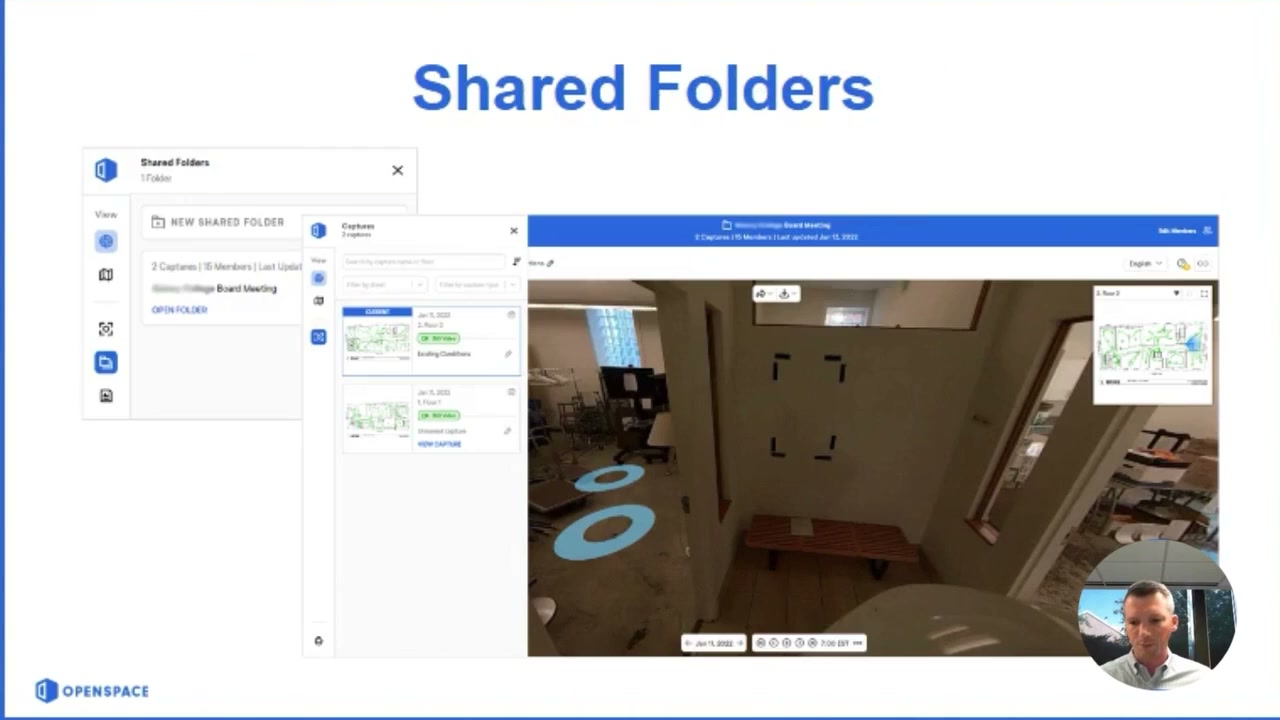
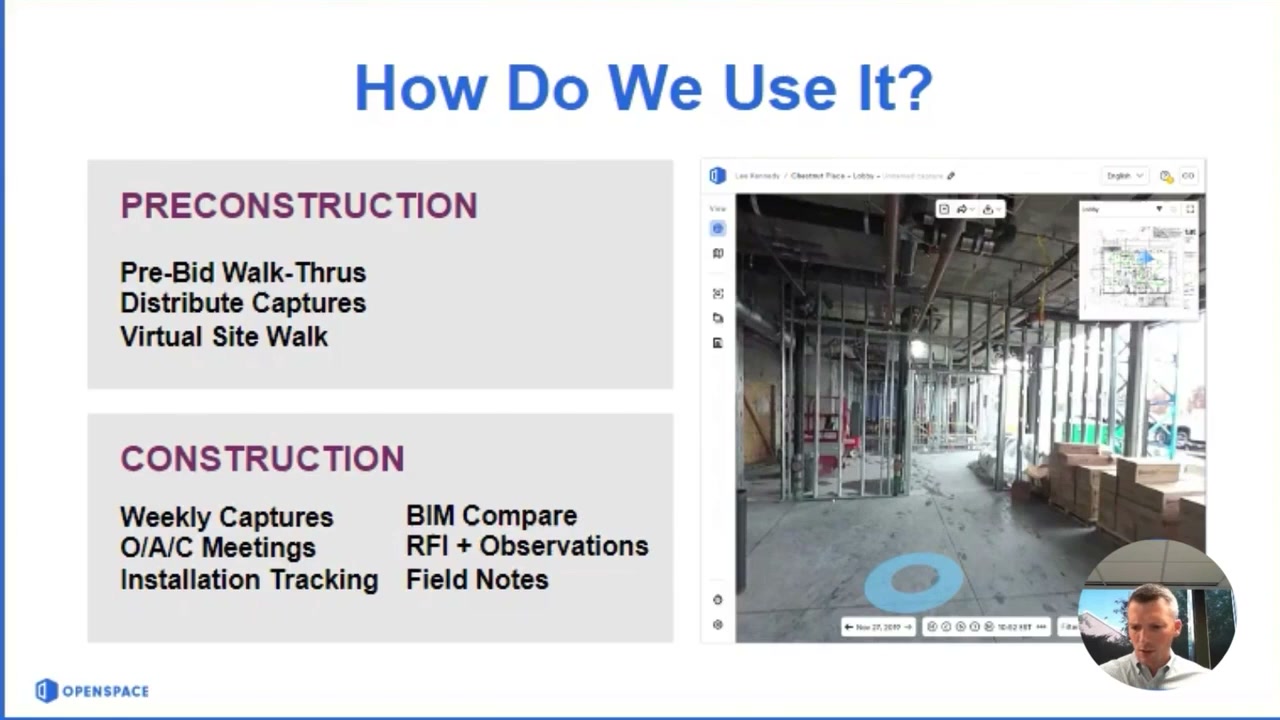
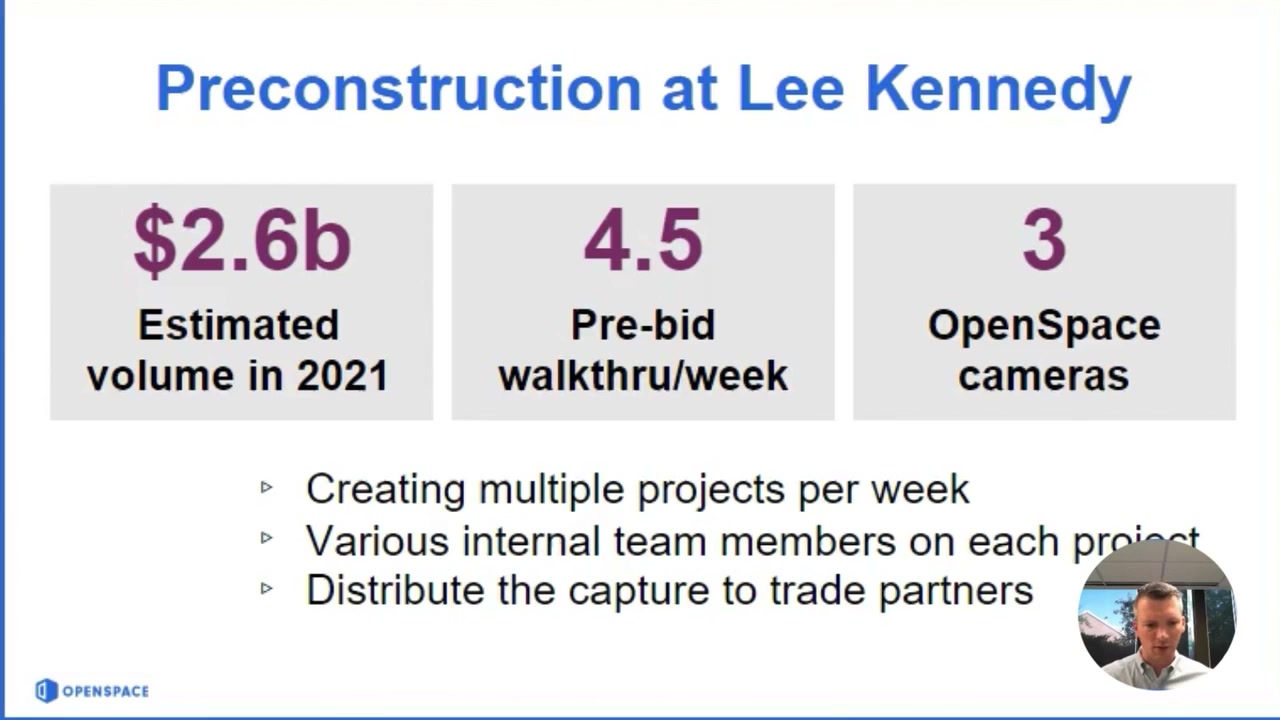
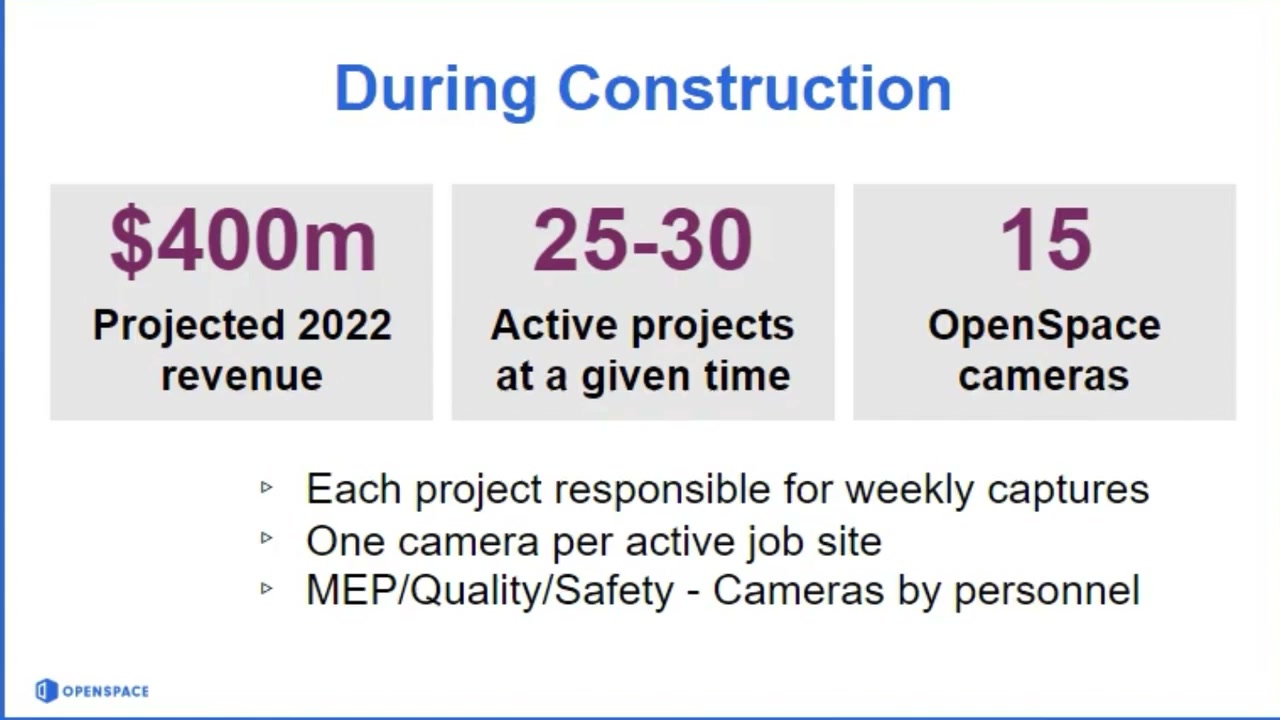
A customer (Lee Kennedy) walks through their deployment: preconstruction pre-bid walk-throughs and virtual site walks, then weekly captures, BIM Compare, RFIs/observations and Field Notes through construction. The numbers on the right show the scale of a single enterprise account.
Capture — a camera on a hard hat
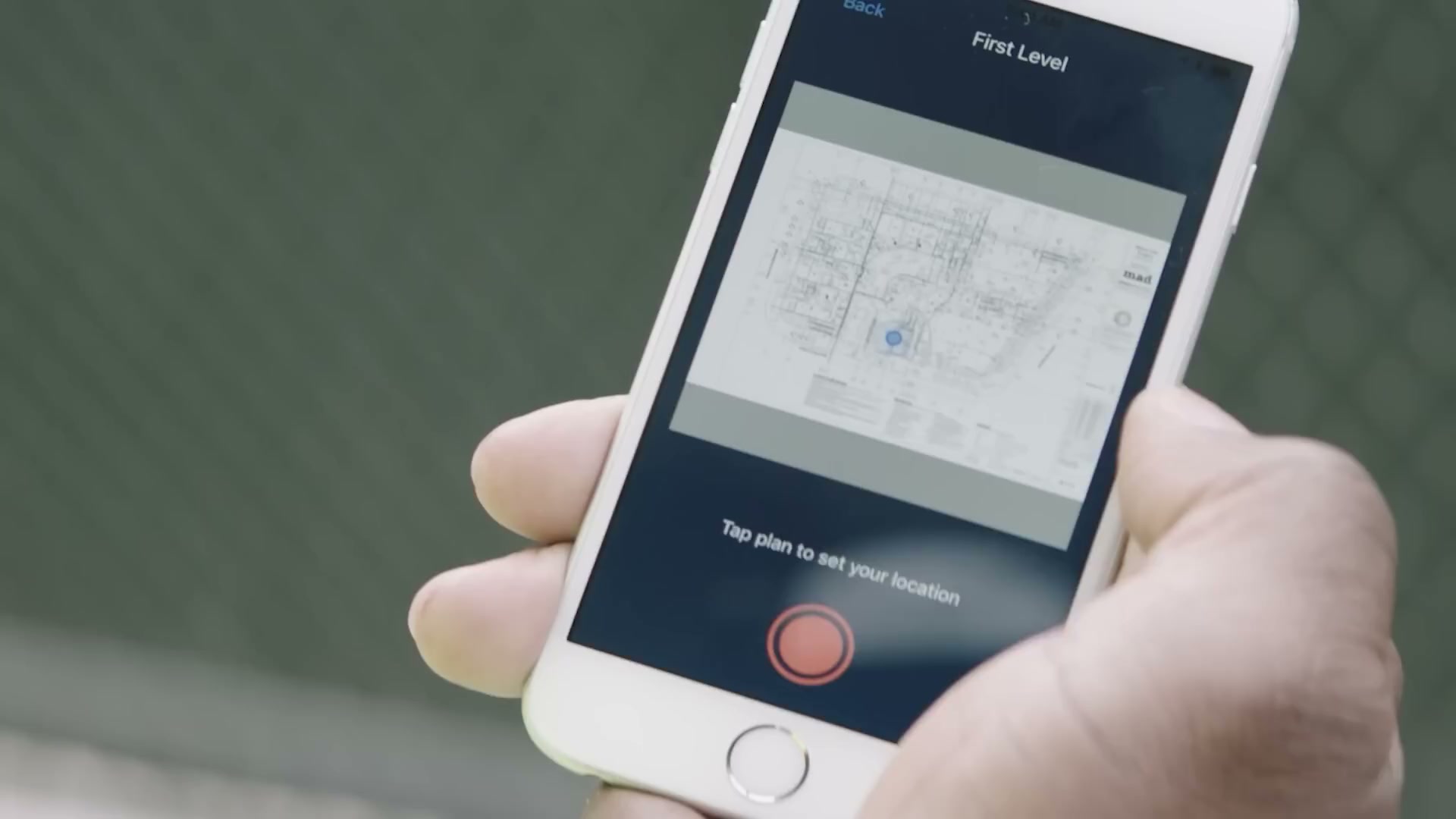
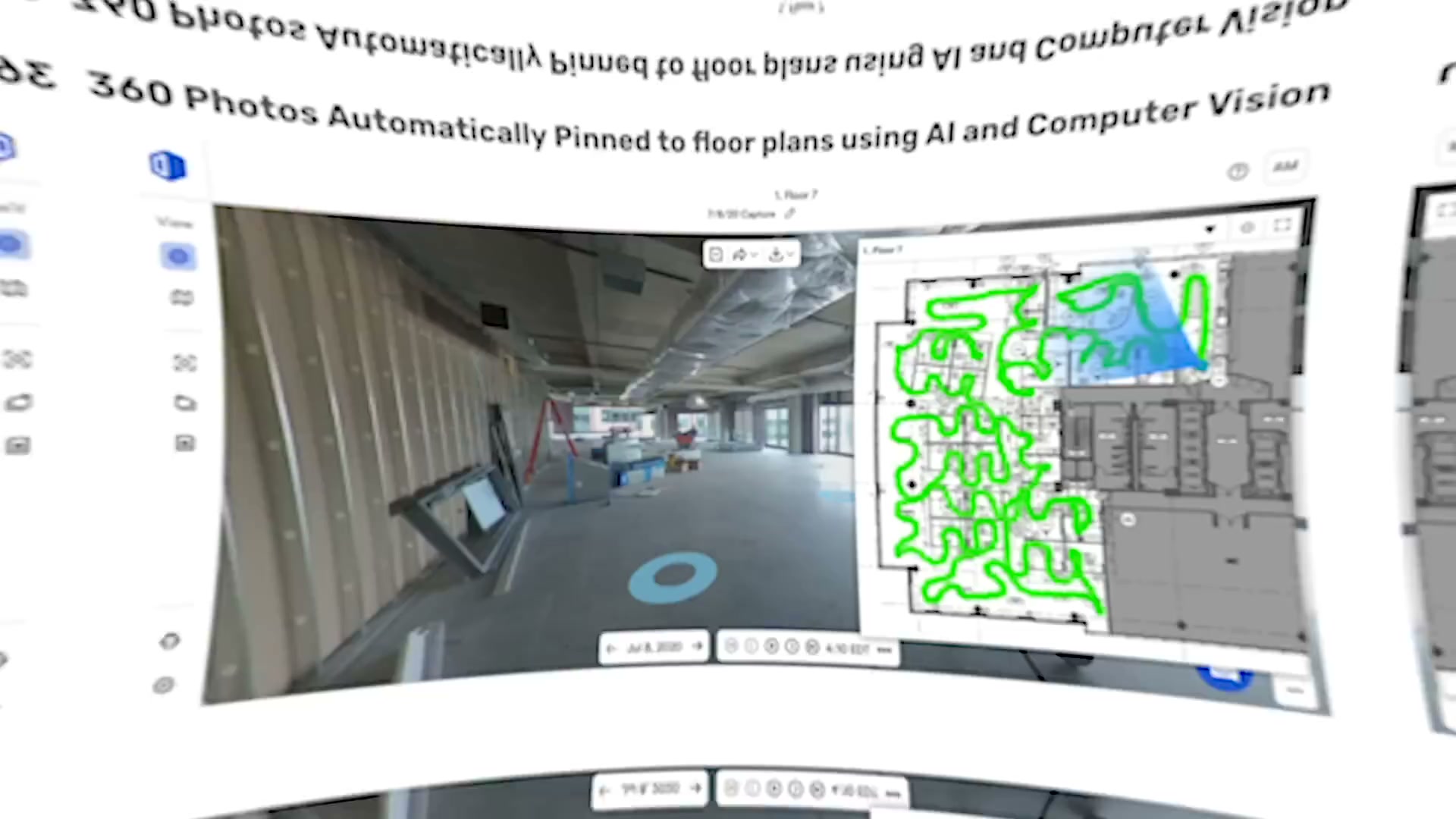
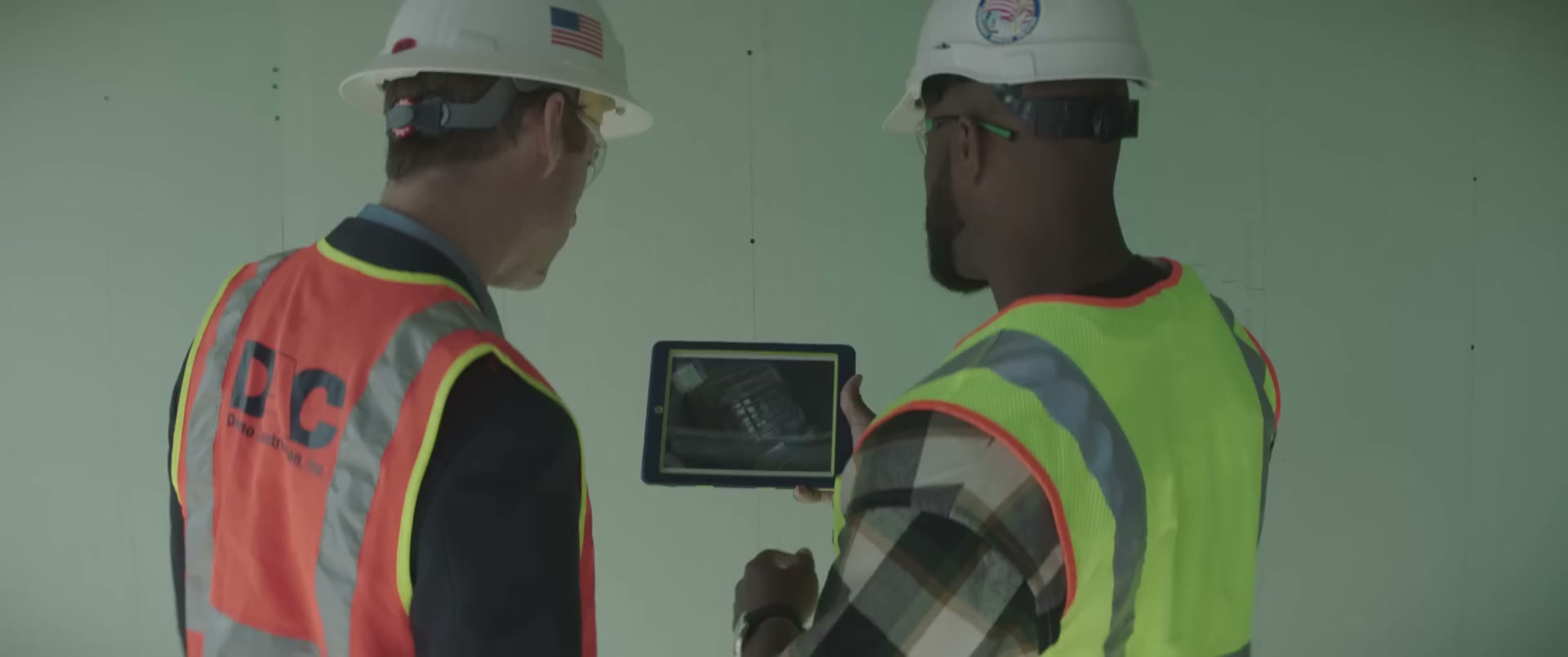
The input is deliberately simple: a 360 camera worn on a hard hat, walked through the site. The AI does the rest (auto-mapping each frame to the plan).
The core web product — the navigable 360 record
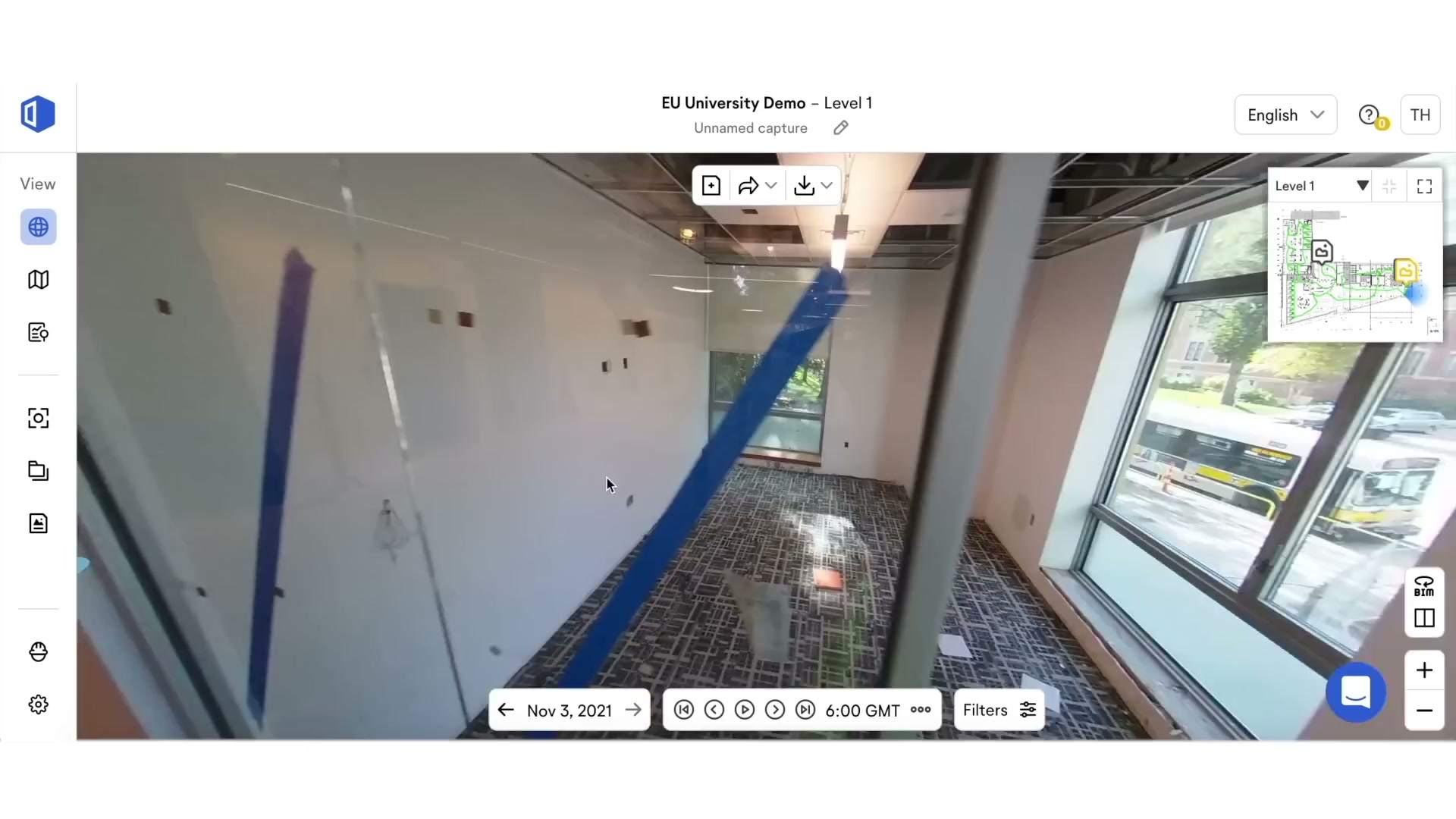
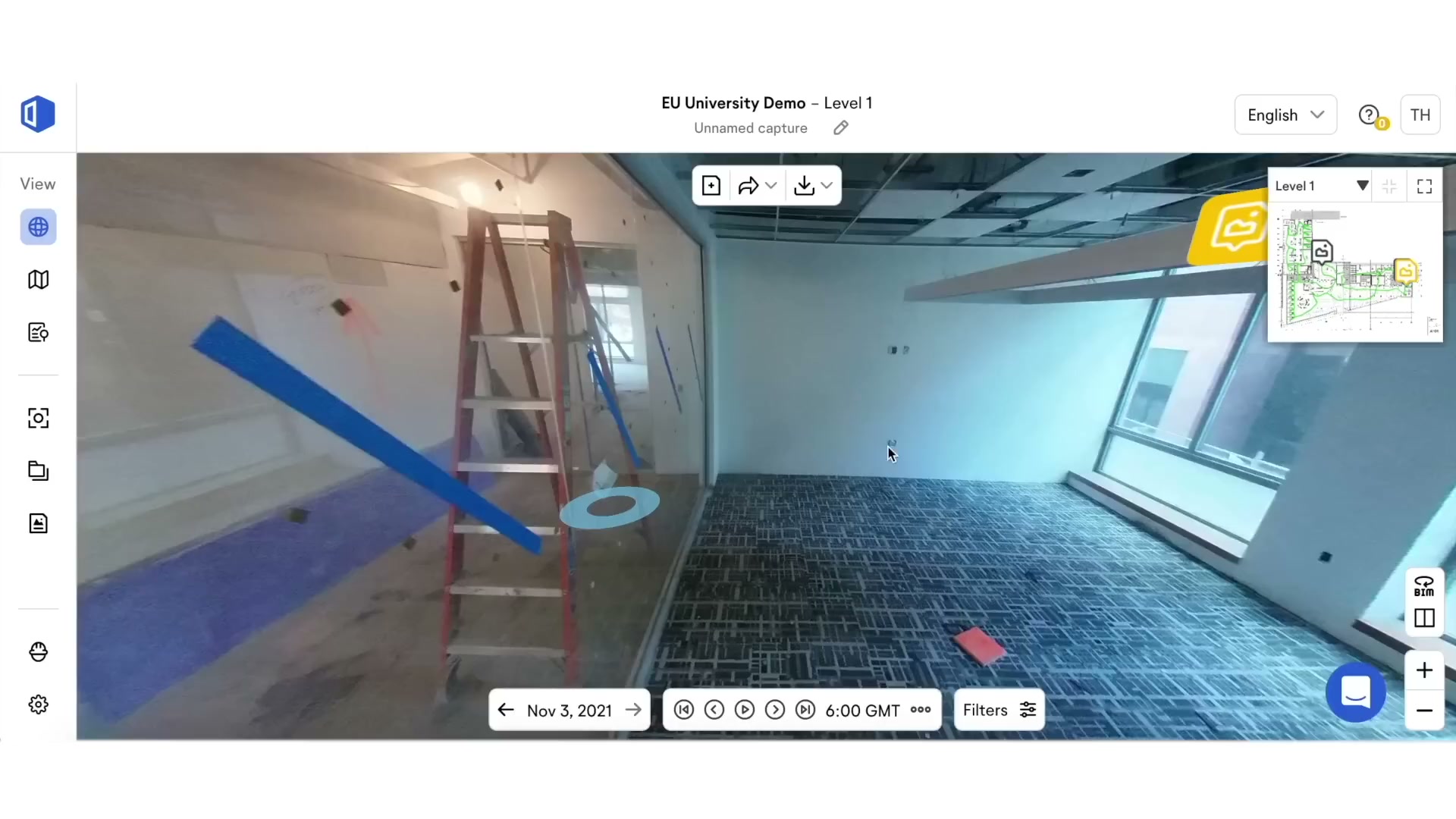
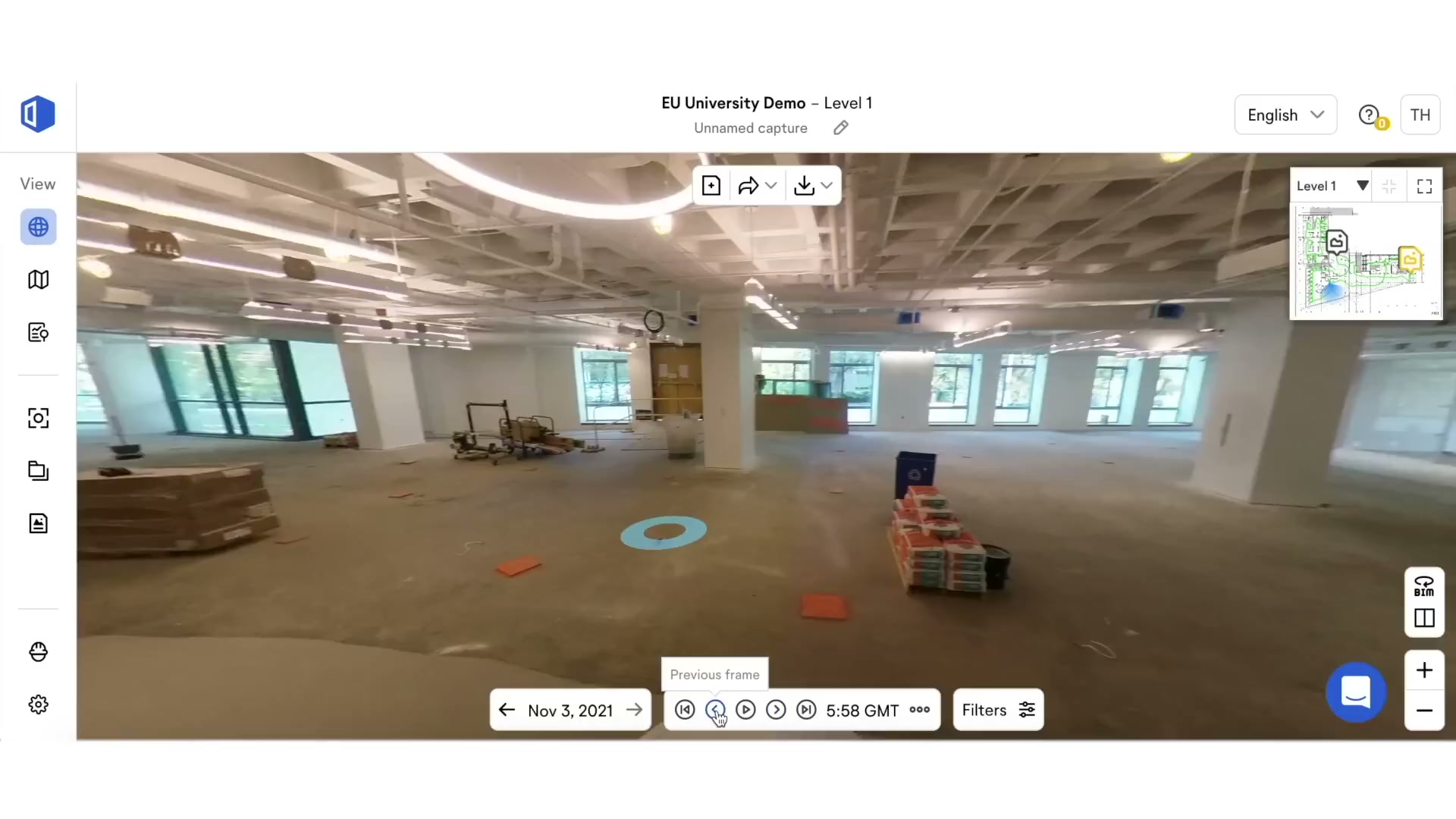
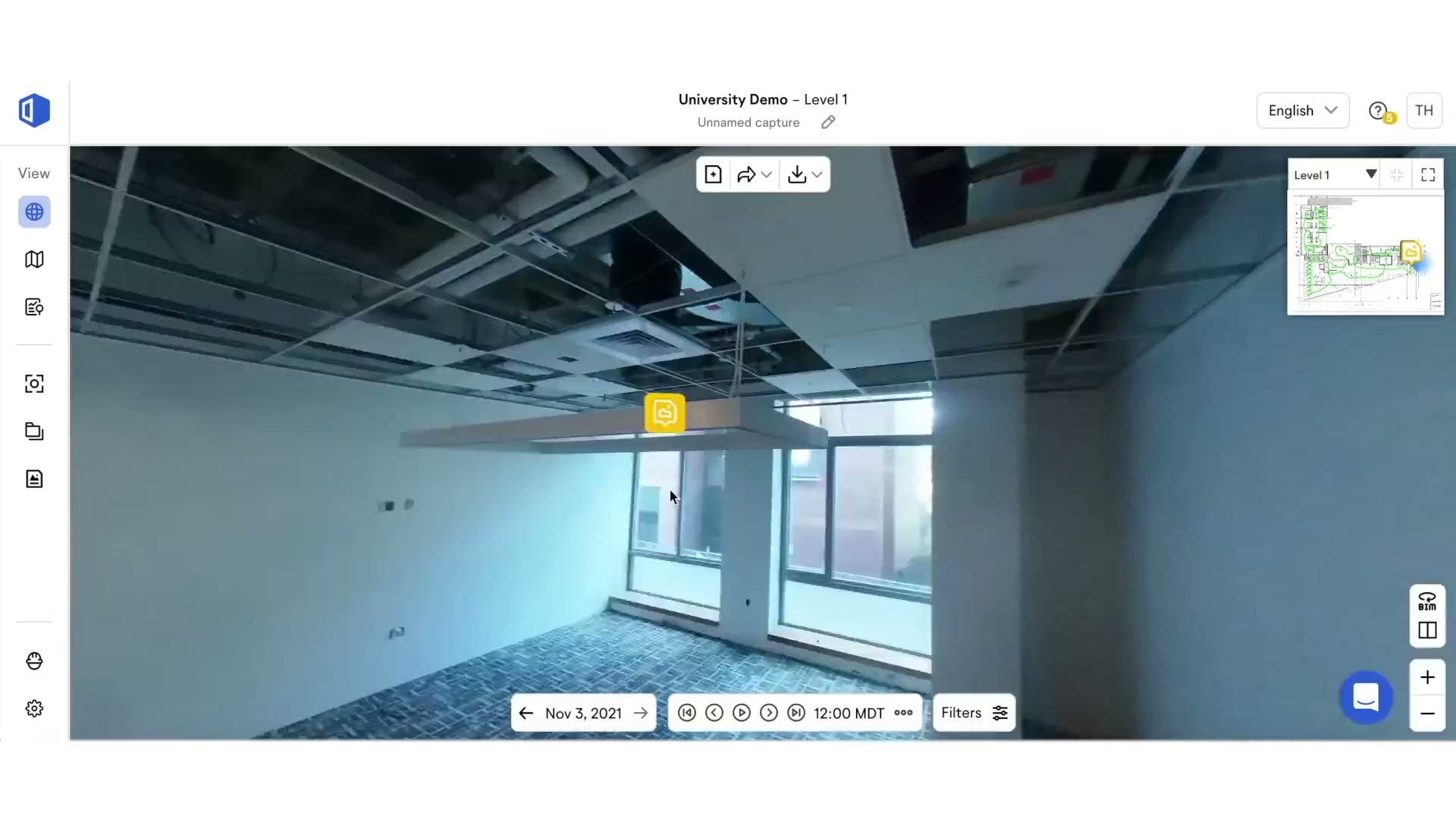
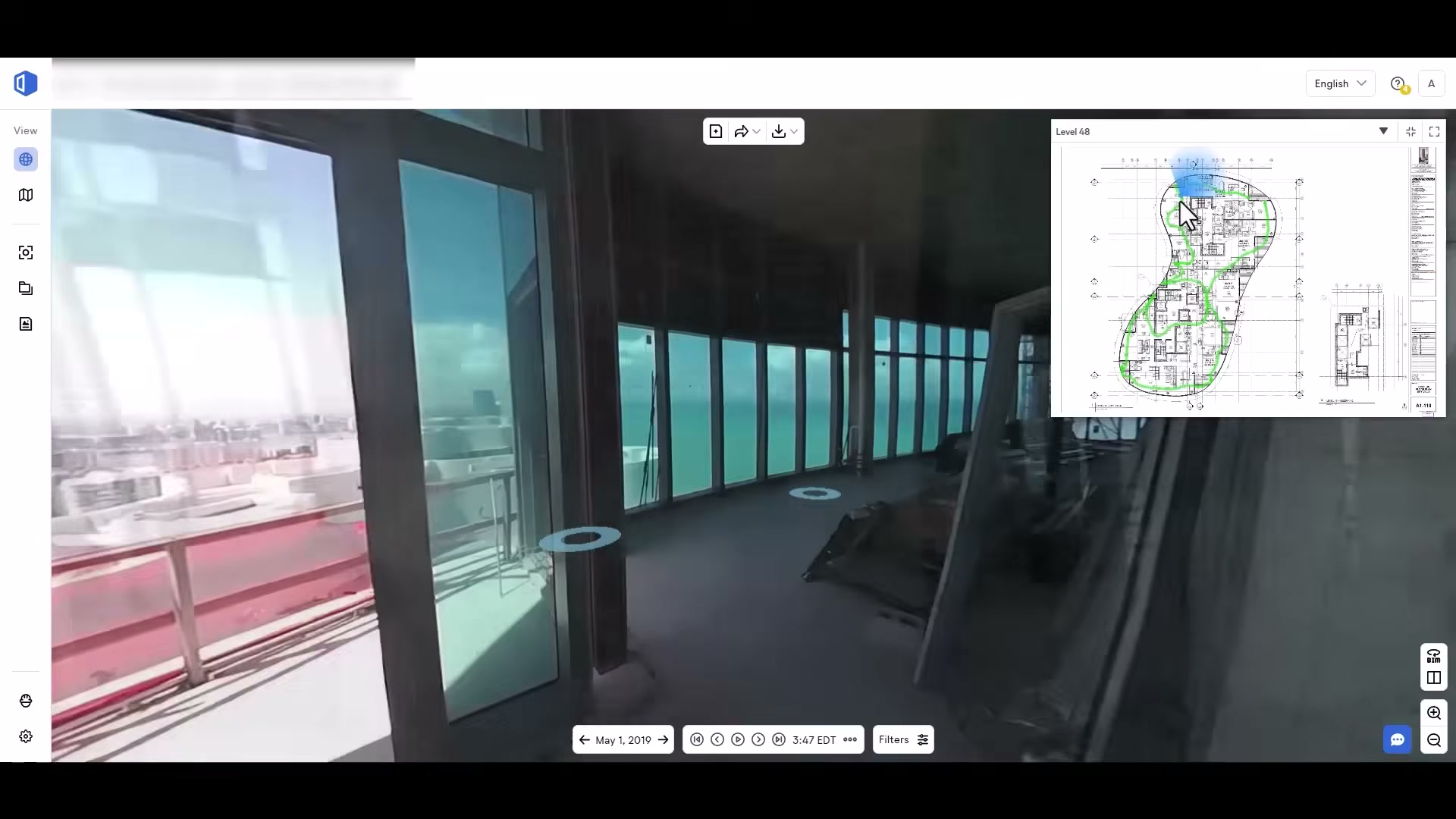
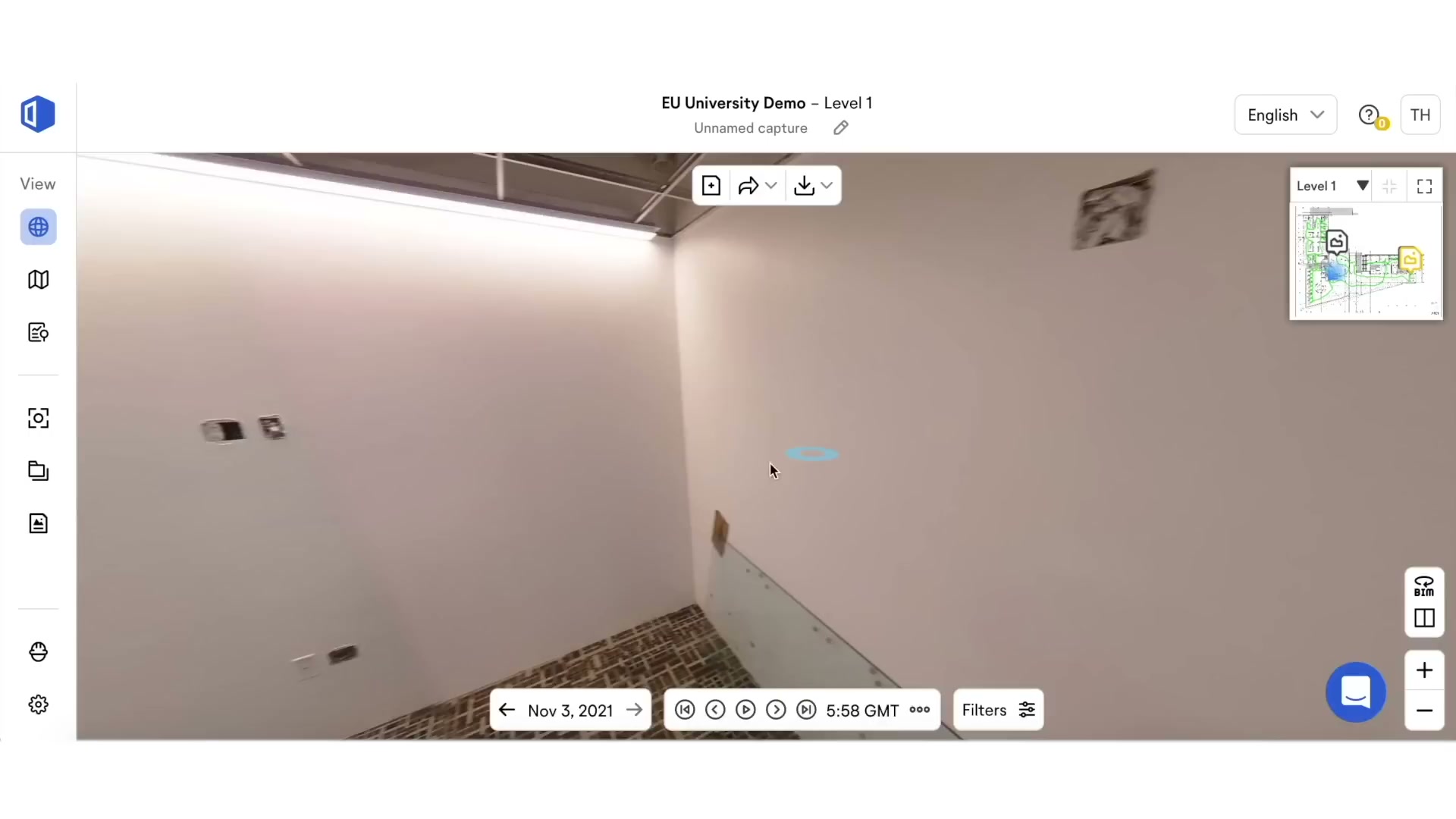
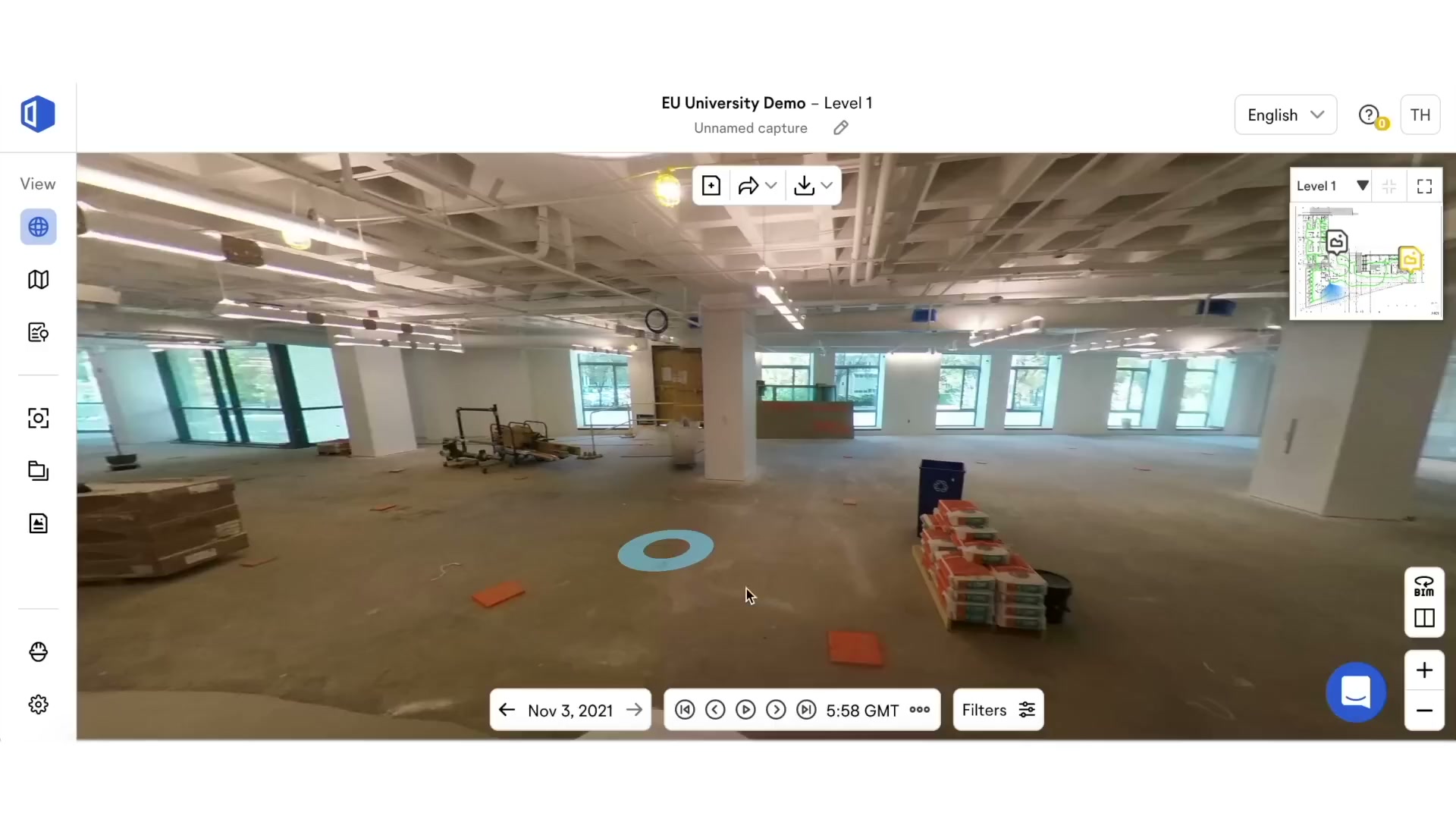
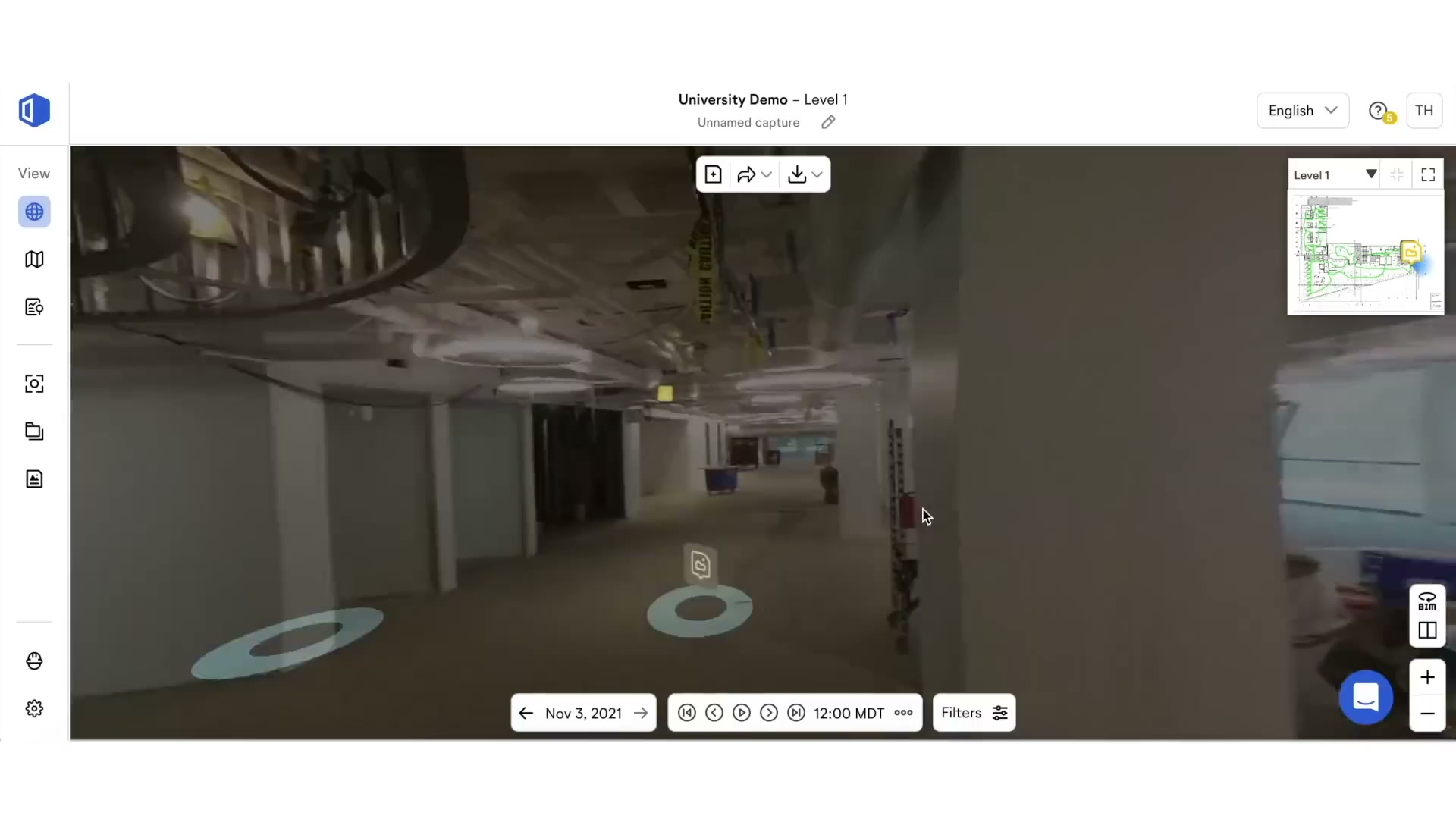
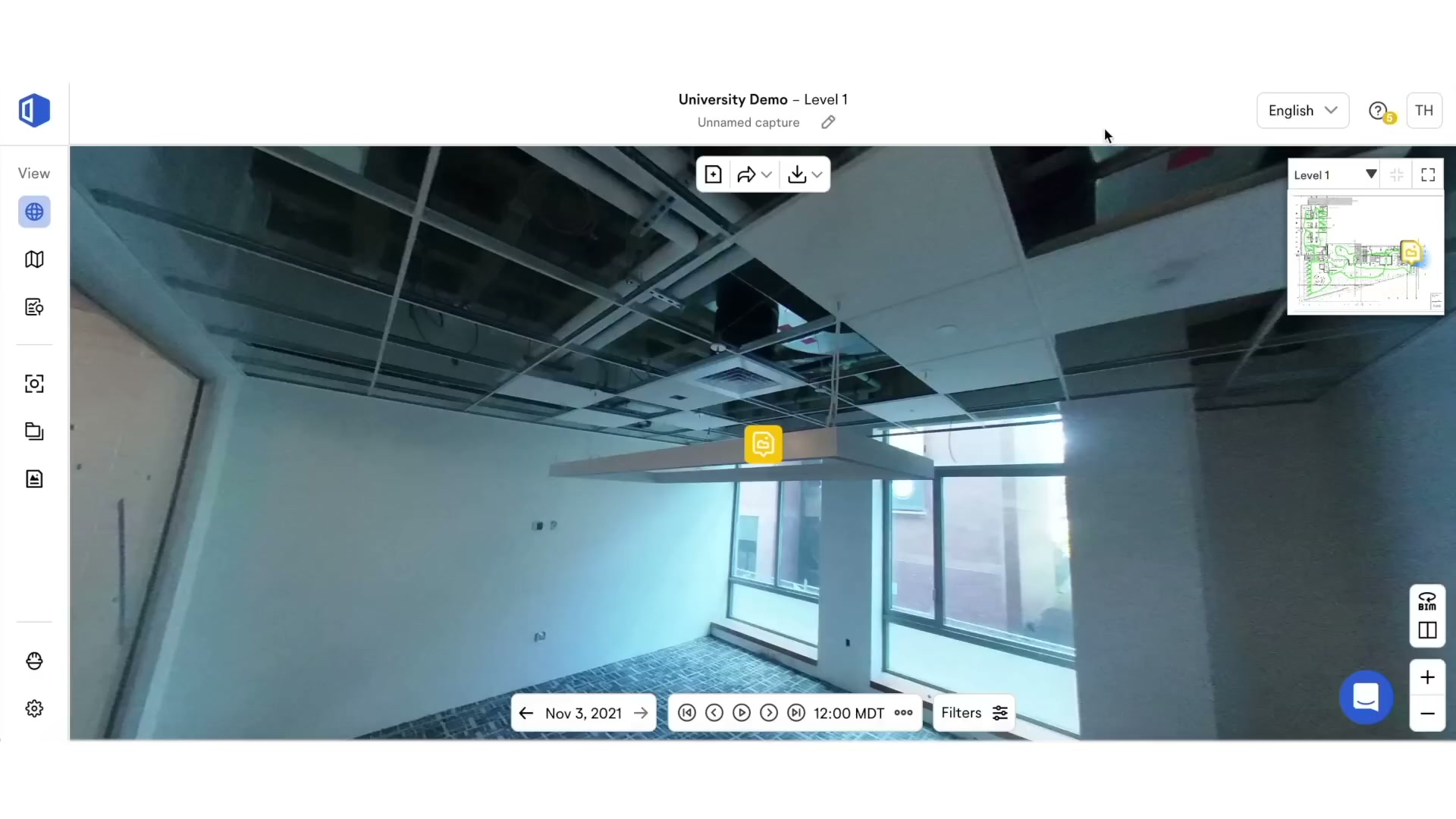
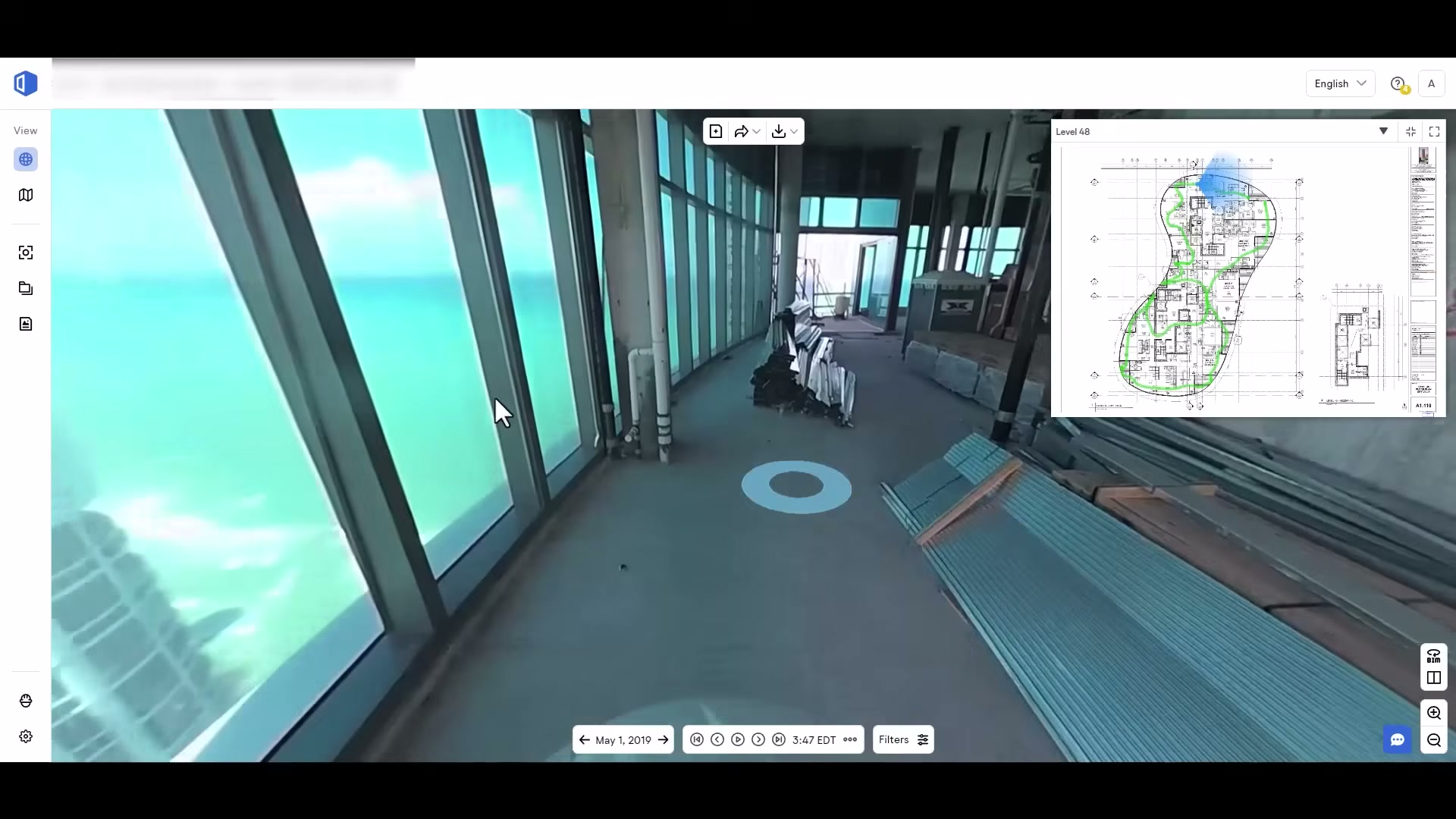
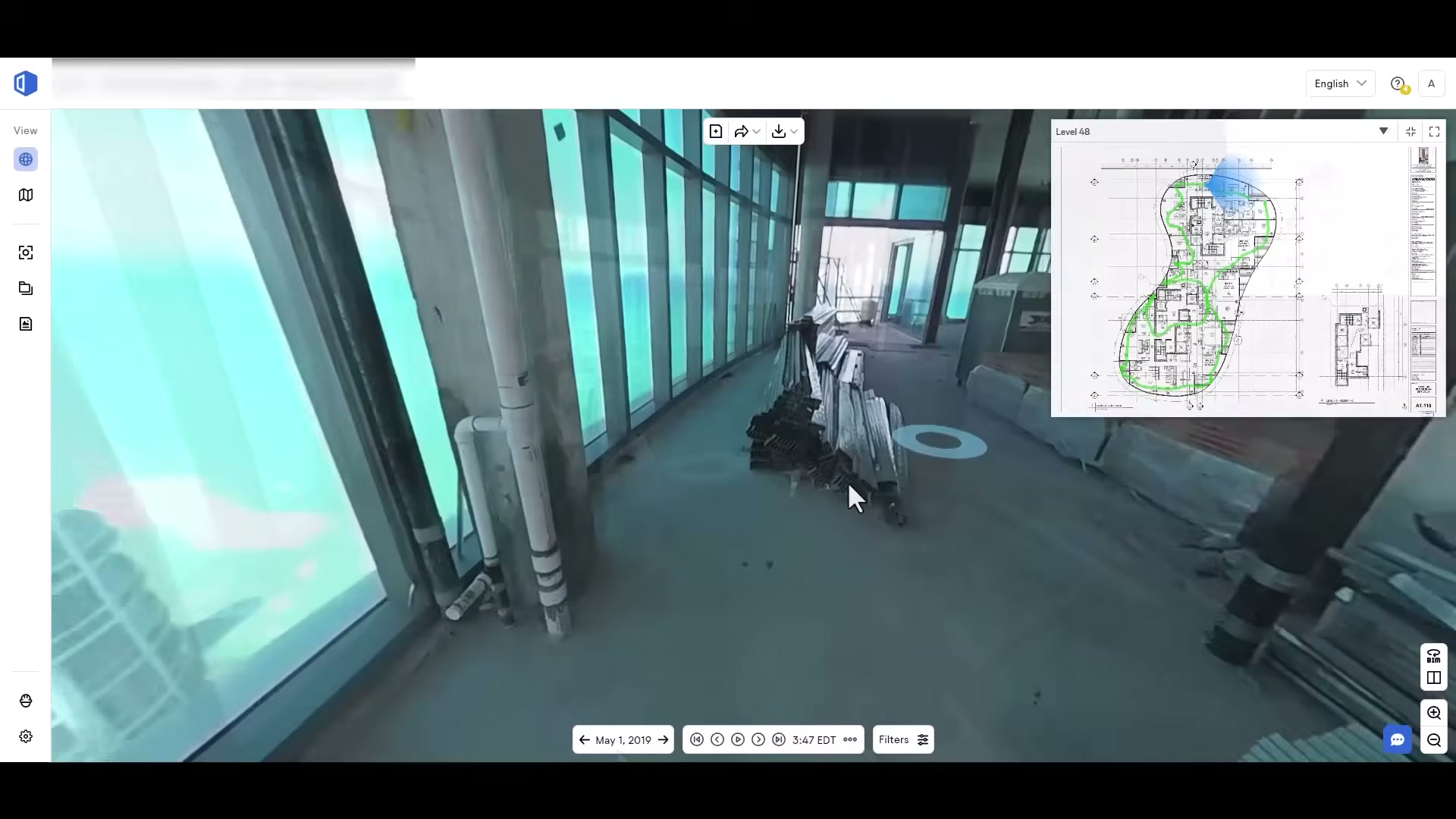
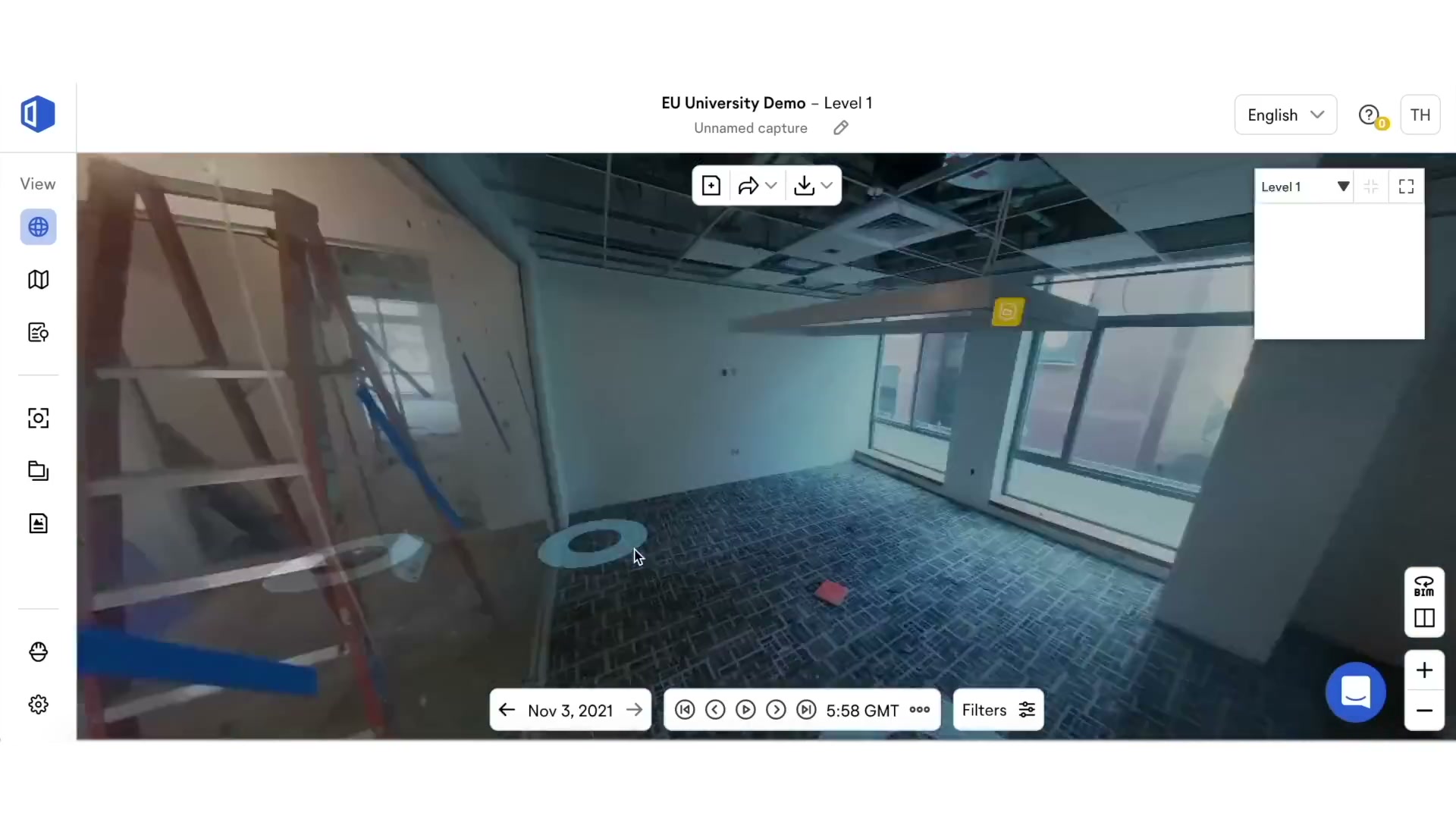
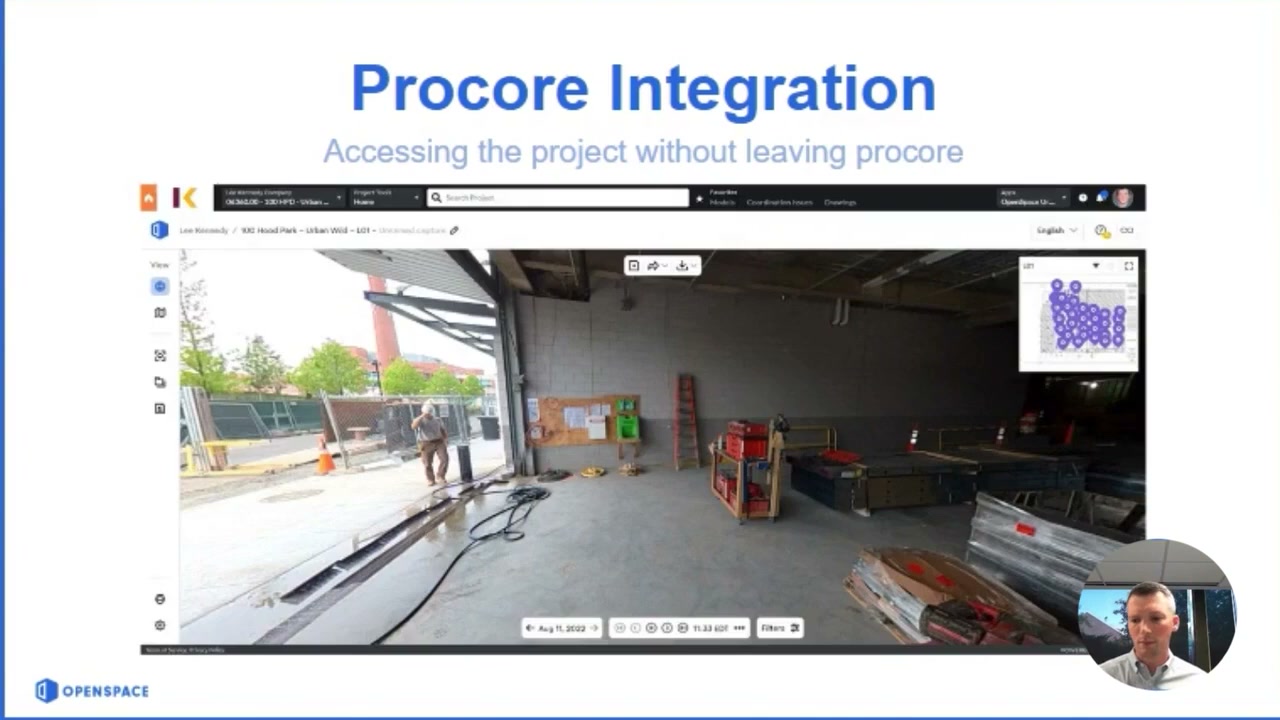
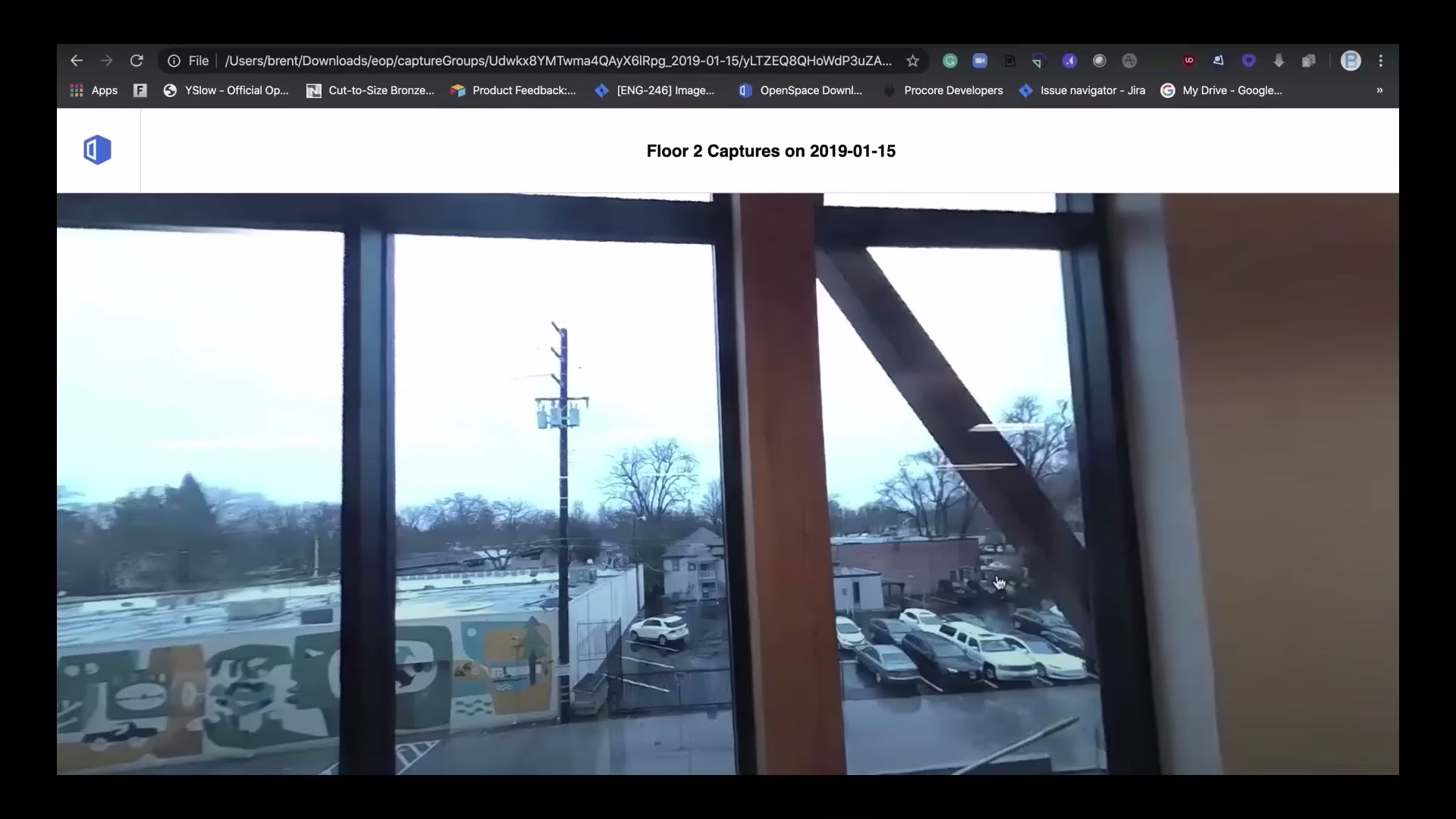
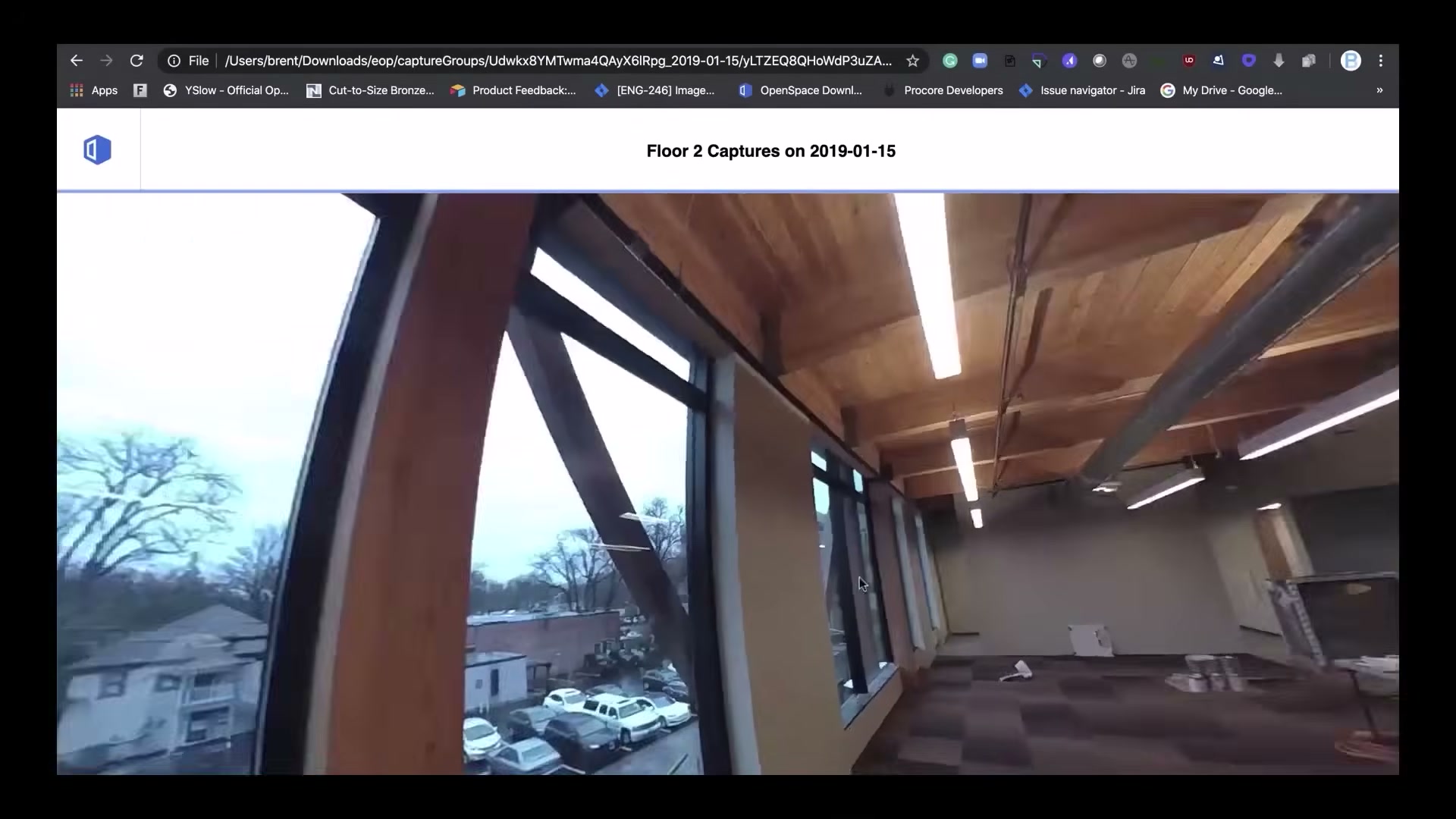
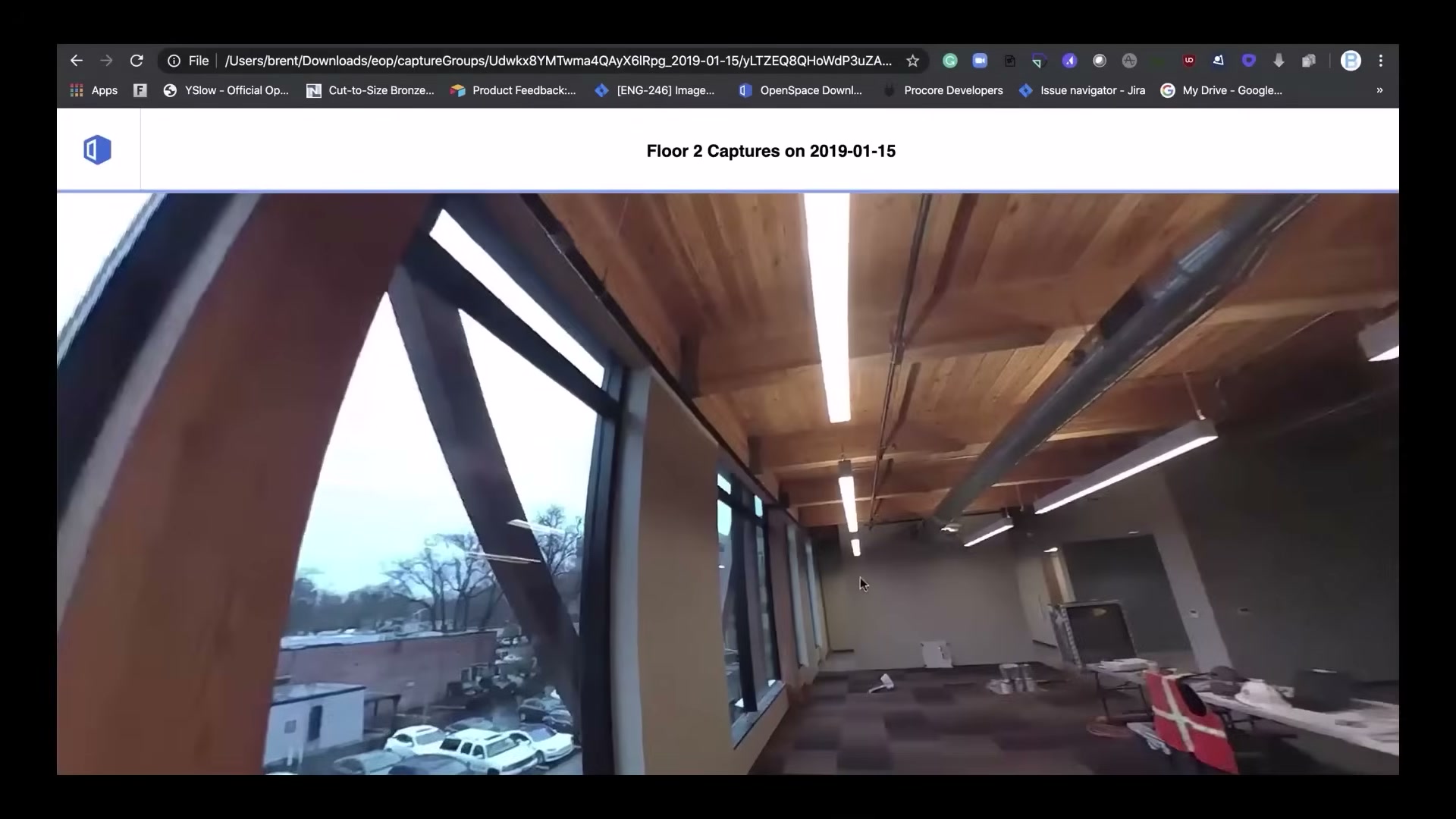
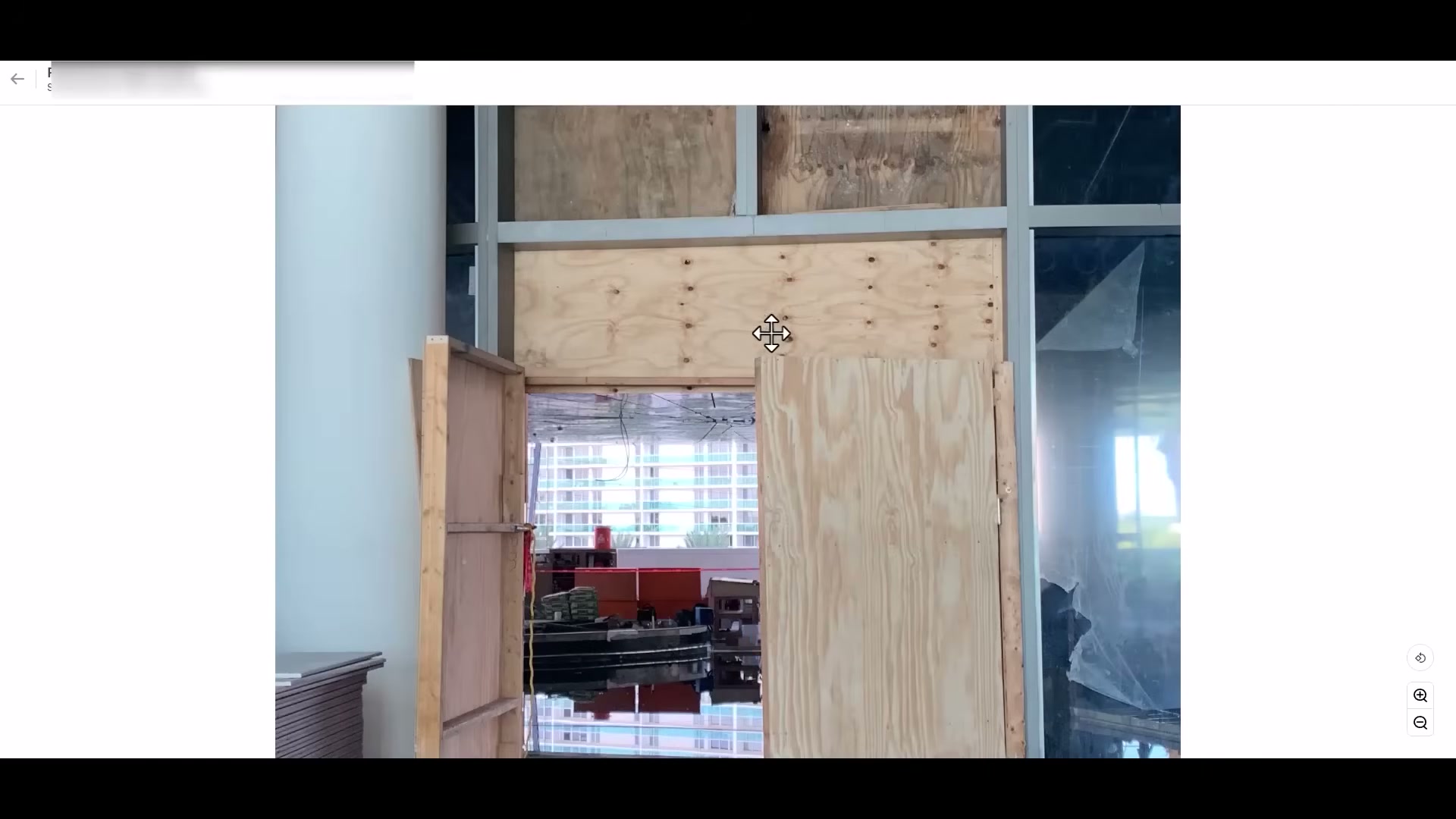
The heart of the product: a panoramic 360 view of the site with a floor-plan minimap and navigation dots. The office walks the building remotely, by date.
Split View and BIM Compare — the visual intelligence
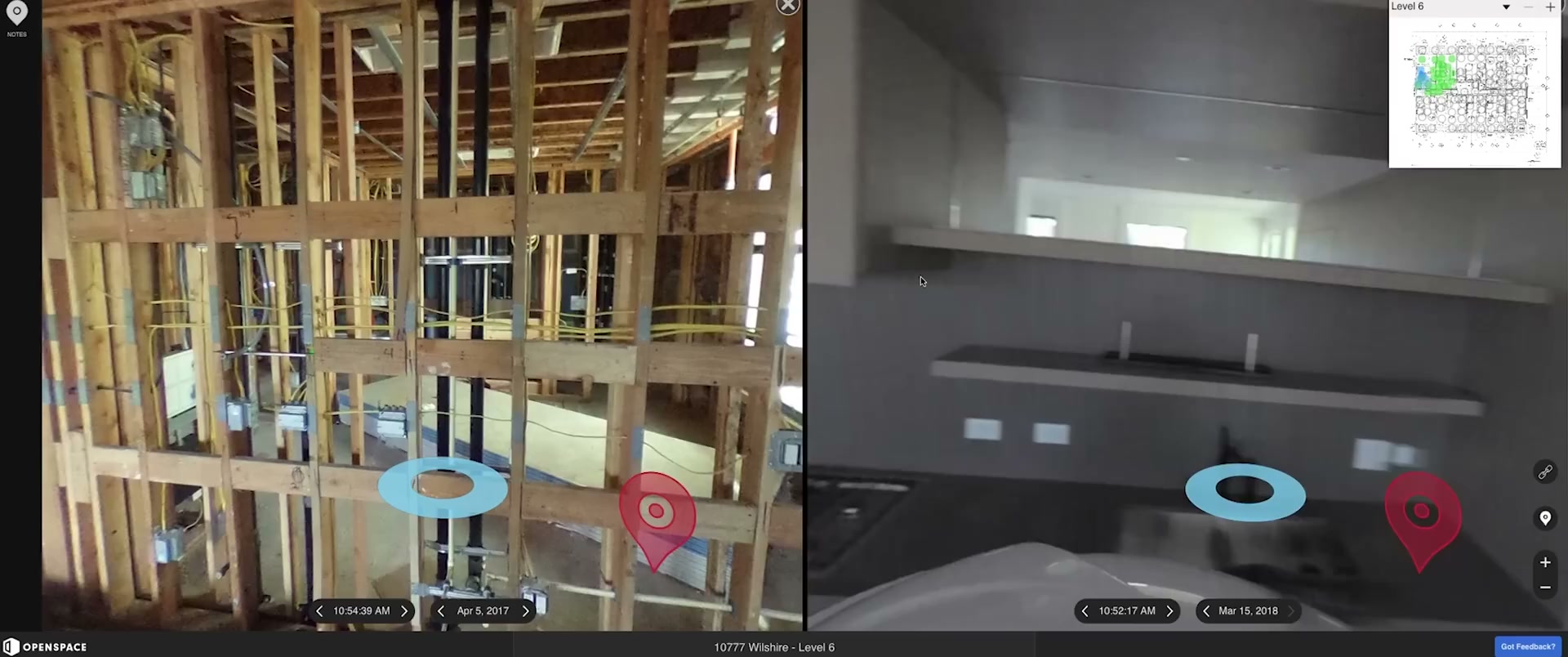
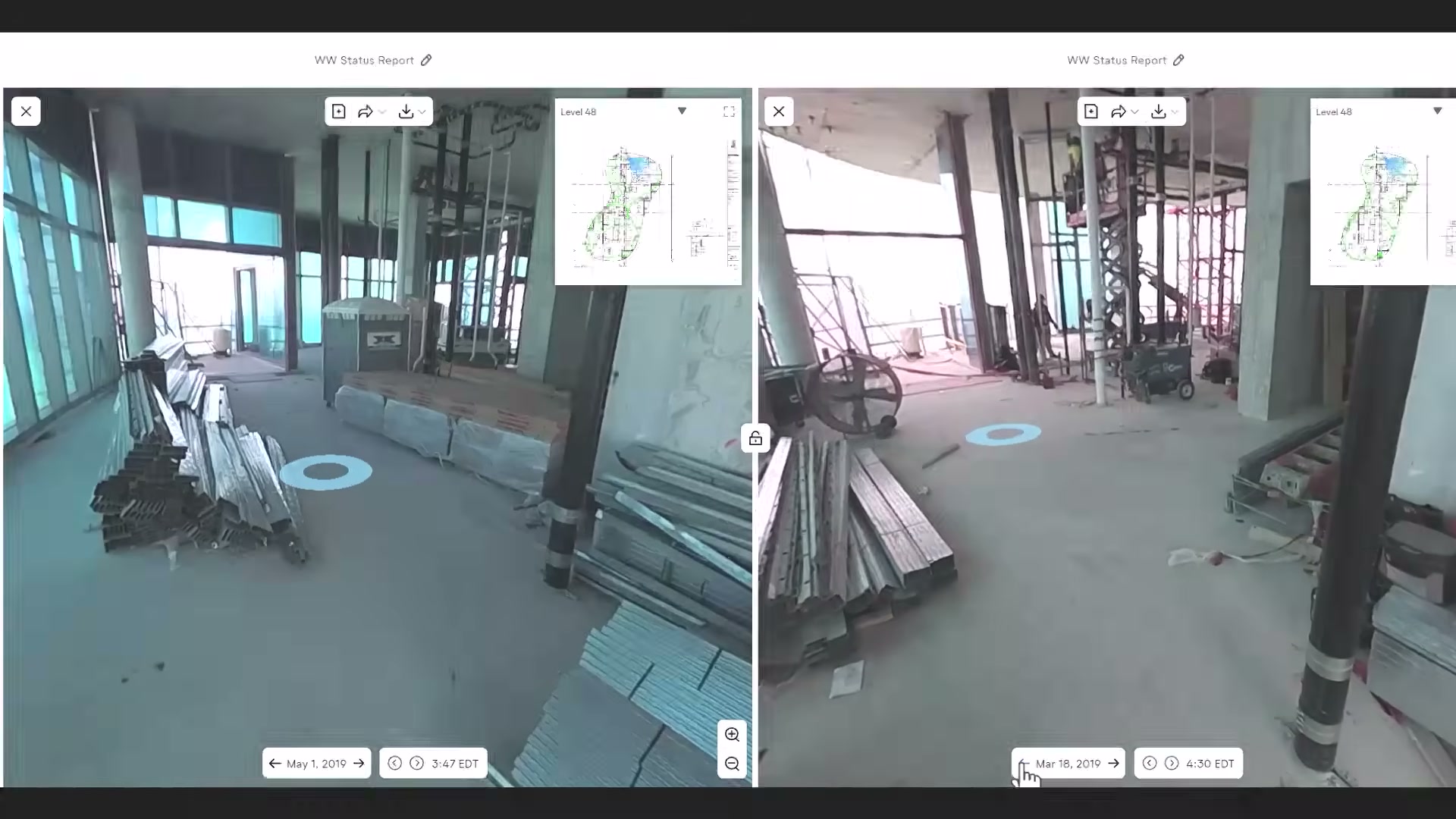
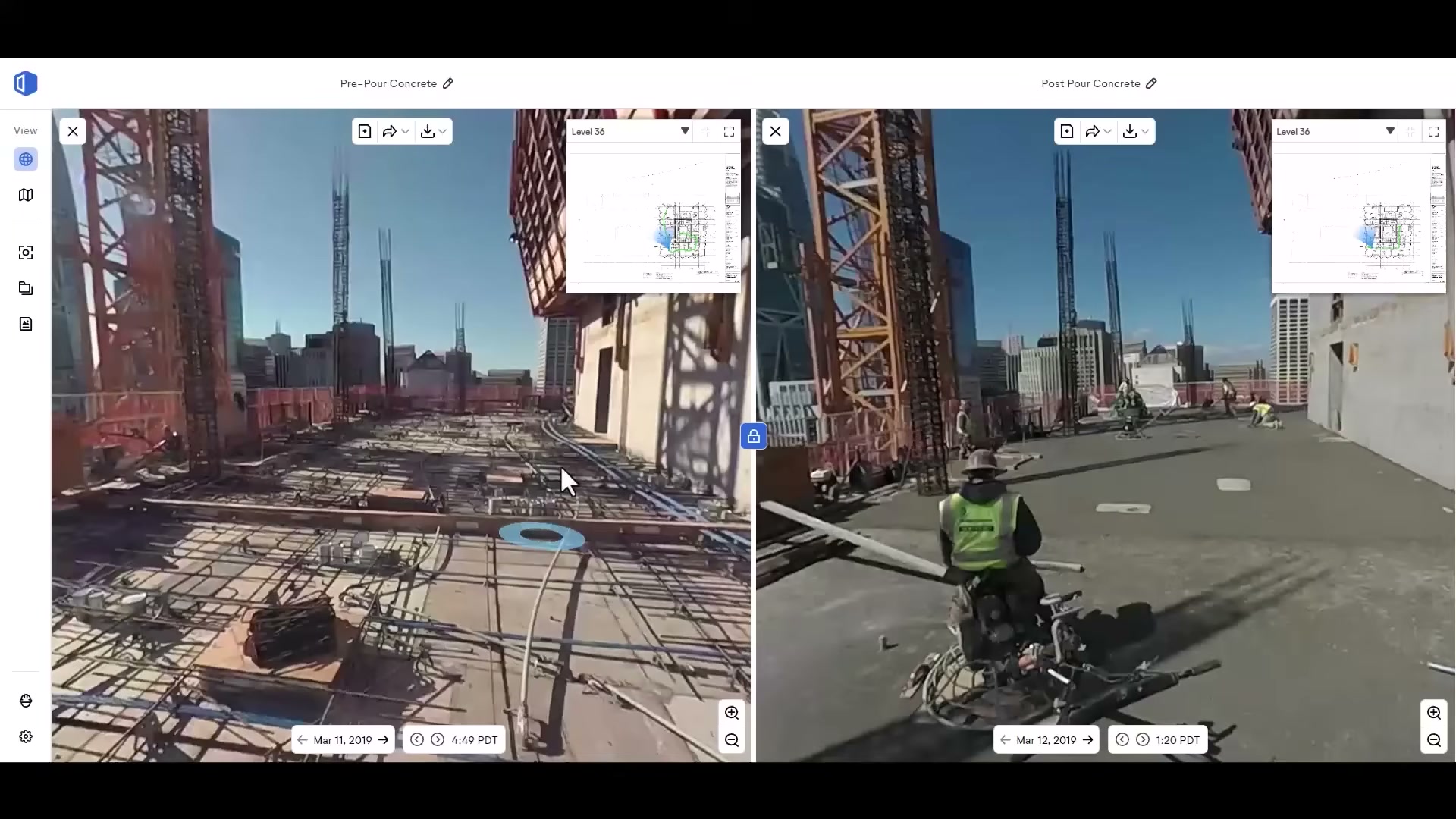
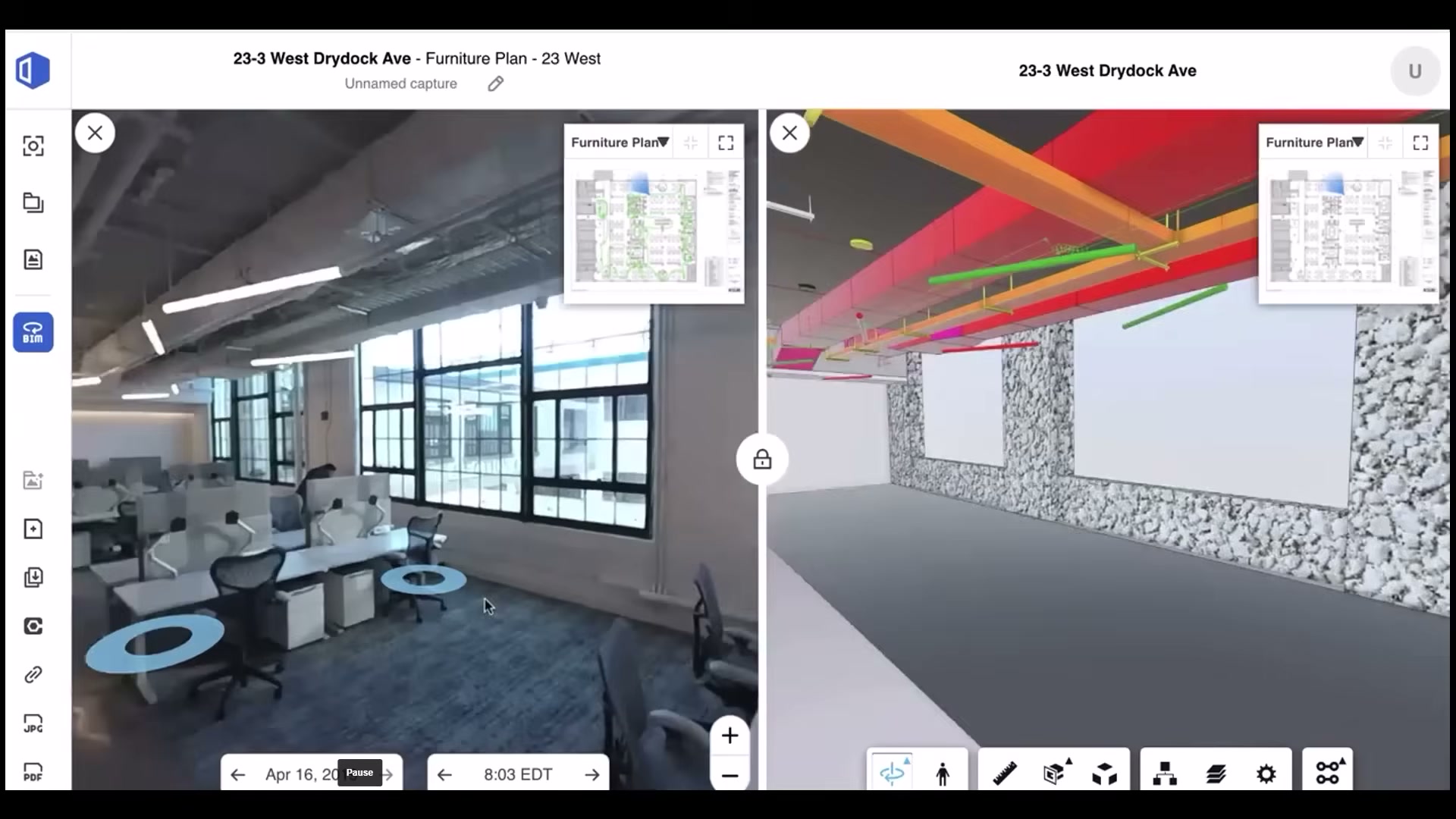
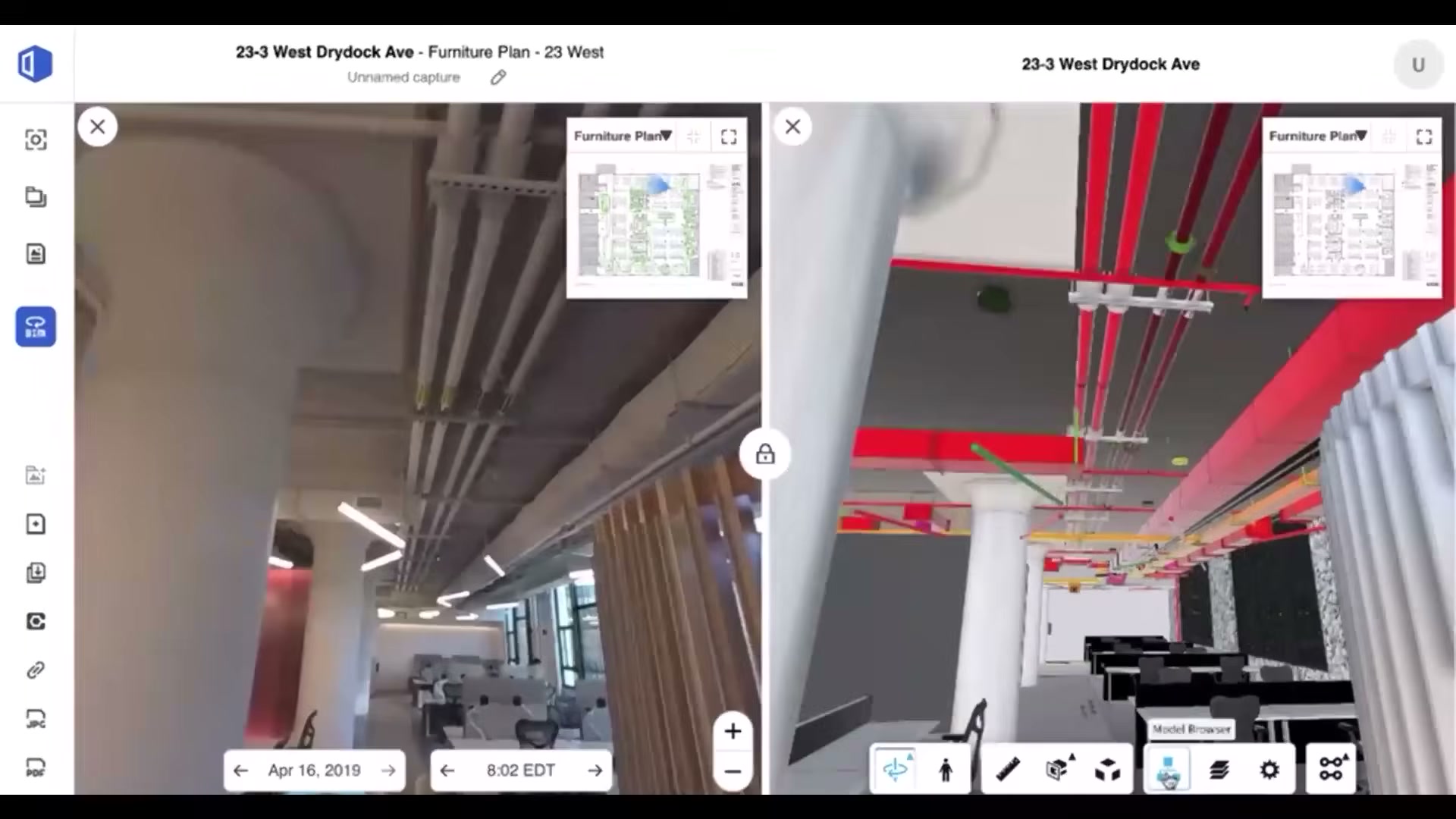
Side-by-side comparison of the same location across two dates, and of site condition against the BIM model. This is the value the office pays for: seeing change and verifying work without a site visit.
Field Notes and the Procore integration
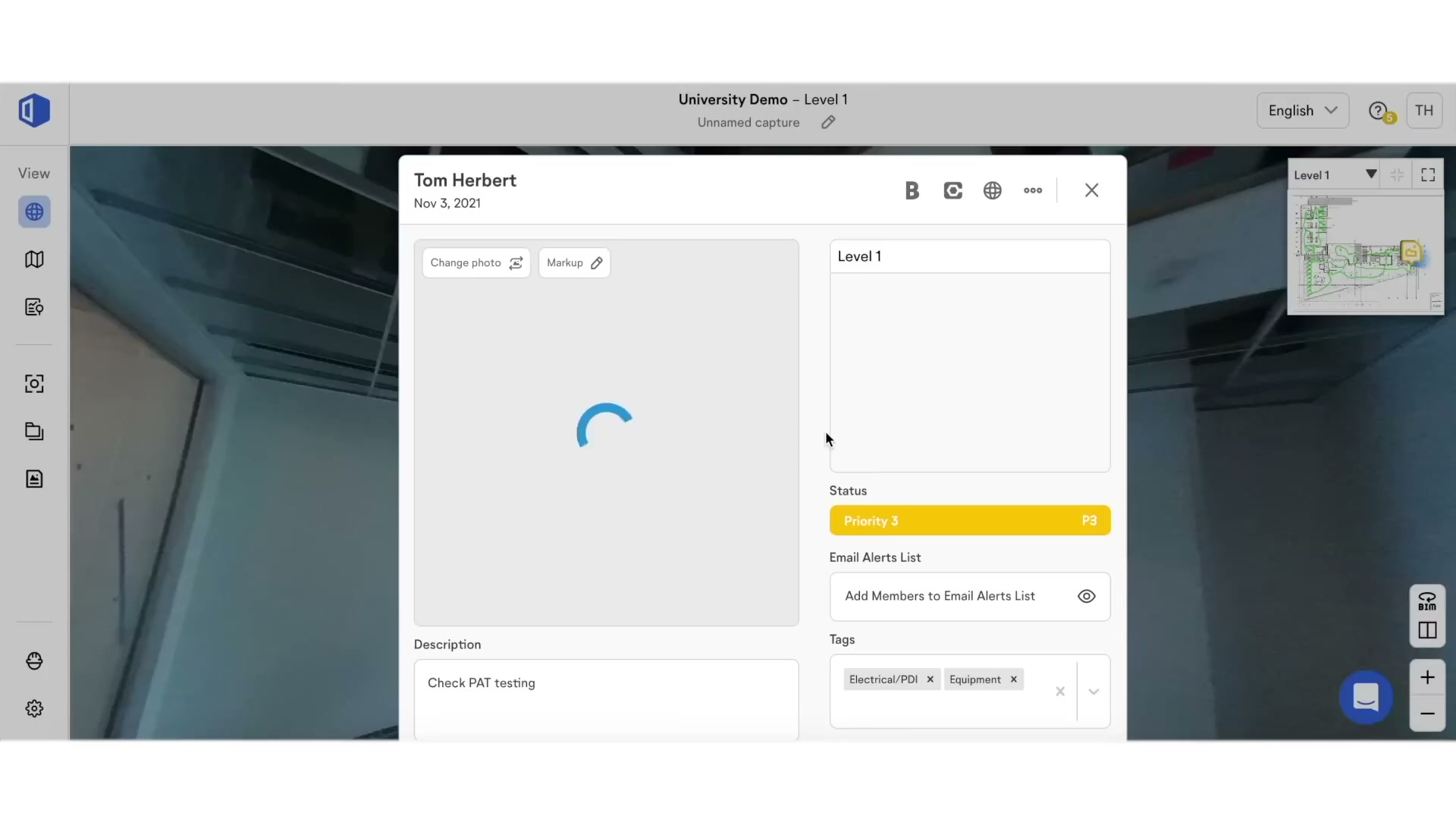
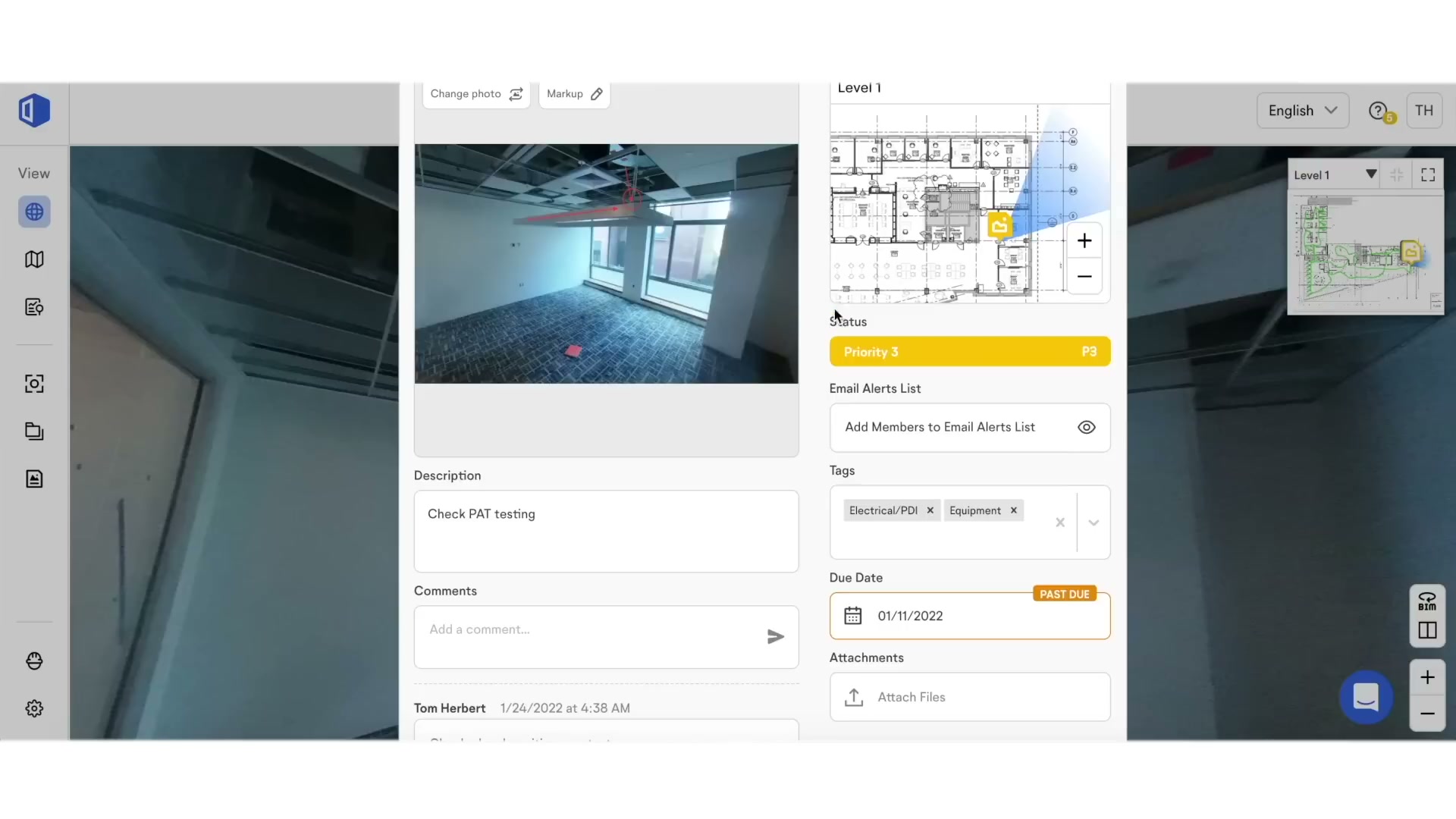
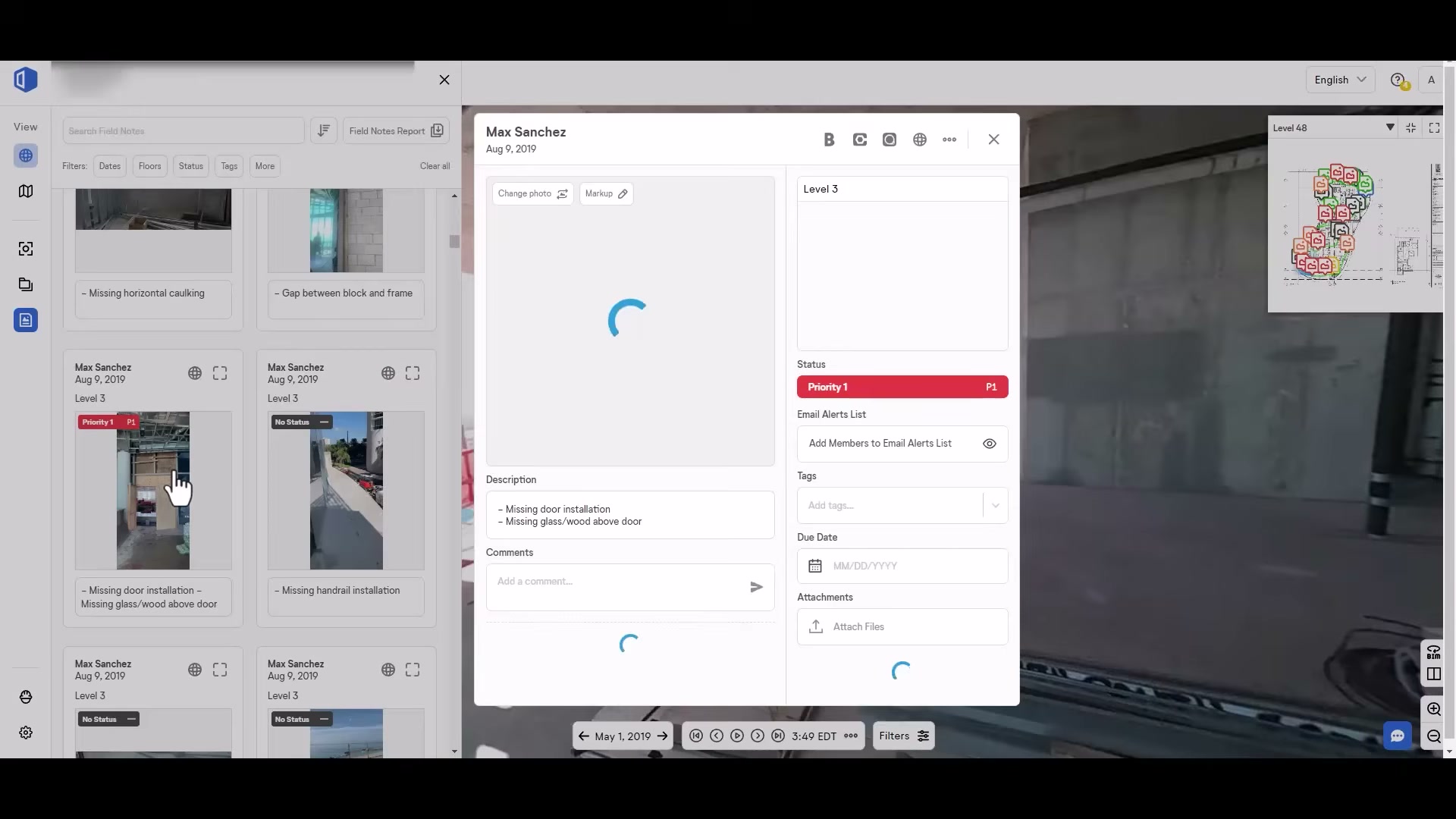
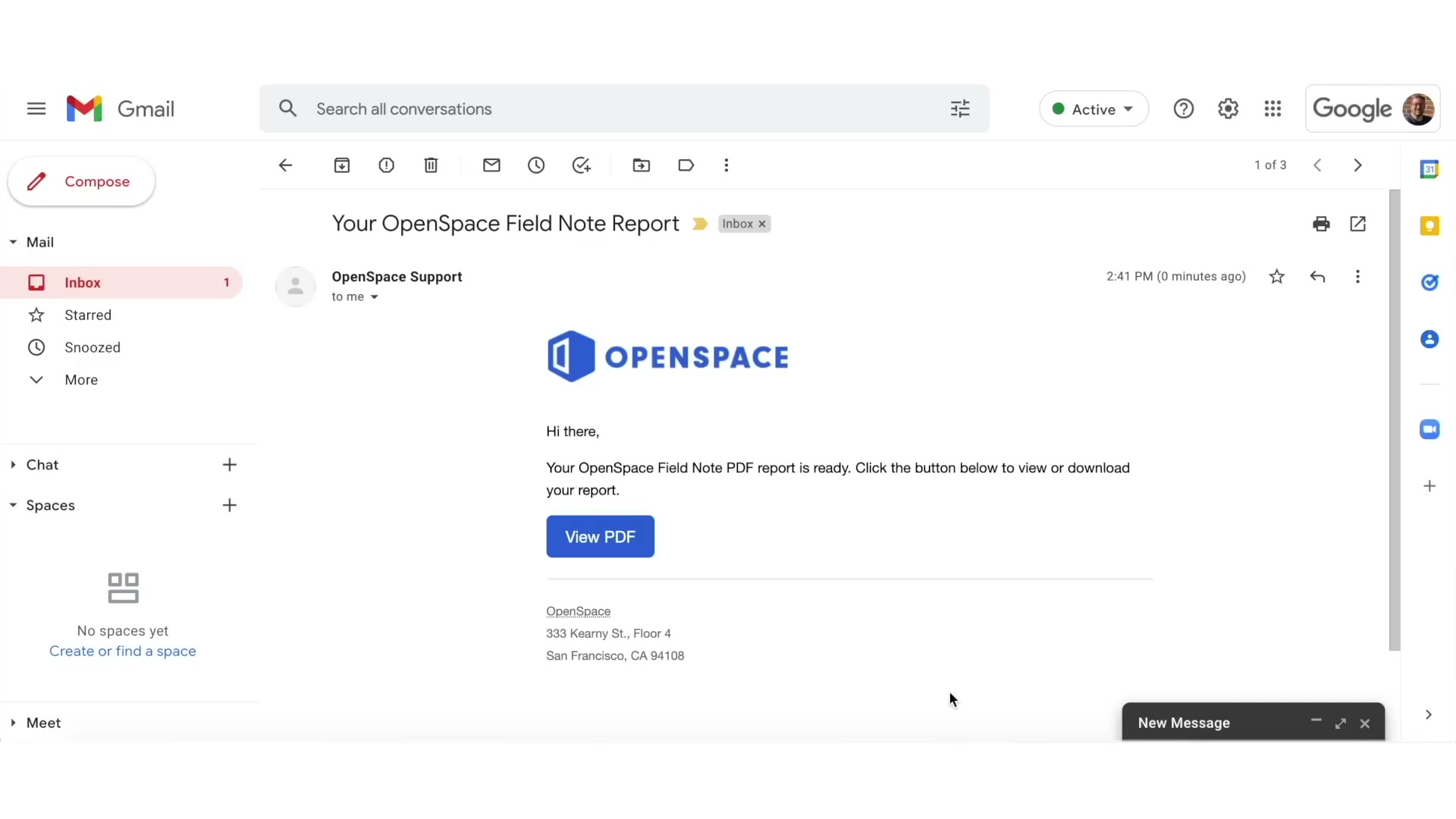
Field Notes pins observations, punch items and RFIs to a spot on the walk; the Procore integration lets teams access the capture without leaving Procore (the visual layer feeding the commercial system of record).
In the field
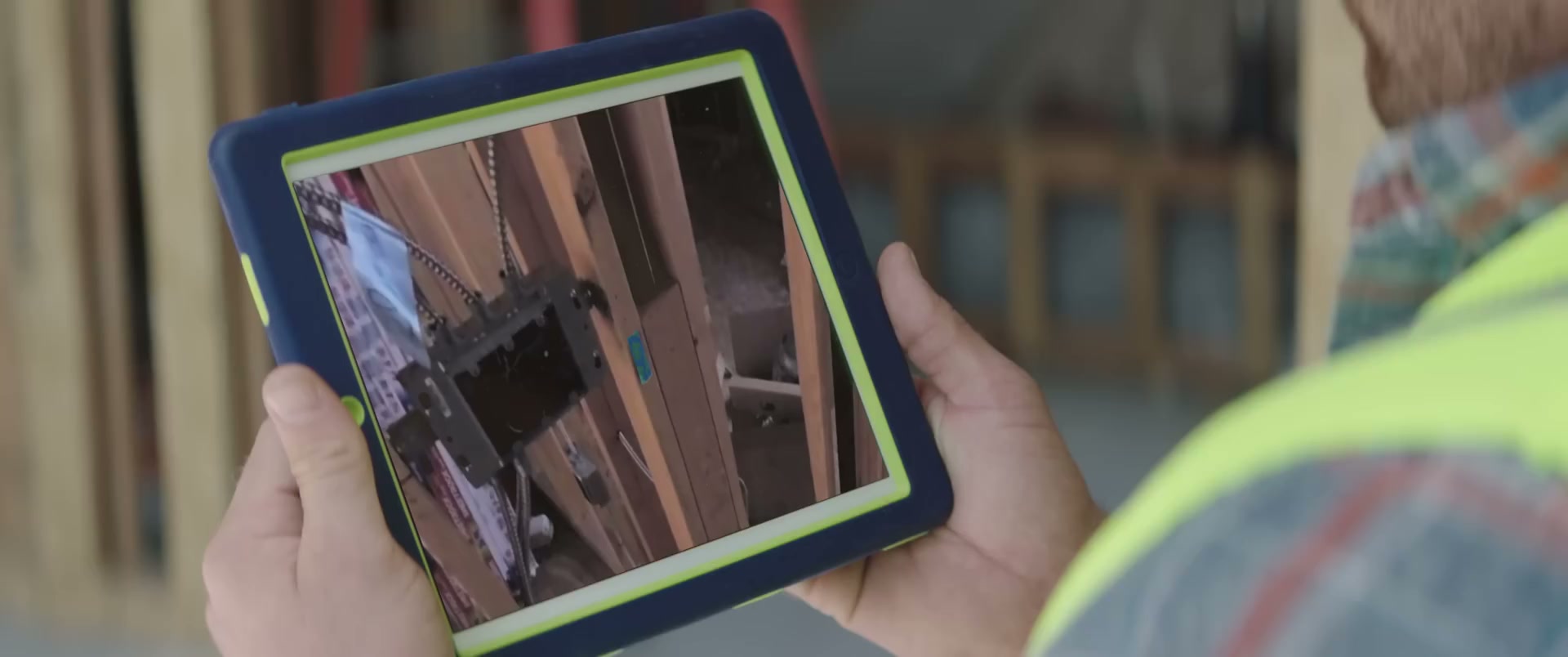
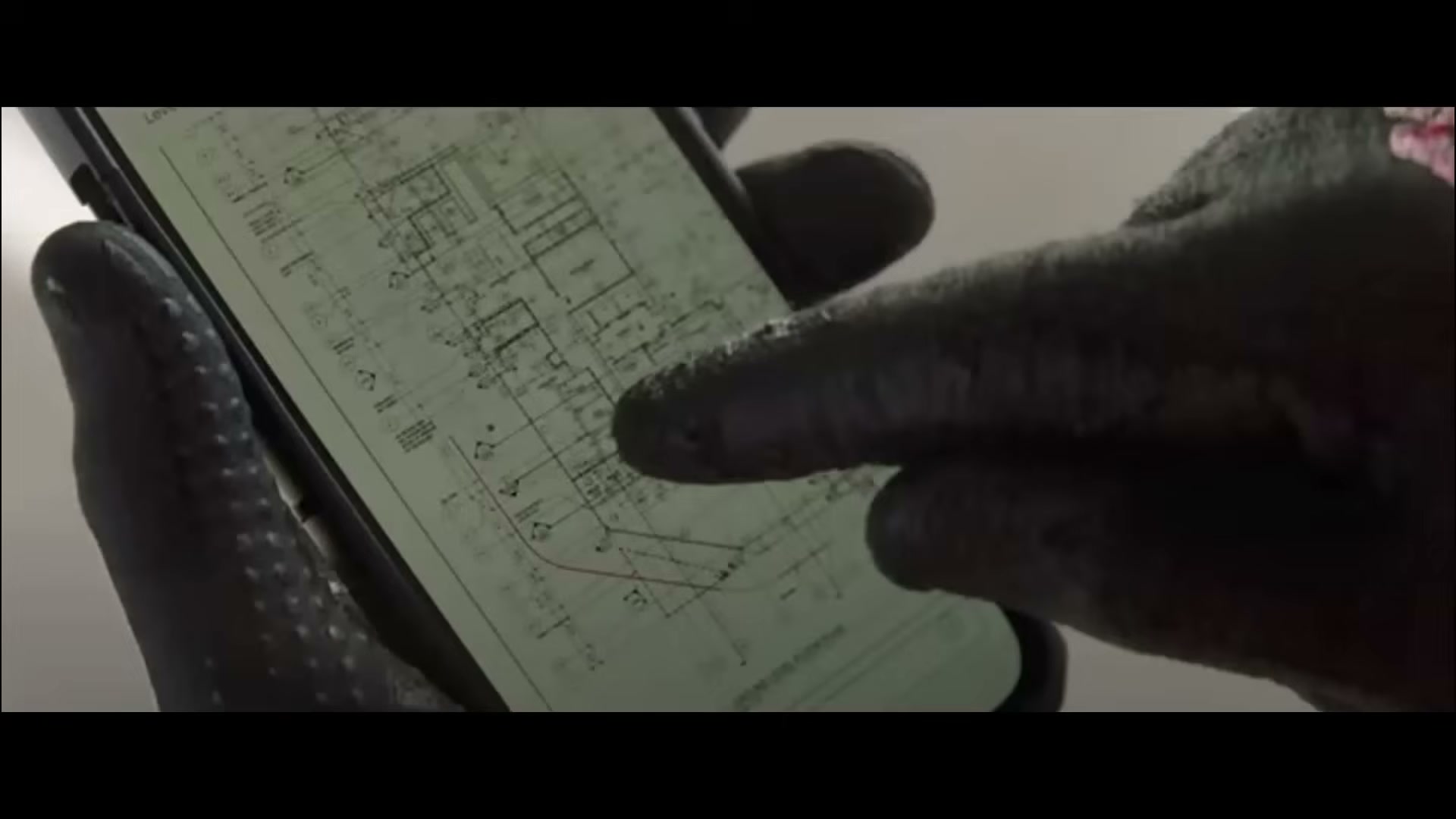
The product in use on site — crews capturing with hard-hat cameras and phones.
Whole-set contact sheet
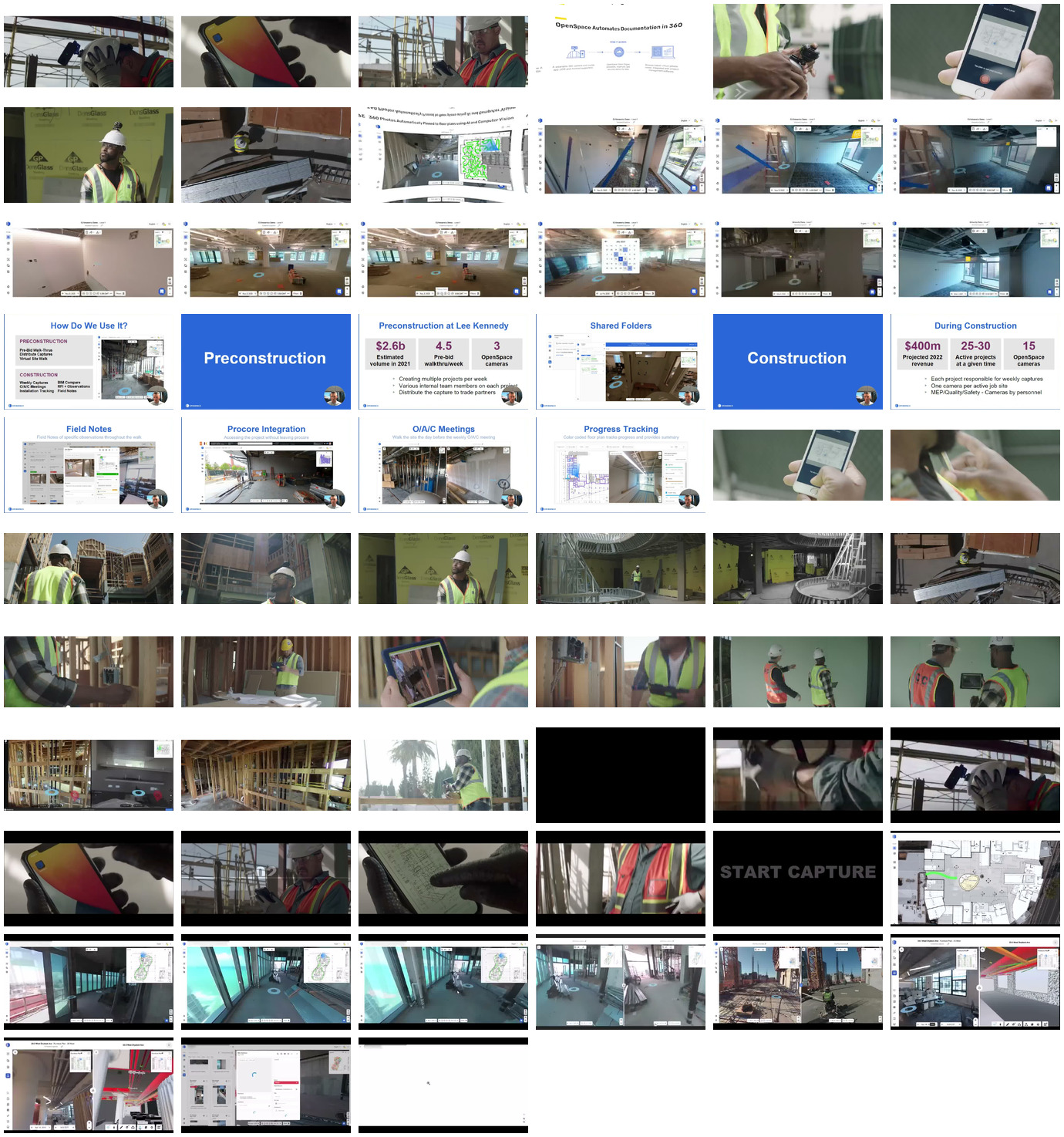
For a single-glance overview of everything captured: contact_video.jpg (all 63 walkthrough-video frames). There is no App Store contact sheet — the listing has no marketing screenshots.
Sources and method
- Product surface (Capture, Field, Air, BIM+, Track, ClearSight, Split/Reveal, Object Search): openspace.ai product, pricing, and press pages, corroborated by independent reviews —
raw/exa_answer.json,raw/exa_search.json, plus WebFetch of openspace.ai/products, /smb-pricing-webpage, and the Visual Intelligence Platform press release. - Pricing / model (ACV %, ~$10k min, no free trial, camera bought separately, Core vs Enterprise, Track add-on): openspace.ai pricing page + ContractorToolStack independent review.
- AI claims (Spatial AI/Autolocation, ClearSight, Track, Disperse): openspace.ai ClearSight/Track press + the Disperse acquisition (Nov 2025) coverage — tagged shipped/GA/announced in the AI section.
- Funding ($102M Series D / $902M valuation / +$9M / ~$199M total / 7 rounds): funding press (pulse2, openspace.ai press releases, Tracxn).
- Integrations & API (Procore/ACC/BIM 360/PlanGrid/Revizto two-way sync; Usage API; Field Notes API gated to Enterprise): openspace.ai integration press + help-center.
- Reviews (organic, unsolicited): 11 App Store reviews —
raw/appstore_reviews_us.json; app ratings —raw/appstore_app_us.json,raw/appstore_app_gb.json. No Capterra corpus exists; aggregate_dom.py and the browser scrape were deliberately skipped (stated in the credibility caveat). - Screenshots (63 frames, 4 walkthrough videos) and method: screens/README.
- Method and the discipline of not asserting an absence without evidence: _RESEARCH-METHOD.