Dashboard: Dashboard · method: _RESEARCH-METHOD · market grid: _MARKET-PROBLEM-MAP · opportunity lens: _OPPORTUNITY-LENS · landscape: competitor-landscape-report
Purpose: decide whether Kreo is a target, a threat, or a neighbour to our thesis. Kreo sits on the cost side of pre-construction — turning drawings into quantities and a price — which is adjacent to, but not the same as, our wedge (recovering money from variations and reusing historical cost data). The brief first explains what Kreo is and how its AI actually works, then weighs whether it touches our moat. Evidence (a 25-review organic sample, vendor pages, four product-walkthrough videos) is at the end.
Snapshot
| What it is | Cloud AI takeoff-and-estimating platform: upload PDF/CAD drawings, computer vision auto-measures and auto-counts quantities, then converts them to a priced estimate / bill of quantities |
| Core job it does | Replaces manual on-screen takeoff (measuring drawings by hand) and the spreadsheet that turns measurements into a price |
| Who buys | Quantity surveyors, cost estimators, contractors, sub-trades (flooring, drywall, concrete, steel, etc.); pre-construction / commercial team, not the field |
| Business model | Self-serve PLG, published per-user pricing, four tiers (Lite / Plus / Pro / Enterprise); 7-day trial; bootstrapped, ~$2.4M revenue, ~22 staff |
| Openness | Self-contained; Excel import/export is the main bridge; API gated to Pro (“talk to sales”) and Enterprise; no public developer docs found |
| Public ratings | Capterra 4.5 (25-review organic sample, product “Kreo 2D Takeoff”); no genuine mobile app exists — it is web/desktop |
| Strongest areas | Estimating & takeoff (the AI auto-measure engine); cost planning via assemblies database |
| Weakest areas (our interest) | Everything past the estimate: no field, no commercial/claims layer, no shipped historical-cost benchmarking |
| Our verdict | A cost-side neighbour, not a target. Do not build a cheaper Kreo. Flank on the commercial side, or partner on data |
Kreo is the AI takeoff engine itself, not an incumbent whose AI we out-build. That single fact frames everything below: the usual play (“cheap AI eats the admin job the incumbent organises”) does not apply, because here the AI is the product and it already works.
Where Kreo plays across the market
Scored 0 (not addressed) to 100 (best-in-class) against the 21 areas in _MARKET-PROBLEM-MAP, sorted by coverage. Kreo is unusually concentrated: two areas carry the product, the rest are near-zero.
| Problem area | Coverage | Note |
|---|---|---|
| Estimating & takeoff | 95 | The whole product — AI auto-measure, auto-count, one-click area, assemblies-to-price |
| Cost management & forecasting | 60 | Assemblies database, cost plans, BoQ, material/labour/equipment costing, variants |
| BIM / design coordination | 30 | 3D view, “BIM Takeoff”, reads Revit-style models; takeoff-oriented, not clash/coordination |
| Historical cost / benchmarking | 20 | ”Intelligent benchmarking” announced (internal, from your own past projects) — not verified in any review |
| Communication / client collaboration | 20 | Sharing, comments/markups, unlimited guest seats; no client portal |
| RFIs / submittals / document control | 15 | Compare-pages (revision diff), spec cross-reference, zoned text search; no RFI/submittal workflow |
| Bid & tender management | 10 | Indirect — faster, cheaper bids help win work; no bid-tracking or tender module |
| Equipment / asset / material tracking | 10 | Materials appear inside the cost estimate via assemblies; no tracking |
| Insurance & risk | 5 | One reviewer uses it for insurance valuation / reserve-fund studies; not a module |
| Field mgmt / daily reporting | 0 | Pre-construction tool; nothing on site |
| Time, labour & workforce | 0 | Not addressed |
| Safety & compliance | 0 | Not addressed |
| Quality / QA-QC / snagging | 0 | Not addressed |
| Project management (system of record) | 0 | Not addressed |
| Scheduling / programme | 0 | Not addressed |
| Progress & production tracking | 0 | Not addressed |
| Prequalification & procurement | 0 | Not addressed |
| Reality capture / drone / survey | 0 | Not addressed |
| Change / variations / claims / entitlement | 0 | Not addressed — the heart of our wedge, untouched |
| Accounting / AP-AR / payroll | 0 | Not addressed |
| O&M / handover / golden thread | 0 | Not addressed |
Takeaway: Kreo lives entirely in the top-left of the market — pre-construction cost-in. It is deep where we are absent (turning drawings into a price) and absent where we are deep (turning site evidence into recovered money, and reusing cost history across projects). The two products barely touch: Kreo prices the job before it starts; our thesis recovers money and learns from jobs after they run. The one place of overlap — historical-cost benchmarking, area 21 — is, for Kreo, an announced internal feature, not a shipped market dataset (see the AI section).
The input side — how work gets captured
Kreo’s “capture” is not site capture; it is drawing ingestion. The user uploads documents and the AI reads them.
- Captured / ingested: PDF, CAD and image drawings; multi-page drawing sets; multi-level building plans; Revit-style 3D/BIM models (the “BIM Takeoff” path).
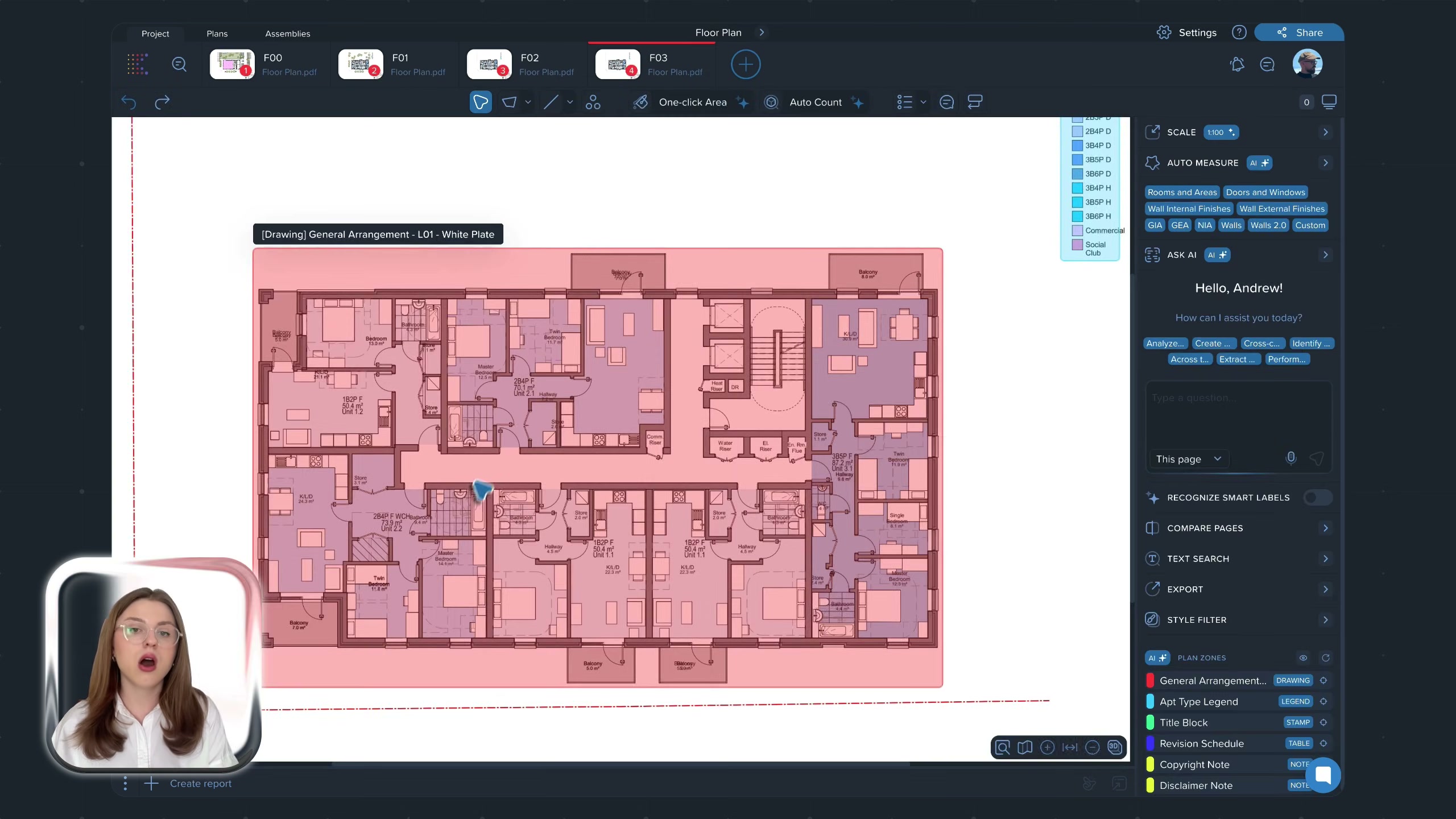
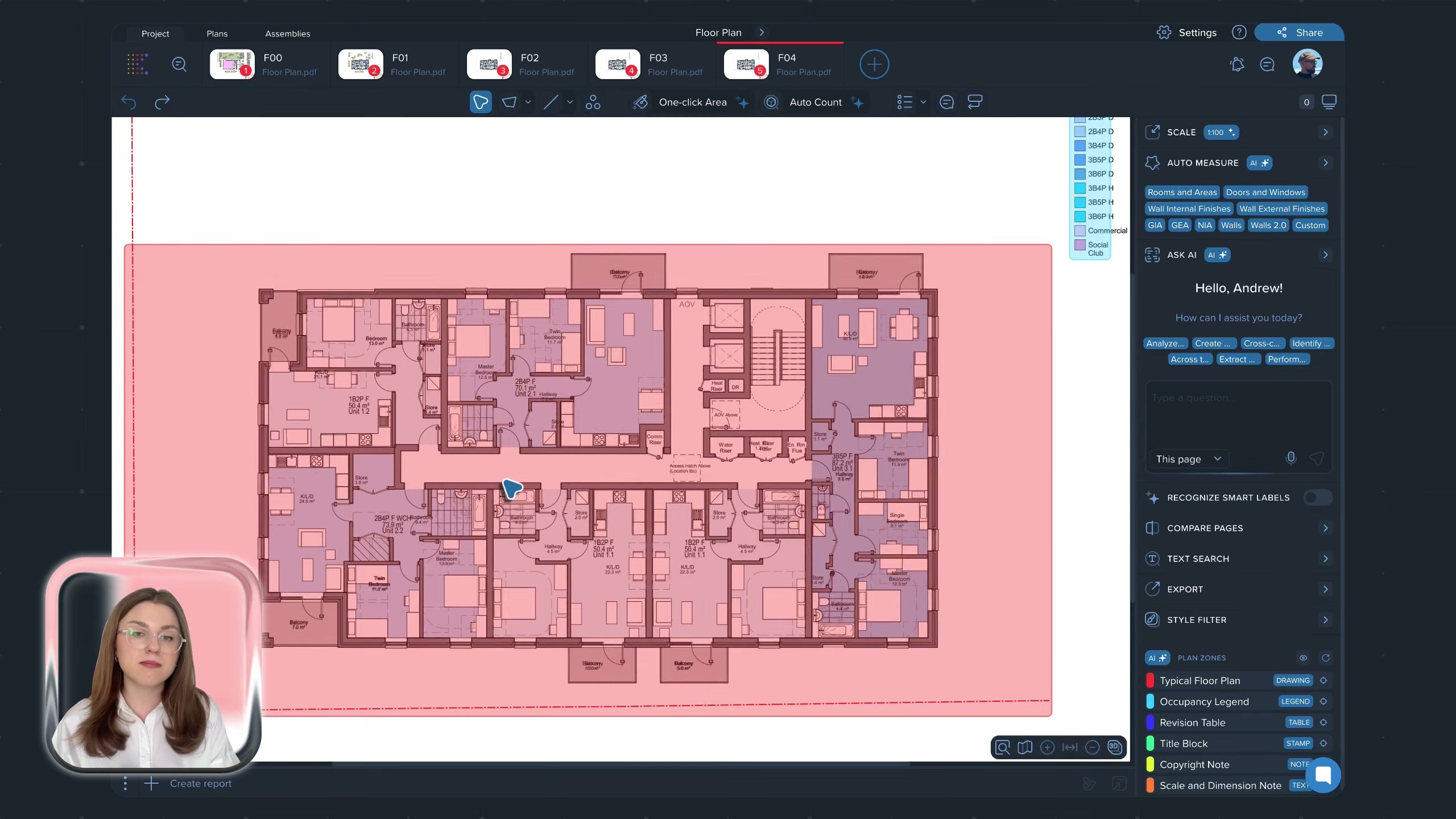
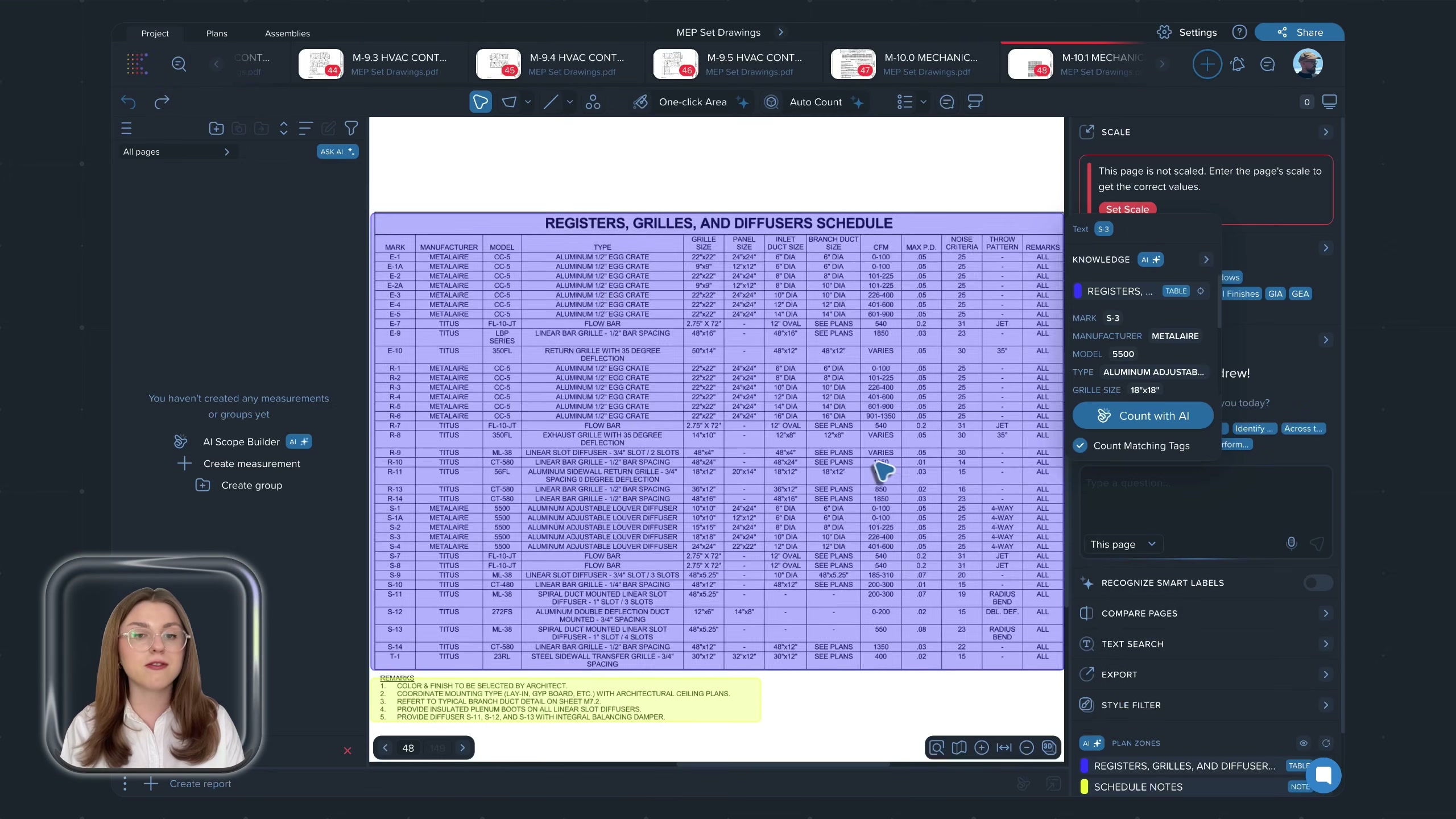
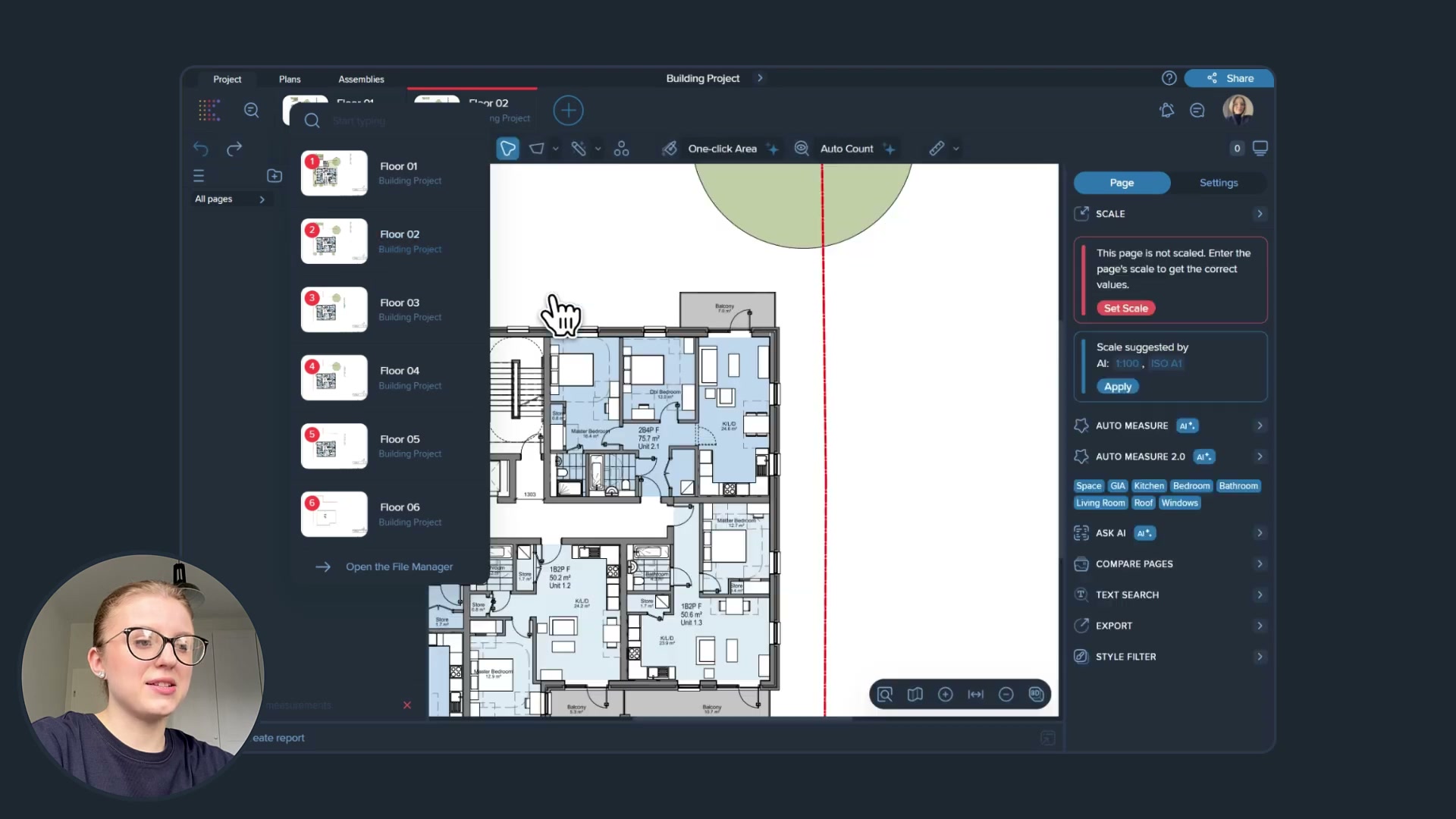
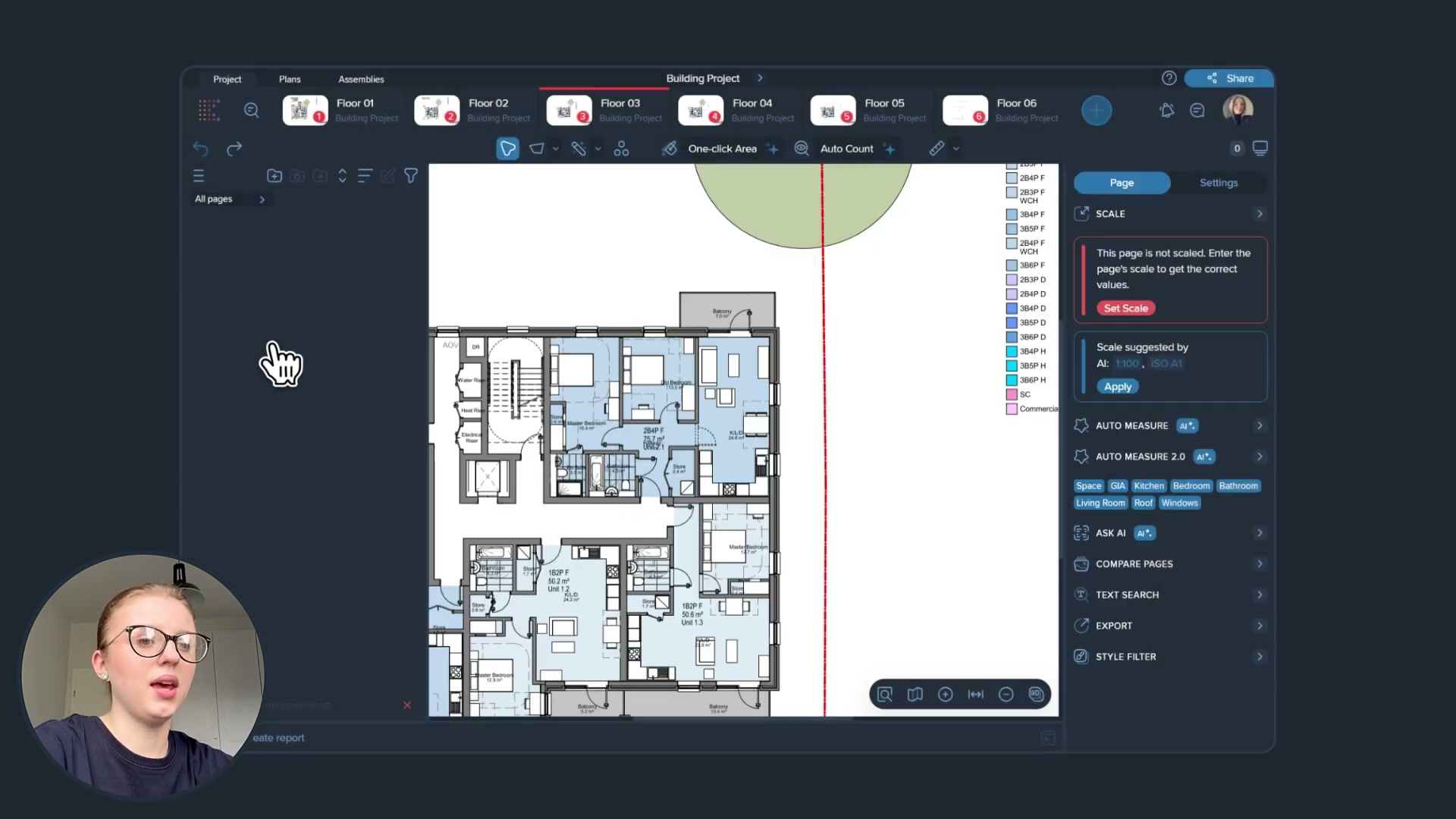
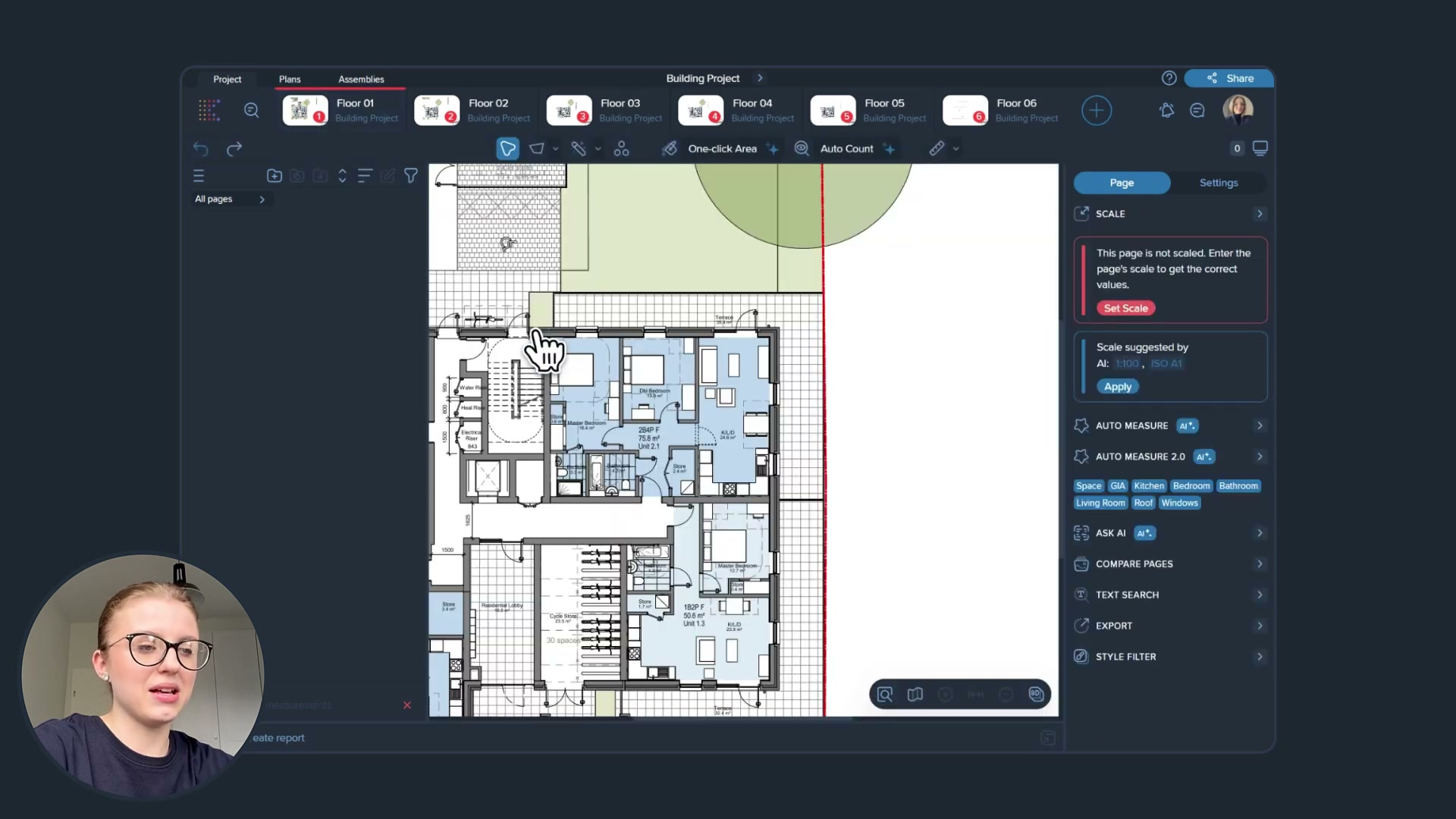
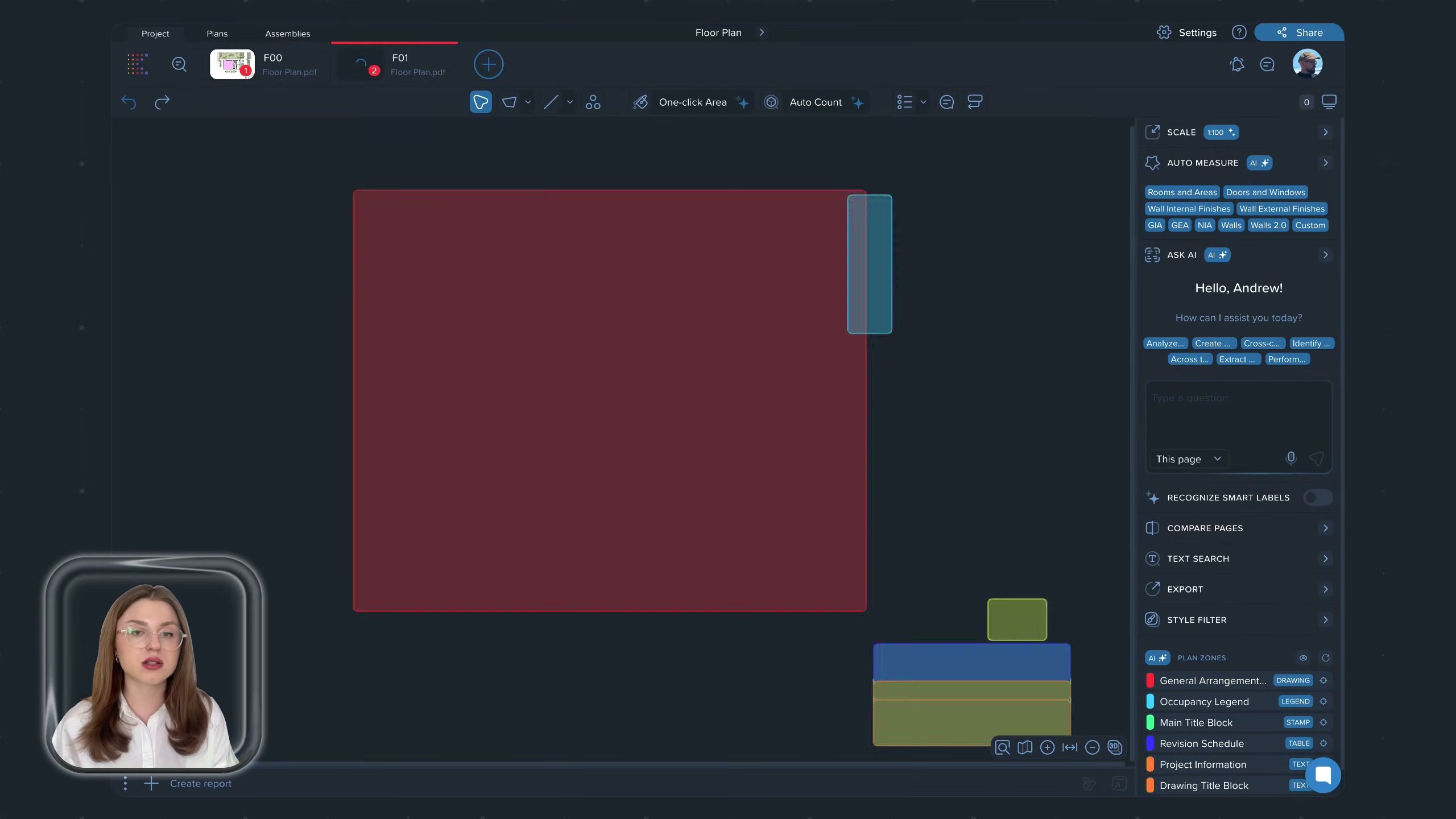
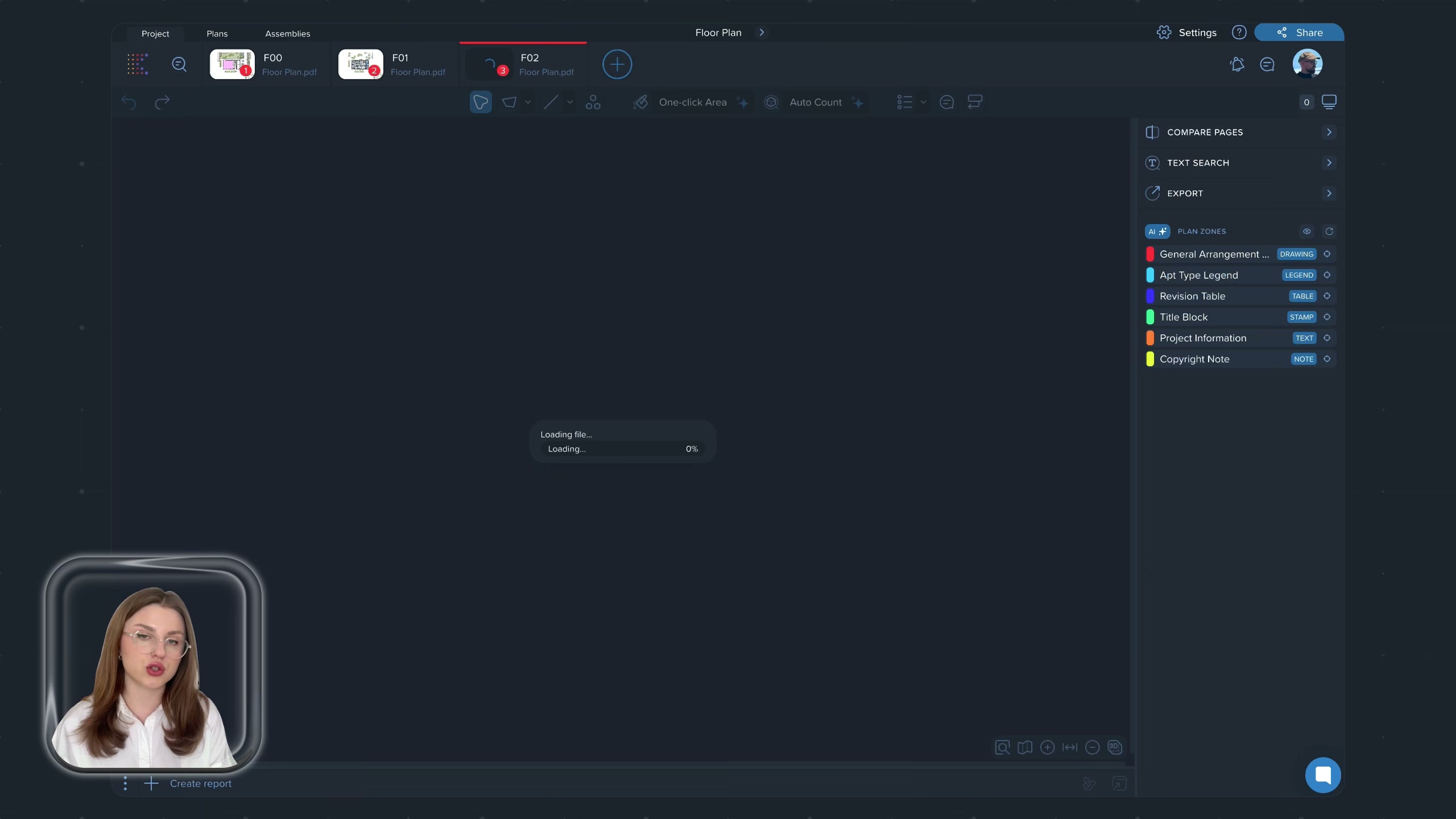
- What the AI does on ingest (Kreo 6.0, “agentic computer vision”, shipped): maps each PDF page into functional zones (drawing, legend, title block, tables, notes) with no manual markup; identifies and auto-names the drawing type; suggests the drawing scale (“AI Scale”); classifies and outlines architectural elements (rooms, walls, doors, windows). This is the setup work a manual takeoff makes the estimator do by hand.
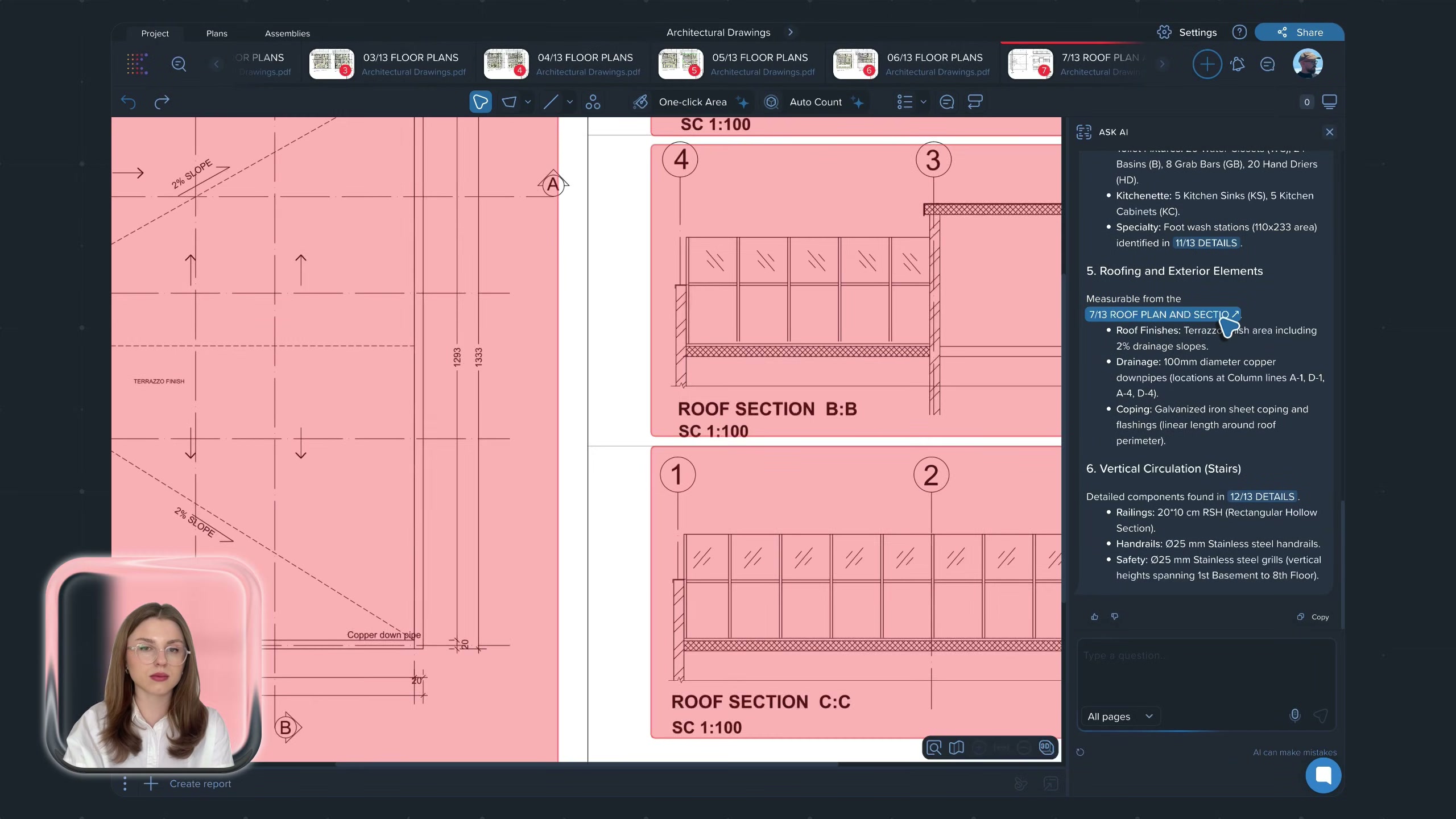
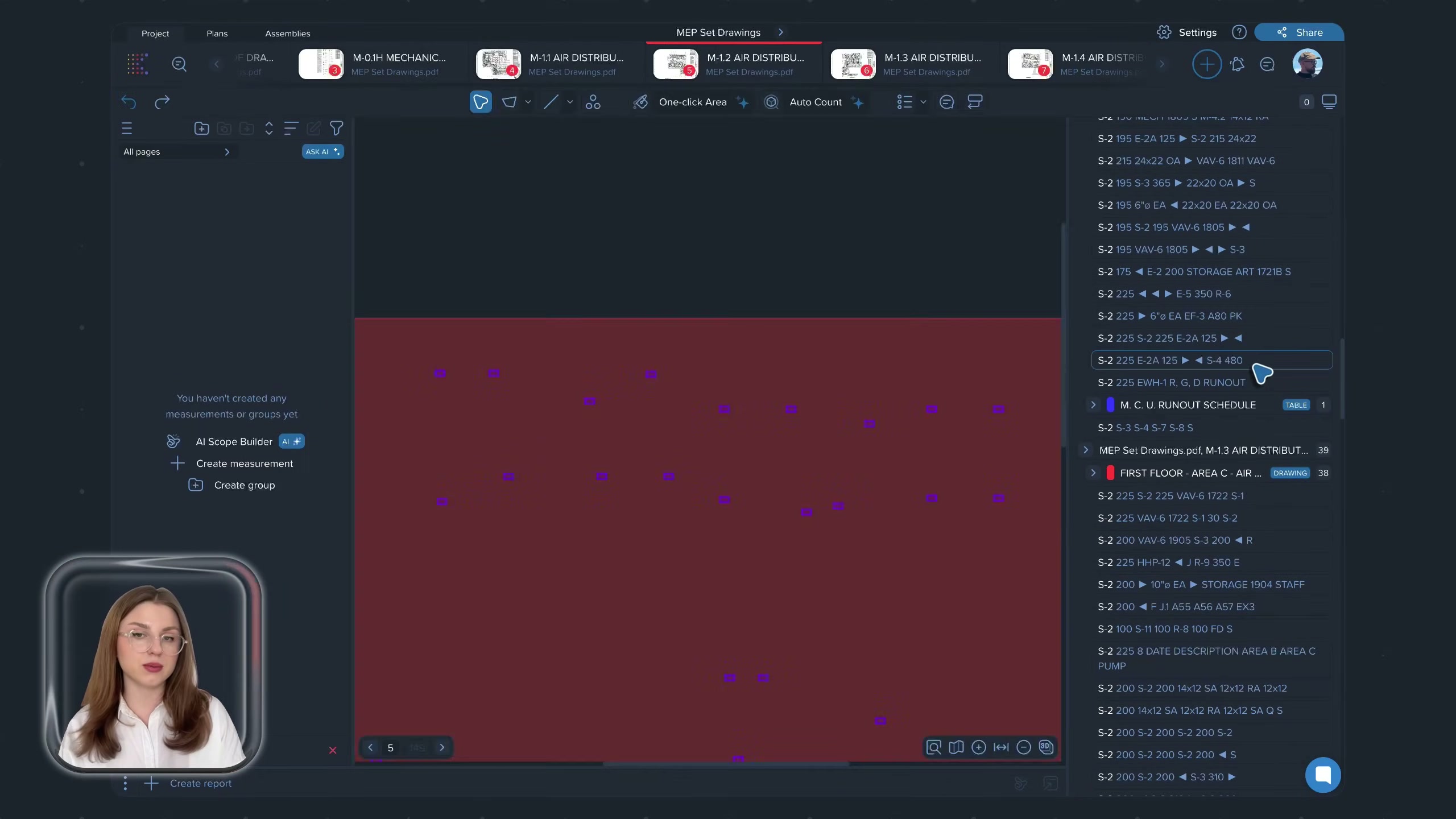
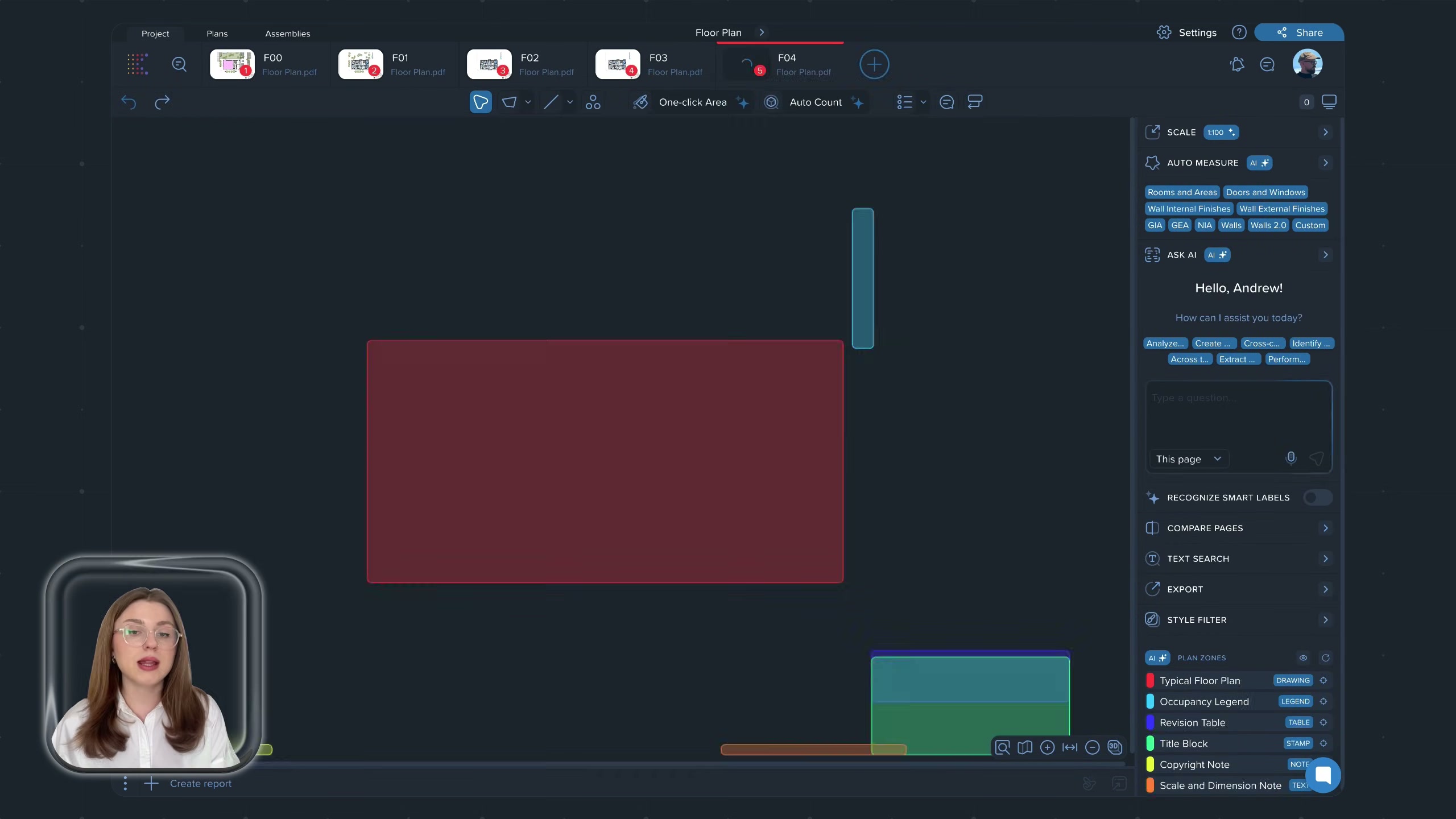
- Measurement tools: Auto Measure / Auto Measure 2.0, One-click Area, Auto Count (count matching symbols across a whole sheet set from one example), bucket-fill area, polyline/polygon/rectangle, snapping, cut-out. Plus a natural-language “Ask AI” / Caddie panel and zoned text search across spec documents.
- Ease (from reviews): the most-praised dimension. “No real training required for the basic functions”; teachable in a sitting; in-app tutorials and responsive support. The AI is repeatedly credited with large time savings — one reviewer cites ~40% off manual takeoff time.
- Friction (from reviews): the AI is “hit and miss” on complex, information-dense or scanned drawings (works best on clean vector floor plans); auto-measure can be “messy” and need re-organising; it only auto-measures floor plans, not steelwork or elevations; it cannot yet differentiate wall or ceiling types by hatch/colour; condition/line-item handling is clumsier than On-Screen Takeoff. And it is cloud-only — when the wifi drops, work stops (the single most recurrent complaint).
The management side — what the office sees
There is no separate “office dashboard” in the Raken sense — Kreo is a single web application used by the estimating team. What it produces for the commercial team is the priced output.
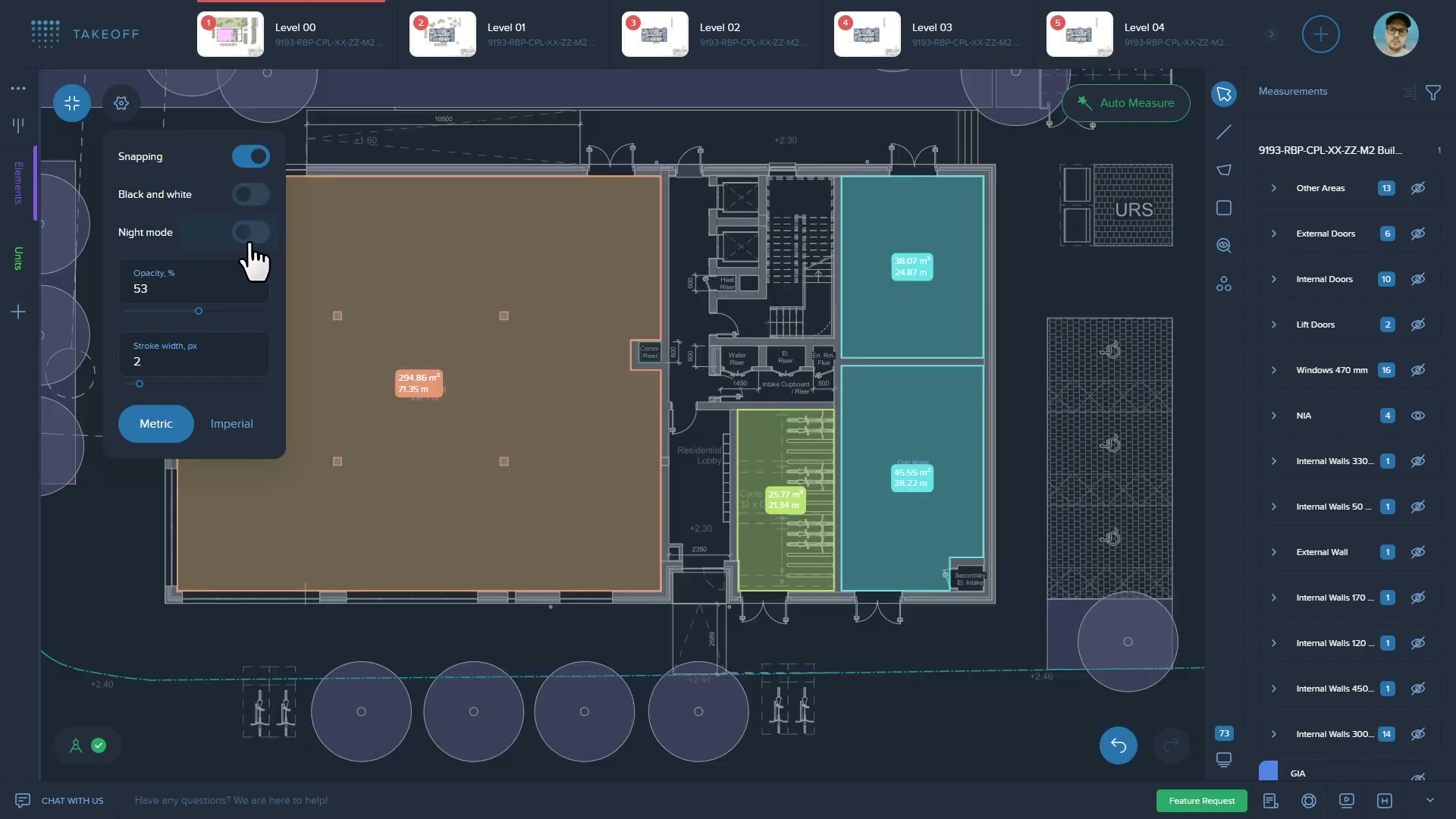
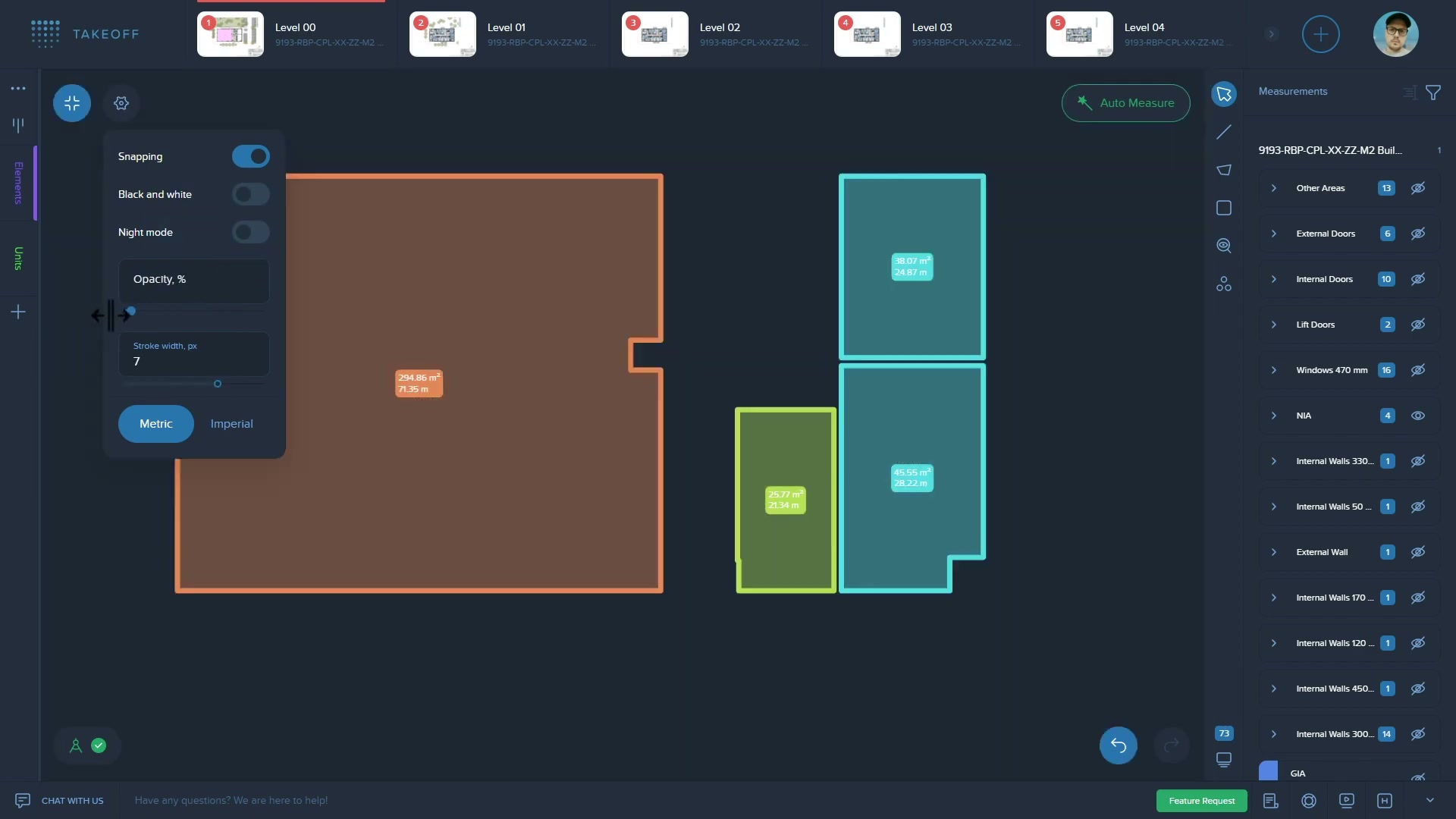
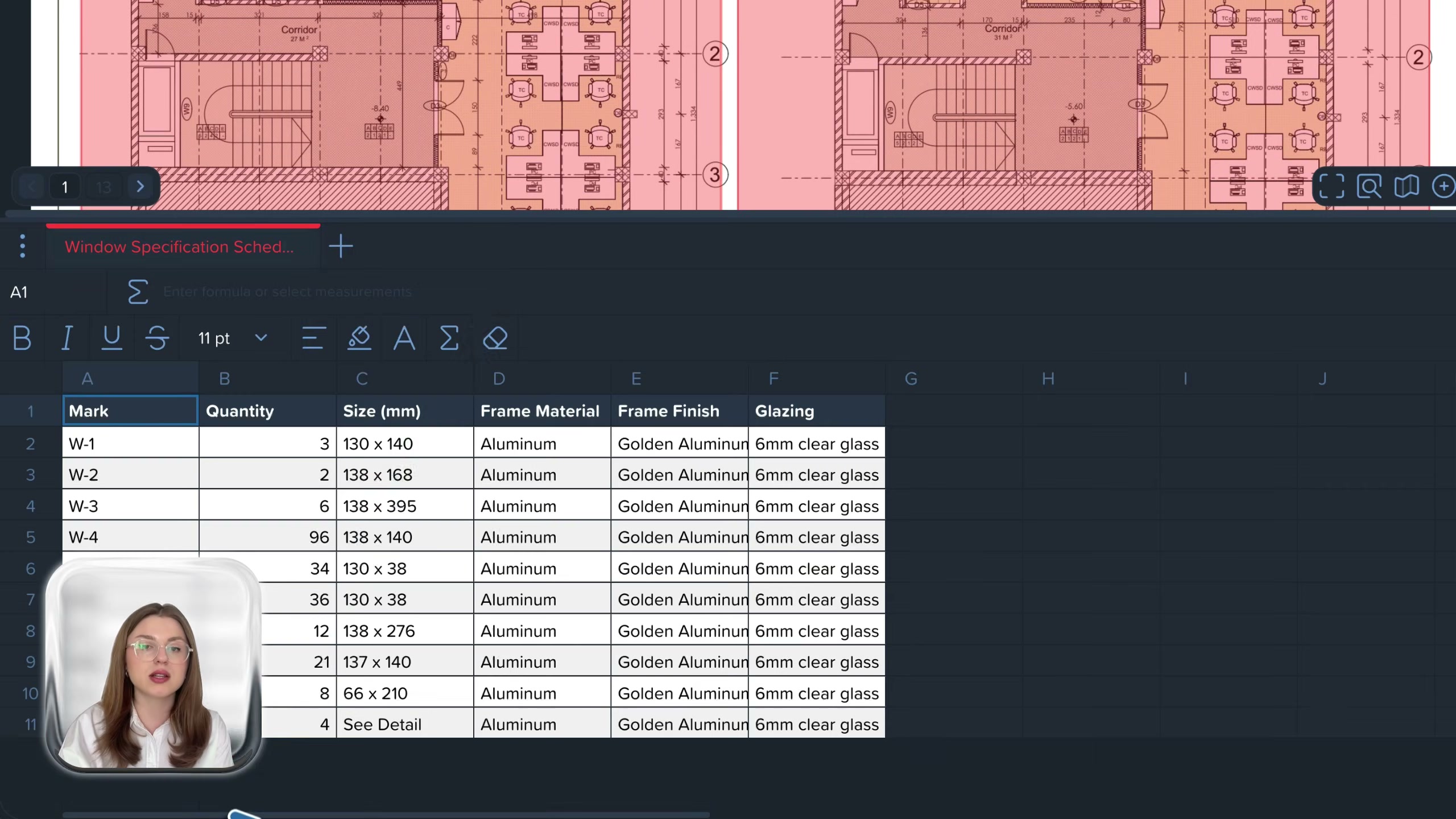
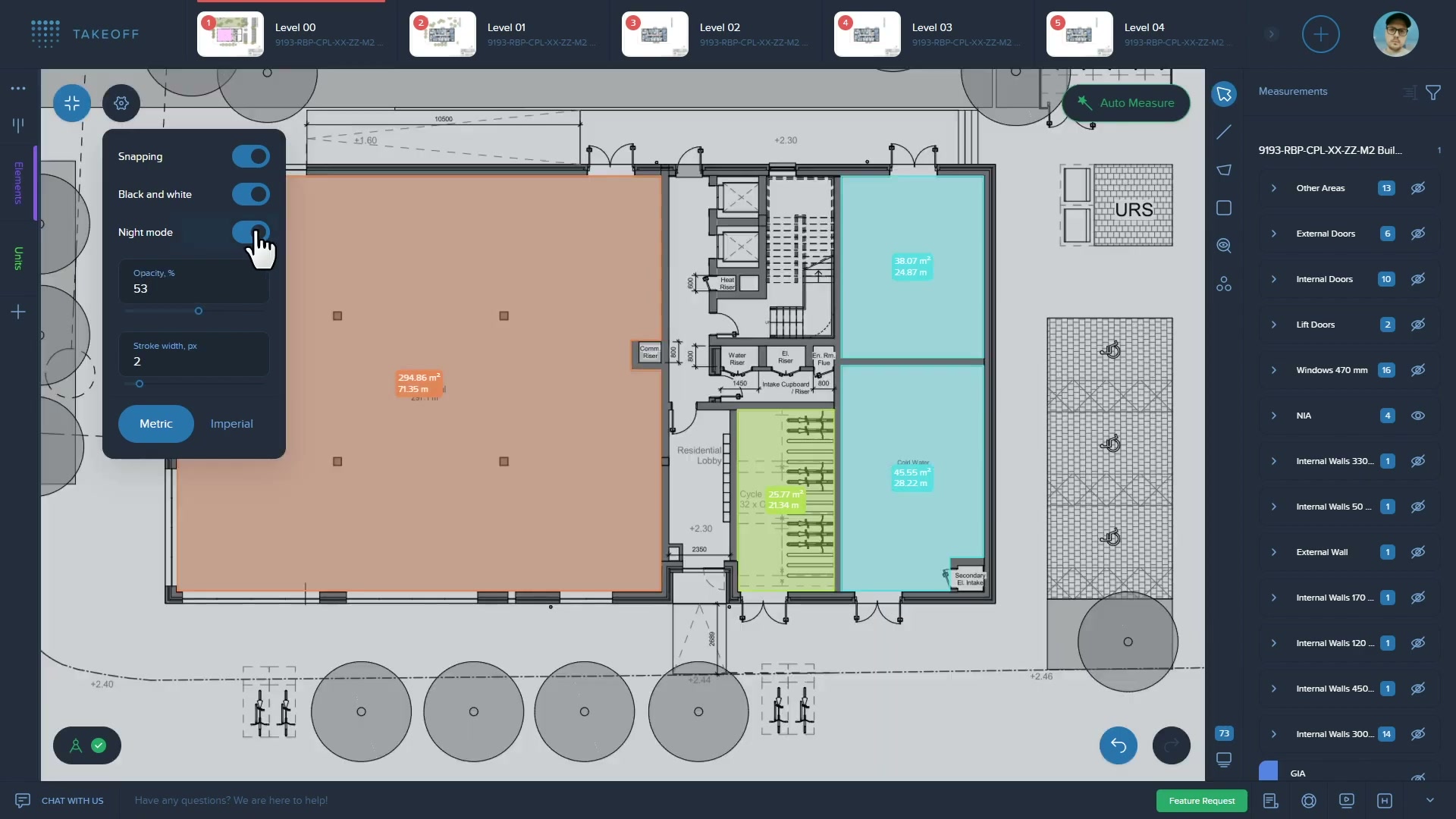
- What lands: a structured measurement schedule grouped by element type (internal doors, external doors, windows, internal/external walls, GIA, etc.); the live spreadsheet/assemblies workbook that turns those measurements into a bill of quantities and a cost plan; flexible reports that stay synchronised with the source drawings; Excel export for downstream refinement.
- Who consumes: the quantity surveyor / estimator who built it, then whoever prices the bid. The output is a number — a quantity and a cost — that feeds a tender or a budget.
- Valued most: speed and the measurement-to-spreadsheet flow (“measure and that measurement filling in a spreadsheet… saves so much time”); the Excel export.
- Pains: the embedded spreadsheet is “clunky” and slows down with heavy formulas; most reviewers export to real Excel to finish; folder/template structures cannot be duplicated easily; toolbars eat screen space.
- The structural boundary (evidenced): Kreo stops at the priced estimate. It does not track the job once it is won, does not see actual cost against the estimate, and has no notion of a change, a variation or a claim. It is a pre-contract pricing tool, full stop. That boundary is exactly where our thesis begins.
Where the value actually comes from
| Sales story (what wins the trial) | Real source of stickiness (what makes it hard to leave) |
|---|---|
| AI measures your drawings for you in minutes, at a fraction of the price of legacy takeoff tools | The estimator’s assemblies/cost database and templates live inside Kreo; switching means rebuilding them — and the AI’s per-drawing time saving is felt on every job |
| Up to 94.5–98.5% accuracy, “expert quality”, no fatigue | The habit: once a QS measures fast in Kreo, manual on-screen takeoff feels slow |
- Do not attack: the takeoff AI itself. It is genuinely good, genuinely shipped, genuinely cheap, and it is Kreo’s core. Building a “better, cheaper AI takeoff” is a head-on fight against an AI-native, bootstrapped, fast-moving incumbent on its home ground — the opposite of where our two tailwinds give us an edge.
- Where value stops: at the estimate. Kreo converts drawings into a price. It does not convert a running job’s evidence into recovered money, and its cost data does not (yet, in shipped form) compound across firms into market benchmarks. Both gaps are our space, not theirs.
What users say — both sides
Credibility first: the 25-review sample here is the opposite of Raken’s. By Capterra’s own labelling, 0% are vendor-solicited and 100% are organic (“NoIncentive”) — these are unprompted users, so the praise carries more weight, but the sample is small (25) and skews recent (18 of 25 had used it under six months). Treat it as a strong-signal but low-volume read. The sub-ratings, once unrated (blank) entries are excluded, are uniformly high — support 4.64, value for money 4.39, ease of use 4.36, features 4.24 — so price-to-value is not a sore point in this sample; if anything value scores among the highest. The real caveat is volume and recency, not pricing.
| Praised | Criticised |
|---|---|
| AI auto-measure / auto-count speed (≈40% time saved, cited) | Cloud-only: no wifi = no access (most common complaint) |
| Bucket-fill and fast area tools; snapping | AI “hit and miss” on dense / scanned / non-vector drawings |
| Genuinely easy to learn; minimal training | AI only measures floor plans — not steelwork, elevations |
| Excel import/export; measurement-to-spreadsheet flow | Embedded spreadsheet clunky; heavy formulas slow it down |
| Responsive, human support; in-app tutorials | Can’t differentiate wall/ceiling types; line-item/condition handling weaker than On-Screen Takeoff |
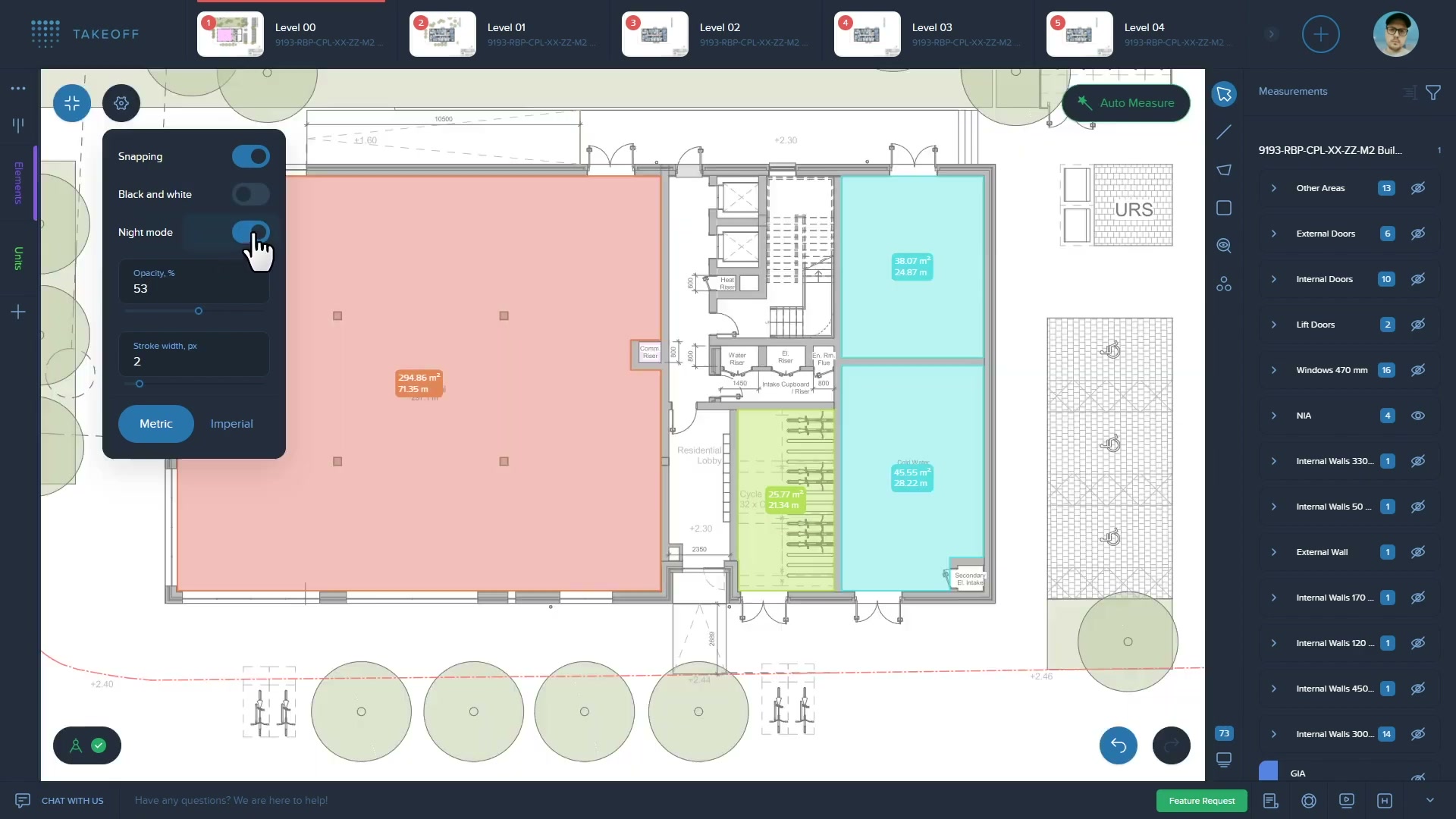
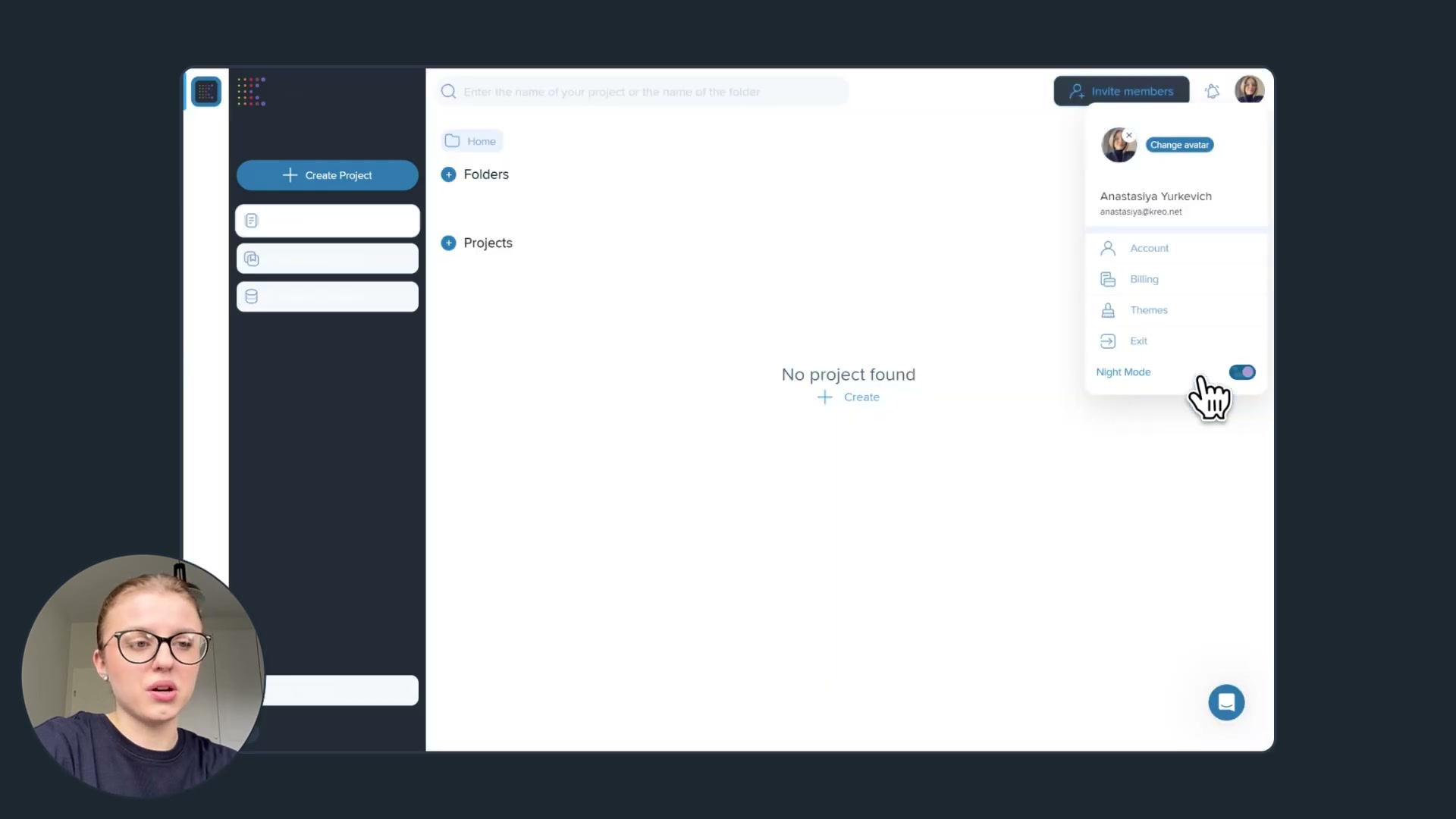
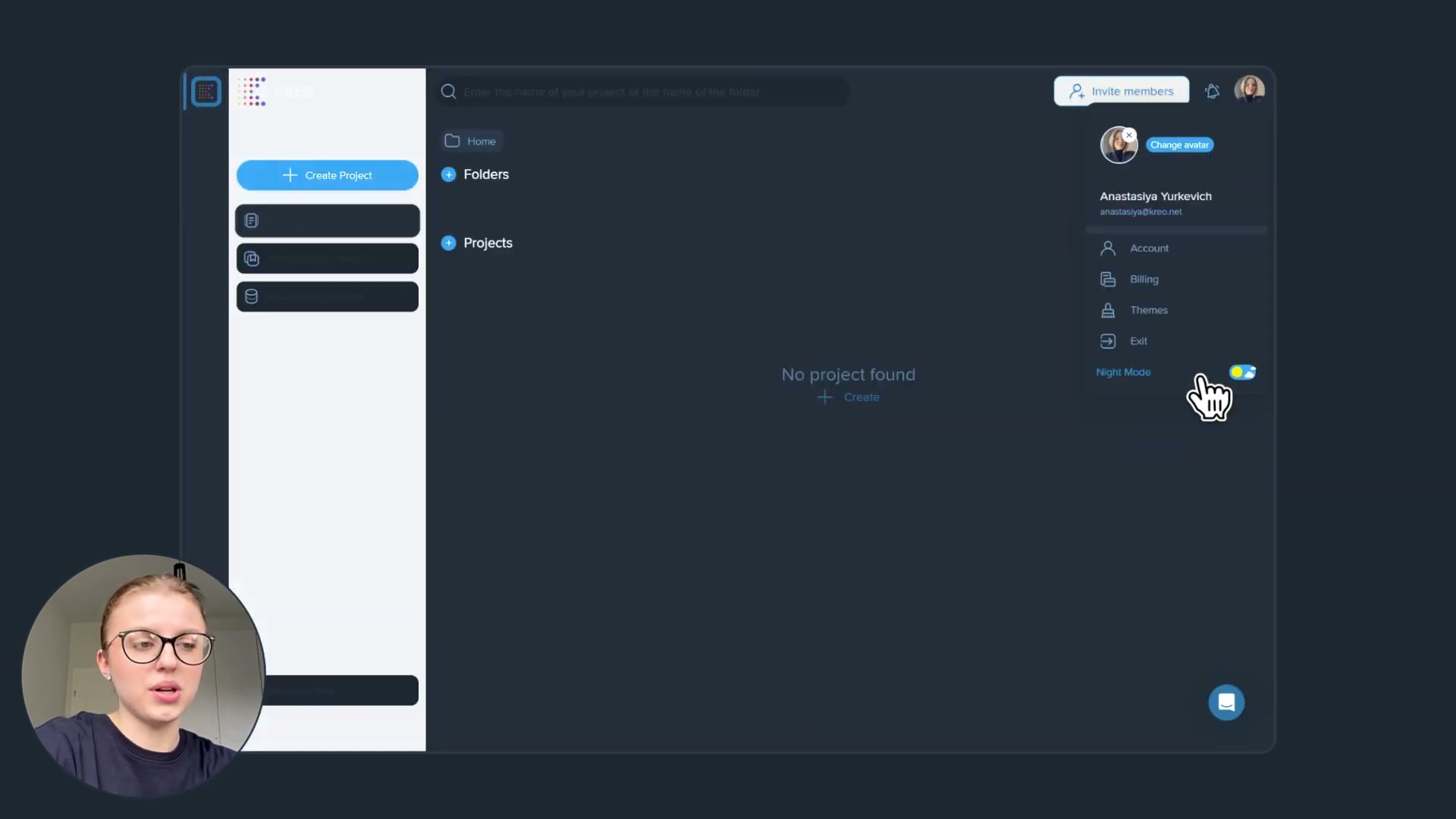
| Dark-mode export; clean, intuitive UI | Confusing left-hand product panel; toolbars eat screen space |
- Representative organic positive (real-estate appraiser, insurance valuation): uses Kreo weekly to measure poor-quality building plans for cost modelling — “tried a variety of glorified PDF editors”; the bucket-fill measurement wins, though scanned condo plans limit the “automagic”.
- Signal for us: every complaint is about the takeoff engine itself (accuracy on messy drawings, cloud dependence, scope limited to floor plans) — none is about a missing commercial or claims layer, because Kreo’s users are not there to manage a live job. Nobody asks Kreo for variation tracking or historical benchmarking, which confirms those jobs sit with a different buyer and a different product — ours.
The opportunity for AI in this space
- AI already ate this job — Kreo did it. Takeoff is computer-vision-shaped (read a drawing, classify elements, measure them), and that is precisely what Kreo’s CV engine does. This is not an incumbent organising manual labour we can automate away; the automation is the incumbent. So the lens’s usual move — wrap a cheap LLM around an admin workflow the incumbent gates behind seats — has nothing to bite on here. Re-doing takeoff AI is competing, not flanking.
- Where cheap AI still has room around Kreo (not against it): the layer after the estimate — turning a won job’s drawings, instructions and site evidence into structured variations and delay/disruption narratives (our wedge), and the layer across jobs — pooling cost outcomes into genuine market benchmarks (our moat, area 21). Both are document-heavy, generative, judgement-laden — the AI-amenable kind — and both are outside Kreo’s product and buyer.
What this means for what we would build:
- Do not build: an AI takeoff tool. The category has a credible, cheap, AI-native owner already.
- Adjacent value we can build: the commercial/entitlement layer that begins where Kreo’s estimate ends, and the cross-firm historical-cost benchmarking layer Kreo only gestures at internally. Kreo even helps us here — a contractor who has priced a job in Kreo has produced a clean, structured estimate that is the perfect baseline to measure variations and actuals against.
How open the platform is
- Integrations / API: the platform is largely self-contained. Excel import/export is the main interoperability bridge (templates in, BoQ out). A public REST API is gated to the Pro tier (“API — talk with sales”) and Enterprise (“full API & integration”); no open developer documentation or portal was found, so build-on-top access is sales-mediated, not self-serve. No native connectors to Sage, QuickBooks, CostX or accounting/ERP were verified — downstream hand-off is via the exported spreadsheet.
- What it means: we cannot freely sit on top of Kreo’s data the way an open REST API would allow. But we rarely need to: the estimate naturally leaves Kreo as an Excel/BoQ file, which is a clean ingestion point for a commercial-layer product. So the relationship is “consume Kreo’s output”, not “live inside Kreo’s API”. That favours a partner/flank posture over a build-on-top one.
Kreo’s own AI — claims, shipping, and how far they can go
Unusually for this set, Kreo’s AI is not a slide — much of it is shipped and in daily use. The talk-vs-ship gap is narrow on the core, and wide only on the newest, most strategically interesting claims.
| Feature | What it does | Tier | Status |
|---|---|---|---|
| Auto Measure / Auto Measure 2.0 | CV auto-measures areas/lengths from drawings | Pro+ | Shipped (praised in reviews) |
| Auto Count | Counts matching symbols across a sheet set | Pro+ | Shipped (praised in reviews) |
| One-click Area | Single-click room/area measurement | Pro+ | Shipped |
| AI Scale | Suggests drawing scale automatically | All tiers | Shipped |
| Recognize Smart Labels / AI Renaming | Auto-classifies and names zones/elements | Lite, Pro, Ent | Shipped |
| Caddie / Ask AI | Natural-language Q&A across drawings & specs; “agent that does the work” | Lite, Pro, Ent | Shipped (6.0); agentic depth newer |
| Agentic workflow (end-to-end takeoff→estimate) | “AI agent takes the entire workflow, reading blueprints to generating reports”, 94.5–98.5% accuracy | Enterprise | Announced / early; not seen in the review sample |
| Dynamic pricing (market suggestions) | “Real-time, regional market pricing suggestions” | Enterprise | Announced; not verified |
| Intelligent benchmarking | ”Learns from your past projects to create internal benchmarks, then compares new bids against them” | Enterprise | Announced; not verified |
- The shipped core is real and good. The auto-measure/auto-count engine is the most-praised thing in organic reviews. This is a vendor that ships AI, fast — so on its own turf, treating it as a slow incumbent would be a mistake.
- The frontier claims are talk, for now. The end-to-end agentic workflow, real-time market pricing, and “intelligent benchmarking” are positioned as Enterprise and appear nowhere in the 25-review sample — every reviewer describes a human-driven, drawing-by-drawing takeoff, not an autonomous agent. The 94.5–98.5% accuracy is a vendor claim on “thousands of projects”, uncorroborated by users, several of whom call the AI “hit and miss” on real drawings. So: shipped where it counts for takeoff; announced where it would touch our moat.
- Does Kreo touch our moat (area 21)? On paper, yes — “intelligent benchmarking… learns from your past projects to create internal benchmarks”. But read it precisely: these are internal benchmarks, built from a single firm’s own past projects, gated to Enterprise, announced rather than evidenced. That is reuse-within-an-account, not the cross-firm, market-wide cost intelligence our thesis is built on. It is the nearest any competitor in this set comes to our moat, and it is still a different, narrower thing — and not yet shipped.
- How far can they take it themselves? Moderate, but in a different direction. Kreo is AI-native and fast, so they will keep deepening takeoff and may ship internal benchmarking. But their whole gravity is pre-contract pricing for a QS/estimator buyer; extending into post-contract variations, claims and a true multi-firm benchmark dataset means a different buyer, a different data source (live job actuals, not drawings) and a different motion. Bootstrapped and lean (~22 people), they are unlikely to chase that breadth. Confidence they build the cross-firm commercial/benchmarking layer that is our thesis within ~2 years: low (about 1 in 5) — not because they are slow, but because it is off their axis.
Who actually uses Kreo
From the 25-review organic sample (small; read as direction, not census). Note: the rollup script’s “switched-from” label is generic — the names below are Kreo’s, not another vendor’s.
| Company size | Share | Avg overall |
|---|---|---|
| 1-10 employees | 28% | 4.29★ |
| 11-50 employees | 40% | 4.70★ |
| 51-200 employees | 20% | 4.20★ |
| 1,001-5,000 employees | 8% | 4.50★ |
| Self-employed | 4% | 4.00★ |
- Overwhelmingly small firms: ~68% under 50 employees; the buyer is a small QS practice, estimating consultancy or sub-trade, not an enterprise. This fits the self-serve, published-price, bootstrapped motion.
- Role: estimating / office (40% office, 1 field, rest “other” — QS / estimator titles). The field never touches it.
- Industry: almost entirely construction (21 of 25), plus real-estate/appraisal and civil engineering edge cases.
- Alternatives considered: PlanSwift, On-Screen Takeoff, RIB CostX, RIB Candy, Bluebeam Revu, Autodesk Forma — i.e. the established takeoff/estimating tools. Kreo wins on AI speed and price.
- Switched FROM (who Kreo displaces): Bluebeam Revu (×6, the clear leader), AutoCAD (×2), On-Screen Takeoff, plus PDF editors (Nitro, Acrobat). Kreo’s growth comes from converting people doing takeoff in a PDF markup tool or legacy on-screen package — not from displacing a system of record.
Our read — can we enter and win?
Kreo is not a target; it is a neighbour on the cost side of pre-construction, and the right posture is to flank it, not fight it. Building a cheaper or smarter AI takeoff would put us head-on against an AI-native, bootstrapped, fast-shipping vendor on the one ground where its product is the AI — exactly the fight our two tailwinds (cheap software, cheap inference) do not advantage us in, because Kreo already has both. Instead, Kreo defines the clean edge of our space: it prices the job before it starts; we recover money and learn from the job as it runs. A contractor who estimates in Kreo produces precisely the structured baseline our commercial-and-benchmarking layer needs to compare actuals and variations against — which makes Kreo a candidate data source and even a partner, not an obstacle. The one place we overlap, historical-cost benchmarking, Kreo only gestures at as an internal, single-firm, not-yet-shipped Enterprise feature; the cross-firm market dataset our moat depends on is still wide open.
| Question | Our read |
|---|---|
| Where is Kreo strong and off-limits? | AI takeoff (auto-measure/auto-count), cost planning via assemblies, the QS/estimator desk, low price |
| Where is the verified gap? | Everything post-estimate: variations, claims, live cost-vs-estimate, and a true cross-firm cost benchmark |
| How hard for Kreo to follow us? | Hard in practice — different buyer (commercial vs estimating), different data (job actuals vs drawings), and a lean bootstrapped team focused on takeoff |
| How much can cheap AI do here? | A lot on our side (claims/variation narratives, benchmarking); near-zero on Kreo’s side, because the AI is already theirs |
| Is there a cheap, narrow way in that grows? | Not into takeoff — that’s owned. Our wedge is the commercial layer that consumes Kreo’s Excel/BoQ output and expands into benchmarking |
| What would make us walk away? | If Kreo (or a takeoff peer) shipped a real, multi-firm cost-benchmarking dataset and extended into post-contract cost control before we established our data loop |
| Overall | Treat Kreo as a cost-side neighbour: do not rebuild it, flank on the commercial/entitlement side, and consider it a data partner |
The app itself — ratings and reception
| Surface | Rating | Count | Note |
|---|---|---|---|
| Capterra (“Kreo 2D Takeoff”) | 4.5 | 25 (organic sample) | 100% non-solicited; small, recent-skewed |
| Mobile app stores | — | — | No genuine Kreo app exists — it is a web/desktop platform; the App Store query returned only unrelated games |
Kreo is a browser application, so there is no App Store footprint to read — the marketing-screenshot pull resolved to flight-simulator games and was discarded. Reception (Capterra, Trustpilot, third-party AI-tool directories) is consistently positive on speed and ease, and consistently flagged on cloud dependence and AI accuracy on messy drawings; value-for-money is not a sore point in the sample (4.39, among the higher sub-ratings). The product positions on the homepage as “an AI operator living inside your takeoff software”, with Kreo 6.0 “agentic computer vision” and Caddie as the headline.
Screenshots
Grouped by theme, full-size, scrollable. Images render in Obsidian and exported HTML through embeds (referenced, not copied). Full set and gathering method: screens/README. The whole-set contact sheet is linked at the end. Note: all frames are from product-walkthrough videos (no App Store marketing screens exist for a web-only product), so the talking-head presenter is visible in a corner of some frames.
The takeoff canvas — the core workflow
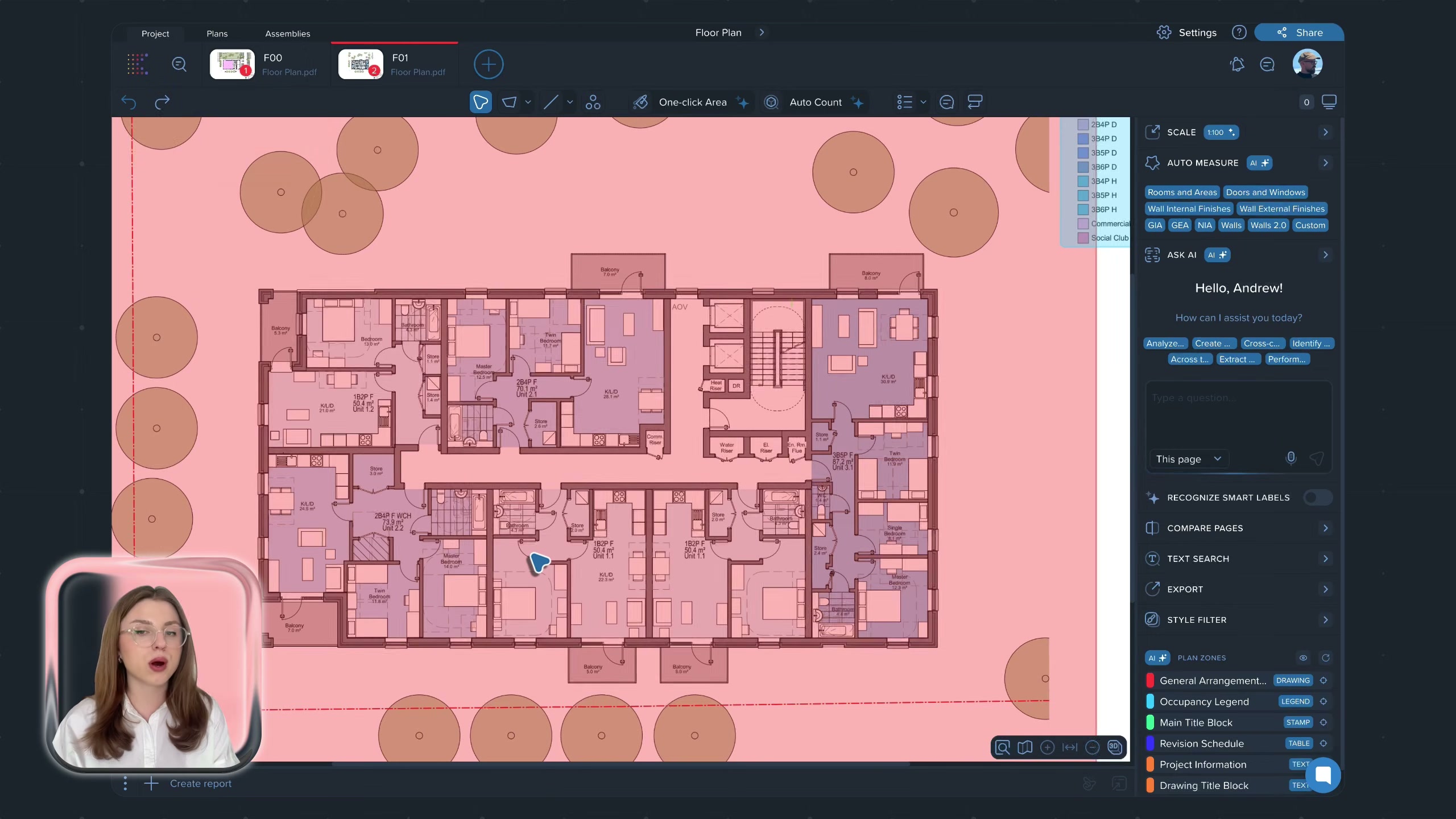
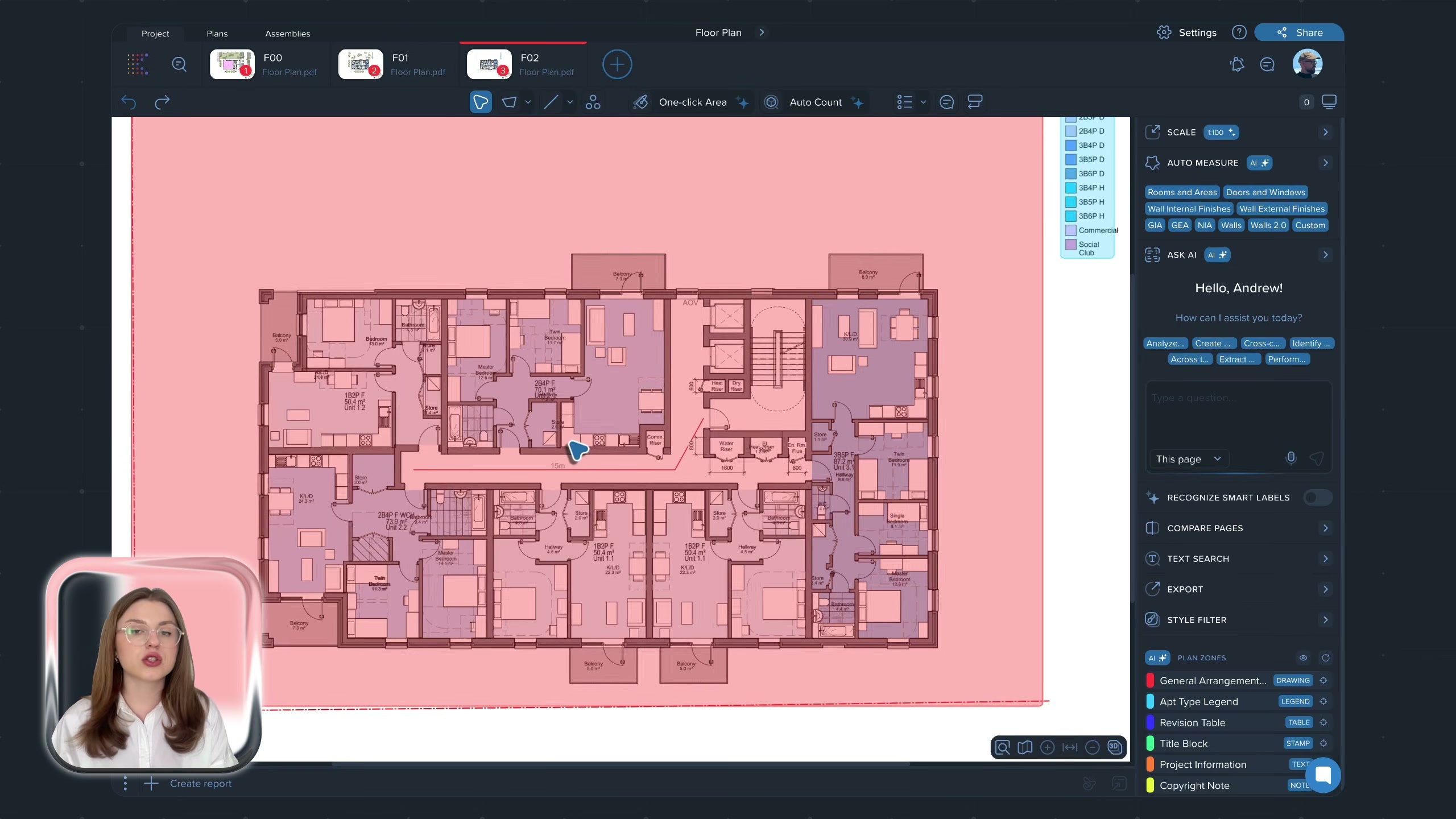
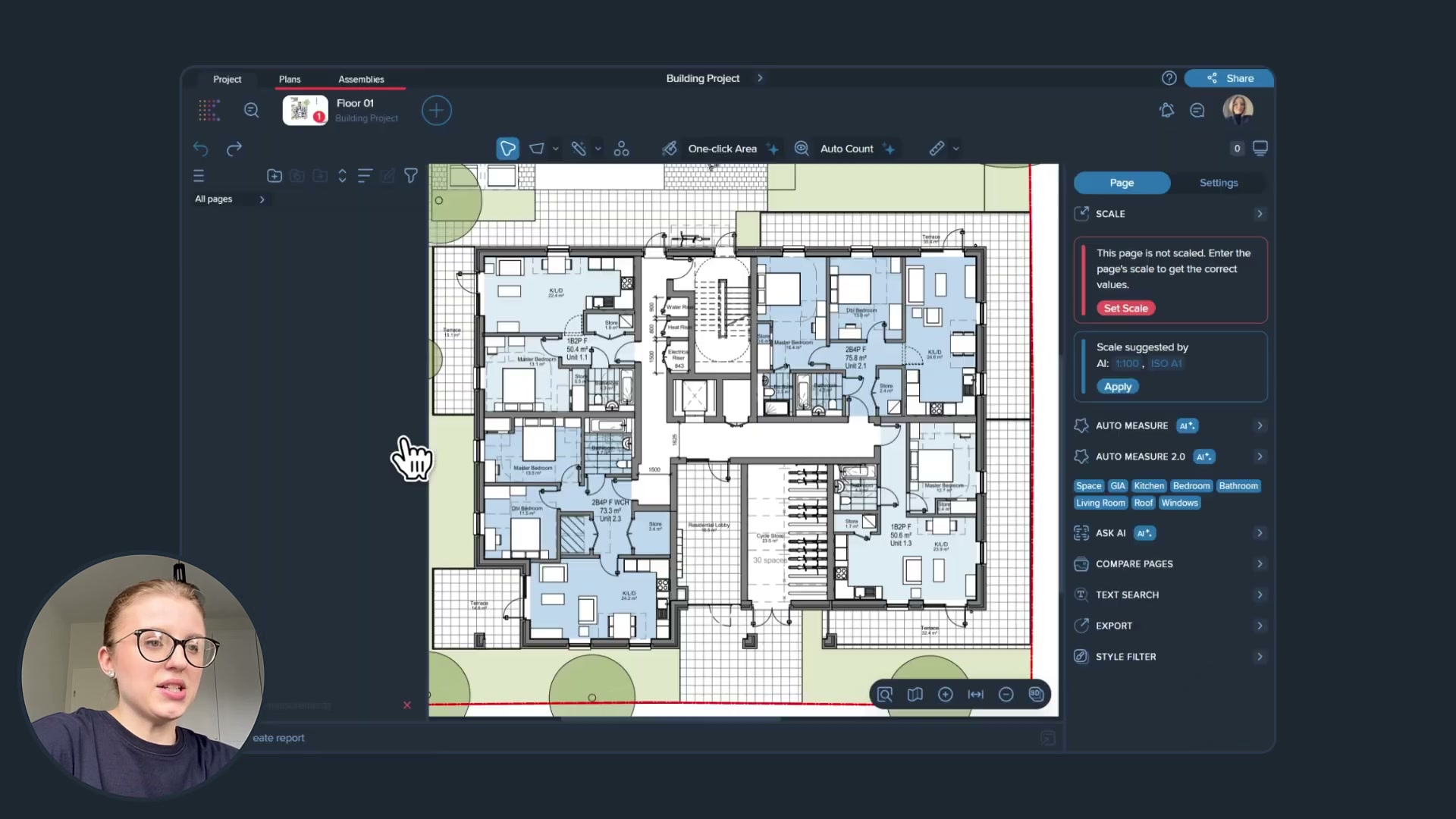
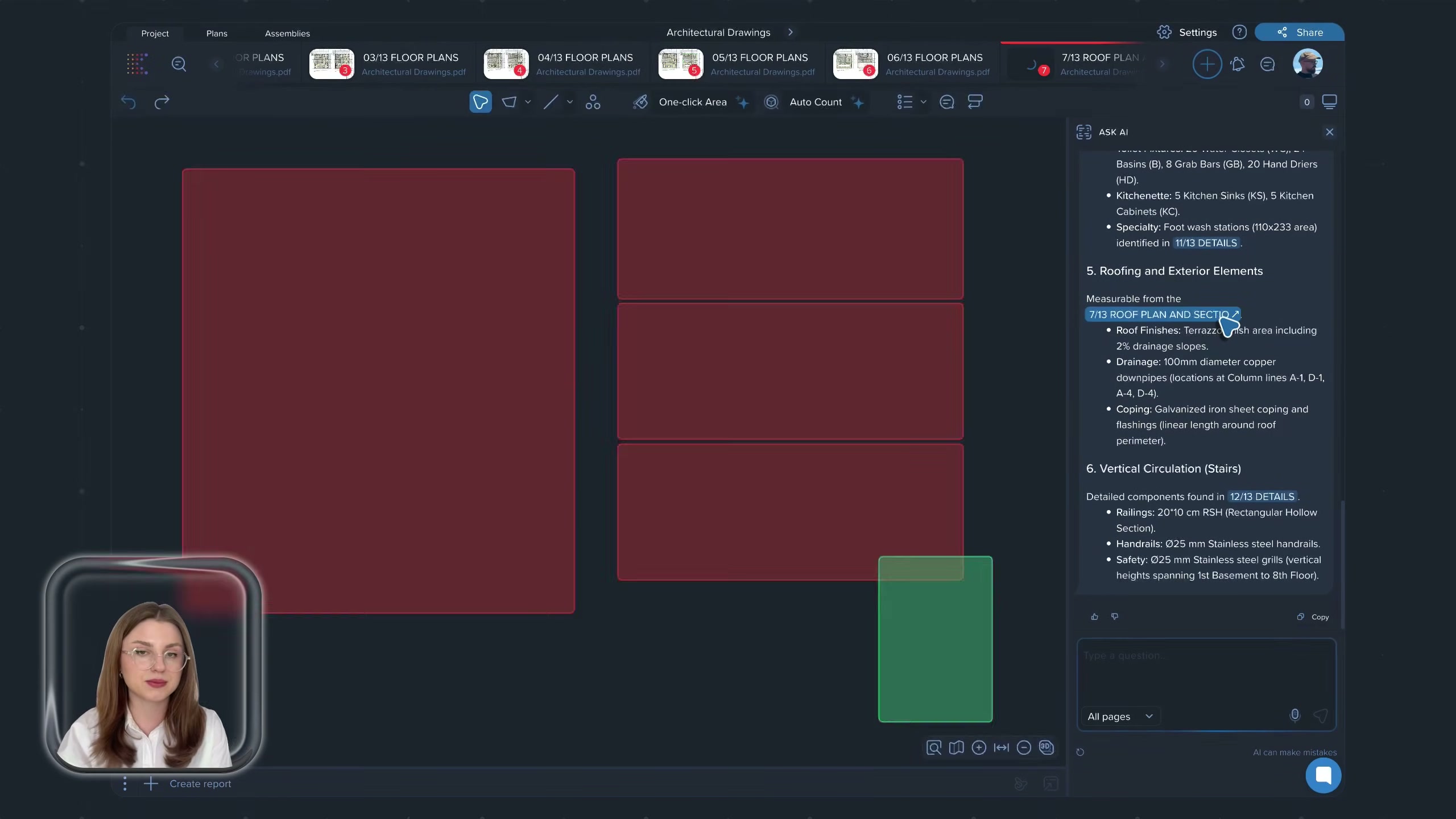
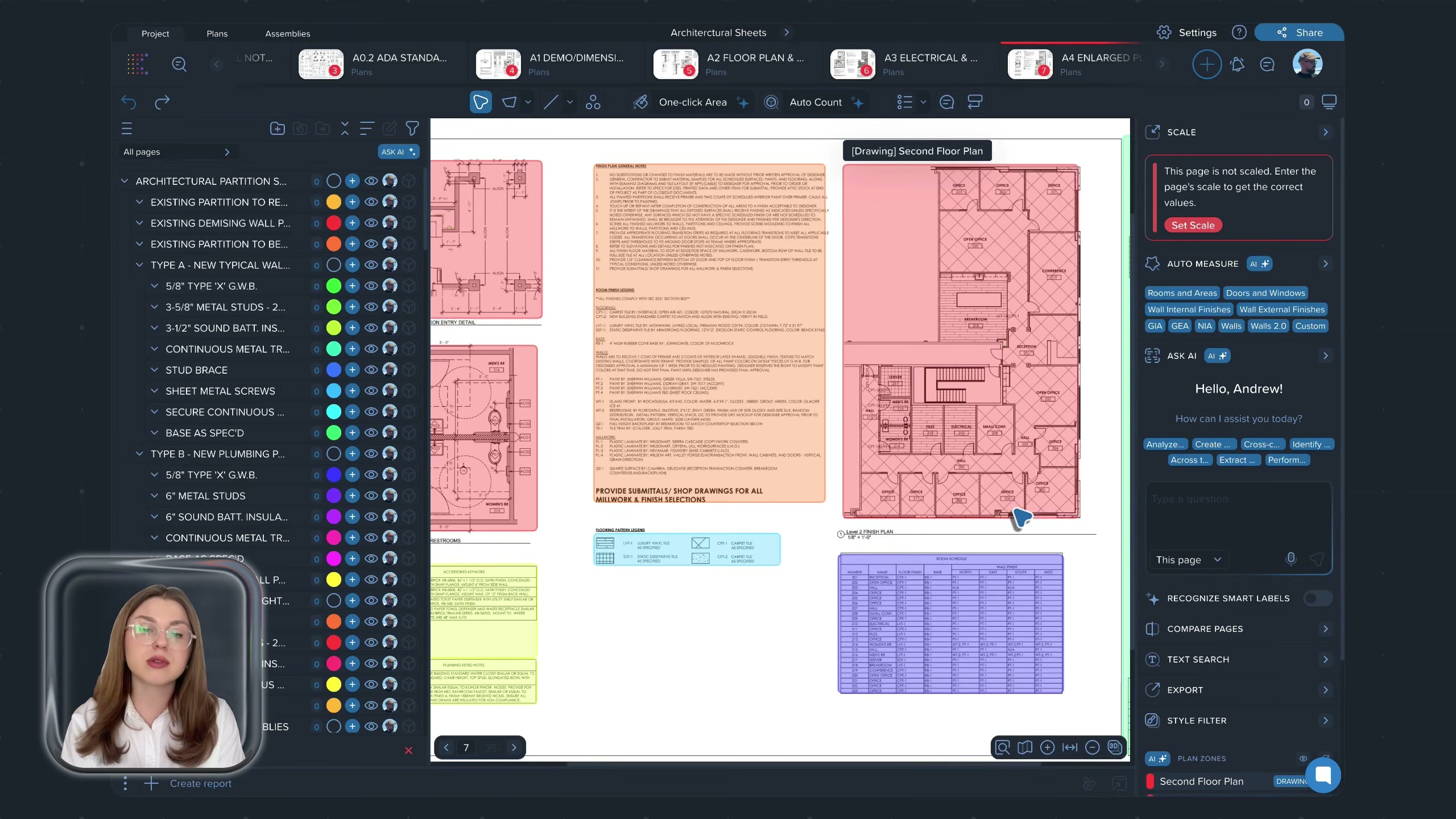
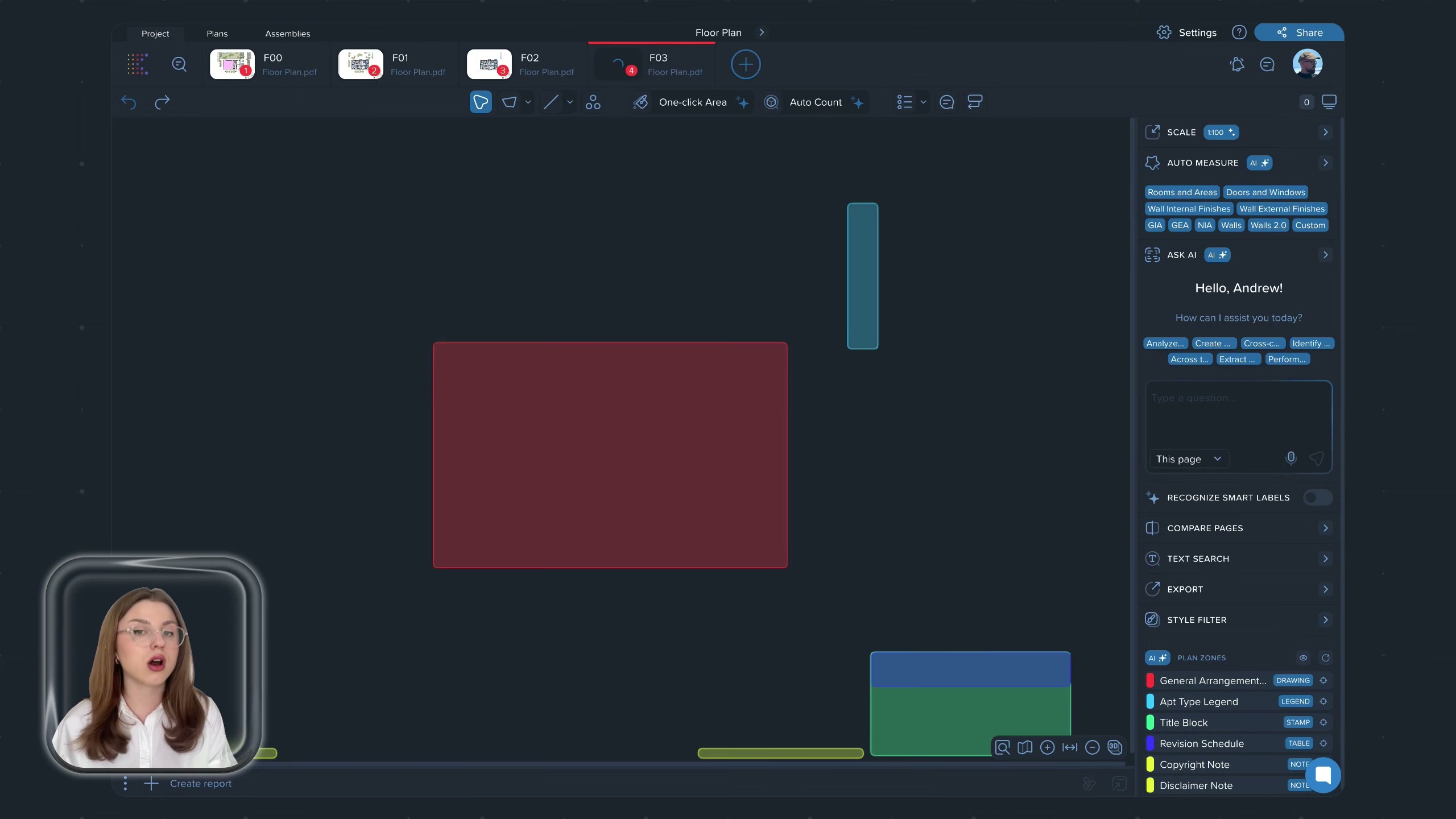
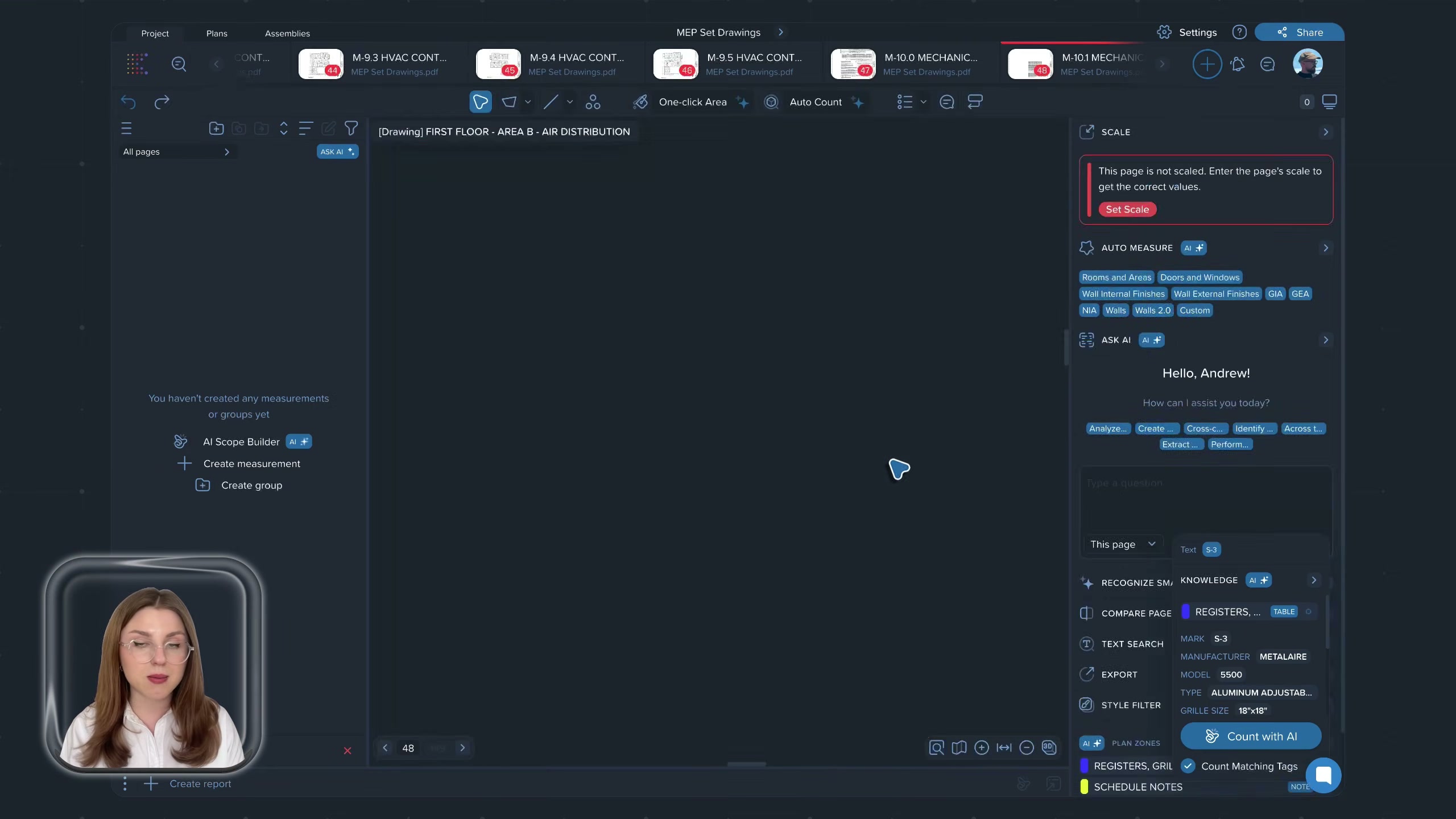
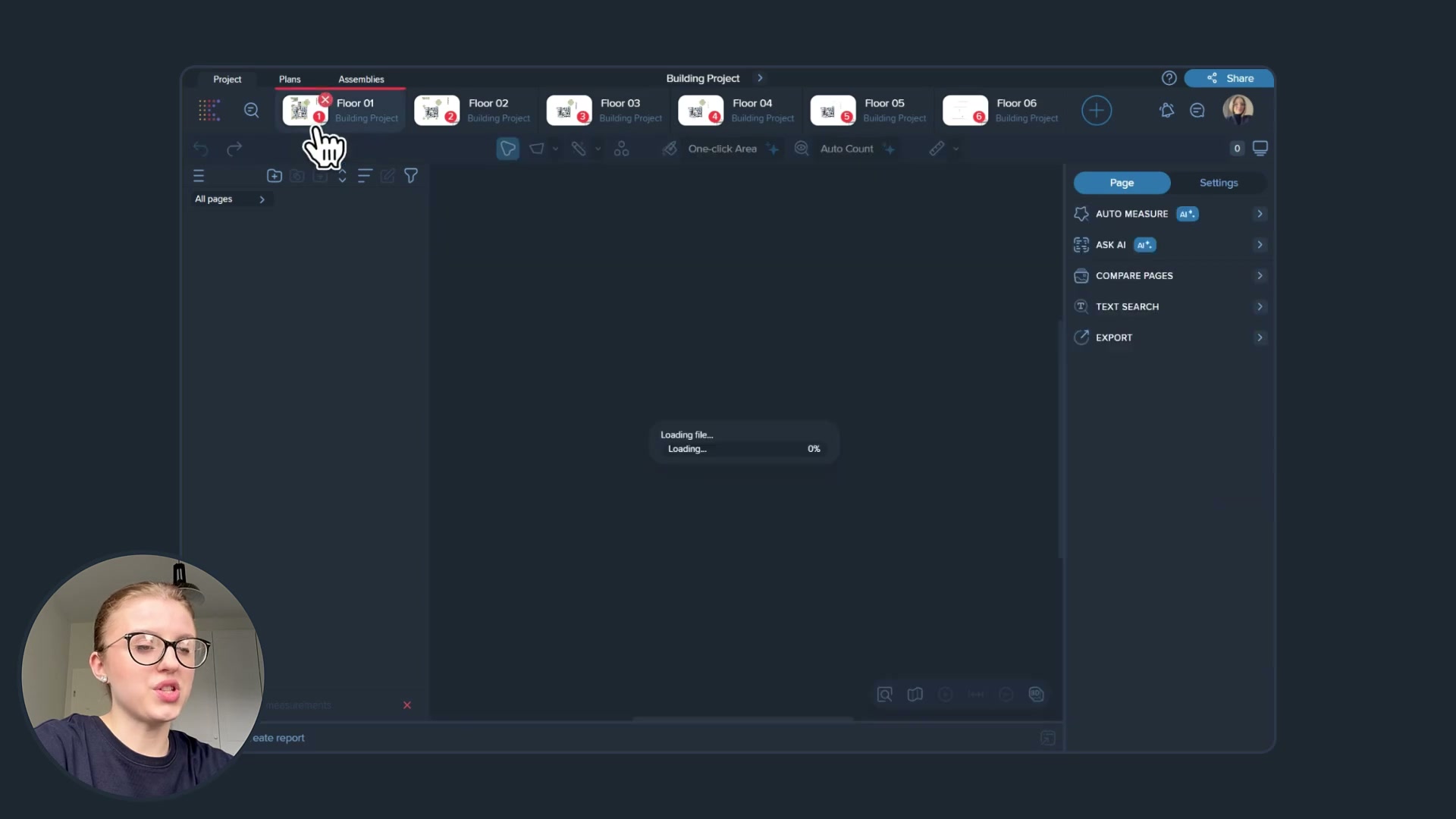
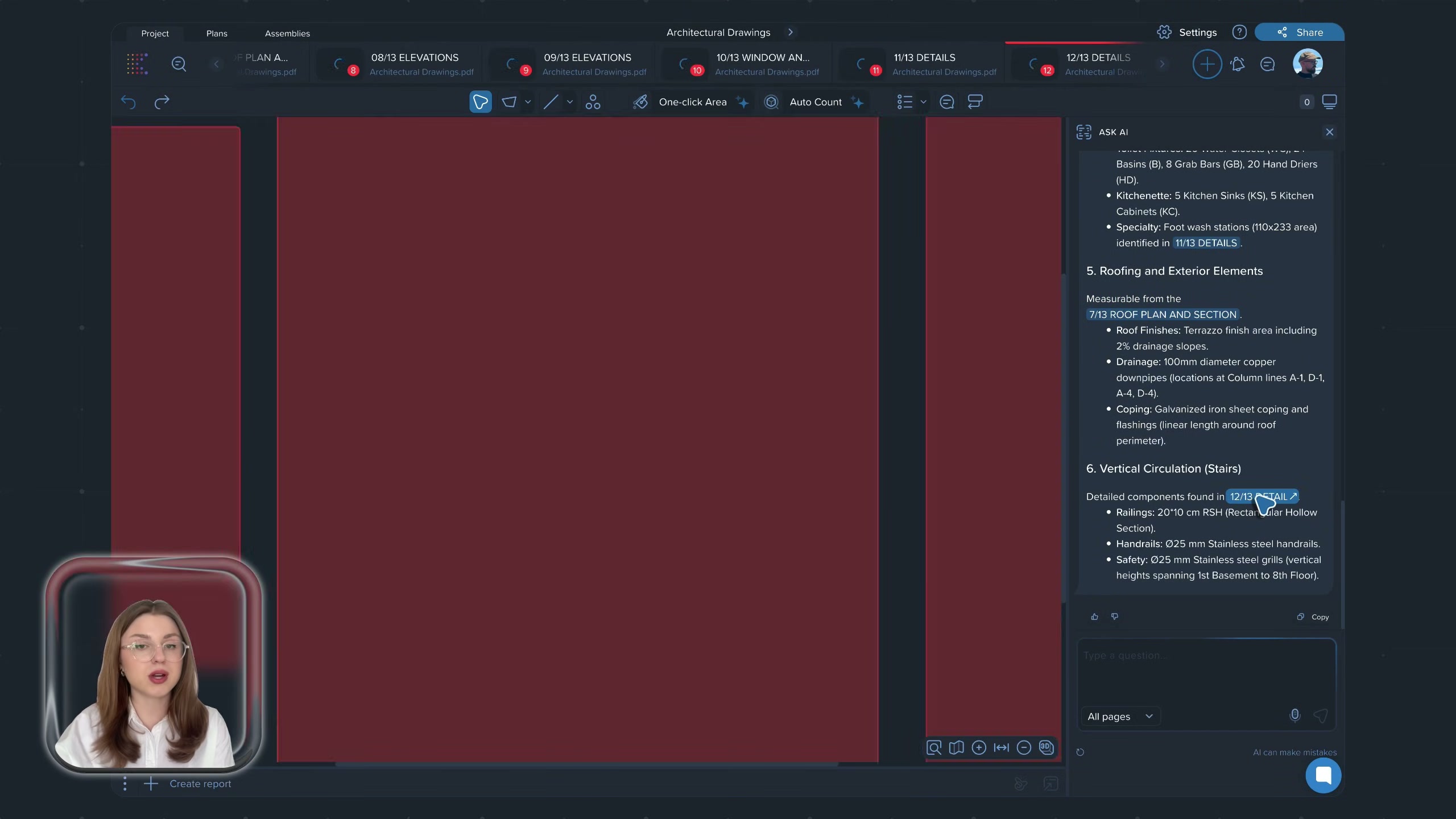
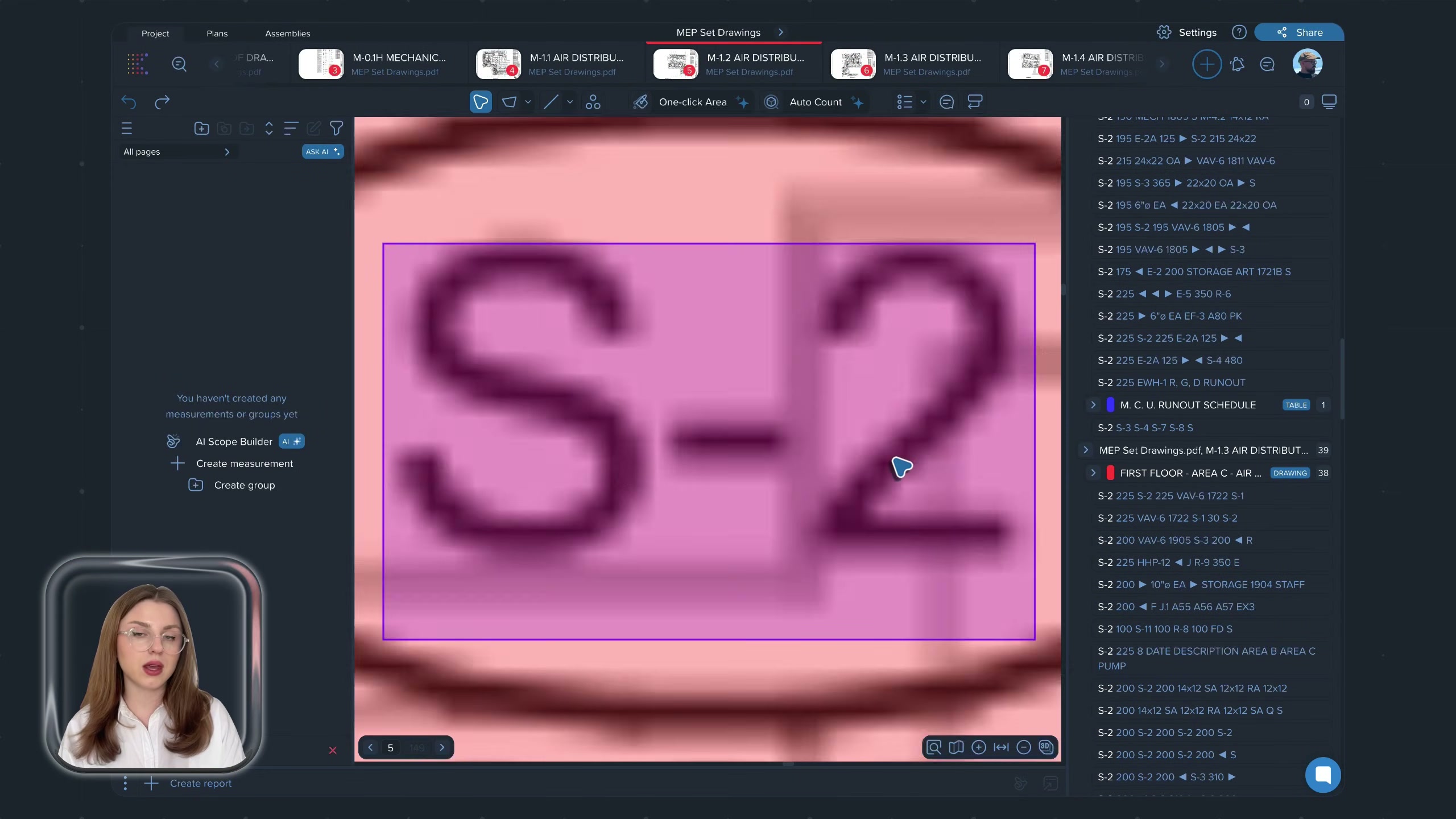
The 2D takeoff surface: a floor plan with measured areas filled in, the toolbar across the top (One-click Area, Auto Count), the multi-page/level strip, and the right-hand AI panel.
The AI panel — auto-measure, smart labels, Ask AI
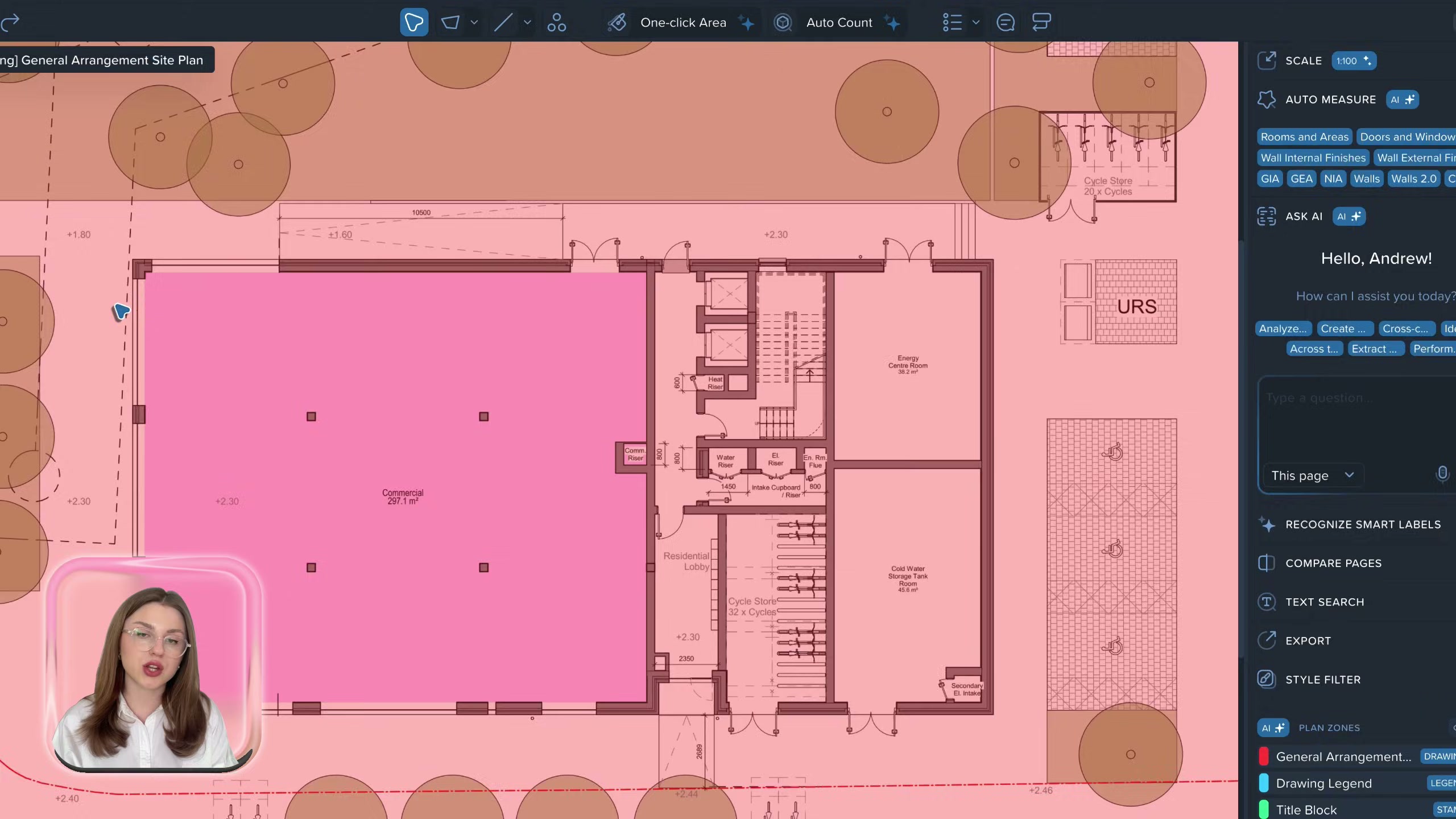
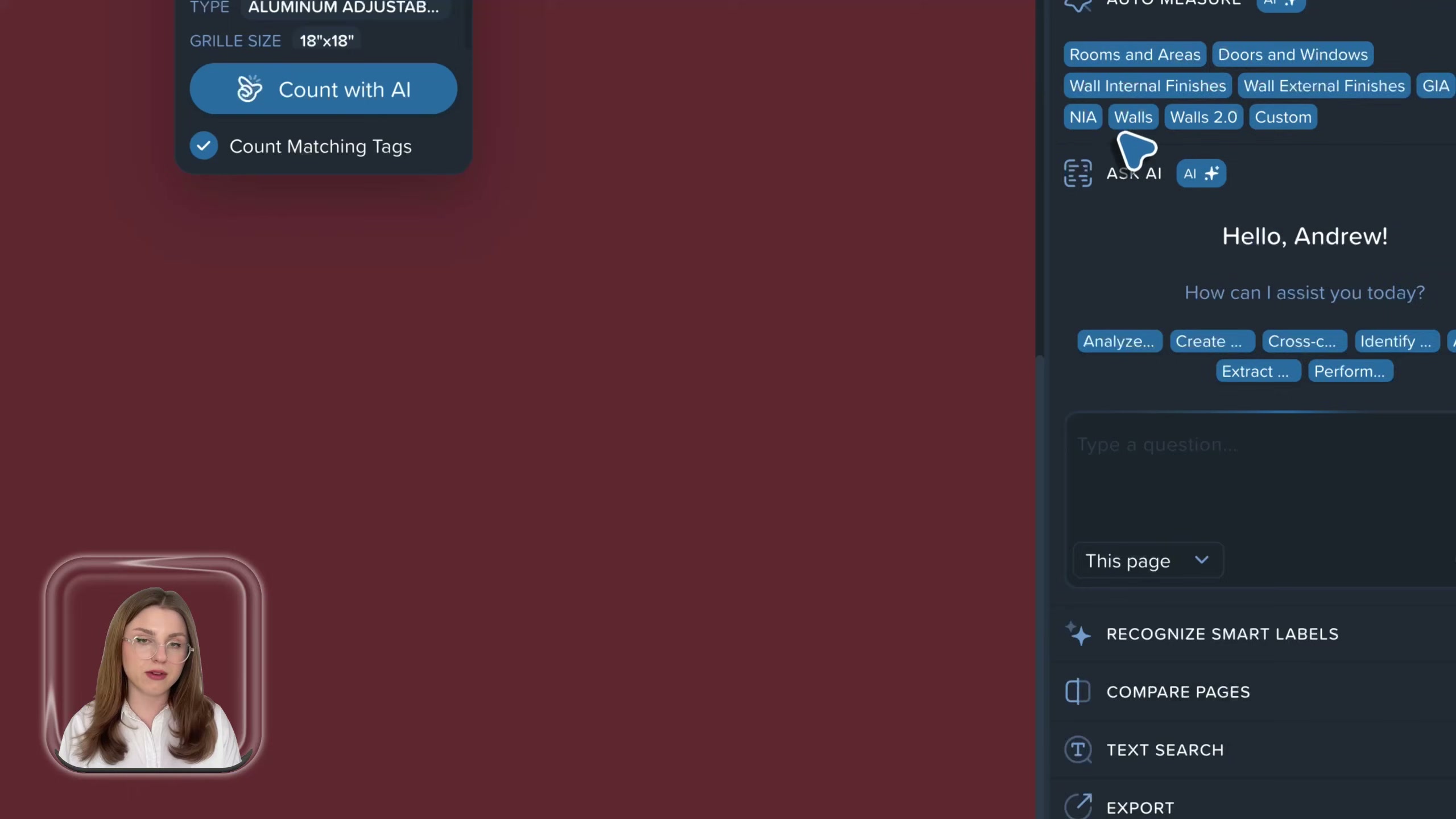
The right rail carries the AI: AUTO MEASURE / AUTO MEASURE 2.0 with element chips (Rooms and Areas, Doors and Windows, Wall Internal/External Finishes, GIA, GEA), AI-suggested SCALE, RECOGNIZE SMART LABELS, COMPARE PAGES, TEXT SEARCH, EXPORT, and the conversational “Ask AI” / Caddie pane (“Hello, Andrew — how can I assist you today?”).
The measurements list — quantities by element
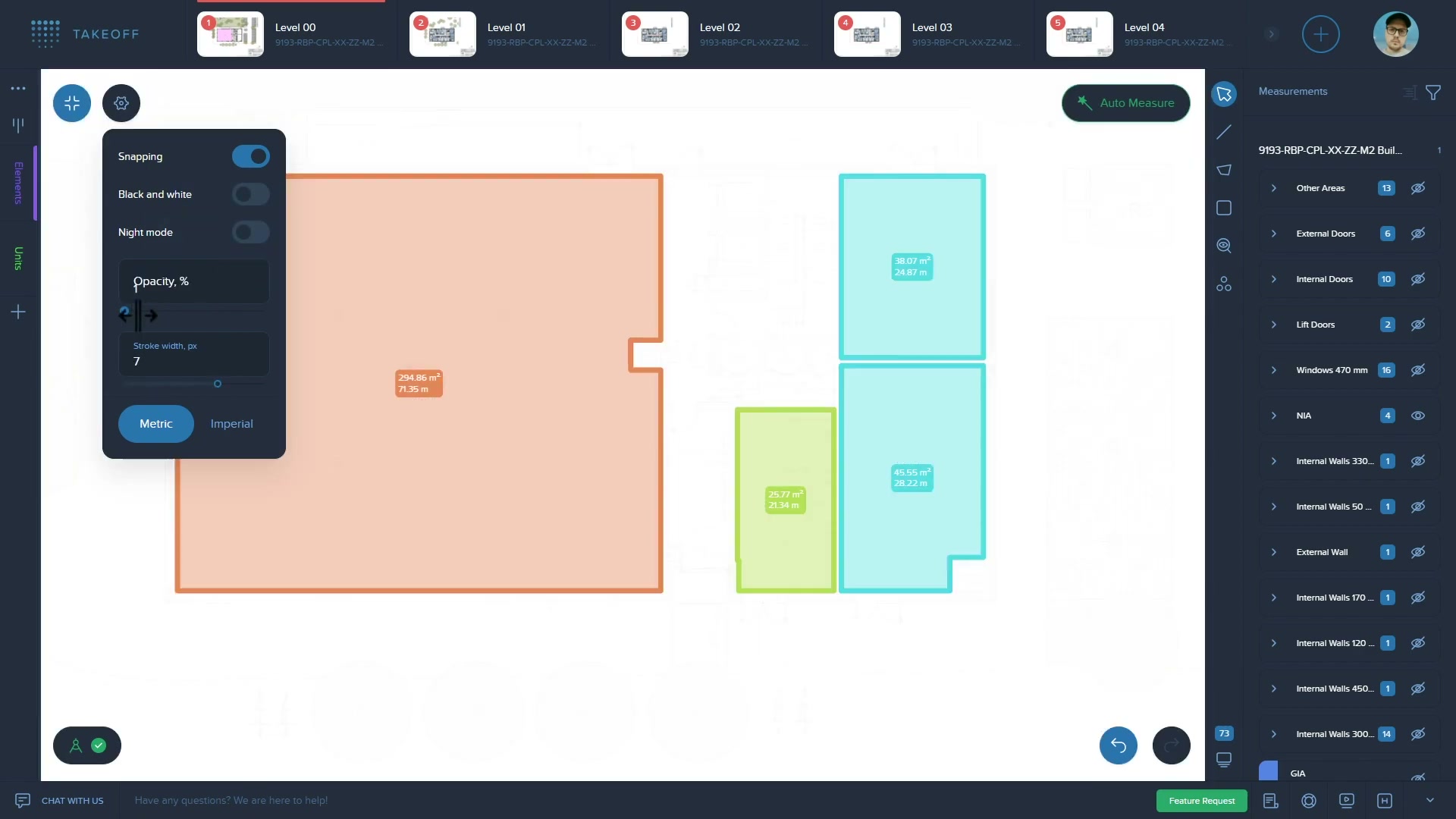
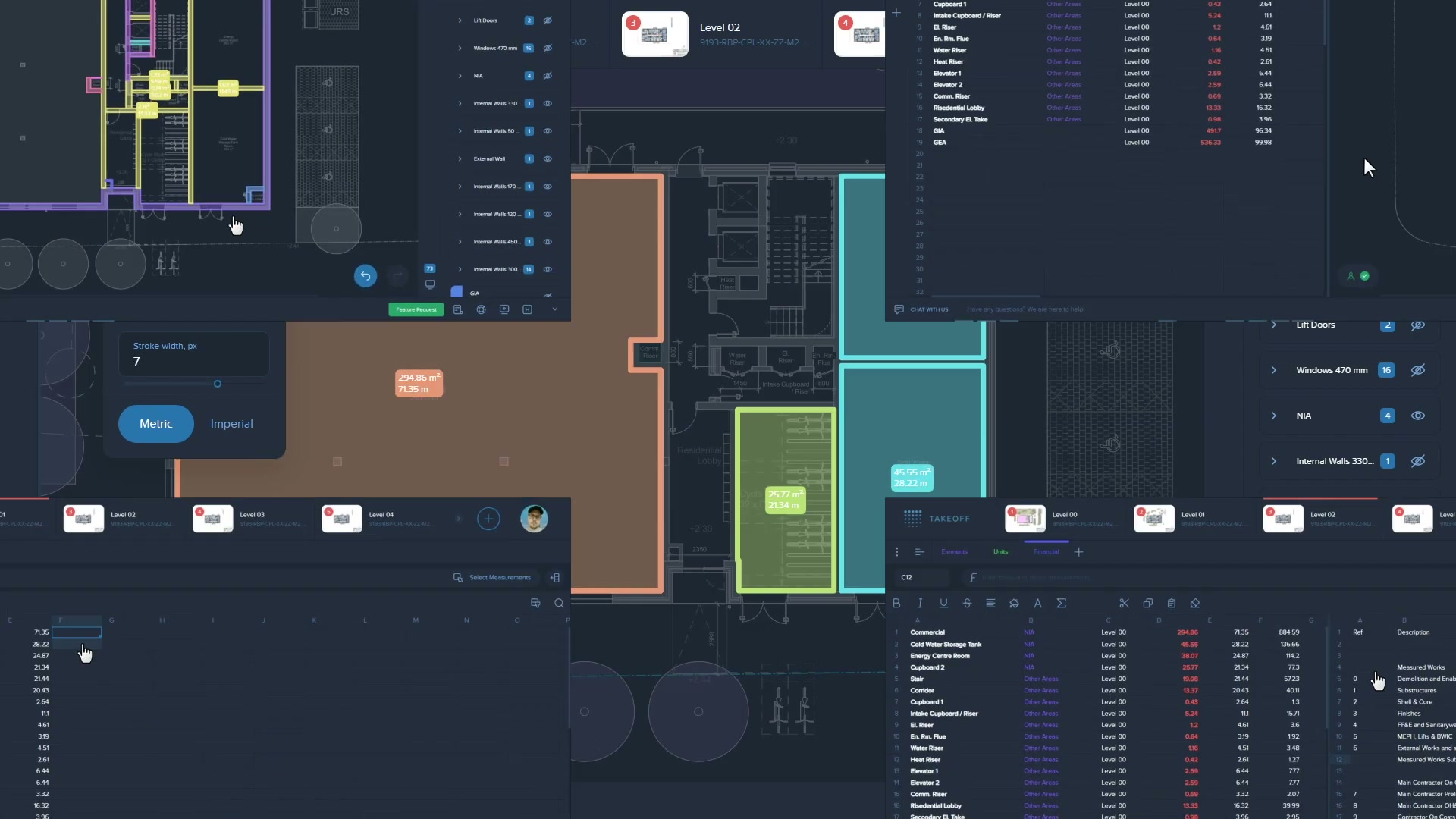
The structured output: measurements grouped by element type (Internal/External Doors, Lift Doors, Windows, NIA, Internal/External Walls, GIA) building toward a bill of quantities.
Scale and page setup — what the AI does on ingest
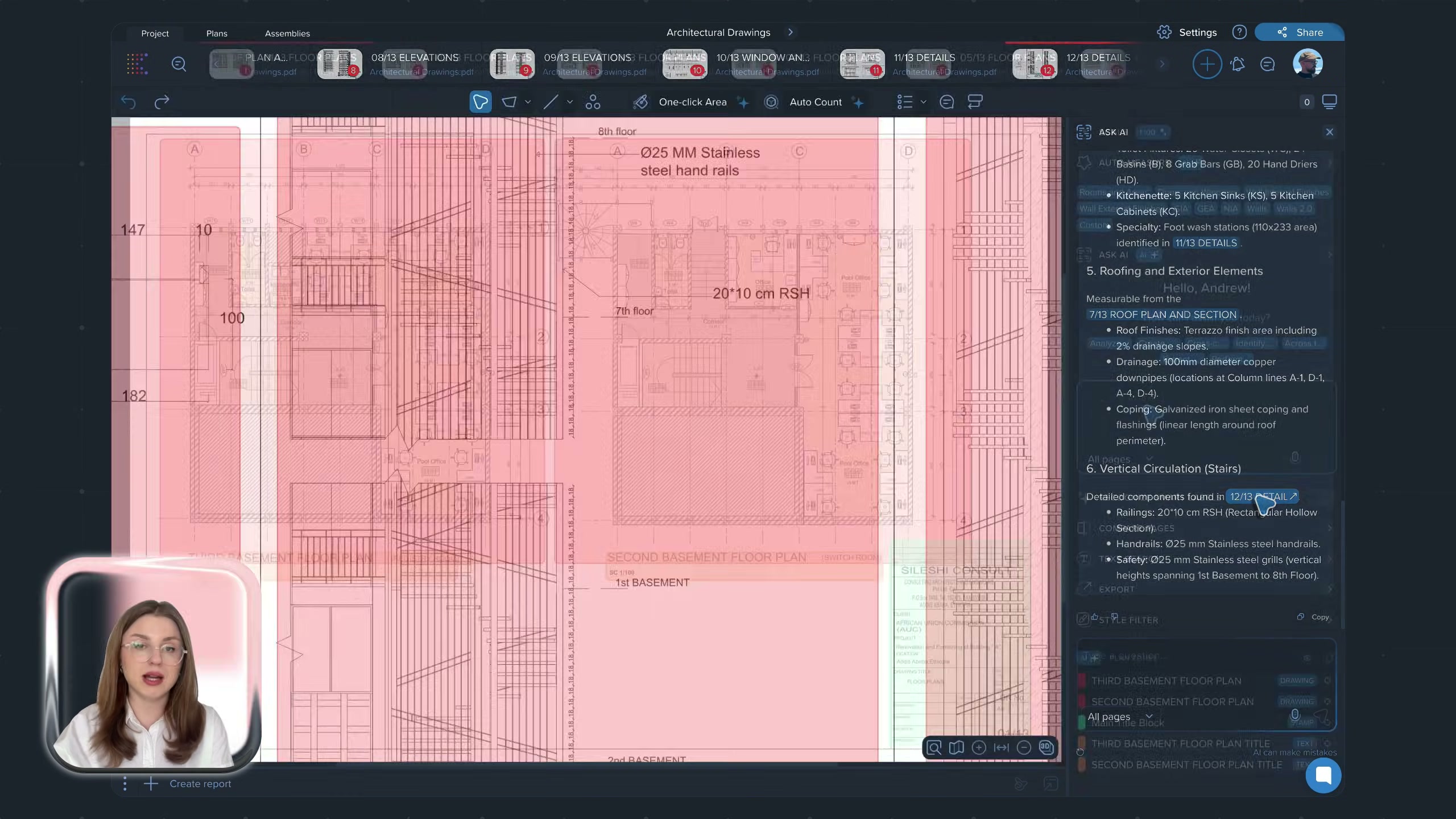
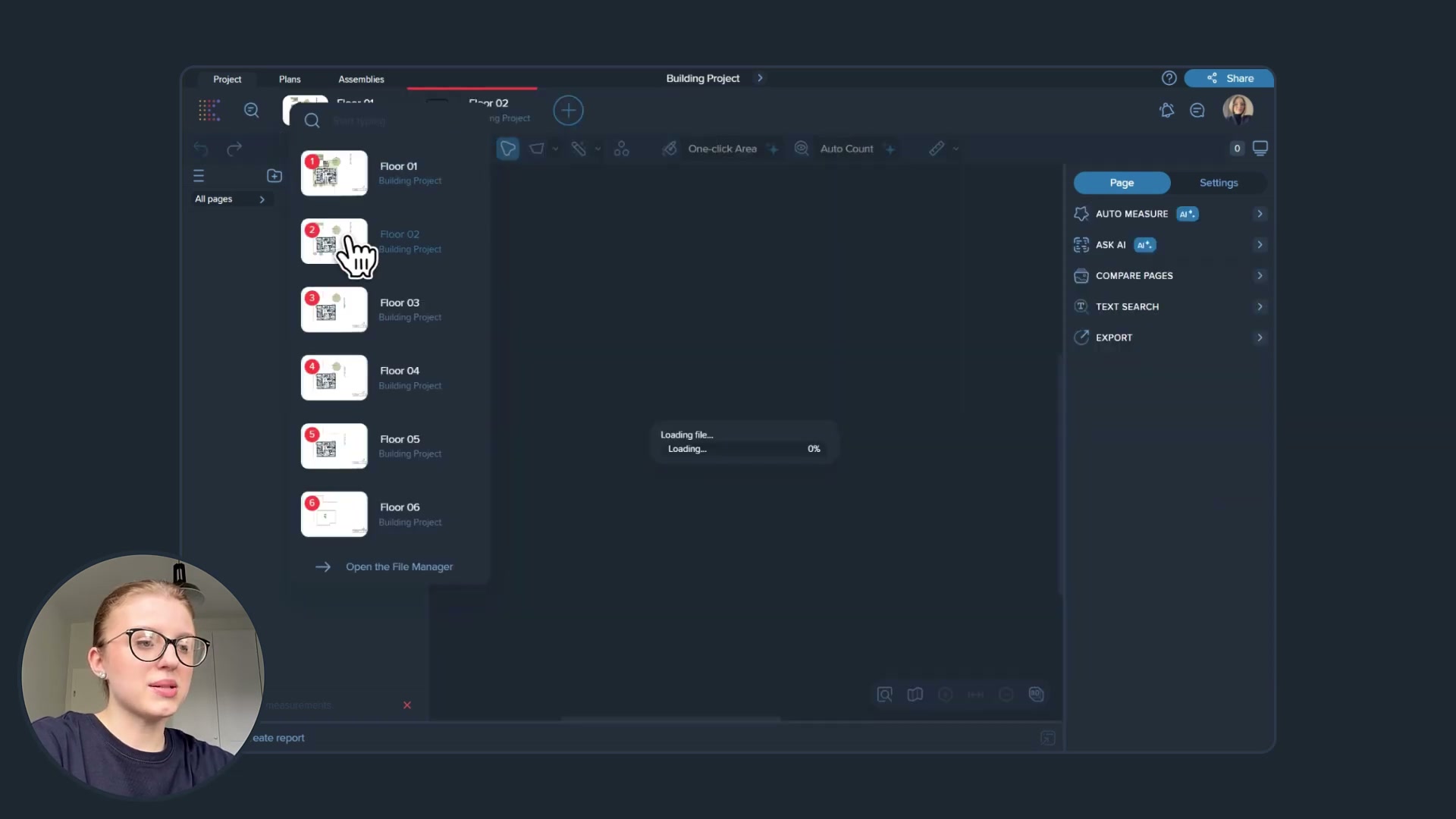
Auto Measure 2.0 with the element picker, AI-suggested scale (“Scale suggested by AI — Apply”), and the page/level file manager. This is the setup a manual takeoff would do by hand.
The 3D / BIM side
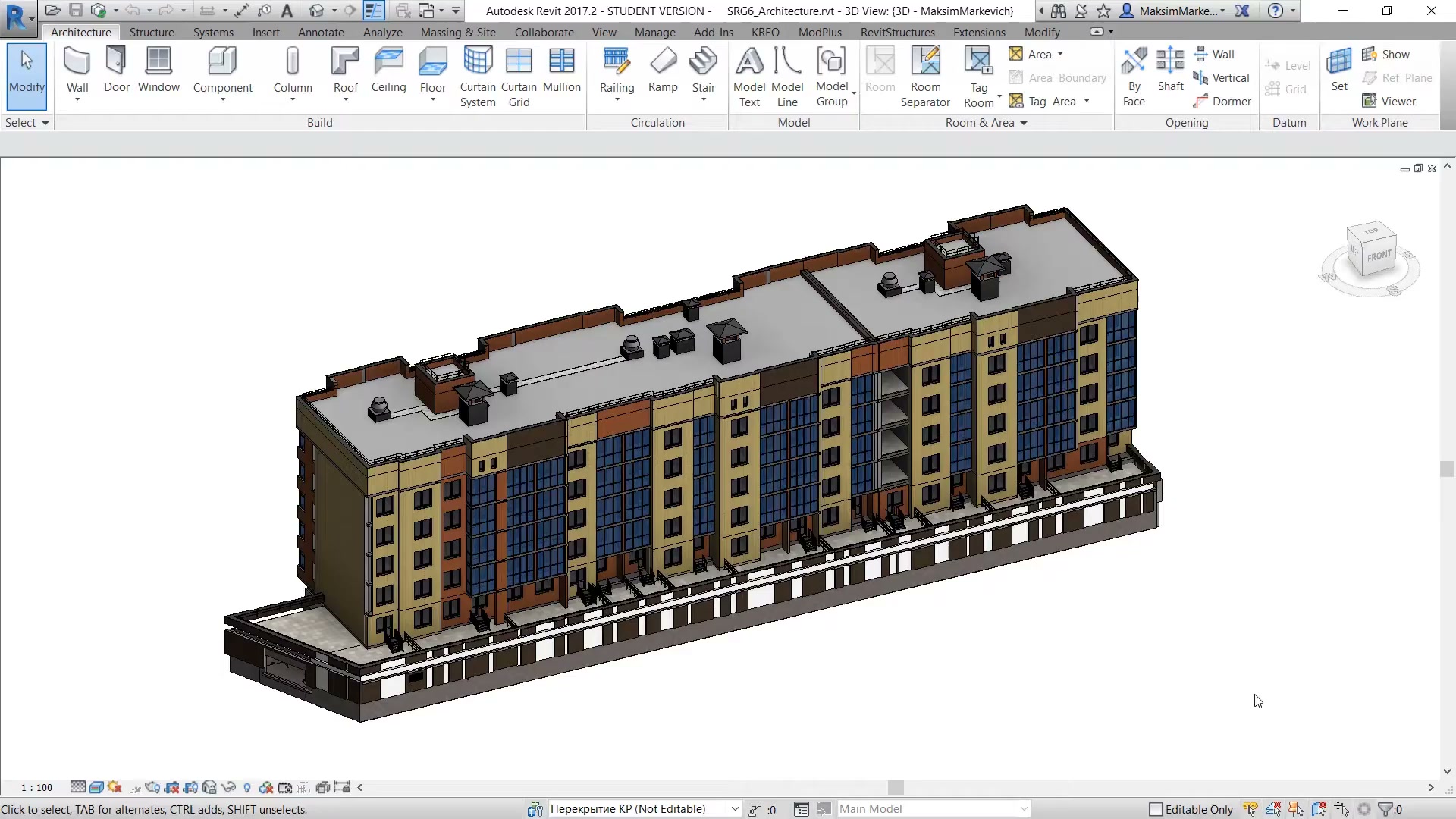
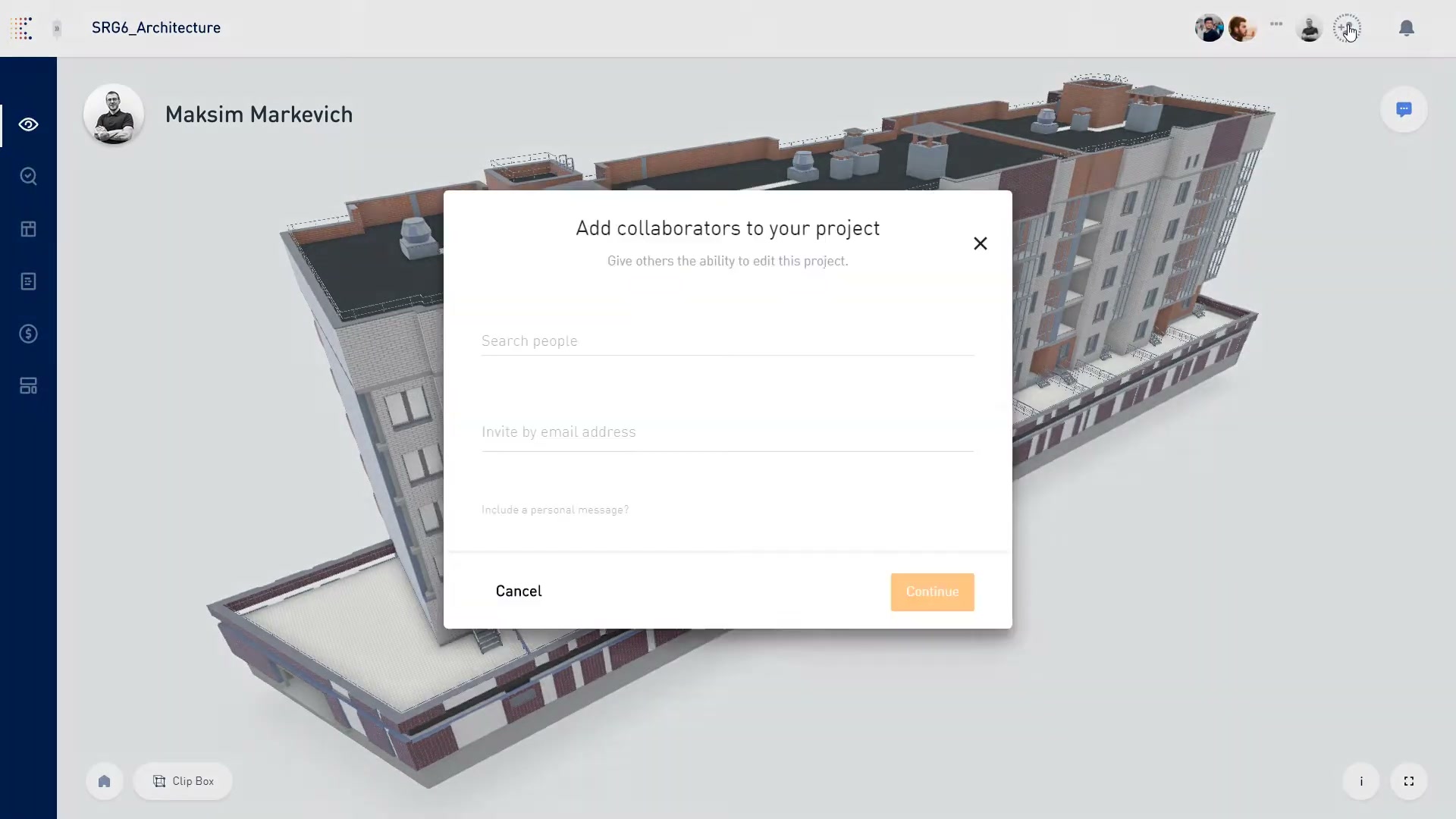
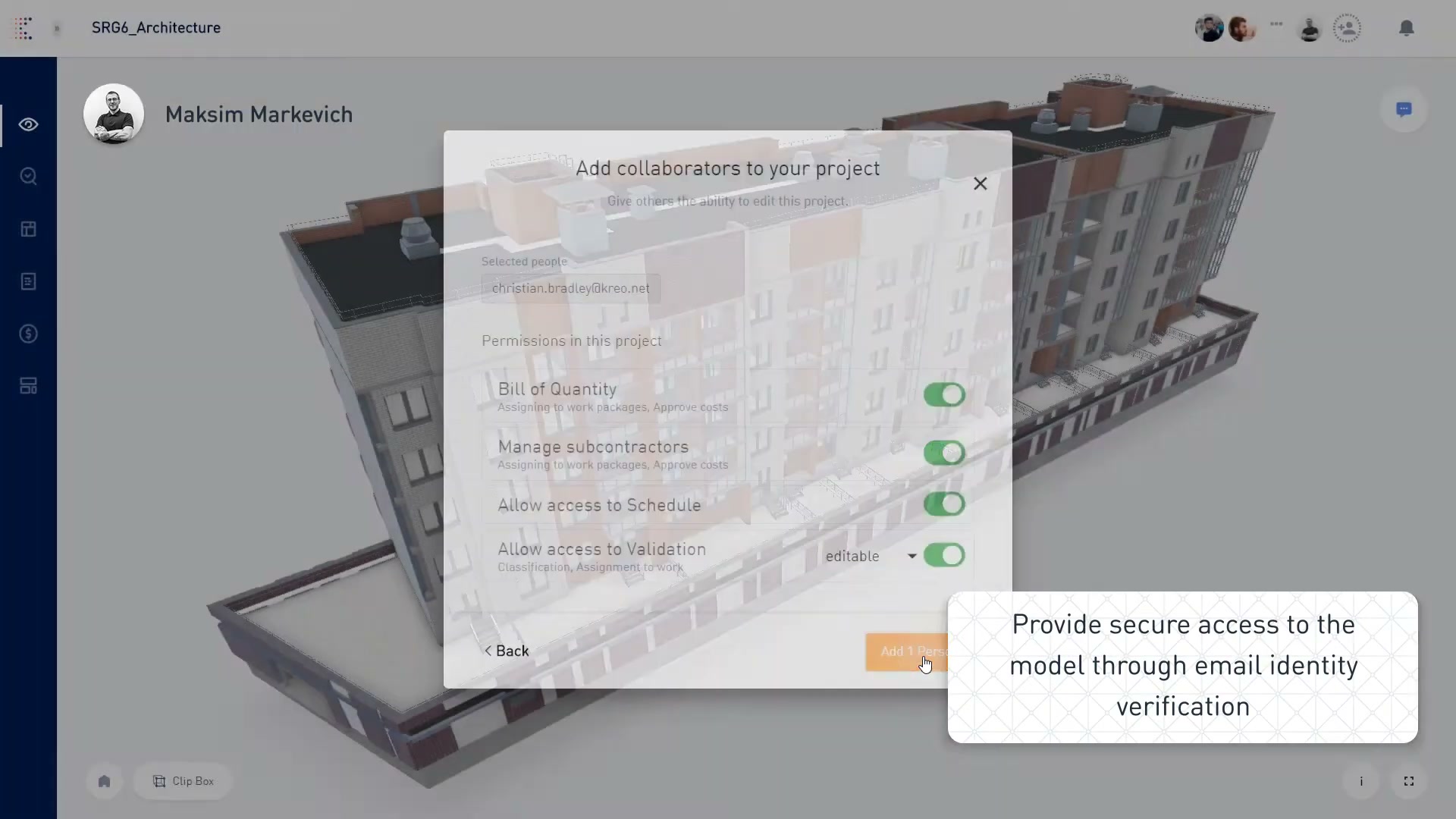
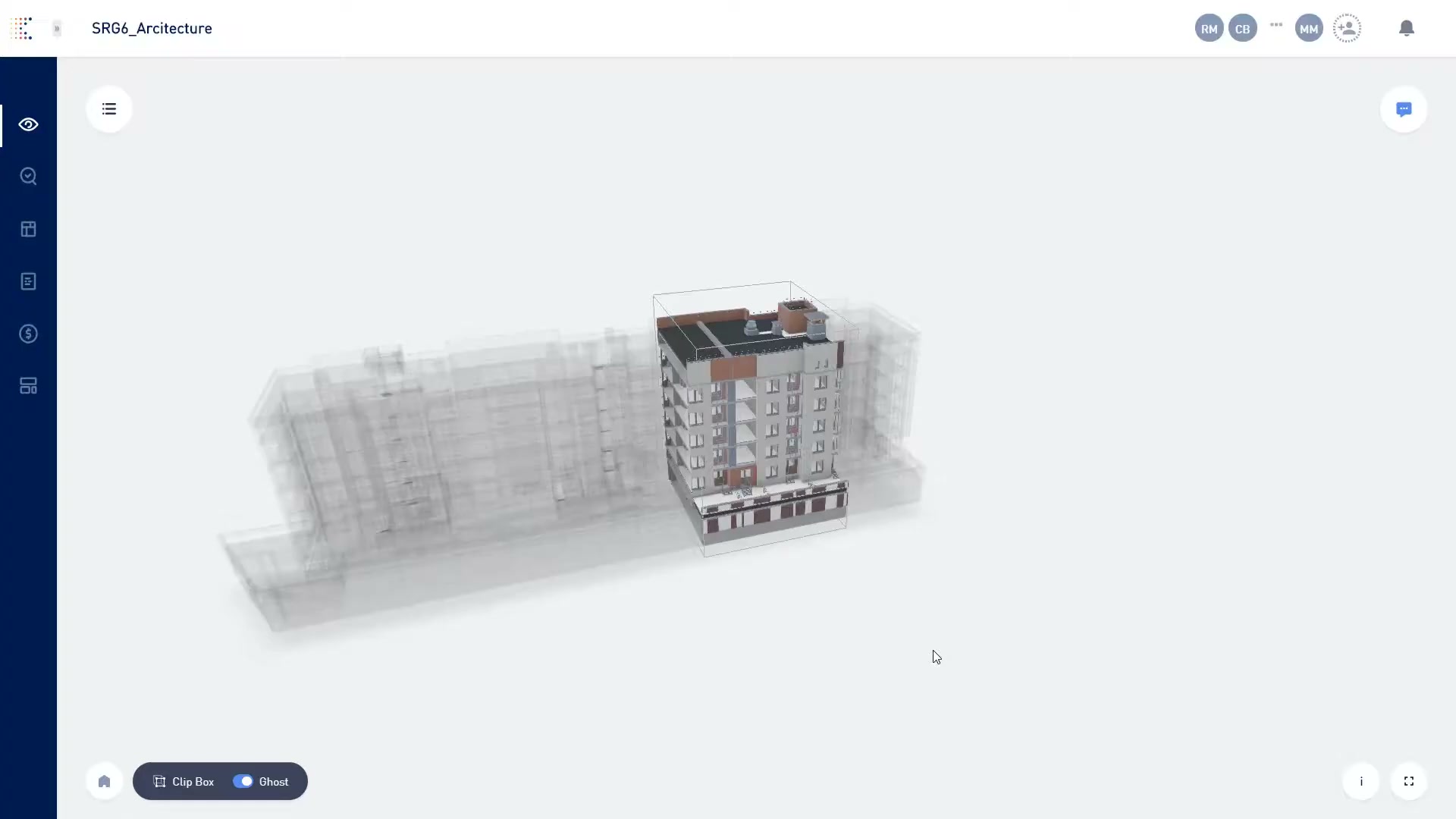
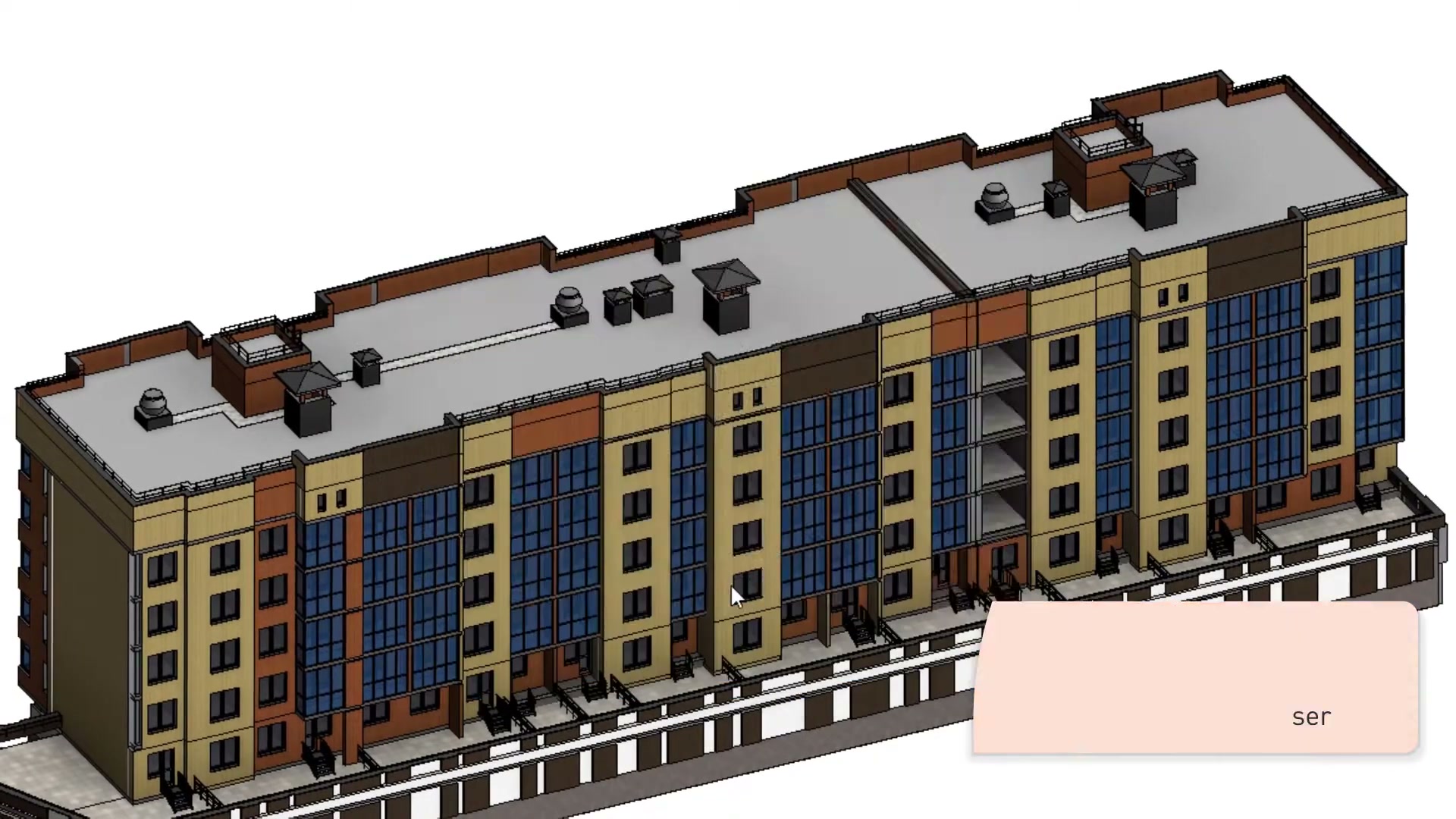
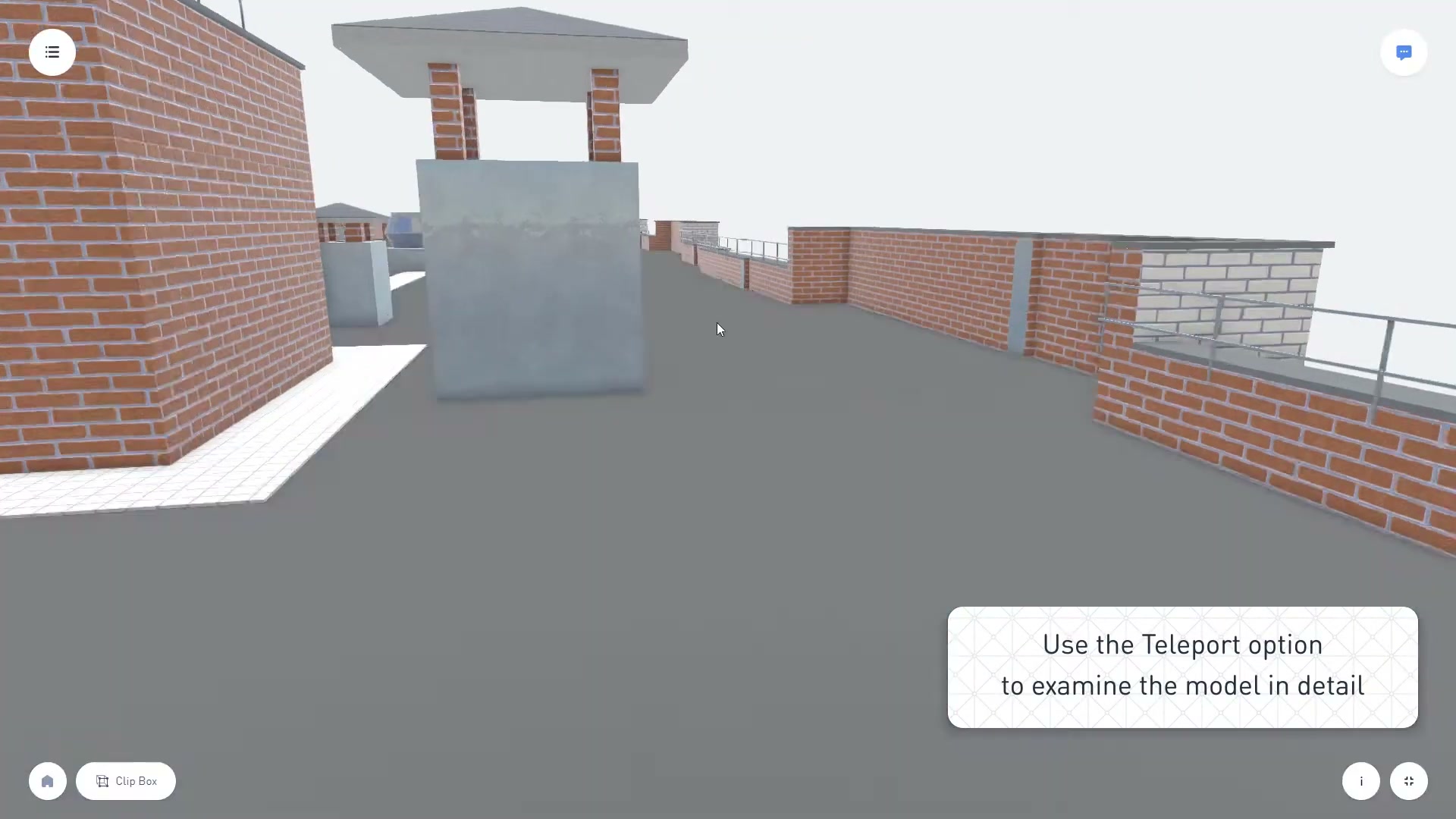
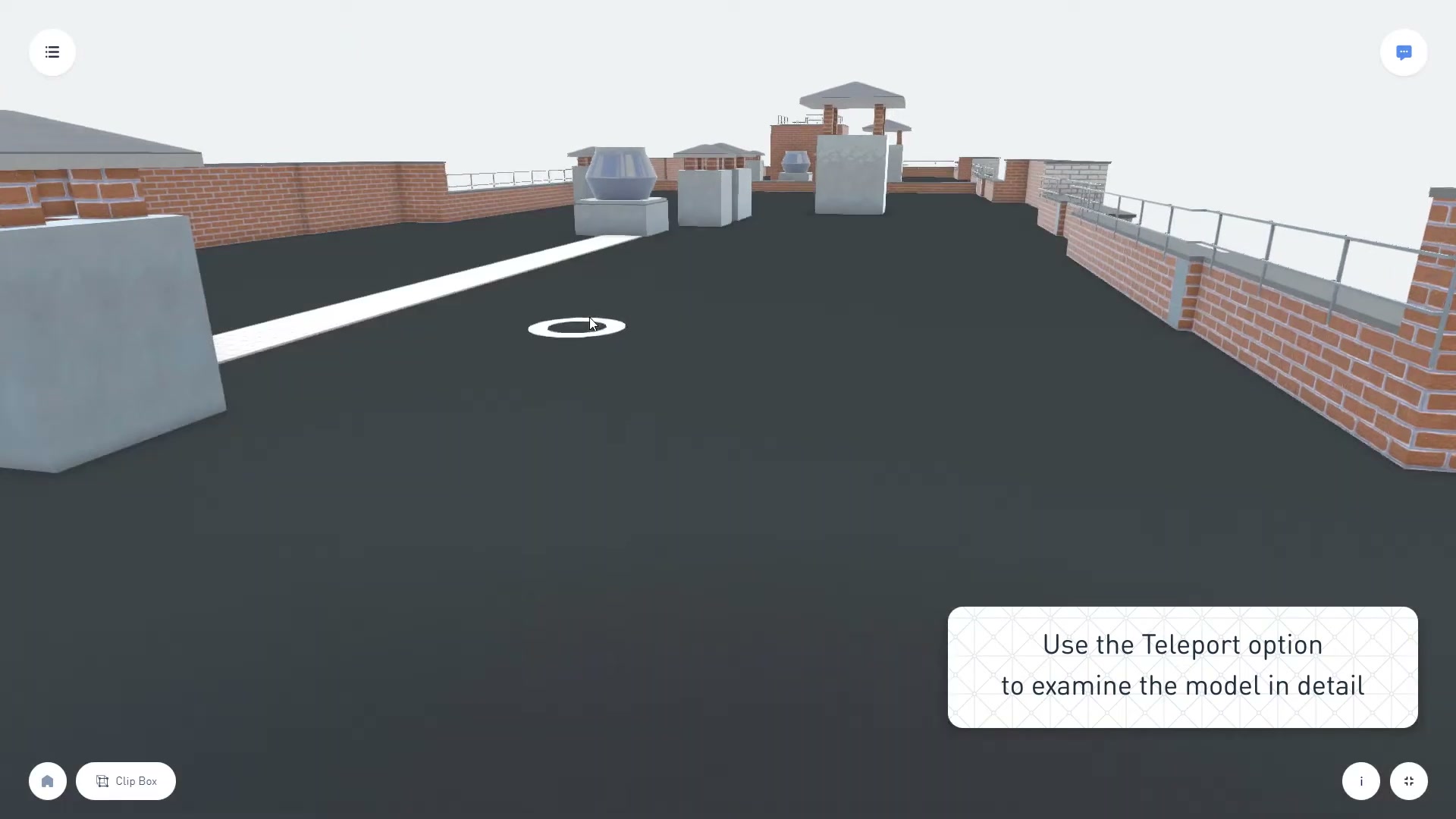
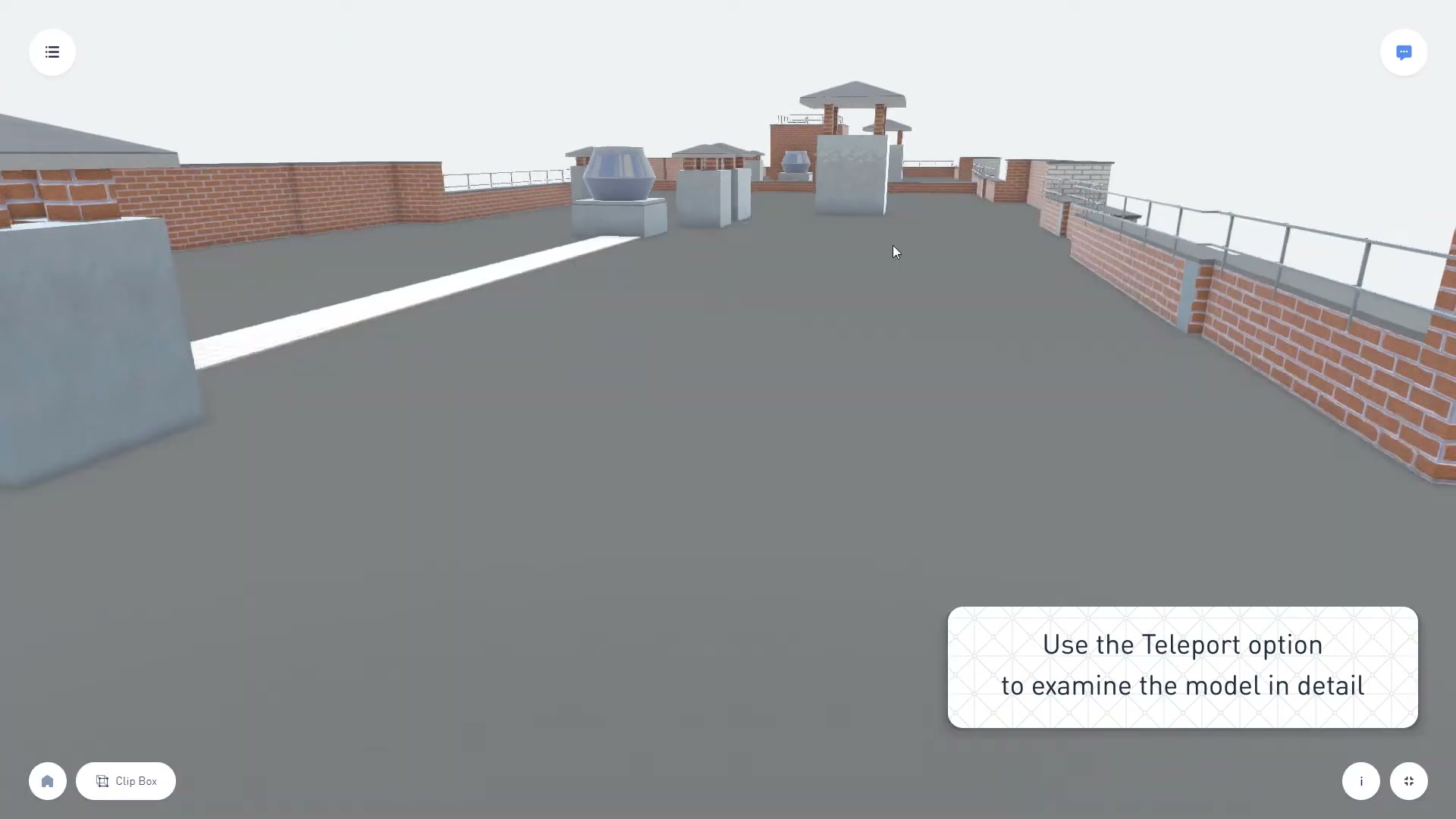
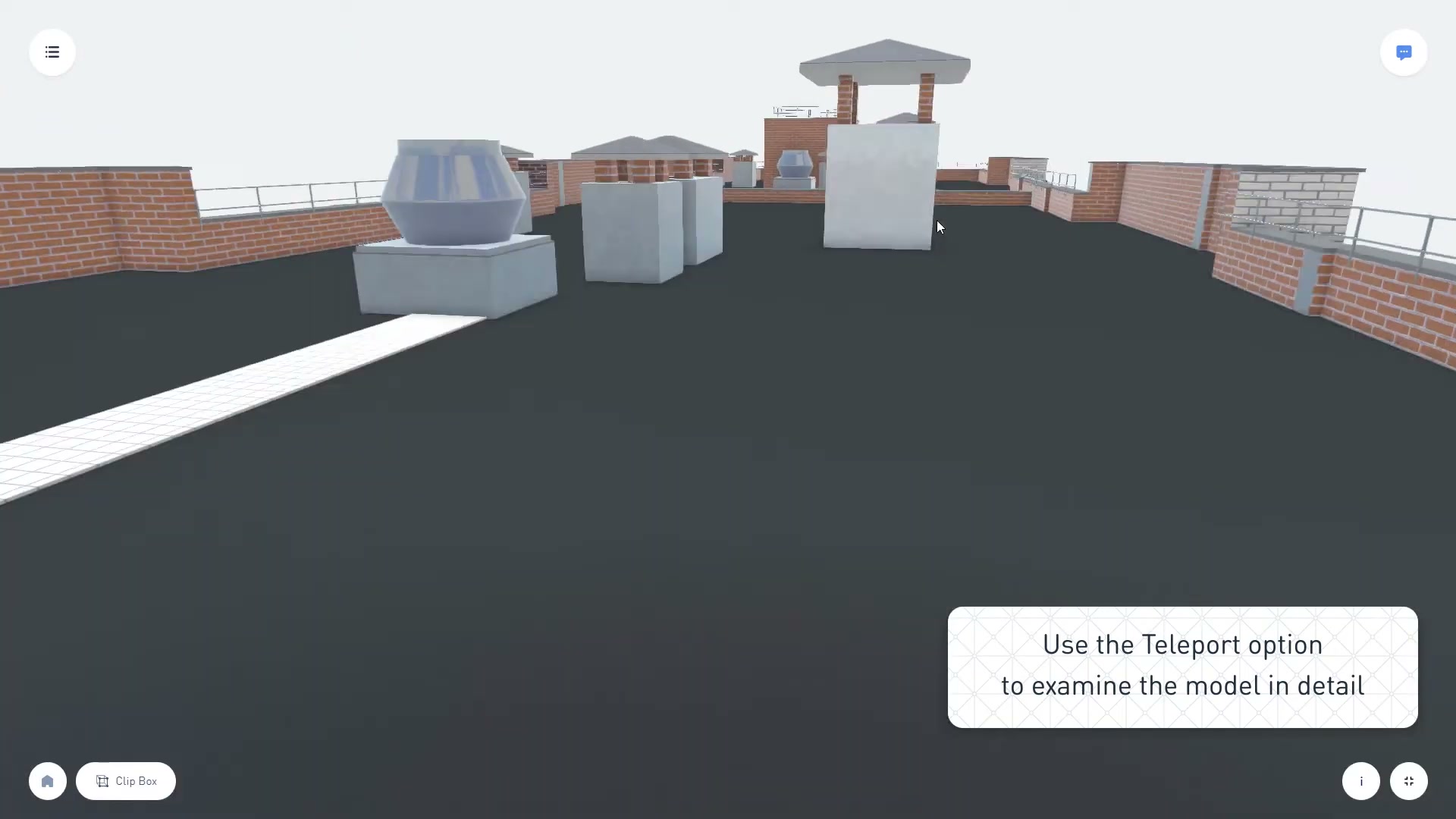
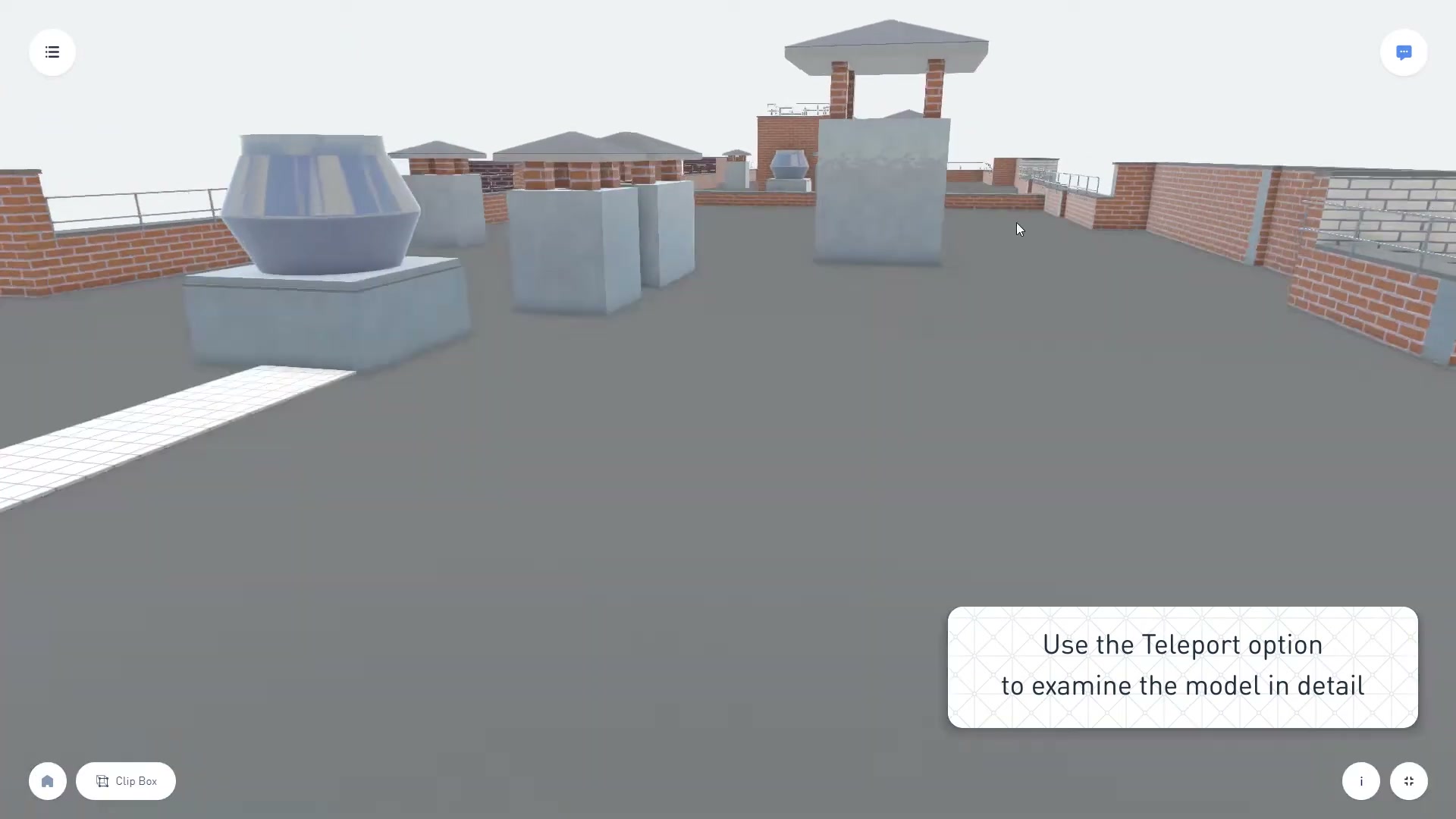
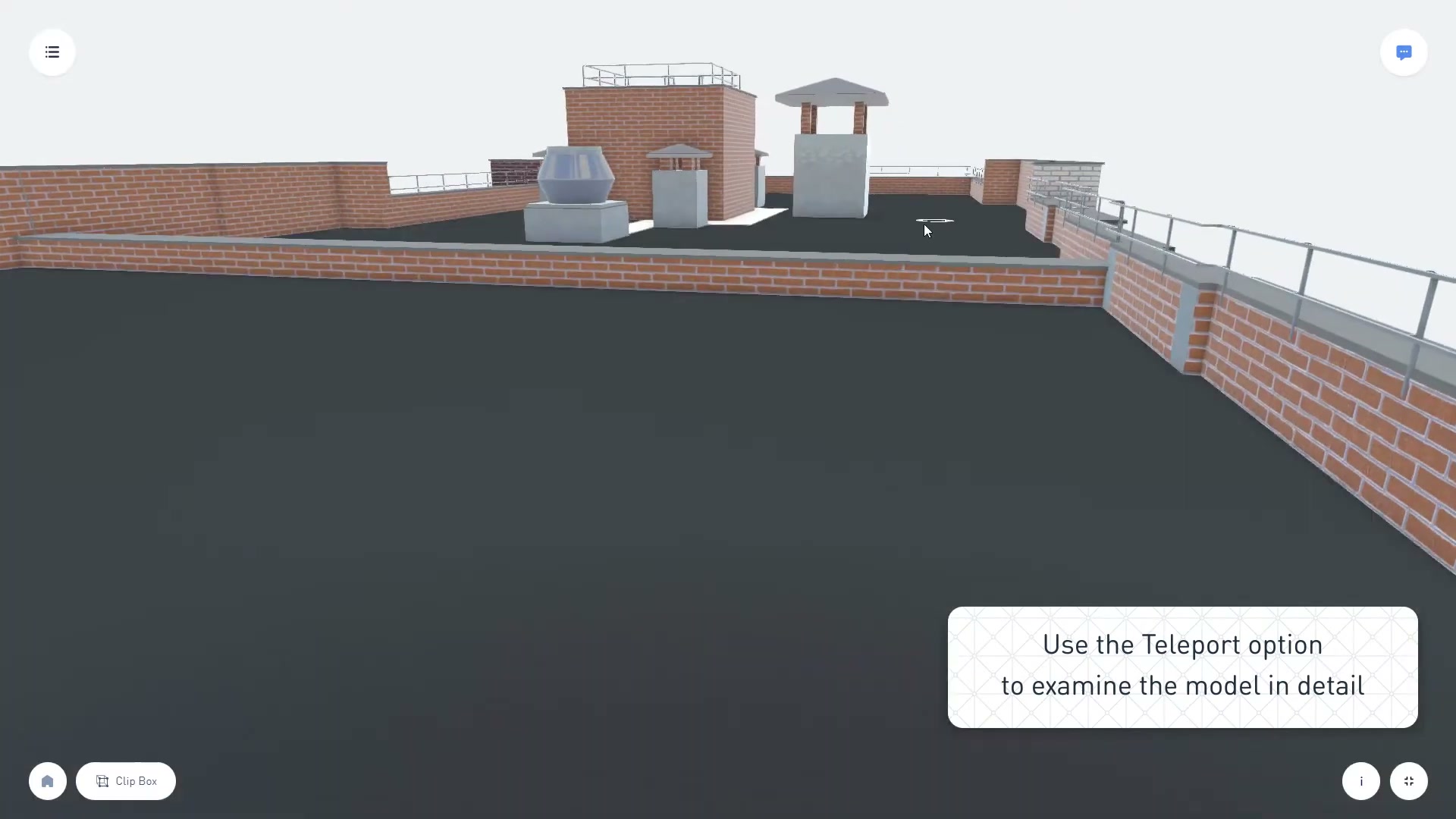
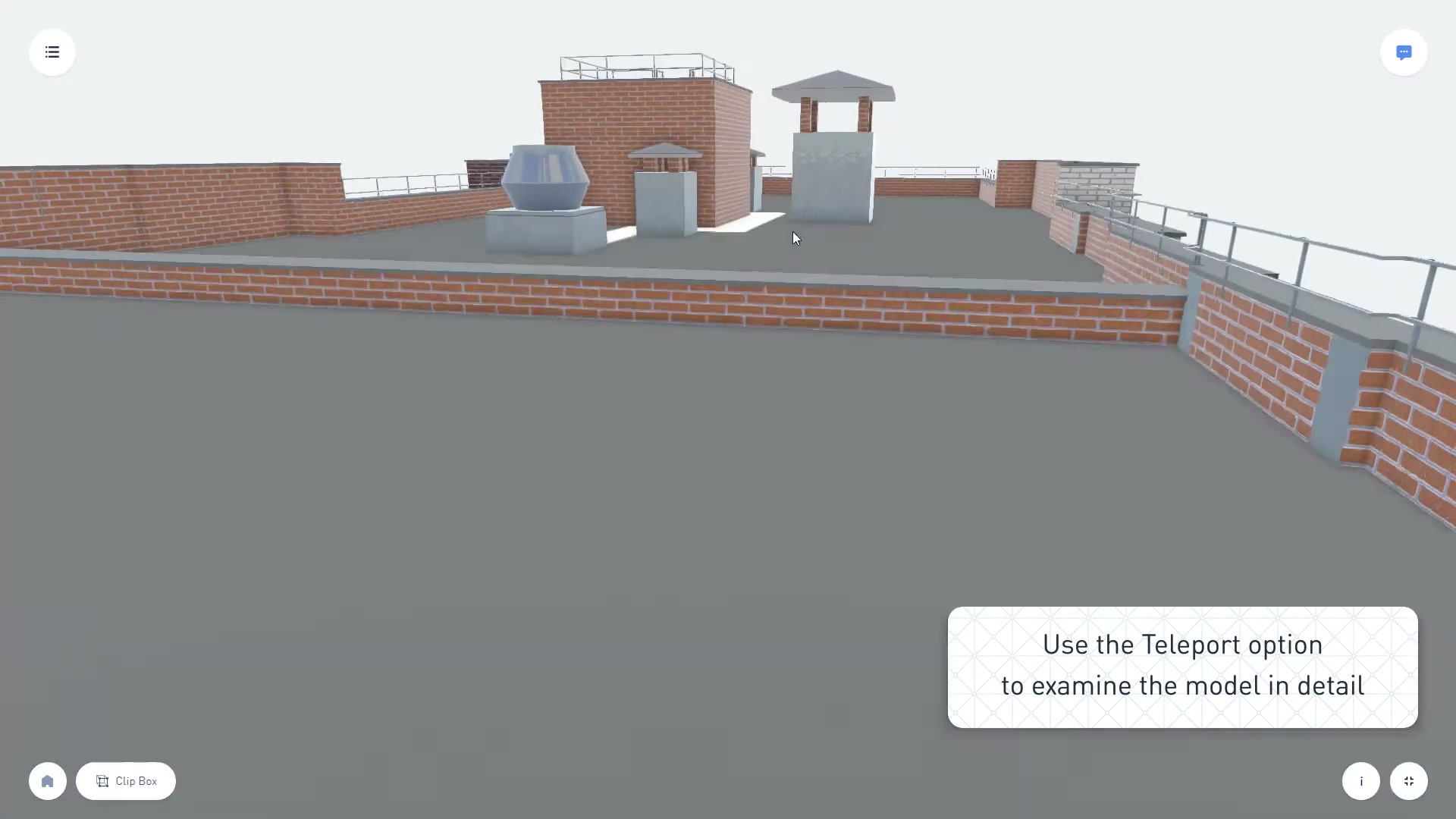
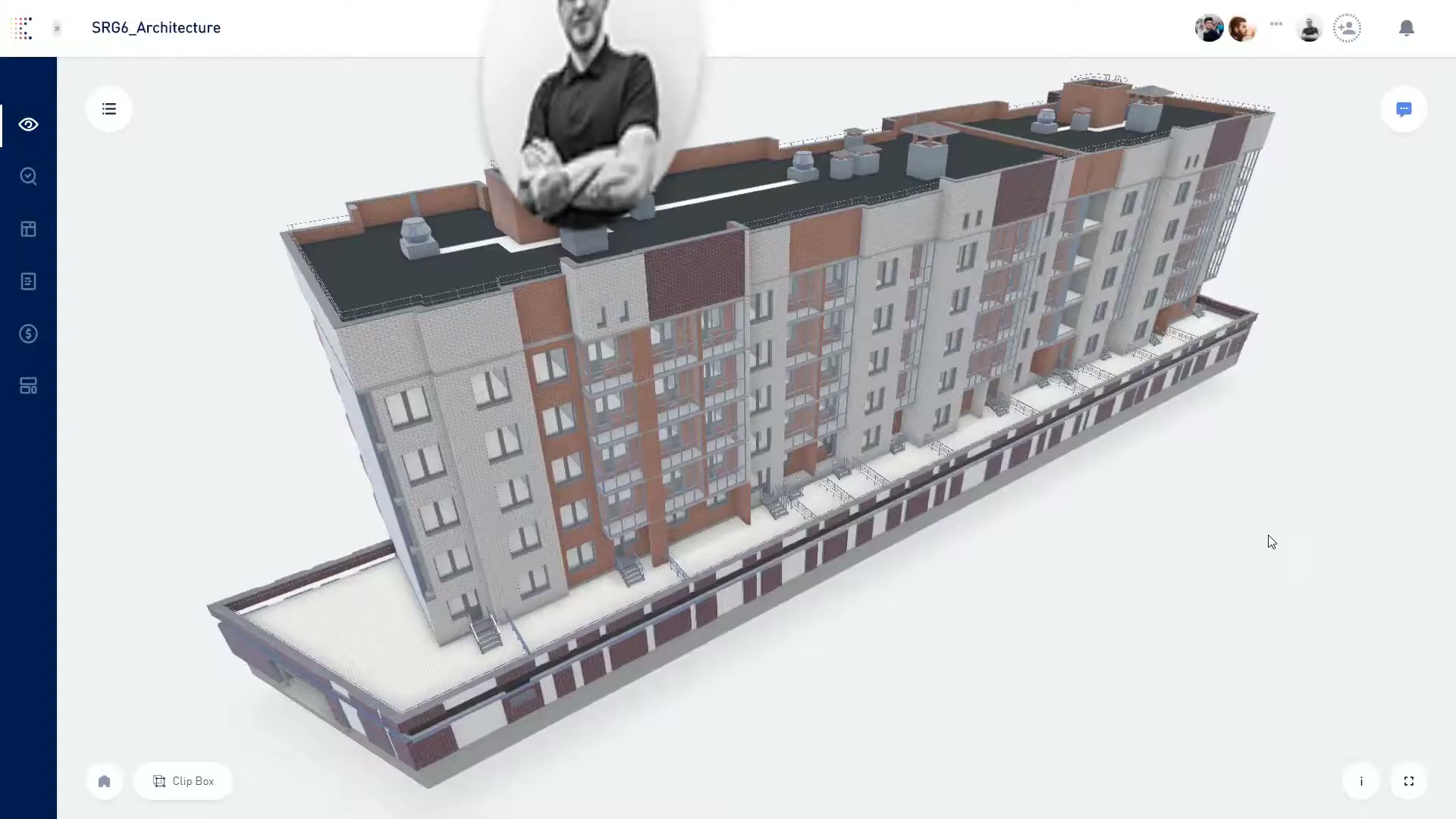
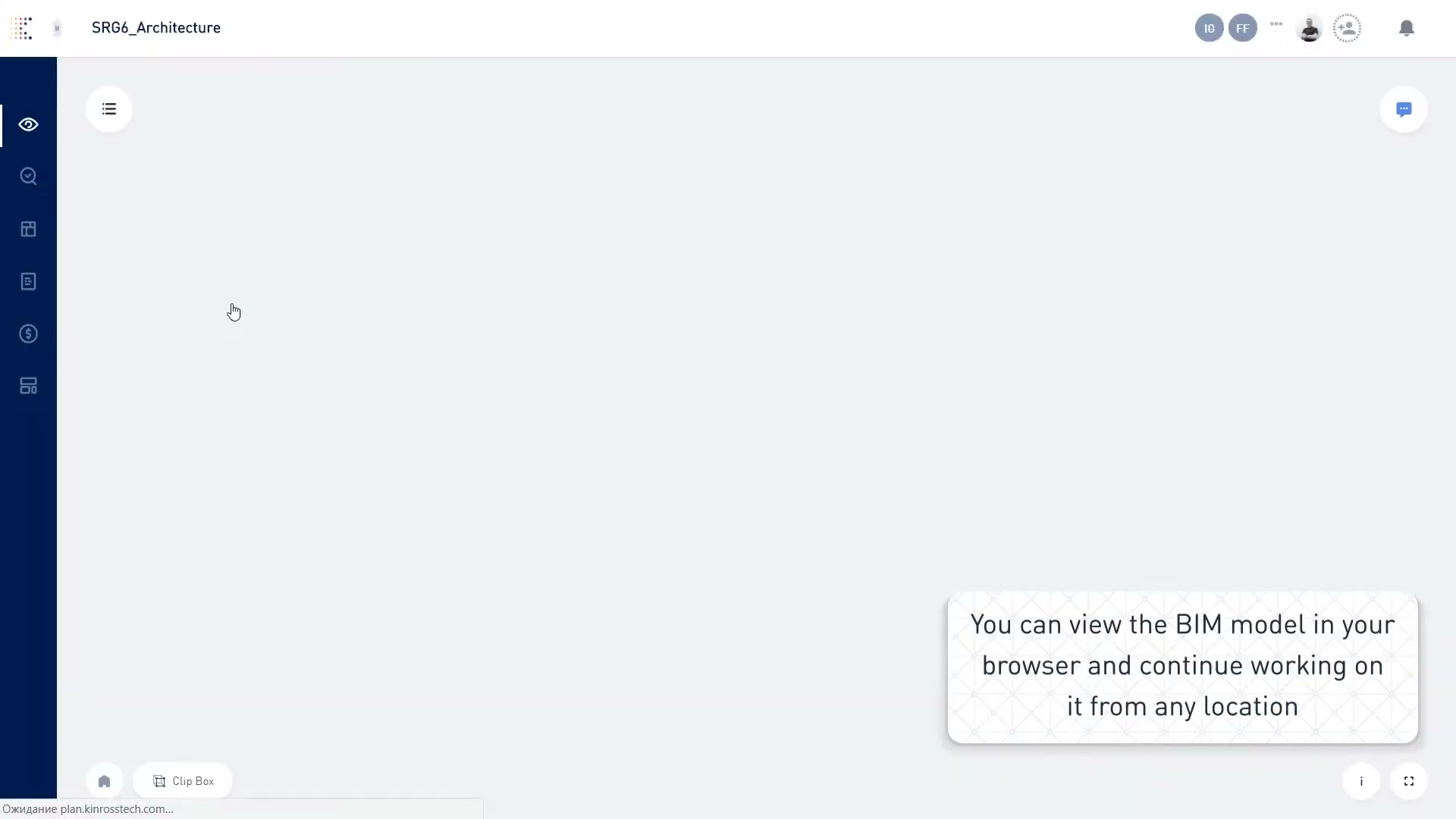
Kreo also reads 3D models — the “BIM Takeoff” path — including a navigable 3D building (with a “teleport” walkthrough) and a Revit model used as the takeoff source.
Whole-set contact sheet
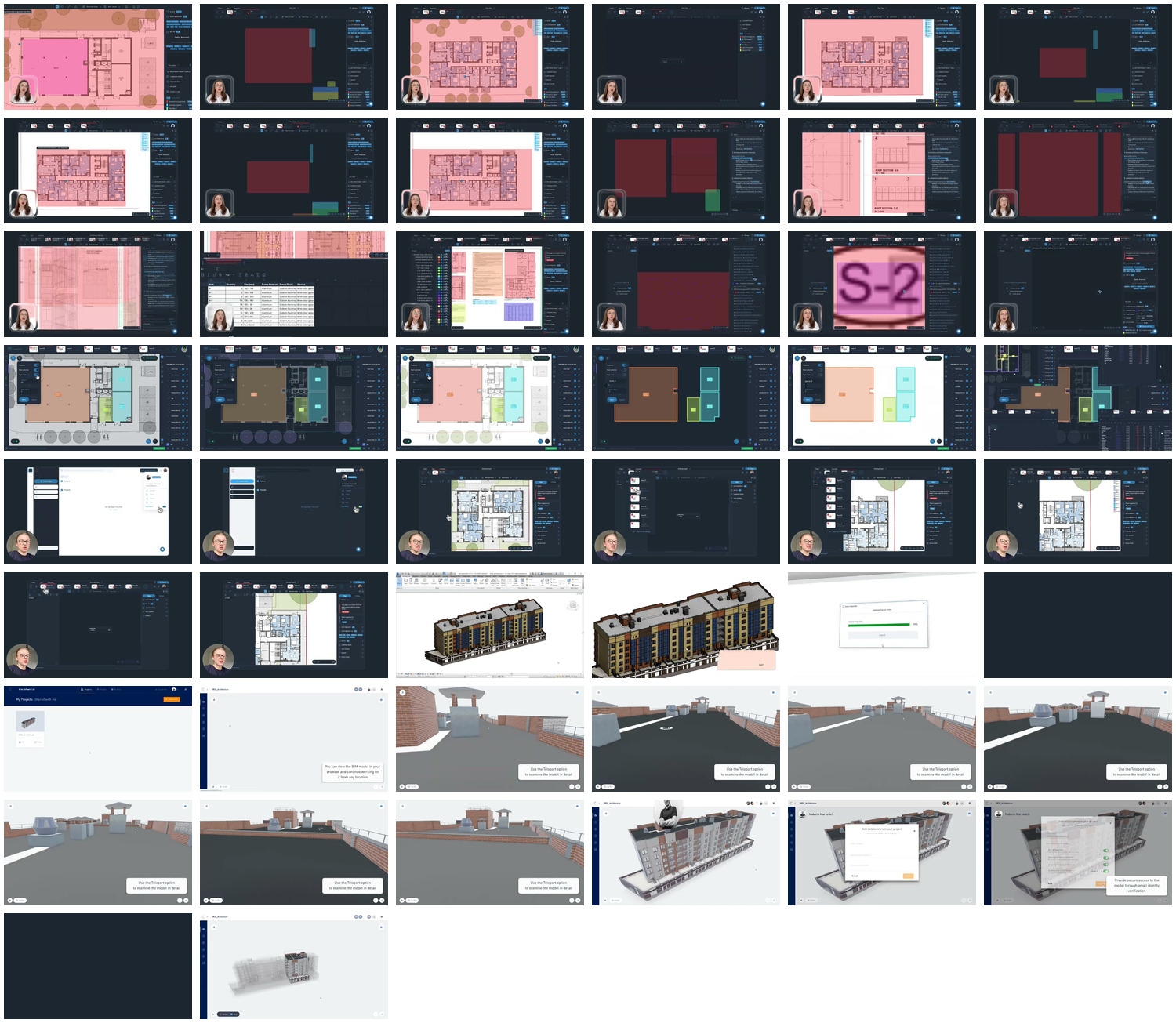
For a single-glance overview of everything captured across the four walkthrough videos (demo, getting-started, agentic 6.0, 3D view): contact_video.jpg.
Sources and method
- Product surface, AI features, 6.0 / agentic / Caddie, cost planning: vendor pages read directly — kreo.net homepage,
/solutions/ai-agentic-workflow-for-takeoff-and-estimating,/solutions/ai-construction-takeoff-sofware,/news-2d-takeoff/agentic-computer-vision-for-construction-drawings, plus search corroboration inraw/exa_search.json,raw/exa_answer.json. - Pricing / tiers / AI gating: vendor pricing page (Lite $35/£25, Plus $70/£50, Pro $175/£125, Enterprise custom; annual; 7-day trial).
- Company facts (UK/London, founded 2017, ~22 staff, ~$2.4M, bootstrapped): third-party company directories via search.
- Reviews (real, organic segmentation): 25-review DOM/RSC sample for “Kreo 2D Takeoff” —
raw/capterra_dom_corpus.json, rolled up inraw/SUMMARY_DOM.md(note: 0% solicited / 100% organic; sub-ratings corrected for blank entries — value-for-money 4.39, among the higher scores). - “No mobile app” finding: App Store search resolved to unrelated games —
raw/appstore_search_us.json,raw/appstore_app_us.json; the 6 marketing PNGs pulled were games and were deleted. - Screenshots: four product-walkthrough videos (
HS9hwZPmmnwdemo,LtprjgVqY2Estart,_tUOlMAfqGIagentic,6RsfuUKTzKUview); 50 frames inscreens/video_frames/, contact sheetscreens/contact_video.jpg. Method: screens/README. - Method, limits, and the discipline of not asserting an absence without evidence: _RESEARCH-METHOD.