Dashboard: Dashboard · method: _RESEARCH-METHOD · market grid: _MARKET-PROBLEM-MAP · opportunity lens: _OPPORTUNITY-LENS · landscape: competitor-landscape-report
Purpose: decide whether we can enter the part of the market Fieldwire occupies and build a profitable, defensible product. The brief first explains what Fieldwire is and how it works, then where its value sits and what users experience, and finally our own opportunity. Evidence (98 analysed Capterra reviews, App Store data, vendor product/pricing/API pages, 27 hi-res store screens, 37 walkthrough frames) is at the end.
Snapshot
| What it is | Field-first construction management app: the contractor’s drawings live in it, and every task, punch item, photo and RFI is pinned to a point on the plan. Mobile-led, with a matching web app for the office. |
| Core job it does | Replaces paper drawing sets and the runaround of “which sheet is current”: superintendents and foremen open the current plan on a tablet, mark up, assign tasks by trade, and close punch lists on site |
| Who buys | Specialty subcontractors and general contractors; mostly small-to-mid (~67% under 200 staff in the review corpus); strong in North America, expanding in Europe/APAC |
| Business model | Product-led with published per-user pricing. Free Basic, then Pro $39, Business $64, Business Plus $89 per user/month (annual). API and SSO only on a Custom (sales) contract |
| Ownership | Owned by Hilti since late 2021 (~$300M). Hilti is a global tools/fasteners maker — gives Fieldwire distribution into contractors and a hardware tie-in |
| Openness | Public REST API (OpenAPI v3, JWT bearer auth), webhooks, rate limits; integrations with BIM/cloud-storage/PM tools. API gated to the Custom tier |
| Public ratings | App Store 4.83 (13.2k ratings, US); Capterra ~4.66 (98 reviews, mostly the soft “free-gift” prompt) |
| Strongest areas | Plan viewing/markup, task management by trade, punch lists/QA, field collaboration |
| Weakest areas (our interest) | Cost/forecasting, change/claims/entitlement, payroll, historical-cost benchmarking |
| Our verdict | Ride the open API and flank the commercial-money gap; do not build a cheaper plan-and-task app |
Where Fieldwire plays across the market
Scored 0 (not addressed) to 100 (best-in-class) against the 21 areas in _MARKET-PROBLEM-MAP, sorted by coverage.
| Problem area | Coverage | Note |
|---|---|---|
| Field management / daily reporting | 85 | Custom forms and daily reports, though reporting depth is the single most-criticised area |
| Quality / QA-QC / snagging | 80 | Punch lists and inspections are a core strength; tasks pinned to the plan |
| Project management (system of record) | 65 | Strong field PM with plans, tasks, files, messaging; not a full Procore-style office SoR |
| Communication / client collaboration | 65 | Excellent office↔field task threads and @-mentions; client/portal side thinner |
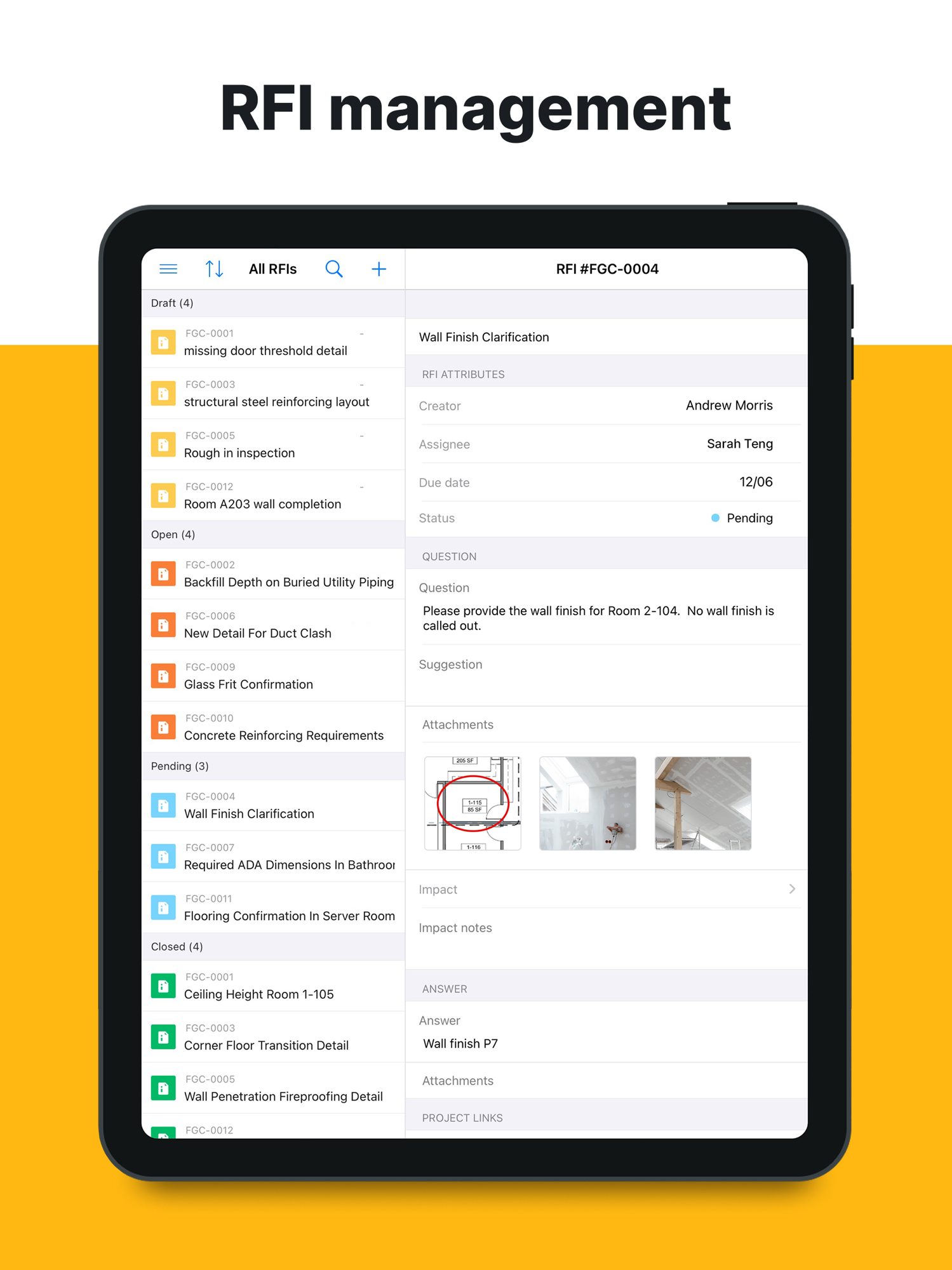
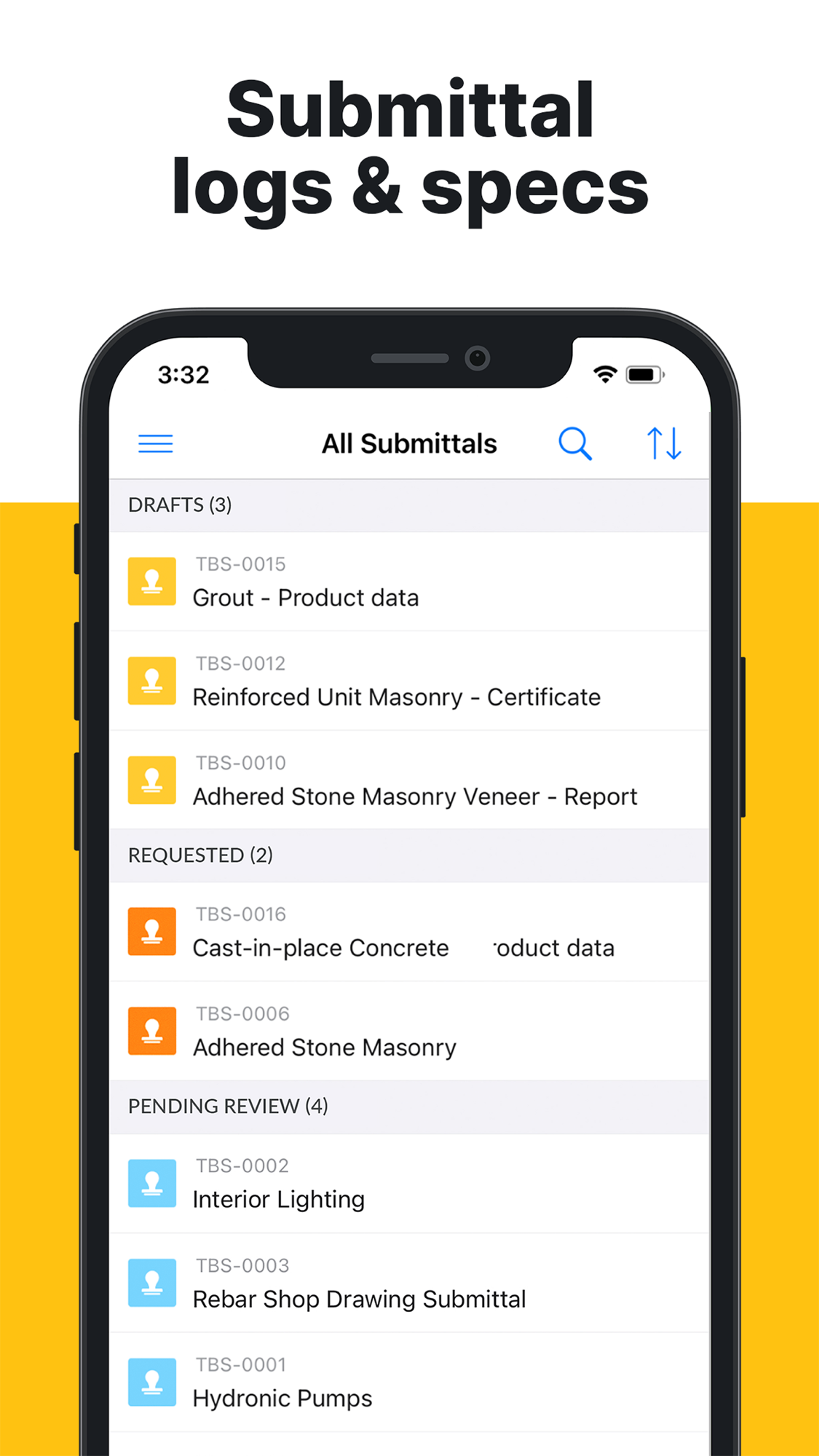
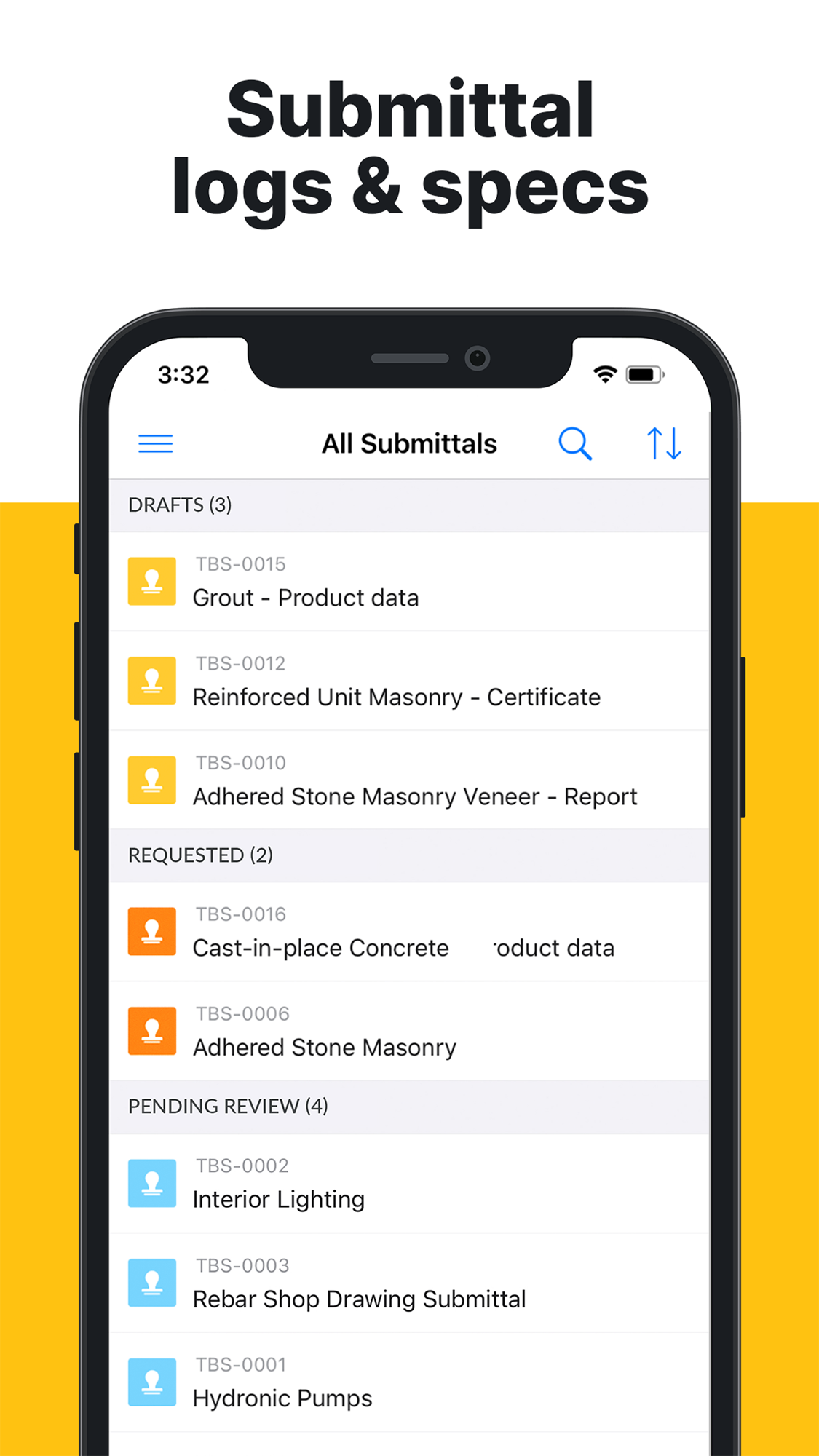
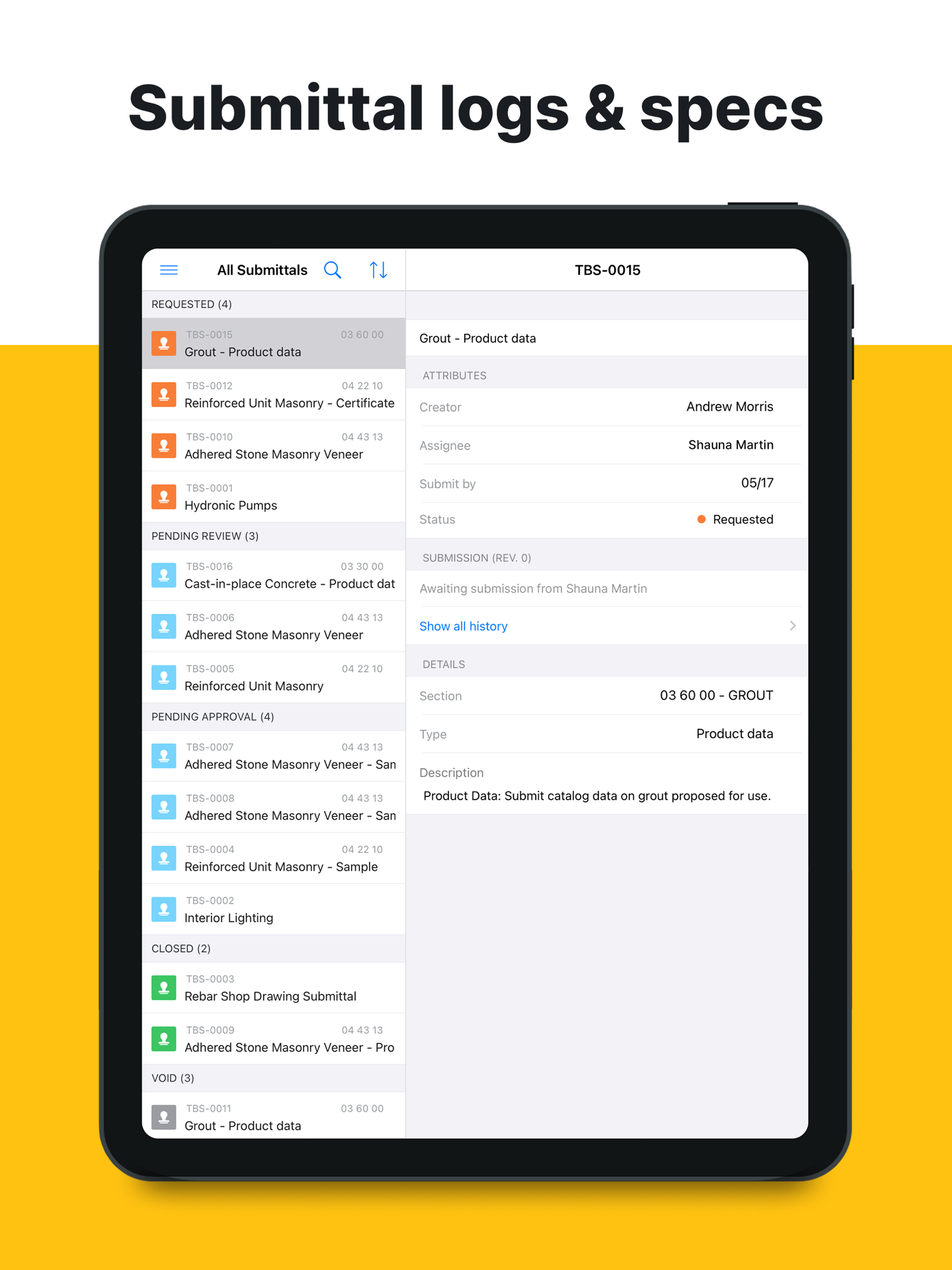
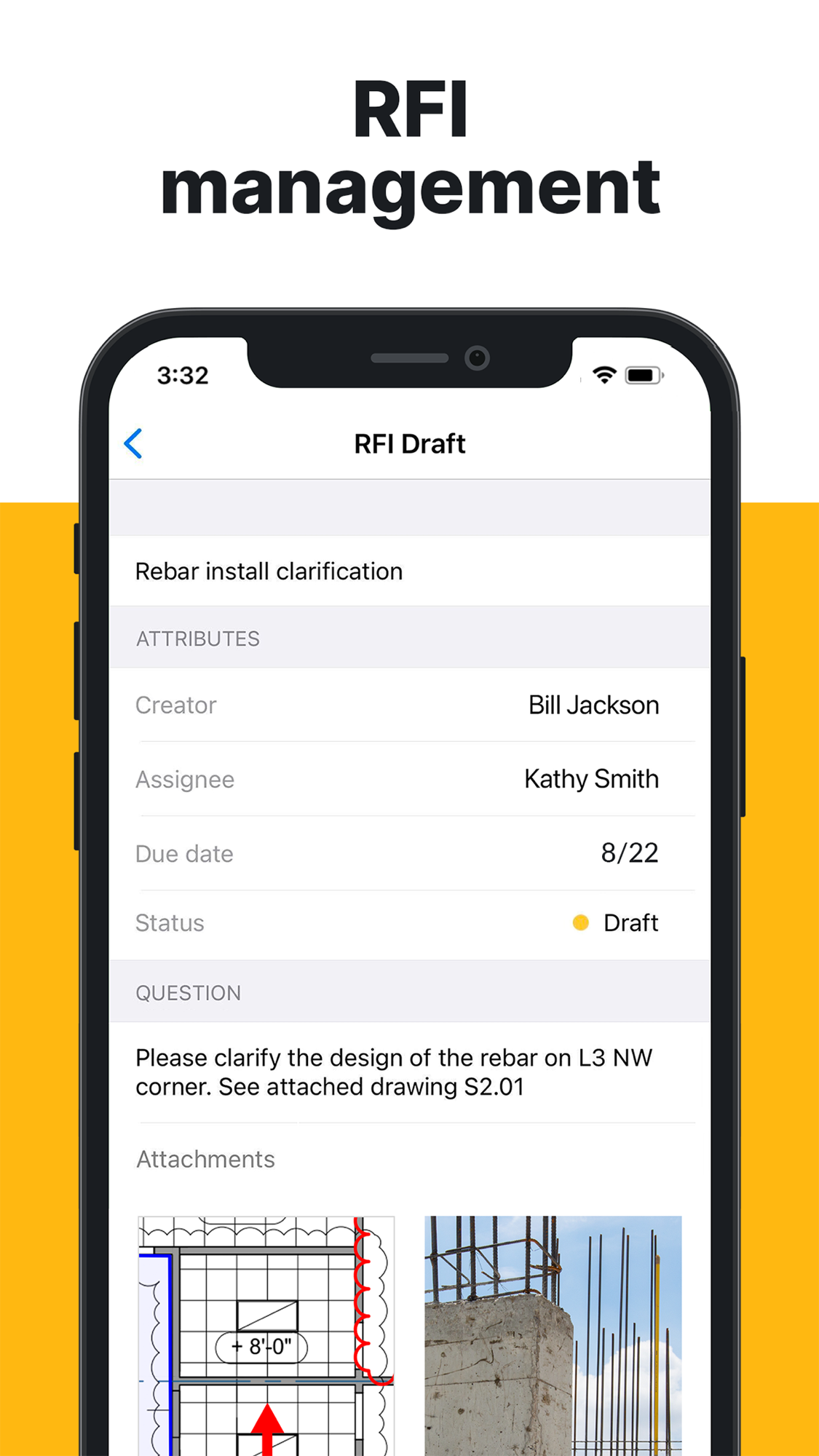
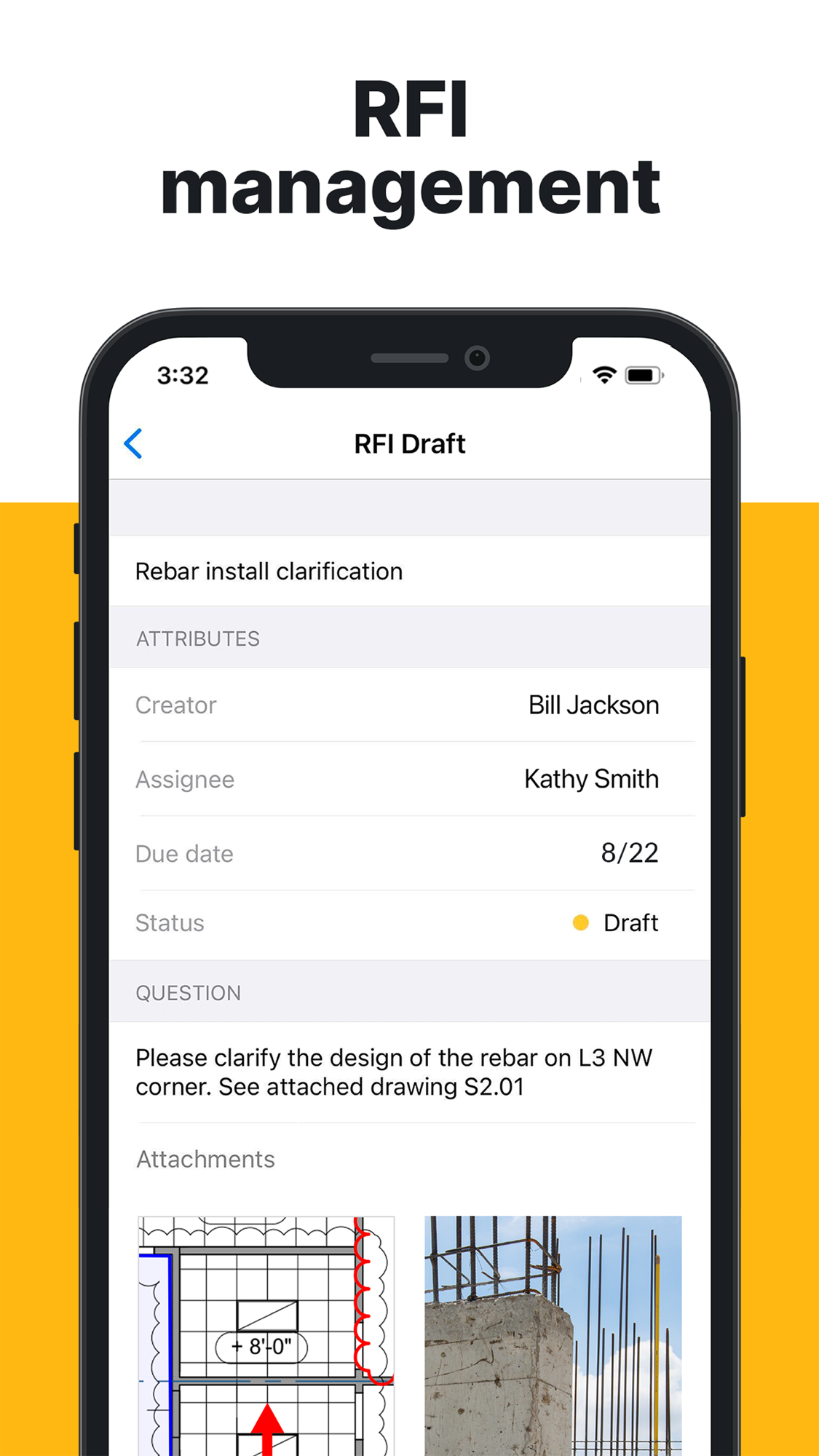
| RFIs / submittals / document control | 60 | RFIs, submittals, sheet version-compare and plan control — but only on Business Plus |
| Scheduling / programme | 45 | Task scheduling, dependencies and look-aheads; not a full critical-path tool |
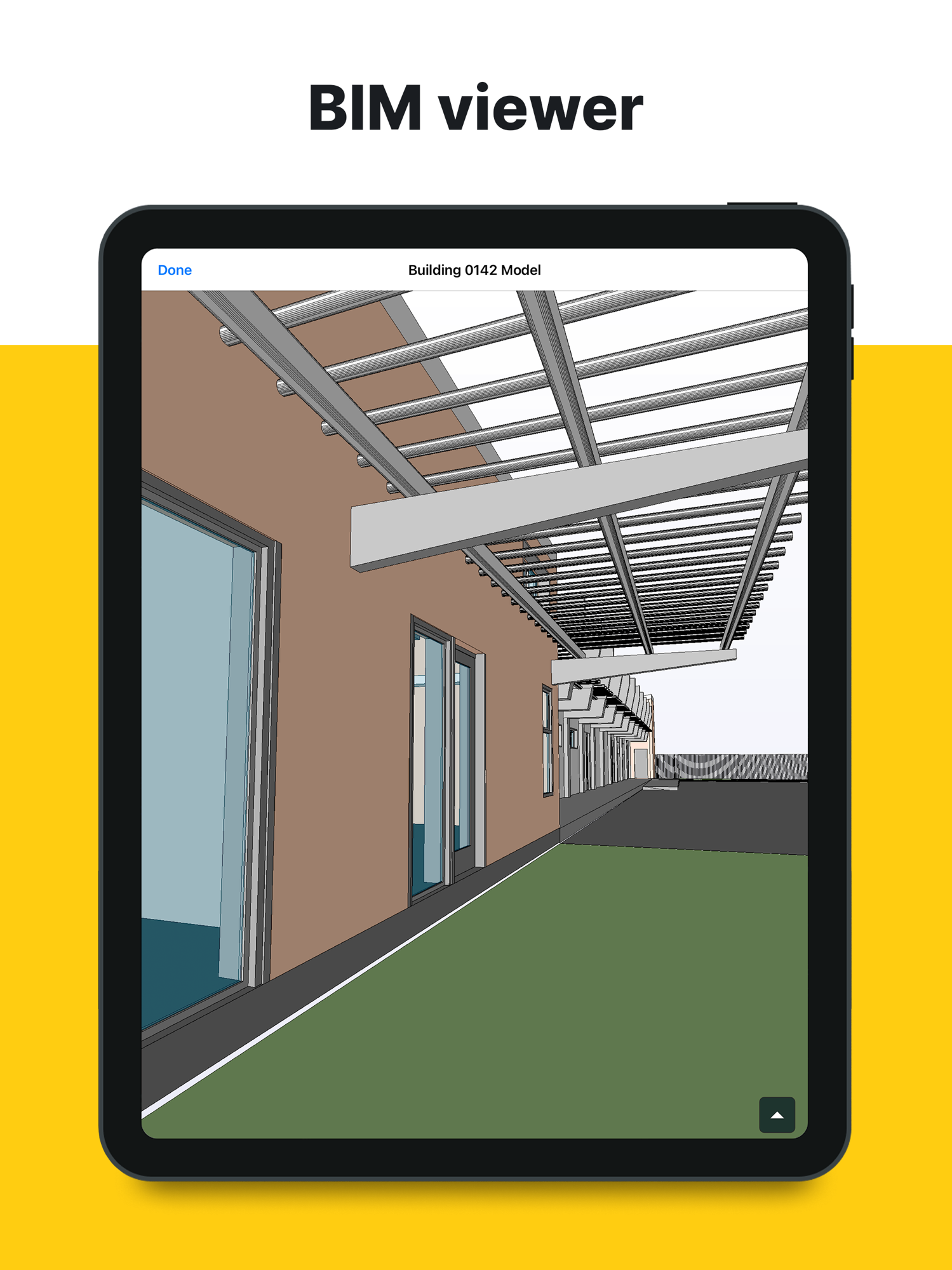
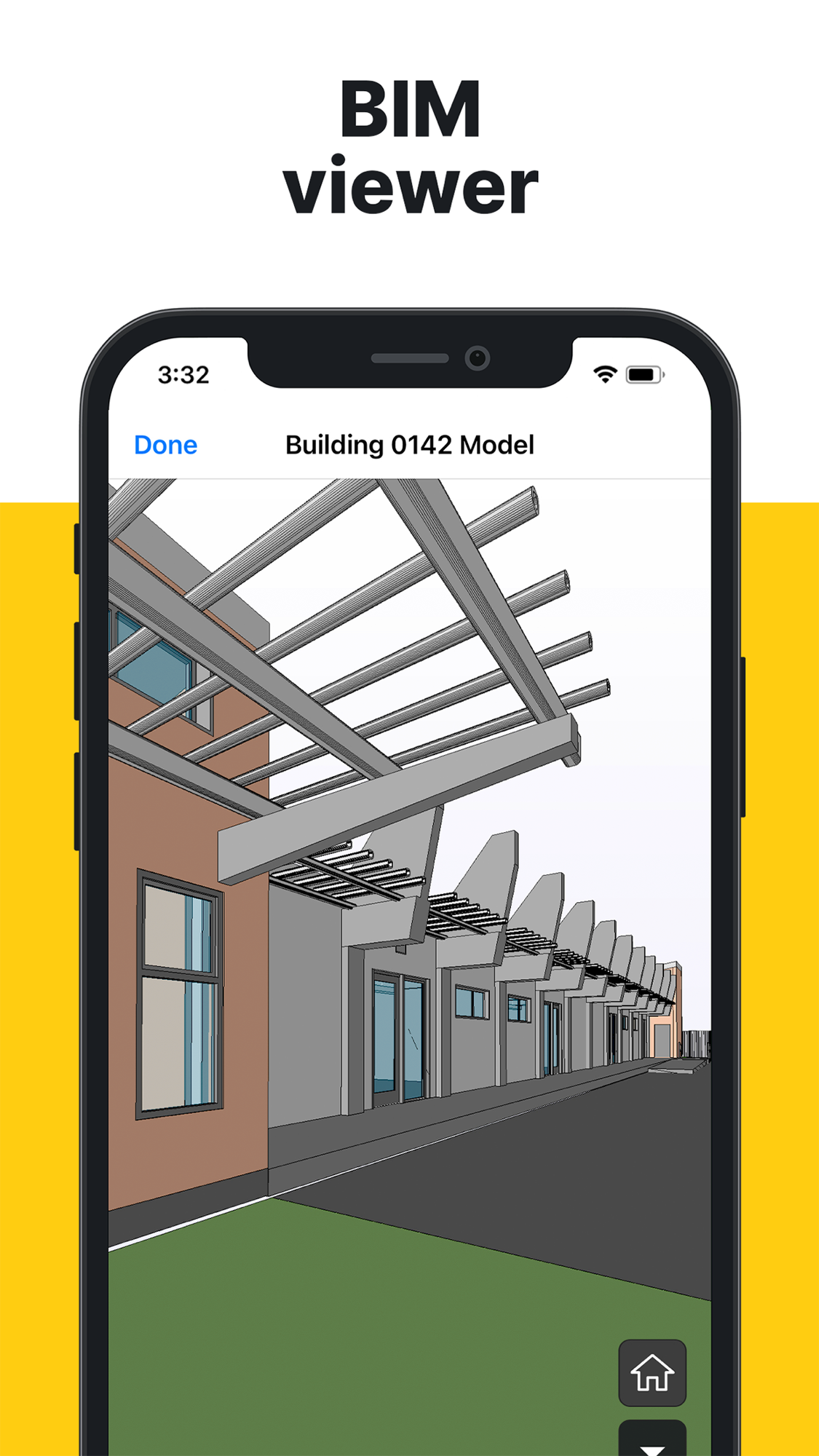
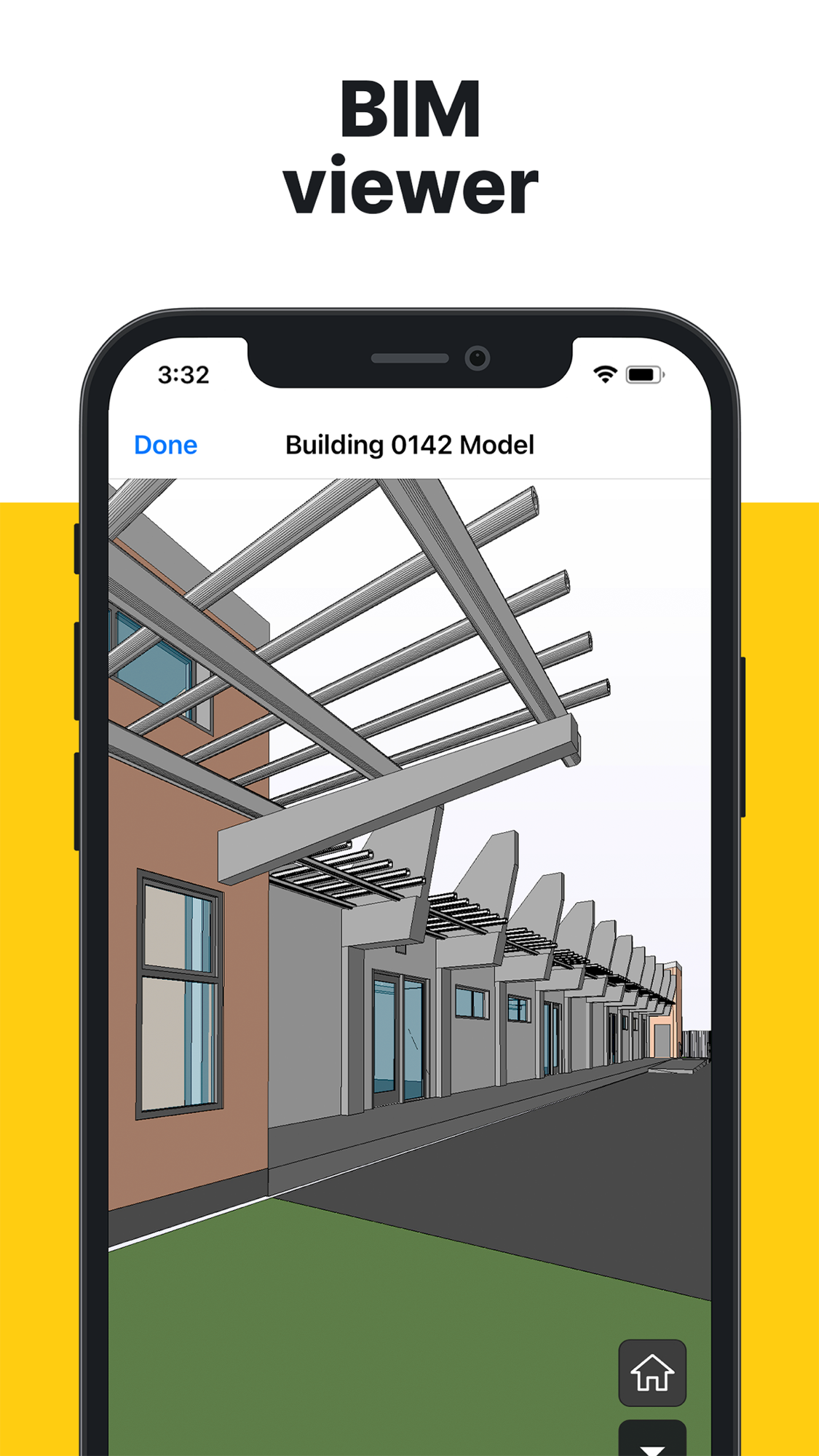
| BIM / design coordination | 45 | BIM viewer (Business tier); model viewing, no clash detection |
| Progress / production tracking | 45 | Task % complete and progress photos; no production-vs-estimate |
| Safety and compliance | 35 | Via custom forms/checklists; no dedicated safety module |
| Cost management / forecasting | 30 | Budget management + per-task cost fields (Business Plus); shallow, no cost-to-complete |
| Change / variations / claims / entitlement | 30 | Change-orders module (Business Plus); no claim/delay/entitlement workflow |
| Equipment / asset / material | 25 | Equipment logs via forms; Hilti tool-tracking tie-in is the distinctive angle |
| Time, labour and workforce | 20 | Per-task man-hours fields; no time clock, no payroll feed |
| O&M / handover / golden thread | 20 | Files + closed punch lists support it; no dedicated handover product |
| Insurance and risk | 10 | Audit trail of who-did-what; no module |
| Estimating / takeoff | 5 | A plan measure tool only; no takeoff product |
| Prequalification / procurement | 5 | Not a focus |
| Accounting / AP-AR / payroll | 5 | No ledger; not addressed |
| Reality capture / drone | 5 | Not a focus |
| Bid / tender management | 0 | Not addressed |
| Historical cost / benchmarking | 5 | Data exists; no product reuses it |
Takeaway: Fieldwire is deep where the drawing meets the field — plan viewing, task-by-trade, punch lists, RFIs — and progressively thinner toward money. The two areas central to our thesis — turning field evidence into recovered money (change, claim, entitlement) and reusing historical cost data — are exactly where Fieldwire is shallow or absent. That is the space we want, and notably it sits adjacent to data Fieldwire already holds (tasks, RFIs, forms, photos), not in a different building.
The input side — how work gets captured
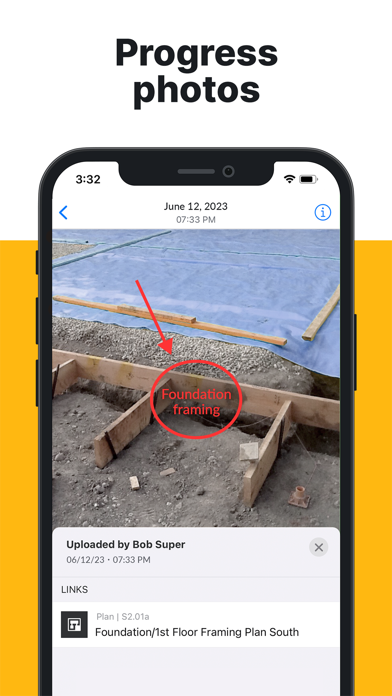
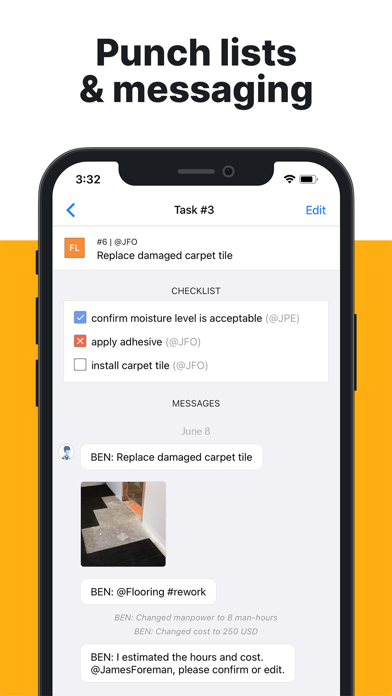
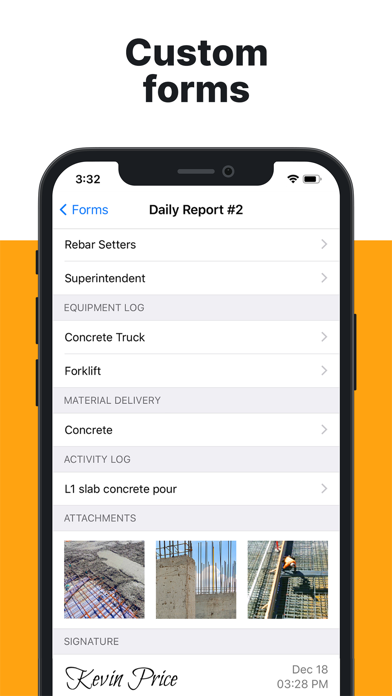
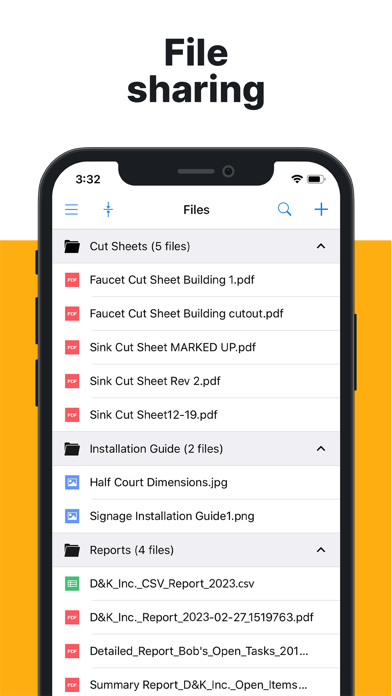
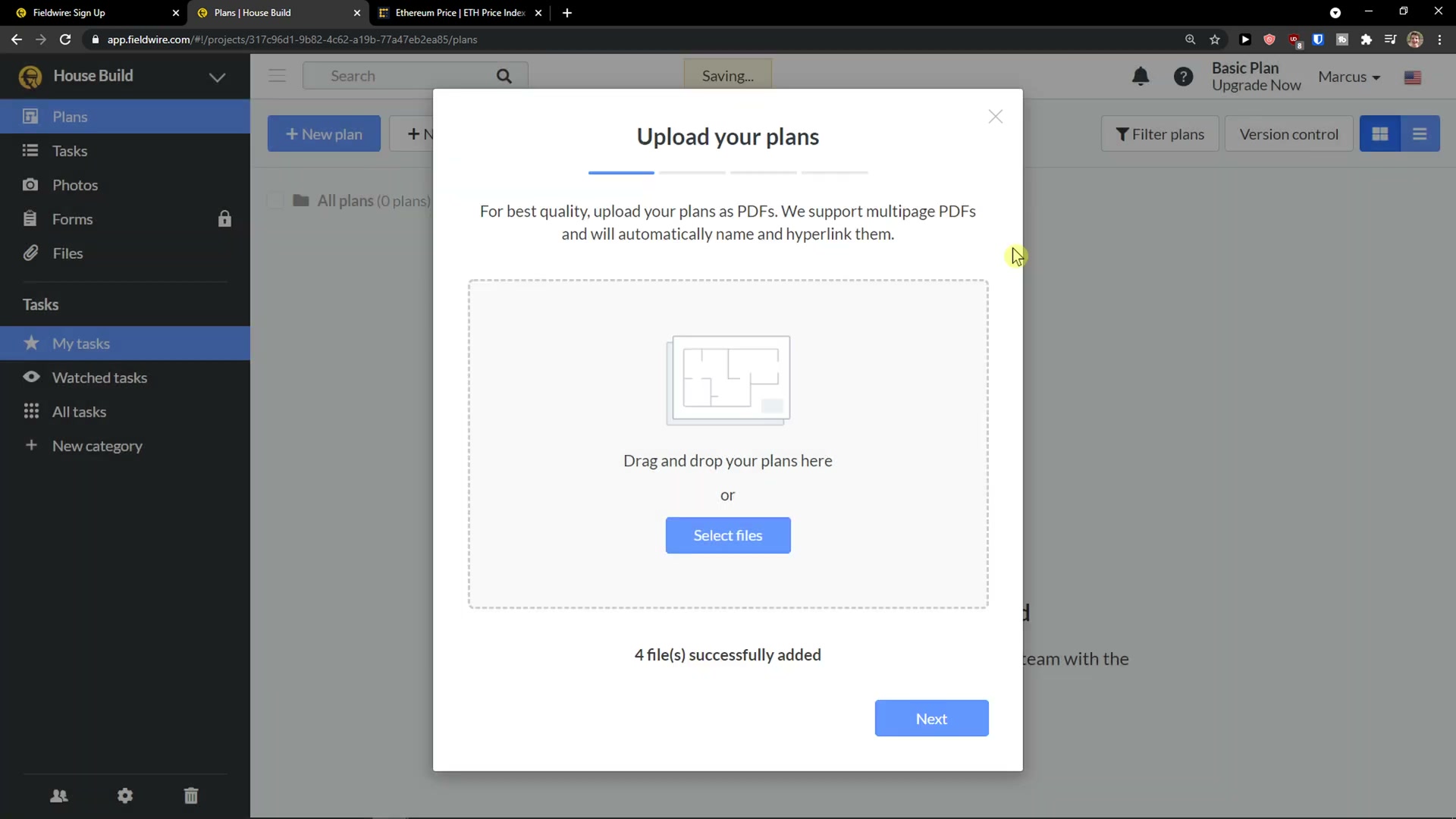
- Captured: the drawing set itself (PDFs, with version control and sheet-compare); tasks pinned to plan locations and grouped by trade/category; punch-list items with checklists; photos (often marked-up, pinned to a point); custom forms and daily reports; RFIs and submittals (higher tiers); per-task attributes including assignee, due date, manpower/man-hours and cost.
- Input methods: tap-on-plan to drop a task or photo; structured forms; @-mentions and message threads on each task; offline capture that syncs when signal returns (a repeatedly praised behaviour); and now beta voice-driven task creation.
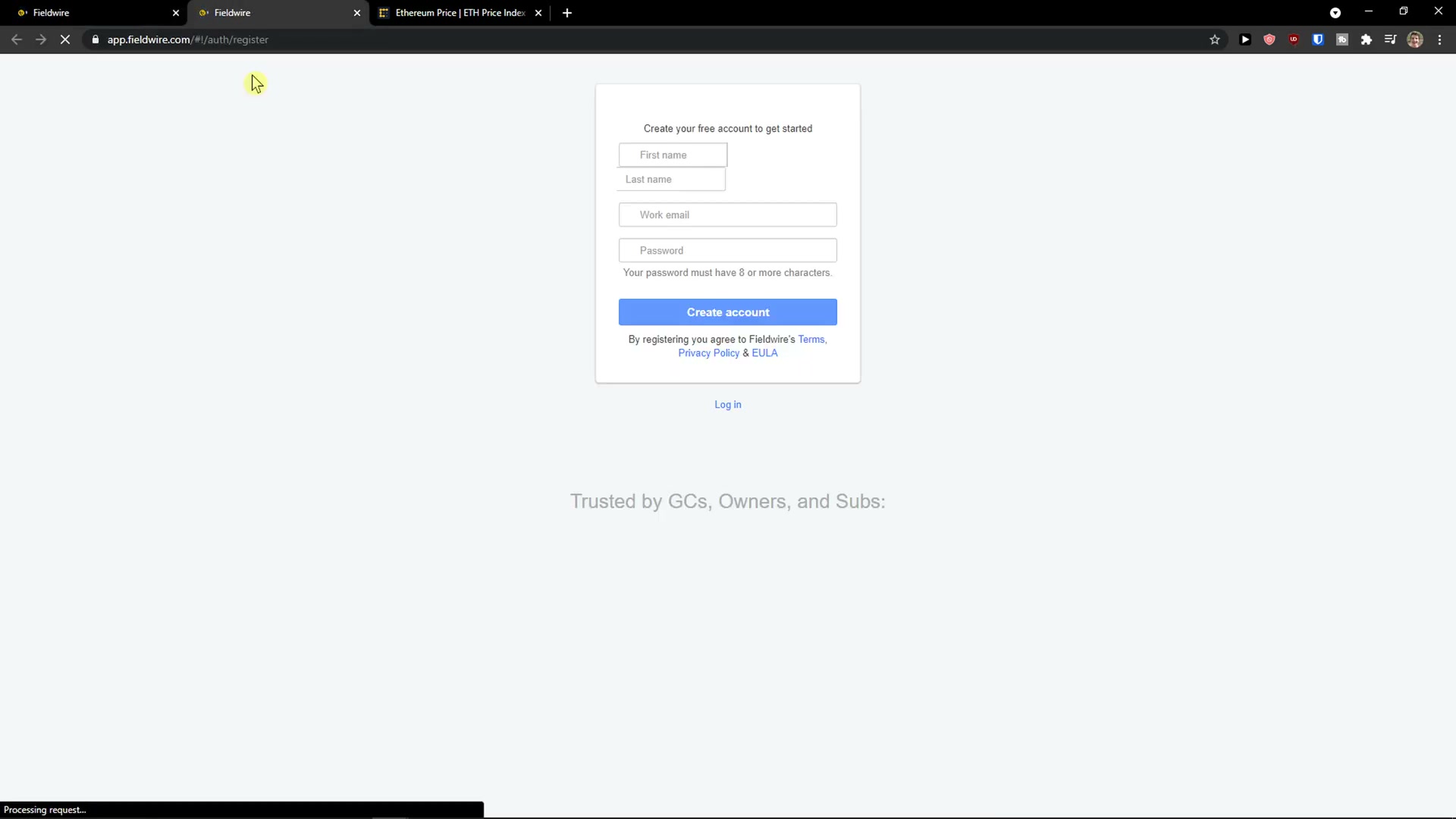
- Onboarding / ease: the most-praised aspect by a wide margin. “Easy” and “field” dominate the positive reviews; foremen and superintendents adopt it on a tablet with little training. This is Fieldwire’s reputation: the field-first app crews actually open.
- Friction (from reviews): reporting and form output feel limited and hard to customise (the top complaint); plans can’t be freely sorted/organised on large jobs; photo organisation (albums/folders) is weak; the per-user billing is described as confusing when people are added and removed mid-project; the mobile app trails the web app on some functions.
The management side — what the office sees
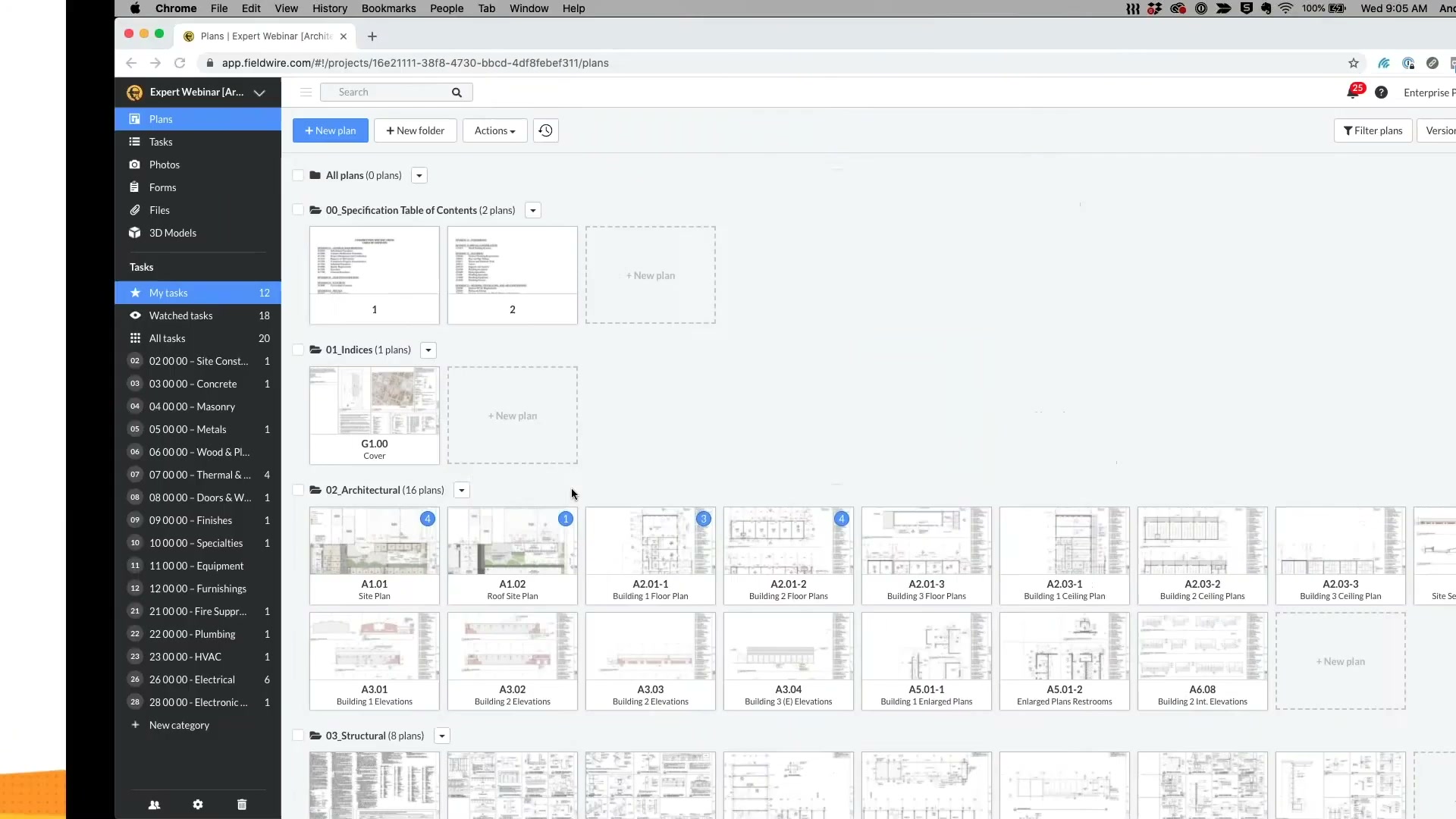
- Lands in the web app: the same plans, tasks and forms, viewed on a desktop — task lists filtered by trade, status and assignee; version-control and sheet-compare for drawings; RFI and submittal logs; exported reports and CSV/PDF summaries. The office side is a fuller-screen mirror of the field app, not a separate analytics product.
- Who consumes: project managers and superintendents (coordination, punch, RFIs), architects/design teams (plan markup and version compare), and owners/executives for status — though there is no rich executive dashboard of the kind Procore sells.
- Valued most: everyone working from the current drawing, and the audit trail of who changed what on which task.
- Pain points: reporting customisation (the recurring grievance); thin cross-project rollups (“run a report on all my projects, not just one task”); limited BIM/model integration for advanced users; and confusing per-seat billing.
- Structural gap (evidenced): the office view is a coordination surface — plans, tasks, RFIs, punch. It is not a money surface. There is a budget/change-order module on the top tier, but no cost-to-complete, no margin view, no variation-to-claim pipeline, and no benchmarking. The office can see how the work is coordinated, not how the money is moving or leaking.
Where the value actually comes from
| Sales story (what wins the trial) | Real source of stickiness (what makes it hard to leave) |
|---|---|
| The field-first app crews actually adopt — current drawings, tap-to-task, punch lists, works offline | The whole project’s drawing set, task history, punch record and RFI log live inside it; ripping it out means re-homing the live coordination of an in-flight job, and Hilti’s distribution keeps re-seating it |
- Do not attack: plan viewing/markup, task-by-trade, punch lists, the offline field experience, and the field-adoption reputation — this is Fieldwire’s strongest ground and its real moat is the live drawing-and-task record of an active job plus Hilti’s channel.
- Where value stops: Fieldwire turns field activity into coordinated, current, well-documented tasks. It does not turn that documentation into recovered money (structured change/claim/delay narratives), into a forward cost view, or into reusable cost intelligence. That boundary is our interest.
What users say — both sides
Credibility first: of 98 analysed Capterra reviews, only 1 was explicitly vendor-solicited and ~21% are clearly organic (“NoIncentive”); the large majority (~78%, “NominalGift”) came through Capterra’s own small-gift-card prompt — a softer solicitation than Raken’s heavily-invited base, but still an incentive that inflates the average. Treat the ~4.66 mean as flattering. The sub-ratings, once unrated (blank) entries are excluded, are clustered and high — support 4.61, ease of use 4.54, value for money 4.36, features 4.31 — so dissatisfaction is not in the scores. Features being marginally lowest fits the recurring reporting/customisation gripes; pricing friction shows up in the review text against the published per-seat tiers, not as a low score.
| Praised | Criticised |
|---|---|
| Plan viewing and tap-to-task; “field” and “easy” dominate | Limited, hard-to-customise reports and forms (top complaint) |
| Punch lists and trade-organised task lists | Can’t freely sort/organise plans on large jobs |
| Works offline; syncs reliably | Weak photo organisation (no albums/folders) |
| Fast field adoption with little training | Confusing per-user billing on add/remove |
| Audit trail useful for accountability | Mobile app trails web on some features; BIM/model integration limited |
| Pricing grumbles against the per-seat tiers (in comments, not the scores) |
- Representative criticism (Senior Architect, 11-50): no real project templates for repeating job types, and no way to organise/flag projects on the home screen. Representative criticism (Senior Interior Designer, 11-50): “the fee structure for pro users is very confusing… hard to track month to month.”
- Signal for us: the loudest complaints (reporting depth, customisation, cross-project rollups) sit on the output side, not capture — exactly the document-generation layer cheap AI is good at. And pricing friction against the published per-seat tiers — visible in the review text rather than the (high) value score — says a transparent, outcome-priced offer still lands on a real grievance.
The opportunity for AI in this space
- AI does not reinvent Fieldwire’s core. Plan viewing, pinning a task to a location, and syncing offline are spatial/structured-data jobs, not language jobs. Competing on the capture experience gains nothing and is their strongest ground.
- AI can take over the layers Fieldwire leaves thin. The recurring user pain — turning a project’s tasks, forms, RFIs and photos into clean reports and structured narratives — is document-heavy generative work. The bigger, unbuilt prize is one step further: converting the same captured evidence into change-order/variation/delay/claim narratives and a forward cost view. Both are LLM-shaped; the barrier was never inference cost (effectively free) but data access and judgement — and Fieldwire’s open API means the data is reachable.
What we would build:
- Baseline to match: nothing on the capture side — we should sit on top of Fieldwire’s capture, not replace it.
- Recurring pains we can solve: the reporting/customisation gap (richer, configurable reports from the data they already hold) as the entry; cleaner cross-project rollups.
- Niche to target first: the commercial/entitlement layer for mid-market commercial and fit-out subcontractors — read tasks, RFIs, forms and photos via the API and draft structured change-order and delay/claim evidence, then a forward cost-to-complete view. This is where Fieldwire is weakest and where recovering money from variation is a board-level concern.
How open the platform is
- API / integrations: a real public REST API (OpenAPI v3 spec; refresh-token plus short-lived JWT bearer auth; Ruby/Java samples; a changelog feed). It exposes projects, plans (upload/version), tasks (with comments, media, check-items), forms and users. Webhooks and rate limits exist. Integrations span BIM/PM tools (Autodesk BIM 360, Procore, PlanGrid) and cloud storage (Box, Dropbox, OneDrive, Google Drive). One catch: API access is reserved for the Custom (sales) contract, not the published self-serve tiers.
- What it means: the platform is genuinely buildable-on — we can read a contractor’s tasks, RFIs, forms and photos and add the commercial workflow on top, rather than replace Fieldwire. That lowers our adoption barrier. The same openness is available to anyone, so it is no moat for Fieldwire. The friction is that API access requires an enterprise contract, so the cleanest path is a customer who already has (or will buy) a Custom plan, or a partnership/marketplace route. On balance the openness favours an entrant who layers value rather than competes on capture.
Fieldwire’s own AI — claims, shipping, and how far they can go
Fieldwire (as Hilti) has put real product thinking into AI under the “Field Intelligence™” brand — but as of mid-2026 the entire suite is in beta, behind an apply-to-join waitlist, not generally shipped. That is a wide talk-versus-ship gap.
| Field Intelligence feature | What it does | Status |
|---|---|---|
| Natural-language search (“Ask”) | Searches plans, tasks, photos and forms and answers in plain language | Beta |
| Voice-driven task creation/updates | Log progress, assign work, capture issues by voice, no typing | Beta |
| Talk-to-action reporting | Turns spoken site updates into structured, shareable reports | Beta |
| AI-powered RFI editing | Refines/structures RFI questions for clarity and completeness | Beta |
| Automated deficiency → task | Detects an issue in a form and converts it to a task automatically | Beta |
- The marketed feature set is sensible and on-strategy: it polishes capture (voice, search) and the report/RFI output users complain about. Notably it does not reach into change/claim/entitlement narratives, cost-to-complete, or historical benchmarking — the commercial-money layer is untouched.
- The whole suite being beta-gated tells the story: the direction is announced, the shipping is not done. Industry chatter (Procore’s AI agents, Autodesk’s AI) is louder and further along on the office/SoR side; Fieldwire’s AI is field-and-admin polish.
- Confidence Fieldwire ships AI deep into the commercial-money gap within ~2 years: low, about 1 in 4. Reasons: their AI roadmap points at capture/report polish, not claims; the commercial layer is a different product with a different buyer (commercial/QS, not the superintendent who loves the app); and as a Hilti subsidiary the strategic pull is toward jobsite productivity and the tool/hardware tie-in, not money-recovery software. Main risks to this read: Hilti’s balance sheet could fund a fast acquisition into the gap, and a credible beta could reach GA quickly on the report side (closing the reporting complaint, though not the claims prize).
Who actually uses Fieldwire
| Company size | Share | Avg overall |
|---|---|---|
| 1-10 employees | 16% | 4.44 |
| 11-50 employees | 29% | 4.61 |
| 51-200 employees | 22% | 4.68 |
| 201-500 employees | 8% | 4.75 |
| 501-1,000 employees | 5% | 4.80 |
| 1,001-5,000 employees | 5% | 4.80 |
| 10,001+ employees | 3% | 5.00 |
| unknown / other | ~12% | ~4.3 |
- About two-thirds are under 200 employees, but satisfaction rises with company size (4.44 at the smallest, 4.8+ at the largest) — the bigger, more structured firms get more out of the plan/task/RFI discipline. This is a product that scales up better than it markets up.
- Role: office ~52% vs field ~20% (the paying decision sits in the office, even though the app’s fame is in the field).
- Industry: overwhelmingly general construction (60%), then architecture & planning (7%), civil engineering, utilities — note the architect/design presence, consistent with the plan-markup and version-compare strengths.
- Alternatives considered: Procore most common (×4), then Autodesk Forma (×2) and Bluebeam Revu (×2) — i.e. shopped against the document/plan tools and the big SoR, not against time-and-payroll apps.
- Switched from: most often Autodesk Forma (×3), occasionally Adobe Acrobat and monday.com — Fieldwire typically wins by replacing a generic PDF/markup or a generic task tool with a construction-native plan-and-task app.
Our read — can we enter and win?
Yes, but as a layer, not a rival. Fieldwire owns the drawing-and-field-coordination ground and owns it well, with Hilti’s distribution behind it; building a cheaper plan-and-task app would walk straight into their strength and their channel. The opening is on the other side of the product, where it stops: turning the tasks, RFIs, forms and photos it already captures into money outcomes. Because the API is real and open (even if enterprise-gated), the way in is a narrow AI layer that first solves the loudest, easiest grievance — richer, configurable reporting from the data they hold — and uses that beachhead to expand into the unbuilt prize: structured change-order/variation/delay/claim evidence and a forward cost-to-complete view, then historical-cost benchmarking as the data compounds. Price it transparently on outcomes against Fieldwire’s per-seat motion, which its own users score lowest on value.
| Question | Our read |
|---|---|
| Where is Fieldwire strong and off-limits? | Plan viewing/markup, task-by-trade, punch lists, the offline field experience, field adoption, Hilti distribution |
| Where is the verified gap? | Money: change/variation/claim/entitlement narratives, forward cost-to-complete, historical-cost benchmarking — plus the reporting-depth complaint |
| How hard for Fieldwire to follow us? | Moderate. Report-polish AI is on their beta roadmap and could ship; the commercial-claims layer is a different product and buyer their incentives point away from |
| How much can cheap AI do here? | A great deal — reporting and the commercial layer are both document-heavy and generative |
| Is there a cheap, narrow way in that grows? | Yes. An AI reporting layer on the API (solving the top complaint) that expands into claim-evidence drafting and then cost benchmarking |
| What would make us walk away? | Hilti funding a fast move into the commercial-money gap (acquisition or build) before we establish the data loop; or API access staying so enterprise-locked that we can’t reach the data for our target mid-market subs |
| Overall | Enter as the commercial-and-reporting layer on top of Fieldwire’s open API for mid-market subs; ride, don’t fight |
The app itself — ratings and reception
| Store | Rating | Ratings count | Version |
|---|---|---|---|
| App Store (US) | 4.83 | 13,228 | 1.143.1 |
| App Store (UK) | 4.80 | 830 | 1.143.1 |
| Capterra | ~4.66 | 98 | — (mostly gift-prompted) |
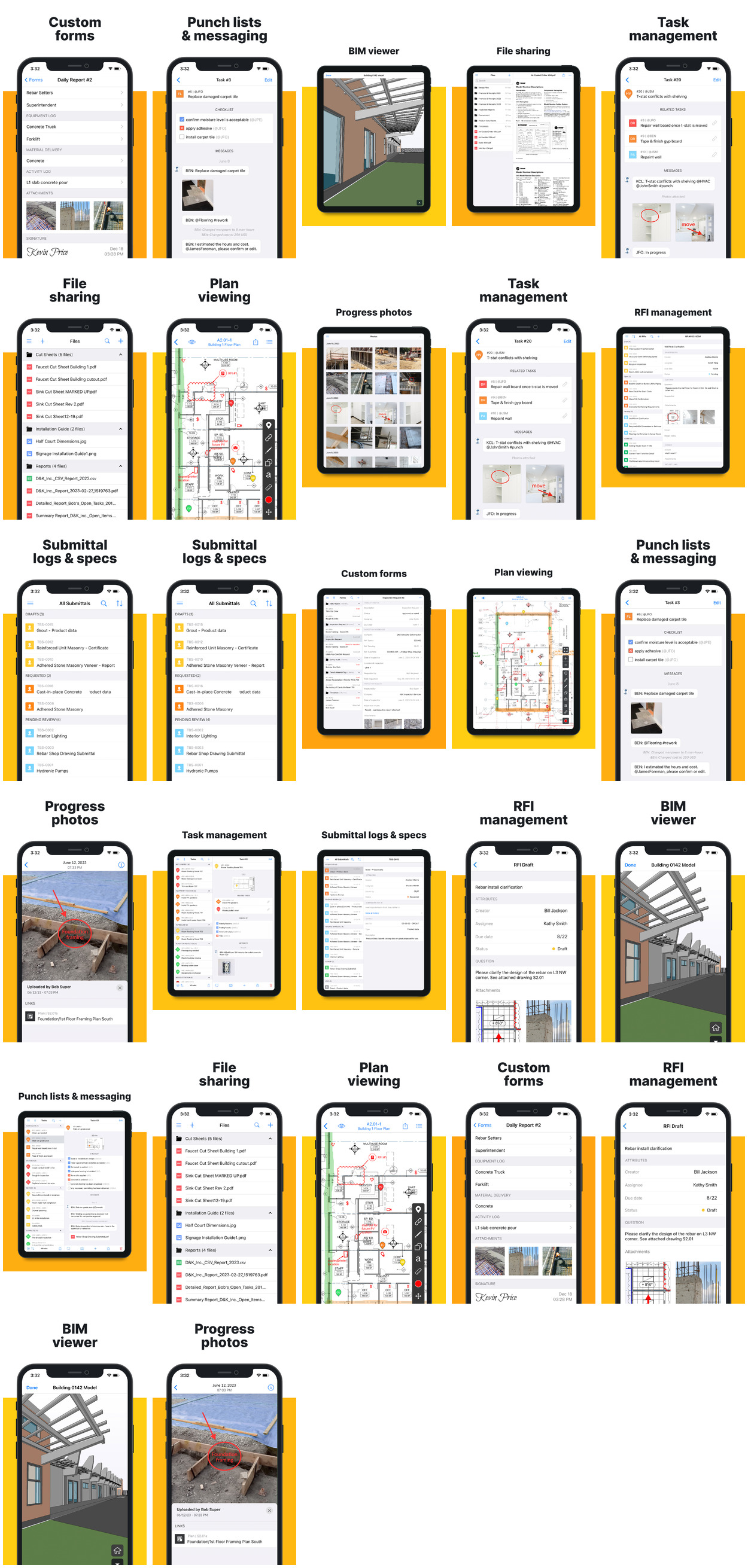
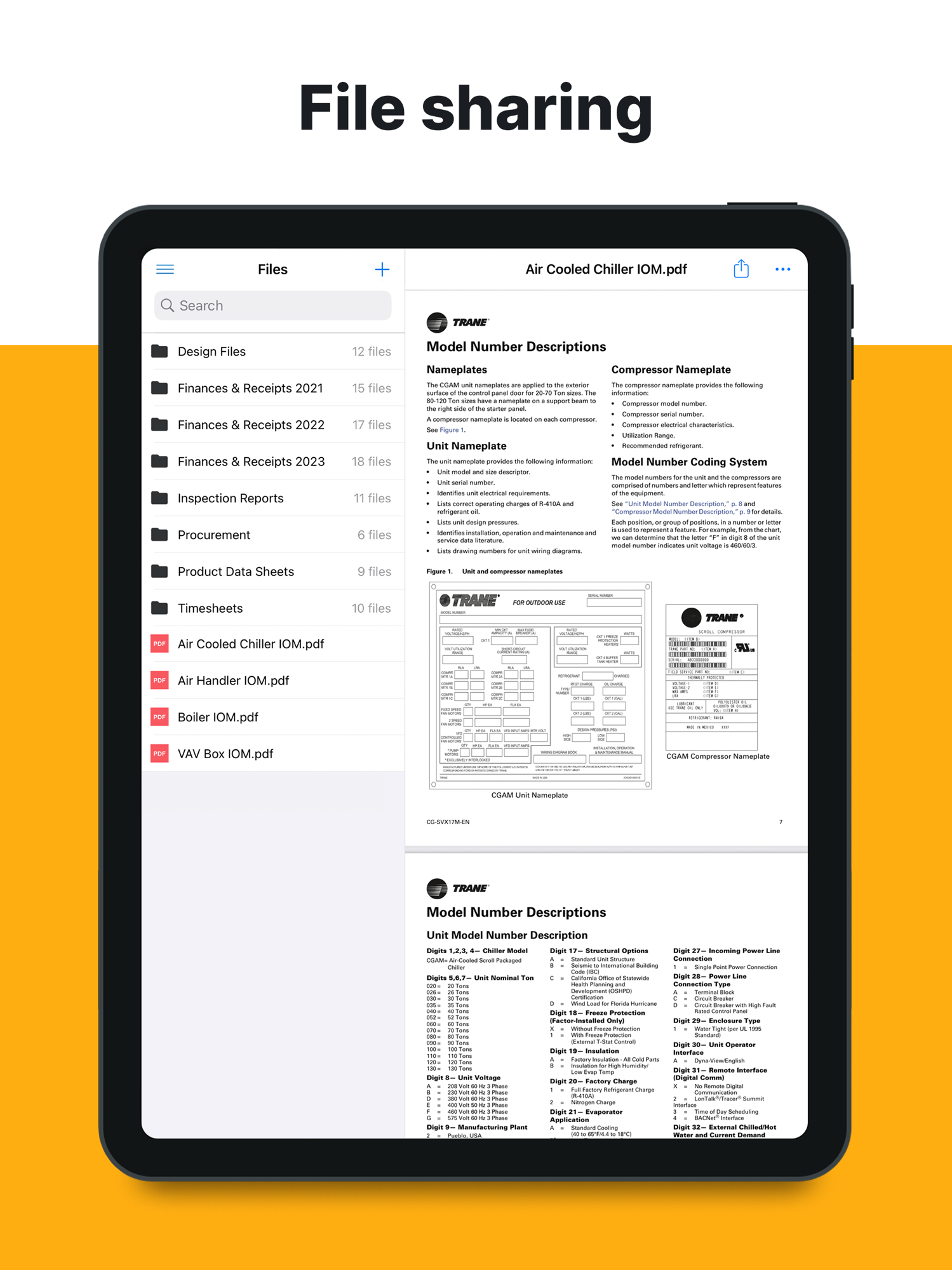
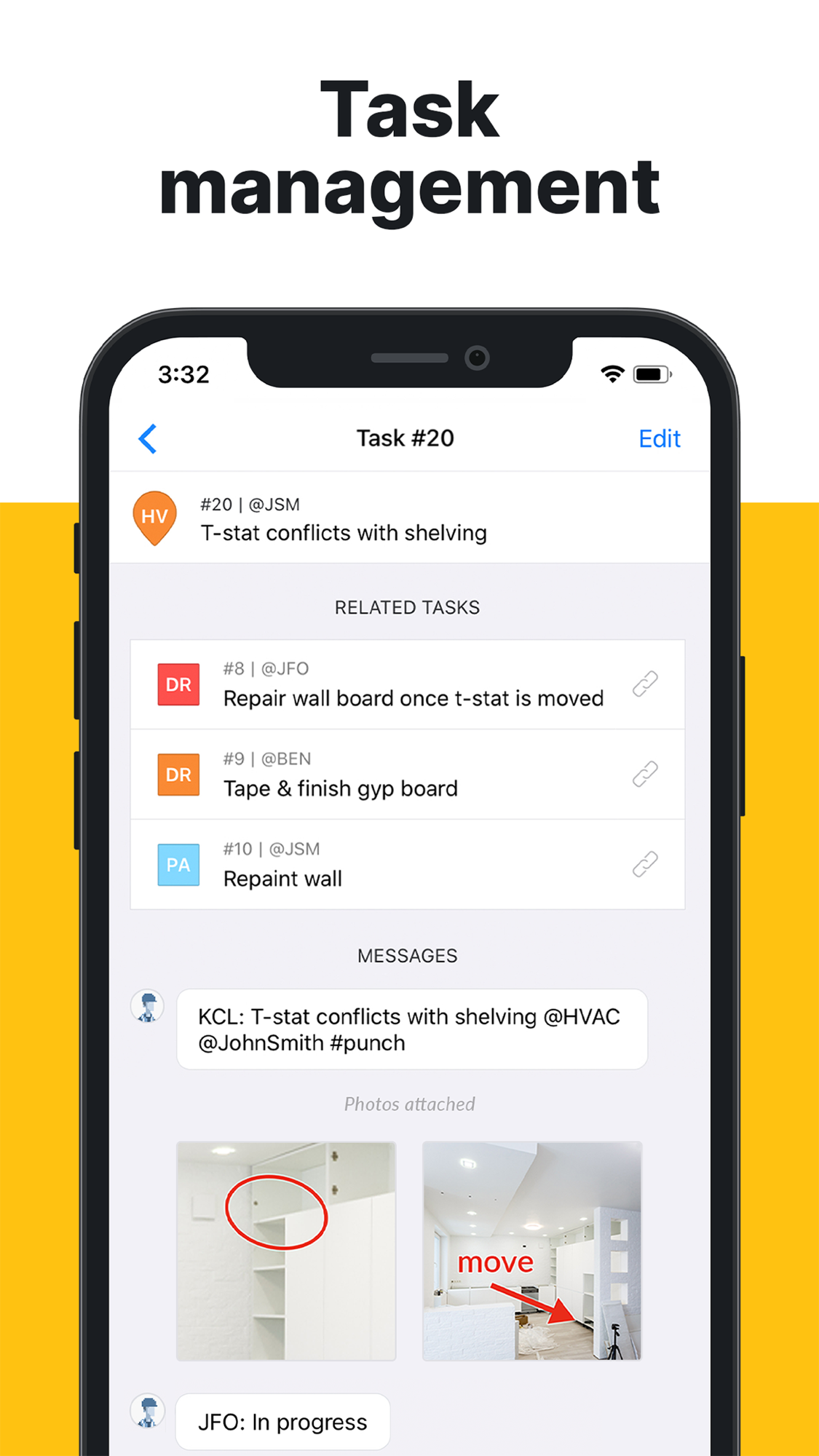
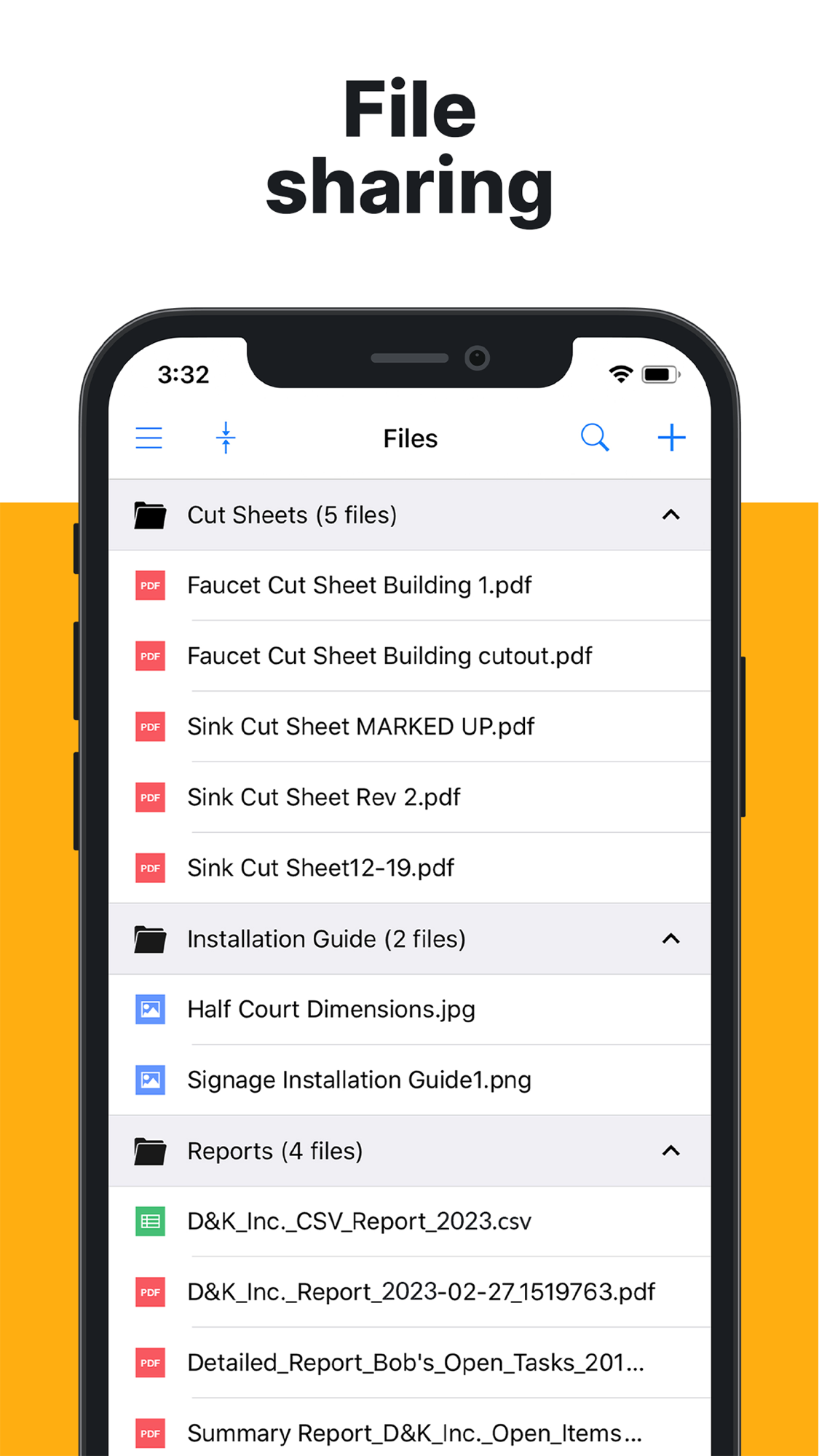
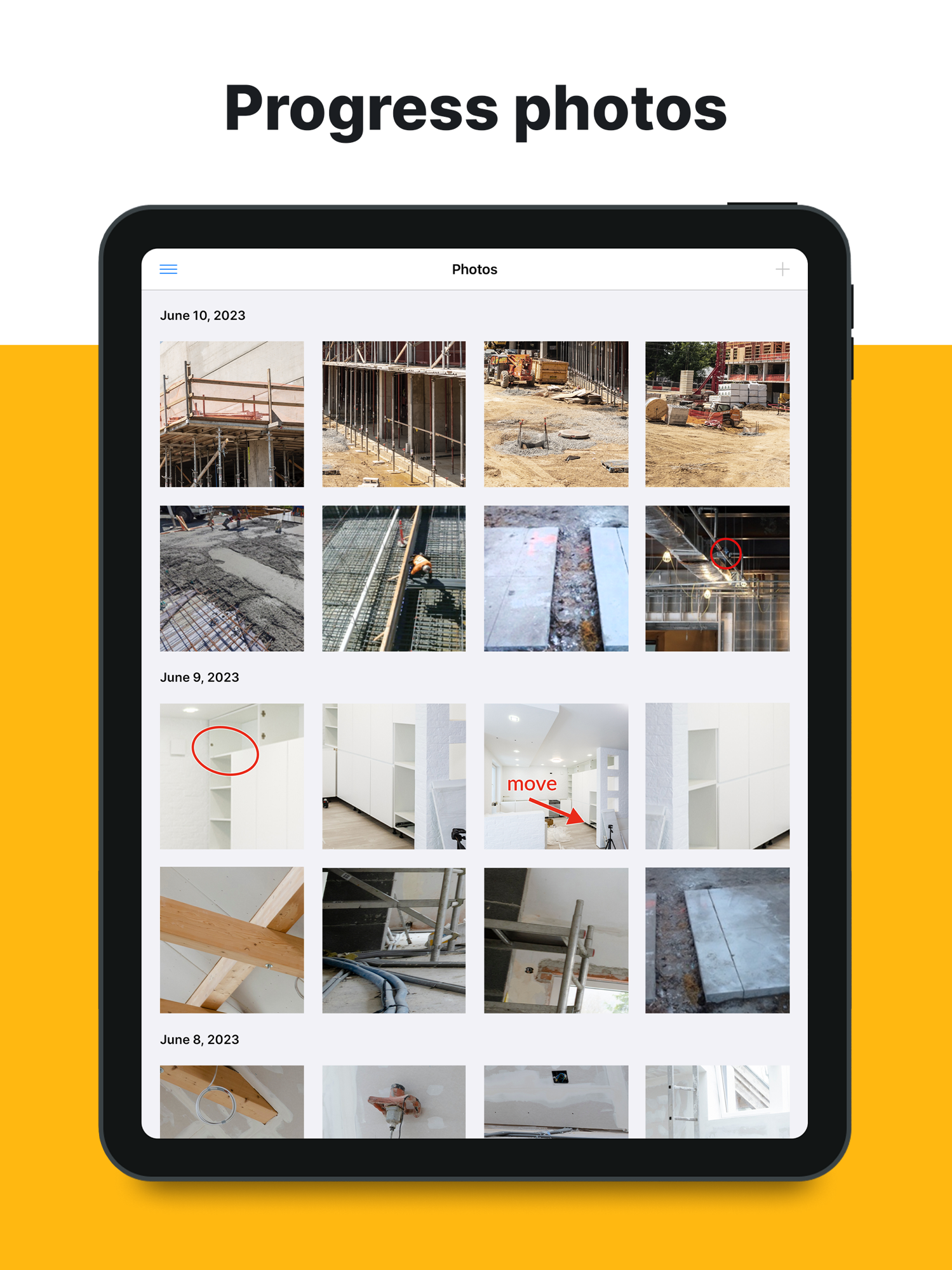
The high App Store rating and large US count confirm the field-adoption reputation; the smaller-but-healthy UK count and the noted Europe/APAC push show Hilti is broadening reach beyond Raken’s US-centricity. The store listing leads on exactly the confirmed strengths: plan viewing, task management, progress photos, punch lists/messaging, custom forms, file sharing — capture and coordination, with nothing on money.
Screenshots
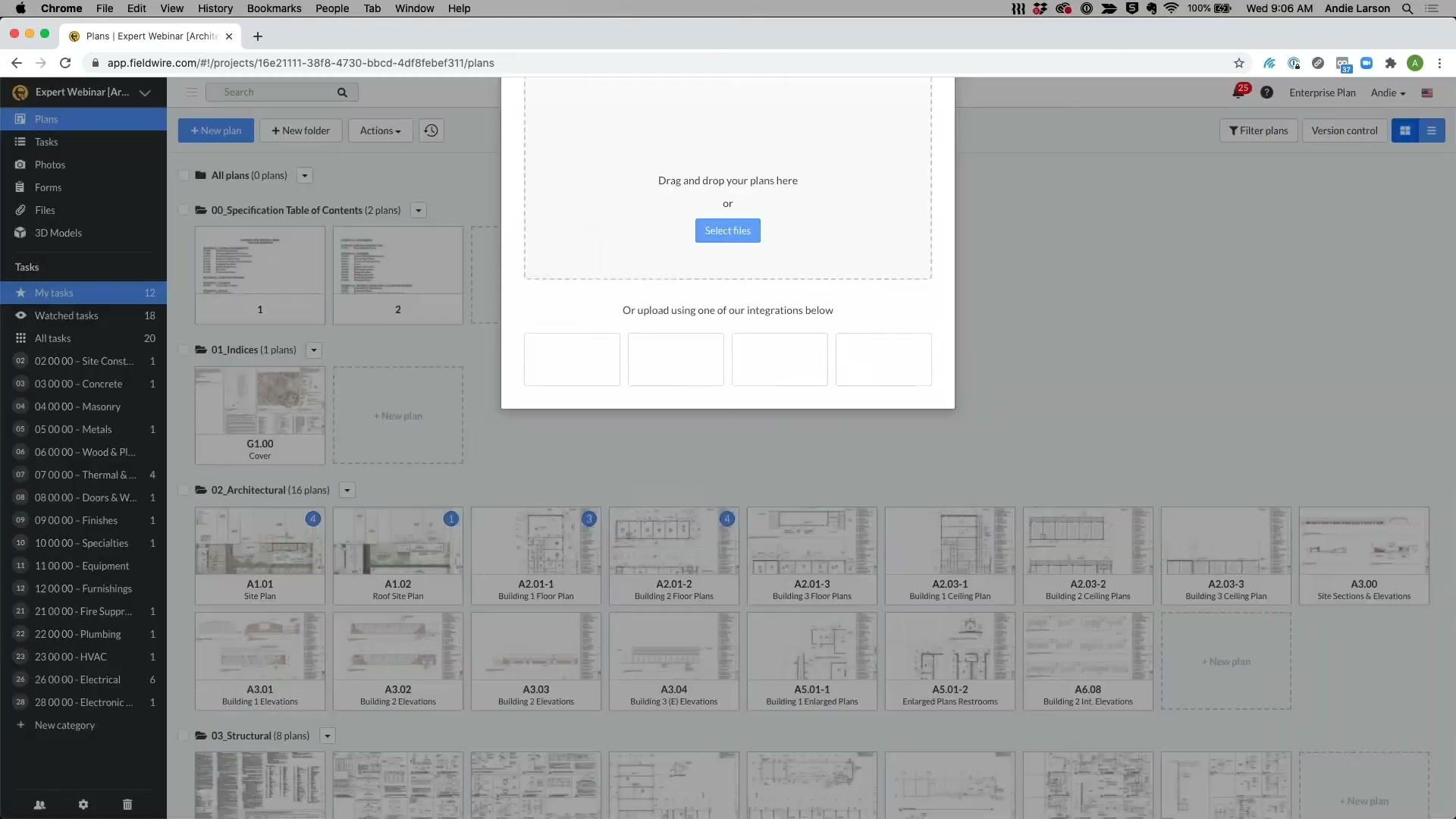
Grouped by theme, full-size, scrollable. Images render in Obsidian and exported HTML through embeds (referenced, not copied). Full set and gathering method: screens/README. Two whole-set contact sheets are linked at the end for a quick overview.
The product at a glance — what the store leads with
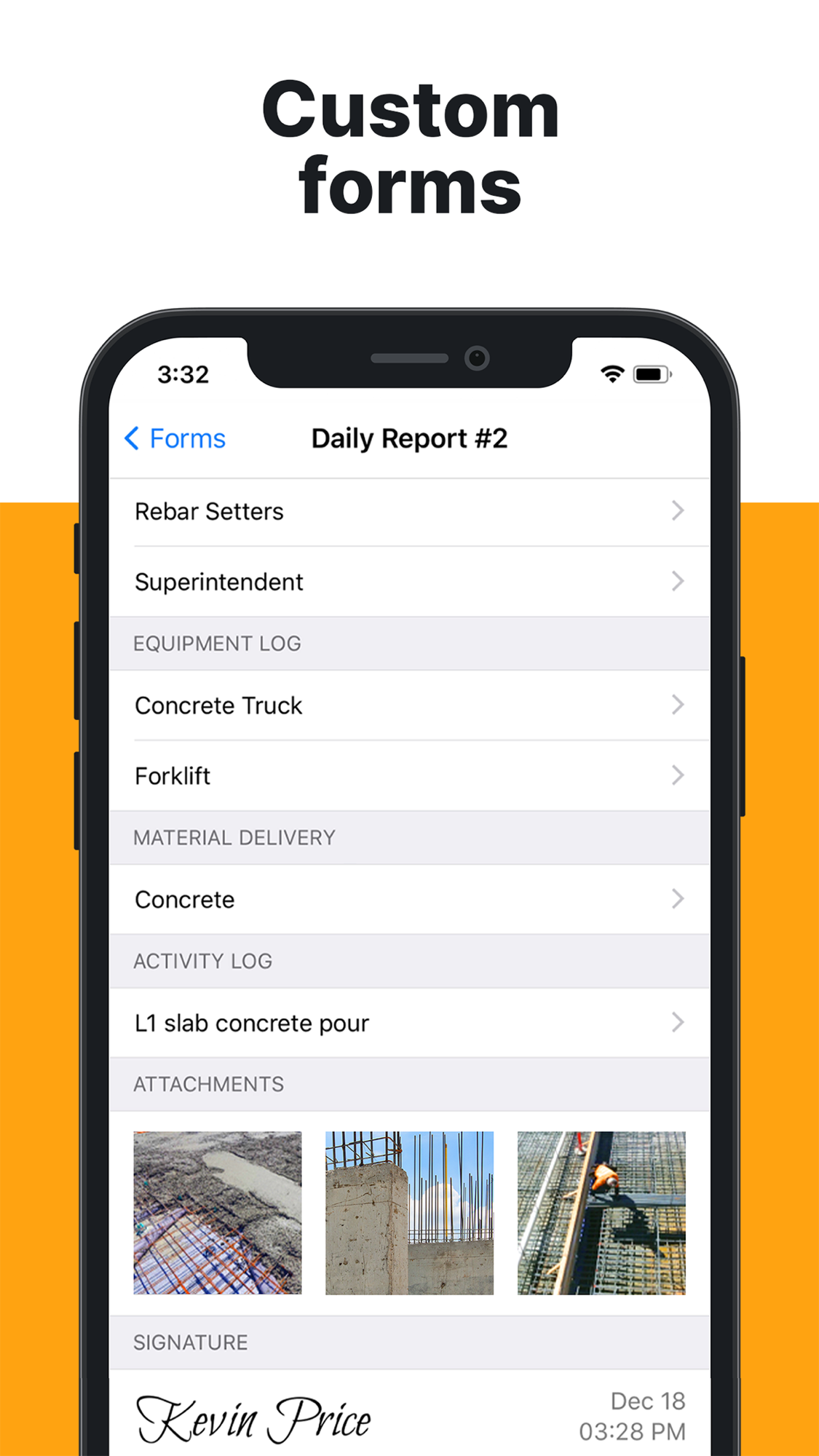
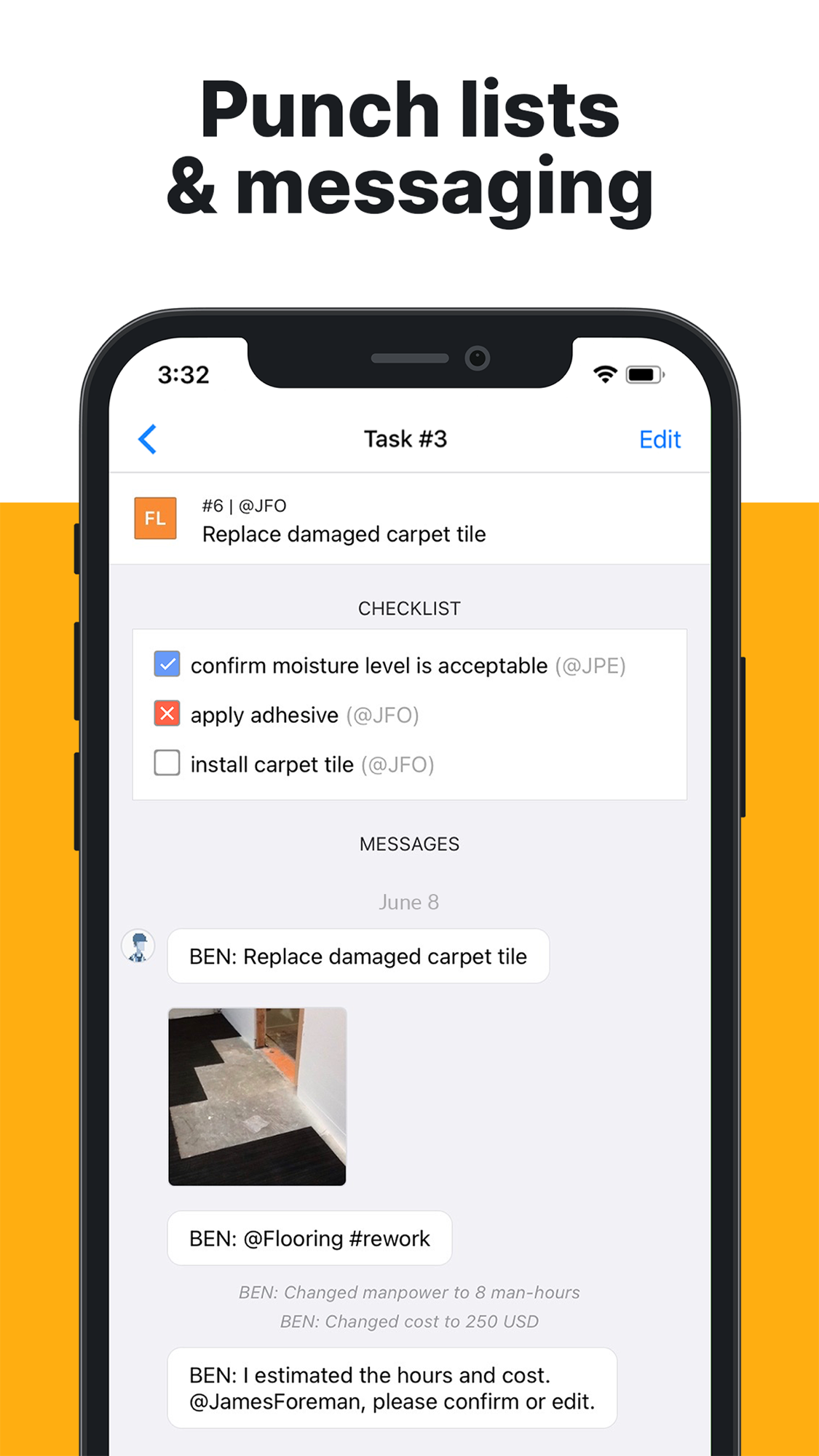
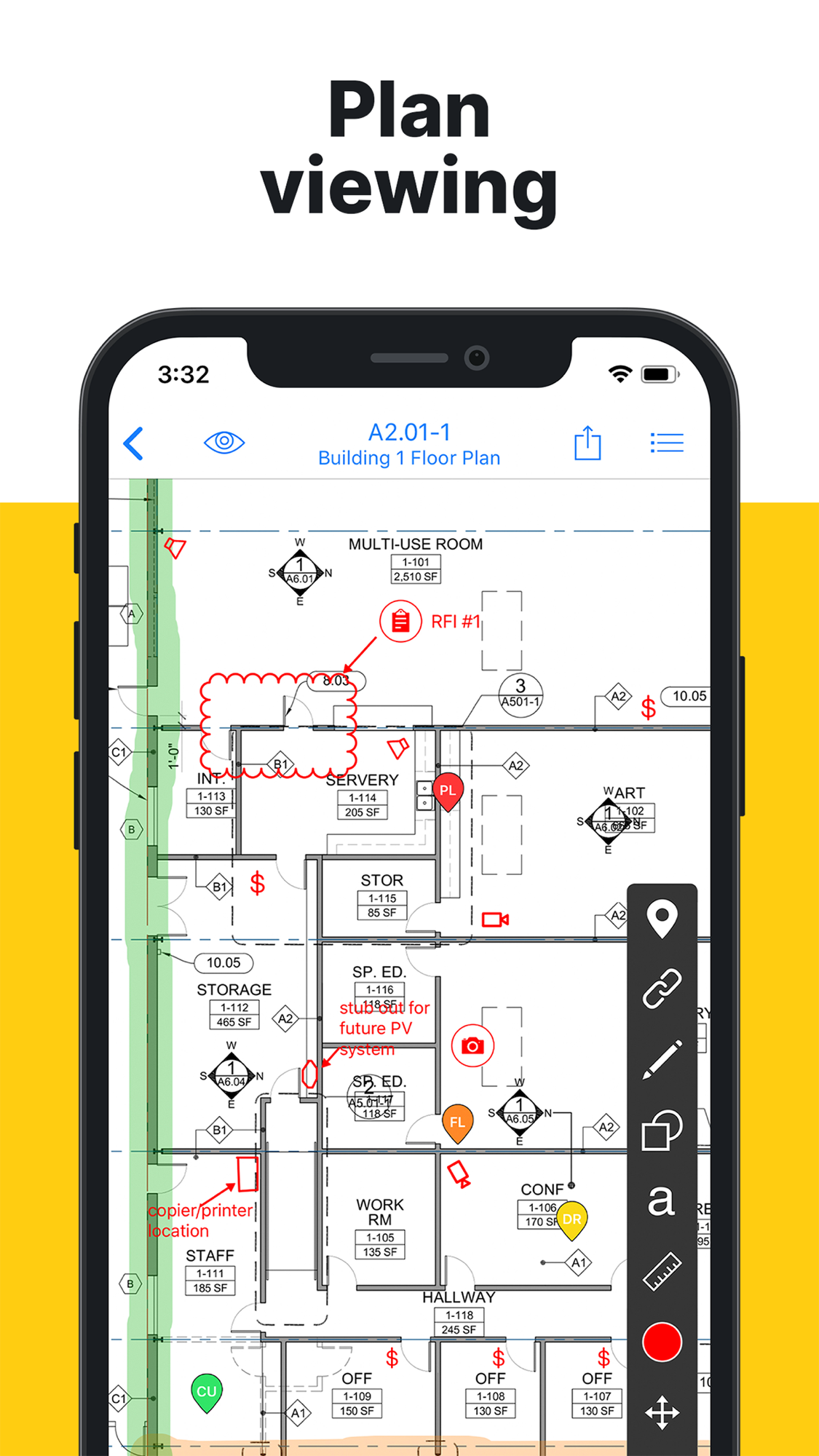
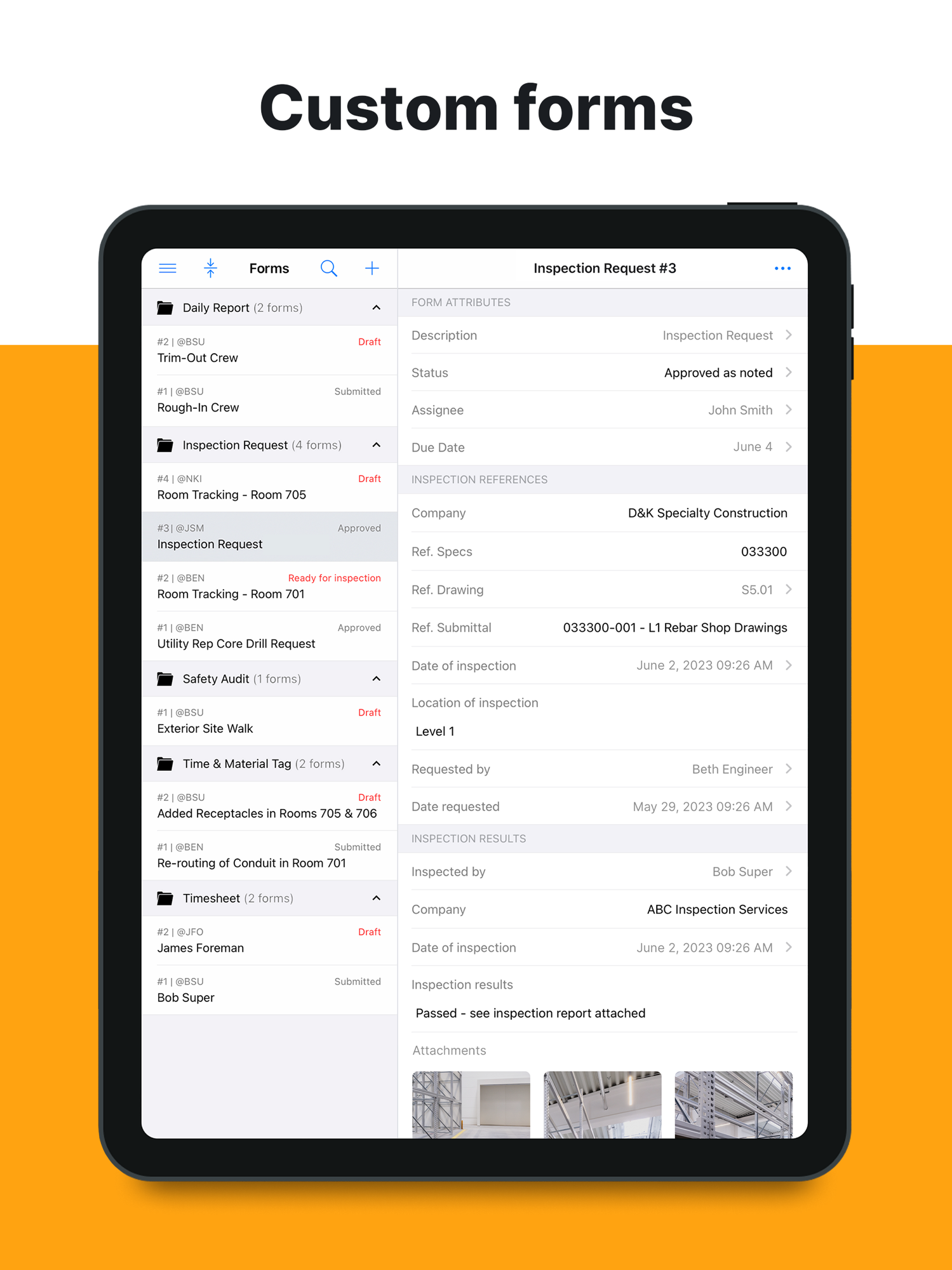
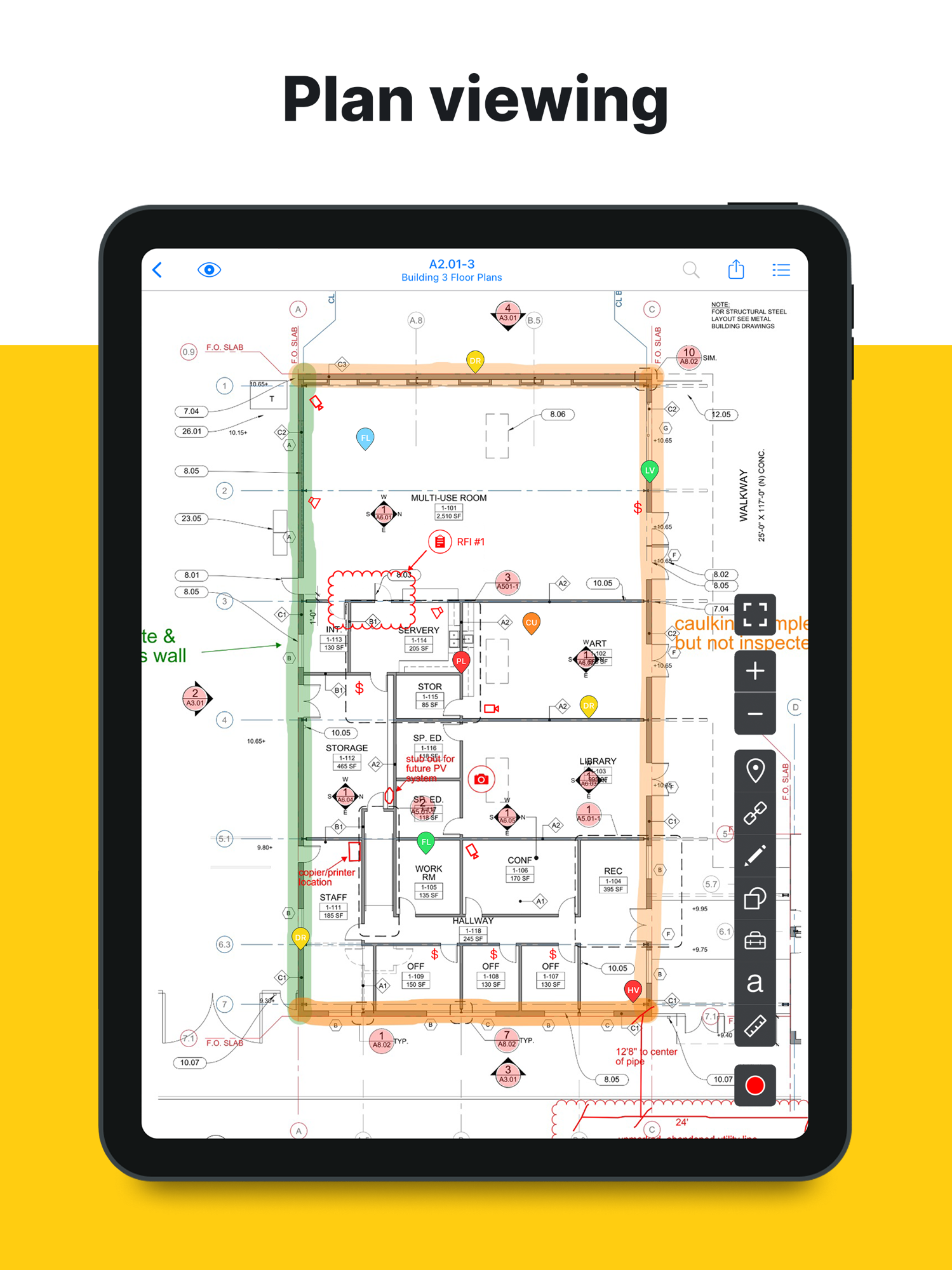
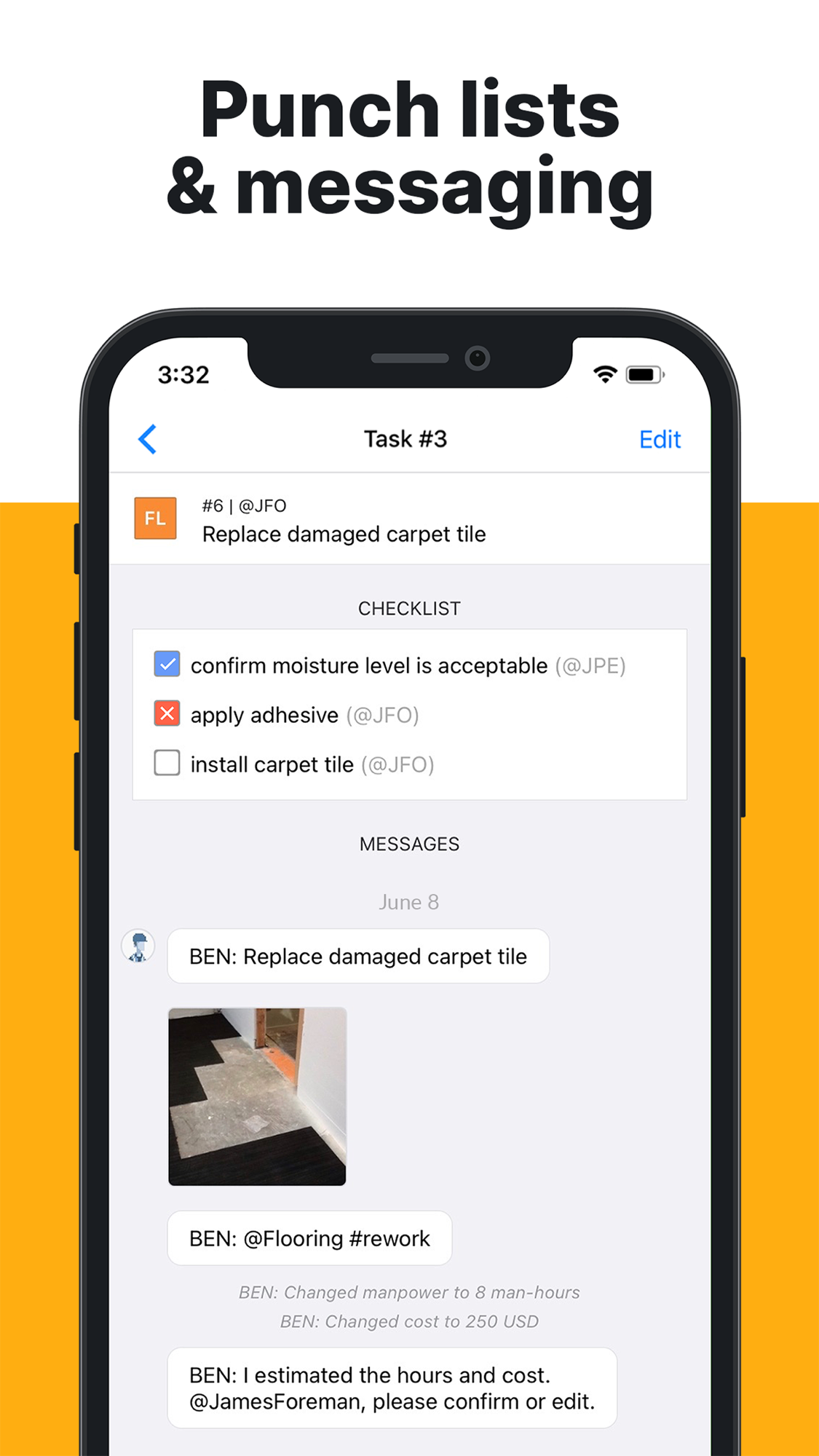
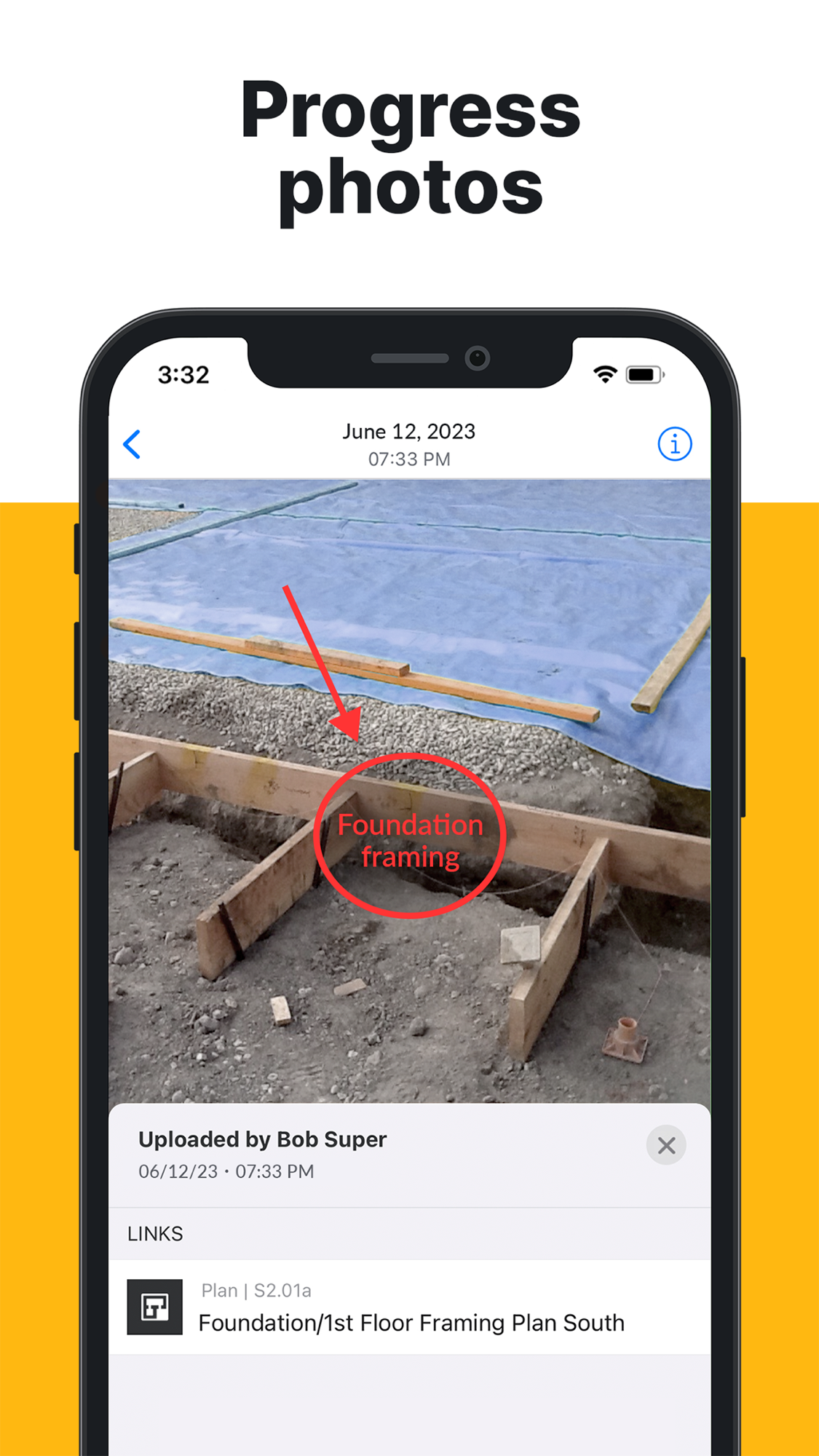
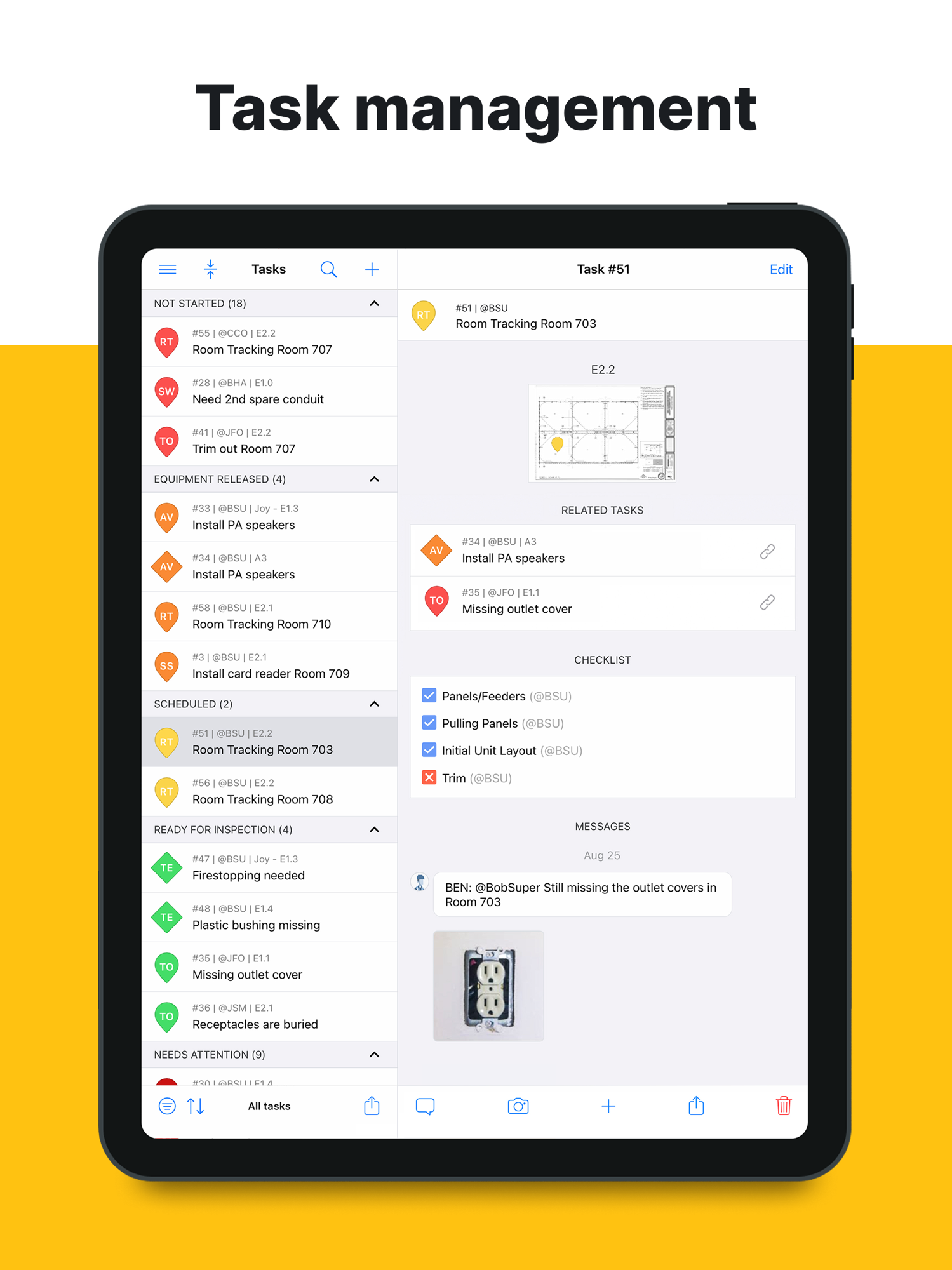
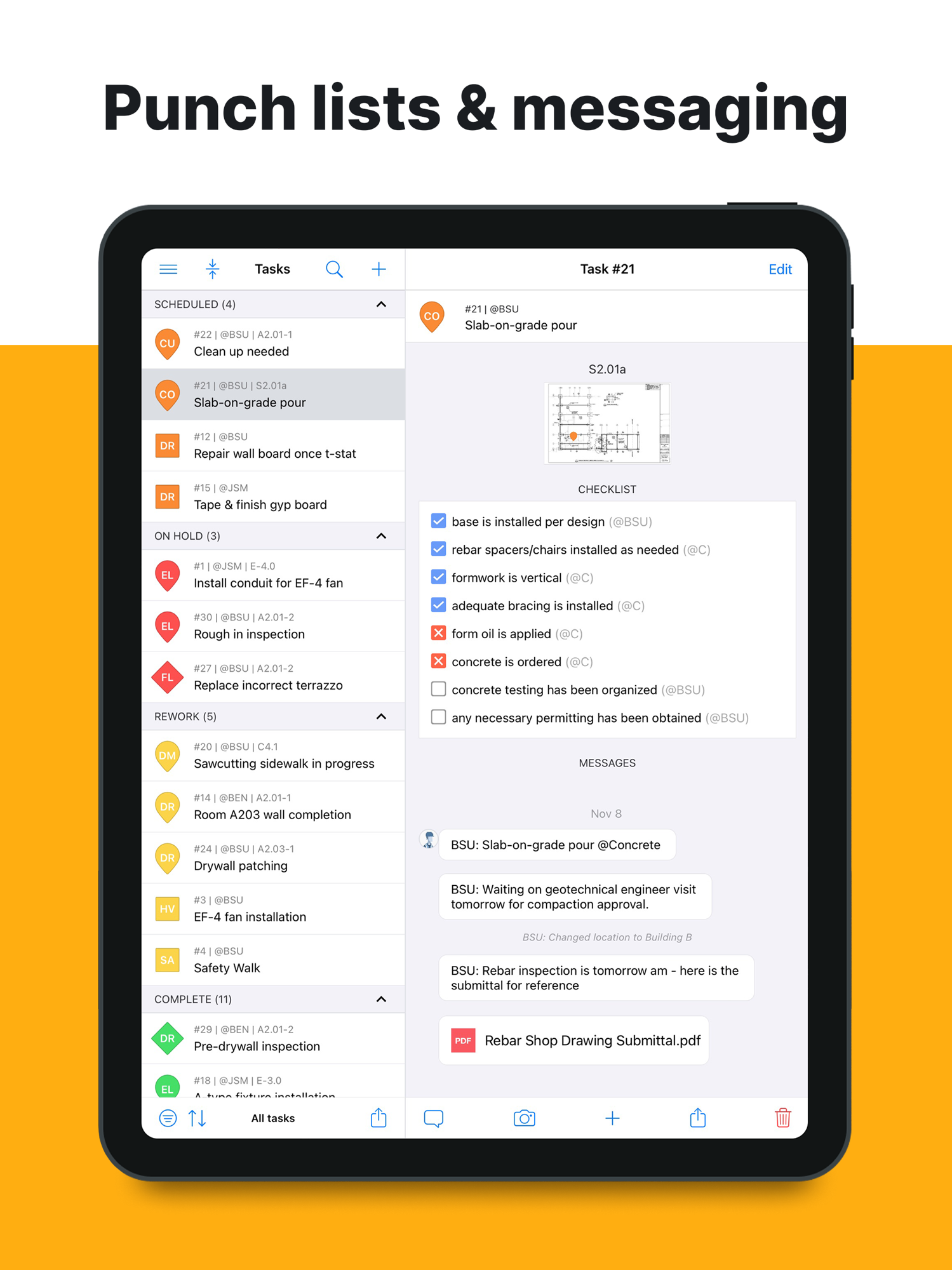
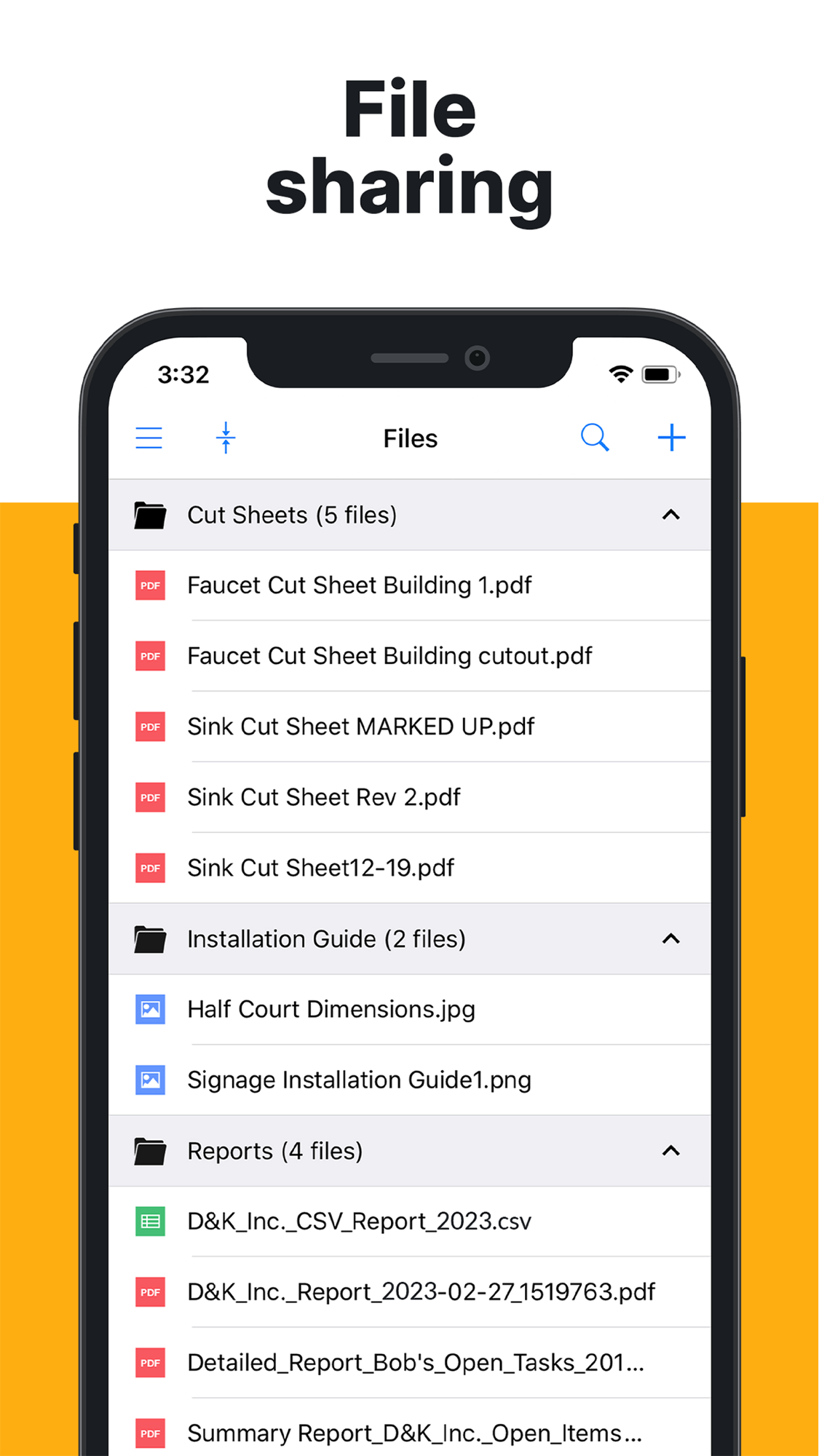
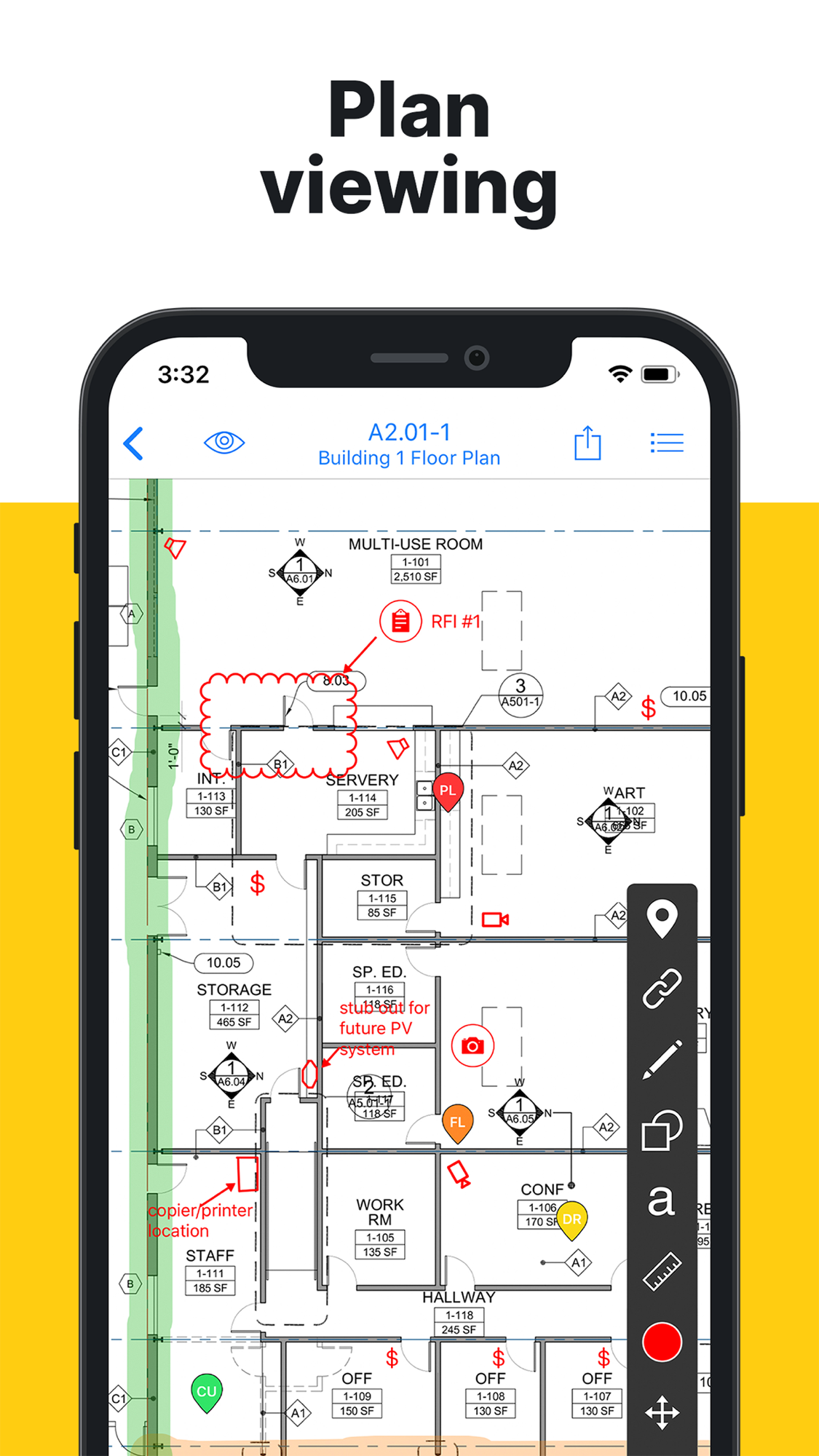
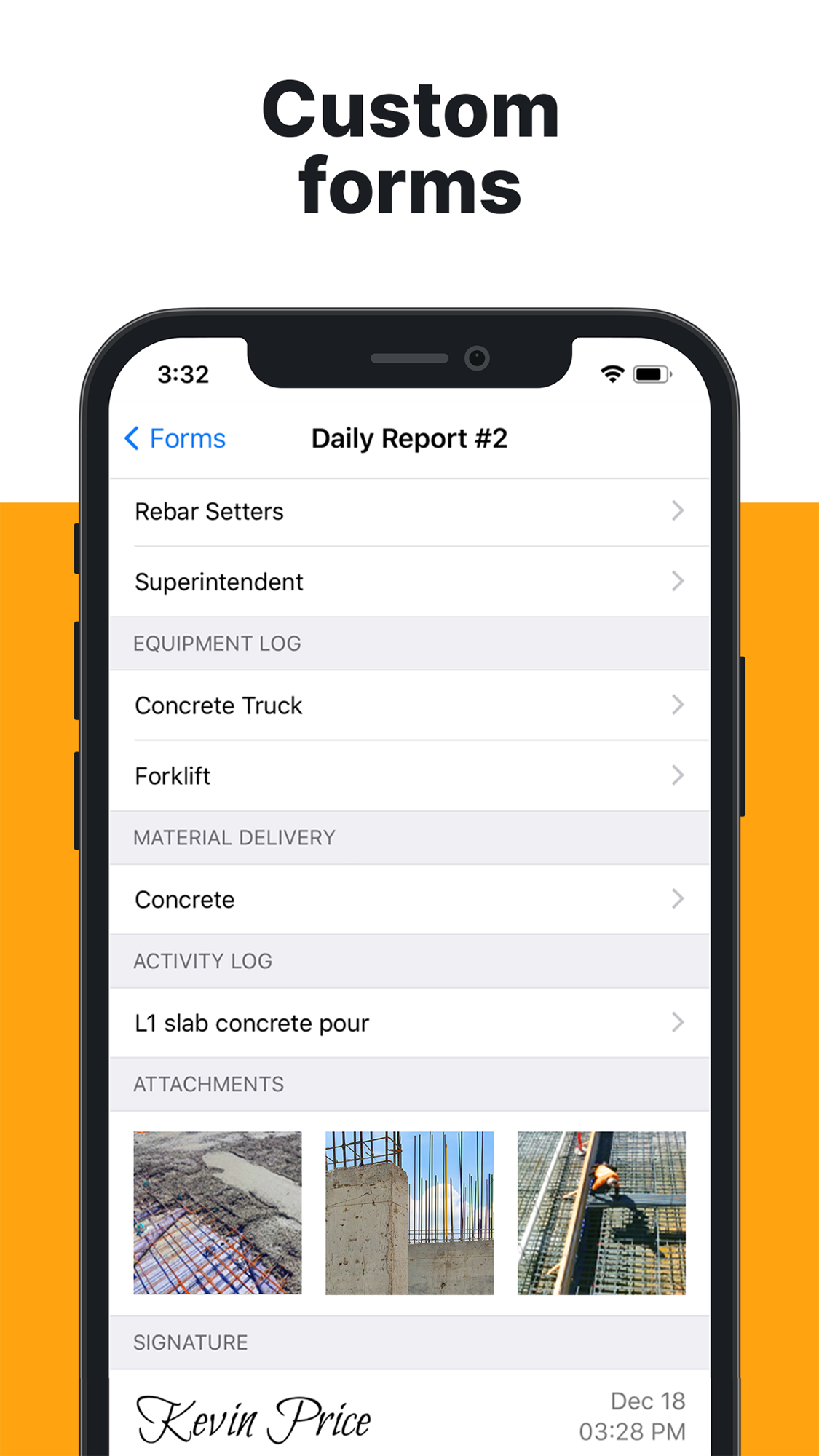
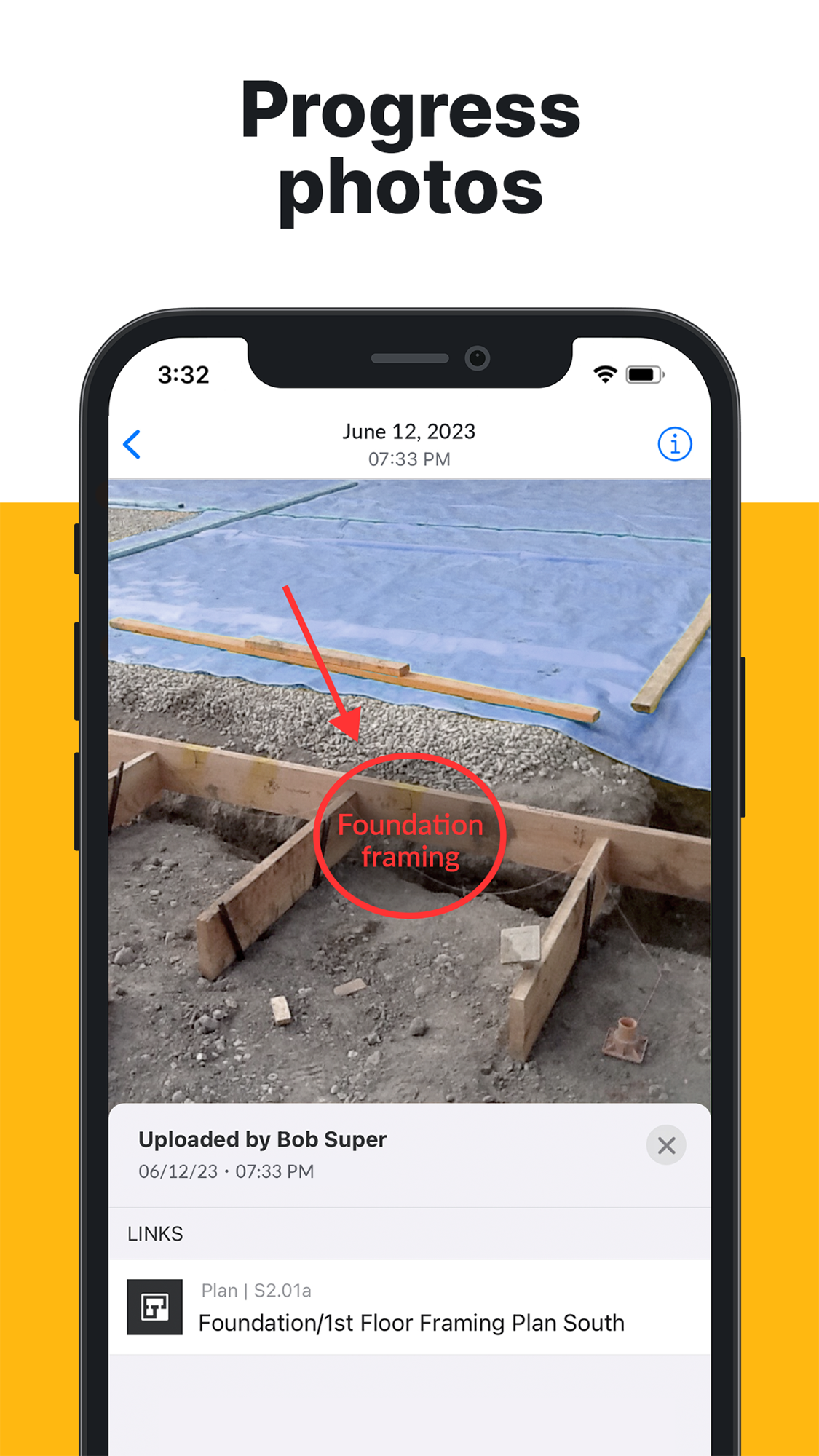
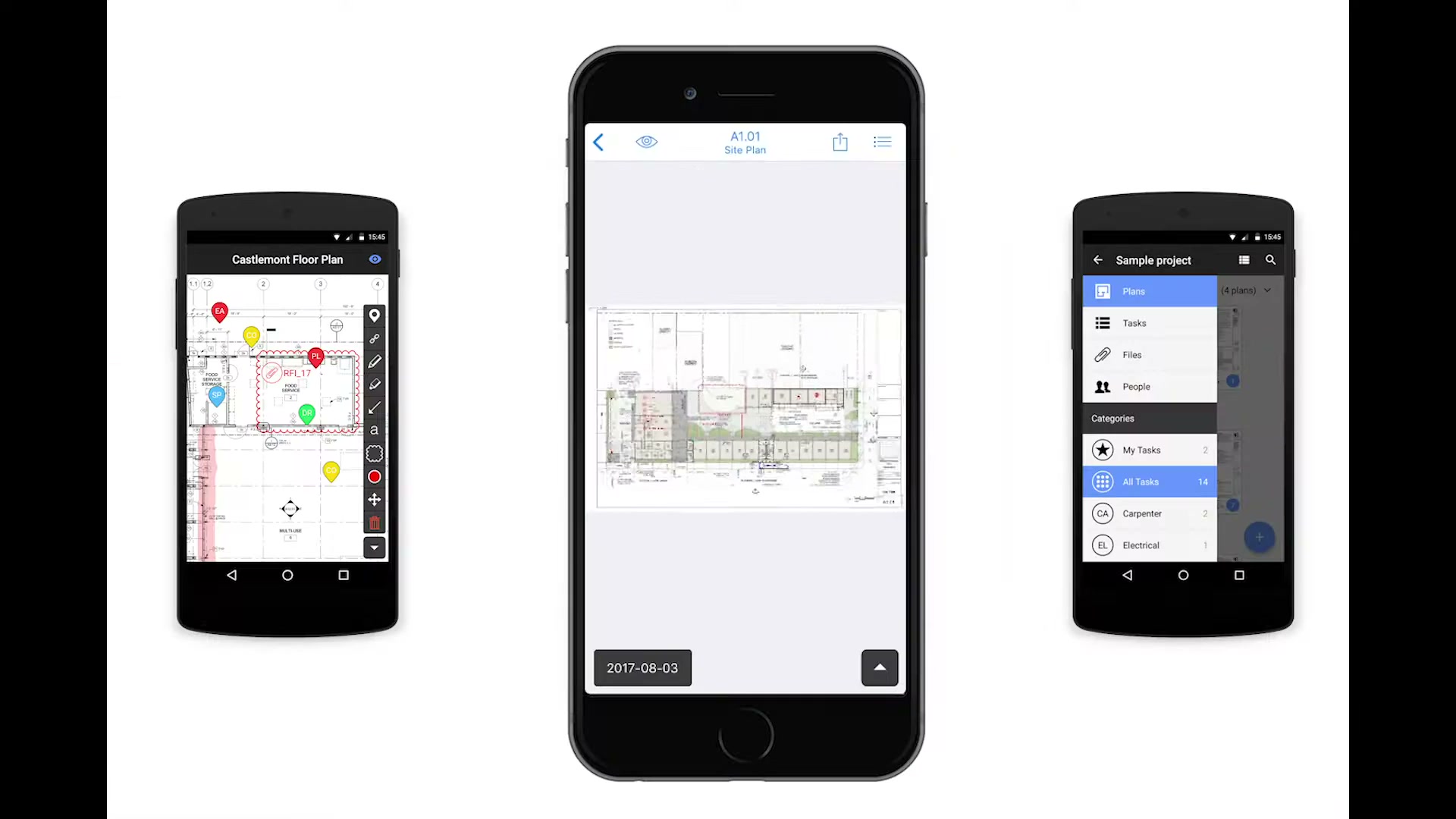
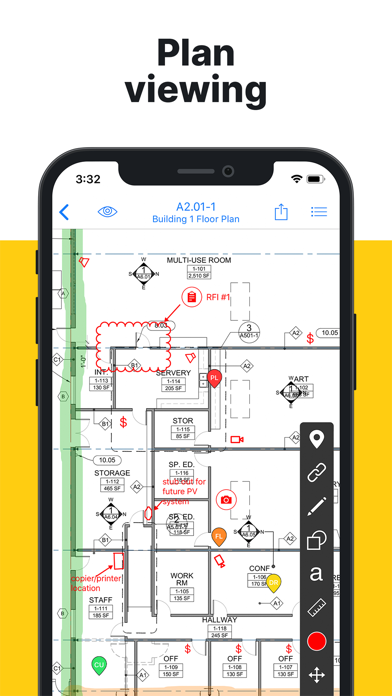
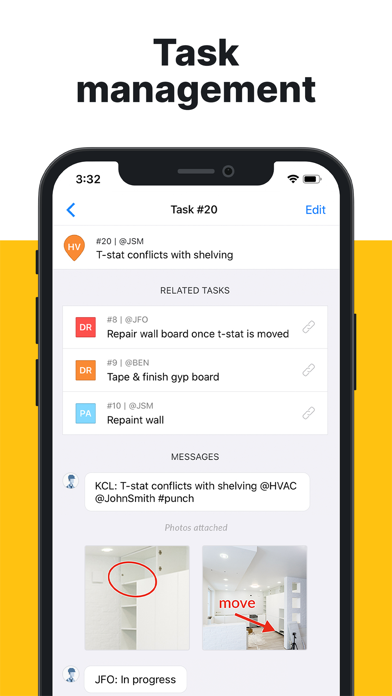
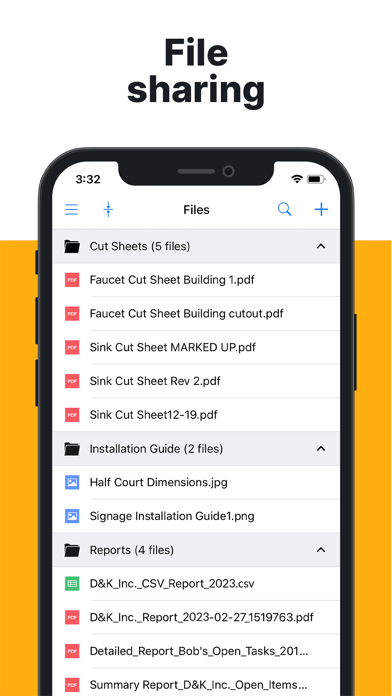
The six App Store marketing screens are the product’s own pitch, in order: plan viewing, task management, progress photos, punch lists and messaging, custom forms, file sharing. Capture and coordination throughout — nothing commercial.
The core workflow — drawings and tasks pinned to the plan
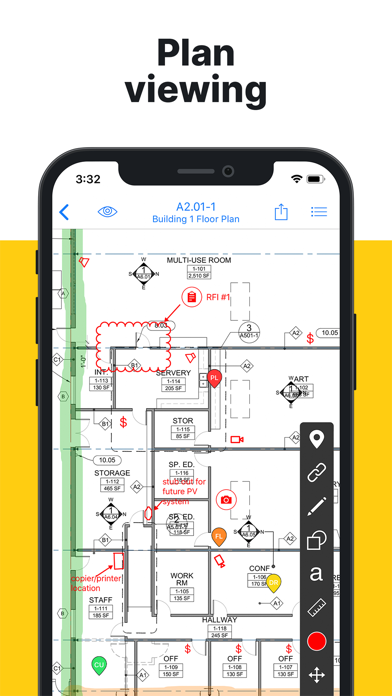
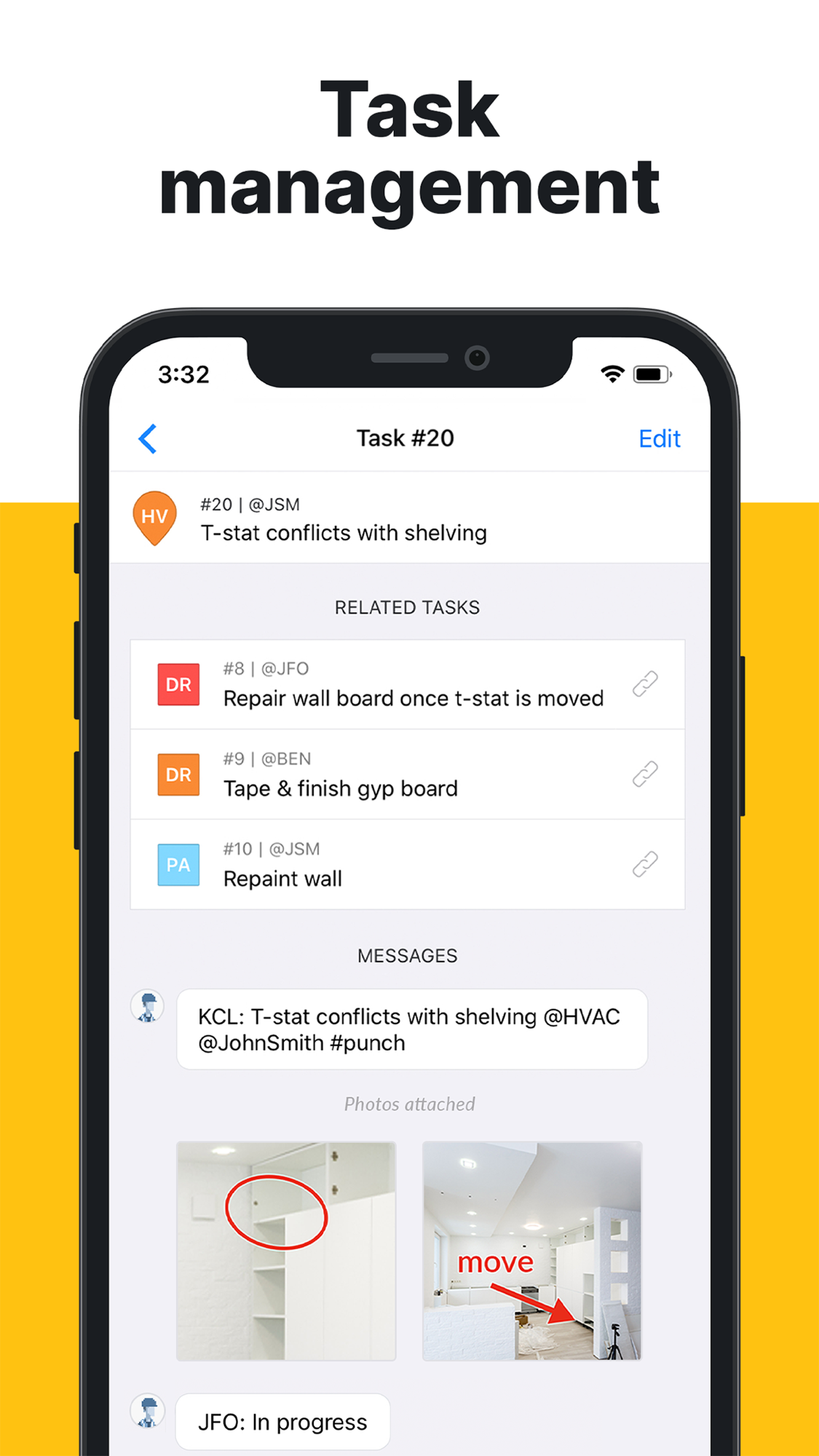
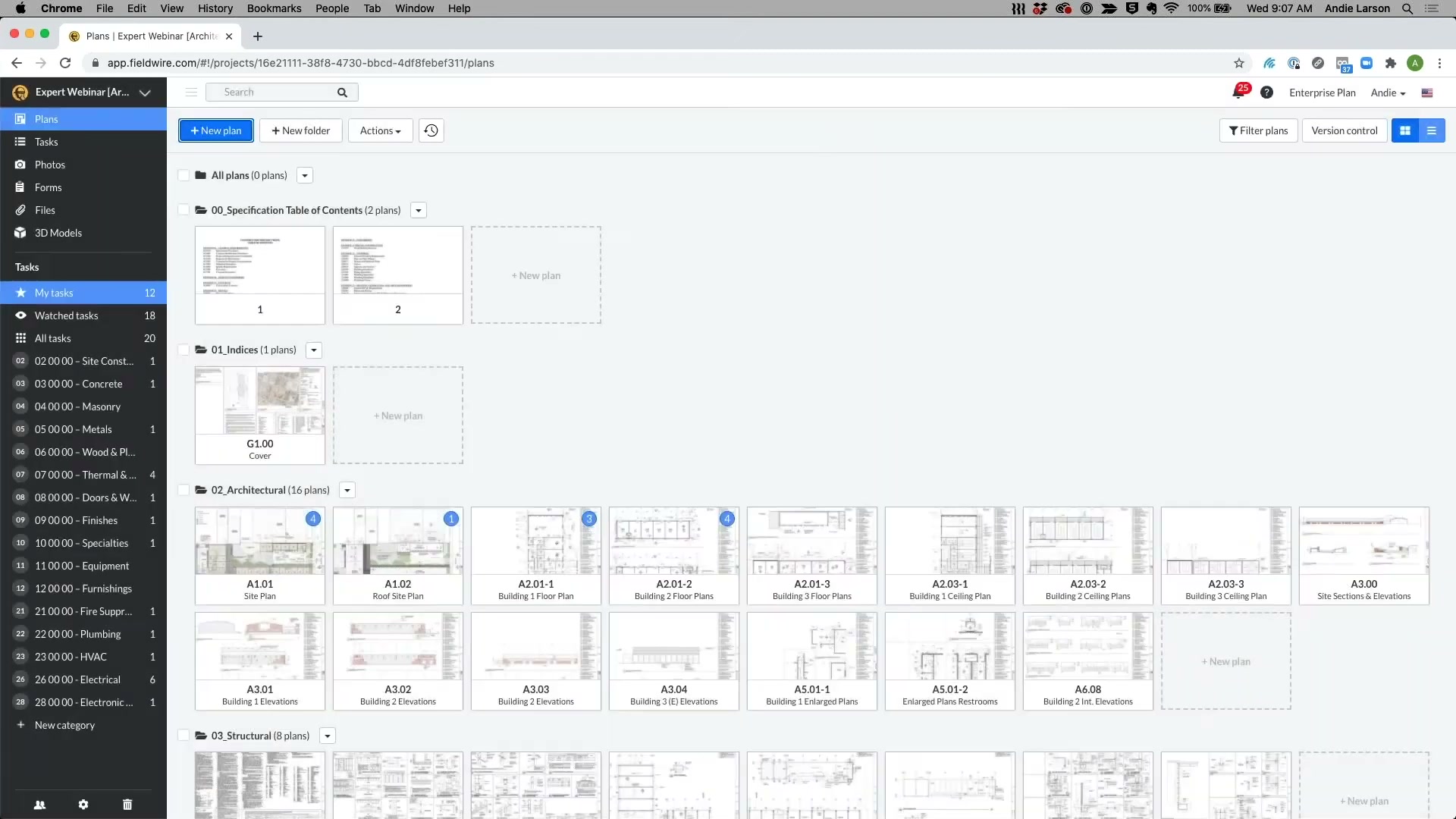
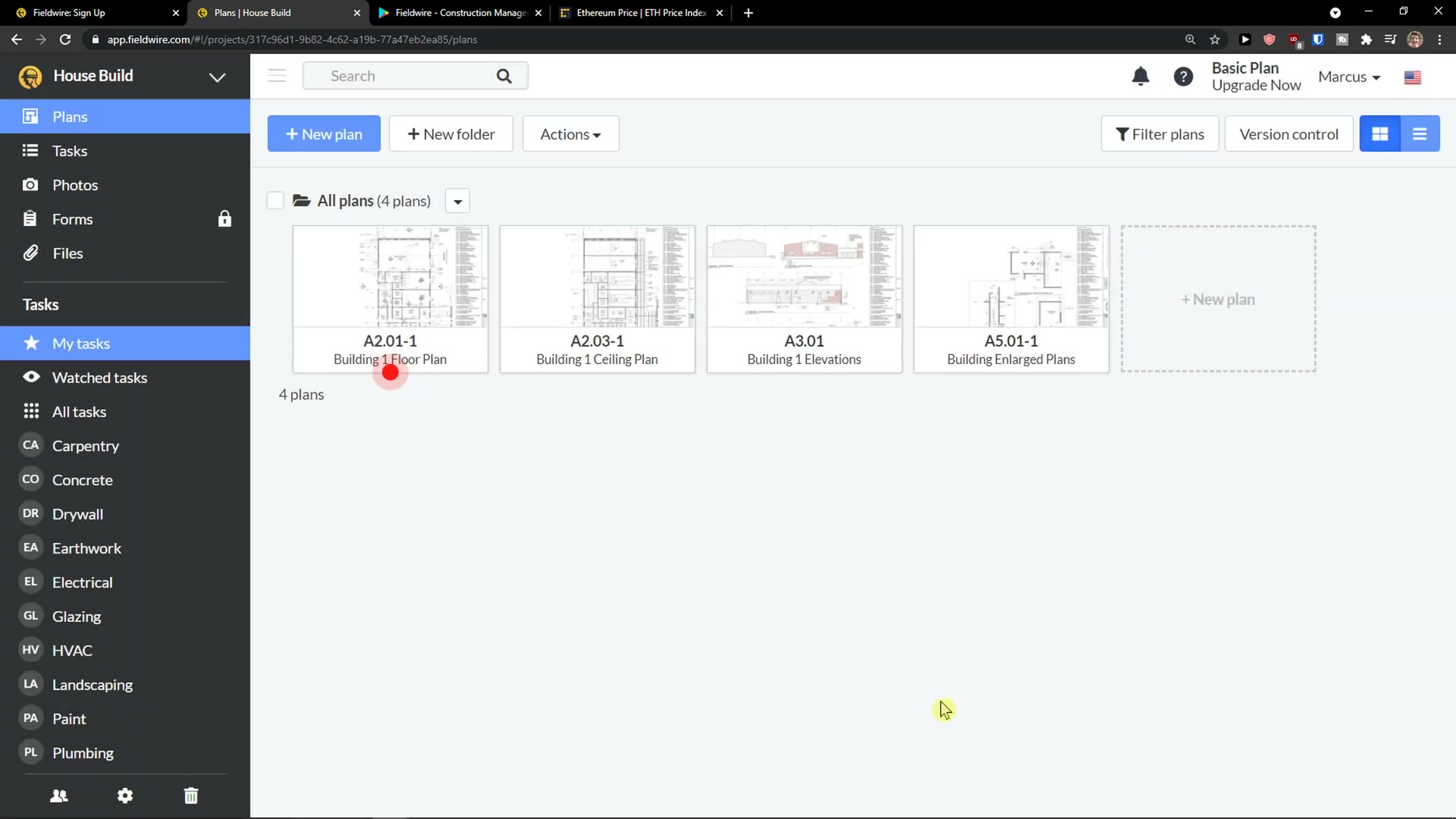
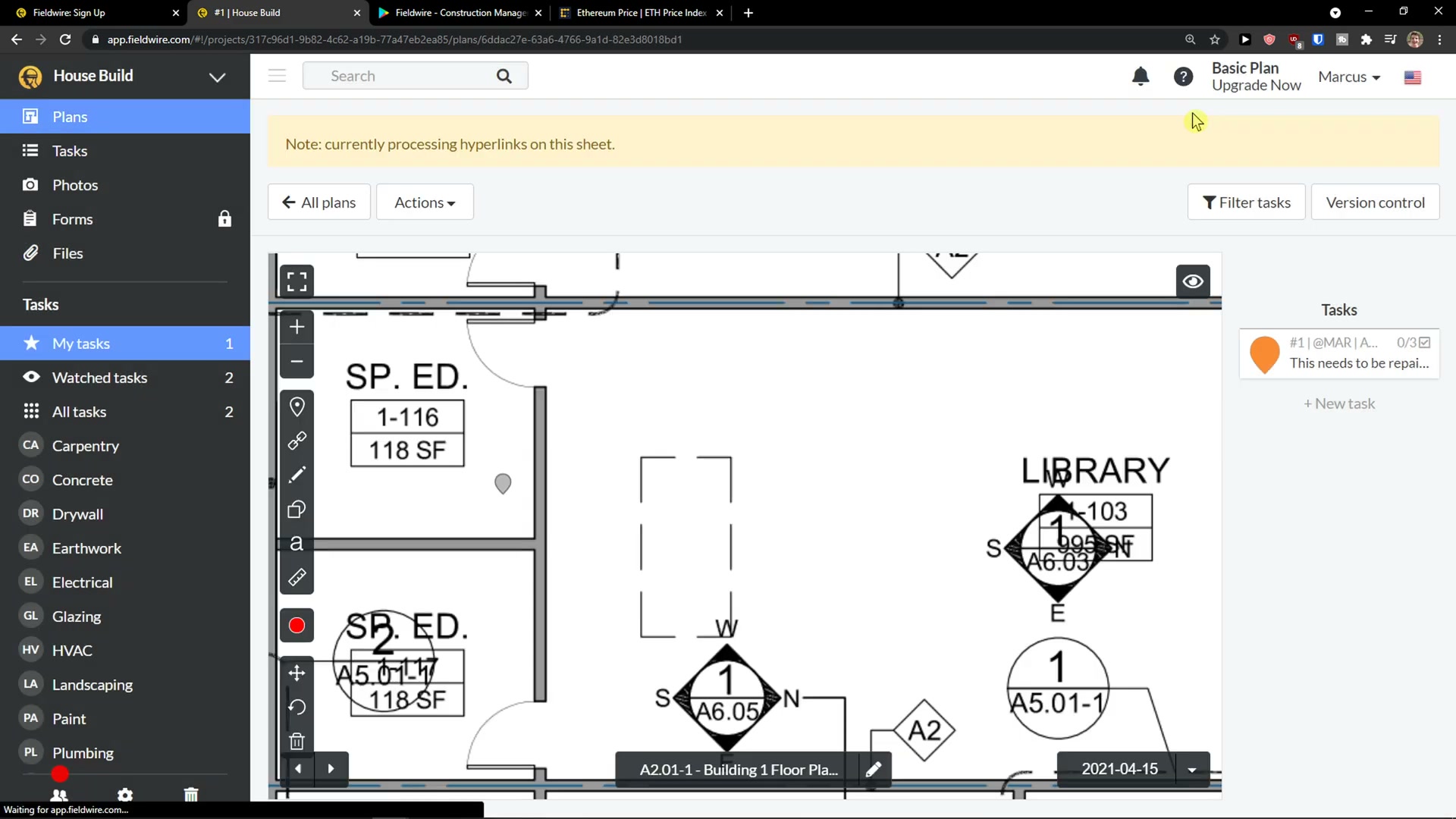
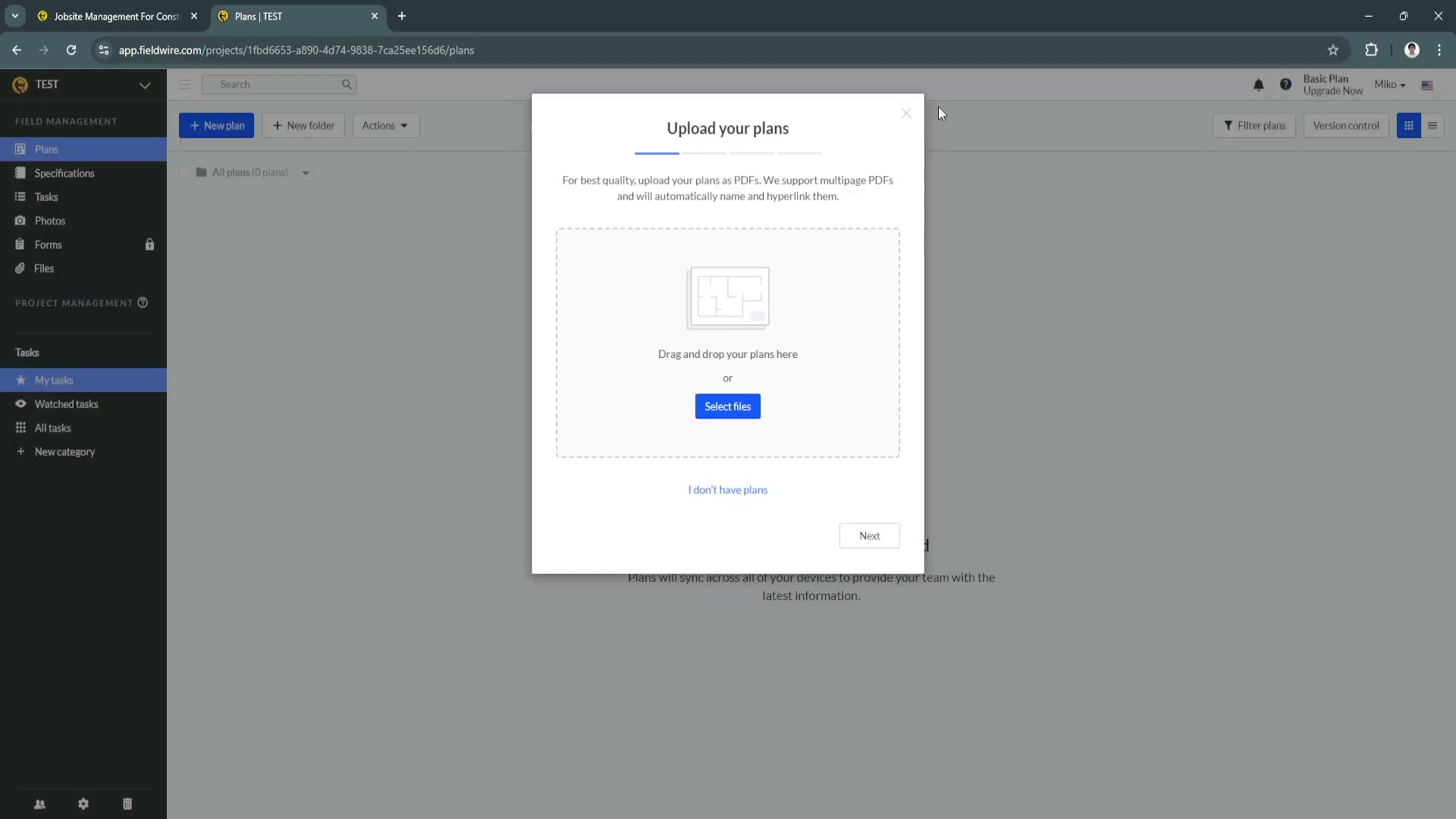
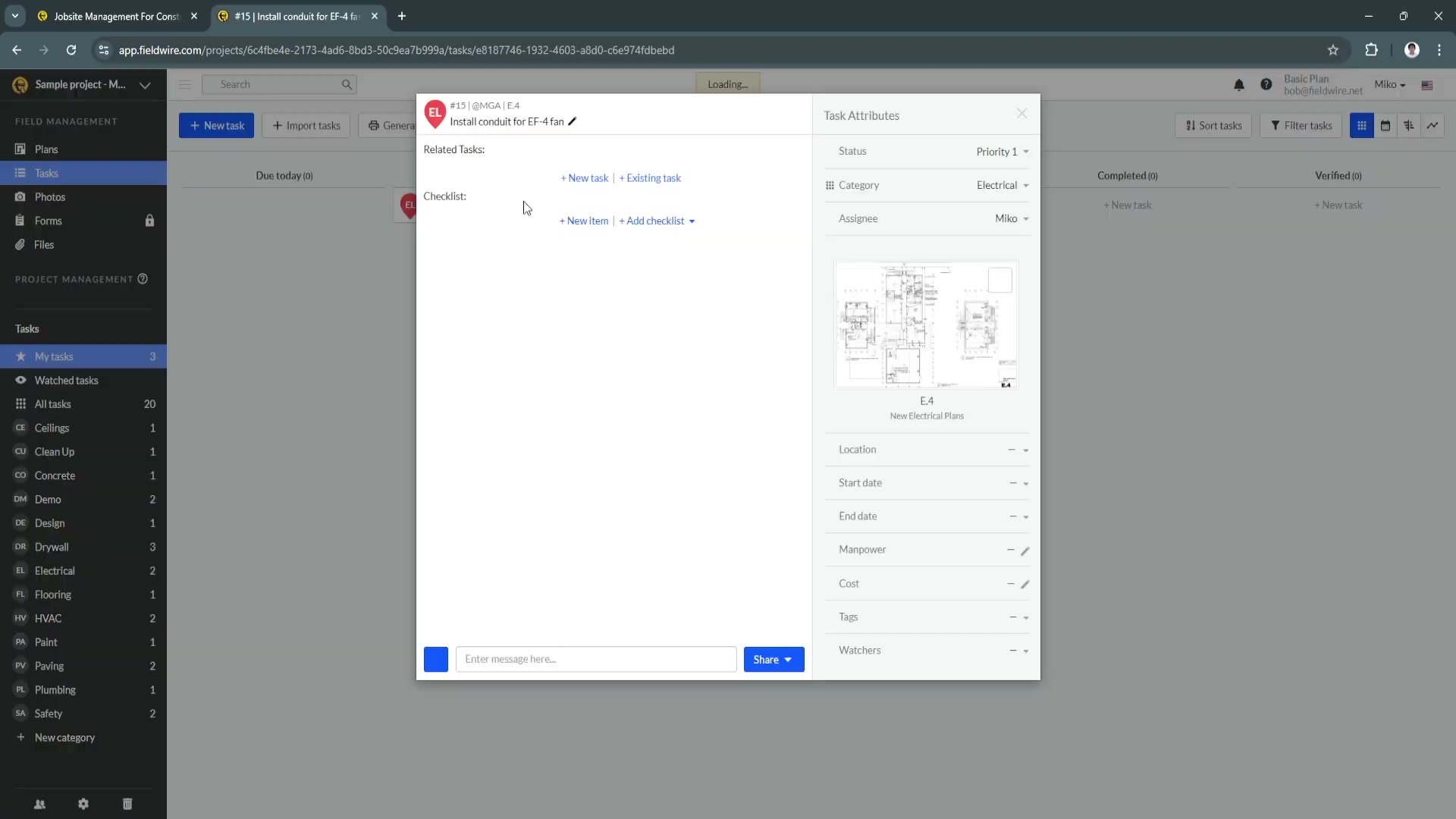
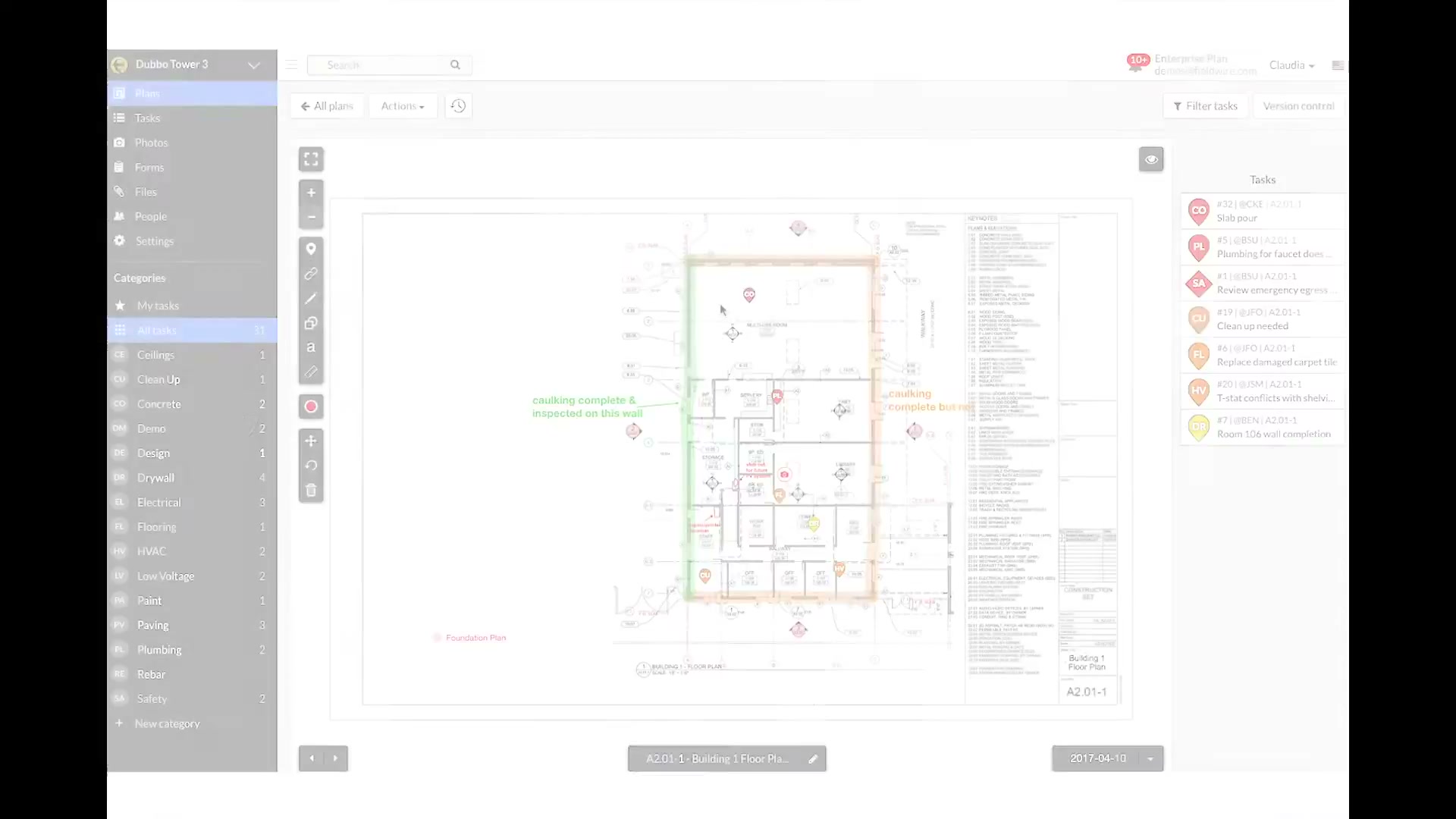
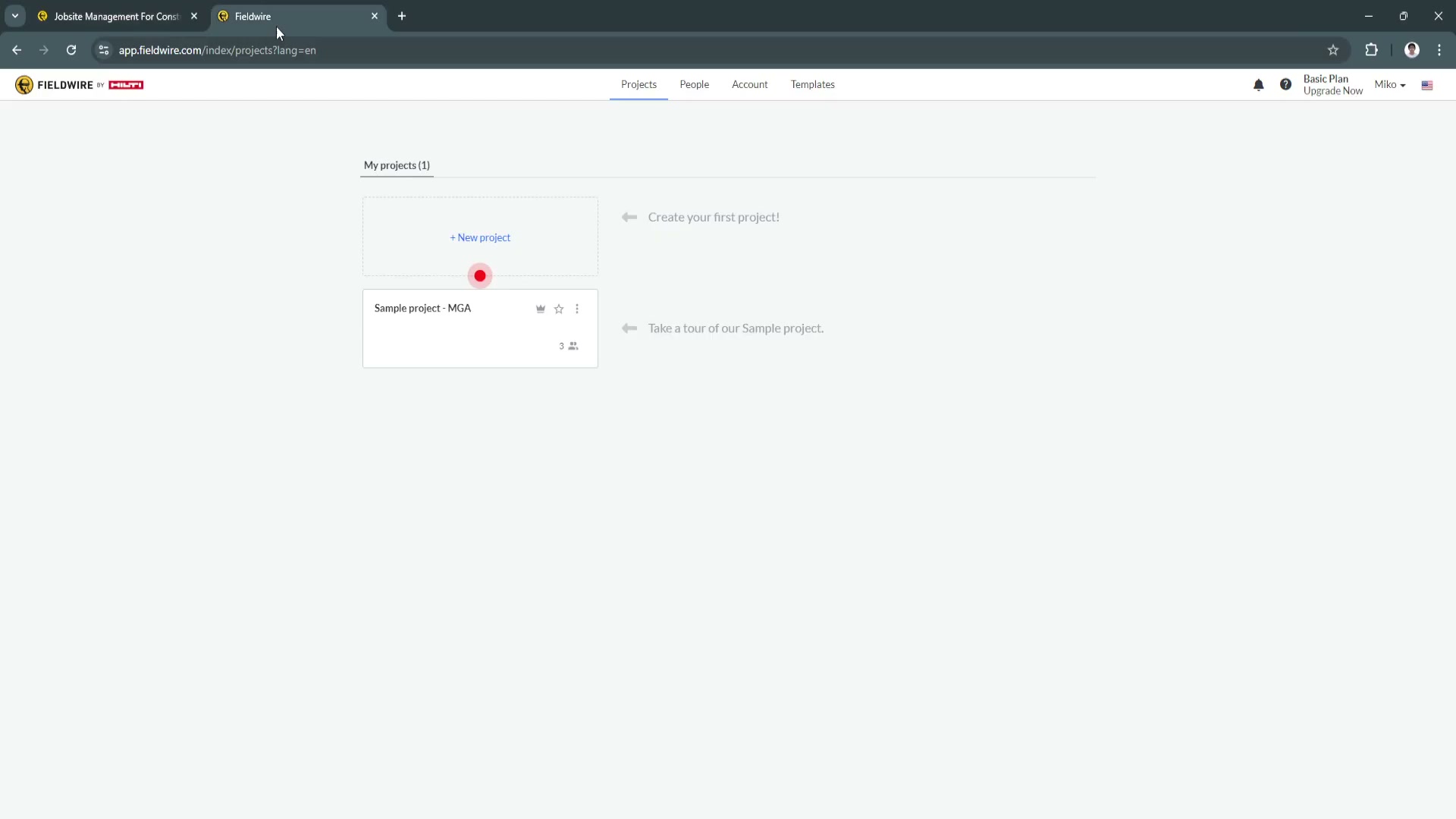
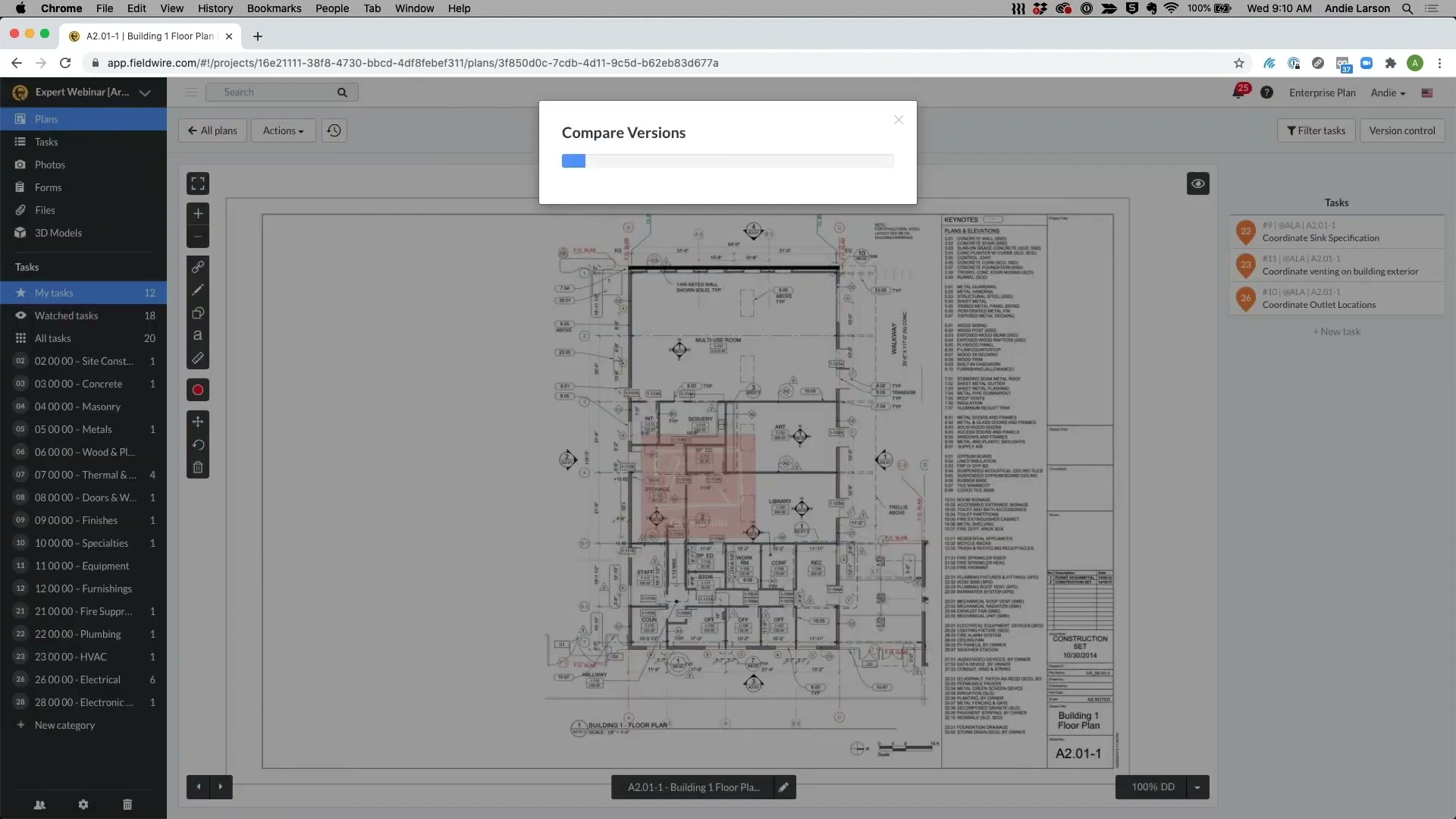
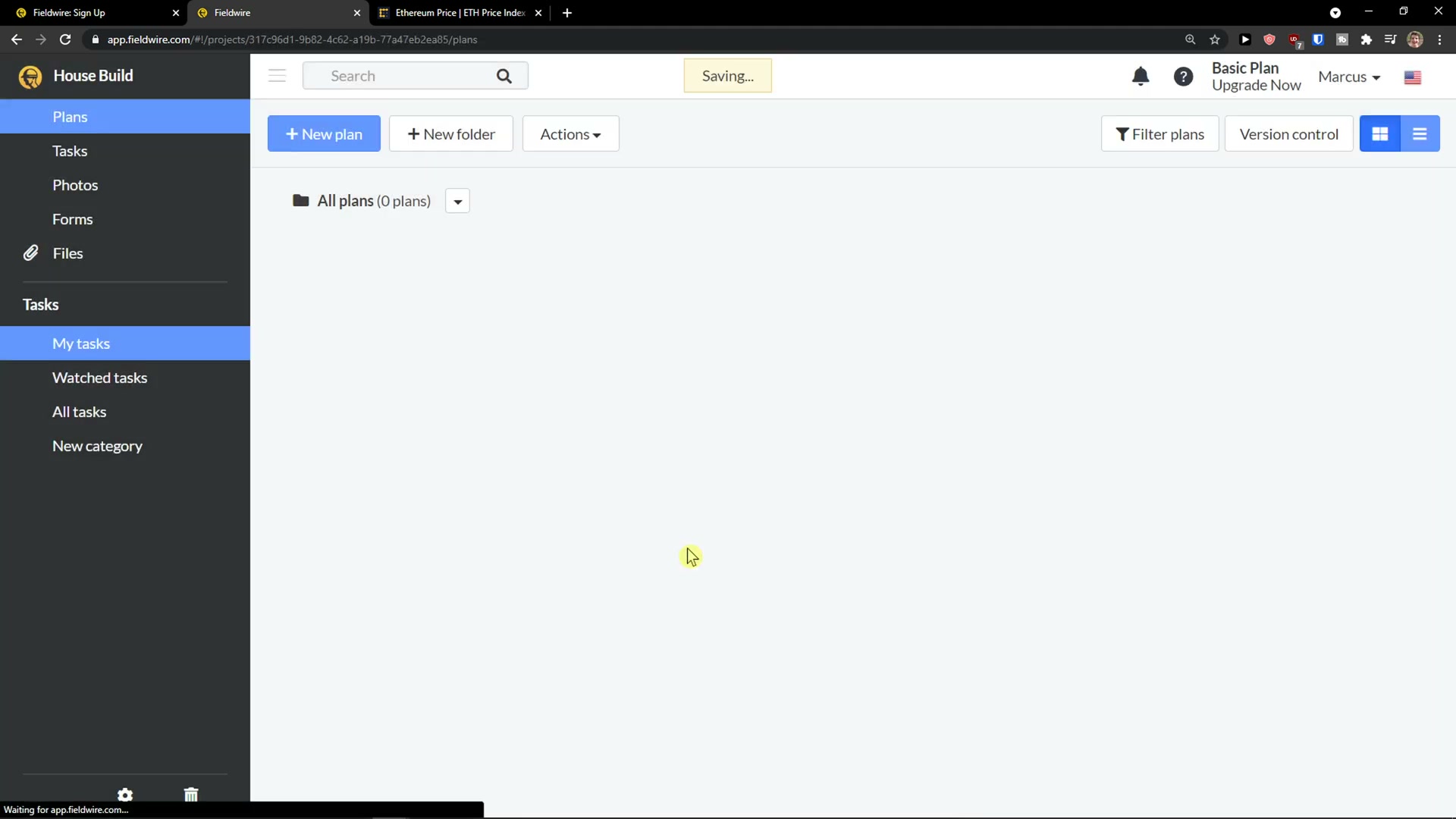
The defining interaction: the current drawing on a tablet, with tasks, RFIs and photos dropped onto exact points of the plan and a markup toolbar down the side.
Capture — forms, photos, punch lists
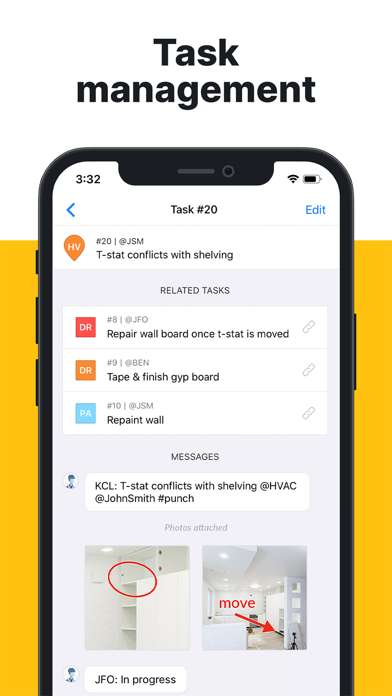
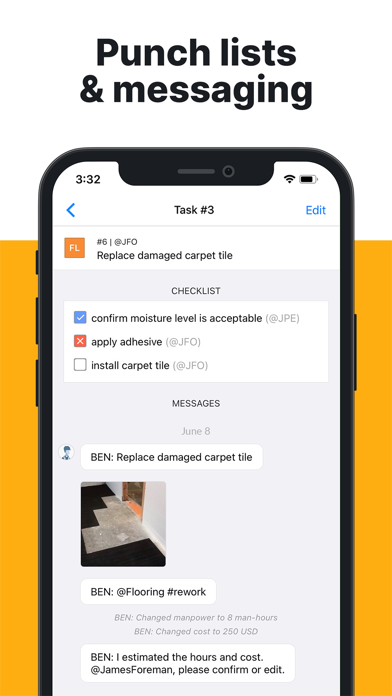
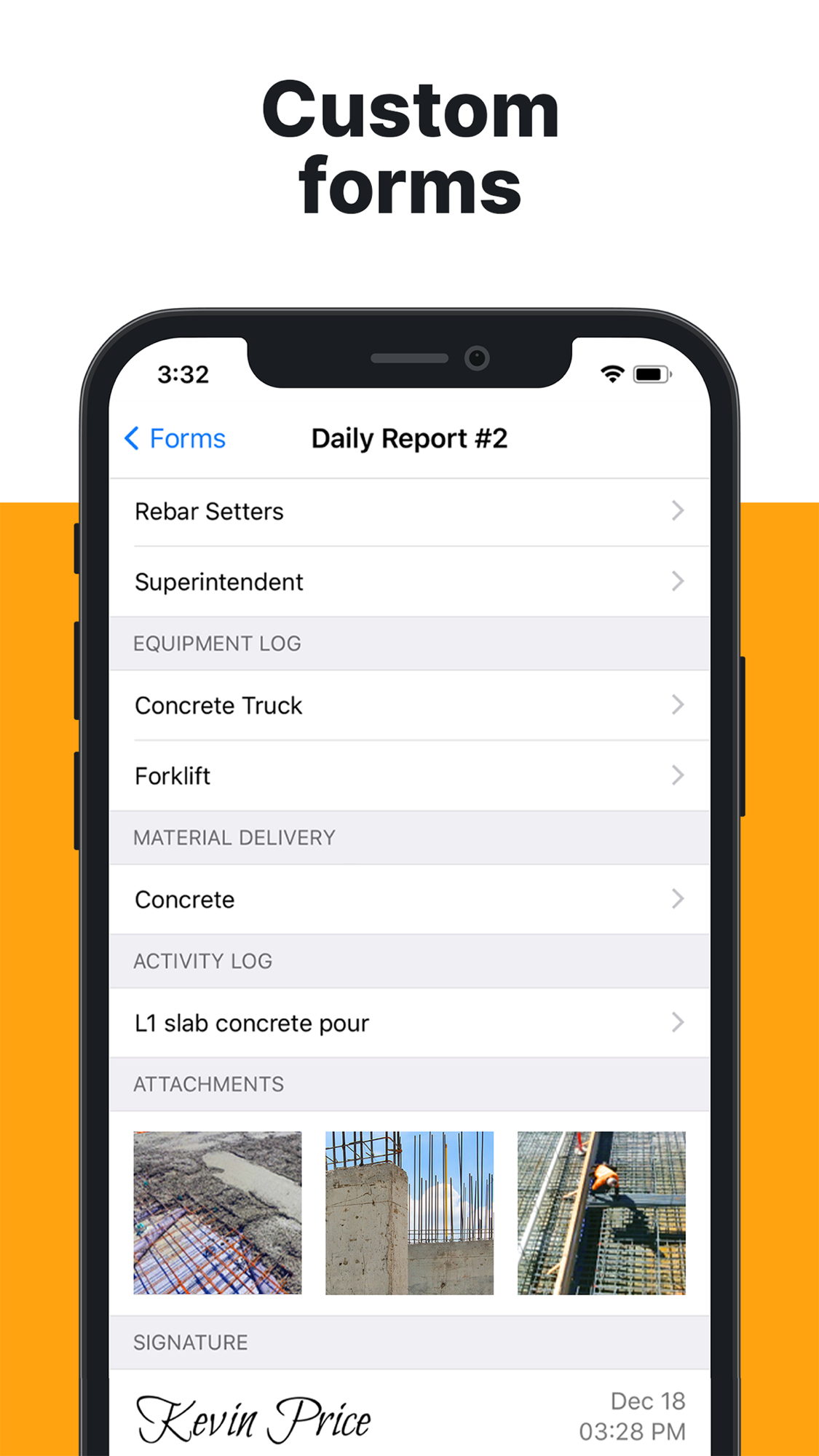
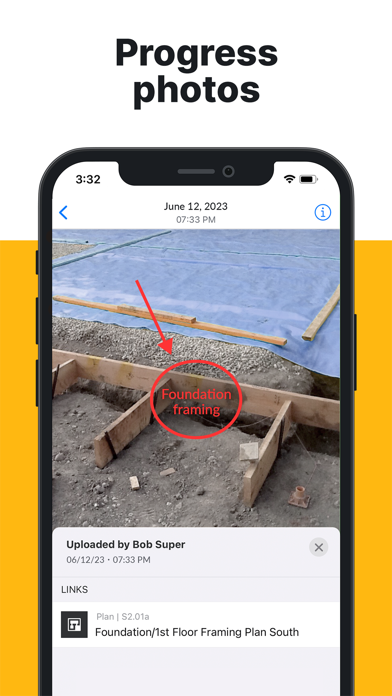
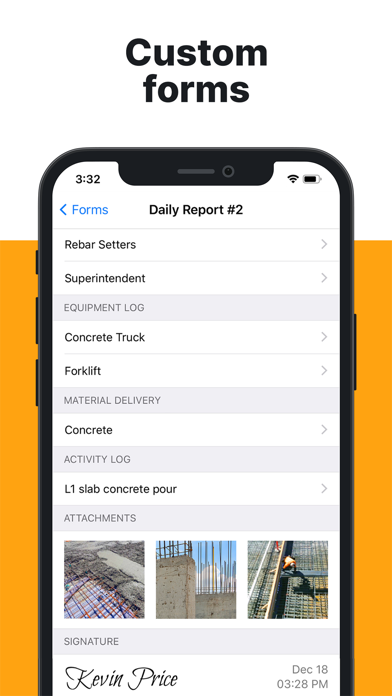
Custom daily-report forms (with equipment/material/activity logs and signature), pinned and annotated progress photos, and punch-list items carrying checklists and message threads. Note the message thread that records “Changed manpower to 8 man-hours / Changed cost to 250 USD” — task-level cost exists, but it is lightweight, not a cost system.
The office / web side — the same plans and tasks on desktop
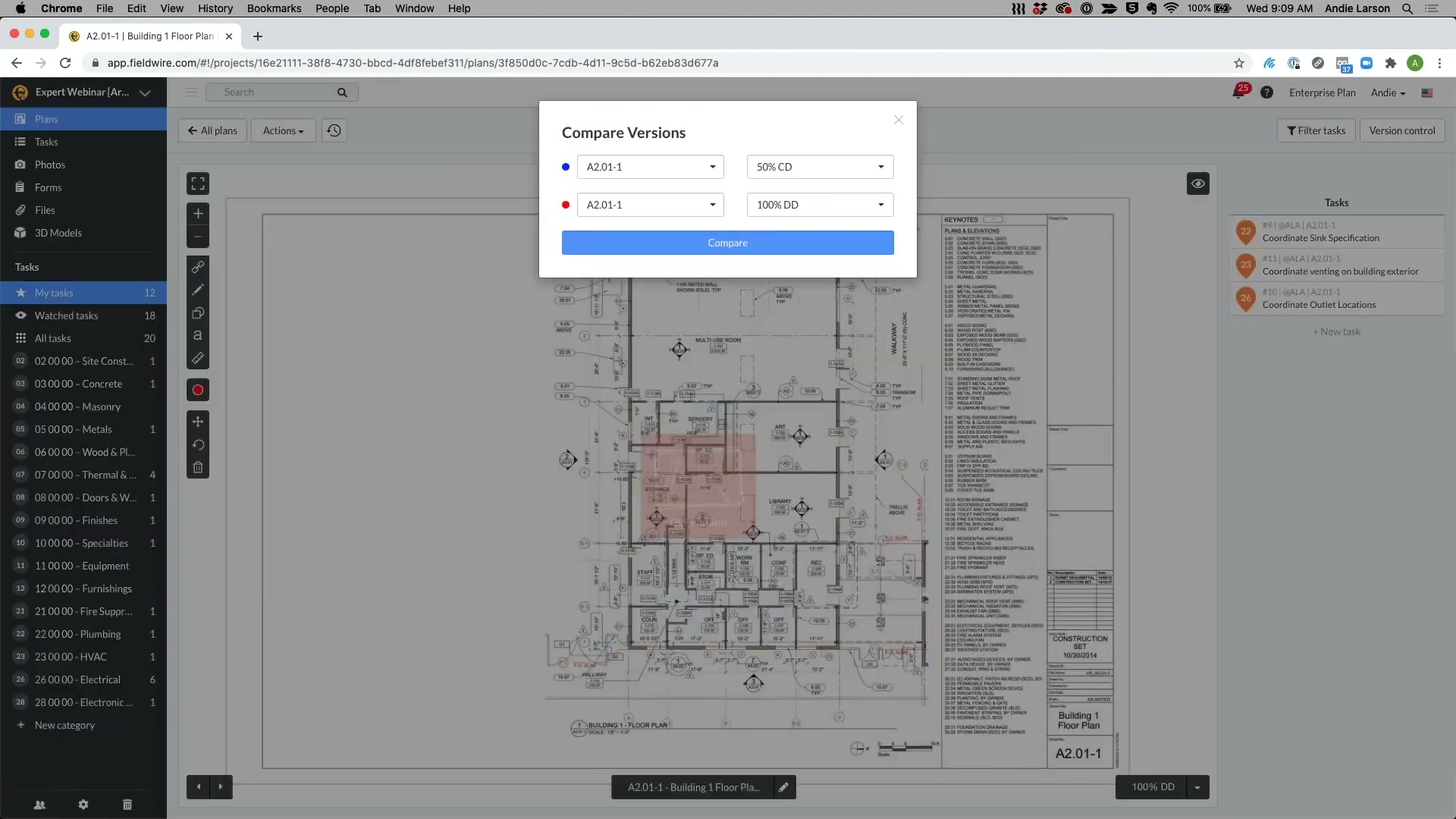
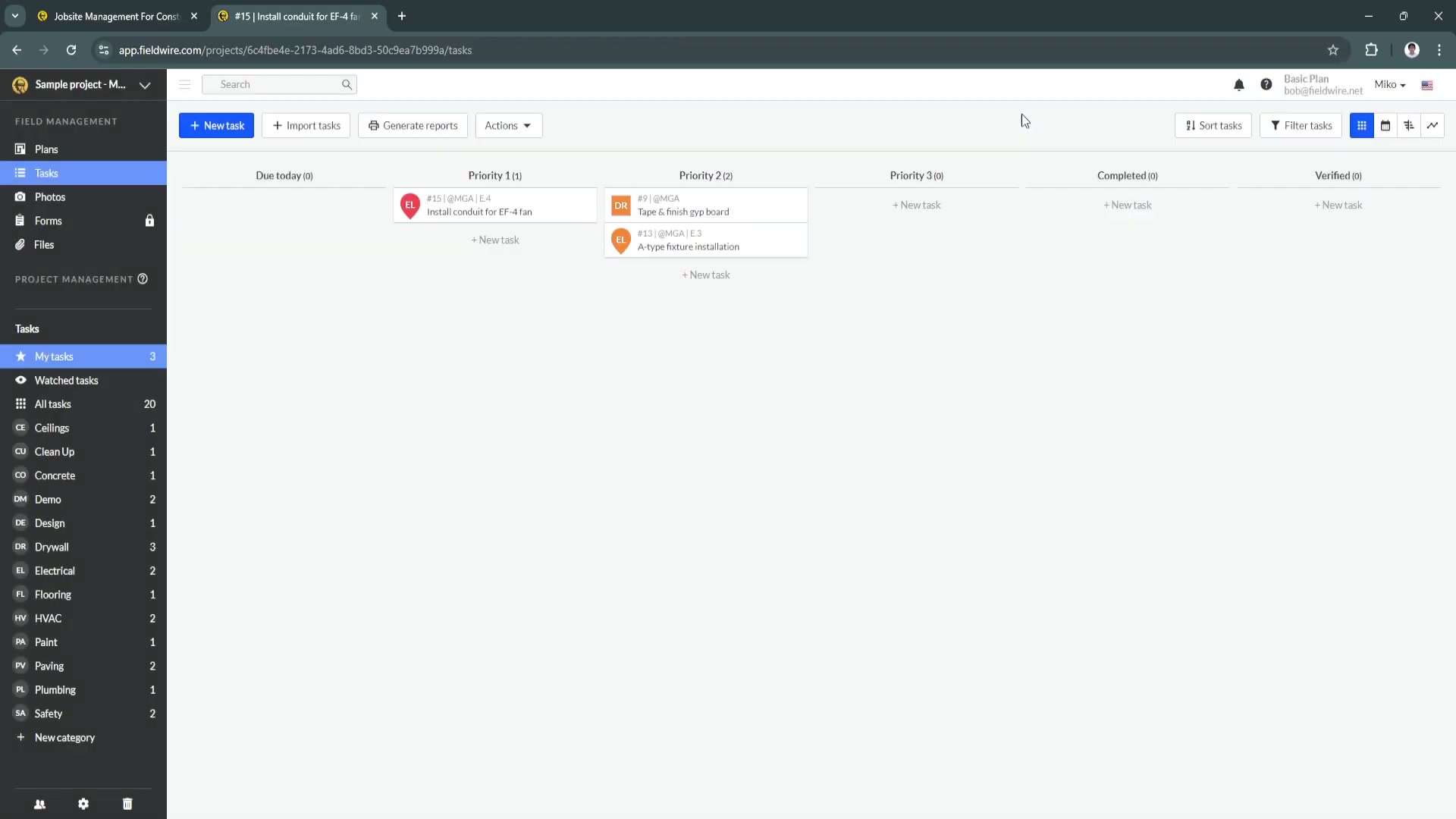
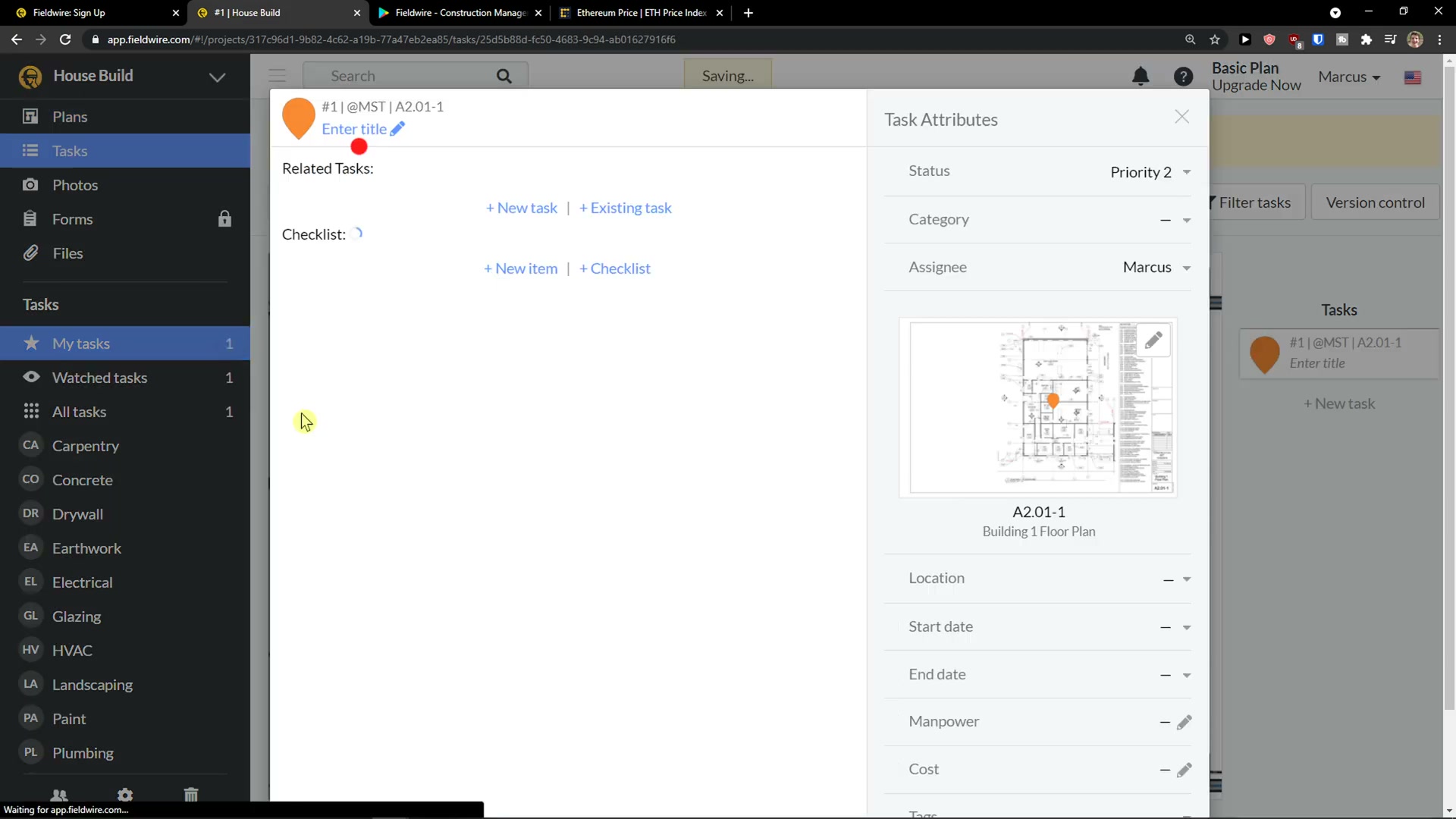
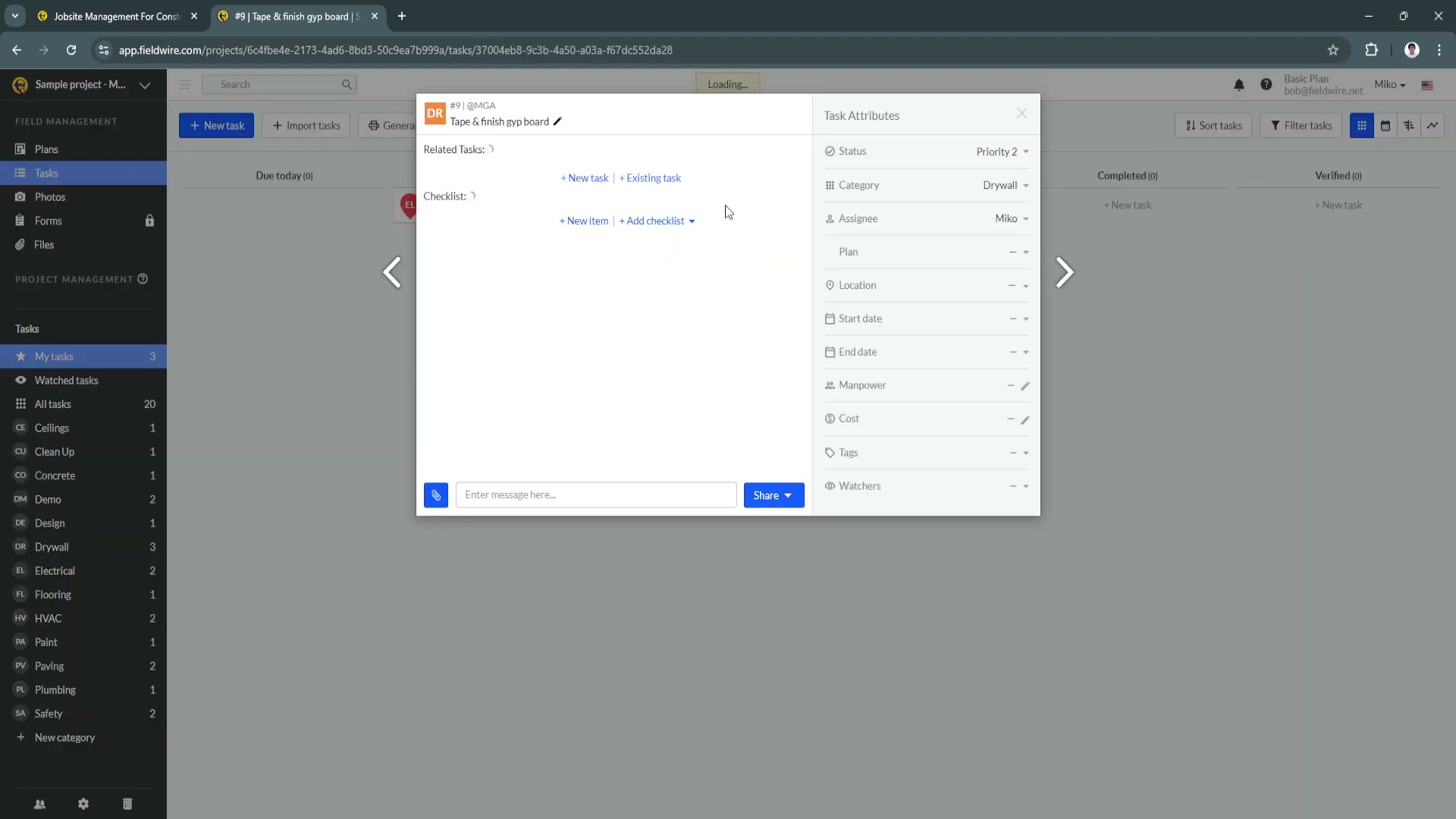
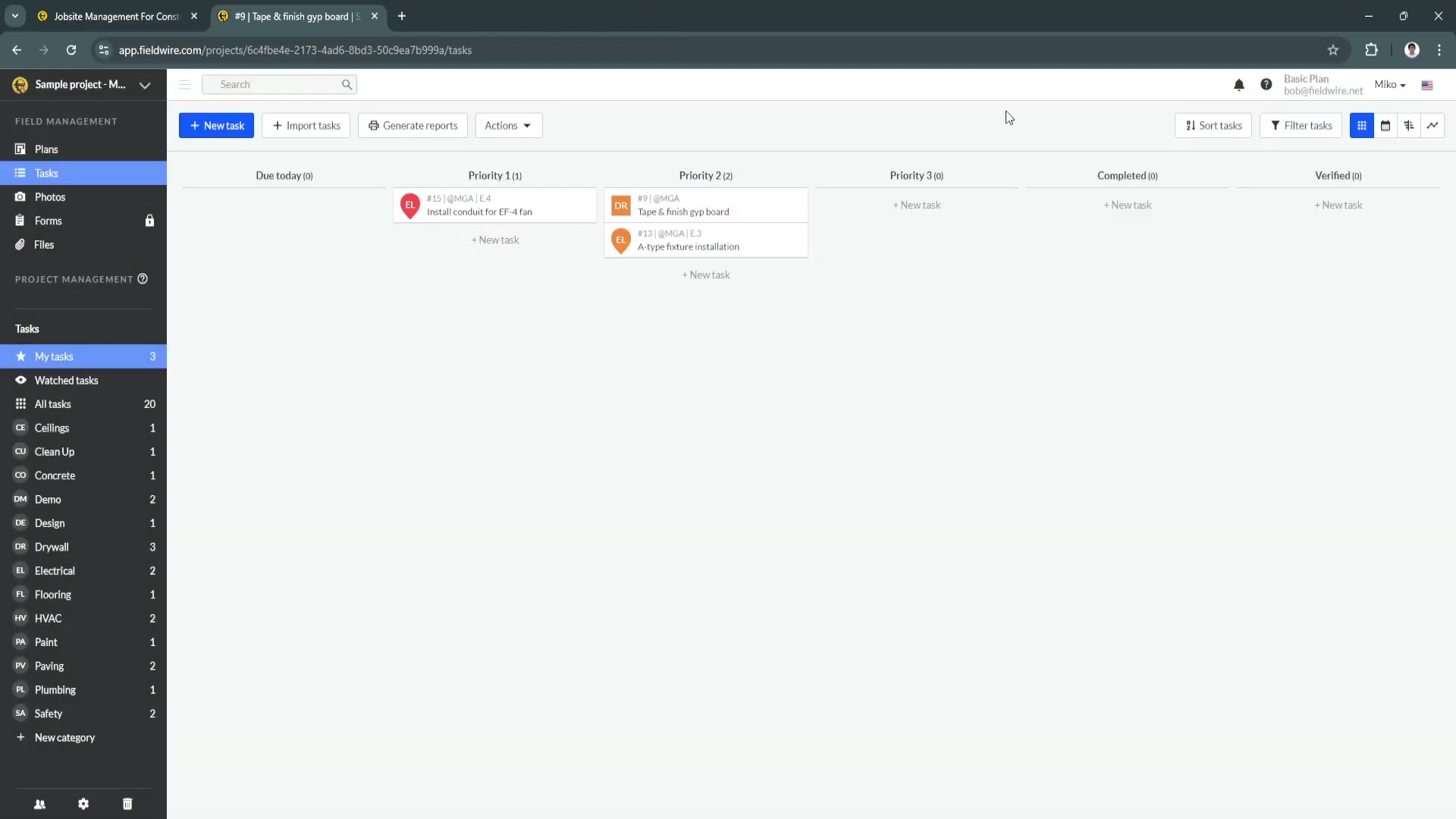
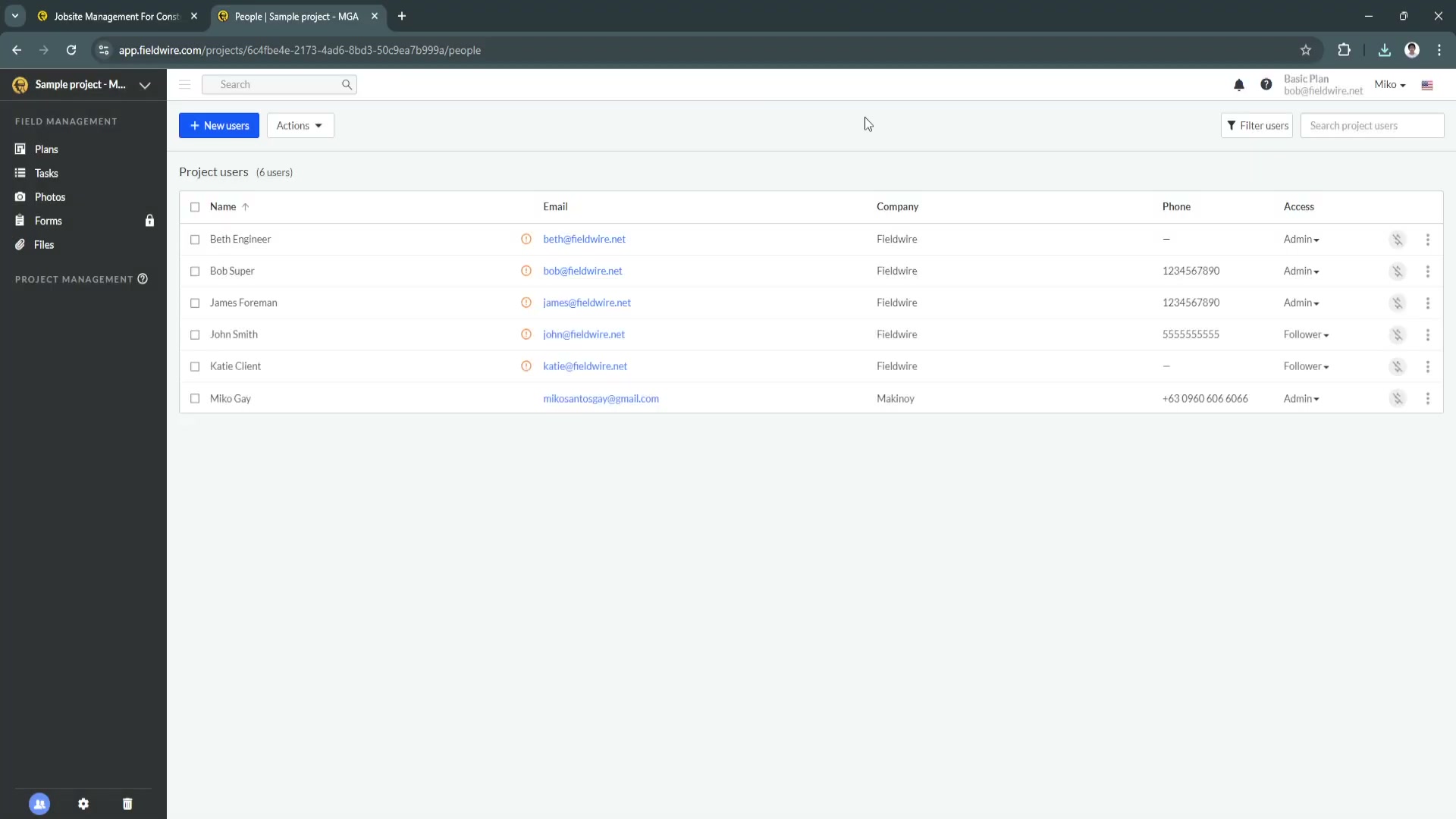
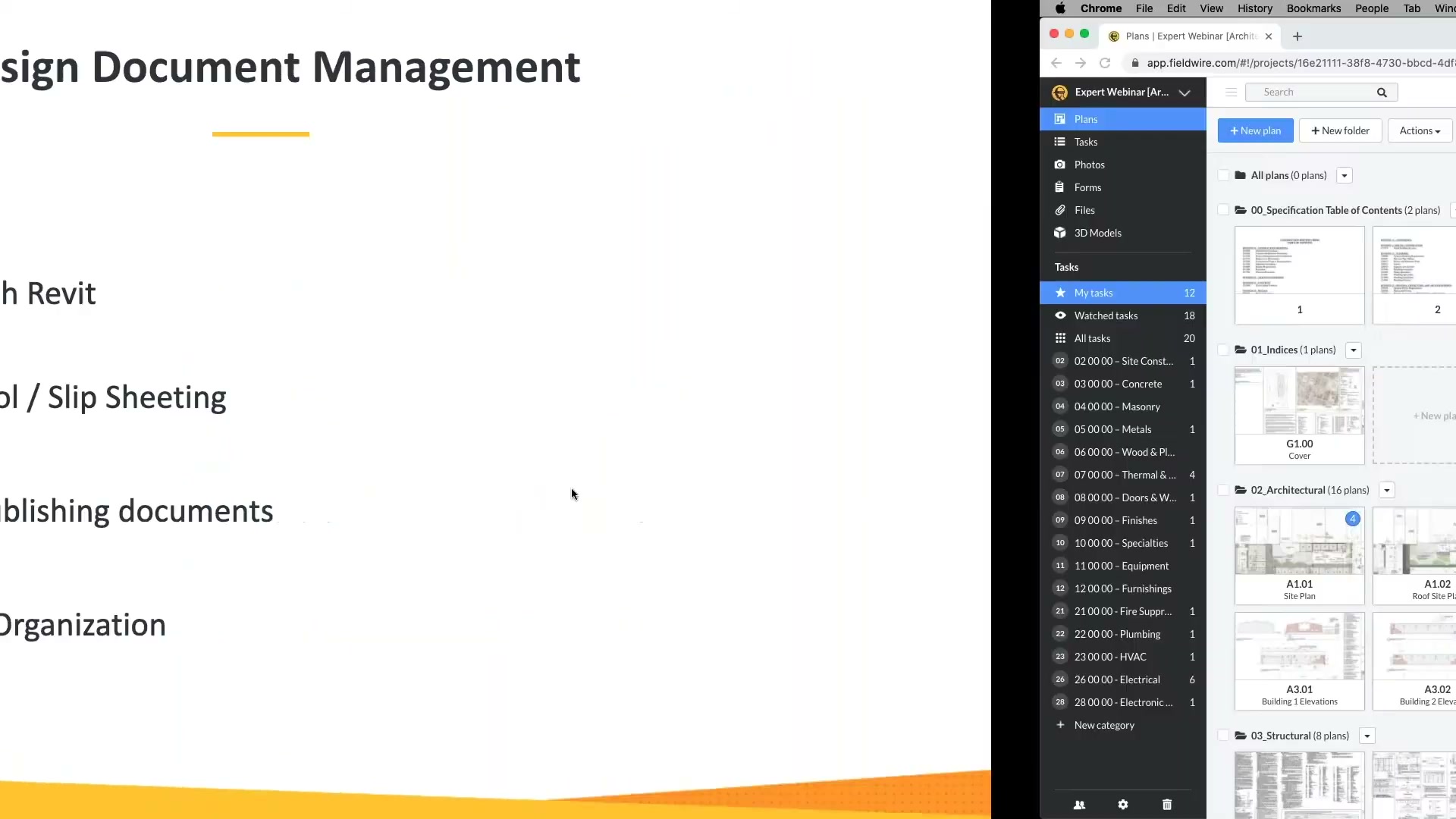
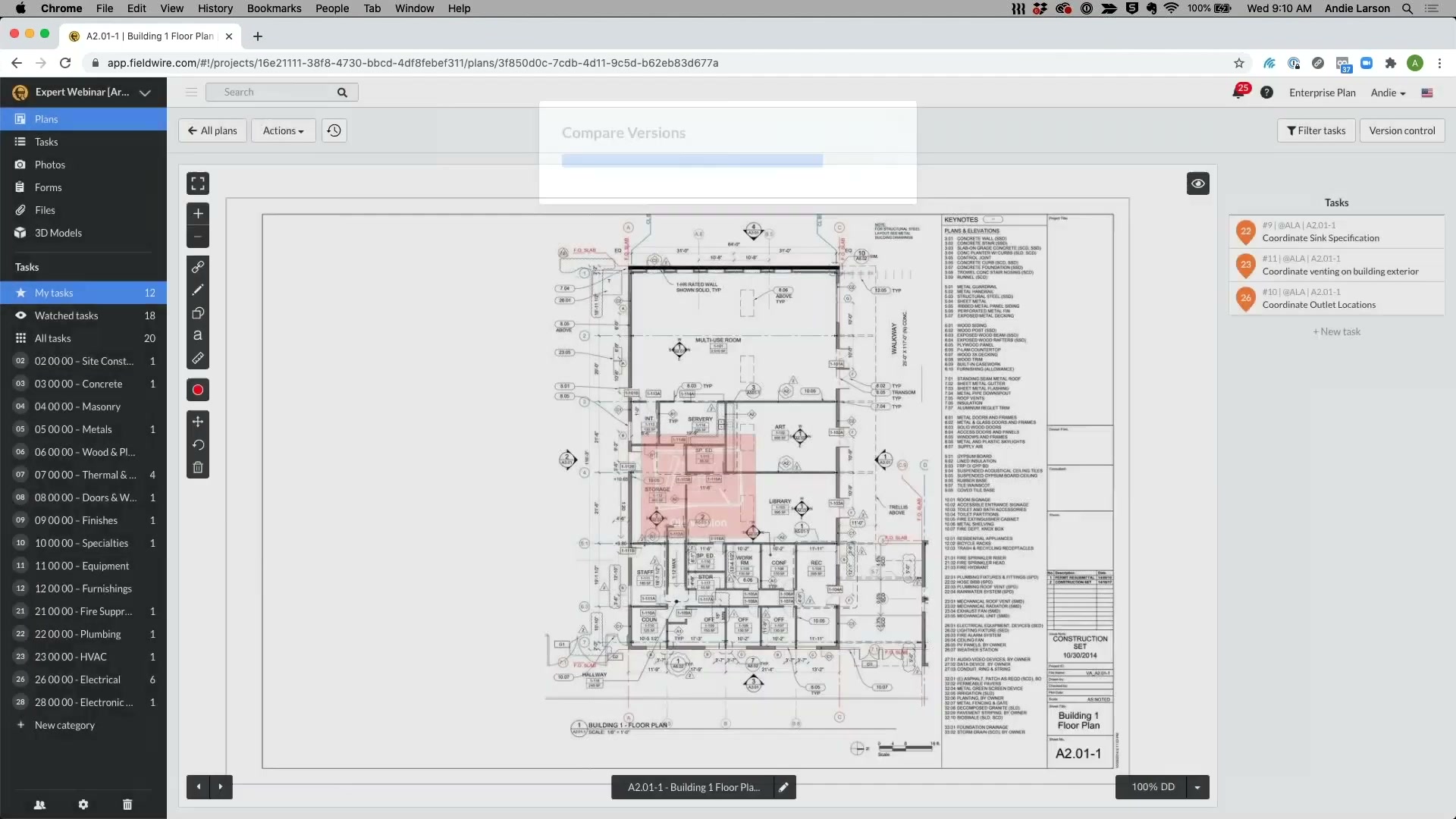
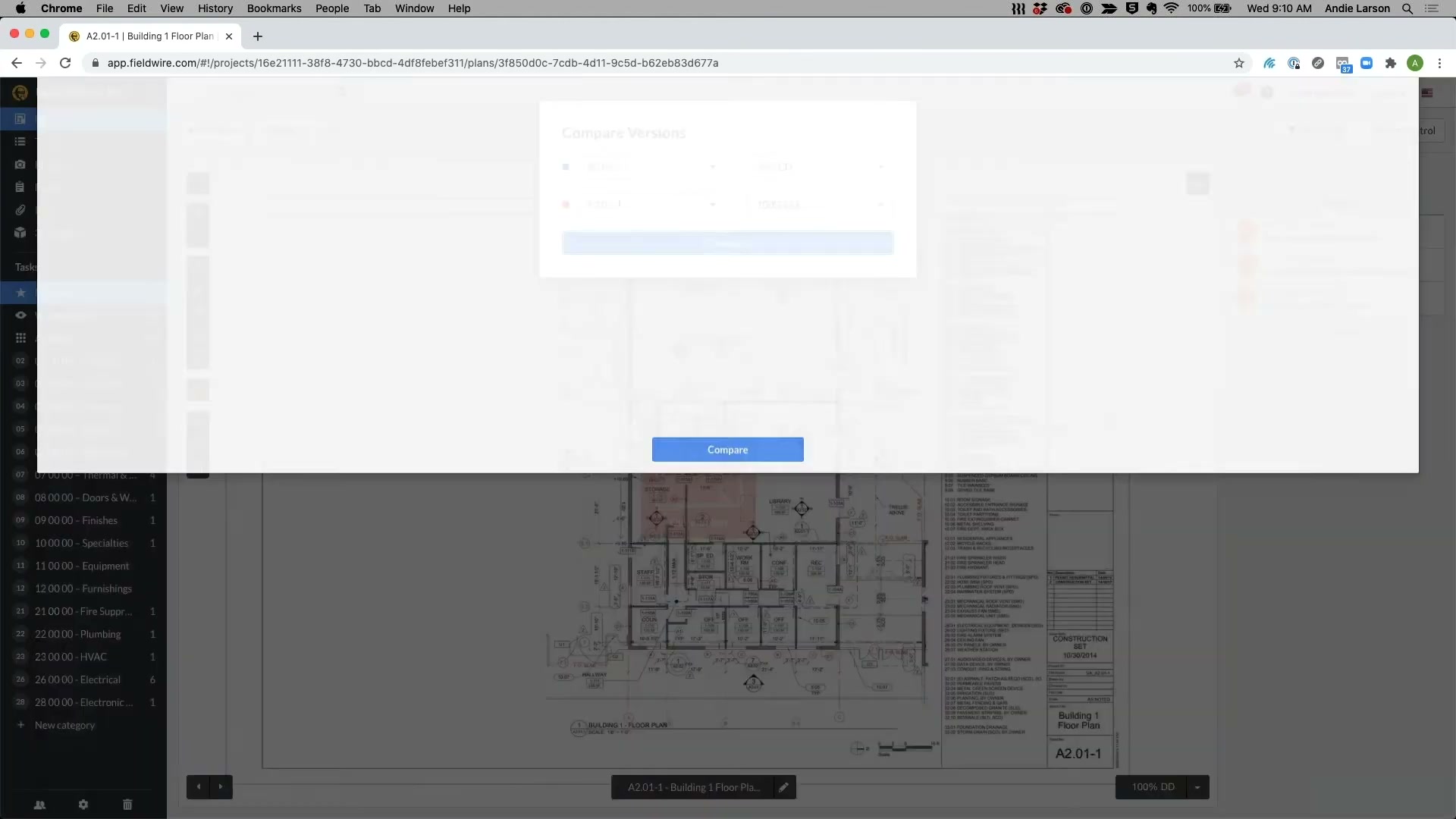
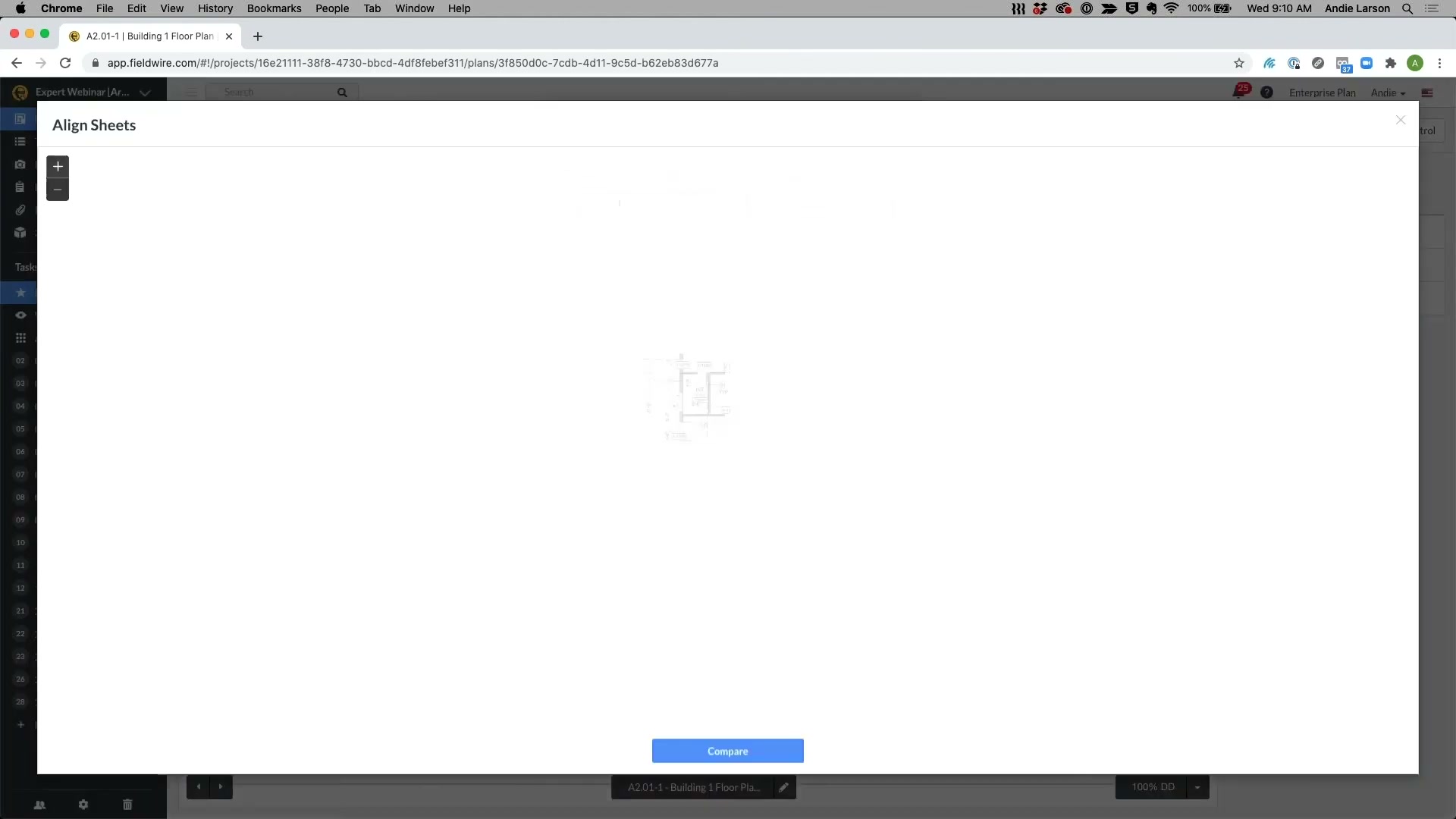
The web app: tasks listed and filtered by trade down the left rail, the drawing in the centre, and the task detail panel with attributes (status, category, assignee, manpower, cost, tax). This is the office consumption side the store never shows — a fuller mirror of the field app, not a separate analytics product. The version-compare dialog overlays two revisions of a sheet.
In the field
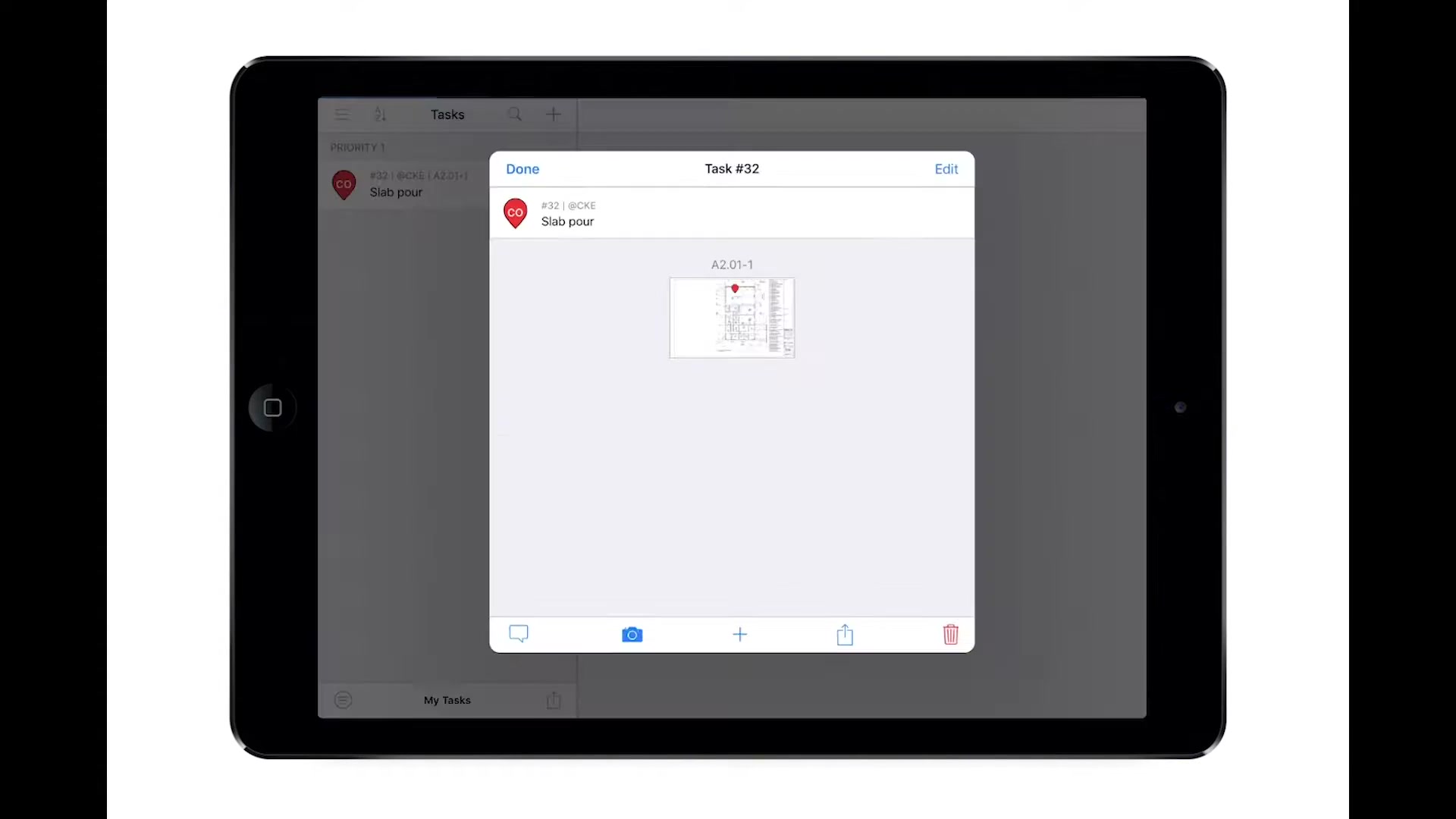
The app in use on a tablet on site — the reputation the whole product rests on.
Whole-set contact sheets
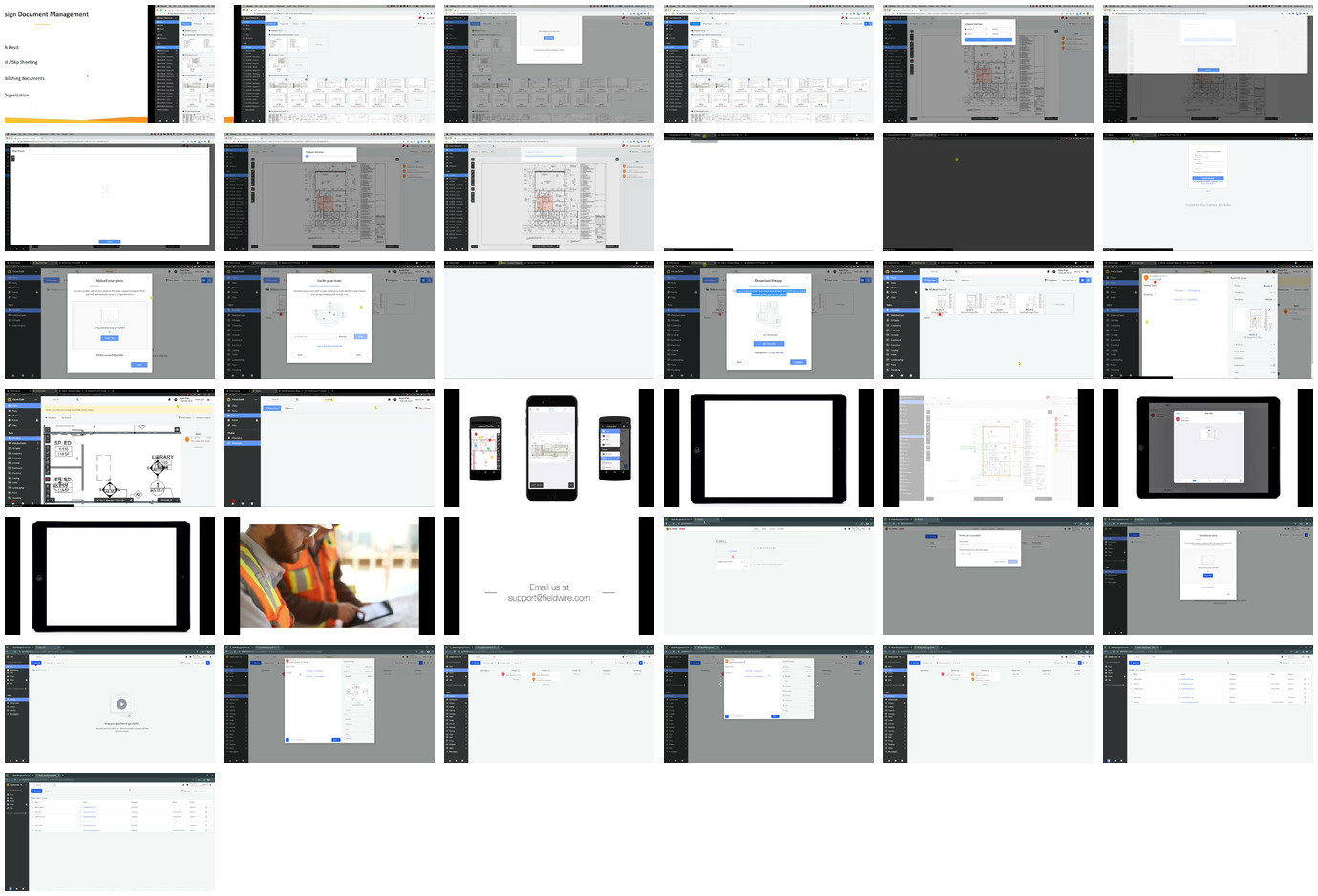
For a single-glance overview of everything captured: contact_appstore.jpg (all 27 hi-res App Store screens) and contact_video.jpg (all 37 walkthrough-video frames).
Sources and method
- Product / features / pricing / tiers: vendor site read directly —
fieldwire.com/pricing/(Basic free; Pro $39 / Business $64 / Business Plus $89 per user/mo annual; RFIs/submittals/change-orders/budget gated to Business Plus; API/SSO on Custom), corroborated byraw/exa_answer.jsonandraw/exa_search.json. - AI claims:
fieldwire.com/ai/andfieldwire.com/ai/beta/(Field Intelligence — five features, all beta, apply-to-join), plus search — tagged shipped/beta in section 9. - Openness:
developers.fieldwire.com(REST/OpenAPI v3; refresh-token + JWT bearer auth; projects/plans/tasks/forms/users; webhooks and rate limits; Custom-tier gating). - Ownership: Hilti acquired Fieldwire Nov 2021 for ~$300M (multiple press sources); seller of record on the App Store is “Hilti Fieldwire, Inc.” (
raw/appstore_app_us.json). - Reviews (real segmentation): 98-review DOM/RSC corpus recovering real company size, role, industry, sub-ratings and solicitation —
raw/capterra_dom_corpus.json, rolled up inraw/SUMMARY_DOM.md. - App Store ratings:
raw/appstore_app_us.json,raw/appstore_app_gb.json. Screenshots and gathering method: screens/README. - Method, limits, and the discipline of not asserting an absence without evidence: _RESEARCH-METHOD.